
SheetGPT
SheetGPT is an AI-powered Google Sheets add-on that helps users generate content, analyze data, and automate tasks using simple formulas like =GPT(). It integrates models like ChatGPT, Claude, and Gemini, enabling faster workflows for summarization, translation, classification, and large-scale spreadsheet operations.
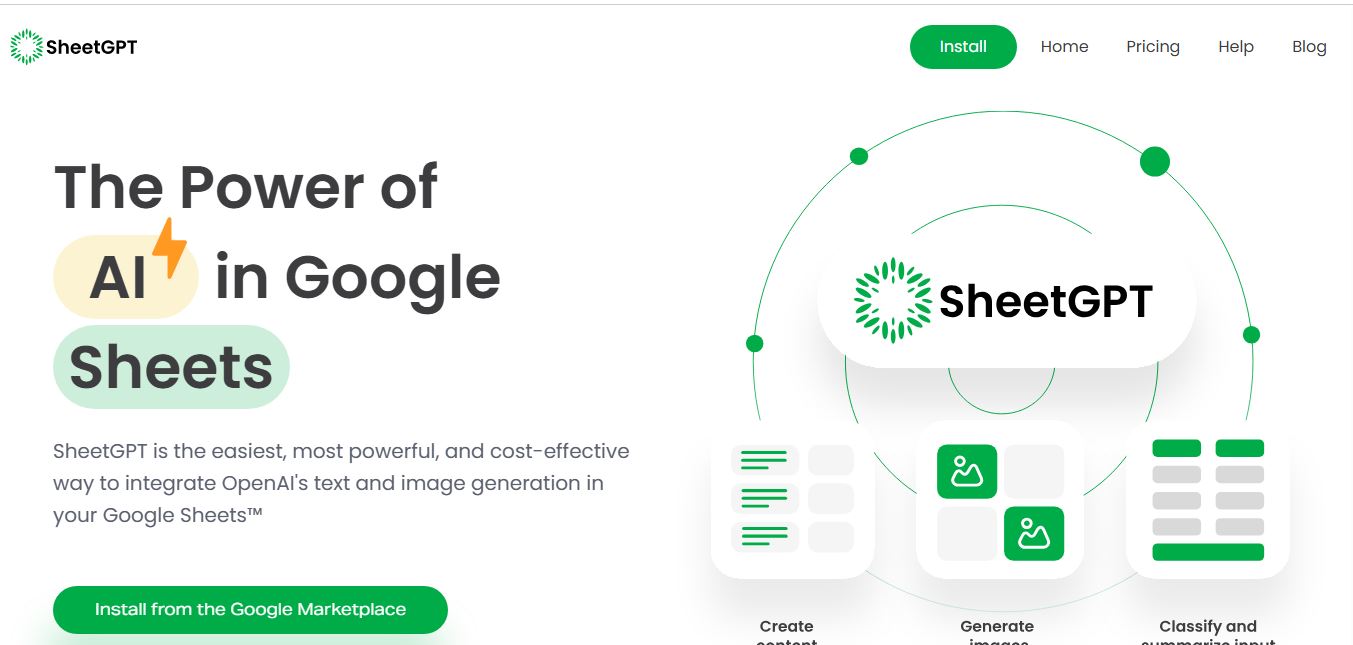
What is SheetGPT?
SheetGPT is an AI-powered spreadsheet tool that integrates with Google Sheets and Excel to automate tasks like content generation, data cleaning, categorization, and analysis directly within spreadsheets. It allows users to use simple prompts as formulas to generate outputs at scale, making it easy to handle repetitive tasks without manual effort. Designed for marketers, analysts, and business teams, SheetGPT helps improve productivity, streamline workflows, and turn raw data into actionable insights quickly without requiring advanced technical skills.
Incorporated in the United States and available on the Google Workspace Marketplace, SheetGPT simplifies AI integration by eliminating the need for personal OpenAI API keys. Users can install the add-on and begin querying models immediately. A standout architectural feature of SheetGPT is its long-term response caching engine: unlike standard spreadsheet plugins that expire cache after 6 hours and trigger costly re-computations on every sheet refresh, SheetGPT indefinitely caches formula responses for identical inputs, preventing accidental token burn and delivering rapid reloads for collaborative teams.
- Origin / Team: Developed by US-based software engineers specializing in Google Workspace productivity tools
- Evolution / Launch: Scaled through 2023–2026 with multi-cell list generation (=GPTLIST), DALL-E image generation (=GPTIMAGE), long-term caching protocols, and organization-wide multi-user plans
Use Cases:
- Generating multivariate social media updates, ad copy headlines, and SEO meta tags across hundreds of spreadsheet rows from a single formula prompt
- Summarizing, categorizing, and cleaning unstructured text from customer surveys, review forms, and research feedback datasets
- Generating multi-item lists that dynamically spill across neighboring vertical cells using the custom =GPTLIST() function
- Creating and testing collaborative AI prompt prototypes with team members inside a shared, persistent Google Sheets workspace
Technology:
- Integrated OpenAI large language model pipeline supporting GPT-3.5-Turbo and GPT-4 model routing directly within cell formulas
- Proprietary persistent response caching layer preventing redundant API executions during workbook edits and filtering
- Google Apps Script and Workspace Marketplace architecture operating securely inside Google cloud infrastructure
Target Users:
- Digital marketing managers and agencies producing AdWords keywords, Facebook ad variations, and social media calendars
- Programmatic SEO practitioners and content creators generating keyword-targeted page titles and structured descriptions in bulk
- Researchers, data analysts, and students cleaning open-ended survey text and normalizing messy inputs
- Content creators using writing tools to draft programmatic content briefs, ad variants, and multichannel marketing templates
Corporate Entity: Operates as SheetGPT (United States & Global)

Key features of SheetGPT
SheetGPT's key features are
- In-Cell =GPT() Function: Execute custom prompt completions directly in any cell, referencing individual cell inputs or concatenating strings using standard operators.
- Multi-Cell =GPTLIST() Function: Retrieve list-based responses that automatically populate multiple downward cells, ideal for brainstorming topic ideas or keyword lists.
- AI Image Generation (=GPTIMAGE): Generate visual concepts and DALL-E image assets directly inside Google Sheets cells using text prompts.
- Zero API Key Required: Start prompting immediately without creating an OpenAI developer account, configuring credit cards, or managing private API keys.
- Long-Term Result Caching: Indefinitely caches returned completions to avoid re-querying models and burning credits during regular sheet edits and sorting.
- Custom Hyperparameter Controls: Fine-tune temperature (variance), max token limits, and target models directly through optional formula arguments.
- Organization & Multi-User Sharing: Share workbooks across team members with organization-wide plan support for collaborative prompt engineering.
- Pre-Built Marketing Templates: Access pre-formatted spreadsheet templates for social media content planning, SEO campaigns, and article summarization.
SheetGPT Pricing
SheetGPT operates on a freemium subscription structure featuring an initial word allowance upon install alongside scalable monthly subscription tiers.
Free Trial:
- $0 / Free trial
- Includes first 100,000 words of GPT-3.5 content generation for free upon installing the add-on from Google Workspace Marketplace without requiring credit card registration
Starter / Individual Plans:
- Starter Plan: Starting from approximately $9.00 / month (~1 million word generation allowance)
- Individual / Pro Plan: Starting from approximately $29.00 / month for high-volume formula executions and expanded model access
Organization / Team Tiers:
- Custom quote pricing for teams and company-wide Google Workspace domains
- Includes shared organization word pools, priority execution speed, and dedicated technical support
Disclaimer: Prices are listed in USD. Free trial allowances provide 100,000 words to evaluate performance before upgrading. Note that querying GPT-4 models consumes significantly more credit units than default GPT-3.5 models. Visit sheetgpt.ai for current plans.
Who is using SheetGPT?
SheetGPT is designed for marketers, researchers, and spreadsheet professionals, including
- Digital Marketing Managers: Creating Facebook ads, AdWords ad copy variations, and multi-channel promotional messages in bulk
- Programmatic SEO Specialists: Generating page titles, meta descriptions, and localized keyword variations across large site structures
- Researchers & Data Analysts: Summarizing open-ended interview responses, categorizing user survey feedback, and normalizing messy text fields
- E-Commerce Catalog Teams: Standardizing supplier product attributes and drafting concise item descriptions across hundreds of inventory rows
- Content Creators: Using writing tools to draft programmatic content briefs, ad variants, and multichannel marketing templates
- Product Teams & Engineers: Testing and prototyping AI prompts collaboratively inside shared Google Sheets before code deployment
Best SheetGPT Alternatives
Some of the strongest SheetGPT alternatives include
- GPT for Work (Talarian)
- Numerous.ai
- Formula Bot
- SheetAI.app
- Ajelix
- Coefficient
Pros and Cons of SheetGPT
Pros
- Requires zero OpenAI API keys, allowing users to start generating text immediately upon installation
- Long-term persistent caching prevents unnecessary re-execution when modifying, filtering, or refreshing sheets
- Specialized =GPTLIST() formula cleanly populates multiple vertical cells from a single prompt
- Generous free trial provides 100,000 words of generation without requiring payment details
- Enables optional model parameters (temperature, max tokens, model choice) directly inside standard formula arguments
Cons
- Exclusively built for Google Sheets; does not offer a native Microsoft Excel add-in
- Using GPT-4 consumes up to 25x more usage credits compared to the default GPT-3.5 engine
- Lacks native live web scraping/search integration found in tools like GPT for Work
- Does not include an interactive chat agent sidebar for direct conversational formula troubleshooting
Why Choose SheetGPT?
SheetGPT is the premier choice for Google Sheets users and marketing teams seeking a straightforward, zero-API-key AI spreadsheet add-on that offers long-term caching, list generation formulas, and simple credit controls.
- Run AI prompts directly in cells using simple =GPT() and =GPTLIST() functions
- Save tokens and reduce costs with long-term persistent response caching
- Get started immediately with zero API key configuration required
- Generate images directly in your sheets using =GPTIMAGE()
- Test with 100,000 free words upon installing from the Google Workspace Marketplace
SheetGPT vs. Competitors
The main difference between SheetGPT, GPT for Work, Numerous.ai, and Formula Bot is that SheetGPT is a dedicated Google Sheets utility focusing on zero-API-key simplicity, multi-cell list generation (=GPTLIST), and long-term caching to prevent accidental token burn, whereas GPT for Work is an enterprise-scale add-in for both Sheets and Excel supporting multi-LLMs and live web research, Numerous.ai emphasizes few-shot pattern matching (=INFER) and formula writing, and Formula Bot concentrates on plain-language formula generation and data visualizations. SheetGPT stands out for its straightforward in-cell formula design, generous free word trial, and reliable caching.
| Feature / Tool | SheetGPT (sheetgpt.ai) | GPT for Work | Numerous.ai | Formula Bot |
|---|---|---|---|---|
| Core Focus | Google Sheets In-Cell AI & Lists | Enterprise Bulk Processing & AI Agent | In-Cell AI Formulas & Copy Generation | Formula Generator & Data Prep Assistant |
| Platform Support | Google Sheets Only | Google Sheets & Microsoft Excel | Google Sheets & Microsoft Excel | Web, Sheets & Excel Add-ins |
| Multi-Cell List Formula | Yes (=GPTLIST) | Yes (=GPT_SPLIT) | Basic listing | No List Formula |
| API Key Requirement | No API Key Needed (Built-in) | Included usage / BYOK optional | Built-in tokens / BYOK optional | No API Key Needed |
| Persistent Caching | Yes (Long-term cache beyond 6h) | Standard execution cache | Standard execution cache | N/A (Sidebar-centric) |
| Starting Price | Free trial (100K words) / $9.00/mo | Free trial / Standard $25.00/mo | Free trial / Plans from ~$10–$12/mo | Free tier / Basic $9.00/mo |
| Best For | Sheets Users Wanting Easy AI Lists & Text | High-Volume Enterprise & Web Research | Dual-Platform Users & Pattern Matching | Formula Creation & Data Analysis |
How do we rate SheetGPT?
| Parameter | Rating (out of 5) |
|---|---|
| In-Cell Formula Performance (=GPT, =GPTLIST) | 4.9 |
| Caching Efficiency & Token Protection | 5.0 |
| Zero-Setup Usability (No API Keys) | 4.9 |
| Template & Multi-User Utility | 4.7 |
| Value for Money | 4.8 |
| Overall Score | 4.86 |
SheetGPT Review
SheetGPT delivers a clean and practical integration of large language models inside Google Sheets. A common frustration when using AI in spreadsheets is unexpected token consumption caused by workbook recalculations: filtering a table or adding a row can inadvertently trigger every formula to re-run. SheetGPT addresses this with its long-term response caching, ensuring completed cells remain stored indefinitely unless their inputs change. The dedicated =GPTLIST() function provides real utility by letting a single prompt generate bullet points that populate multiple cells vertically. For digital marketing agencies, SEO freelancers, and researchers who primarily work in Google Sheets, SheetGPT offers a dependable and accessible AI formula solution.
Conclusion
SheetGPT is a capable AI spreadsheet add-on that brings the power of OpenAI models directly into Google Sheets. By combining accessible in-cell formulas like =GPT() and =GPTLIST(), an integrated image generator, long-term response caching, and a zero-API-key onboarding experience, it simplifies bulk data generation and text processing. While multi-platform enterprise teams requiring Excel support and automated web research may look toward GPT for Work, SheetGPT’s focused Google Sheets design, generous 100,000-word free trial, and dependable caching make it an essential spreadsheet tool.
FAQ
What is SheetGPT AI and how does SheetGPT AI work?
SheetGPT AI is an AI-powered add-on for Google Sheets that allows users to run AI tasks directly inside spreadsheet cells using simple formulas like =GPT(). It integrates models like ChatGPT, Claude, and Gemini, enabling users to generate text, summarize data, translate content, and analyze information without leaving their spreadsheet.
What problem does SheetGPT AI solve for users?
SheetGPT AI solves the problem of repetitive spreadsheet work such as content creation, data cleaning, categorization, and summarization. Instead of manually processing rows or switching between tools, users can automate these tasks across large datasets using AI formulas, significantly improving speed and efficiency.
What are the key features of SheetGPT AI?
SheetGPT AI includes features like AI-powered formulas (=GPT, =GPTLIST, =GPTIMAGE), bulk content generation, data classification, translation, summarization, and image generation. It also offers multi-user collaboration, built-in caching to reduce costs, and support for multiple AI models, making it highly flexible for different workflows.
Does SheetGPT AI require API keys or coding?
SheetGPT AI does not require API keys or coding for basic usage. Users can install the add-on and start using AI functions immediately within Google Sheets, which makes it accessible for non-technical users as well as teams.
How does SheetGPT AI improve productivity in spreadsheets?
SheetGPT AI improves productivity by allowing users to apply a single AI instruction across multiple rows at once. Tasks like generating product descriptions, summarizing feedback, or classifying data can be done in bulk, eliminating manual repetition and reducing the time required to process large datasets.
How does SheetGPT AI pricing work?
SheetGPT AI offers a free trial that includes around 100,000 words of AI usage, allowing users to test the platform without commitment. After that, paid plans provide higher usage limits, additional features, and team support, although pricing is typically customized or sales-led depending on usage and organization size.
Who should use SheetGPT AI?
SheetGPT AI is ideal for marketers, SEO professionals, data analysts, researchers, and business teams that rely on spreadsheets. It is especially useful for users who want to automate repetitive tasks, generate content at scale, and integrate AI directly into their existing workflow.
User Reviews
No reviews yet for SheetGPT.
Featured Tools
Featured AI tools from TechShark

Melody Genie
MelodyGenie is an AI-powered music generator that creates original songs from simple text prompts. Users can choose styles, moods, and genres, then instantly generate melodies and full tracks, making it easy for creators, marketers, and hobbyists to produce custom music without musical expertise.
Freemium

Kimi AI
Kimi AI is an advanced AI assistant developed by Moonshot AI that helps you chat, research, write, code, and automate tasks in one place. It supports web search, file analysis, and multimodal inputs, and can even run autonomous “agent” workflows to complete complex tasks end-to-end.
Freemium

Fashion Diffusion AI
Fashion Diffusion is an AI-powered fashion design platform that helps brands and designers create clothing designs, virtual try-ons, AI models, product photos, and marketing visuals faster and cost-effectively.
Paid

Veo 4
Veo 4 AI is an AI video creation platform that generates dramatic videos from text, images, audio, and video prompts using realistic motion and synchronized sound.
Paid
Alternatives
Alternatives to SheetGPT
The best SheetGPT alternatives include GPT for Work (Talarian), Numerous.ai, Formula Bot (Excel Formula Bot), SheetAI.app, Ajelix (AI Excel Assistant), and Coefficient. These platforms provide AI spreadsheet automation, custom in-cell formulas, and data cleanup. While SheetGPT specializes in a zero-API-key Google Sheets experience featuring long-term response caching and multi-cell list generation (=GPTLIST) with a 100,000-word free trial, alternatives like GPT for Work offer cross-platform Google Sheets and Microsoft Excel bulk processing with live web research and MCP connectivity, and Numerous.ai provides few-shot pattern matching (=INFER) and formula debugging. Choosing the right tool depends on whether you require a lightweight, well-cached Google Sheets tool for content lists, enterprise dual-platform bulk processing, or dedicated formula troubleshooting.
 4.9
4.9Equals
Spreadsheets
Equals is an AI-powered spreadsheet and GTM analytics platform that helps teams connect live data, build dashboards, and answer business questions using natural language. It combines a managed data warehouse, spreadsheet, and AI analyst, enabling faster, reliable insights without SQL or complex data tools.
 4.9
4.9Google Sheets
Spreadsheets
Google Sheets is a cloud-based spreadsheet tool that helps users create, edit, and collaborate on data in real time. It supports formulas, charts, automation, and integrations with Google Workspace, enabling teams to manage data, analyze information, and build workflows from anywhere with shared access.
 4.9
4.9Row Zero
Spreadsheets
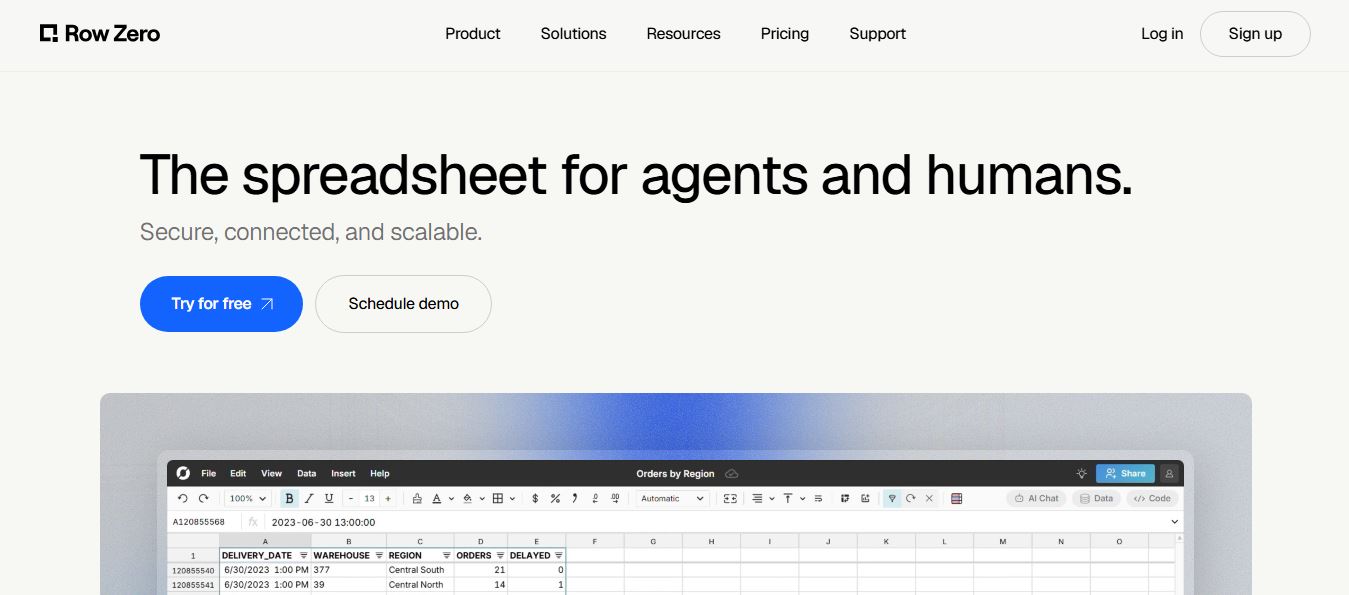
Row Zero is an AI-powered cloud spreadsheet platform that helps teams analyze massive datasets using familiar spreadsheet workflows. It connects directly to data warehouses, auto-updates live data, and scales to billions of rows, enabling fast, secure, and collaborative data analysis without traditional spreadsheet limitations.
 4.9
4.9Grist AI Spreadsheet Generator
Spreadsheets
Grist AI Spreadsheet Generator (getgrist.com/ai/spreadsheet-generator/) is an open-source, relational AI spreadsheet and custom application builder that turns text prompts into structured relational databases, Python formulas, dashboards, and access rules via an in-product AI Assistant and Model Context Protocol (MCP).
 4.9
4.9Shortcut AI
Spreadsheets
Shortcut AI is an AI-powered Excel agent that helps finance teams build financial models, analyze data, and automate complex spreadsheet workflows using natural language. It generates formulas, structures reports, and processes data with high accuracy, enabling faster decision-making and reducing manual analysis work.
 4.9
4.9Microsoft Excel
Spreadsheets
Microsoft Excel AI (Copilot for Excel) is an AI-powered assistant that helps users analyze data, write formulas, create charts, and generate insights using natural language. It automates complex tasks, highlights trends, and builds reports, enabling faster, data-driven decisions directly within Excel workflows.
 4.9
4.9Coefficient
Spreadsheets
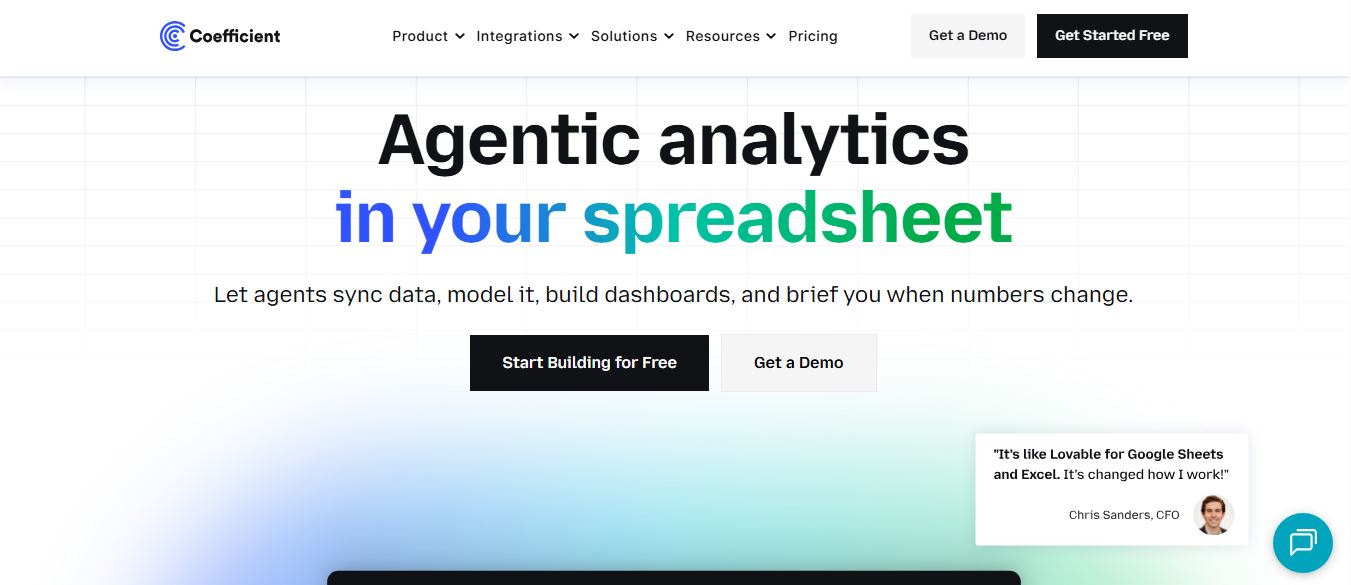
Coefficient is an AI-powered spreadsheet automation platform that connects live data from tools like Salesforce, HubSpot, and databases directly into Google Sheets and Excel. It enables real-time reporting, automated refreshes, and AI-driven analysis, helping teams build dashboards and workflows without manual exports or coding.
 4.9
4.9GPT for Work
Spreadsheets
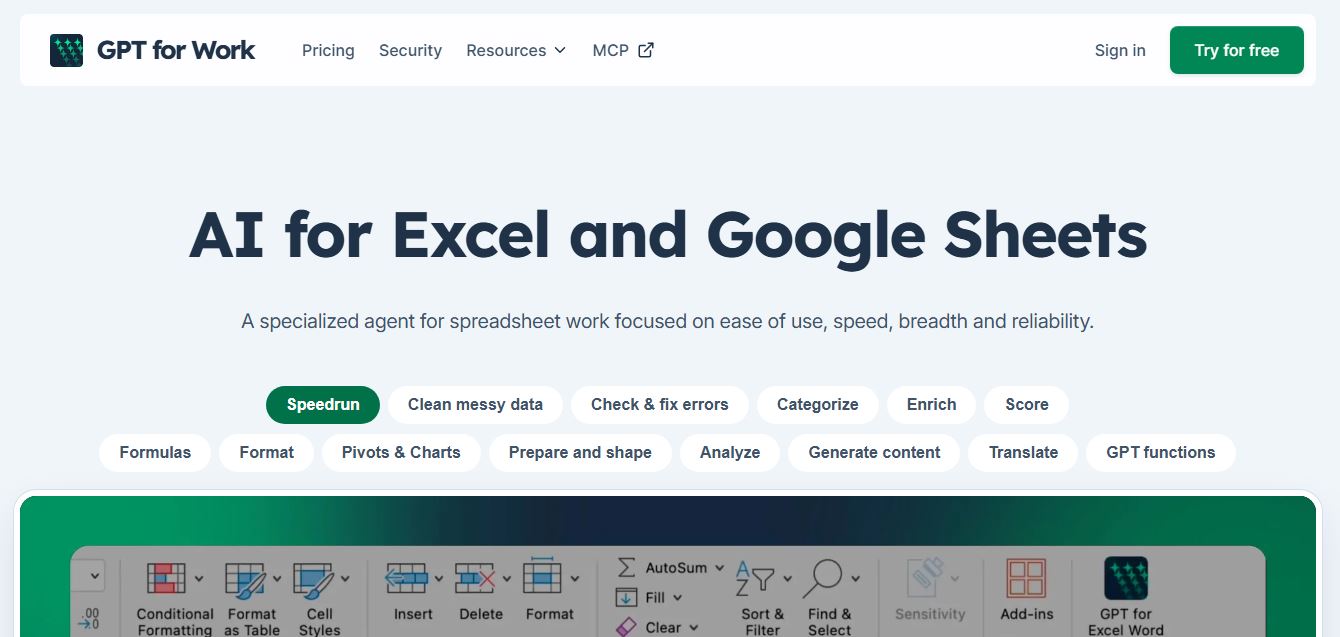
GPT for Work is an AI-powered spreadsheet assistant that helps users automate tasks in Excel and Google Sheets using natural language. It writes formulas, cleans data, generates content, and processes thousands of rows in bulk, enabling faster analysis, workflow automation, and data-driven decision-making.
 4.9
4.9Numerous AI
Spreadsheets
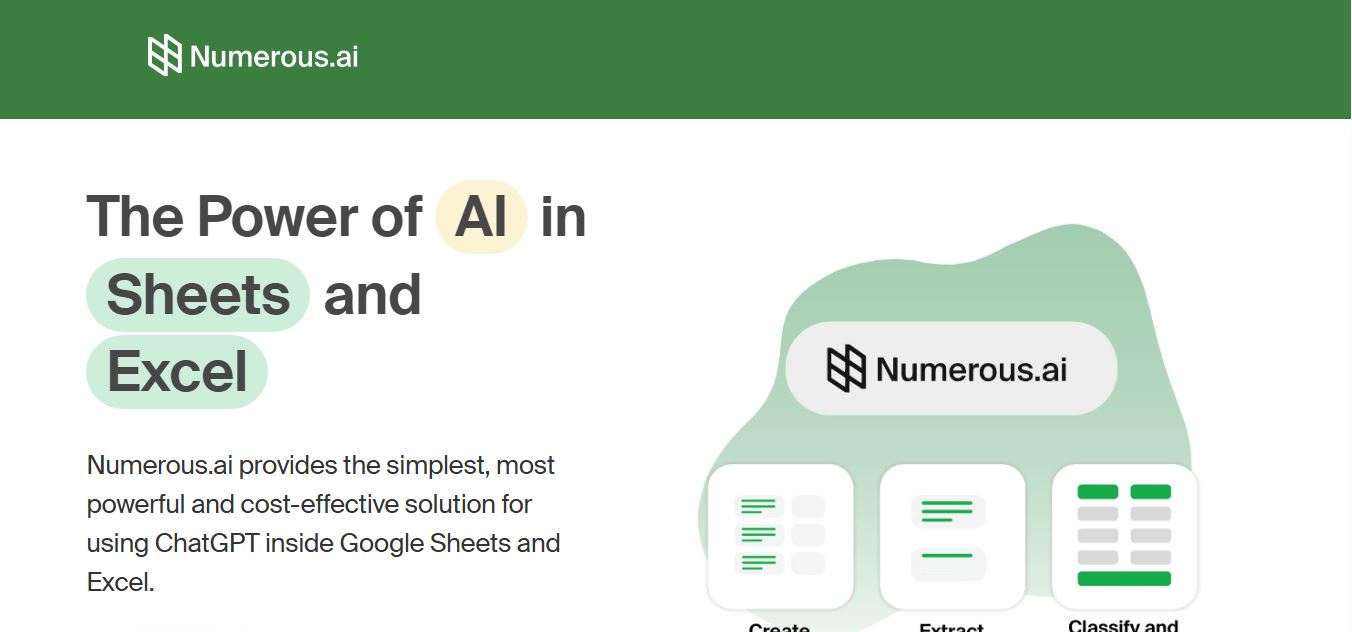
Numerous.ai is an AI-powered spreadsheet automation tool that helps users generate content, write formulas, clean data, and analyze information directly in Google Sheets and Excel. It uses simple functions like =AI() to automate repetitive tasks, enabling faster workflows, bulk processing, and data-driven decision-making.