
Scribe AI
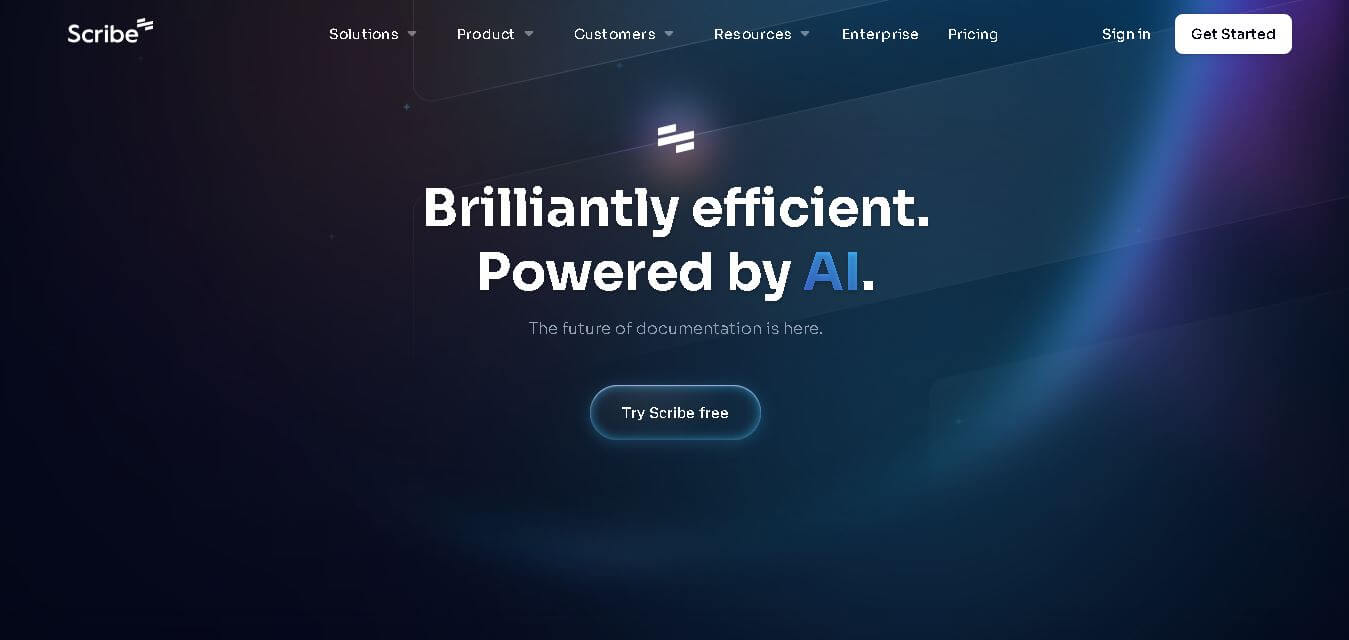
Scribe AI helps users create clear, step-by-step documentation by turning recorded workflows into structured guides, SOPs, onboarding manuals, and knowledge base articles. Instead of writing instructions manually, it automatically generates documentation that can be edited, shared, and updated, making knowledge sharing faster, more consistent, and easier for individuals and teams.
What is Scribe AI?
Scribe AI is a workflow documentation solution that automatically converts business processes into detailed, easy-to-follow documentation. It records user actions, captures screenshots, and generates structured instructions that can be transformed into standard operating procedures (SOPs), training guides, onboarding documents, and help center articles. The platform reduces the effort required to create and maintain process documentation while ensuring consistency across teams. Users can customize generated content, improve writing with AI, and securely share documents with colleagues or clients. Scribe AI is designed to simplify knowledge management, improve operational efficiency, and make organizational documentation accessible and easy to maintain.
Scribe AI is trusted by over 6 million users across more than 600,000 organizations, with 94% of Fortune 500 companies using Scribe solutions for workflow documentation and knowledge sharing. The platform can reduce documentation time from several hours to just minutes by automatically capturing workflows and generating step-by-step guides. It supports SOP creation, onboarding, team training, and process documentation while offering enterprise-grade security, AI-assisted editing, and collaboration features for businesses of all sizes.
- Founder: Jennifer Smith
- Launch Year: 2021
Use Cases:
- Creating automated step-by-step Standard Operating Procedures (SOPs)
- Building interactive employee onboarding and training materials
- Generating customer support help center documentation and troubleshooting guides
- Documenting complex software workflows across web and desktop applications
Technology:
- Real-time event capture engine with automatic UI screenshotting and click-tracking
- Generative AI language models for automated title, step description, and summary generation
- Automated PII and PHI data redaction algorithms for enterprise privacy
Target Users:
- Operations managers and process improvement leads
- Customer Success and Customer Support teams creating knowledge base articles
- HR professionals and team leads onboarding new hires
- IT administrators documenting system configurations and software setups
Ecosystem: Features web browser extensions (Chrome, Edge), desktop recorders (Mac, Windows), shared team workspaces, and integrations with Confluence, Notion, Sharepoint, and Zendesk.

Key features of Scribe AI
Scribe AI's key features are
- Automated Process Capture: Automatically records screen clicks, typing, and page navigation to generate visual step-by-step guides effortlessly.
- AI-Powered Document Writing: Uses generative AI to write complete SOPs, training manuals, and process overviews from simple text prompts or captured workflows.
- Smart Screenshot Editing & Redaction: Automatically detects and redacts sensitive personally identifiable information (PII), customer data, or passwords from recorded images.
- Multi-Format Exporting: Exports finished guides into PDF, HTML, and Markdown formats, or embeds them directly into external wikis and web pages.
- Custom Branding: Allows organizations to apply custom logos, brand colors, custom domains, and styling to generated documentation.
- Multi-Language Translation: Supports automatic translation of captured guides into over 50 global languages for international teams.
Scribe AI Pricing
Scribe AI offers a freemium model with options for individuals, growing teams, and large enterprises.
Basic Free Plan:
- $0/month
- Unlimited guide creation for web browser workflows, quick sharing links, and basic visual editing
Pro Personal Plan:
- $23/user/month (billed annually) or $29/user/month (billed monthly)
- Adds desktop capture capabilities, custom branding, screenshot redaction, and PDF/Markdown exports
Pro Team Plan:
- $12/user/month (billed annually, 5-seat minimum starting at $60/mo) or $15/user/month (monthly)
- Includes all Pro features plus shared team workspaces, collaborative commenting, and centralized administration
Enterprise Plan:
- Custom pricing (contact sales)
- Includes SSO (SAML), enterprise security governance, automated PII auto-redaction, and dedicated customer success management
Disclaimer: For the latest and most accurate pricing information, please visit the official Gendo Scribe AI website.
Is Scribe AI Worth It?
Scribe AI is exceptionally worth it for teams spending significant hours explaining workflows, training employees, or maintaining internal wikis. The time saved by automating screenshot capture and instructional writing easily offsets subscription costs for modern operations, HR, and support teams.
Real-World Use Cases
- Streamlining Employee Onboarding: HR managers generate step-by-step walkthroughs for internal software setups, cutting onboarding time in half.
- Customer Support Knowledge Bases: Support teams record quick resolution steps to generate published help center articles instantly.
- IT Systems Documentation: IT leads record complex multi-app configuration routines to establish standard operating practices across departments.
- Process Improvement & Audits: Operations leads document existing workflows to identify redundant software steps and optimize business processes.
Who is using Scribe AI?
Scribe AI is designed for a broad range of professional teams, including
- Operations & Process Leads: Professionals responsible for standardizing company procedures
- Customer Support Managers: Teams creating customer-facing user guides and troubleshooting articles
- Human Resources & People Teams: Managers building repeatable employee training programs
- Software & IT Consultants: Consultants delivering clean client handoff documentation and technical walkthroughs
Best Scribe AI Alternatives
Some of the strongest Scribe AI alternatives include
Pros and Cons of Scribe AI
Pros
- Drastically cuts documentation time by capturing screens and writing text automatically
- Creates clean, professional visual guides without requiring design expertise
- Seamless embedding into tools like Notion, Confluence, and SharePoint
- Smart redaction protects sensitive data in screenshots
- The free basic tier offers generous web-based capture limits
Cons
- Desktop application capture requires upgrading to a paid plan
- Pro Team plan requires a 5-seat minimum requirement
- Requires occasional manual editing if software UI steps change unexpectedly
Why Choose Scribe AI?
Scribe AI bridges the gap between chaotic, undocumented processes and clear, accessible company knowledge. It allows teams to capture workflows as they work, eliminating manual formatting and reducing repetitive training meetings.
- Reduces process documentation creation time by over 90 percent
- Combines real-time step recording with generative AI synthesis
- Enables instant sharing via direct links, PDF exports, or embedded widgets
- Maintains enterprise data privacy through automatic screenshot redaction
How Scribe AI Works
- 1. Turn on the Extension or App: Start the Scribe recorder on your browser or desktop before beginning a routine task.
- 2. Perform the Process: Execute your normal software workflow while Scribe tracks clicks, keystrokes, and screen transitions.
- 3. AI Generates the Guide: Scribe AI automatically formats your actions into a step-by-step document complete with labeled screenshots and written descriptions.
- 4. Edit & Share: Refine text using AI prompts, apply custom branding, and share via URL or embed directly into your internal tools.
Scribe AI vs. Competitors
The primary difference between Scribe AI, Tango, and Guidde is that Scribe AI combines comprehensive text-and-screenshot guide generation with deep generative AI synthesis and knowledge base tools. While Tango offers a similar step-by-step capture approach and Guidde focuses heavily on short AI video voiceovers, Scribe AI delivers versatile, multi-format written documentation for web and desktop environments.
| Feature | Scribe AI | Tango | Guidde |
|---|---|---|---|
| Primary Focus | Automated Visual & Written SOPs | Interactive Screen Guides | Video SOPs with AI Voiceover |
| Desktop & Web Capture | Yes (Pro plans) | Yes (Pro plans) | Yes |
| AI Text Writing | Advanced Scribe AI Assistant | Basic AI Guidance | AI Voice & Scripting |
| Data Redaction | Automated PII/PHI Redaction | Manual & Auto Blur | Blur Tools |
| Starting Price | Free / $12 per user/mo | Free / $15 per user/mo | Free / $16 per user/mo |
How do we rate Scribe AI?
| Parameter | Rating (out of 5) |
|---|---|
| Ease of Use | 4.9 |
| Feature Set | 4.8 |
| Value for Money | 4.6 |
| Documentation Speed | 4.9 |
| Integrations & Exports | 4.8 |
| Overall Score | 4.8 |
Scribe AI Review
Scribe AI sets the industry standard for automated process documentation. By seamlessly converting real-time desktop and web workflows into polished visual guides, it solves one of the most tedious operational burdens facing modern organizations. Its intelligent screenshot redaction, AI content expansion, and wide integration ecosystem make it an essential productivity tool for scaling teams.
Conclusion
Scribe AI is an excellent documentation solution for businesses that want to simplify process creation and knowledge sharing. By automatically converting workflows into detailed guides, it reduces manual effort while improving consistency, collaboration, and employee productivity. Its AI-assisted writing, editing capabilities, secure infrastructure, and support for SOPs, onboarding materials, and help center documentation make it valuable for organizations of all sizes. Whether you are training new employees, documenting internal processes, or building customer support resources, Scribe AI helps create professional documentation in significantly less time, allowing teams to focus more on work and less on repetitive documentation tasks.
FAQ
What is Scribe AI mainly used for?
Scribe AI is primarily used to create process documentation without writing everything manually. It helps users generate SOPs, onboarding guides, training manuals, internal documentation, and help center articles from recorded workflows. Businesses use it to standardize operations, reduce repetitive explanations, and improve knowledge sharing across teams with consistent documentation.
Who should use Scribe AI?
Scribe AI is suitable for business teams, educators, customer support professionals, HR departments, IT administrators, consultants, and freelancers. Anyone who regularly explains digital workflows or creates training materials can benefit. It is especially valuable for organizations looking to improve onboarding, documentation quality, and internal knowledge management while saving time.
How does Scribe AI save time?
Instead of manually taking screenshots and writing instructions, Scribe AI automatically captures each step while you complete a task. It organizes those actions into structured documentation that can be edited and shared instantly. This automation significantly reduces documentation time and lets users focus on completing work rather than documenting it.
Can I edit documents created by Scribe AI?
Yes. Every document generated by Scribe AI can be customized after creation. You can modify text, improve grammar, add titles, insert notes, remove or reorder steps, redact sensitive information, and adjust screenshots. This flexibility ensures the final documentation matches your organization's standards and communication style.
Is Scribe AI secure for business use?
Scribe AI includes enterprise-level security features designed for organizations handling sensitive workflows. According to the company, user data is not used to train third-party AI models, and processed AI data is deleted after 30 days. The platform also supports security controls, encryption, and compliance-focused practices for business environments.
Does Scribe AI work for team collaboration?
Yes. Teams can create, edit, organize, and share documentation from a centralized workspace. Guides can be shared through links, embedded into knowledge bases, or exported for wider distribution. This collaborative approach helps maintain consistent documentation, simplifies employee onboarding, and improves communication across departments.
User Reviews
No reviews yet for Scribe AI.
Featured Tools
Featured AI tools from TechShark

Melody Genie
MelodyGenie is an AI-powered music generator that creates original songs from simple text prompts. Users can choose styles, moods, and genres, then instantly generate melodies and full tracks, making it easy for creators, marketers, and hobbyists to produce custom music without musical expertise.
Freemium

Kimi AI
Kimi AI is an advanced AI assistant developed by Moonshot AI that helps you chat, research, write, code, and automate tasks in one place. It supports web search, file analysis, and multimodal inputs, and can even run autonomous “agent” workflows to complete complex tasks end-to-end.
Freemium

Fashion Diffusion AI
Fashion Diffusion is an AI-powered fashion design platform that helps brands and designers create clothing designs, virtual try-ons, AI models, product photos, and marketing visuals faster and cost-effectively.
Paid

Veo 4
Veo 4 AI is an AI video creation platform that generates dramatic videos from text, images, audio, and video prompts using realistic motion and synchronized sound.
Paid
Alternatives
Alternatives to Scribe AI
The best Scribe AI alternatives include Tango, Guidde, Trainual, Loom, and Notion. Tango provides automated workflow capture with interactive step-by-step guides. Guidde specializes in video SOP generation with AI voiceovers. Trainual focuses on structured employee onboarding and training systems. Loom offers quick asynchronous video recordings, while Notion delivers customizable knowledge management.
 4.9
4.9Equals
Spreadsheets
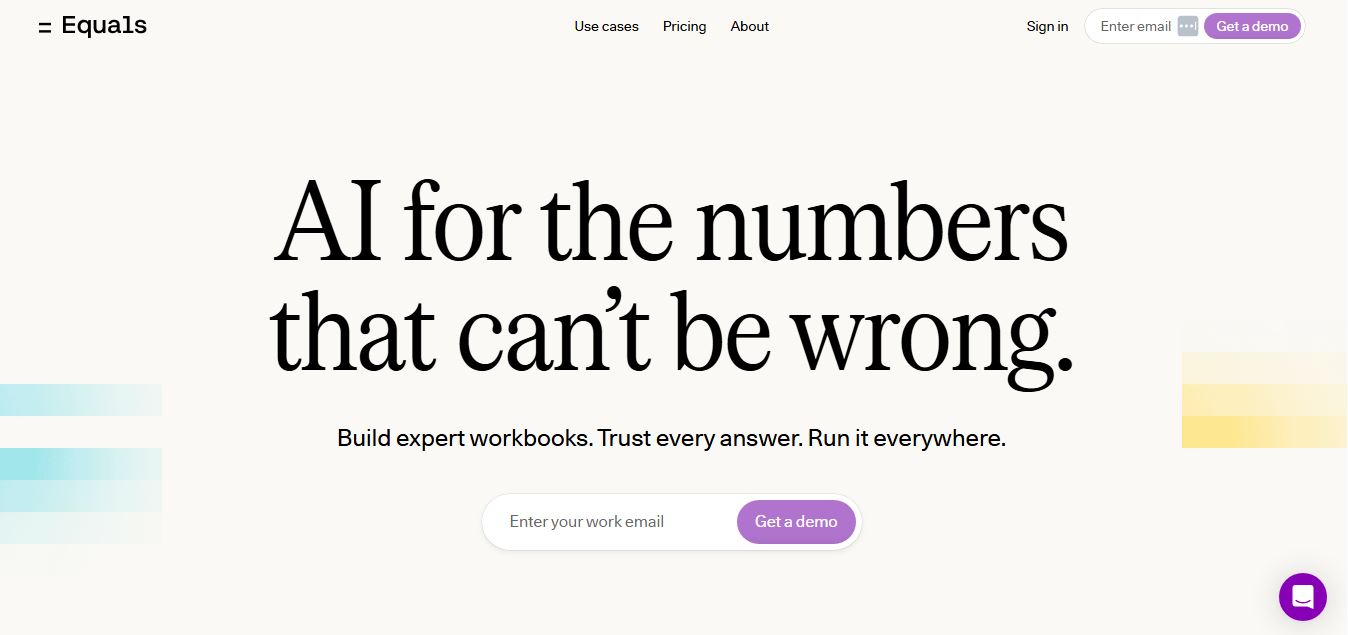
Equals is an AI-powered spreadsheet and GTM analytics platform that helps teams connect live data, build dashboards, and answer business questions using natural language. It combines a managed data warehouse, spreadsheet, and AI analyst, enabling faster, reliable insights without SQL or complex data tools.
 4.9
4.9Google Sheets
Spreadsheets
Google Sheets is a cloud-based spreadsheet tool that helps users create, edit, and collaborate on data in real time. It supports formulas, charts, automation, and integrations with Google Workspace, enabling teams to manage data, analyze information, and build workflows from anywhere with shared access.
 4.9
4.9Row Zero
Spreadsheets
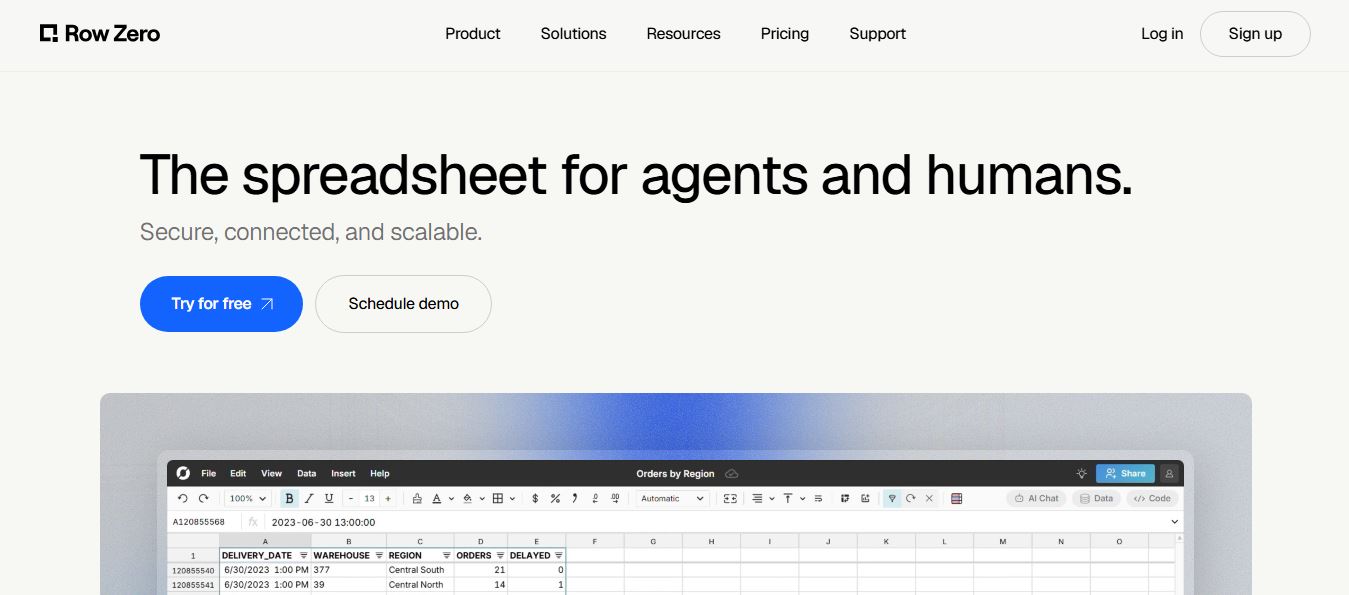
Row Zero is an AI-powered cloud spreadsheet platform that helps teams analyze massive datasets using familiar spreadsheet workflows. It connects directly to data warehouses, auto-updates live data, and scales to billions of rows, enabling fast, secure, and collaborative data analysis without traditional spreadsheet limitations.
 4.9
4.9Grist AI Spreadsheet Generator
Spreadsheets
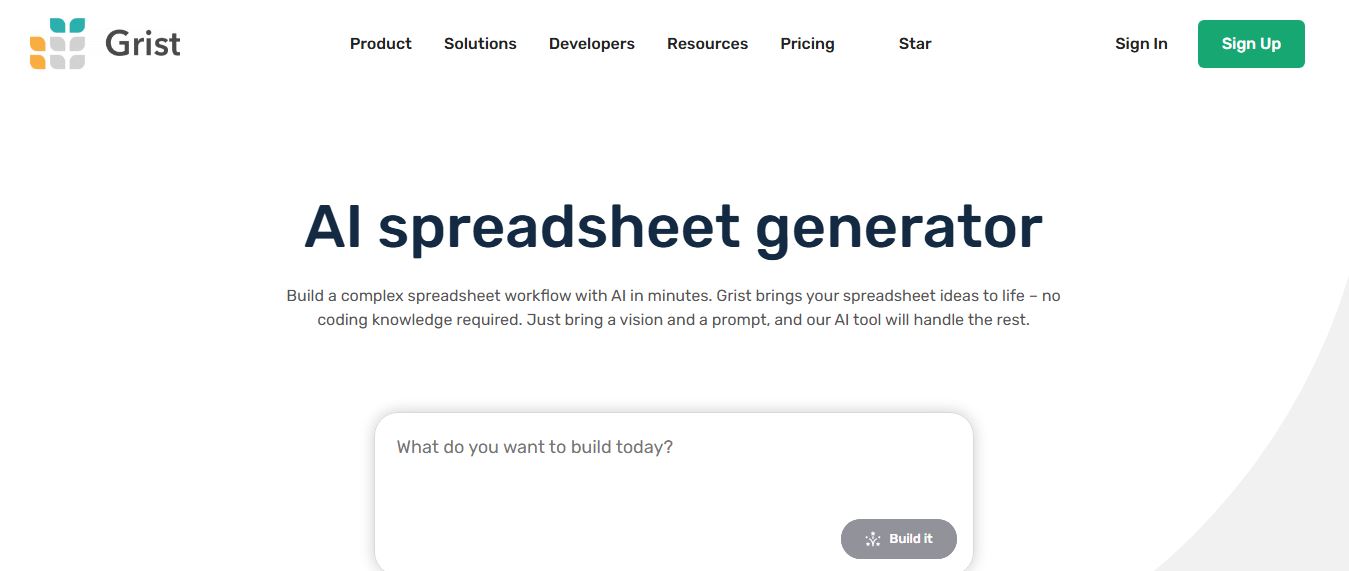
Grist AI Spreadsheet Generator (getgrist.com/ai/spreadsheet-generator/) is an open-source, relational AI spreadsheet and custom application builder that turns text prompts into structured relational databases, Python formulas, dashboards, and access rules via an in-product AI Assistant and Model Context Protocol (MCP).
 4.9
4.9Shortcut AI
Spreadsheets
Shortcut AI is an AI-powered Excel agent that helps finance teams build financial models, analyze data, and automate complex spreadsheet workflows using natural language. It generates formulas, structures reports, and processes data with high accuracy, enabling faster decision-making and reducing manual analysis work.
 4.9
4.9Microsoft Excel
Spreadsheets
Microsoft Excel AI (Copilot for Excel) is an AI-powered assistant that helps users analyze data, write formulas, create charts, and generate insights using natural language. It automates complex tasks, highlights trends, and builds reports, enabling faster, data-driven decisions directly within Excel workflows.
 4.9
4.9Coefficient
Spreadsheets
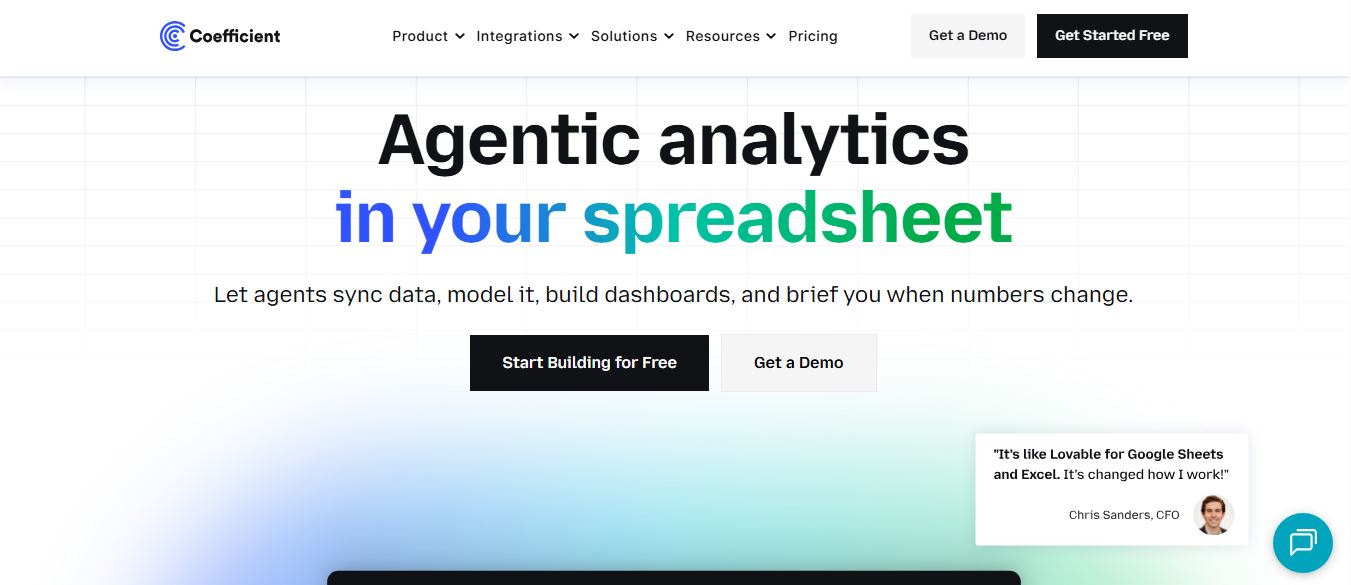
Coefficient is an AI-powered spreadsheet automation platform that connects live data from tools like Salesforce, HubSpot, and databases directly into Google Sheets and Excel. It enables real-time reporting, automated refreshes, and AI-driven analysis, helping teams build dashboards and workflows without manual exports or coding.
 4.9
4.9SheetGPT
Spreadsheets
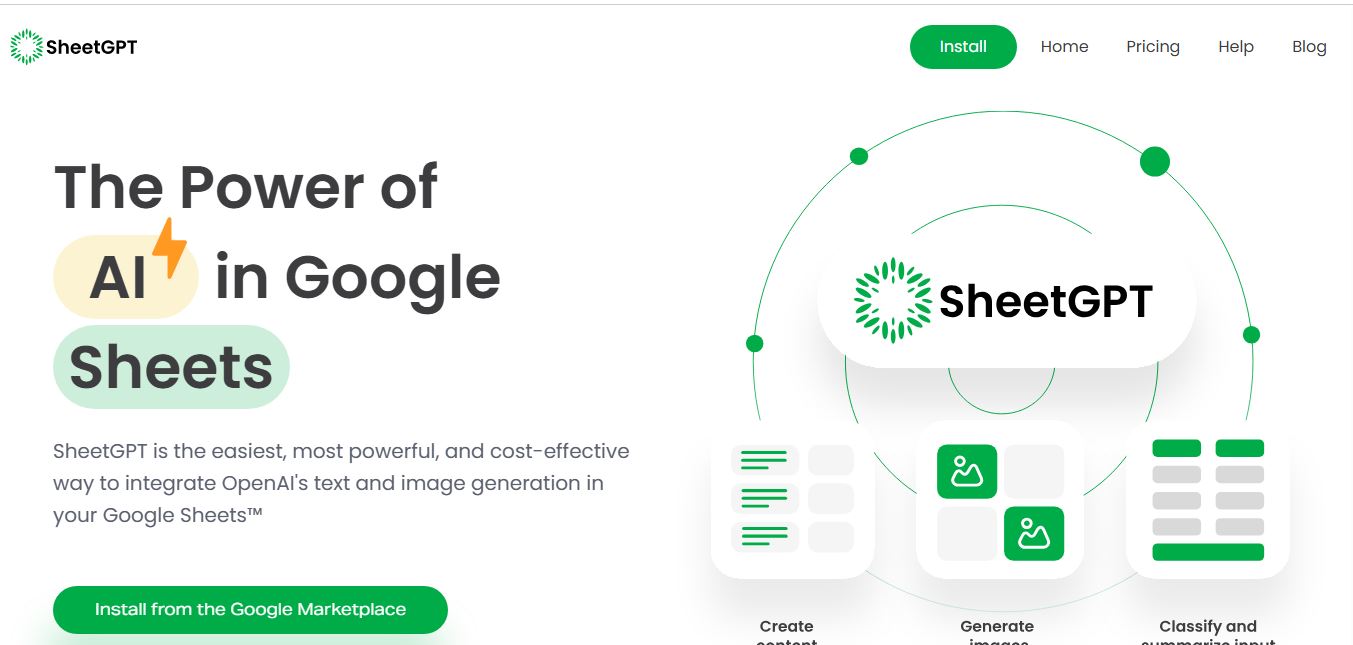
SheetGPT is an AI-powered Google Sheets add-on that helps users generate content, analyze data, and automate tasks using simple formulas like =GPT(). It integrates models like ChatGPT, Claude, and Gemini, enabling faster workflows for summarization, translation, classification, and large-scale spreadsheet operations.
 4.9
4.9GPT for Work
Spreadsheets
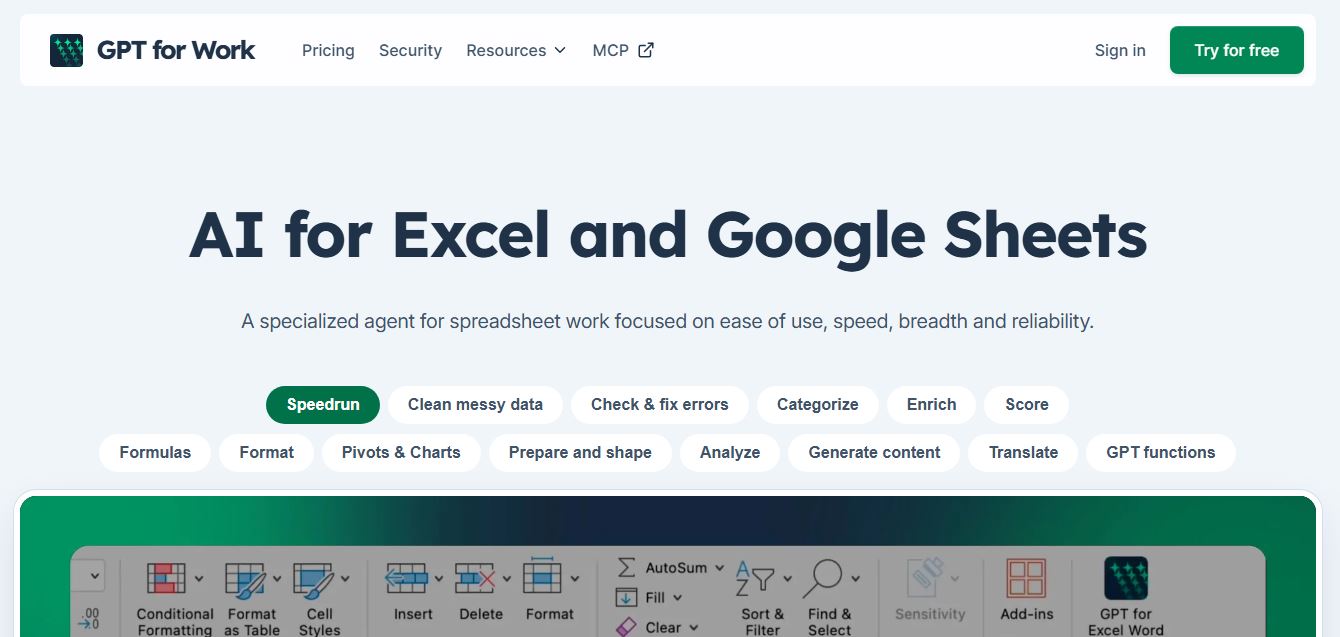
GPT for Work is an AI-powered spreadsheet assistant that helps users automate tasks in Excel and Google Sheets using natural language. It writes formulas, cleans data, generates content, and processes thousands of rows in bulk, enabling faster analysis, workflow automation, and data-driven decision-making.