
Loom
Loom is a video messaging and screen recording tool that lets you record your screen, camera, and voice to create instantly shareable videos. It’s widely used for async communication, tutorials, and team updates, helping reduce meetings and explain ideas faster.
What is Loom?
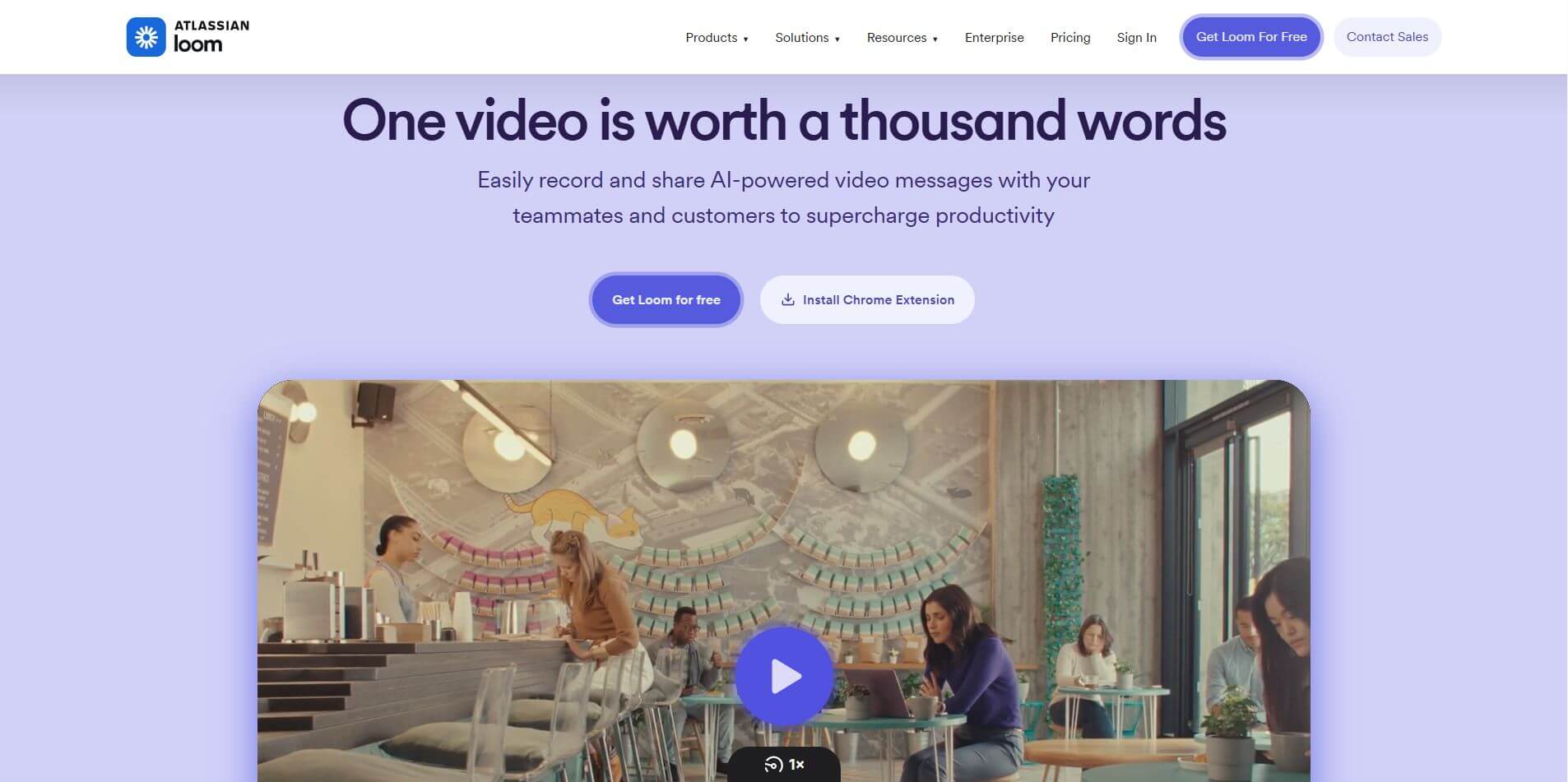
Loom is a video messaging platform that helps teams communicate faster by replacing long meetings and emails with quick, shareable videos. Instead of typing explanations, users can record their screen, camera, or both, and instantly generate a link to share with others. It’s designed for everyday work—like walkthroughs, feedback, onboarding, and demos—making communication more clear and personal. Loom also includes built-in editing, viewer comments, and engagement tracking, so teams can collaborate directly on videos. With AI features like auto summaries, titles, and chapters, it turns recordings into structured, easy-to-scan content. Used by millions of professionals, Loom helps teams save time, reduce meetings, and scale knowledge by recording once and sharing anytime.
Founded in 2015 by Joe Thomas, Shahed Khan, and Vinay Hiremath (initially launching as Opentest), Loom pioneered the modern asynchronous work movement. Following its landmark $975 million acquisition by Atlassian, Loom natively integrates across Jira, Confluence, Slack, and Google Workspace, offering automated Loom AI enhancements, a free Starter plan, and premium business subscriptions starting from $18 per user/month.
- Founder / Leadership: Joe Thomas, Shahed Khan, and Vinay Hiremath (Operated under Atlassian)
- Launch Year: 2015 / 2016 (Acquired by Atlassian in 2023)
- Use Cases:
- Replacing recurring standups and status updates with concise asynchronous video check-ins
- Conducting software code reviews, product walkthroughs, and UI bug reporting with clickable screen recordings
- Sending personalized video introductions and proposal follow-ups in outbound sales outreach
- Building searchable internal video knowledge bases, onboarding tutorials, and SOP standard documentation
- Resolving complex customer support tickets with visual step-by-step troubleshooting demos
- Technology:
- Low-latency cloud encoding pipeline delivering instant shareable links the second recording stops
- Loom AI intelligence engine powering automatic transcription, filler-word removal, smart titles, and document generation
- Cross-platform recording ecosystem spanning Chrome extension, desktop clients (macOS, Windows), and mobile apps (iOS, Android)
- Target Users:
- Engineering and product teams coordinating sprints, specs, and design handoffs asynchronously
- B2B sales representatives, SDRs, and account executives personalizing client touchpoints
- Customer support agents and client onboarding managers looking to reduce ticket resolution times
- Remote and hybrid companies aiming to eliminate meeting fatigue across global time zones
- Acquisition: Acquired by Atlassian Corporation for $975 Million

Key features of Loom
Loom's key features are
- Instant Link Sharing: As soon as you hit stop, your video is already uploaded and processed in the cloud, ready to paste as a shareable link or embed.
- Loom AI Workflows & Summaries: Automatically generates descriptive titles, chapter timestamps, bulleted summaries, action items, and text transcripts with zero manual typing.
- Filler-Word & Silence Removal: AI automatically strips "umms", "ahhs", and awkward pauses to make your delivery sound crisp, polished, and professional.
- Text-Based Video Editing: Trim or rearrange video sections by simply highlighting and deleting unwanted text in the auto-generated transcript.
- Interactive Viewer Engagement: Viewers can leave time-stamped comments, emoji reactions, and click custom in-video Calls-to-Action (CTAs).
- Deep Atlassian Integration: Embed and record Looms natively inside Jira issue tickets, Confluence team pages, and Trello cards with synced context.
- HD & 4K Multi-Source Recording: Flexible capture modes allowing screen-only, webcam-only, or picture-in-picture screen + camera recording with custom backgrounds and canvas drawing tools.
- Enterprise Security & Access Controls: Protects internal communications with Single Sign-On (SSO/SCIM), domain restrictions, custom retention rules, and password-protected links.
Loom Pricing
Loom offers a free starter plan alongside scalable paid business tiers backed by a 14-day free trial.
Starter (Free Forever):
- $0/month: Up to 25 videos per member and up to 5 minutes per recording
- Basic screen recording, standard video quality (720p), and unlimited viewer access
Business Plan:
- $18.00 per user/month: (billed annually) or monthly billing options
- Unlimited videos, unlimited recording duration, 4K HD recording, custom branding, viewer engagement insights, and video downloads
Business + AI Plan (Most Popular):
- $24.00 per user/month: Everything in Business plus the full Loom AI suite
- Automatic titles, AI chaptering, instant summaries, text-to-Jira bug report generation, automated filler-word removal, and silence trimming
Enterprise Tier:
- Custom enterprise contract pricing for organization-wide deployments with SSO/SCIM, Salesforce integration, advanced privacy retention policies, and Atlassian bundle discounts
Disclaimer: For current enterprise volume tiers, education/nonprofit discounts, and Atlassian suite bundling details, please visit the official Loom website at loom.com.
Who is using Loom?
Loom is used by over 25 million people across 350,000+ organizations worldwide, including
- Software Engineering Teams: Documenting pull requests, architectural decisions, and visual bug reproductions
- Product Managers & Designers: Sharing Figma walkthroughs, user journey flows, and sprint feature demos without booking live calls
- Sales & Account Executives: Standing out in client inboxes with personalized asynchronous video outreach that drives higher response rates
- Customer Success & Support Reps: Sending personalized screencasts to walk customers through technical troubleshooting steps
- Remote Company Leaders: Broadcasting transparent weekly company updates and strategy briefs across global time zones
Best Loom Alternatives
Some of the strongest Loom alternatives include
Pros and Cons of Loom
Pros
- Unmatched recording speed—instant cloud processing creates shareable links the moment you stop recording
- Loom AI automatically cleans up filler words and writes accurate summaries and action items
- Seamless native integration across Atlassian tools (Jira, Confluence, Trello) and Slack
- Clean and intuitive viewer experience with speed controls, emoji reactions, and timecoded comments
- Robust cross-platform compatibility across Chrome extensions, macOS/Windows desktop, and mobile
Cons
- Free Starter plan is strictly capped at 25 total videos and 5-minute recording limits
- Advanced AI features require the higher-tier Business + AI plan ($24/user/mo)
- Does not focus on interactive step-by-step software click-through guides (unlike Supademo or Scribe)
Why Choose Loom?
Scheduling meetings across competing calendars and time zones slows team momentum. Loom enables rapid, human communication that respects everyone's focus time.
- Replaces up to 30% of unnecessary status meetings with quick 2-minute video memos
- Combines the warmth and clarity of face-to-face video with the flexibility of asynchronous messaging
- Empowers non-technical team members to record, edit, and share high-definition screencasts effortlessly
- Backed by Atlassian's secure enterprise infrastructure and deep workplace ecosystem connectivity
Loom vs. Competitors
The main difference between Loom, Vidyard, Wistia, and Supademo lies in primary workflow purpose. While Wistia focuses on public video marketing and lead capture, Vidyard targets sales prospecting pipelines, and Supademo builds interactive click-through product demos, Loom is purpose-built as the daily asynchronous video communication standard for workplace collaboration and internal productivity.
| Feature / Tool | Loom (loom.com) | Vidyard | Wistia | Supademo |
|---|---|---|---|---|
| Core Focus | Async Team Video Messaging | Sales Outreach & Video Prospecting | B2B Marketing & Video Hosting | Interactive Product Demo Demos |
| Instant Link Generation | Yes (Immediate cloud sync) | Yes | Upload-based workflow | Yes (Interactive capture) |
| AI Summaries & Filler Removal | Yes (Loom AI Suite) | AI Scripting tools | AI audio enhancement | AI Voiceovers & Text |
| Jira / Confluence Integration | Yes (Native Atlassian core) | Basic embedding | No | Basic embedding |
| Best For | Remote/hybrid teams & async work | Outbound sales & SDR pipelines | Inbound marketing & lead gen | Interactive product walkthroughs |
How do we rate Loom?
| Parameter | Rating (out of 5) |
|---|---|
| Screen Recording Speed & Instant Sharing | 5.0 |
| Loom AI Summaries & Transcript Editing | 4.9 |
| Ecosystem & Atlassian Integration | 4.9 |
| Cross-Platform Apps & Extensions | 4.8 |
| Value for Remote Teams | 4.8 |
| Overall Score | 4.88 |
Loom Review
Loom remains the premier platform for asynchronous video communication in modern workplaces. By making screen recording and cloud sharing instantaneous, it eliminates the friction of scheduling meetings for simple updates. With its powerful Loom AI features—which automatically clean up verbal slip-ups, write concise meeting summaries, and generate bug reports directly into Jira—Loom transforms quick recordings into actionable workplace knowledge. For distributed teams and client-facing professionals seeking to collaborate faster without burning out on live calls, Loom is an indispensable tool.
Conclusion
Loom is a powerful video communication platform that simplifies how teams share ideas, updates, and feedback without relying on meetings. By allowing users to record their screen, camera, and audio simultaneously and instantly share a link, it bridges the gap between emails and live calls. Its biggest strength lies in speed and async collaboration. With features like instant sharing, video editing, comments, transcripts, and AI-generated summaries, it helps teams communicate clearly while saving time. The ability to host, organize, and search videos in one place also makes it valuable for documentation, training, and knowledge sharing. While it may not replace real-time communication entirely, its efficiency gains are undeniable.
FAQ
What is Loom?
Loom is a video messaging and screen recording tool that lets you record your screen, camera, and voice, then instantly share the video using a link. It’s widely used for async communication instead of meetings.
How does Loom work?
Loom lets you record your screen, webcam, or both in a few clicks. Once you stop recording, it automatically generates a shareable link so you can send or embed the video anywhere without downloading files.
What can you do with Loom?
With Loom, you can create tutorials, product demos, bug reports, team updates, and sales videos. It also supports editing, comments, reactions, and analytics to improve communication and engagement.
Does Loom use AI?
Yes, Loom includes AI features like auto-generated titles, summaries, chapters, and even workflows that turn videos into documents or reports. It can also clean up recordings by removing filler words and silences.
Is Loom free to use?
Loom offers a free plan with limited videos and recording length. Paid plans unlock unlimited recordings, higher quality (up to 4K), advanced editing, and AI-powered features.
Who should use Loom?
Loom is ideal for remote teams, marketers, developers, educators, and customer support teams. It’s especially useful for anyone who needs to explain ideas visually and communicate faster without live meetings.
User Reviews
No reviews yet for Loom.
Featured Tools
Featured AI tools from TechShark

Melody Genie
MelodyGenie is an AI-powered music generator that creates original songs from simple text prompts. Users can choose styles, moods, and genres, then instantly generate melodies and full tracks, making it easy for creators, marketers, and hobbyists to produce custom music without musical expertise.
Freemium

Kimi AI
Kimi AI is an advanced AI assistant developed by Moonshot AI that helps you chat, research, write, code, and automate tasks in one place. It supports web search, file analysis, and multimodal inputs, and can even run autonomous “agent” workflows to complete complex tasks end-to-end.
Freemium

Fashion Diffusion AI
Fashion Diffusion is an AI-powered fashion design platform that helps brands and designers create clothing designs, virtual try-ons, AI models, product photos, and marketing visuals faster and cost-effectively.
Paid

Veo 4
Veo 4 AI is an AI video creation platform that generates dramatic videos from text, images, audio, and video prompts using realistic motion and synchronized sound.
Paid
Alternatives
Alternatives to Loom
The best Loom alternatives include Vidyard, Wistia, ScreenPal, Supademo, Vimeo Record, and Sendspark. These platforms provide screen recording, video hosting, and asynchronous video messaging. While Loom specializes in fast workplace async communication, transcript-based editing, and native Atlassian (Jira/Confluence) integrations, alternatives like Vidyard focus specifically on outbound sales prospecting, Wistia excels in B2B lead generation hosting, and Supademo builds interactive click-through product walkthroughs.
 4.9
4.9Media.io
Video Editing
Media.io is an AI-powered creative platform that helps users generate, edit, and enhance videos, images, audio, and ads from simple prompts or assets. It combines AI generation, editing, and workflows in one place, enabling creators to turn ideas into polished content quickly without switching tools.
 4.9
4.9Artlist
Image
Artlist is a subscription-based platform that provides high-quality royalty-free music, sound effects, and video assets for creators. It helps filmmakers, YouTubers, and marketers access unlimited creative resources, making it easy to produce professional content without worrying about licensing issues.
 4.8
4.8Loqua
Text-to-Video
Loqua is an AI-powered voice typing, multimodal desktop agent, and intelligent dictation software for macOS and Windows that turns natural speech into structured, filler-free text across any app at 220 WPM, paired with Capture to Ask visual screen queries, speak-to-edit rewriting, and voice-triggered desktop automations.
 4.8
4.8InVideo
Text-to-Video
InVideo (invideo.io) is an AI-native video creation and production platform featuring InVideo AI, which turns text prompts, topics, and scripts into fully produced, narrated, and stock-matched videos with automated voiceovers, subtitles, and conversational editing.
 4.9
4.9Kling AI
Text-to-Video
Kling AI is a flagship text-to-video and image-to-video creative studio developed by Kuaishou Technology, renowned for realistic physical motion, up to 4K cinematic video generation, native audio and lip-sync, start/end frame control, and 3D spatio-temporal camera direction.
 4.7
4.7Emu Video
Text-to-Video
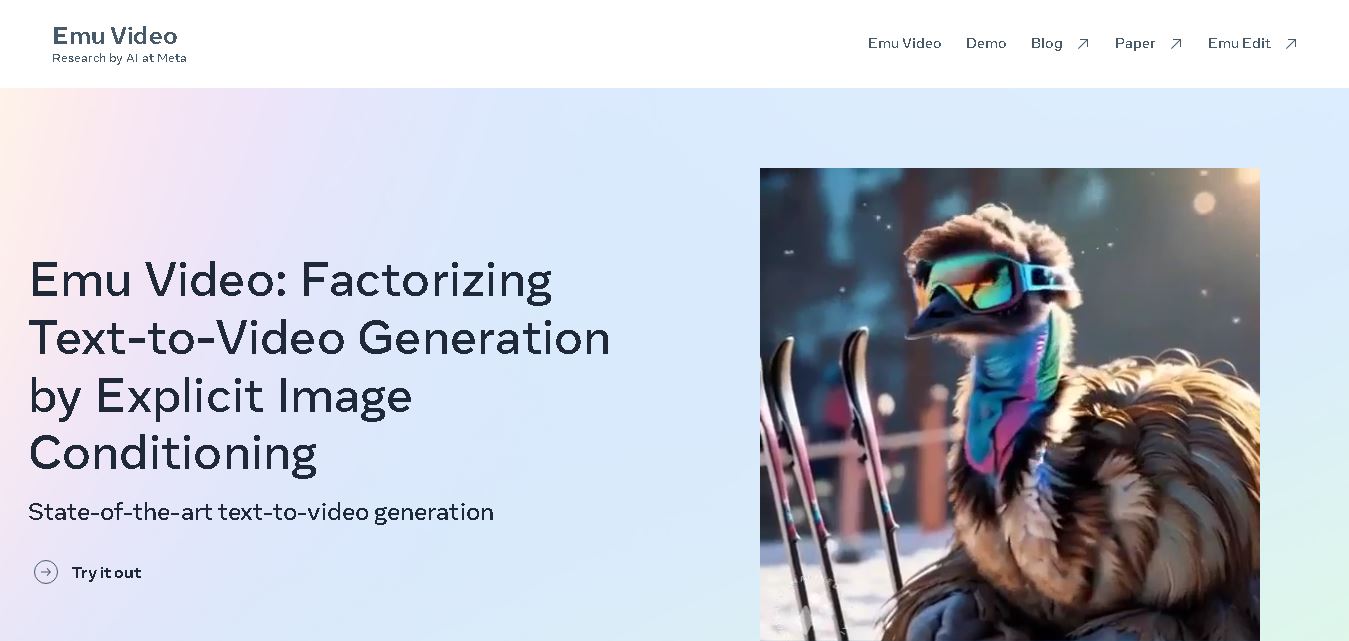
Emu Video is a text-to-video generation model developed by Meta that transforms written prompts into short, high-quality videos. It follows a two-step generation process to improve visual consistency, motion quality, and realism. The model also supports image-guided animation, making it suitable for creative storytelling, research, and multimedia content generation.
 4.9
4.9Stivio
Video Generator
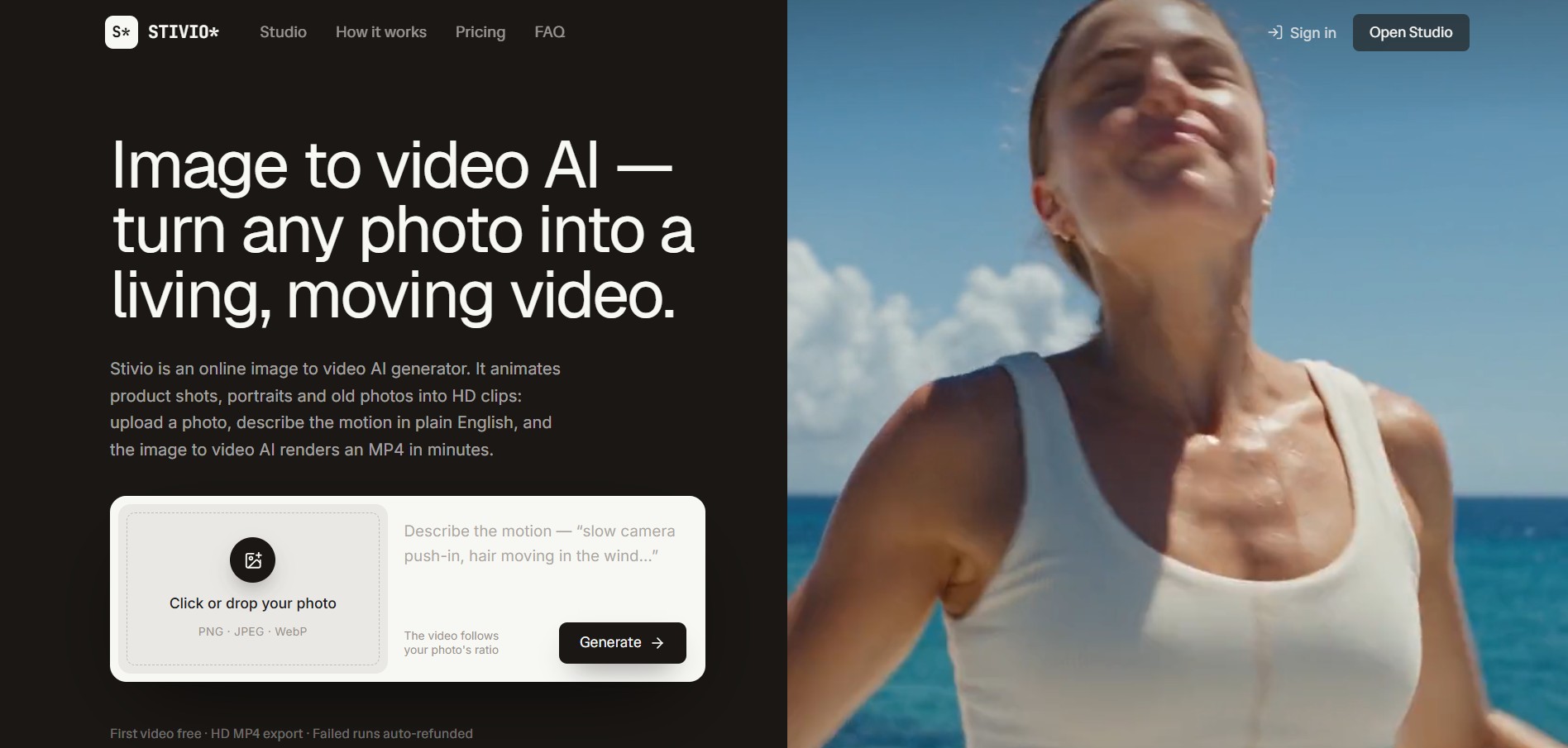
Stivio is an online image-to-video AI generator and multi-model animation studio that turns static product shots, portraits, and vintage photos into 3- to 30-second HD MP4 video clips using plain-English motion prompts across six foundation engines including Kling, Wan, MiniMax, and Seedance.
 4.8
4.8GeniLoop AI
Text-to-Video
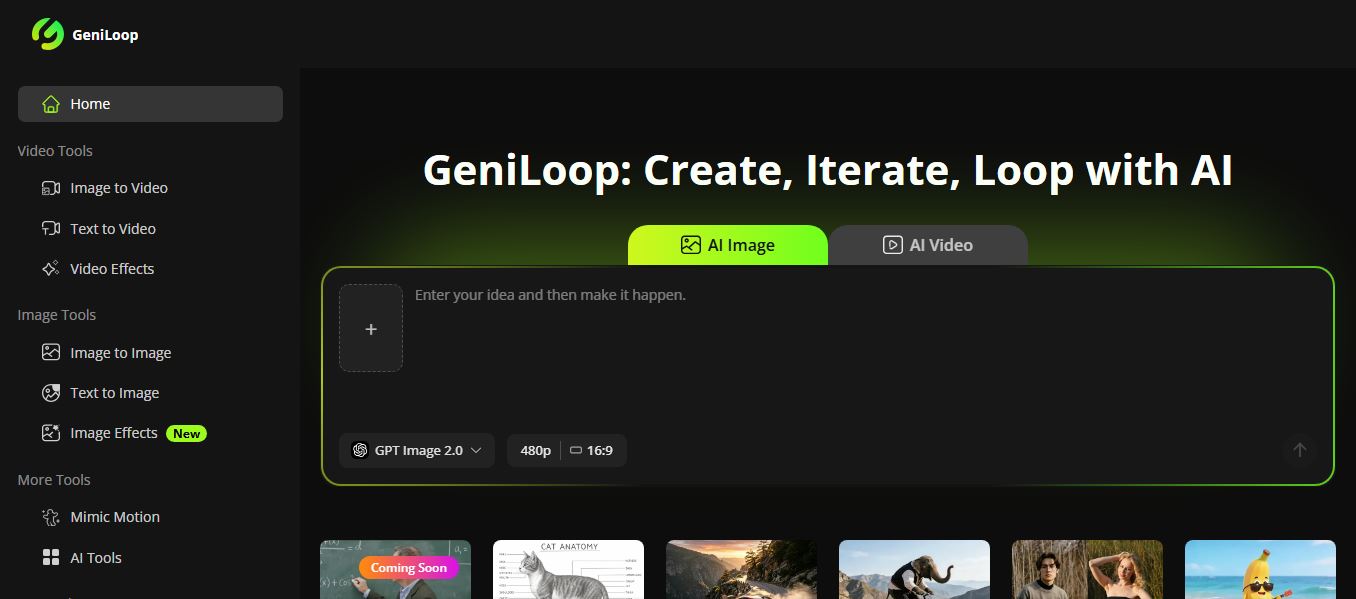
GeniLoop AI is an all-in-one AI studio that lets you create images, videos, and visual content from simple prompts. It supports tools like text-to-video, image-to-video, and hundreds of effects, helping creators generate high-quality visuals quickly without editing skills.
 4.7
4.7PixVerse AI
Text-to-Video
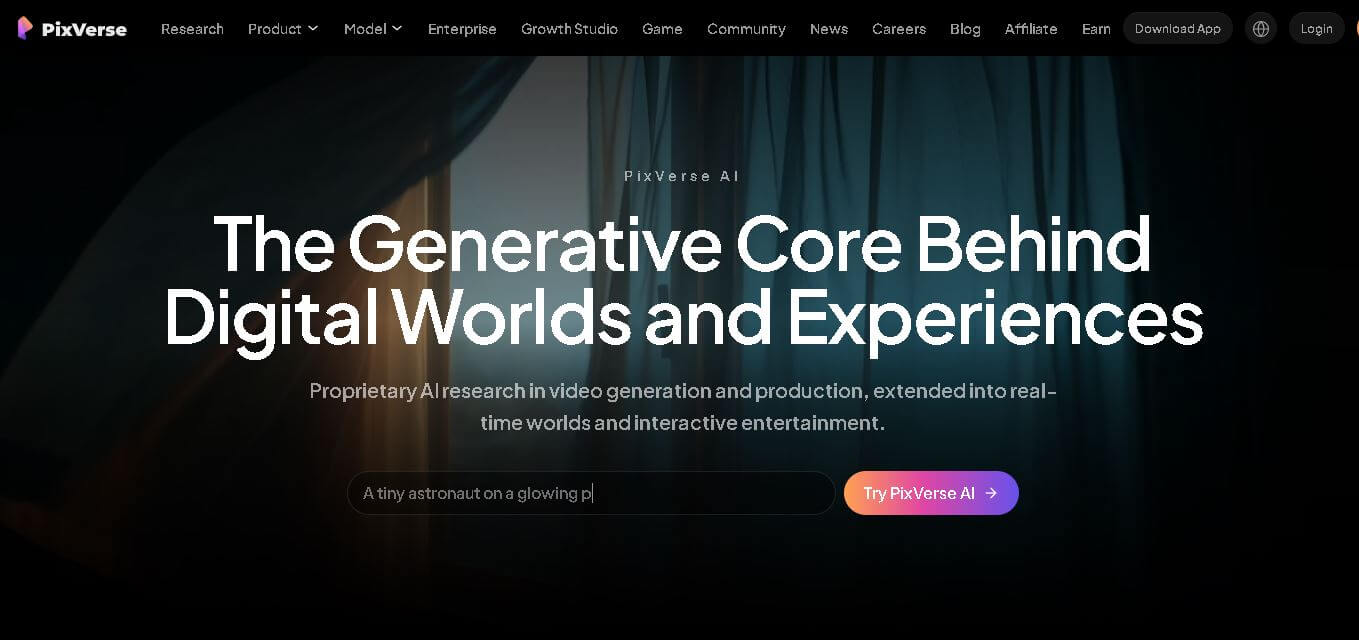
PixVerse is a generative video creation tool that transforms text prompts, images, and reference media into high-quality videos. It enables individuals, creators, marketers, and businesses to produce cinematic clips, social media content, advertisements, and animations with customizable styles, motion controls, templates, lip-sync, and AI-assisted editing in just a few steps.