Rork
Rork helps people turn app ideas into mobile and web products by describing what they want in language. It generates interfaces and application code, supports iterative edits, and offers testing and publishing workflows. It is useful for founders, small businesses, and creators who want to build without starting from code.
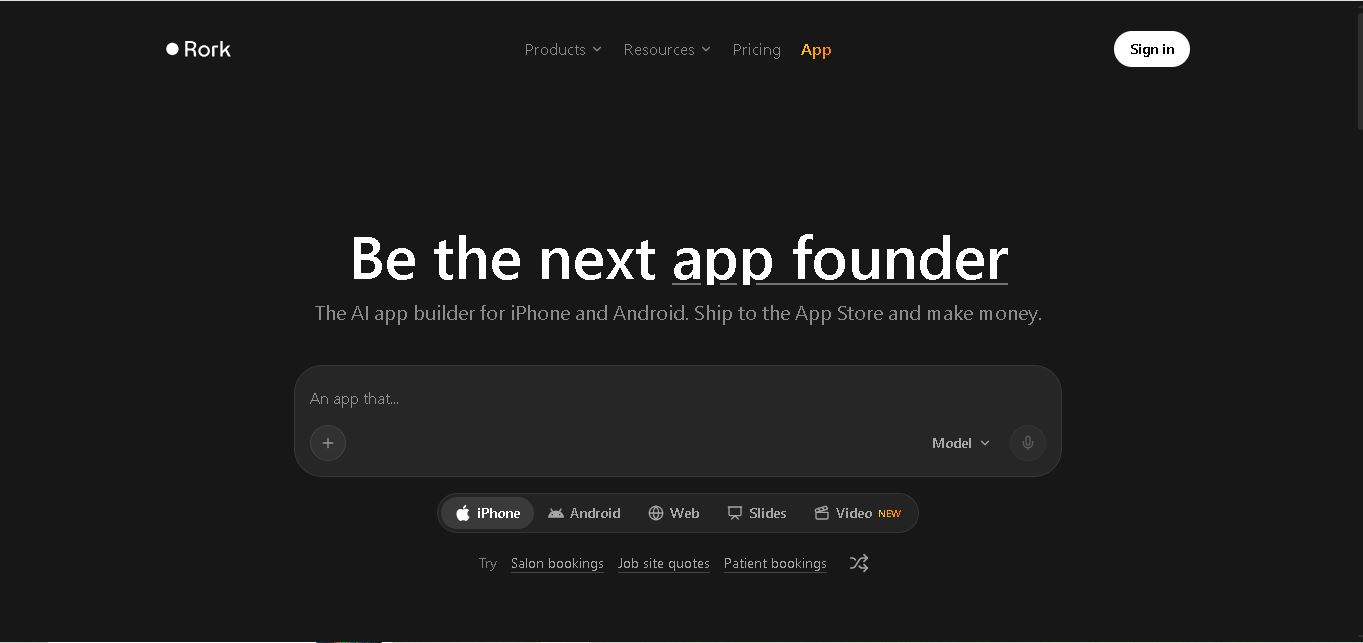
What is Rork?
is a software development tool that converts written instructions into functional mobile and web applications. Users describe the product they want, review generated screens, and refine features through conversation. It supports native iOS development with SwiftUI, Android development with Kotlin and Jetpack Compose, and web apps using React and Vite. The workflow helps founders, businesses, and beginners turn ideas into testable products without writing every line of code.
Rork launched its public mobile-app builder on February 12, 2025, after initially exploring web development. Its co-founders are Daniel Dhawan and Levan Kvirkvelia. In April 2026, the company announced a $15 million seed round led by Left Lane Capital. Rork supports iOS, Android, and web projects, with integrations including Supabase, Firebase, GitHub, and RevenueCat. Its official FAQ lists a free plan and paid plans whose pricing varies by region and account. Exact allowances depend on selected subscription and billing region.
- Category: AI Mobile App Builder, Native Code Generation & Cross-Platform Development
- Platforms Supported: Cloud Web App, Companion iOS App (Rork Max), SwiftUI (iOS/iPad/Watch/Vision Pro), Kotlin + Compose (Android), Web, GitHub Sync & Expo/Device Preview
Use Cases:
- Designing multi-screen mobile app concepts for free in Design Mode before committing to full native builds
- Generating native iOS apps (SwiftUI), Android apps (Kotlin + Compose), and web apps from conversational prompts
- Building specialized Apple ecosystem experiences including iPad apps, Apple Watch apps, Vision Pro apps, native games, and iOS widgets
- Previewing functional mobile prototypes directly on physical smartphones without complex local Xcode setup
- Configuring in-app subscriptions with RevenueCat, exporting source code via GitHub, and submitting apps to the Apple App Store and Google Play
Technology:
- Conversational AI code generation engine outputting native SwiftUI, Kotlin + Compose, and web code
- Three-stage workspace architecture: Design Mode (UI exploration), Build Mode (functional app compilation), and Dev Mode (direct source code editing)
- Cloud Mac fleet native compilation pipeline and instant device preview via QR code / Rork Max mobile app
- GitHub repository synchronization, RevenueCat monetization setup, and AI App Store Reviewer
Target Users:
- Non-Technical Founders & Solopreneurs launching native mobile MVPs without hiring an iOS/Android engineering agency
- Mobile Developers & Freelancers accelerating SwiftUI and Kotlin scaffolding with Dev Mode code access and GitHub sync
- Product Designers validating interactive native UI flows on physical devices in minutes
Corporate Entity: Rork

Key features of Rork
Rork's key features are
- Native iOS, Android & Apple Ecosystem Generation: Builds genuinely native applications using SwiftUI (iPhone, iPad, Apple Watch, Vision Pro), Kotlin + Compose (Android), and Web, including native games and iOS widgets.
- Design Mode, Build Mode & Dev Mode: Lets users prototype UI screens for free in Design Mode before unlocking functional app compilation in Build Mode and direct code inspection in Dev Mode.
- Instant Physical Device Preview: Tests live builds directly on iOS and Android devices via QR codes and companion mobile apps without local Xcode configuration.
- GitHub Sync & Code Ownership: Exports and synchronizes generated native source code directly with GitHub repositories for independent engineering continuation.
- Monetization & App Store Publishing Workflow: Streamlines in-app purchases with RevenueCat integration, generates App Store assets, and assists with Apple App Store and Google Play submission.
Rork Pricing
Rork uses a credit-based subscription model with private projects included on every plan, plus pay-as-you-go credit top-ups ($0.22/credit) on paid tiers.
Free Plan:
- Priced at $0/month (no credit card required).
- Includes Design Mode only (up to 5 credits/day, capped at 35 credits/month in major markets or 5 credits/month in other regions) to explore app screens across iPhone, Android, Web, iPad, Apple Watch, and Vision Pro with private projects.
Rork Max:
- Starts at $20/month (100 credits/month) and scales across higher compute tiers: $200/month (1,000 credits), $500/month (2,500 credits), $900/month (5,000 credits), and $1,800/month (10,000 credits).
- Every Rork Max option includes the full feature set: Build Mode, Dev Mode, native iPhone (SwiftUI), Android (Kotlin + Compose), Web, iPad, Apple Watch, Vision Pro, native games, and iOS widgets.
Regional Entry Plan (Rork Start - India Only):
- Priced at ₹649/month in India with 40 credits/month, covering Build Mode and Dev Mode for iPhone (SwiftUI), Android (Kotlin + Compose), and Web apps.
Disclaimer: Plan pricing, regional availability, and credit consumption per prompt are subject to change. For exact live rate cards, visit docs.rork.com/introduction/subscriptions.
Who is using Rork?
Rork is designed for mobile builders and product creators, including
- Indie Hackers & Solopreneurs: Turning mobile app ideas into native iOS and Android apps ready for store monetization
- Startup Founders: Validating native mobile MVPs on real smartphones before scaling engineering teams
- Mobile Engineers & Agencies: Accelerating SwiftUI and Kotlin UI scaffolding with GitHub code export
Best Rork Alternatives
Some of the strongest Rork alternatives include
- FlutterFlow
- Adalo
- Glide
- Lovable
- Bolt.new
Pros and Cons of Rork
Pros
- Generates genuinely native SwiftUI (iOS/Apple ecosystem) and Kotlin + Compose (Android) code rather than basic web wrappers
- Supports the full Apple device lineup—including iPhone, iPad, Apple Watch, Vision Pro, native games, and iOS widgets—starting at $20/month
- Private projects are included on every plan (even Free), with GitHub export and Dev Mode available on paid plans
- Fast physical device previews without requiring local Mac or Xcode setup
Cons
- Free plan is restricted to Design Mode only; compiling functional apps requires upgrading to a paid plan
- Unused monthly subscription credits do not roll over to the next billing cycle
- Complex backend databases, authentication, and third-party API workflows often require external setup or careful iterative prompting
Why Choose Rork?
Rork is the standout AI app builder for founders and developers who specifically want native iOS and Android mobile apps rather than browser-only web apps. By combining SwiftUI and Kotlin code generation, instant physical device previews, Apple Watch/Vision Pro support, and an accessible $20/month entry point, Rork drastically lowers the barrier to shipping native mobile software in 2026.
- Outputs genuine native SwiftUI, Kotlin + Compose, and web code from natural language
- Covers iPhone, Android, iPad, Apple Watch, Vision Pro, native games, and iOS widgets
- Includes private projects on all plans and GitHub code sync on paid tiers
Rork vs. Competitors
The main difference between Rork, FlutterFlow, and Lovable is that Rork generates native SwiftUI and Kotlin mobile apps directly from conversational prompts starting at $20/mo, whereas FlutterFlow provides a visual low-code Flutter builder for cross-platform apps and Lovable focuses primarily on full-stack React and Supabase web applications starting around $25/mo. Rork stands out for native iOS and Apple ecosystem support.
| Feature / Tool | Rork (rork.com) | FlutterFlow | Lovable | Adalo |
|---|---|---|---|---|
| Core Focus | Prompt-to-Native iOS, Android & Apple Ecosystem Apps | Visual Low-Code Cross-Platform App Builder | Prompt-to-Full-Stack Web App Builder | No-Code Visual Mobile & Web App Builder |
| Code Output | Native SwiftUI, Kotlin + Compose & Web | Dart / Flutter | React, Vite, Tailwind CSS & Supabase | Proprietary No-Code Hosted Runtime |
| Pricing Model | Free (Design) / Rork Max from $20/mo (100 credits) | Free / Standard / Pro Tiered Plans | Free / Paid Plans from ~$25/mo | Free / Starter / Pro Tiered Plans |
| Best For | Founders shipping native iOS/Android & Watch/Vision apps | Teams wanting visual drag-and-drop Flutter control | Builders shipping full-stack web apps rapidly | Non-technical users building database-driven apps |
How do we rate Rork?
| Parameter | Rating (out of 5) |
|---|---|
| Native SwiftUI & Kotlin Code Generation Quality | 4.8 |
| Apple Ecosystem Breadth (iPhone, Watch, Vision Pro) | 4.9 |
| Instant Device Preview & App Store Publishing Flow | 4.7 |
| Entry Pricing Accessibility ($20/mo Rork Max) | 4.6 |
| Free Tier Build Limits & Credit Rollover Policy | 4.0 |
| Overall Score | 4.60 |
Rork Review
Rork is an impressive mobile-first AI app builder that turns conversational prompts into genuine native SwiftUI, Kotlin + Compose, and web applications. While its free plan is limited to Design Mode, its accessible $20/month Rork Max entry tier, support for iPhone, iPad, Apple Watch, and Vision Pro, and instant physical device previews make it a leading native mobile AI builder in 2026.
Conclusion
Rork can make app development more approachable by turning plain-language ideas into working iOS, Android, and web projects. Its native development options, integrations, previews, and publishing workflows make it useful for founders and businesses testing product ideas. However, generated apps still need careful testing, security checks, and ongoing maintenance. Review credit limits, regional pricing, and publishing requirements before choosing a plan.
FAQ
How does Rork work?
You describe your app idea in plain English, including its purpose, screens, and desired features. Rork generates the application and lets you request changes through chat. You can preview the result on a phone or in a browser, connect services, test functionality, and prepare supported projects for publishing. Then refine.
Can beginners use Rork without coding experience?
Yes. Rork is designed to accept everyday-language instructions, so beginners can start without writing code. You still need to explain requirements clearly, review generated screens, and test important workflows. For a serious launch, basic knowledge of app permissions, privacy, security, and store guidelines remains valuable. Clear prompts and testing help.
Does Rork create real native mobile apps?
Yes. Rork can create native iOS apps with SwiftUI and native Android apps with Kotlin and Jetpack Compose. It also supports web apps using React and Vite. These are not simply web pages displayed inside mobile wrappers, although older projects may use React Native and Expo. Check platform compatibility first.
Can I publish apps built with Rork?
Yes. Rork provides an App Store publishing workflow for supported iOS projects and generates Android App Bundles for Google Play submission. You need the relevant developer accounts and must meet each store’s review rules. Publishing is not automatic approval, so test your app and prepare its listing carefully. Store rules apply.
What integrations does Rork support?
Rork supports integrations such as Supabase and Firebase for backend services, GitHub for code syncing, and RevenueCat for in-app purchases and subscriptions. It can also connect to services such as Google Sheets, Airtable, Notion, and custom APIs. Describe the connection you need and provide documentation when possible. Varies by plan.
How much does Rork cost?
Rork offers a free plan, while paid plans vary by features, credits, region, and account. Its official FAQ lists paid pricing from $20 to $1,800 monthly and says Indian plans start at ₹649. Check the billing page before subscribing because prices and allowances can change. Confirm current prices before subscribing.
User Reviews
No reviews yet for Rork.
Featured Tools
Featured AI tools from TechShark
Klap
Klap is an AI video clipping platform that transforms long videos into short-form social media content. It automatically identifies highlights, creates captions, reframes speakers, and schedules clips, helping creators, podcasters, and marketing teams repurpose existing videos with less manual editing.
Free
Melody Genie
MelodyGenie is an AI-powered music generator that creates original songs from simple text prompts. Users can choose styles, moods, and genres, then instantly generate melodies and full tracks, making it easy for creators, marketers, and hobbyists to produce custom music without musical expertise.
Freemium
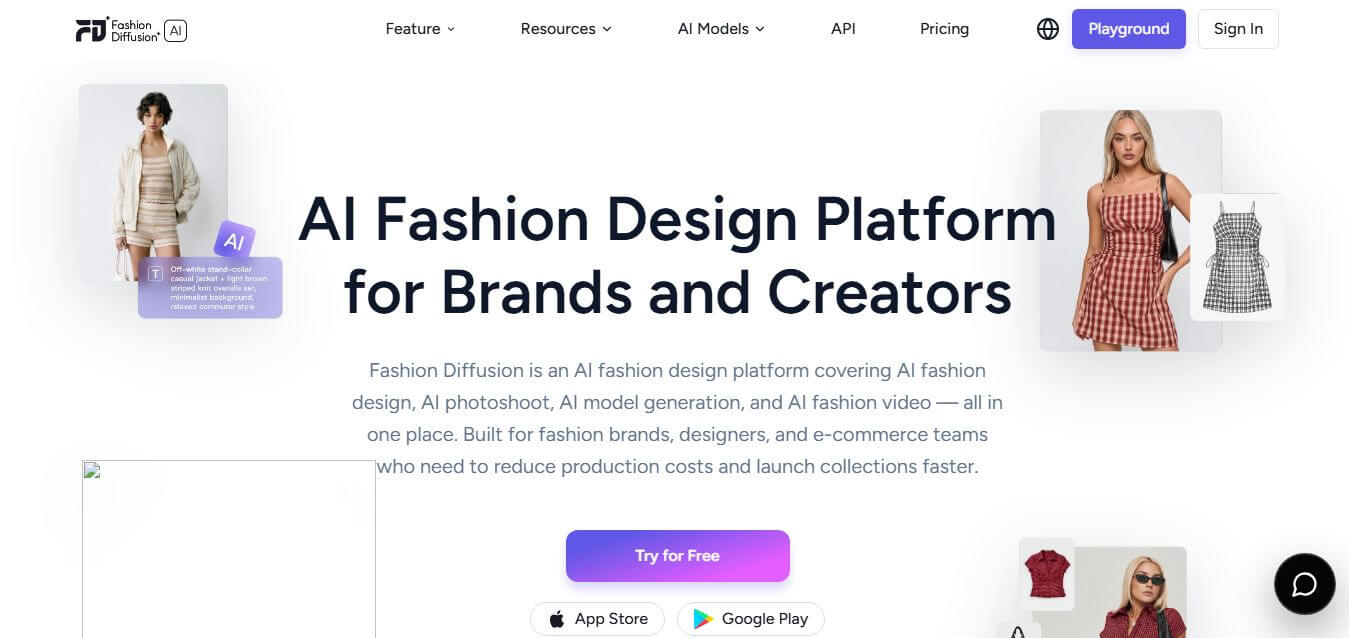
Fashion Diffusion AI
Fashion Diffusion is an AI-powered fashion design platform that helps brands and designers create clothing designs, virtual try-ons, AI models, product photos, and marketing visuals faster and cost-effectively.
Paid
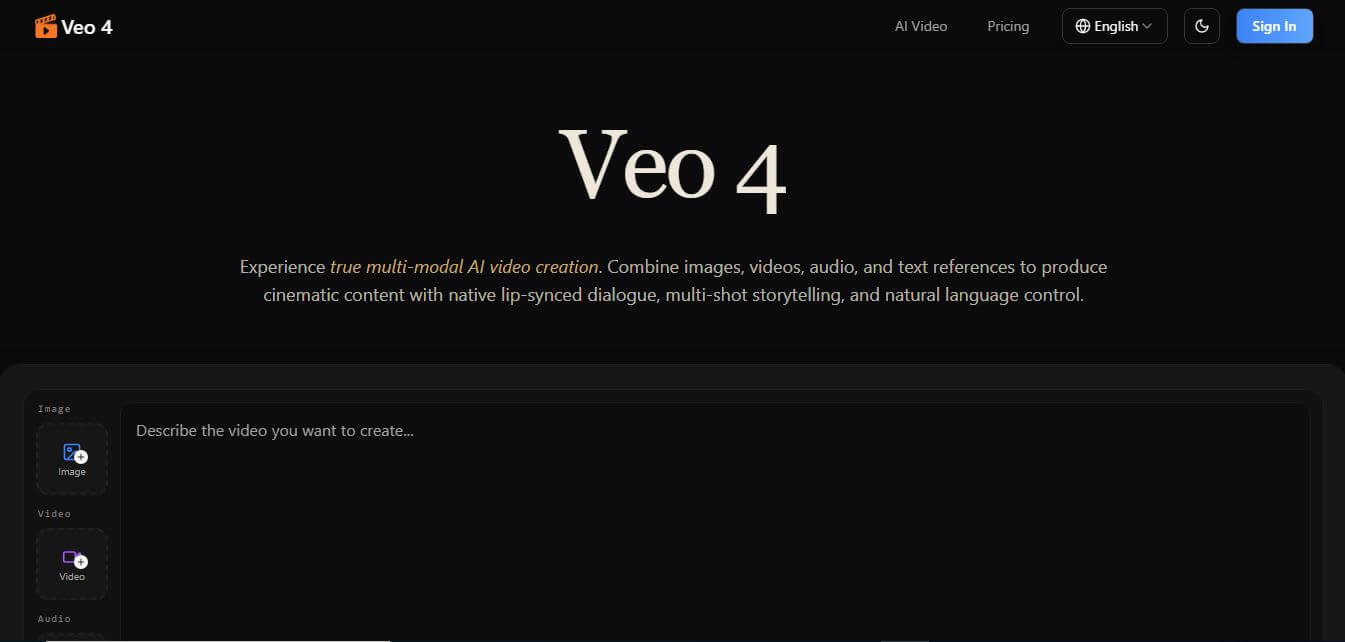
Veo 4
Veo 4 AI is an AI video creation platform that generates dramatic videos from text, images, audio, and video prompts using realistic motion and synchronized sound.
Paid
Alternatives
Alternatives to Rork
The best Rork alternatives include FlutterFlow, Adalo, Glide, Lovable, and Bolt.new. These platforms provide AI-assisted or visual no-code application development workflows. While Rork excels at generating genuine native SwiftUI and Kotlin mobile apps from conversational prompts, alternatives like FlutterFlow offer visual drag-and-drop Flutter control and Lovable focuses on full-stack web apps.
Glide
Vibe Coding
Glide (glideapps.com) is an AI-powered no-code application development platform that turns data sources like Excel, Google Sheets, Airtable, and SQL databases into custom business software, operational apps, and client portals.
Amp
Vibe Coding
Amp is an AI coding assistant that helps developers write, debug, test, and improve software projects. It combines multiple AI models, autonomous coding agents, and cloud-based Orbs to simplify development. Users can manage coding tasks through web, desktop, mobile, and terminal environments while collaborating with teammates.
Augment Code
Vibe Coding
Augment Code helps developers build better software with intelligent AI agents, semantic code search, and deep codebase understanding. It supports coding, debugging, refactoring, and project analysis across popular development environments. Its Context Engine helps engineering teams work efficiently with complex repositories, dependencies, and large-scale software development projects.
JetBrains Air
Vibe Coding
JetBrains Air helps developers work with multiple AI coding agents from JetBrains IDEs, the browser, or the command line. It brings agent sessions, code reviews, parallel tasks, shared team environments, and organization-level controls into one connected system, while allowing users to work with supported agents and their existing provider accounts.
Sourcegraph Cody
Vibe Coding
Sourcegraph Cody helps developers write, understand, and debug software with contextual AI assistance. It provides intelligent code completion, code generation, repository-aware chat, and automated editing. Supporting popular IDEs and multiple repositories, Cody helps development teams reduce repetitive work, explore complex codebases, and improve everyday programming workflows efficiently.
Zed
Vibe Coding
Zed is an open-source code editor built for speed, productivity, and collaborative software development. It combines AI coding assistance, intelligent editing predictions, real-time collaboration, and external agent integrations. Developers can customize their workflows, connect multiple AI models, and build software efficiently within a modern development environment.
 4.7
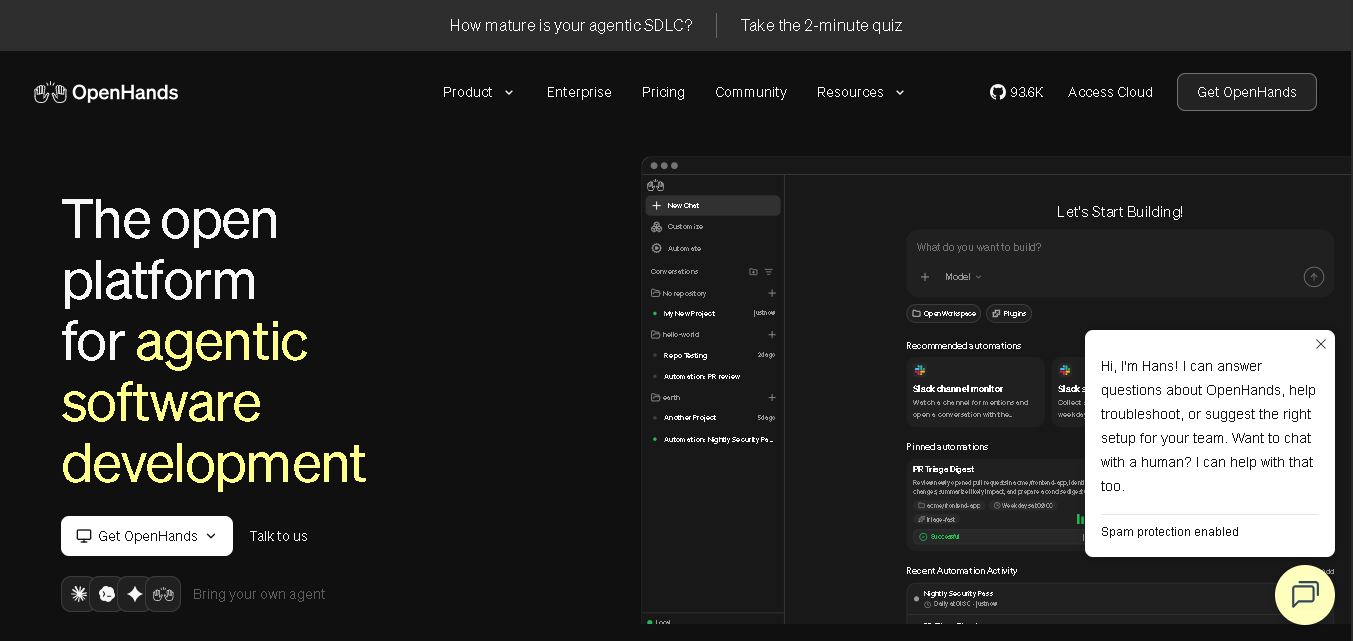
OpenHands
Vibe Coding
OpenHands helps developers automate coding, debugging, software development, and engineering workflows using autonomous AI agents. It supports multiple language models, local and cloud deployment, and integrations with popular development tools. With its open-source foundation, flexible interfaces, and customizable SDK, OpenHands makes complex software development tasks more manageable and efficient.
 4.7
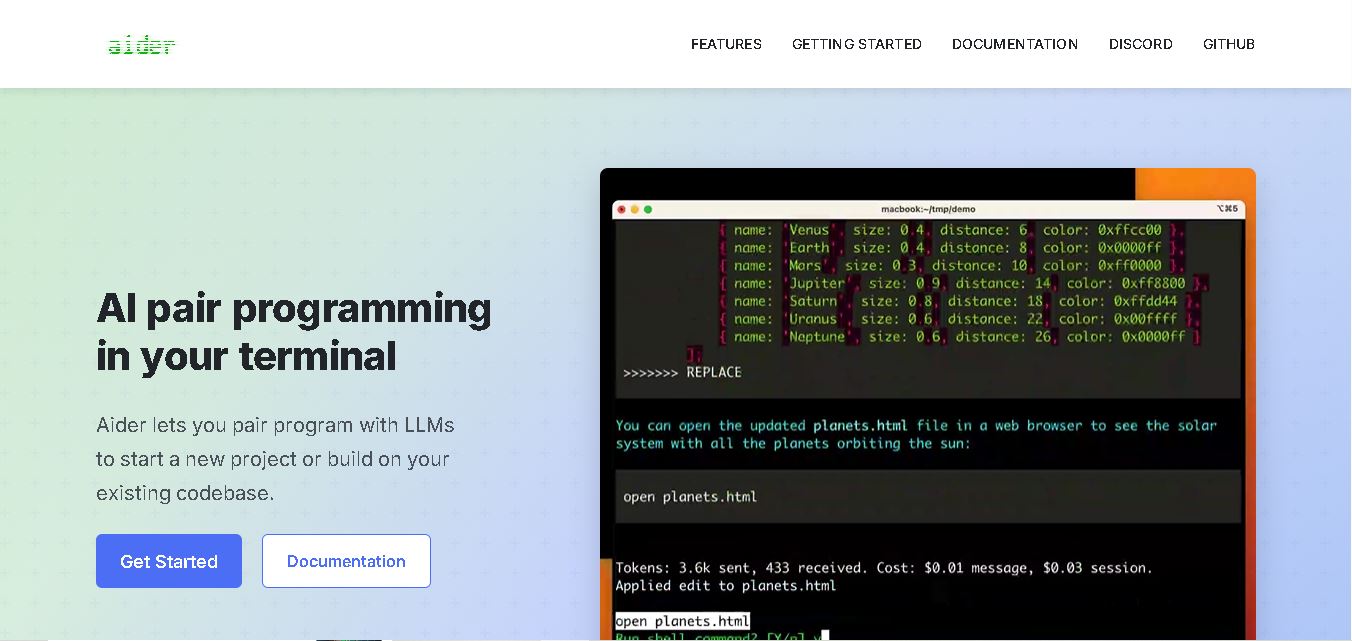
Aider
Vibe Coding
Aider is an AI coding assistant that works directly in your terminal to help developers create, edit, and debug software. It supports multiple LLMs, understands project structures, integrates with Git, and automates code improvements. Its flexible workflow makes AI-assisted programming more practical for individual developers and development teams.
 4.7
Cline
Vibe Coding
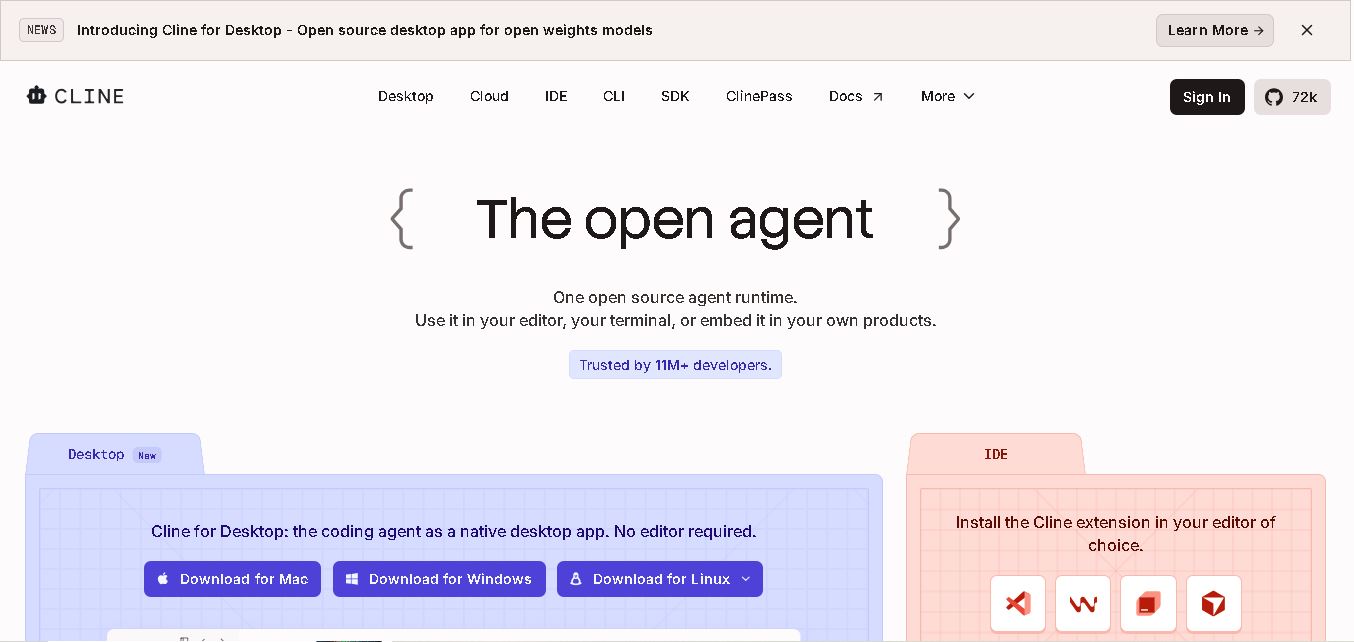
Cline is an open-source coding assistant designed to simplify software development through AI-powered automation. It helps developers generate code, fix bugs, understand existing projects, run commands, and manage complex programming tasks. With model flexibility, tool integrations, and human-controlled approvals, Cline makes AI-assisted coding more accessible and customizable.