
FlutterFlow
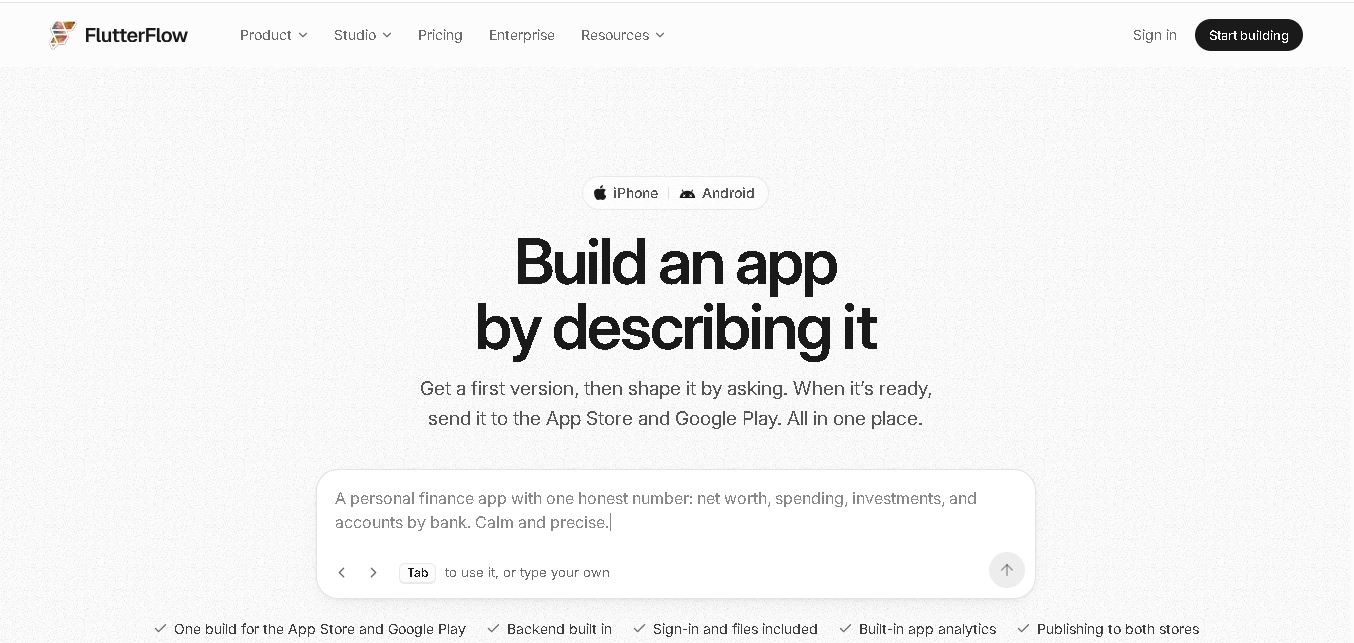
FlutterFlow is a visual app development platform that helps users build mobile, web, and desktop applications with minimal coding. It offers drag-and-drop design, Firebase and Supabase integrations, API connectivity, and Flutter code export. Developers, startups, and businesses can create functional applications faster while maintaining flexibility and control over their projects.
What is FlutterFlow?
FlutterFlow is a visual development environment for creating applications using Flutter. It allows users to design interfaces, configure workflows, connect databases, and integrate third-party services through a visual editor. The platform supports Android, iOS, web, and desktop app development. Users can also export Flutter source code, making it possible to extend projects with custom programming and continue development outside the platform.
FlutterFlow reports more than 3.3 million people have built with its tools and over 50,000 apps shipped, reflecting adoption across individual and business projects. Its visual Studio includes 200+ configurable UI elements, Firebase and Supabase connections, REST API support, and Flutter code export. The current Free plan costs $0 and allows 2 projects, while paid Studio plans start at $39 per month. No coding background is required to begin, although technical knowledge helps with advanced customization, deployment, and debugging.
- Category: Low-Code App Builder, Native Mobile Development, Cross-Platform App Generation & Visual IDE
- Platforms Supported: Cloud Web App, iOS (Swift / Flutter), Android (Kotlin / Flutter), Web, Desktop, Firebase, Supabase, GitHub & REST APIs
Use Cases:
- Building high-performance native iOS and Android mobile apps from a single visual codebase
- Connecting applications to Firebase, Supabase, custom REST APIs, and Swagger/OpenAPI specifications
- Collaborating across product, design, and engineering teams with real-time editing, branch management, and GitHub synchronization
- Importing Figma designs directly into FlutterFlow using AI layout parsing
- Exporting clean, ownable Flutter/Dart source code to extend functionality with custom code or local IDEs
Technology:
- Visual drag-and-drop UI layout editor and component tree builder
- Native Flutter and Dart code generation and export engine
- Firebase Firestore and Supabase database / authentication connectors
- Real-time collaboration server, Git branch version control, and AI assistant tools
Target Users:
- Mobile App Developers & Agencies accelerating cross-platform development and client project delivery
- Startup Founders & MVPs building production-grade mobile apps without starting from scratch
- Product Designers & Teams turning Figma mockups into functional native apps
Corporate Entity: FlutterFlow, Inc.

Key features of FlutterFlow
FlutterFlow's key features are
- Visual Drag-and-Drop Builder & 1K+ Templates: Speeds up development with a rich library of prebuilt UI components, templates, and customizable actions.
- Full Flutter Code Export: Grants complete ownership by allowing developers to download clean Dart and Flutter source code at any time.
- Firebase & Supabase Integration: Connects seamlessly to leading backend-as-a-service providers for real-time databases, authentication, and cloud functions.
- GitHub, Version Control & Branching: Supports manual commits, branch creation, pull request workflows, and VS Code integration on paid plans.
- Figma Frame Import & AI Agents: Streamlines design-to-code pipelines by importing Figma layouts and integrating AI assistants across workflows.
FlutterFlow Pricing
FlutterFlow offers a free tier for learning alongside tiered subscription plans billed monthly or annually (with roughly 25% savings on annual billing).
Free Plan:
- Priced at $0/month.
- Includes full visual builder access, 2 projects, Firebase/Supabase integration, web publishing on a free subdomain, and a starter AI allowance (does not permit code export or store APK/IPA downloads).
Basic Plan:
- Priced at $39/month (or $29.25/month billed annually at $351/year).
- Includes unlimited projects, full Flutter source code export, APK/app store deployment capabilities, custom domain publishing, and standard AI usage for solo developers.
Growth Plan:
- Priced at $80/month for the first seat (or $60/month billed annually at $720/year; additional editor seats cost $55/mo).
- Includes real-time collaboration for up to 2 users, GitHub integration, 2.5x basic AI usage, project branching (up to 2 branches + main), and Swagger/OpenAPI imports.
Business Plan:
- Priced at $150/month for the first seat (or $112.50/month billed annually at $1,350/year; additional seats cost $85/mo for up to 5 total seats).
- Includes up to 5 team editors, Figma frame import, 5x AI usage, advanced project branching (up to 5 branches), automated backup snapshots, and centralized billing.
Enterprise Plan:
- Custom quote-based pricing.
- Adds advanced security controls, custom SLAs, dedicated support, and enterprise administration.
Disclaimer: Plan pricing, per-seat fees, and AI allowance limits are subject to change. For exact live rate cards, visit flutterflow.io/pricing.
Who is using FlutterFlow?
FlutterFlow is designed for mobile creators and engineering teams, including
- Mobile App Developers & Agencies: Building client apps rapidly while retaining full Flutter code ownership
- Startup Founders & MVPs: Launching native iOS and Android apps with Firebase or Supabase backends
- Product & Design Teams: Prototyping and testing responsive UI flows with real-time collaboration
Best FlutterFlow Alternatives
Some of the strongest FlutterFlow alternatives include
Pros and Cons of FlutterFlow
Pros
- Outputs clean, native Flutter and Dart code with full export freedom (no vendor lock-in)
- Builds true native mobile apps for iOS and Android alongside responsive web apps
- Deep out-of-the-box integrations with Firebase, Supabase, and external REST APIs
- Robust team collaboration, GitHub sync, and Figma import workflows on higher plans
Cons
- Free plan is restricted to building and testing only; downloading code or publishing to app stores requires the Basic plan ($39/mo)
- Per-seat billing on Growth and Business plans can scale up quickly for multi-person agency teams
- Steeper learning curve for complete beginners compared to simpler form-based app builders
Why Choose FlutterFlow?
FlutterFlow is the premier low-code platform for builders who need the speed of visual development combined with the power and ownership of native mobile code. By generating production-grade Flutter/Dart code, connecting effortlessly to Firebase and Supabase, and offering seamless GitHub and Figma integrations, FlutterFlow stands out as the definitive standard for cross-platform app creation in 2026.
- Generates genuine native iOS and Android apps with full Flutter source code export
- Connects natively to Firebase, Supabase, and custom APIs
- Scales from solo founders on Basic ($39/mo) to agency teams with GitHub and Figma workflows
FlutterFlow vs. Competitors
The main difference between FlutterFlow, Bubble, and Adalo is that FlutterFlow generates true native mobile apps with full Flutter source code export starting at $39/mo, whereas Bubble focuses on complex web applications without native mobile code export and Adalo provides simpler visual mobile builders. FlutterFlow stands out for code ownership and native performance.
| Feature / Tool | FlutterFlow (flutterflow.io) | Adalo | Bubble | Lovable |
|---|---|---|---|---|
| Core Focus | Visual Native Mobile & Web App Builder with Code Export | Visual No-Code Mobile & Web App Builder | Complex Full-Stack Web App Development Platform | Prompt-to-Full-Stack Web App Builder with Supabase |
| Code Output & Export | Native Flutter & Dart (Full Code Export on Basic+) | Proprietary Hosted Runtime (No Code Export) | Proprietary Visual Web Runtime (No Code Export) | React, Vite, Tailwind CSS & Supabase Code |
| Pricing Model | Free ($0) / Basic ($39/mo) / Growth ($80/mo) / Business ($150/mo) | Free / Starter / Pro Tiered Plans | Free / Starter (~$29/mo) / Growth (~$119/mo) | Free / Paid Plans from ~$25/mo |
| Best For | Developers & agencies shipping high-performance native apps | Non-technical founders building simple mobile MVPs | Building complex database-driven web applications | Rapid AI-generated web app prototyping |
How do we rate FlutterFlow?
| Parameter | Rating (out of 5) |
|---|---|
| Native Flutter Code Quality & Export Freedom | 4.9 |
| Visual Builder Depth & UI Customization | 4.8 |
| Firebase, Supabase & API Integrations | 4.8 |
| Team Collaboration, GitHub & Figma Workflows | 4.7 |
| Free Tier Limitations & Per-Seat Pricing Scaling | 4.2 |
| Overall Score | 4.68 |
FlutterFlow Review
FlutterFlow is an exceptional visual low-code platform that bridges rapid prototyping with professional native mobile development. Featuring full Flutter source code export, deep Firebase and Supabase integration, real-time collaboration, and GitHub branching, FlutterFlow is an indispensable tool for building high-performance cross-platform apps in 2026.
Conclusion
FlutterFlow is a practical option for founders, designers, and development teams that want to turn app ideas into working products with less manual coding. Its visual builder, backend integrations, AI-assisted workflows, and Flutter code export provide a useful balance of speed and flexibility. For your tool directory, position it as a low-code app development solution, while noting that advanced customization and production readiness still require testing and technical oversight.
FAQ
Can beginners use FlutterFlow to build apps?
Yes. Beginners can use FlutterFlow’s visual editor and ready-made templates to design screens, connect data, and configure actions without writing every line of code. Start with a small project, such as a booking app. Learn database structure and app logic gradually, because complex features still require careful planning and testing.
What types of applications can you create with FlutterFlow?
FlutterFlow supports mobile, web, and desktop application projects. You can create marketplaces, booking systems, dashboards, customer portals, educational apps, and internal business tools for customers. Its responsive design controls help adapt layouts to different screen sizes. Choose the target platforms early, then test navigation, performance, and usability on each one.
Does FlutterFlow require coding knowledge?
No, you do not need programming experience to start building with FlutterFlow. Its visual interface lets you arrange widgets, define actions, and connect data. However, knowledge of Dart and Flutter becomes useful when adding custom functions, widgets, or advanced integrations. Understanding APIs and databases makes projects easier to maintain confidently.
Can FlutterFlow connect with Firebase and Supabase?
Yes. FlutterFlow supports integrations with Firebase and Supabase for backend services such as databases and authentication. You can connect project data to app screens, manage user sign-in, and build data-driven workflows. Before launch, configure security rules and permissions carefully so personal information and application records remain protected throughout development.
Can you export FlutterFlow projects and own the code?
Yes. Eligible paid plans let you download your project’s Flutter source code, which developers can continue editing in external tools. This provides flexibility for custom development and reduces dependence on the visual editor. Check the current plan limits and export workflow before choosing a subscription for a production project independently.
Is FlutterFlow free to use?
FlutterFlow offers a Free plan at $0, with up to 2 projects and limited AI generation and API access. Paid Studio plans add features such as source-code downloads, APK downloads, custom domains, collaboration, and deployment options. Review the official pricing page because plan features and prices can change over time.
User Reviews
No reviews yet for FlutterFlow.
Featured Tools
Featured AI tools from TechShark
Klap
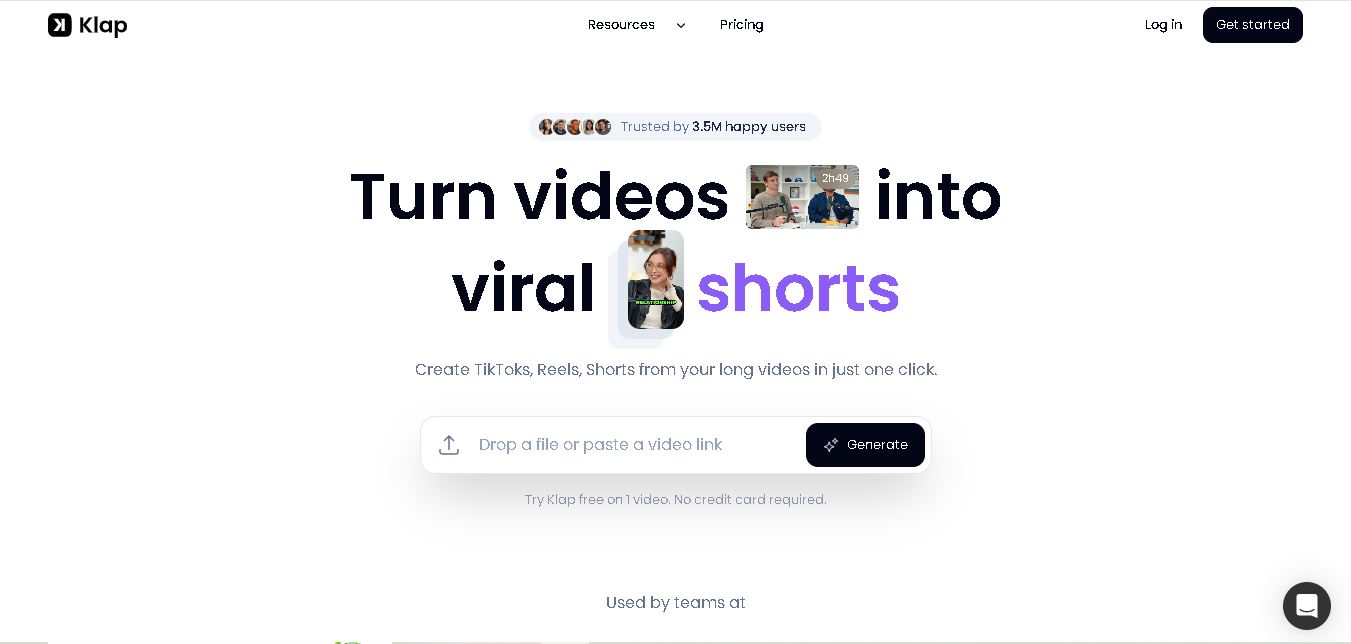
Klap is an AI video clipping platform that transforms long videos into short-form social media content. It automatically identifies highlights, creates captions, reframes speakers, and schedules clips, helping creators, podcasters, and marketing teams repurpose existing videos with less manual editing.
Free
Melody Genie
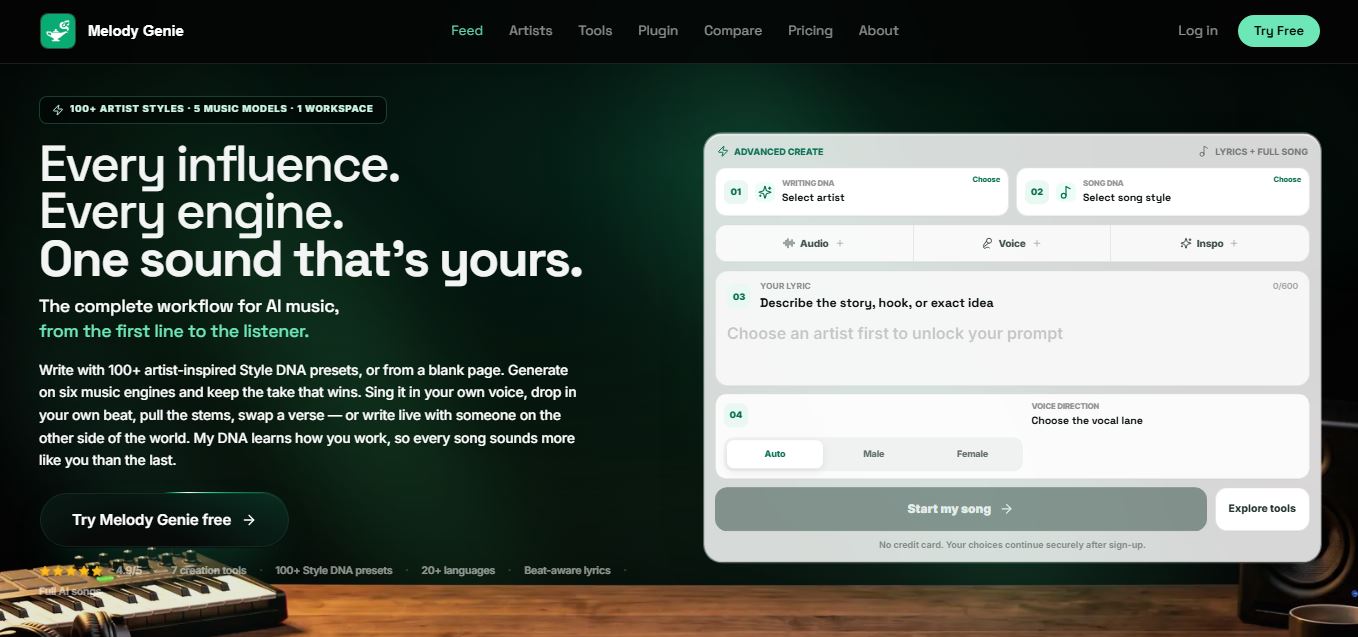
MelodyGenie is an AI-powered music generator that creates original songs from simple text prompts. Users can choose styles, moods, and genres, then instantly generate melodies and full tracks, making it easy for creators, marketers, and hobbyists to produce custom music without musical expertise.
Freemium

Fashion Diffusion AI
Fashion Diffusion is an AI-powered fashion design platform that helps brands and designers create clothing designs, virtual try-ons, AI models, product photos, and marketing visuals faster and cost-effectively.
Paid
Veo 4
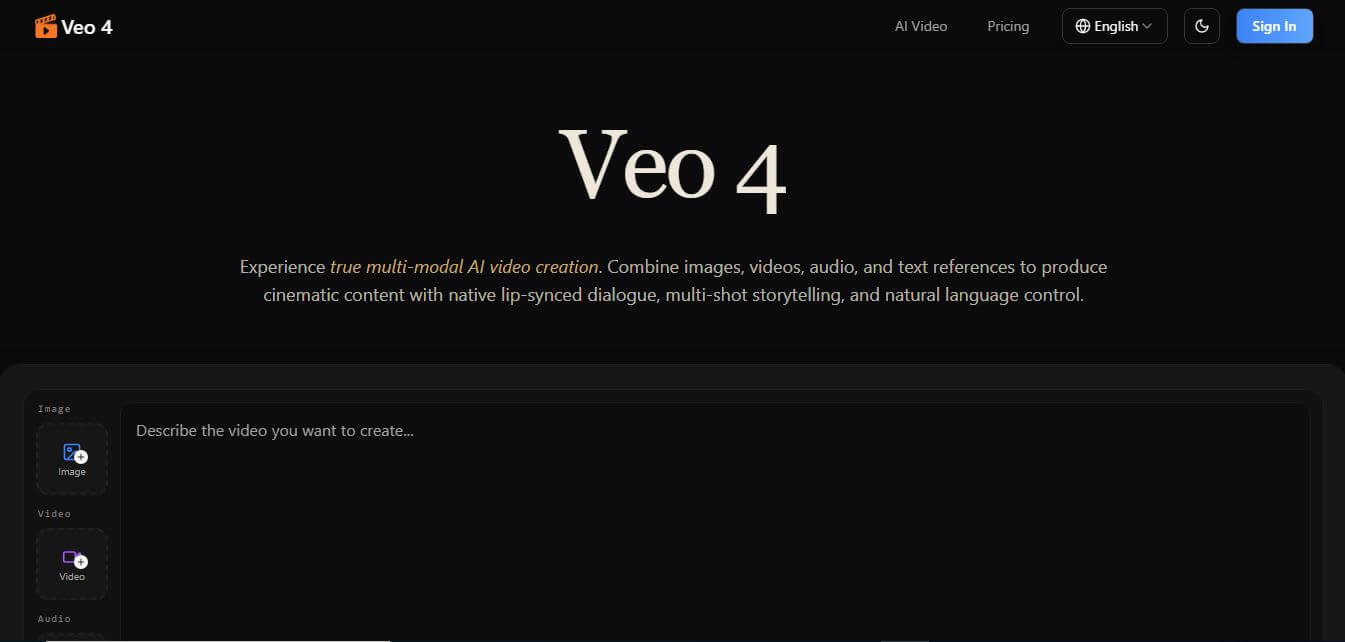
Veo 4 AI is an AI video creation platform that generates dramatic videos from text, images, audio, and video prompts using realistic motion and synchronized sound.
Paid
Alternatives
Alternatives to FlutterFlow
The best FlutterFlow alternatives include Adalo, Bubble, Glide, Lovable, and Rork. These platforms provide visual app development and AI code generation workflows. While FlutterFlow excels at producing high-performance native iOS and Android apps with full Flutter source code export, alternatives like Rork focus on conversational AI-to-native SwiftUI generation and Lovable focuses on full-stack web apps.
Amp
Vibe Coding
Amp is an AI coding assistant that helps developers write, debug, test, and improve software projects. It combines multiple AI models, autonomous coding agents, and cloud-based Orbs to simplify development. Users can manage coding tasks through web, desktop, mobile, and terminal environments while collaborating with teammates.
Augment Code
Vibe Coding
Augment Code helps developers build better software with intelligent AI agents, semantic code search, and deep codebase understanding. It supports coding, debugging, refactoring, and project analysis across popular development environments. Its Context Engine helps engineering teams work efficiently with complex repositories, dependencies, and large-scale software development projects.
JetBrains Air
Vibe Coding
JetBrains Air helps developers work with multiple AI coding agents from JetBrains IDEs, the browser, or the command line. It brings agent sessions, code reviews, parallel tasks, shared team environments, and organization-level controls into one connected system, while allowing users to work with supported agents and their existing provider accounts.
Sourcegraph Cody
Vibe Coding
Sourcegraph Cody helps developers write, understand, and debug software with contextual AI assistance. It provides intelligent code completion, code generation, repository-aware chat, and automated editing. Supporting popular IDEs and multiple repositories, Cody helps development teams reduce repetitive work, explore complex codebases, and improve everyday programming workflows efficiently.
Zed
Vibe Coding
Zed is an open-source code editor built for speed, productivity, and collaborative software development. It combines AI coding assistance, intelligent editing predictions, real-time collaboration, and external agent integrations. Developers can customize their workflows, connect multiple AI models, and build software efficiently within a modern development environment.
 4.7
OpenHands
Vibe Coding
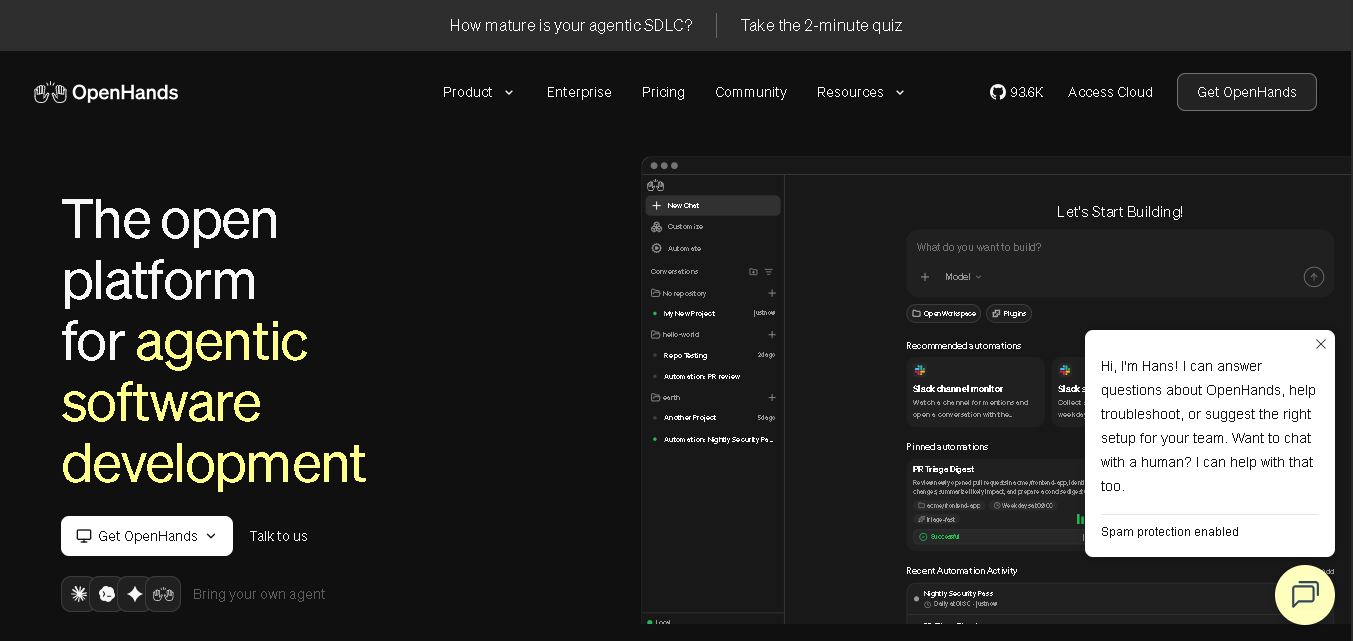
OpenHands helps developers automate coding, debugging, software development, and engineering workflows using autonomous AI agents. It supports multiple language models, local and cloud deployment, and integrations with popular development tools. With its open-source foundation, flexible interfaces, and customizable SDK, OpenHands makes complex software development tasks more manageable and efficient.
 4.7
Aider
Vibe Coding
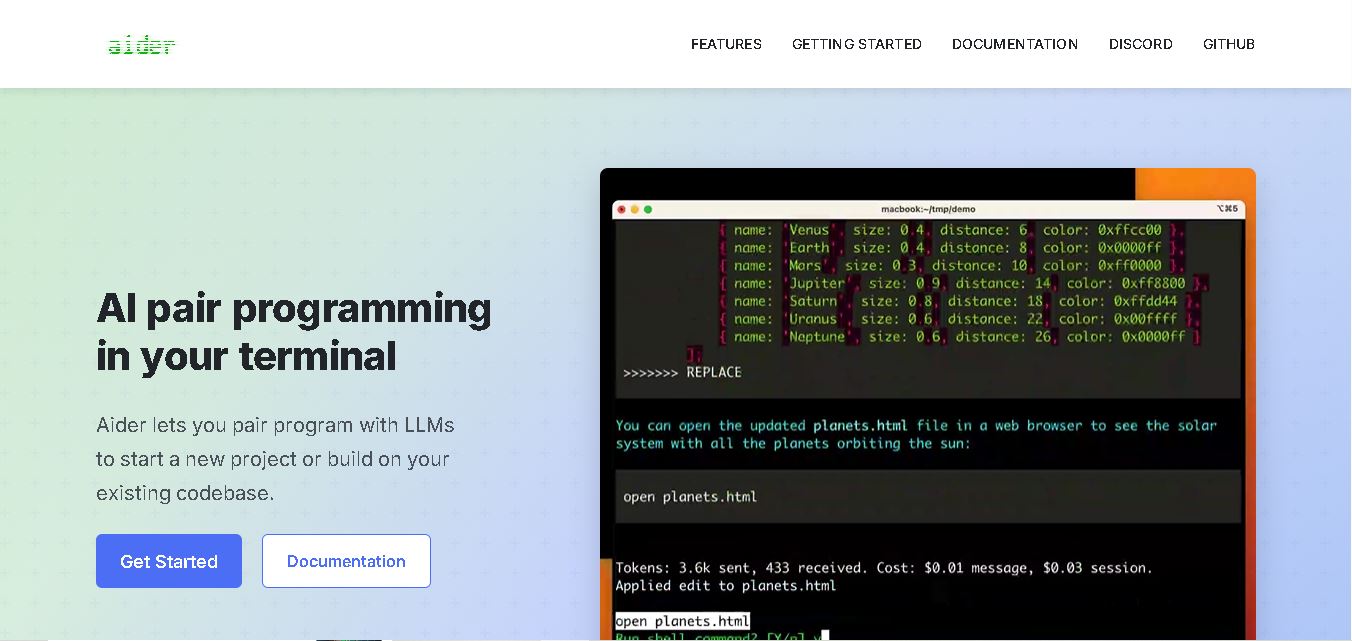
Aider is an AI coding assistant that works directly in your terminal to help developers create, edit, and debug software. It supports multiple LLMs, understands project structures, integrates with Git, and automates code improvements. Its flexible workflow makes AI-assisted programming more practical for individual developers and development teams.
 4.7
Cline
Vibe Coding
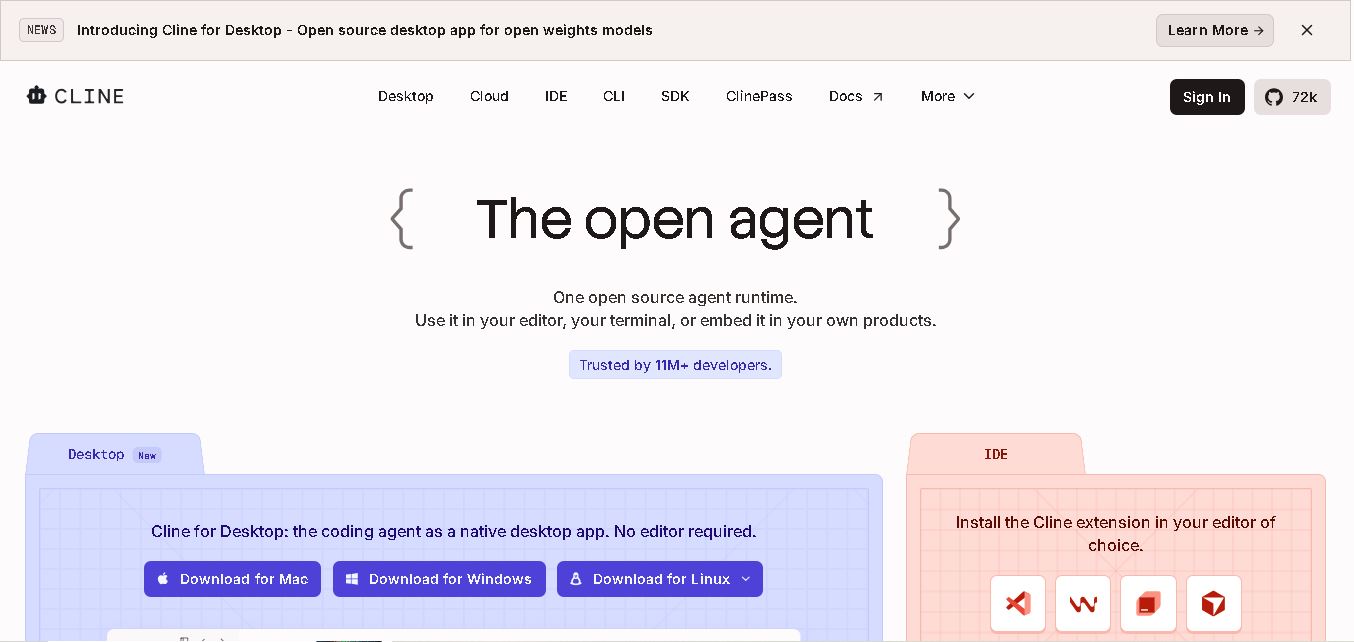
Cline is an open-source coding assistant designed to simplify software development through AI-powered automation. It helps developers generate code, fix bugs, understand existing projects, run commands, and manage complex programming tasks. With model flexibility, tool integrations, and human-controlled approvals, Cline makes AI-assisted coding more accessible and customizable.
 4.7
Dyad
Vibe Coding
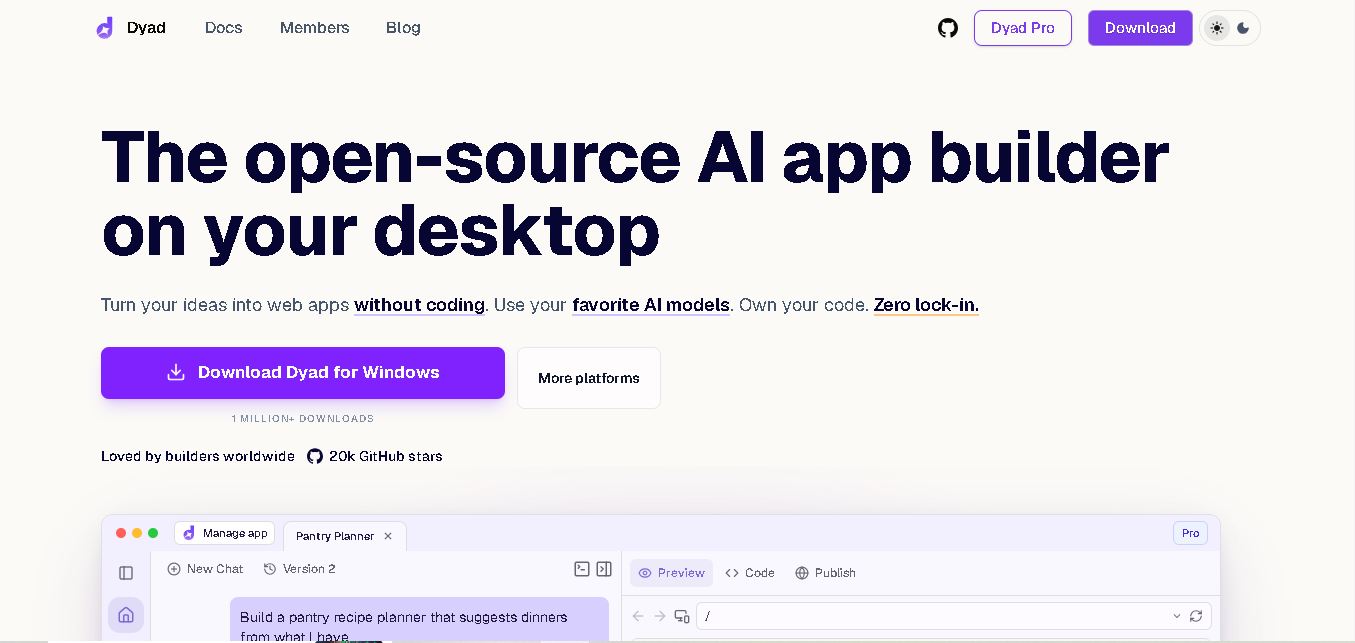
Dyad helps you create web applications by describing what you want in plain language. This open-source desktop tool runs locally, supports AI model providers, and keeps your source code on your computer. It suits beginners exploring app ideas and developers who want AI assistance without surrendering control of their projects.