
Replay
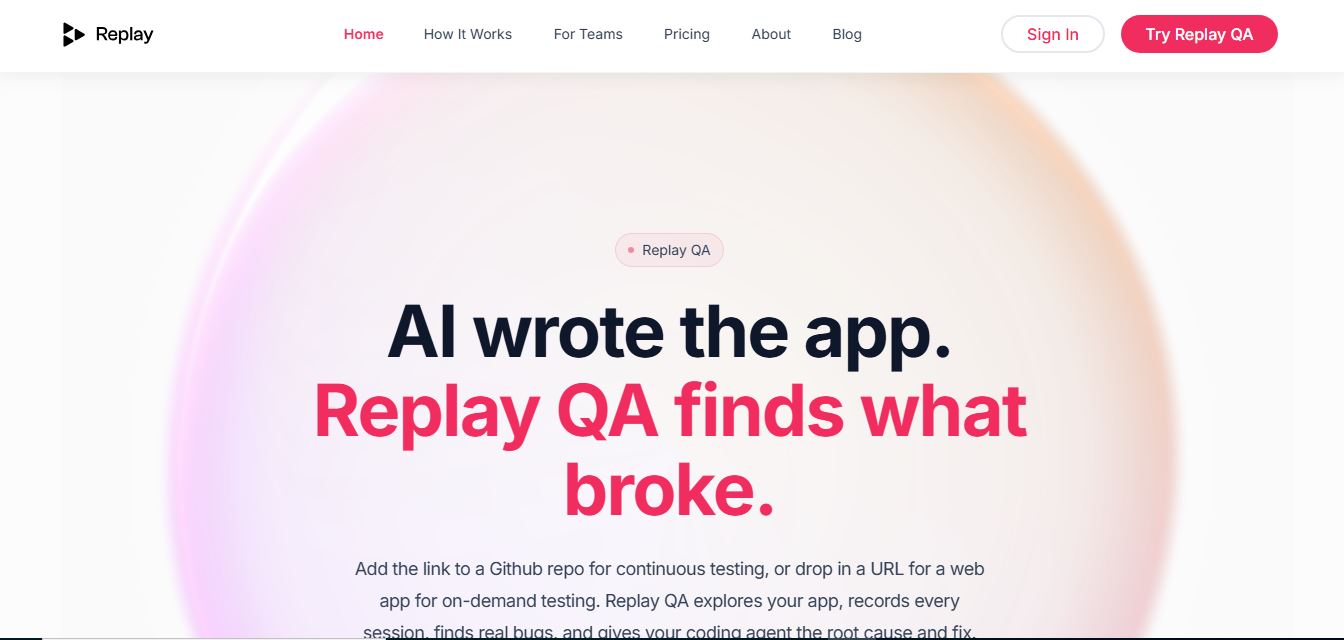
Replay.io is an AI-powered debugging and QA tool that records your app’s behavior and replays it step by step. It automatically tests web apps, finds bugs, and provides root causes with fixes—no manual reproduction or test setup needed.
What is Replay?
Replay is a debugging platform that helps developers record, replay, and inspect web applications to quickly find and fix issues. It captures everything that happens during a session, allowing you to step through code, analyze bugs, and understand problems more clearly. With time-travel debugging and detailed session insights, Replay makes troubleshooting faster, more reliable, and easier for development teams.
Positioned around the mission to “Give AI-built apps the QA loop they're missing,” Replay explores live web URLs or integrates directly with GitHub repositories to automatically discover user journeys, write Playwright tests, record sessions, and post root-cause bug reports with suggested code fixes directly onto pull requests. The platform offers a Free tier with 25 monthly credits, a Starter plan at $17/month, a Pro plan at $170/month, and dedicated private cloud or on-premise infrastructure options.
- Platform Role: Autonomous AI QA Testing, Time-Travel Debugging & Continuous Quality Gate
- Core Capabilities: Autonomous App Exploration, Playwright Test Generation, Replay Session Recording, and Root Cause Analysis
- Ecosystem Integrations: GitHub Repositories, Pull Requests, Localhost Reverse Proxy, and Playwright Testing Framework
Use Cases:
- Running continuous quality checks on every main-branch update or pull request without writing manual test code
- Dropping in any public or local web URL to get an autonomous bug report, session recording, and root-cause analysis in minutes
- Feeding precise time-travel recordings and bug details directly to coding agents for rapid software fixes
- Debugging complex UI errors and test failures by inspecting exact program execution states retroactively
Technology:
- Time-travel debugging engine capturing complete application state execution traces
- Autonomous crawler capable of discovering user journeys and writing its own Playwright test scripts
- Reverse proxy integration enabling secure testing of local development environments (localhost)
Target Users:
- Software engineers and frontend developers building web applications rapidly with AI tools
- Solo founders, internal tool builders, and digital agencies shipping fast without dedicated QA teams
- Open-source maintainers reviewing contributor pull requests and user-submitted bug reports
Acquisition: Independent developer tooling platform

What are the key features of Replay?
Replay's key platform features are
- Autonomous URL Testing: Drop in any web link to let Replay explore user flows, write tests, and file structured bug reports with zero setup.
- GitHub PR Quality Gate: Connect repositories for continuous testing on every main branch update or pull request.
- Time-Travel Recordings: Inspect exact execution states and step backward or forward through application code when bugs occur.
- Root Cause & Suggested Fixes: Automatically post diagnosis details and code solutions directly onto pull requests.
- Localhost Proxy Support: Test local development environments effortlessly without complex server deployments.
- Credit-Based Usage Scaling: Flexible plans scaling from free individual evaluation to dedicated on-premise enterprise pipelines.
How much does Replay cost?
Replay operates on a usage-based credit model starting with a free tier and scaling up to enterprise self-hosted pipelines.
Pricing Plans:
- Free Plan ($0): Includes 25 credits per month with no time limit and no credit card required.
- Starter Plan ($17 / month billed annually): Provides 50 credits a month for solo builders running a handful of applications.
- Pro Plan ($170 / month billed annually): Popular tier; provides 500 credits a month for fast-shipping startups and small teams.
- Private Cloud & On-Premise (From $1,000+ / month): Tailored enterprise infrastructure offering dedicated data storage and complete pipeline control.
Disclaimer: Annual subscriptions save 15%. For detailed credit calculators and custom enterprise tiers, visit replay.io/pricing.
Who should use Replay?
Replay is designed for software developers and QA teams, including
- Developers leveraging AI coding agents who need automated test generation and root cause analysis
- Agencies and solo founders shipping web apps rapidly without traditional QA departments
- Engineering teams wanting continuous quality gates integrated directly into GitHub pull requests
What are the best alternatives to Replay?
Some of the strongest Replay alternatives include
- Datadog Sentry
- LogRocket
- Playwright Test Gen
- Mendable QA
- AI Toolbox
What are the pros and cons of Replay?
What are the pros of Replay?
- Zero test suite setup required—simply provide a URL or connect a GitHub repository
- Time-travel debugging allows engineers to see exactly what happened during a failure
- Posts actionable root causes and suggested code fixes directly onto pull requests
- Generous free tier with 25 monthly credits for evaluation
What are the cons of Replay?
- Usage is metered by credits which can deplete quickly during heavy automated test runs
- Advanced data sovereignty and on-premise hosting require enterprise-tier custom pricing
Why should you choose Replay?
AI coding tools have compressed application development cycles from weeks to hours, but traditional QA testing still requires manual test writing and tedious bug triage. Replay solves this bottleneck by providing autonomous AI test generation, session recording, and time-travel debugging.
- Automate test creation instantly from any running web URL or repository
- Eliminate guessing games with precise time-travel session recordings
- Accelerate code review cycles with automated PR bug reports and fix suggestions
- Scale test coverage seamlessly without hiring dedicated testing teams
How does Replay compare to competitors?
The main difference between Replay, Datadog, and LogRocket lies in autonomous test generation and time-travel debugging depth. While traditional monitoring tools like Sentry and LogRocket focus primarily on error tracking and production log aggregation after crashes occur, Replay acts as an active QA partner that crawls apps, writes its own Playwright tests, records session timelines, and provides deep time-travel debugging capabilities to isolate exact code failures.
|
Feature / Platform |
Replay |
LogRocket |
Sentry |
Datadog RUM |
|---|---|---|---|---|
|
Core Focus |
Autonomous AI QA & Time-Travel Debugging |
Session Replay & Frontend Error Tracking |
Application Error Monitoring & Performance |
Cloud-Scale Observability & APM |
|
Autonomous Test Generation |
Yes (Writes Playwright tests from URL) |
No |
No |
No |
|
Time-Travel Debugging |
Yes (Deep execution state tracing) |
DOM session replay |
Stack trace inspection |
Trace metrics |
|
Starting Price |
Free / Starter from $17/mo |
Free tier / Paid SaaS |
Free tier / Developer plans |
Usage-based pricing |
|
Best For |
AI-built web apps needing zero-setup QA |
Frontend user session replay |
Production exception monitoring |
Enterprise infrastructure telemetry |
How do we rate Replay?
|
Parameter |
Rating (out of 5) |
|---|---|
|
Autonomous QA & Test Generation |
4.9 |
|
Time-Travel Debugging & State Tracing |
5.0 |
|
GitHub PR Integration & Fix Suggestions |
4.8 |
|
Ease of Setup (URL Drop & Proxy) |
4.9 |
|
Value for Money (Credit Tiers) |
4.7 |
|
Overall Score |
4.86 |
What is our review and verdict on Replay?
Replay provides an essential testing and debugging solution for modern engineering teams overwhelmed by rapid, AI-driven development cycles. By eliminating the need to write manual test suites and combining autonomous URL exploration with powerful time-travel debugging, Replay bridges the gap between shipping fast and maintaining code stability. With a risk-free tier offering 25 monthly credits, it is a highly recommended tool for developers and small teams.
Conclusion
Replay transforms software quality assurance from a manual chore into an automated background loop. With its seamless URL testing, GitHub pull request integration, and deep time-travel diagnostics, Replay gives developers total confidence when shipping web applications.
FAQ
What is Replay.io and what does it actually do?
Replay.io is a developer tool that records your application’s execution and lets you replay it step by step to debug issues. Instead of relying on logs or trying to reproduce bugs, it captures everything—DOM changes, network requests, and state—so you can inspect exactly what happened at any moment.
How is Replay.io different from traditional debugging tools?
Traditional debugging depends on logs, breakpoints, and reproducing bugs manually, which can be slow and unreliable. Replay.io introduces time-travel debugging, where you can move forward and backward through a recorded session, inspect variables at any point, and understand issues without reproducing them again.
What is Replay QA and how does it work?
Replay QA is an AI-powered testing system that automatically explores your web app, runs tests, and generates bug reports. You can simply provide a URL or connect a GitHub repository, and it will simulate user journeys, detect failures, analyze root causes, and suggest fixes—without needing to write test cases.
What kind of bugs can Replay.io detect?
Replay can detect a wide range of issues including UI bugs, performance problems, accessibility issues, security vulnerabilities, and complex runtime errors like race conditions or state mismatches. It analyzes full recordings of app behavior to identify not just what broke, but why it happened.
Do you need to write test scripts to use Replay QA?
No, one of Replay QA’s biggest advantages is that it requires zero test setup. It automatically discovers user flows, generates tests, runs them, and produces structured bug reports, making it especially useful for teams that don’t have dedicated QA resources.
How does Replay.io help teams collaborate on debugging?
Replay recordings can be shared with teammates, allowing anyone to view the exact same session and debug together without recreating the issue locally. This eliminates back-and-forth communication and speeds up debugging because everyone sees the same “source of truth.”
Is Replay.io free and how does pricing work?
Replay.io offers a free plan with limited usage (credits per month) so developers can test the platform without commitment. Paid plans scale based on usage and team needs, offering more credits, integrations, and enterprise-level features like private cloud deployments.
User Reviews
No reviews yet for Replay.
Featured Tools
Featured AI tools from TechShark

Melody Genie
MelodyGenie is an AI-powered music generator that creates original songs from simple text prompts. Users can choose styles, moods, and genres, then instantly generate melodies and full tracks, making it easy for creators, marketers, and hobbyists to produce custom music without musical expertise.
Freemium

Kimi AI
Kimi AI is an advanced AI assistant developed by Moonshot AI that helps you chat, research, write, code, and automate tasks in one place. It supports web search, file analysis, and multimodal inputs, and can even run autonomous “agent” workflows to complete complex tasks end-to-end.
Freemium

Fashion Diffusion AI
Fashion Diffusion is an AI-powered fashion design platform that helps brands and designers create clothing designs, virtual try-ons, AI models, product photos, and marketing visuals faster and cost-effectively.
Paid

Veo 4
Veo 4 AI is an AI video creation platform that generates dramatic videos from text, images, audio, and video prompts using realistic motion and synchronized sound.
Paid
Alternatives
Alternatives to Replay
The best Replay alternatives include Datadog Sentry, LogRocket, Playwright Test Gen, Mendable QA, and <a href="https://techshark.io/tools/ai-toolbox/" target="_blank">AI Toolbox</a>. These platforms provide error monitoring, session tracking, and testing capabilities. While Replay specializes in autonomous AI app exploration from a live URL, automated Playwright test creation, and time-travel debugging state traces, monitoring tools like Sentry and LogRocket focus primarily on passive production log aggregation and frontend DOM session replays.
 4.9
4.9Xano
No Code
Xano is a no-code backend platform that lets users build scalable APIs, databases, and business logic without writing code. It provides a powerful server-side infrastructure, enabling developers and no-code creators to connect frontends, manage data, and launch applications quickly and efficiently.
 4.9
4.9Brainboard
Developer AI Tools
Brainboard is a visual cloud architecture and Infrastructure as Code (IaC) design platform that transforms interactive cloud diagrams into clean, production-ready Terraform code, complete with integrated visual CI/CD deployment pipelines, drift detection, and cost estimation.
 4.9
4.9Pulumi
Developer AI Tools
Pulumi is an open-source Infrastructure as Code (IaC) and cloud engineering platform that lets developers provision and manage multi-cloud infrastructure, Kubernetes clusters, and secrets using real programming languages like TypeScript, Python, Go, Java, and C#.
 4.9
4.9Meta Muse Code
Developer AI Tools
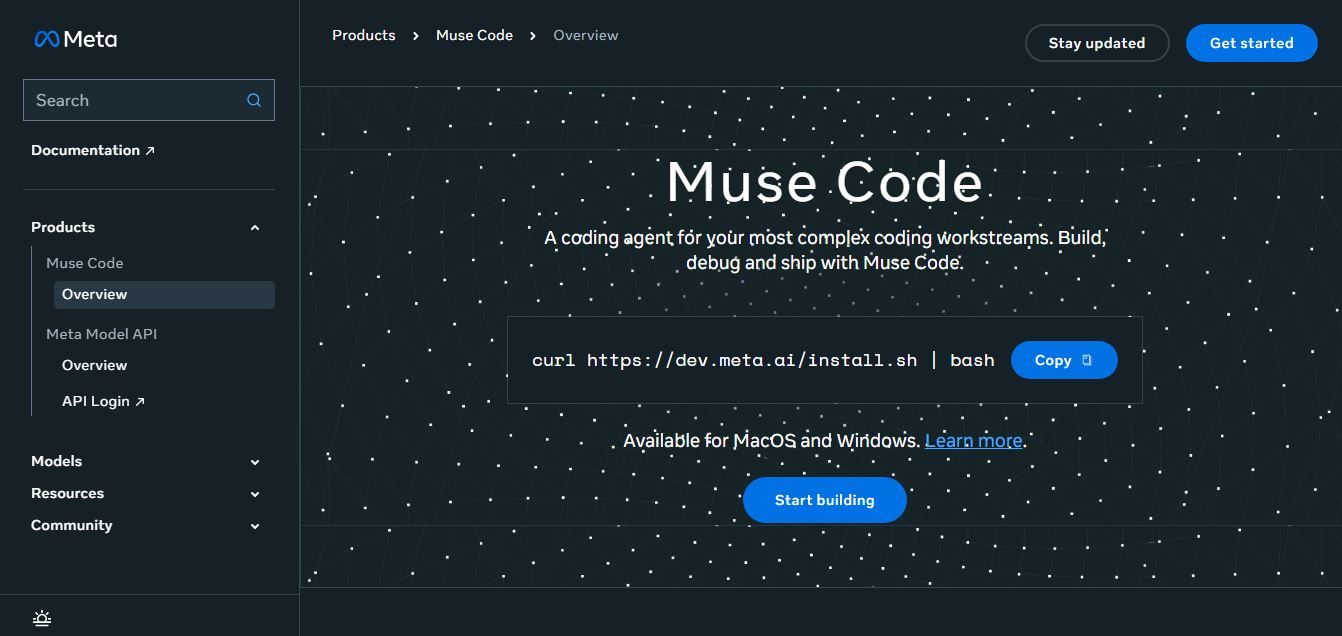
Meta Muse Code is a terminal-native AI coding agent powered by Meta’s Muse Spark models that plans, writes, audits, and executes multi-file software engineering tasks directly in developer CLI environments with multi-agent orchestration and 1M token context.
 4.9
4.9LiveKit
Developer AI Tools
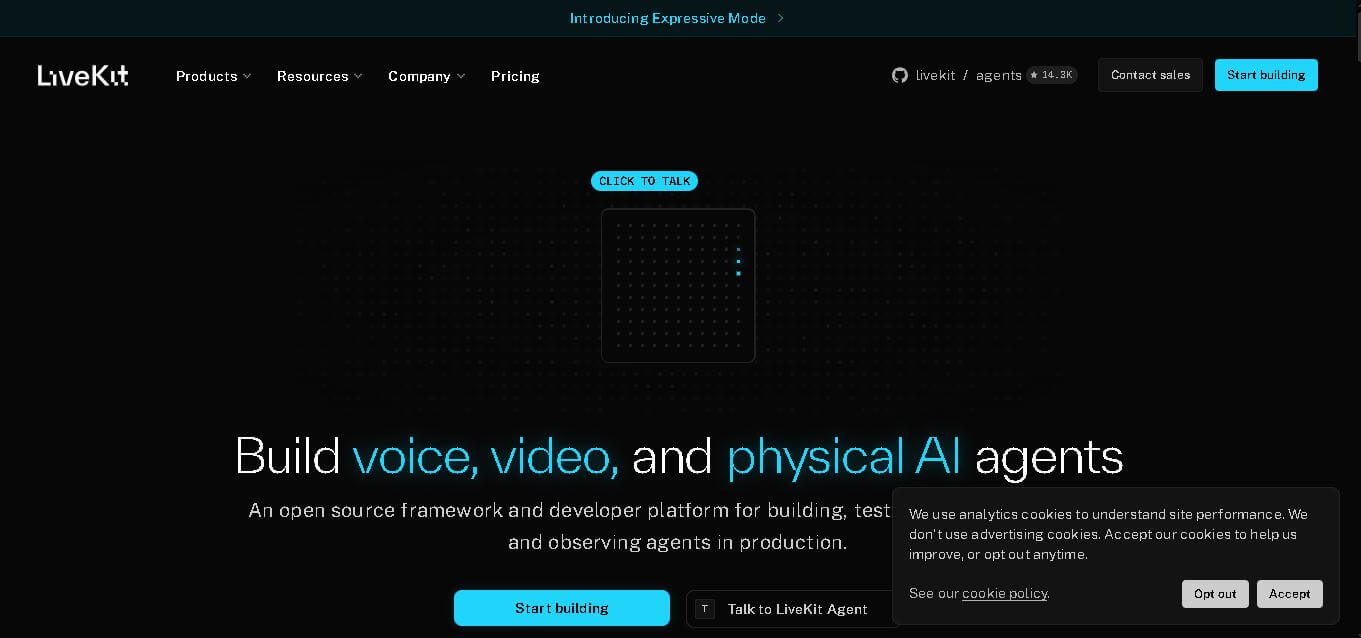
LiveKit is a real-time communication and AI agent development platform designed for developers building voice, video, and multimodal applications. It combines open-source infrastructure, WebRTC communication, AI agent tools, telephony integrations, model connectivity, cloud deployment, and observability, helping teams create responsive applications that can operate across browsers, mobile apps, and phone calls.
 4.8
4.8RTutor AI
Developer AI Tools
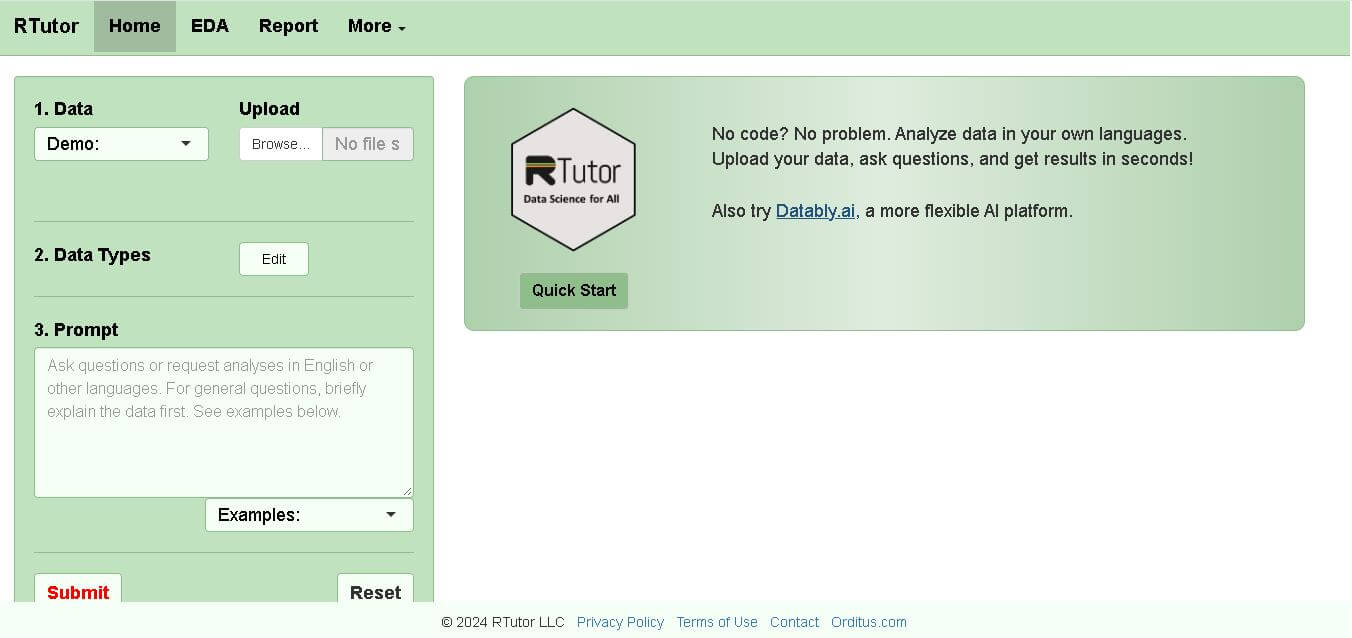
RTutor makes statistical data analysis easier by allowing users to describe what they want in natural language. It converts requests into R or Python code, executes the analysis, displays results, and supports charts and reports. Researchers, students, analysts, and beginners can use it to explore datasets without writing every command manually.
 4.9
4.9Chat Recall
Developer AI Tools
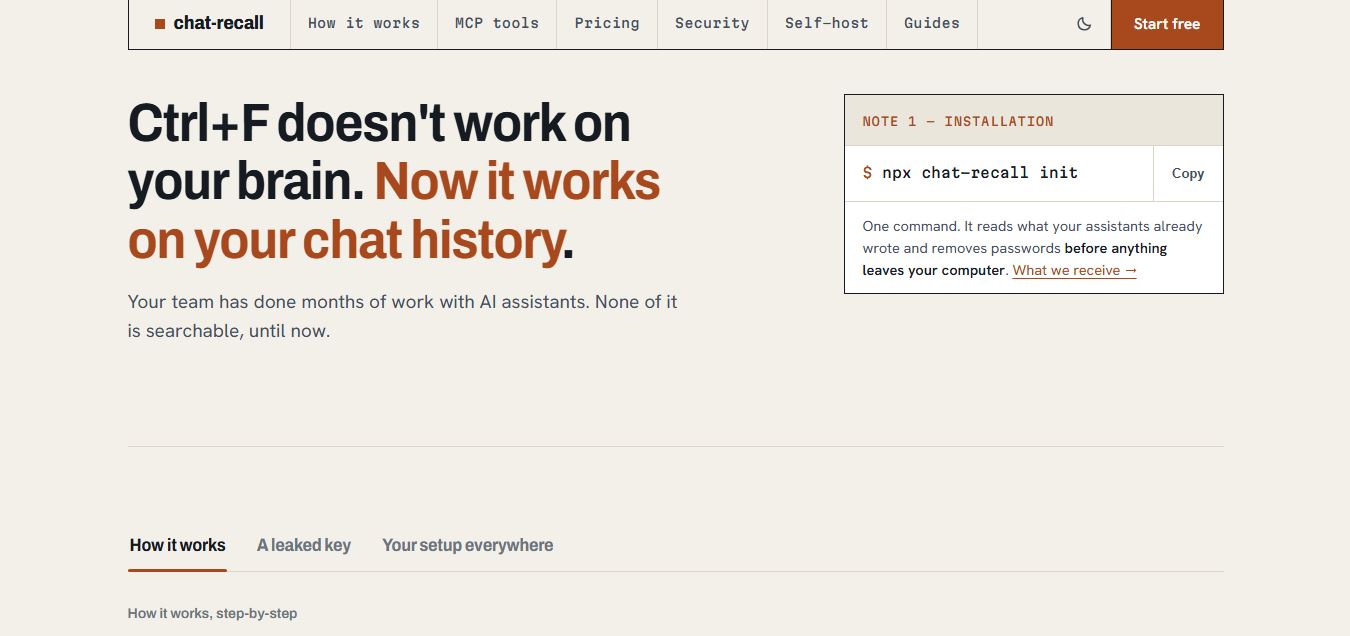
Chat Recall is a unified AI coding chat history search, intelligence, and Model Context Protocol (MCP) memory platform that indexes past conversations across multiple AI coding assistants, strips exposed API secrets locally, and gives coding agents persistent shared memory.
 4.9
4.9Cortex Docs
Developer AI Tools
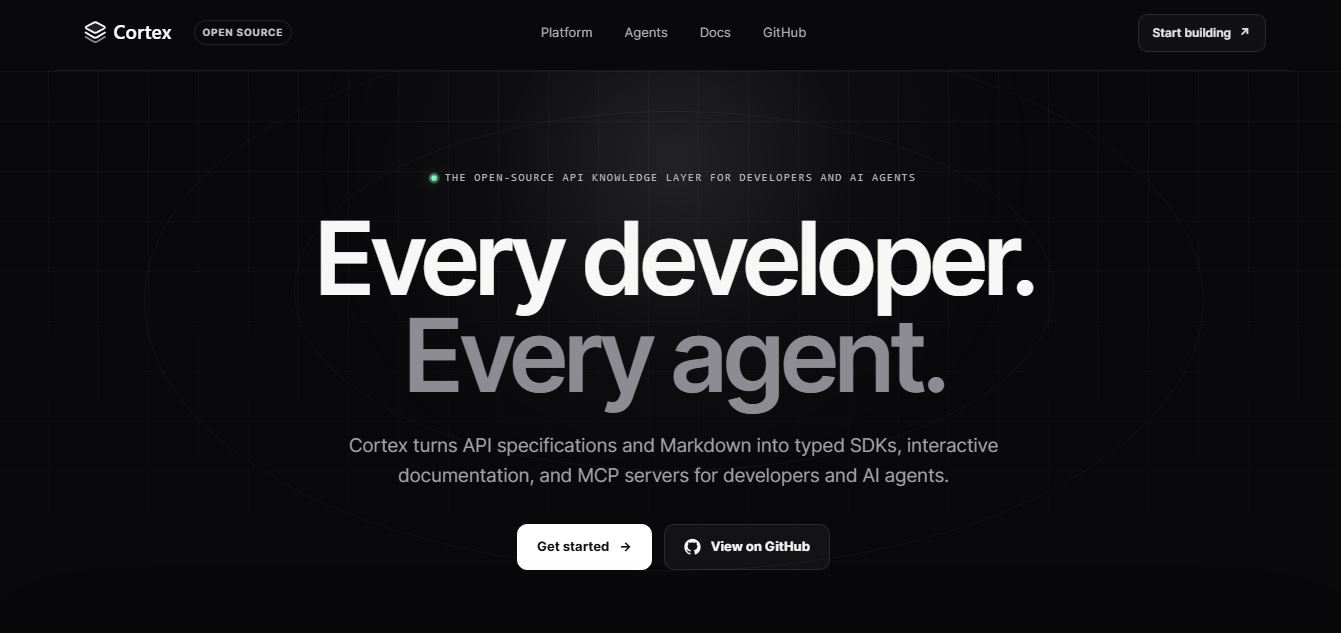
Cortex Docs is an open-source, MIT-licensed API knowledge layer and code generation toolchain that transforms API specifications into interactive documentation sites, typed SDKs in 11 languages, and Model Context Protocol (MCP) servers.
 4.9
4.9Stackness
Developer AI Tools
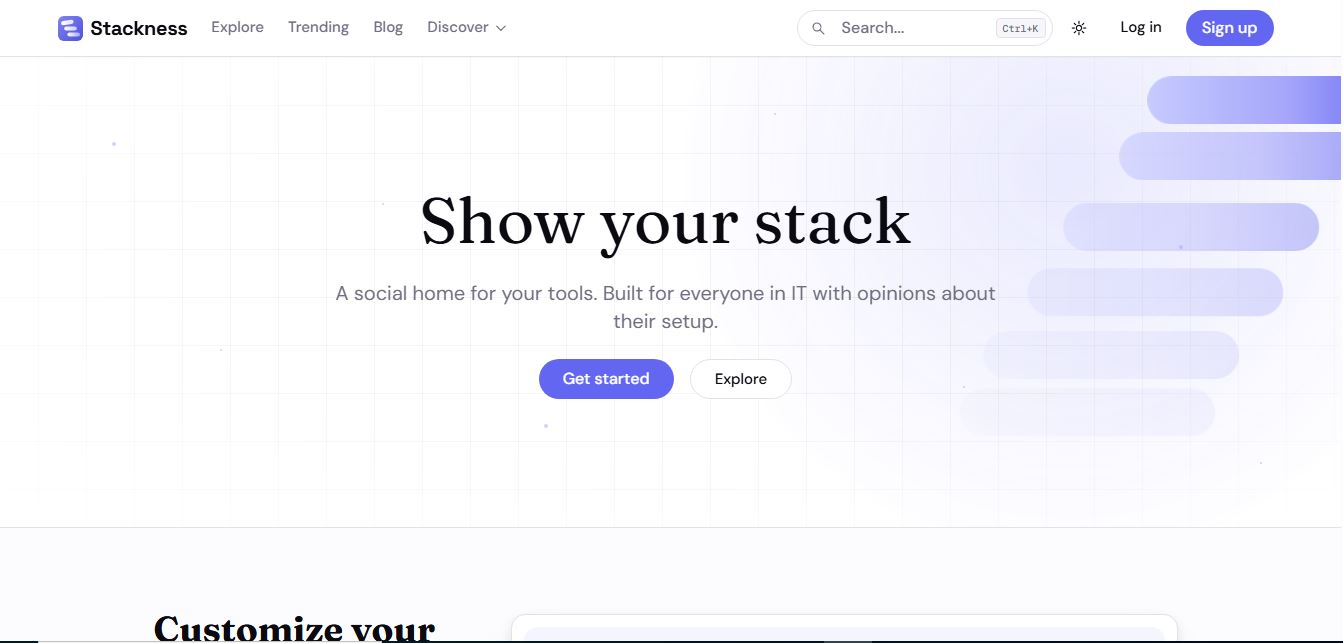
Stackness is a developer-focused social portfolio and tech stack discovery platform where engineers, designers, and tech teams showcase their daily drivers, document workflow 'Moves', explore software trend telemetry, and arrange their tooling profiles as customizable bento grids.