
AI Toolbox
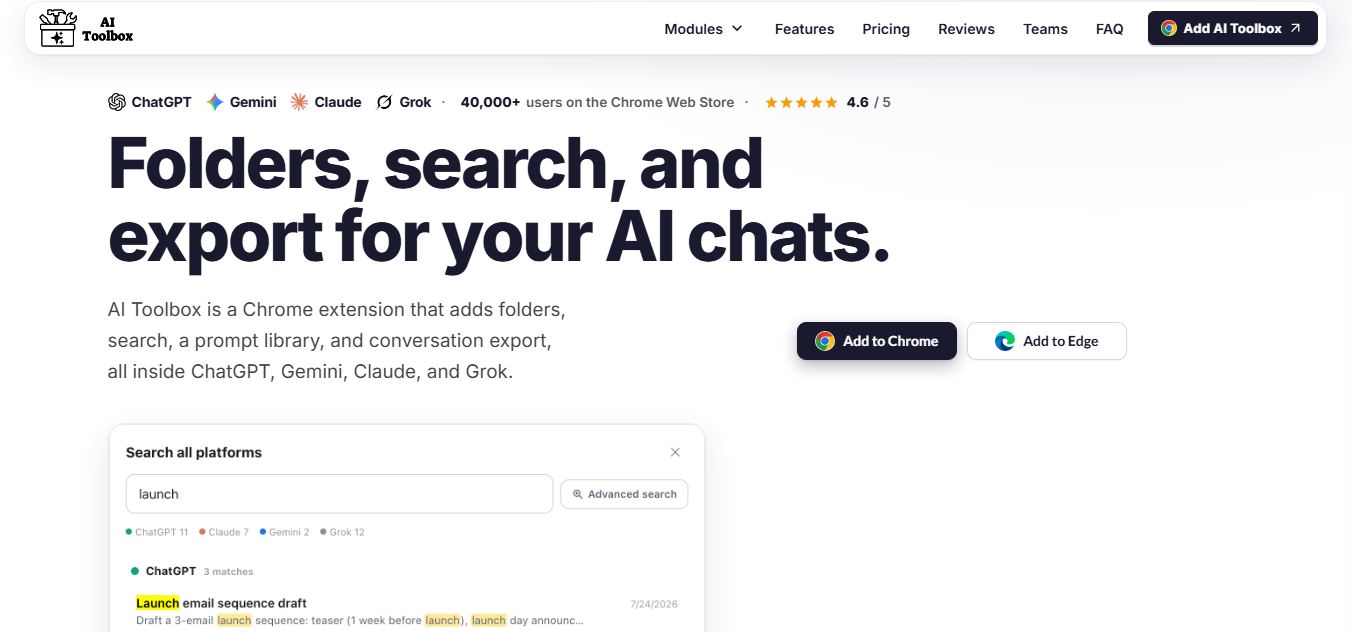
AI Toolbox is a Chrome extension that enhances tools like ChatGPT, Claude, and Gemini with folders, search, prompt libraries, and export features, helping users organize, reuse, and manage AI conversations more efficiently.
What is AI Toolbox?
AI Toolbox (formerly known as ChatGPT Toolbox) is a multi-platform browser extension engineered to supercharge web-based conversational AI interfaces like ChatGPT, Claude, Gemini, and Grok. By bridging critical UX gaps in native web UIs, AI Toolbox introduces advanced organizational tools, full-text searching, and workflow automation.
Designed around the core mission to “Bring order, search, and export to every conversational AI you use,” AI Toolbox equips users with cross-platform folders and subfolders, full-text conversation content indexing, a customizable prompt library with variable chaining, and bulk data exports into TXT, Markdown, JSON, and PDF. Operating on a freemium model with light core features available for free, AI Toolbox offers single-platform premium modules starting at $9.99 per month or $99 once for a lifetime license, alongside an All Access Lifetime bundle covering all current and future platforms for $199.
- Platform Role: Multi-AI Browser Extension, Chat Organization Suite & Prompt Productivity Tool
- Supported Platforms: ChatGPT, Claude, Google Gemini, and xAI Grok
- Ecosystem Accessibility: Chromium Browser Extension (Chrome, Edge, Brave, Opera, Arc)
Use Cases:
- Organizing hundreds of messy chats into nested, color-coded custom folders and subfolders across multiple AI services
- Instantly searching the full-text content of past conversation logs rather than relying solely on generic thread titles
- Creating and executing expert prompt libraries with variable placeholders and multi-step workflow chaining
- Backing up individual threads or entire folder archives in batch into clean Markdown, JSON, PDF, or TXT formats
- Managing bookmarks, smart tags, and bulk deletions to keep web chat sidebars clutter-free
Technology:
- Local browser-based data processing ensuring conversation content remains stored securely within user devices
- Client-side full-text indexing engine enabling instant exact-match queries across large message histories
- Encrypted metadata synchronization supporting safe account management and preference handling over TLS/HTTPS
Target Users:
- Power users and developers interacting daily with ChatGPT, Claude, Gemini, and Grok
- Researchers and writers requiring reliable bulk backup and JSON/Markdown export capabilities
- Professionals managing extensive prompt workflows and multi-platform AI research threads
Acquisition: Independent browser extension platform

What are the key features of AI Toolbox?
AI Toolbox's key platform features are
- Nested Folders & Subfolders: Categorize, sort, and color-code conversations into structured directory hierarchies.
- Full-Text Content Search: Index and search through actual message text across all past dialogue logs instantly.
- Prompt Library & Chaining: Build reusable prompt templates featuring variable inputs and sequential multi-step workflows.
- Bulk Data Export: Export threads, projects, or entire folders into TXT, Markdown, JSON, or PDF formats.
- Smart Tags & Bookmarks: Automatically categorize chats, pin important threads, and highlight key message snippets.
- Cross-Platform Support: Unified extension experience functioning seamlessly across ChatGPT, Claude, Gemini, and Grok.
- Local Data Privacy: Keeps chat processing and history stored locally in your browser environment.
How much does AI Toolbox cost?
AI Toolbox operates on a freemium model offering a free starter tier alongside single-platform and multi-platform lifetime licenses.
Pricing Plans:
- Free Plan ($0): Includes 2 root folders with unlimited subfolders, 5 search results per query, and basic TXT export.
- Single Platform Premium ($9.99 / mo or $99 once): Unlocks unlimited folders, search results, bookmarks, and multi-format exports for a single AI platform.
- All Access Lifetime Bundle ($199 once): Comprehensive license covering ChatGPT, Gemini, Claude, and Grok with every premium feature included permanently.
Disclaimer: Lifetime licenses include a 14-day money-back guarantee on initial purchases. For current promotional updates, visit ai-toolbox.co.
Who should use AI Toolbox?
AI Toolbox is designed for conversational AI power users, including
- Heavy users of ChatGPT, Claude, and Gemini looking to organize chaotic chat sidebars
- Researchers and writers needing robust full-text search across past AI brainstorming sessions
- Professionals managing reusable prompt engineering templates and multi-step workflows
- Anyone wanting secure, local browser-based chat export options in Markdown and JSON
What are the best alternatives to AI Toolbox?
Some of the strongest AI Toolbox alternatives include
- Superpower ChatGPT
- Sider AI
- Monica AI
- AIPRM
- ChatHub
- Cutout.pro
What are the pros and cons of AI Toolbox?
What are the pros of AI Toolbox?
- Brings robust folder organization and full-text search to multiple major AI platforms (ChatGPT, Claude, Gemini, Grok)
- Offers a cost-effective lifetime license ($99 single / $199 all access) compared to recurring subscriptions
- Local storage architecture ensures conversations remain private within your browser
- Flexible export options including Markdown, JSON, PDF, and TXT
What are the cons of AI Toolbox?
- Free tier enforces strict caps (2 root folders and 5 search results per query)
- Requires browser extension installation on Chromium-based desktop browsers
- Full multi-platform power requires investing in the higher-tier All Access license
Why should you choose AI Toolbox?
Native web interfaces for ChatGPT, Claude, and Gemini treat chat history as a flat, unsearchable vertical list that quickly becomes unmanageable. AI Toolbox solves this fragmentation by supercharging your browser with professional organization tools.
- Categorize your research into structured folders and subfolders
- Find past answers instantly using powerful full-text search filters
- Export chat logs cleanly into Markdown, JSON, or PDF
- Manage multiple AI models under a single consistent extension UI
How does AI Toolbox compare to competitors?
The main difference between AI Toolbox, Superpower ChatGPT, Sider AI, and Monica lies in multi-platform scope and lifetime pricing flexibility. While Sider and Monica function primarily as multi-AI sidebar assistants with recurring subscription fees, and Superpower focuses heavily on ChatGPT alone, AI Toolbox provides dedicated organizational modules across ChatGPT, Claude, Gemini, and Grok combined with a one-time lifetime purchase option.
| Feature / Platform | AI Toolbox | Superpower ChatGPT | Sider AI | Monica AI |
|---|---|---|---|---|
| Core Focus | Multi-AI Organization, Folders & Full-Text Search | ChatGPT History, Folders & Prompt Sync | All-in-One Multi-AI Sidebar Assistant | AI Copilot, Writing & Chat Tools |
| Platform Scope | ChatGPT, Gemini, Claude, Grok | ChatGPT focused | Multi-AI web assistant | Multi-AI assistant |
| Full-Text Content Search | Yes (Deep exact-match search) | Yes (History search) | Limited search | Limited search |
| Pricing Model | Free / $9.99/mo or $99 Lifetime | Subscription model | ~$20/mo subscription | ~$9.90/mo subscription |
| Best For | Power users wanting structured multi-AI chat organization | ChatGPT-only history management | Users wanting built-in GPT-4/Claude sidebar access | All-in-one browser AI assistant workflows |
How do we rate AI Toolbox?
| Parameter | Rating (out of 5) |
|---|---|
| Folder Hierarchy & Chat Organization | 4.9 |
| Full-Text Search & Indexing | 4.8 |
| Multi-AI Platform Coverage | 4.9 |
| Export Flexibility (Markdown, JSON, PDF) | 4.8 |
| Value for Money (Lifetime License Option) | 4.7 |
| Overall Score | 4.82 |
What is our review and verdict on AI Toolbox?
AI Toolbox provides an indispensable organizational layer for anyone who relies heavily on web-based conversational AI. By introducing nested folders, full-text search, and multi-format batch exports across ChatGPT, Claude, Gemini, and Grok, it solves the chronic clutter of native chat sidebars. While free users face minor search limits, the availability of a one-time lifetime purchase makes AI Toolbox a cost-effective and powerful upgrade for AI power users.
Conclusion
AI Toolbox transforms messy web-based chat interfaces into structured, searchable libraries. With its cross-platform support, local privacy model, and robust export tools, AI Toolbox gives power users complete command over their conversational AI workflows.
FAQ
What is AI Toolbox and what does it actually do?
AI Toolbox is a Chrome extension that enhances tools like ChatGPT, Gemini, Claude, and Grok by adding missing features such as folders, full-text search, prompt libraries, and chat export. Instead of switching between platforms or losing past conversations, it helps users organize, search, and reuse their AI work from one unified interface.
How is AI Toolbox different from other AI extensions?
Most AI extensions focus only on prompts or minor UI tweaks, but AI Toolbox acts as a complete productivity layer across multiple AI platforms. It provides cross-platform search, bulk actions, smart tagging, and prompt chaining, making it more powerful than tools that only work inside a single AI like ChatGPT.
What features does AI Toolbox offer?
AI Toolbox includes features like folders and subfolders for organizing chats, full-text search across conversations, prompt saving and reuse, prompt chaining for automation, bulk export in formats like PDF and Markdown, and smart tags that automatically categorize chats. These features turn scattered AI conversations into a structured knowledge base.
Can AI Toolbox search across multiple AI platforms at once?
Yes, one of its core features is cross-platform search, which allows users to search conversations from ChatGPT, Gemini, Claude, and Grok in a single query. Results are grouped by platform, and users can jump directly to the exact conversation, saving time and eliminating the need to manually search each tool.
Is AI Toolbox free or does it require a paid plan?
AI Toolbox offers a free plan with basic limits such as a small number of folders, saved prompts, and search results. Paid plans unlock unlimited folders, advanced exports, full search capabilities, and automation features, with pricing starting around $9.99/month or one-time lifetime options.
Who should use AI Toolbox?
AI Toolbox is ideal for power users, marketers, developers, researchers, and teams who rely heavily on AI tools daily. It is especially useful for people managing large volumes of conversations across multiple AI platforms and who need better organization, faster retrieval, and workflow automation.
User Reviews
No reviews yet for AI Toolbox.
Featured Tools
Featured AI tools from TechShark

Melody Genie
MelodyGenie is an AI-powered music generator that creates original songs from simple text prompts. Users can choose styles, moods, and genres, then instantly generate melodies and full tracks, making it easy for creators, marketers, and hobbyists to produce custom music without musical expertise.
Freemium

Kimi AI
Kimi AI is an advanced AI assistant developed by Moonshot AI that helps you chat, research, write, code, and automate tasks in one place. It supports web search, file analysis, and multimodal inputs, and can even run autonomous “agent” workflows to complete complex tasks end-to-end.
Freemium

Fashion Diffusion AI
Fashion Diffusion is an AI-powered fashion design platform that helps brands and designers create clothing designs, virtual try-ons, AI models, product photos, and marketing visuals faster and cost-effectively.
Paid

Veo 4
Veo 4 AI is an AI video creation platform that generates dramatic videos from text, images, audio, and video prompts using realistic motion and synchronized sound.
Paid
Alternatives
Alternatives to AI Toolbox
The best AI Toolbox alternatives include Superpower ChatGPT, Sider AI, Monica AI, AIPRM, and ChatHub. These browser extensions and AI assistants provide productivity tools for conversational models. While AI Toolbox specializes in cross-platform chat organization (supporting ChatGPT, Claude, Gemini, and Grok) with nested color-coded folders, deep full-text message searching, prompt libraries, and flexible batch backups, alternatives like Sider and Monica function primarily as all-in-one sidebar assistants with ongoing subscription models.
 4.8
4.8ChatTube
Chrome Extension
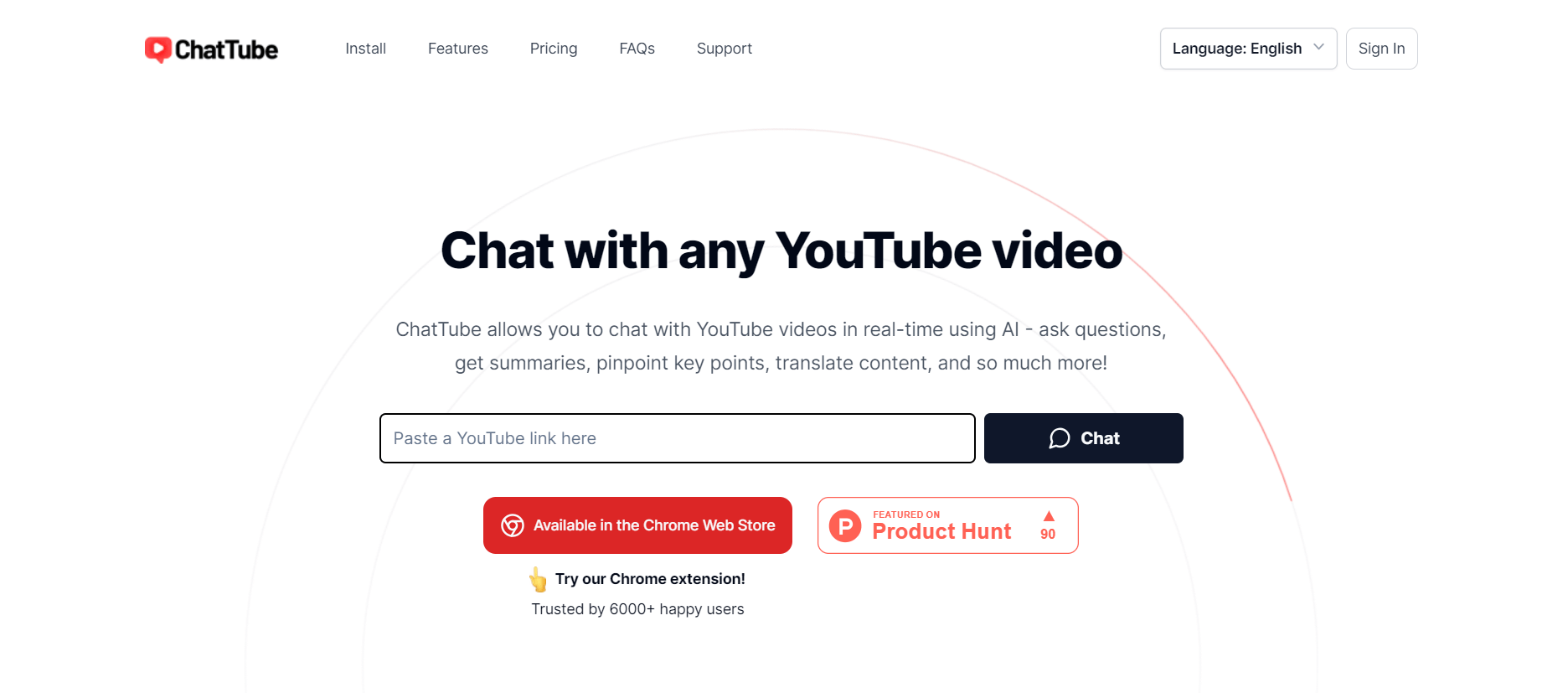
ChatTube helps you understand YouTube videos faster by allowing you to ask questions directly about their content. You can generate summaries, transcripts, translations, mind maps, and locate relevant timestamps without watching an entire video. It is useful for students, researchers, educators, marketers, developers, creators, and professionals working with video content.
 4.7
4.7Casper AI
Chrome Extension
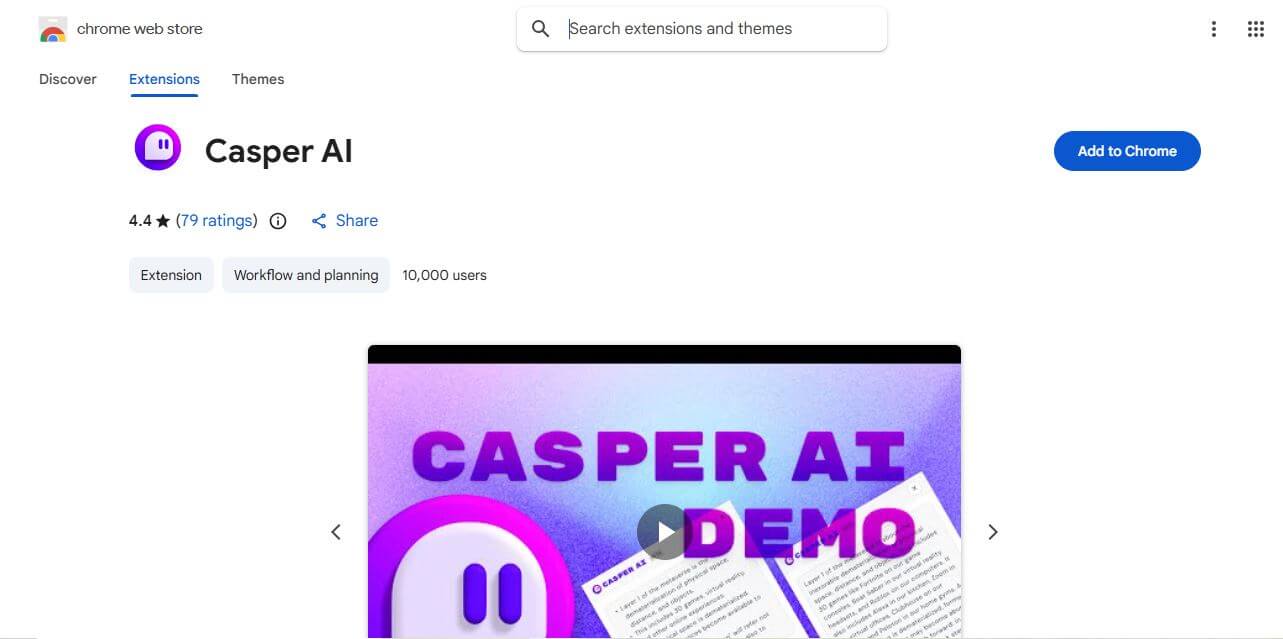
Casper AI is a Chrome extension that helps you summarize web pages and PDFs, create content, and share research insights. Built for information-heavy workflows, it helps analysts, strategists, researchers, policymakers, and business professionals quickly identify important information without manually reading every source from beginning to end. It fits into browsing.
 4.8
4.8Glarity
Chrome Extension
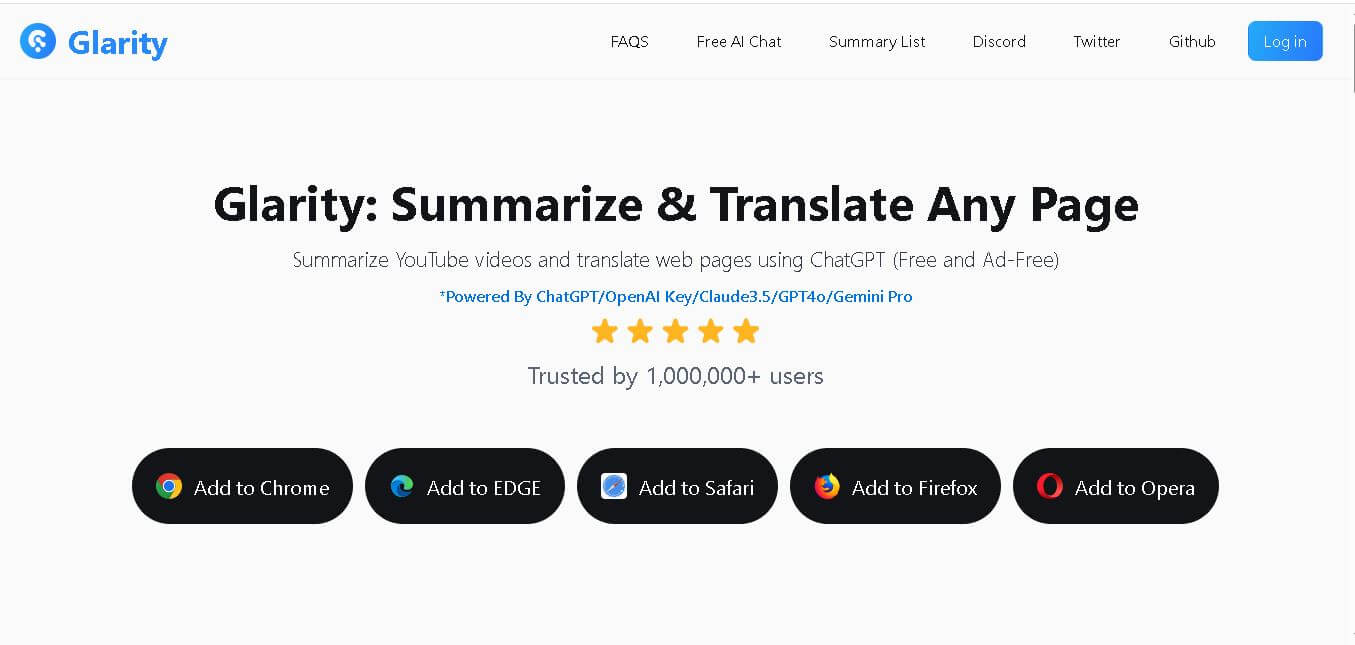
Glarity is a browser extension that helps you summarize, translate, analyze, and interact with online content. You can use it for YouTube videos, webpages, PDFs, searches, emails, and social media. Its AI tools also support writing, research, Q&A, and multilingual reading, helping reduce the time required to process information.
 4.8
4.8ChatHop
Chrome Extension
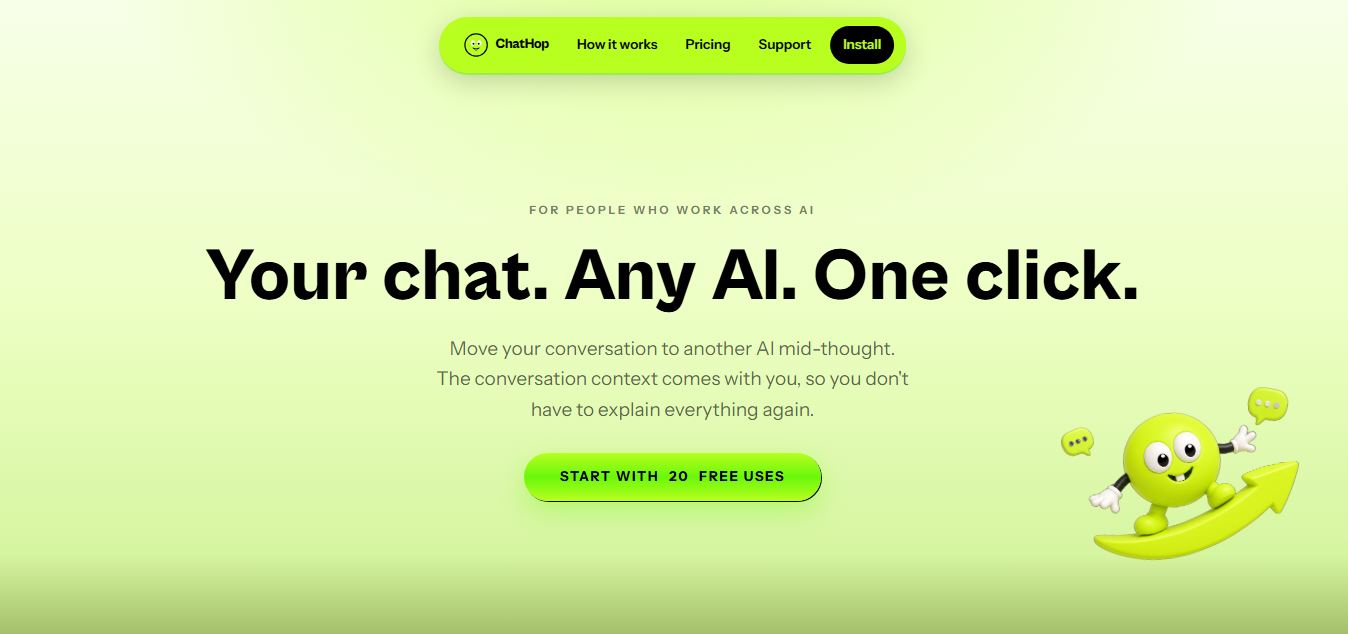
ChatHop is a browser extension and AI workflow utility that lets users transfer ongoing conversations across leading AI assistants (like ChatGPT, Claude, and Gemini) with full context preserved in one click, alongside Markdown export and chat backup tools.
 4.8
4.8WhatsApp Web Sender
Chrome Extension
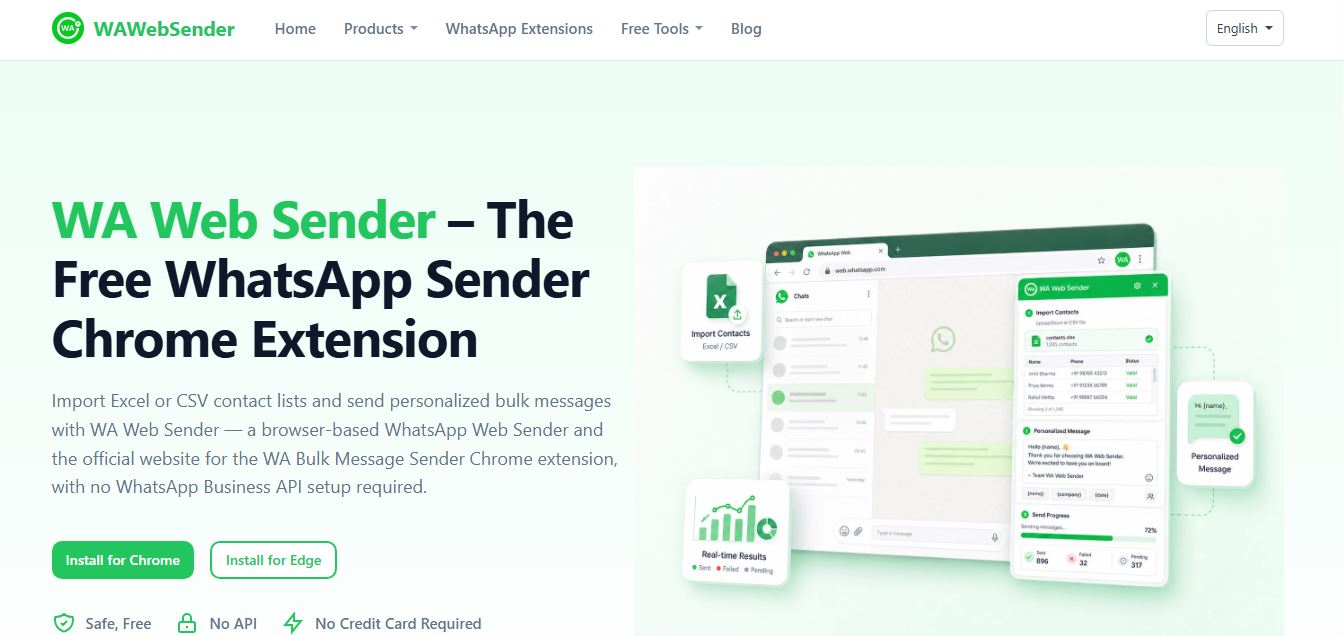
WAWebSender is a browser-based bulk WhatsApp messaging Chrome and Edge extension that enables businesses, marketers, and sales teams to import Excel/CSV contact lists, personalize messages with dynamic variables, attach media, and dispatch paced outbound campaigns directly through WhatsApp Web without requiring the WhatsApp Business API.
 4.9
4.9DeepEye by deepidv
Chrome Extension
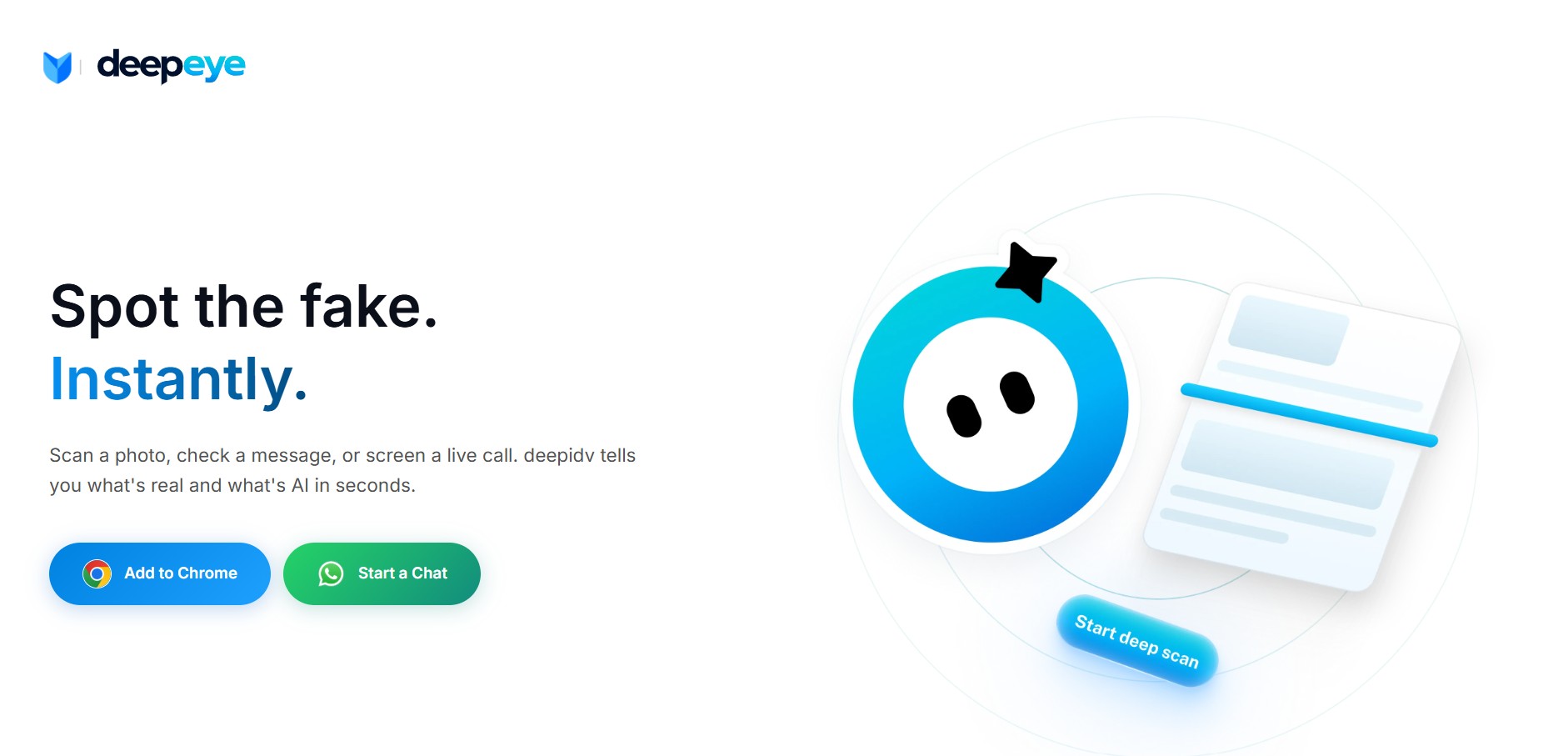
DeepEye (by DeepIDV) is an AI-powered deepfake detection tool that scans images, text, and voice in real time to identify whether content is human-made or AI-generated. It works across Chrome, mobile, and messaging apps, helping users verify authenticity instantly.