
Quadratic
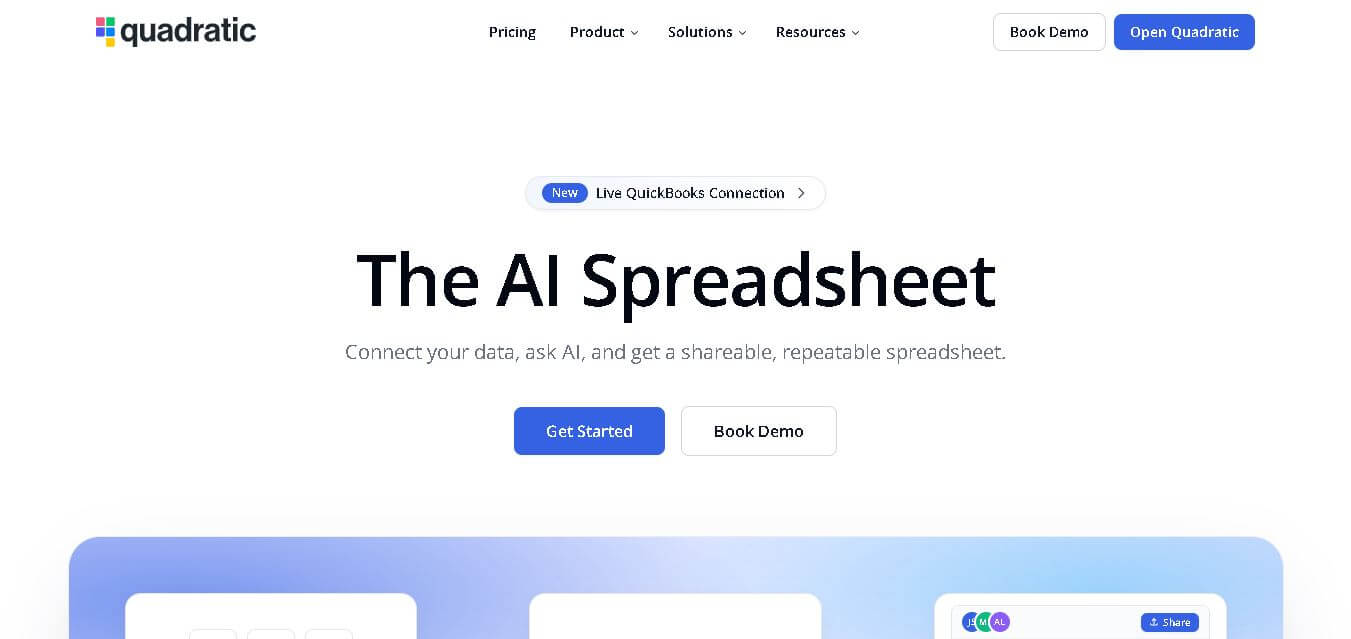
QuadraticHQ is an AI-powered data analytics platform that transforms spreadsheets into dynamic insights, enabling teams to explore, visualize, and collaborate on business data efficiently.
What is Quadratic AI?
QuadraticHQ is an AI-powered spreadsheet platform that transforms spreadsheet teamwork by introducing cutting-edge tools for data processing that enable automated data analysis and advanced data analysis capabilities. Users can study extensive datasets while they take care of recurring work through automated processes, and they create immediate business insights. QuadraticHQ serves contemporary businesses by connecting data scientists with spreadsheet users who need to perform complex data analysis tasks.
The platform provides an intuitive-to-use interface that enables teams to work together efficiently, while its artificial intelligence functions help organizations make quicker decisions. QuadraticHQ helps organizations in finance, operations, and analytics to enhance their work efficiency through automated processes, which allow them to achieve complete data utilization.
QuadraticHQ supports handling millions of data rows without performance lag, reducing analysis time by up to 70 percent. Teams report a 50 percent increase in productivity due to automation features. The platform integrates with over 10 major data sources, enabling seamless workflows. Its AI models can process complex queries in seconds, improving decision-making speed by 3x. With growing adoption across startups and enterprises, QuadraticHQ is quickly becoming a preferred modern spreadsheet solution.

- Founders: Built by a team of engineers and data experts focused on modernizing spreadsheets
- Launch: Recently launched as a next-generation spreadsheet platform for AI-driven analytics
Use Cases
- Financial modeling and forecasting
- Business intelligence and reporting
- Data cleaning and transformation
- Operational analytics and dashboards
- Collaborative team data workflows
Technology
- AI-powered computation engine
- Cloud-based infrastructure
- Real-time collaboration framework
- Advanced data visualization tools
- Integration with external data sources
Key Features
QuadraticHQ AI's key features are
- AI-Powered Data Analysis: Automatically processes complex datasets and generates insights without requiring advanced technical skills, making data exploration faster and more efficient.
- High-Performance Spreadsheet Engine: Handles large datasets smoothly, allowing users to work with millions of rows without slowing down or crashing.
- Real-Time Collaboration: Multiple users can work simultaneously on the same sheet, improving teamwork and reducing delays in decision-making.
- Automation and Scripting: Eliminates repetitive tasks by automating workflows, calculations, and data transformations, saving significant time.
- Interactive Data Visualization: Converts raw data into charts and dashboards instantly, helping users understand trends and patterns more clearly.
- Seamless Integrations: Connects with databases and external tools, enabling smooth data import and export for better workflow management.
- User-Friendly Interface: Combines the familiarity of spreadsheets with advanced tools, making it accessible for both beginners and professionals.
Pricing
Personal
Free
For individuals getting started with Quadratic.
- Limited AI usage
- Limited sharing
- Limited files
- Limited connections
- Limited support
Pro
$18 /user/month, billed annually
More AI usage and a shared workspace.
- $20 in AI credits per month
- Access to additional models
- Unlimited sharing
- Unlimited files
- Unlimited connections
- Additional privacy controls
Business
$36 /user/month, billed annually
This plan is for teams who need more AI and advanced features.
- 2x AI credits per month
- Everything in Pro
- AI usage on-demand
Enterprise
Custom
This is for companies who need custom features and support.
- Custom AI usage
- Single Sign-On (SSO)
- Self-hosting option
- Dedicated support
Disclaimer: For the latest and most accurate pricing information, please visit the official QuadraticHQ AI website.
Who is Using it?
A diverse range of users and organizations utilize QuadraticHQ AI
- Data analysts and scientists
- Finance and accounting teams
- Startups and tech companies
- Business intelligence professionals
- Operations and strategy teams
- Enterprises managing large datasets
Alternatives
Some QuadraticHQ AI alternatives are
- Google Sheets
- Microsoft Excel
- Airtable
- Notion
- Tableau
Pros & Cons
Pros
- Fast and scalable performance
- AI-driven automation saves time
- Easy collaboration features
- Handles large datasets efficiently
- Intuitive and modern interface
Cons
- Learning curve for advanced features
- Limited offline functionality
- New platform with evolving ecosystem
How Did We Rate QuadraticHQ?
- Creative Accuracy: 9/10
- User Experience: 8.5/10
- Tools & Capabilities: 9/10
- Speed & Efficiency: 9.5/10
- Creative Freedom: 8/10
- Trust & Transparency: 8.5/10
- Help & Community: 8/10
- Value for Money: 9/10
- Ecosystem Fit: 8.5/10
- Overall Score: 8.8/10
Conclusion
QuadraticHQ stands out as a powerful evolution of traditional spreadsheets. The platform provides advanced data processing abilities together with its AI functions. The platform enables users without technical skills to perform complex analytics through its user-friendly interface. The platform improves productivity and decision-making abilities through its two functions. The product demonstrates its potential as a data analytics solution because of its current features and future development capabilities. The data workflow modernization needs of businesses can be fulfilled by QuadraticHQ, which provides an efficient solution through its user-friendly design and innovative features in both individual and team settings, ultimately leading to enhanced collaboration and streamlined processes.
People are also reading
FAQ
What is QuadraticHQ used for?
It is used for data analysis, automation, and visualization within a modern spreadsheet environment.
Is QuadraticHQ suitable for beginners?
Yes, its interface is user-friendly, though advanced features may require some learning.
Can it handle large datasets?
Yes, it is designed to process millions of rows efficiently.
Does QuadraticHQ support collaboration?
Yes, it offers real-time collaboration for teams working on shared data.
Is there a free version available?
Yes, it offers a free plan along with premium pricing options.
User Reviews
No reviews yet for Quadratic.
Featured Tools
Featured AI tools from TechShark

Melody Genie
MelodyGenie is an AI-powered music generator that creates original songs from simple text prompts. Users can choose styles, moods, and genres, then instantly generate melodies and full tracks, making it easy for creators, marketers, and hobbyists to produce custom music without musical expertise.
Freemium

Kimi AI
Kimi AI is an advanced AI assistant developed by Moonshot AI that helps you chat, research, write, code, and automate tasks in one place. It supports web search, file analysis, and multimodal inputs, and can even run autonomous “agent” workflows to complete complex tasks end-to-end.
Freemium

Fashion Diffusion AI
Fashion Diffusion is an AI-powered fashion design platform that helps brands and designers create clothing designs, virtual try-ons, AI models, product photos, and marketing visuals faster and cost-effectively.
Paid

Veo 4
Veo 4 AI is an AI video creation platform that generates dramatic videos from text, images, audio, and video prompts using realistic motion and synchronized sound.
Paid
Alternatives
Alternatives to Quadratic
QuadraticHQ alternatives include Verisk, Cytora, Shift Technology, Socotra, Earnix, and Guidewire. QuadraticHQ combines spreadsheet familiarity with AI-driven analytics, helping users automate calculations, analyze datasets, and generate insights faster while improving collaboration, accuracy, and productivity across modern data-driven teams.
 4.9
4.9Equals
Spreadsheets
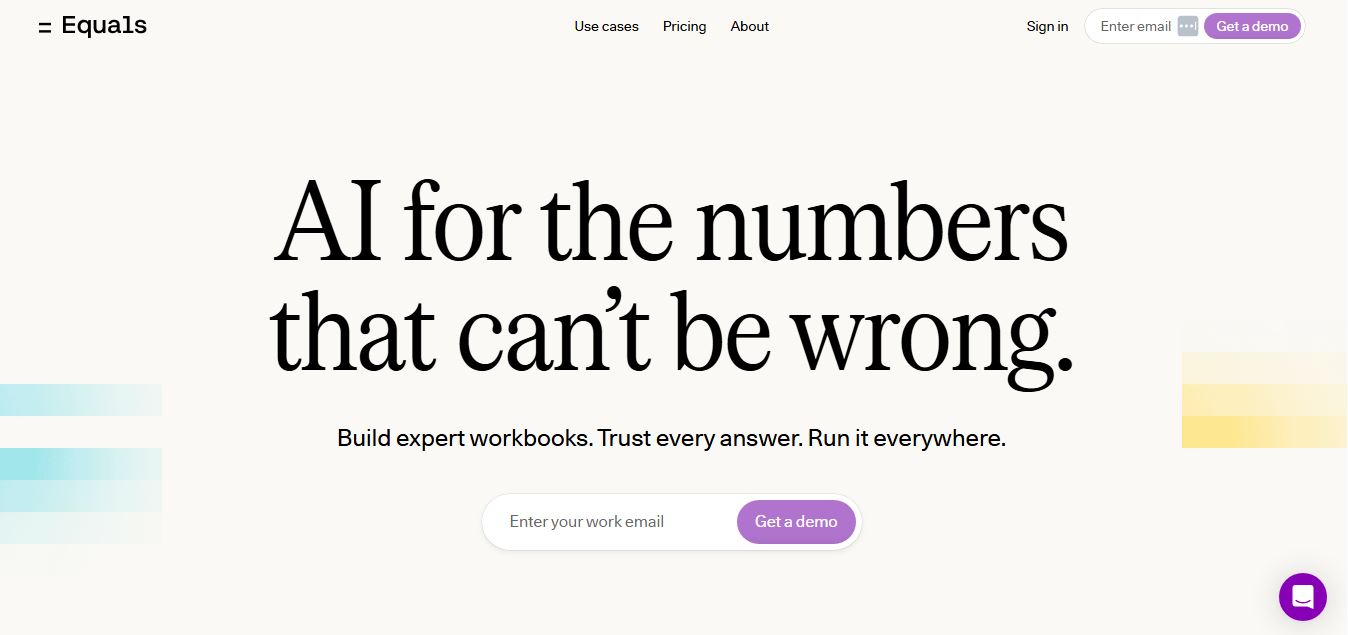
Equals is an AI-powered spreadsheet and GTM analytics platform that helps teams connect live data, build dashboards, and answer business questions using natural language. It combines a managed data warehouse, spreadsheet, and AI analyst, enabling faster, reliable insights without SQL or complex data tools.
 4.9
4.9Google Sheets
Spreadsheets
Google Sheets is a cloud-based spreadsheet tool that helps users create, edit, and collaborate on data in real time. It supports formulas, charts, automation, and integrations with Google Workspace, enabling teams to manage data, analyze information, and build workflows from anywhere with shared access.
 4.9
4.9Row Zero
Spreadsheets
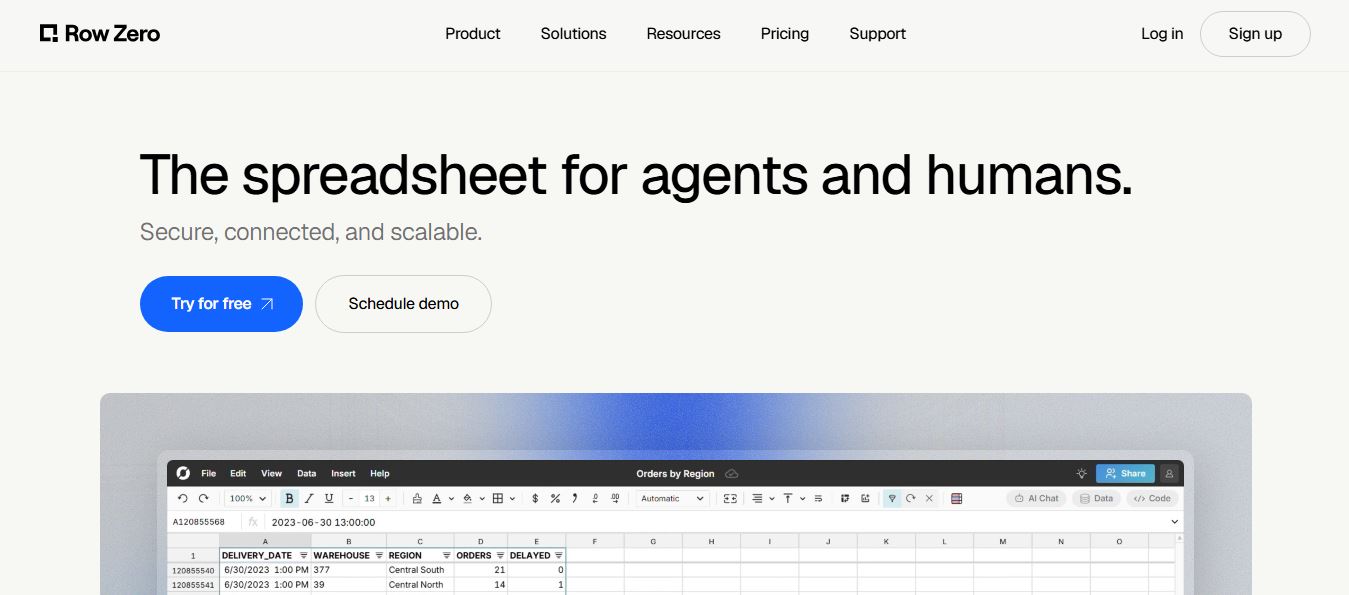
Row Zero is an AI-powered cloud spreadsheet platform that helps teams analyze massive datasets using familiar spreadsheet workflows. It connects directly to data warehouses, auto-updates live data, and scales to billions of rows, enabling fast, secure, and collaborative data analysis without traditional spreadsheet limitations.
 4.9
4.9Grist AI Spreadsheet Generator
Spreadsheets
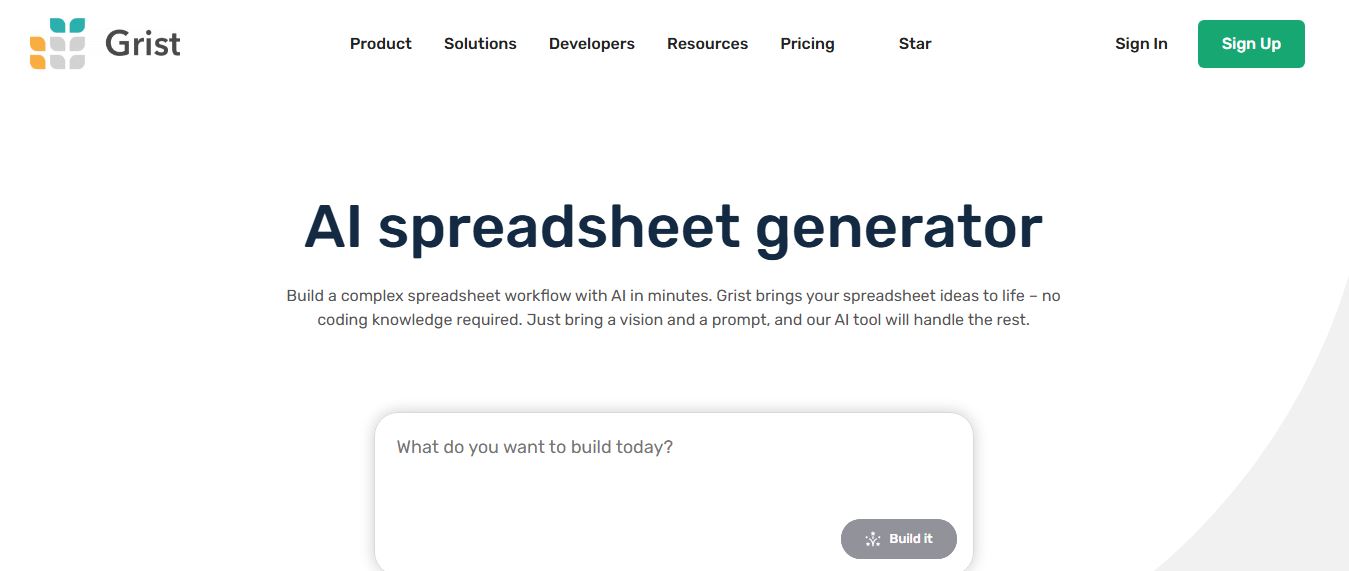
Grist AI Spreadsheet Generator (getgrist.com/ai/spreadsheet-generator/) is an open-source, relational AI spreadsheet and custom application builder that turns text prompts into structured relational databases, Python formulas, dashboards, and access rules via an in-product AI Assistant and Model Context Protocol (MCP).
 4.9
4.9Shortcut AI
Spreadsheets
Shortcut AI is an AI-powered Excel agent that helps finance teams build financial models, analyze data, and automate complex spreadsheet workflows using natural language. It generates formulas, structures reports, and processes data with high accuracy, enabling faster decision-making and reducing manual analysis work.
 4.9
4.9Microsoft Excel
Spreadsheets
Microsoft Excel AI (Copilot for Excel) is an AI-powered assistant that helps users analyze data, write formulas, create charts, and generate insights using natural language. It automates complex tasks, highlights trends, and builds reports, enabling faster, data-driven decisions directly within Excel workflows.
 4.9
4.9Coefficient
Spreadsheets
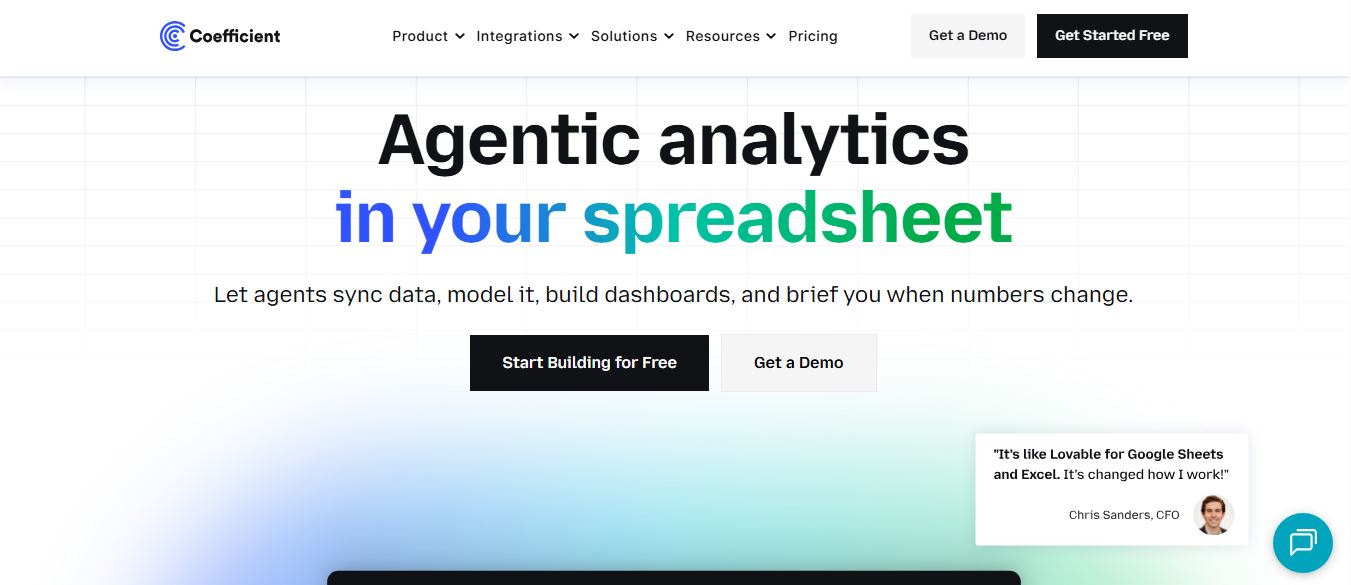
Coefficient is an AI-powered spreadsheet automation platform that connects live data from tools like Salesforce, HubSpot, and databases directly into Google Sheets and Excel. It enables real-time reporting, automated refreshes, and AI-driven analysis, helping teams build dashboards and workflows without manual exports or coding.
 4.9
4.9SheetGPT
Spreadsheets
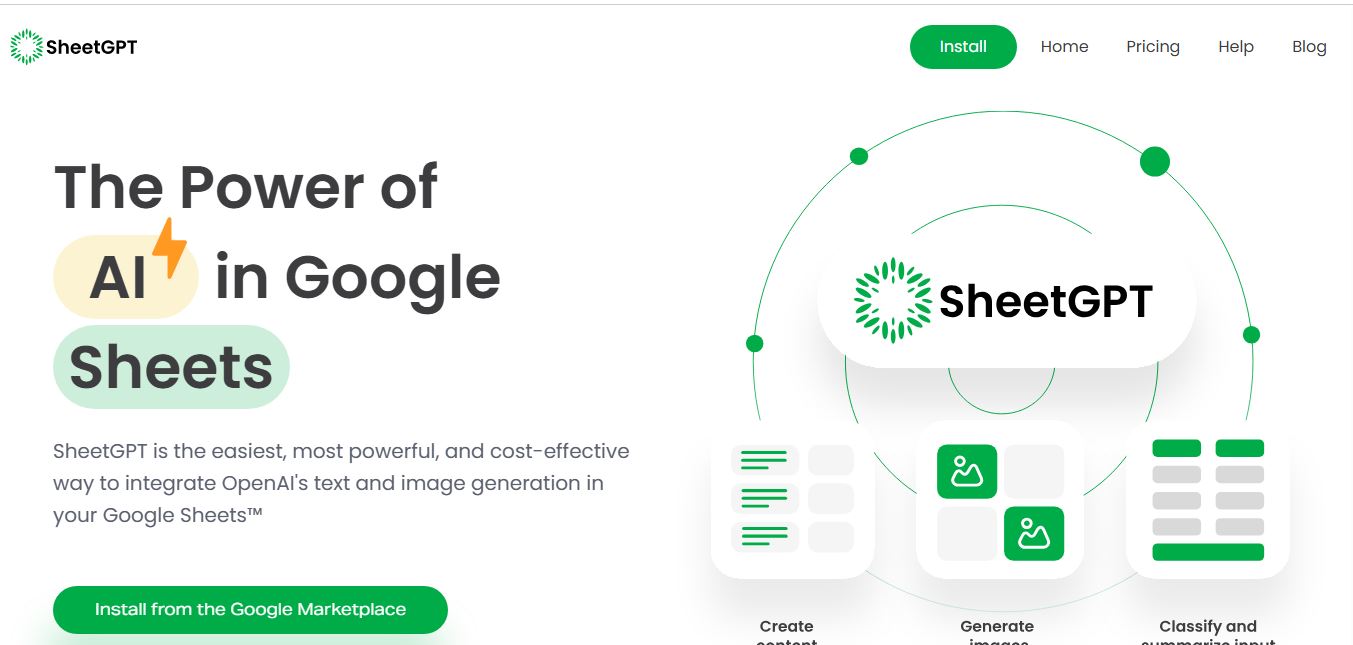
SheetGPT is an AI-powered Google Sheets add-on that helps users generate content, analyze data, and automate tasks using simple formulas like =GPT(). It integrates models like ChatGPT, Claude, and Gemini, enabling faster workflows for summarization, translation, classification, and large-scale spreadsheet operations.
 4.9
4.9GPT for Work
Spreadsheets
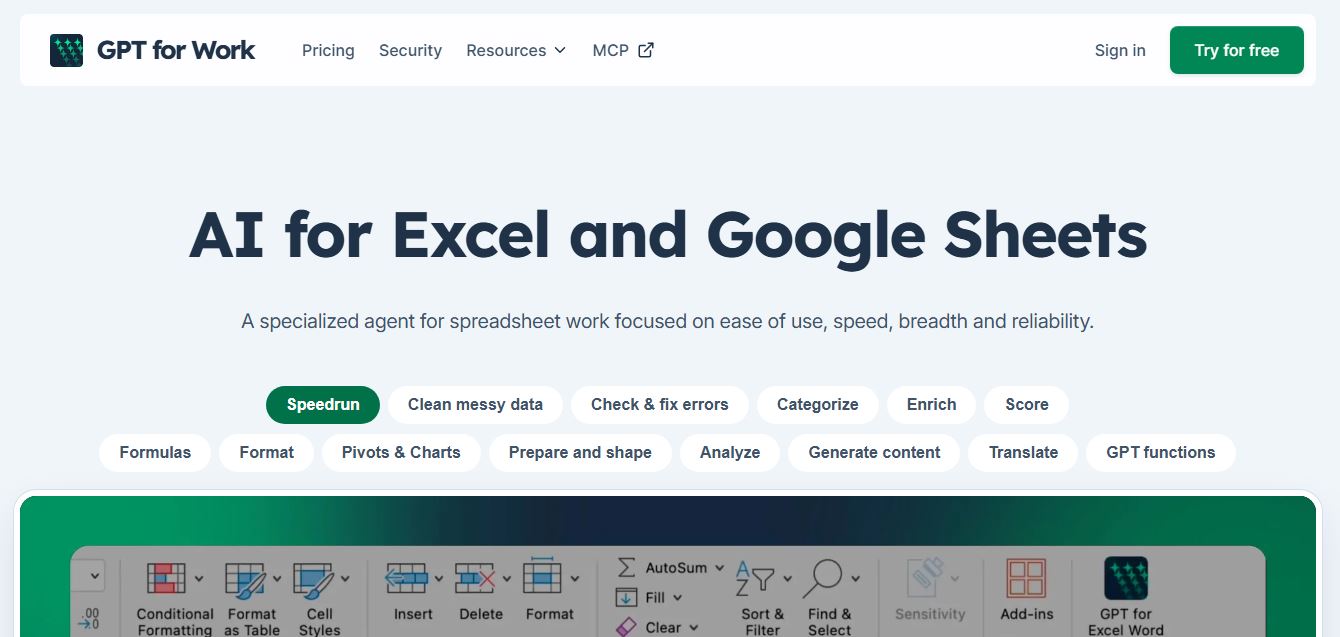
GPT for Work is an AI-powered spreadsheet assistant that helps users automate tasks in Excel and Google Sheets using natural language. It writes formulas, cleans data, generates content, and processes thousands of rows in bulk, enabling faster analysis, workflow automation, and data-driven decision-making.