
Columns
Columns AI is a powerful data storytelling platform that transforms raw data into interactive visual dashboards, charts, and reports using artificial intelligence and customizable design tools.
What is Columns AI?
Columns AI is a data automation and visualization platform designed to help users work with data without relying heavily on spreadsheets or complex analytics tools. It can connect with sources such as Google Sheets, Excel, Notion, Airtable, databases, and APIs, then use AI to clean, transform, analyze, and visualize that information. Users can create charts, dashboards, and data stories through natural-language instructions and share them through links or embeds. Columns AI is particularly useful for marketers, consultants, educators, analysts, and business teams that want to turn raw data into clear, actionable insights more easily.
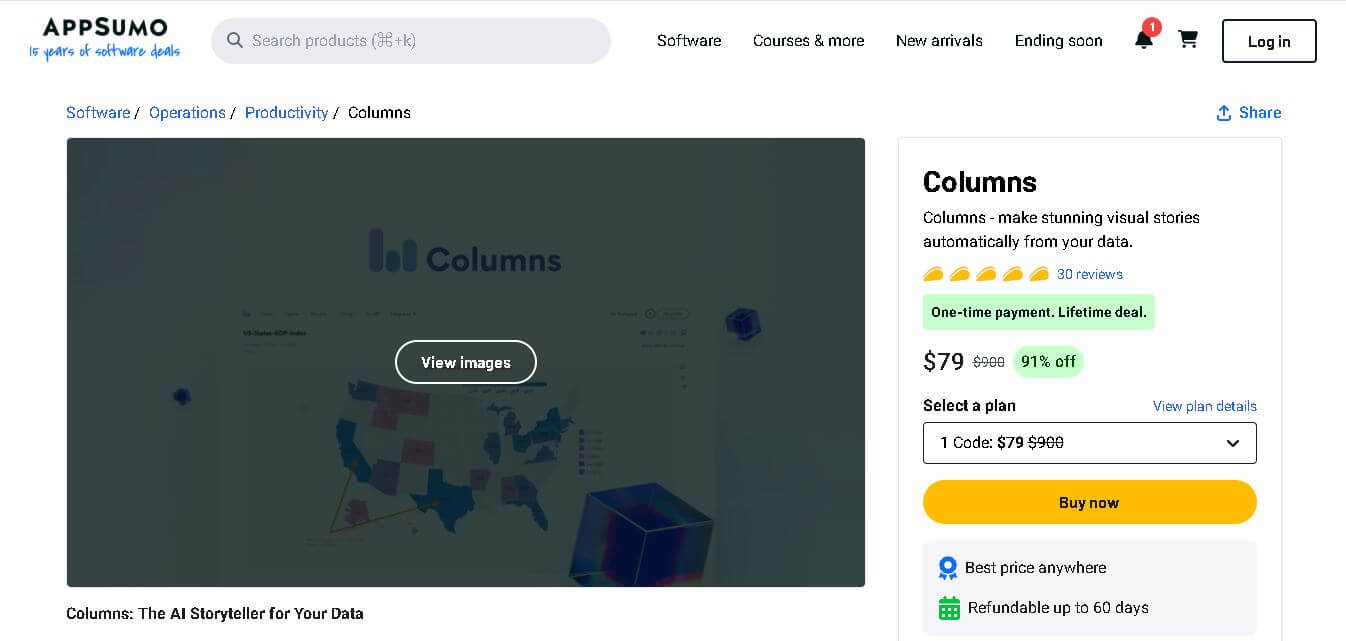
Columns has evolved beyond its original visualization product into a broader data automation platform. In 2026, it includes 3 products: Columns Drive, Columns Flow, and Columns Graph, covering data extraction, automation, analysis, and visualization. Its AppSumo deal currently has 30 reviews, while the original lifetime plans started at $79 and included features such as unlimited data connections, publishing, forecasting, cloud storage, and API access. The platform has since moved toward a usage-based pricing model, with its Premium tier priced at $20/month.
- Founder
- Shawn Cao
- Launch
- Development started around 2021 as a cloud-based data storytelling platform.
- Use Cases
- Data analysis and reporting
- Business intelligence dashboards
- Marketing performance visualization
- Academic research and data presentations
- Product analytics and growth tracking
- Data storytelling for presentations and reports
- Technology
- Artificial intelligence for data insights
- Cloud-based data processing
- Natural language interaction for queries
- Data visualization and analytics engine
- Integration with structured data sources like spreadsheets and APIs

Columns AI Key Features
Columns AI key features are
- AI-Powered Data Storytelling: Columns AI automatically converts raw datasets into meaningful visual stories. Instead of manually building charts, the AI analyzes data patterns and suggests visualizations that highlight key insights.
- Interactive Data Visualization: Users can create various charts, including bar charts, line graphs, scatter plots, and dashboards. These visuals help teams understand trends, patterns, and relationships within data quickly.
- Multiple Data Source Integration: The platform connects with sources like Google Sheets, Airtable, Notion, CSV files, SQL databases, and APIs, allowing users to analyze data from multiple systems in one place.
- Customizable Design Canvas: Columns AI provides a design canvas where users can customize every element of their visual story, including colors, layout, icons, and annotations.
- AI Chat for Data Insights: Users can interact with their data using natural language queries. The AI interprets questions and generates relevant charts or insights instantly.
- Real-Time Data Updates: Data stories can automatically update whenever the connected data source changes, ensuring dashboards always show the latest information.
- Embeddable Dashboards: Users can share visualizations via public links or embed them into websites, applications, and presentations.
- Collaboration Features: Teams can work together on data analysis and storytelling in real time, improving how they communicate insights.
Columns AI Pricing
Pricing Plans
- Plan 1 – $79 (one-time payment)
- Plan 2 – $158
- Plan 3 – $237
- Plan 4 – $316
- Plan 5 – $395
Includes
- Lifetime access
- AI-powered data storytelling
- Unlimited dashboards and visual stories
- Data integrations
- Publishing and embedding features
- Scheduled automatic updates
Disclaimer: For the latest and most accurate pricing information, please visit the official Columns AI website.
Who is using Columns AI?
A diverse range of users and organizations utilize Columns AI:
- Data analysts
- Business intelligence teams
- Marketing professionals
- Startup founders
- Product managers
- Researchers and students
- SaaS companies
- Data-driven organizations
Columns AI Alternatives
Some alternatives to Columns AI include
- Tableau
- Power BI
- Looker Studio
- Chartio
- Metabase
- Zoho Analytics
- Google Data Studio
Pros and Cons
Pros
- Easy-to-use interface for creating charts and visualizations
- Turns raw data into clear visual stories
- Supports multiple data sources and integrations
- Natural-language interaction makes data analysis easier
- Useful for creating dashboards and reports
- Good option for marketers, analysts, consultants, and business teams
- Helps reduce the need for complex spreadsheet work
Cons
- Advanced analytics may be less comprehensive than enterprise BI platforms
- Some features may require a paid plan
- Can have a learning curve for more advanced workflows
- Not ideal for highly complex enterprise-level data modeling
- AI-generated insights may require manual verification
- Smaller ecosystem compared with platforms like Tableau and Power BI
Columns AI vs Competitors
| Feature | Columns AI | Tableau | Power BI | Looker | ThoughtSpot |
|---|---|---|---|---|---|
| Primary Focus | Data automation & visualization | Business intelligence & visualization | BI & reporting | Data analytics & BI | AI-powered analytics |
| Ease of Use | High | Moderate | Moderate | Moderate | High |
| AI Capabilities | Strong | Strong | Strong | Strong | Very Strong |
| Data Visualization | Strong | Excellent | Excellent | Excellent | Excellent |
| Data Automation | Strong | Moderate | Strong | Strong | Strong |
| Natural-Language Analysis | Yes | Yes | Yes | Yes | Yes |
| No-Code Workflow | Yes | Partially | Partially | Partially | Yes |
| Best For | Analysts, marketers, consultants, data storytellers | BI teams & enterprises | Businesses & enterprises | Data teams & enterprises | Businesses seeking AI analytics |
| Overall Rating | 4.3/5 | 4.6/5 | 4.5/5 | 4.4/5 | 4.5/5 |
How We Rate Columns AI?
Based on its data automation, visualization capabilities, ease of use, and overall usefulness for working with business data, I would rate Columns AI as follows:
| Category | Rating (out of 5) |
|---|---|
| Creative Accuracy | 4.5 |
| User Experience | 4.5 |
| Tools & Capabilities | 4.5 |
| Speed & Efficiency | 4.0 |
| Creative Freedom | 4.0 |
| Trust & Transparency | 4.0 |
| Help & Community | 4.0 |
| Value for Money | 4.5 |
| Ecosystem Fit | 4.5 |
| Overall Rating | 4.3 |
Conclusion
The Columns AI data storytelling platform enables users to build basic visual displays that show their results from complex data analysis work. Users can build interactive dashboards and extract insights from their unprocessed data through the combination of artificial intelligence and advanced visualization capabilities. The platform provides essential business functions through its ability to combine multiple data sources while generating automatic visual content and enabling team members to collaborate on work. Users can use Columns AI to transform their data insights into visual content through efficient communication methods, which apply to marketing reports, business dashboards, and research presentations. The solution from Columns AI provides teams with the most effective way to create data stories, which need to be presented without using complicated software tools.
People are also reading:
FAQ
What is Columns AI?
Columns AI is a data storytelling and visualization platform that uses artificial intelligence to transform raw datasets into interactive charts, dashboards, and visual reports.
What types of data sources does Columns AI support?
It supports multiple sources including spreadsheets, databases, APIs, Google Sheets, Airtable, Notion, and CSV files.
Can beginners use Columns AI?
Yes. The platform is designed with an intuitive interface and AI-powered suggestions, making it accessible even for non-technical users.
Does Columns AI support collaboration?
Yes. Teams can collaborate on data analysis, dashboards, and storytelling projects in real time.
Can I embed dashboards created with Columns AI?
Yes. Users can share dashboards via links or embed them into websites and applications.
Is Columns AI suitable for businesses?
Yes. Businesses use it for analytics, performance reporting, marketing insights, and decision-making dashboards.
User Reviews
No reviews yet for Columns.
Featured Tools
Featured AI tools from TechShark

Melody Genie
MelodyGenie is an AI-powered music generator that creates original songs from simple text prompts. Users can choose styles, moods, and genres, then instantly generate melodies and full tracks, making it easy for creators, marketers, and hobbyists to produce custom music without musical expertise.
Freemium

Kimi AI
Kimi AI is an advanced AI assistant developed by Moonshot AI that helps you chat, research, write, code, and automate tasks in one place. It supports web search, file analysis, and multimodal inputs, and can even run autonomous “agent” workflows to complete complex tasks end-to-end.
Freemium

Fashion Diffusion AI
Fashion Diffusion is an AI-powered fashion design platform that helps brands and designers create clothing designs, virtual try-ons, AI models, product photos, and marketing visuals faster and cost-effectively.
Paid

Veo 4
Veo 4 AI is an AI video creation platform that generates dramatic videos from text, images, audio, and video prompts using realistic motion and synchronized sound.
Paid
Alternatives
Alternatives to Columns
Alternatives to Columns AI include Tableau, Microsoft Power BI, Looker, ThoughtSpot, Qlik Sense, and Domo. These platforms offer data visualization, dashboards, analytics, data modeling, and AI-assisted insights for different types of users. Tableau is particularly strong in advanced visualization, Power BI works well within the Microsoft ecosystem, Looker focuses on governed data modeling, while ThoughtSpot emphasizes natural-language and AI-driven analytics.
 4.6
4.6Xavier AI
Presentation
Xavier AI is a strategy-focused presentation tool designed to help professionals create consulting-style business decks quickly. It can transform prompts or uploaded documents into structured presentations, support market and competitive analysis, and provide sourced information. Users can also customize presentations to company branding and export finished decks to PowerPoint files.
 4.9
4.9Zoho Sheet
Spreadsheets
Zoho Sheet is a cloud-based spreadsheet tool that lets users create, edit, and collaborate on data in real time. It offers formulas, charts, automation, and AI-powered insights, helping teams analyze data, manage workflows, and work together efficiently from anywhere.
 4.9
4.9Slidesgo
Presentation
Slidesgo is a platform that offers free and premium presentation templates for Google Slides and PowerPoint. It provides professionally designed slides for business, education, and creative use, helping users create visually appealing presentations quickly without starting from scratch.
 4.8
4.8SlideSpeak
Presentation
SlideSpeak is an AI-powered presentation tool that lets users chat with PowerPoint files, summarize slides, and generate new presentations from documents or prompts. It helps extract insights, create slides quickly, and turn content into clear, structured presentations with minimal effort.
 4.8
4.8MagicSlides
Presentation
MagicSlides helps users create polished presentations from ideas, text, documents, URLs, and other content. It combines automated slide generation with templates, design systems, AI editing, image support, and multiple export formats. Students, teachers, professionals, consultants, and entrepreneurs can use it to produce presentations faster without building every slide manually.
 4.8
4.8Alai
Presentation
Alai is an AI presentation and design maker backed by Y Combinator that generates on-brand pitch decks, slide decks, infographics, carousels, and social visuals from prompts, documents, or links using custom design systems and native PPT/PDF exports.
 4.9
4.9Beautiful AI
Presentation
Beautiful.ai is an AI-powered presentation software that helps users create professional slides quickly with smart design automation. It automatically adjusts layouts, formatting, and visuals, allowing teams to build polished, consistent presentations without manual design work or advanced skills.
 4.8
4.8GitMind
Project Management
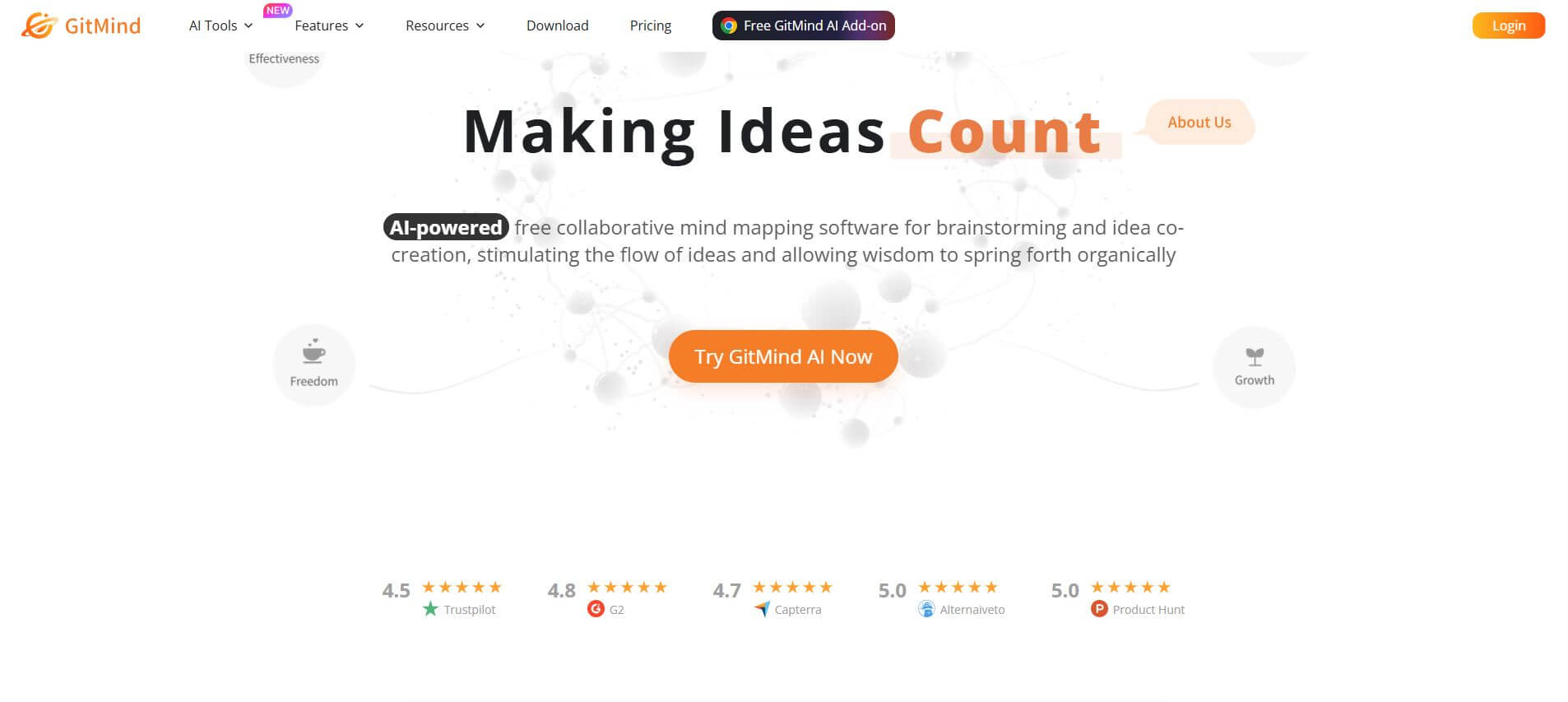
GitMind is an AI-powered mind mapping and visual workspace that turns text, videos, audio, PDFs, and websites into structured mind maps, summaries, and diagrams. It helps you organize ideas, brainstorm, plan projects, and simplify complex information using AI-driven insights and visual layouts.
ChatPPT
Presentation
Chat-PPT is an AI presentation tool that turns your prompts, documents, or ideas into complete slide decks with structured content, visuals, and layouts. It automates research, writing, and design, helping you create polished presentations quickly without manual formatting or slide-by-slide editing.