OpenArt
OpenArt is an all-in-one AI creative studio uniting multi-model image and video generation (Sora, Veo, Kling, Seedance, Flux), persistent character building, video relighting, motion retargeting, 3D worlds, and director-style chat storytelling under a single workspace.
What is OpenArt?
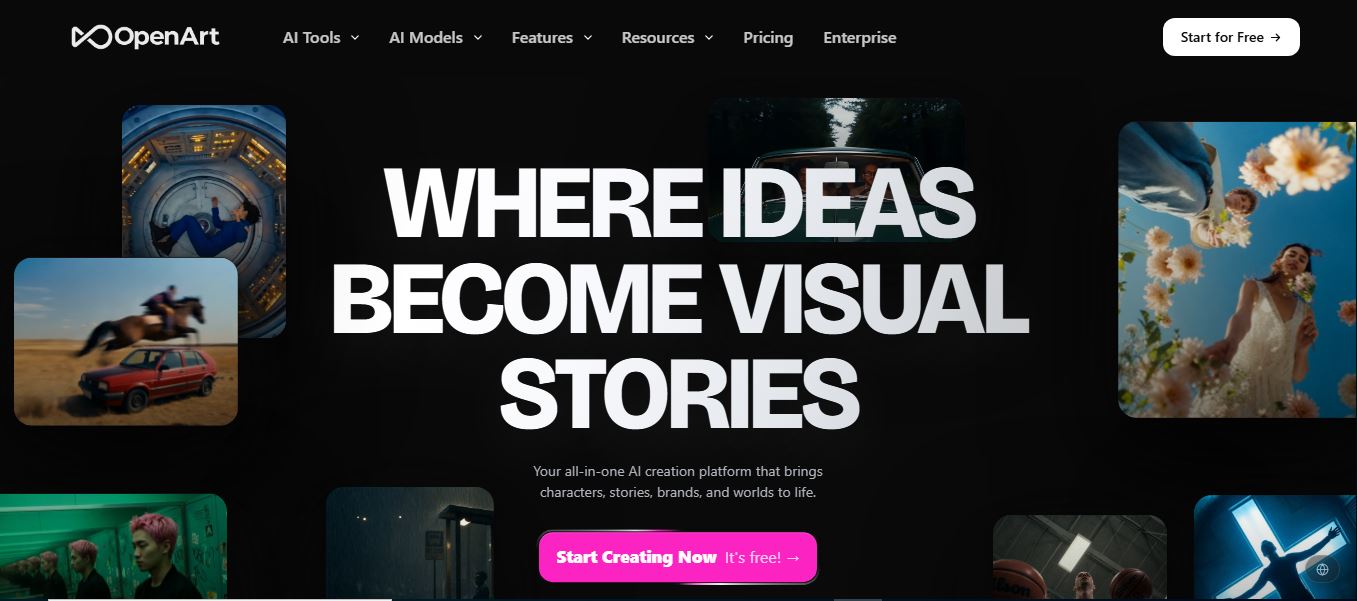
OpenArt is an all-in-one creative generative AI platform and multimodal production studio designed for creators, filmmakers, marketing agencies, and brand storytellers. Built to replace fractured workflows and multiple subscriptions, OpenArt aggregates premier foundation models across image, video, audio, and 3D spatial environments into a unified browser-based creation hub.
Built around the vision of “Where ideas become visual stories,” OpenArt moves beyond standard text-to-pixel generators. Through features like OpenArt Director, persistent Character Builder, and advanced motion controls, creators can direct multi-scene cinematic short films, commercial UGC ads, and episodic dramas with consistent character faces, controllable camera angles, synchronized voiceovers, and dynamic lighting.
- Platform Role: Multimodal AI Creative Studio, AI Video & Image Generator & Cinematic Storyboard Director
- Organization & Community: OpenArt AI (Serving over 10M+ creators, agencies, and studios)
- Ecosystem Models & Access: Web browser application, OpenArt Model Context Protocol (MCP) server, and multi-model catalog (Sora, Google Veo, Kling, ByteDance Seedance, GPT Image, Flux)
Use Cases:
- Directing cinematic short films, trailers, and episodic micro-dramas with consistent recurring characters and dialogue
- Producing high-converting User-Generated Content (UGC) video ads, branded product spots, and social media reels
- Generating lip-synced music videos and voiceovers timed automatically to uploaded audio tracks and original AI scores
- Maintaining facial and aesthetic continuity across scenes for AI virtual influencers, digital ambassadors, and game mascots
- Generating persistent 3D spatial environments and interactive virtual worlds straight from descriptive prompts
Technology:
- Multi-engine foundation catalog dynamically routing prompts across frontier models (Google Veo, OpenAI Sora, Kling, ByteDance Seedance/Seedream, Flux)
- Proprietary Character Consistency engine maintaining facial anatomy, hair, and styling across diverse outfits, scenes, and camera angles
- Advanced post-production neural suite featuring video relighting, smart shot camera re-framing, video inpainting, and motion sync retargeting
- Developer-friendly OpenArt MCP server allowing agentic workflows inside Cursor, Claude, and local IDEs to trigger media generation
Target Users:
- Indie filmmakers, animators, and digital storytellers producing narrative video shorts and web series
- Performance marketers, DTC e-commerce brands, and ad agencies creating high-volume video variations for TikTok, Meta, and YouTube
- Content creators, streamers, and AI influencer managers requiring continuous character identity across posts
- Game designers and concept artists generating rapid visual turnarounds, 3D world mockups, and environment boards
Acquisition: Independent cloud generative creative studio

What are the key features of OpenArt?
OpenArt's key platform features are
- OpenArt Director: Natural conversational interface that helps storyboard, direct pacing, select shots, and refine camera movements interactively.
- Persistent Character Builder: Train and lock custom characters using reference photos or text descriptions, reusing them across scenes with consistent facial fidelity.
- Multi-Model Video Generation: Generates up to 4K resolution videos utilizing cutting-edge video foundations like Google Veo, OpenAI Sora, Kling, and Seedance.
- Cinematic Post-Processing Tools: Includes Video Relight for dynamic mood changes, Video Background Changer, Video Inpaint, and 4K generative upscaling.
- Motion Sync Retargeting: Ingests a short 3-30s reference video to retarget choreography, sports motions, or gestures onto your generated AI character.
- Smart Shot Camera Angles: Transforms a single prompt into 3-5 cinematic cuts featuring diverse professional camera perspectives, depths of field, and angles.
- OpenArt Worlds (3D Spatial Generation): Constructs expansive, navigable 3D digital environments from prompts that can be populated with props and characters.
- Integrated AI Audio & Lip-Sync: Generates multilingual voiceovers in 30+ languages, synchronized lip movements, sound effects, and full musical scoring.
How much does OpenArt cost?
OpenArt operates on a freemium credit model offering free daily creation credits alongside monthly and discounted annual subscription tiers for power creators.
Free & Starter Tiers:
- Free Plan ($0 / month): Daily free trial credits with no credit card required, access to baseline image/video generation models, and community gallery sharing.
Creator & Pro Subscriptions:
- Paid Plans (Starter / Pro / Ultra, typically from ~$12 to ~$32+/mo): Unlocks frontier video models (Sora, Veo, Kling), full Character Builder training, higher generation limits, commercial usage rights, priority rendering queues, and watermark-free 4K exports.
- Enterprise Tier: Custom shared credit pools for agencies, team collaboration spaces, custom brand asset libraries, dedicated account managers, and API/MCP throughput.
Disclaimer: Free users receive daily credits to test generation features. Frontier video engines, watermark removal, and priority rendering speeds require a paid subscription. Visit openart.ai/pricing for the latest plan tiers.
Who should use OpenArt?
OpenArt is designed for visual storytellers, digital creators, and marketing teams, including
- Video Ad Creators & Growth Marketers: Producing UGC ads, explainer videos, and social clips formatted natively for TikTok, Reels, and YouTube Shorts.
- AI Filmmakers & Screenwriters: Visualizing storyboards, episodic dramas, and cinematic shorts with dialogue and character consistency.
- Digital Artists & Animators: Iterating on concept designs, experimenting with dynamic lighting, and exploring cross-model styles.
- Virtual Influencer Managers: Maintaining recurring AI persona aesthetics across seasonal fashion lookbooks and digital lifestyle campaigns.
What are the best alternatives to OpenArt?
Some of the strongest OpenArt alternatives include
- Runway (Gen-2 / Gen-3 Alpha)
- Luma Dream Machine
- https://techshark.io/tools/krea-ai/Krea AI
- Leonardo.AI
- Midjourney
- RunDiffusion
What are the pros and cons of OpenArt?
What are the pros of OpenArt?
- Unmatched model diversity: lets you switch between top image and video engines (Sora, Veo, Kling, Seedance) in one subscription
- Best-in-class character consistency eliminates facial warping and enables recurring persona storytelling
- Complete end-to-end studio: covers image generation, video direction, motion retargeting, 3D worlds, and voice audio
- Commercial ownership: users own full commercial rights to generated outputs without ongoing royalty obligations
- OpenArt MCP server brings native image and video generation directly into AI coding agents like Cursor and Claude
What are the cons of OpenArt?
- Generating high-resolution video and running frontier models like Sora or Veo consumes credits quickly
- The sheer volume of specialized tools and model options can be slightly overwhelming for absolute beginners
- Fine-grained video scene transitions and complex physical interactions can occasionally require multiple generation attempts
Why should you choose OpenArt?
Creating comprehensive AI video stories usually requires juggling multiple disjointed subscriptions—one tool for image generation, a separate app for video motion, another for voiceover synthesis, and an external editor for color grading. OpenArt brings this entire pipeline into one coherent studio. By combining top frontier foundation models with dedicated character consistency, automated camera controls, and interactive AI directing, OpenArt allows creators to produce studio-quality visual narratives from a single browser tab.
- Access leading image and video AI models (Sora, Veo, Kling, Seedance) under a single license
- Maintain flawless character and facial continuity across diverse video scenes and outfits
- Direct multi-shot videos conversationally with OpenArt Director and Smart Shot camera angles
- Complete your production with native lip-synced dialogue, sound effects, and original musical scores
How does OpenArt compare to competitors?
The primary distinction between OpenArt, Runway, Midjourney, and Leonardo.Ai lies in platform aggregation and narrative control. While Midjourney focuses almost purely on standalone still images and Runway relies on its own proprietary video model family, OpenArt acts as a multi-model creative suite—providing access to industry-wide video models, persistent character libraries, and full spatial 3D world creation tools in one place.
| Feature / Platform | OpenArt | Runway | Midjourney | Leonardo.Ai |
|---|---|---|---|---|
| Core Focus | All-In-One Multimodal Studio & Multi-Model Directing | Proprietary AI Video Generation & Editing | Proprietary Artistic Image Generation | Creative Asset Generation & Model Fine-Tuning |
| Model Aggregation | 30+ Models (Sora, Veo, Kling, Seedance, Flux) | Proprietary Gen-2 & Gen-3 models only | Proprietary Midjourney v6+ models only | Proprietary Phoenix & curated SD fine-tunes |
| Character Consistency | Dedicated Character Builder with multi-scene reuse | Custom voice/avatar tools | Omni-reference parameter (--cref) | Character consistency presets |
| Audio & Dialogue Sync | Yes (30+ language voiceovers, music & lip-sync) | Yes (Lip-sync & audio generation) | No (Image only) | No (Primarily visual) |
| Pricing Structure | Free tier / Paid tiers from ~$12/mo | Free trial / Standard from $12/mo | Paid plans from $10/mo | Free daily tokens / Paid from $12/mo |
| Best For | Storytellers and video ad creators wanting multi-model access and character continuity | High-end motion graphics and experimental video generation | Aesthetic standalone still imagery and digital concept art | Game asset concept design and rapid texture drafting |
How do we rate OpenArt?
| Parameter | Rating (out of 5) |
|---|---|
| Model Diversity & Generation Quality | 5.0 |
| Character Consistency & Control | 4.9 |
| Director Pacing & Post-Processing (VFX/Relight) | 4.8 |
| Ease of Use & Platform UX | 4.8 |
| Value for Money | 4.8 |
| Overall Score | 4.86 |
What is our review and verdict on OpenArt?
OpenArt sets an exemplary standard for the future of digital content creation. By dismantling the silos between standalone image, video, audio, and 3D generators, it delivers an intuitive, unified canvas where creative ideas can be realized from end to end. Its robust character continuity engine, camera control tools, and wide selection of frontier models make OpenArt an indispensable studio for solo creators and brand production teams alike.
Conclusion
OpenArt makes AI image creation feel both creative and accessible by combining powerful generation tools with an active community. Users can explore styles, refine prompts, and learn from shared artworks, which adds real depth beyond just generating images. Its intuitive interface lowers the barrier for beginners while still offering flexibility for advanced creators. OpenArt turns AI art into a more collaborative and inspiring experience, helping users create, discover, and improve their work in one place.
FAQ
What is OpenArt and what does it actually do?
OpenArt is an AI-powered creative platform that lets users generate, edit, and explore images, videos, audio, and even 3D environments from simple prompts or inputs. It combines multiple generative AI models into one workspace, making it easy to turn ideas into visual content without needing design or editing skills.
How is OpenArt different from other AI art tools?
Unlike basic AI image generators, OpenArt offers a full creative ecosystem that includes image generation, video creation, audio tools, and prompt discovery. It also includes a community where users can explore millions of prompts and artworks, helping creators learn, remix, and improve results instead of starting from scratch.
What features does OpenArt offer?
OpenArt provides features like text-to-image generation, image editing (inpainting, background removal, upscaling), text-to-video creation, AI avatars, storyboard generation, and AI-powered ad/video creation. It also includes tools for creating music, voiceovers, and even full cinematic videos, making it an all-in-one creative suite
Can OpenArt generate videos and audio as well?
Yes, OpenArt goes beyond images by allowing users to create videos from text or images and add AI-generated voiceovers, music, and sound effects. It supports cinematic video creation with different styles and models, making it useful for content creators, marketers, and storytellers.
Does OpenArt support consistent characters and storytelling?
OpenArt includes a “Character” system that lets you create and reuse consistent AI-generated characters across different images and videos. This is especially useful for storytelling, branding, or content series where maintaining the same look and identity is important
Who should use OpenArt?
OpenArt is ideal for designers, marketers, content creators, social media teams, and AI artists who want to create visuals, videos, and creative assets quickly. It’s especially useful for people producing content at scale, such as ads, social posts, or storytelling projects, without relying on complex tools or large production teams.
User Reviews
No reviews yet for OpenArt.
Featured Tools
Featured AI tools from TechShark

Melody Genie
MelodyGenie is an AI-powered music generator that creates original songs from simple text prompts. Users can choose styles, moods, and genres, then instantly generate melodies and full tracks, making it easy for creators, marketers, and hobbyists to produce custom music without musical expertise.
Freemium

Kimi AI
Kimi AI is an advanced AI assistant developed by Moonshot AI that helps you chat, research, write, code, and automate tasks in one place. It supports web search, file analysis, and multimodal inputs, and can even run autonomous “agent” workflows to complete complex tasks end-to-end.
Freemium

Fashion Diffusion AI
Fashion Diffusion is an AI-powered fashion design platform that helps brands and designers create clothing designs, virtual try-ons, AI models, product photos, and marketing visuals faster and cost-effectively.
Paid

Veo 4
Veo 4 AI is an AI video creation platform that generates dramatic videos from text, images, audio, and video prompts using realistic motion and synchronized sound.
Paid
Alternatives
Alternatives to OpenArt
The best OpenArt alternatives include Runway (Gen-3), Midjourney, Leonardo.Ai, Luma Dream Machine, and Krea AI. While OpenArt unites multiple top foundation models (Sora, Veo, Kling, Seedance) with persistent character consistency and audio lip-sync under one subscription, alternatives like Midjourney focus primarily on standalone artistic images and Runway emphasizes proprietary video models.
 4.9
4.9Clipchamp
Video Generator
Clipchamp is an AI-powered online video editor by Microsoft that helps users record, edit, and share videos directly from the browser. It offers templates, stock media, and AI tools like subtitles, voiceovers, and noise removal, enabling fast, professional video creation without advanced editing skills.
 4.9
4.9CapCut
Video Editing
CapCut is a popular video editing tool that helps creators produce engaging videos with effects, transitions, filters, templates, subtitles, and AI-powered features. Available on multiple platforms, CapCut makes it easy to edit videos for TikTok, Instagram Reels, YouTube Shorts, and other social media channels.
 4.9
4.9Pika
Video Generator
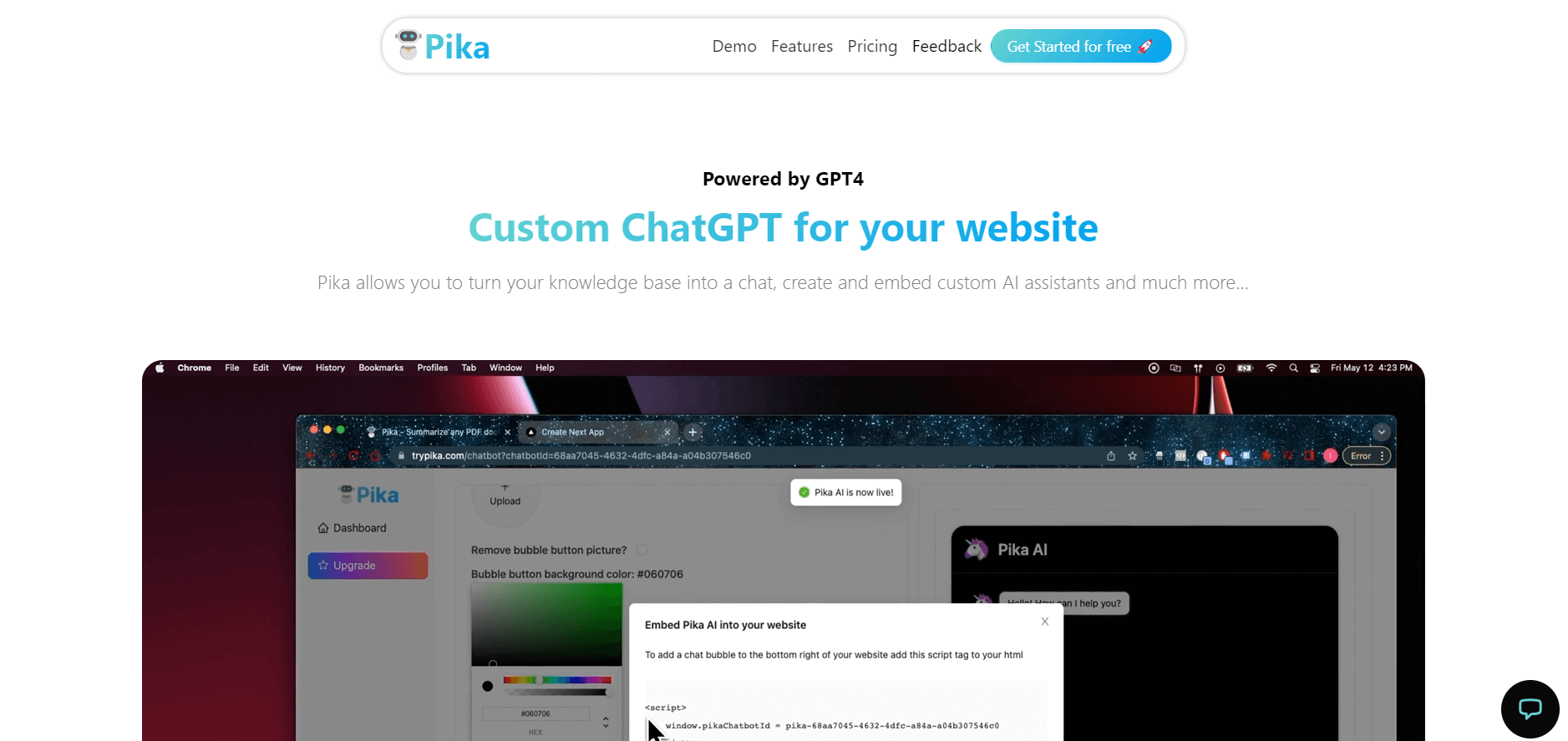
Pika is an AI video generation and creative effects platform that transforms text prompts, still images, and video clips into cinematic video sequences, meme animations, and viral visual effects using its proprietary generative video models.
 4.7
4.7Hotshot AI
Video Generator
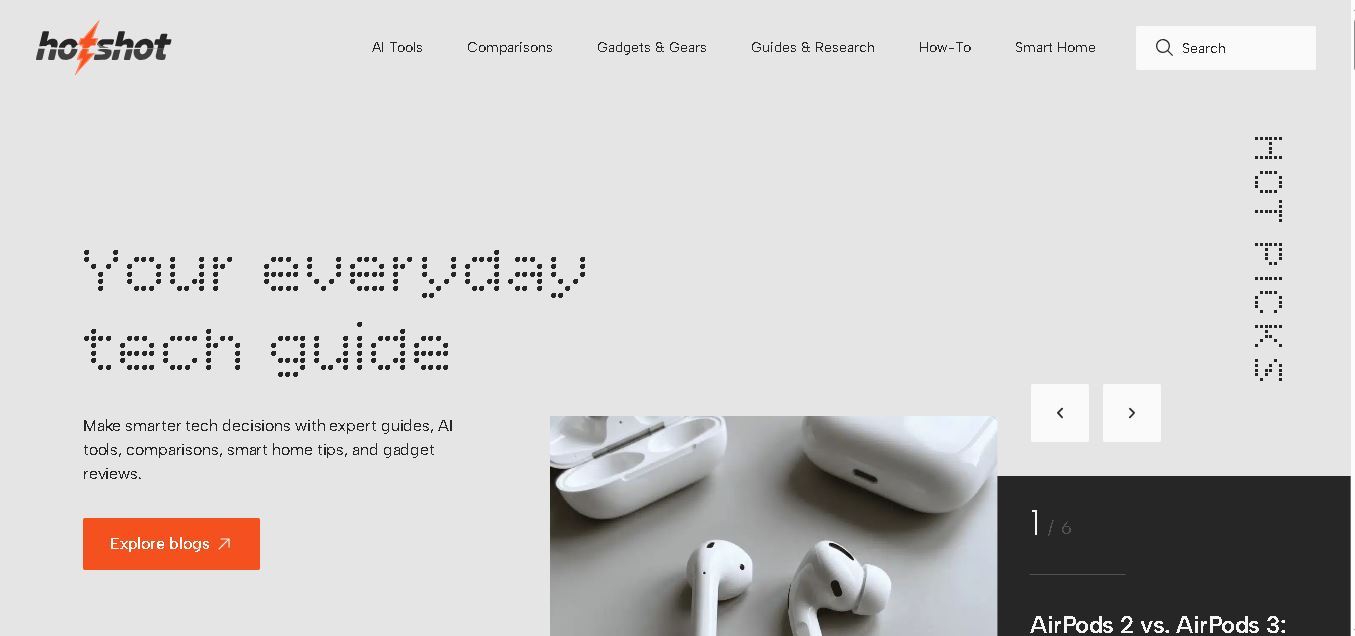
Hotshot is an everyday technology publication covering AI tools, gadgets, smart home technology, comparisons, research, and practical how-to guides. It helps readers understand products, evaluate software, compare options, and solve common technology problems through accessible articles created for people who want clearer information before making technology-related decisions online with confidence.
 4.7
4.7VideoPlus AI
Video Generator
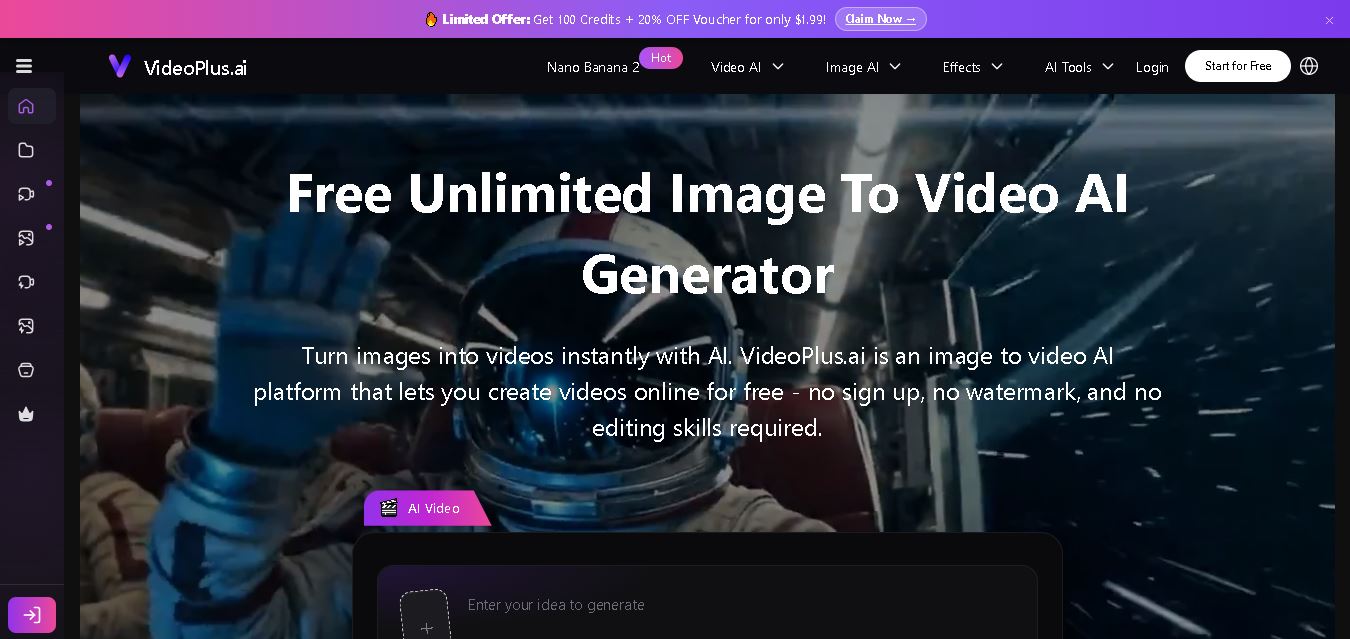
VideoPlus.ai is a versatile AI creation platform for generating and transforming videos and images. It supports text-to-video, image-to-video, reference-to-video, video-to-video, animation, image generation, enhancement, lip syncing, and creative effects. Multiple AI video models are available, making it useful for creators, marketers, designers, and businesses.
 4.7
4.7VideoTube
Video Generator
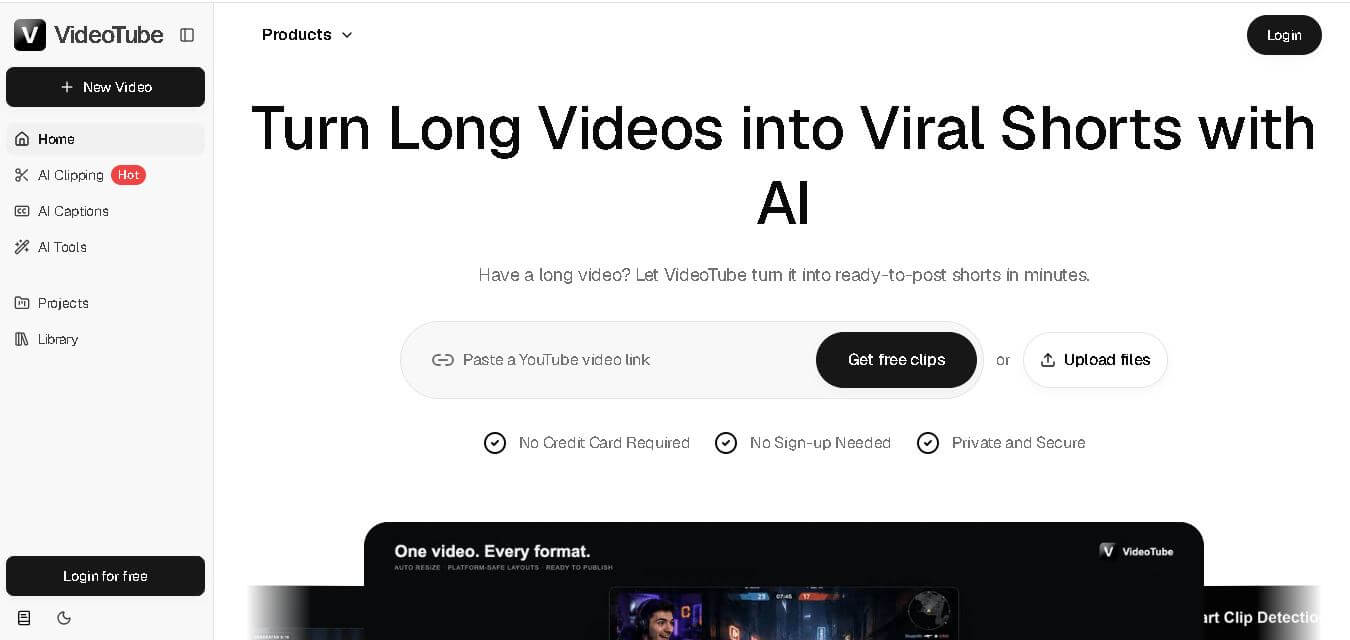
VideoTube helps creators transform long videos into short, social-ready content with AI. It can detect engaging moments, generate captions, remove filler, add B-roll, and automatically reframe videos for vertical platforms. Podcasters, YouTubers, educators, marketers, and agencies can repurpose existing content faster without relying on complicated video editing workflows.
 4.7
4.7TYPPO
Video Generator
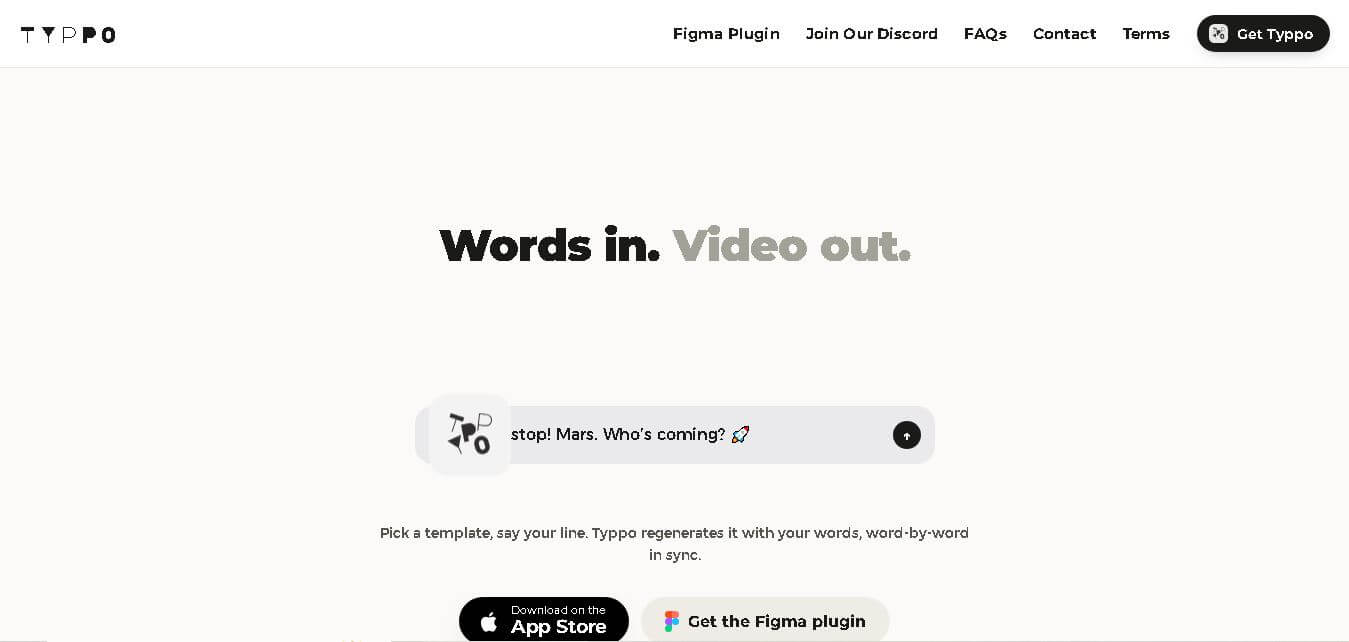
Typpo turns spoken words into animated videos without requiring design skills. Record a message, let the app transform your voice into motion graphics, and share the result on mobile-focused social channels. It supports multiple languages and offers a simple workflow for creators, marketers, communicators, and anyone wanting faster visual content creation.
 4.8
4.8Pollo AI
Video Generator
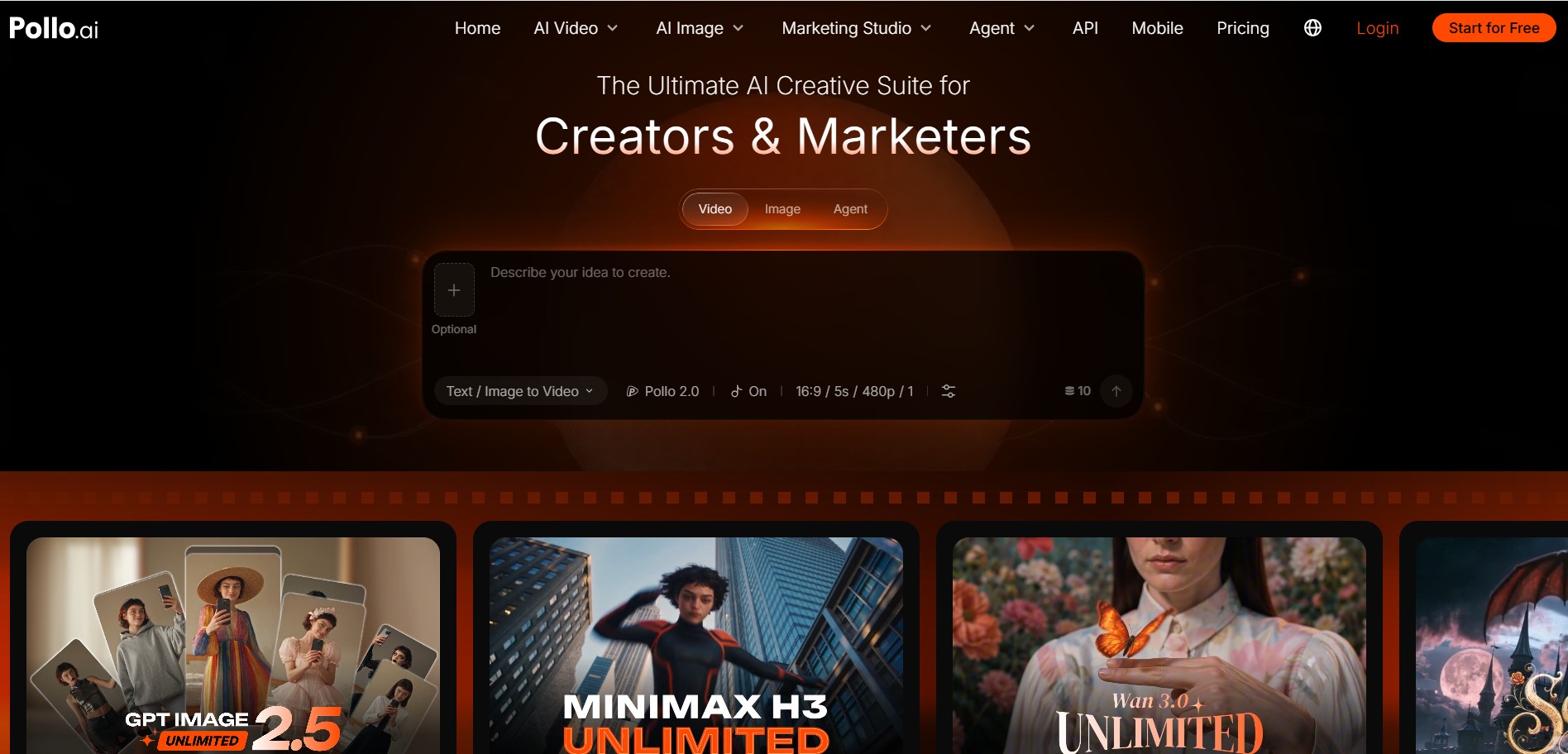
Pollo AI helps creators generate videos and visual content from text, images, and creative prompts. It combines multiple AI video models in one platform and supports workflows such as text-to-video, image-to-video, avatars, video transformation, and reference-based generation. A free tier lets users explore its core creative capabilities before upgrading.
iMini AI
Video Generator
iMini AI (imini.com) is an all-in-one AI creative agent and generative content hub that combines leading AI models into a single interface for generating images, videos, presentations, branding, and deep research reports.