
TYPPO
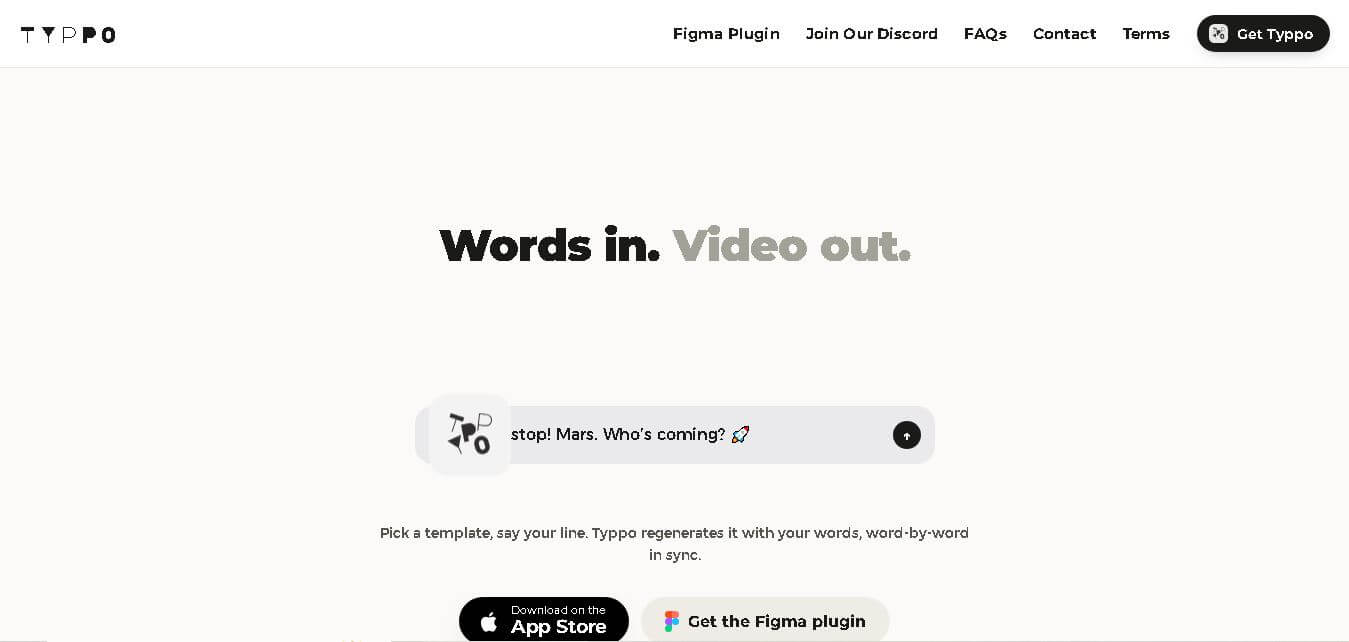
Typpo turns spoken words into animated videos without requiring design skills. Record a message, let the app transform your voice into motion graphics, and share the result on mobile-focused social channels. It supports multiple languages and offers a simple workflow for creators, marketers, communicators, and anyone wanting faster visual content creation.
What is TYPPO?
Typpo is a voice-to-video design tool that turns spoken words into animated motion graphics. Instead of typing text, users record their voice and let Typpo transform the message into a visually engaging short video. The app is designed for quick mobile content creation, making it useful for social posts, messages, ideas, and promotional communication without requiring traditional design skills. Its voice recognition approach keeps the creation process conversational.
Typpo is an iOS voice-to-video tool developed by BeatPitch Inc. Its workflow has 3 main steps: download the app, record your voice, and render a video. Typpo supports 6 languages: English, French, Portuguese, German, Spanish, and Italian. Videos currently export in 9:16 format for mobile sharing. The service is free, and removing the watermark or end tag requires no subscription. The official site also lists 15–30 second ad production starting at $750 for brands seeking professional creative services.
- Platform Role: Voice-to-Video Generator, Animated Motion Graphics Tool & Mobile Content Creation App
- Developer & Organization: TYPPO App
- Cross-Platform Access: iOS (Apple App Store mobile application optimized for 9:16 portrait video formats)
Use Cases:
- Generating fast, engaging voice-driven video clips for Instagram Stories, TikTok, YouTube Shorts, and Reels
- Creating animated text posts, announcement videos, and direct video messages without typing manual captions
- Transforming spoken podcast snippets, soundbites, or thoughts into shareable visual typography clips
- Designing custom branded mobile video templates for corporate campaigns and interactive marketing messages
- Multilingual content creation using automatic speech recognition across supported languages
Technology:
- Advanced speech-to-text processing engine capable of converting spoken dialogue into timed, editable transcriptions
- Real-Time Kinetic Typography & Motion Graphics Engine for rendering animated text, color palettes, and visual effects
- Multi-language speech recognition supporting English, French, Portuguese, German, Spanish, and Italian
- In-app inline word editing enabling quick corrections directly on transcription text bubbles
Target Users:
- Social media content creators, influencers, and vloggers looking for rapid mobile video creation
- Startup founders, business owners, and solo entrepreneurs needing low-friction visual updates for followers
- Brand marketers and agencies seeking custom-branded kinetic video templates for mobile campaigns
- Casual mobile users wanting to send animated video messages instead of plain text
Acquisition: Mobile application and platform operated by TYPPO (typpo.app)

What are the key features of TYPPO?
TYPPO's key platform features are
- Voice-First Video Generation: Speak directly into the app to instantly record audio and generate stylized motion graphics without touching a timeline editor.
- Kinetic Typography Presets: Swipe sideways through various visual themes, font pairings, color palettes, and motion animations.
- Interactive Transcript Editing: Tap directly on individual speech bubbles to edit, correct, or adjust words before exporting.
- Multi-Language Support: Automatic voice recognition across English, French, Portuguese, German, Spanish, and Italian.
- Zero-Subscription Watermark Removal: Free toggle settings that allow users to disable end-tag animations and watermarks directly in the app settings.
- Mobile-Native 9:16 Aspect Ratio: Optimized layout specifically tailored for mobile-first platforms like Instagram Stories, TikTok, and messaging apps.
- Custom Brand Templates: Enterprise capability allowing brands to request custom design layouts tailored to corporate identity guidelines.
How much does TYPPO cost?
TYPPO is available as a free mobile app on iOS, with optional features and enterprise offerings available upon request.
Pricing Tiers:
- Free Plan: $0 / Free access on iOS. Includes full speech-to-video rendering, swipeable animation presets, word editing, and free watermark/end-tag removal via settings.
- Custom Brand Templates: Custom quotes provided via direct contact (matt@typpo.app) for corporate teams needing bespoke branded design templates.
Disclaimer: TYPPO is free to download and export videos. Advanced exports, custom background assets, and wider aspect ratios (16:9, 1:1) are slated for expanded PRO feature updates.
Who should use TYPPO?
TYPPO is designed for creators, marketers, and mobile users, including
- Short-Form Video Creators: TikTokers and Instagram storytellers who need rapid typography animations without desktop video editors like After Effects or Premiere.
- Podcasters & Speaker Advocates: Content hosts needing fast video snippets generated directly from spoken audio highlights.
- Busy Entrepreneurs: Founders sharing quick product updates or social announcements on the go.
What are the best alternatives to TYPPO?
Some of the strongest TYPPO alternatives include
- Captions App
- Descript
- CapCut
- Quinvio AI
- Submagic
- AutoCap
What are the pros and cons of TYPPO?
What are the pros of TYPPO?
- Extremely fast voice-to-video pipeline requiring no manual typing or editing experience
- Completely free to use with the option to disable watermarks directly in settings without a subscription
- Support for multiple global languages out of the box
- Simple, intuitive interface designed specifically for mobile-first workflow
What are the cons of TYPPO?
- Currently restricted to mobile 9:16 portrait aspect ratio (no native 16:9 landscape export options)
- Limited photo and video overlay support on the basic free version
- iOS-centric platform availability
Why should you choose TYPPO?
Designing animated kinetic typography normally requires complex video software, precise keyframing, and painstaking caption timing. TYPPO eliminates this friction by leveraging AI speech processing to turn spoken audio directly into styled animated posts. TYPPO offers social media creators and business owners an effortless, voice-driven creation experience right from their phones, allowing them to publish engaging video content quickly.
How does TYPPO compare to competitors?
The primary distinction between TYPPO, Captions App, Descript, and CapCut lies in input methodology and workflow intent. While apps like Captions App and CapCut focus on editing pre-recorded talking-head videos with auto-subtitles, TYPPO generates complete motion graphic kinetic typography directly from audio recordings.
| Feature / Platform | TYPPO | Captions App | Descript | CapCut |
|---|---|---|---|---|
| Core Focus | Voice-to-Kinetic Typography Animation | AI Talking-Head & Subtitle Studio | Audio/Video Editing via Text Script | All-in-One Mobile Video Editor |
| Primary Input | Live Voice Recording | Recorded Video & Camera Clips | Audio/Video Files & Text Transcripts | Imported Video Tracks & Timelines |
| Ease of Creation | Instant (Speak & Export) | Moderate (Clip Editing & Styling) | Comprehensive Timeline & Scripting | Multi-Track Editing |
| Watermark Removal | Free toggle in Settings | Requires Paid Subscription | Requires Paid Subscription | Free basic / Pro paid assets |
| Best For | Quick, text-based voice stories and social graphic posts | Creators enhancing face-cam videos with dynamic captions | Podcasters and video editors needing deep script-based editing | General video editing and trending social media visual effects |
How do we rate TYPPO?
| Parameter | Rating (out of 5) |
|---|---|
| Ease of Use & Creation Speed | 4.9 |
| Voice Recognition & Accuracy | 4.6 |
| Visual Design & Typography Quality | 4.7 |
| Value for Money & Free Access | 5.0 |
| Feature Depth & Export Options | 4.3 |
| Overall Score | 4.70 |
What is our review and verdict on TYPPO?
TYPPO delivers a refreshingly rapid approach to short-form video creation. By focusing on voice-first generation and eliminating complex timeline editing, it allows creators to turn spontaneous thoughts into polished animated graphics in seconds. Its free access model and clean watermark settings make it an essential mobile tool for creators who need quick, stylish social videos.
Conclusion
Typpo offers a simple way to turn spoken ideas into shareable motion graphics, especially for users who prefer talking over typing or designing. Its 3-step workflow, multilingual support, free access, and mobile-first 9:16 output make it practical for quick social content. For brands, Typpo also presents a way to explore voice-led creative communication and professional short-form advertising services. Overall, it suits quick, conversational visual storytelling.
FAQ
What is Typpo used for?
If you want to create short videos without designing every frame, Typpo is built for that workflow. You record your voice, and the app turns your spoken message into animated motion graphics. It works especially well for social posts, quick ideas, personal messages, and mobile-first communication when speed matters most to you.
Is Typpo free to use?
Yes, Typpo is free according to its official FAQ. You can also disable the watermark and the ending animation without purchasing a subscription. For you, that means you can experiment with the core voice-to-video workflow without committing to a paid plan. Typpo does mention a PRO version is being developed.
Which languages does Typpo support?
If you create content for audiences beyond English, Typpo supports English, French, Portuguese, German, Spanish, and Italian. That gives you 6 supported languages to work with today. The company says it is continually expanding its language capabilities, so multilingual creators can use Typpo for a broader range of short-form communication.
Can I remove the Typpo watermark?
Yes. If the watermark is a concern for your published videos, Typpo lets you disable it through the app settings. Open the menu, choose Settings, then select Disable Watermark. You can also disable the end tag there. Typpo states that neither option requires a subscription, making cleaner exports accessible to users for free.
What video format does Typpo export?
Typpo currently exports videos in a 9:16 vertical format. If you mainly create content for smartphones, this is useful because vertical video is designed for mobile viewing. However, if you need 16:9, 1:1, or 4:3 exports, Typpo’s official FAQ says those formats are not currently available for export in the app.
Can I use my own photos or videos in Typpo?
Not currently, according to Typpo’s official FAQ. If your workflow depends on importing personal photos or existing video clips, this is an important limitation to consider. Typpo says it is working on a PRO version with additional features, so broader media support may become available in a future release later.
User Reviews
No reviews yet for TYPPO.
Featured Tools
Featured AI tools from TechShark

Melody Genie
MelodyGenie is an AI-powered music generator that creates original songs from simple text prompts. Users can choose styles, moods, and genres, then instantly generate melodies and full tracks, making it easy for creators, marketers, and hobbyists to produce custom music without musical expertise.
Freemium

Kimi AI
Kimi AI is an advanced AI assistant developed by Moonshot AI that helps you chat, research, write, code, and automate tasks in one place. It supports web search, file analysis, and multimodal inputs, and can even run autonomous “agent” workflows to complete complex tasks end-to-end.
Freemium

Fashion Diffusion AI
Fashion Diffusion is an AI-powered fashion design platform that helps brands and designers create clothing designs, virtual try-ons, AI models, product photos, and marketing visuals faster and cost-effectively.
Paid

Veo 4
Veo 4 AI is an AI video creation platform that generates dramatic videos from text, images, audio, and video prompts using realistic motion and synchronized sound.
Paid
Alternatives
Alternatives to TYPPO
The best TYPPO alternatives include Captions App, Descript, CapCut, and Submagic. While TYPPO focuses on transforming live spoken voice into animated kinetic typography videos instantly on mobile, alternatives like Captions App and CapCut specialize in enhancing pre-recorded talking-head videos with automated subtitles and multi-track visual effects.
 4.9
4.9Clipchamp
Video Generator
Clipchamp is an AI-powered online video editor by Microsoft that helps users record, edit, and share videos directly from the browser. It offers templates, stock media, and AI tools like subtitles, voiceovers, and noise removal, enabling fast, professional video creation without advanced editing skills.
 4.9
4.9CapCut
Video Editing
CapCut is a popular video editing tool that helps creators produce engaging videos with effects, transitions, filters, templates, subtitles, and AI-powered features. Available on multiple platforms, CapCut makes it easy to edit videos for TikTok, Instagram Reels, YouTube Shorts, and other social media channels.
 4.9
4.9Pika
Video Generator
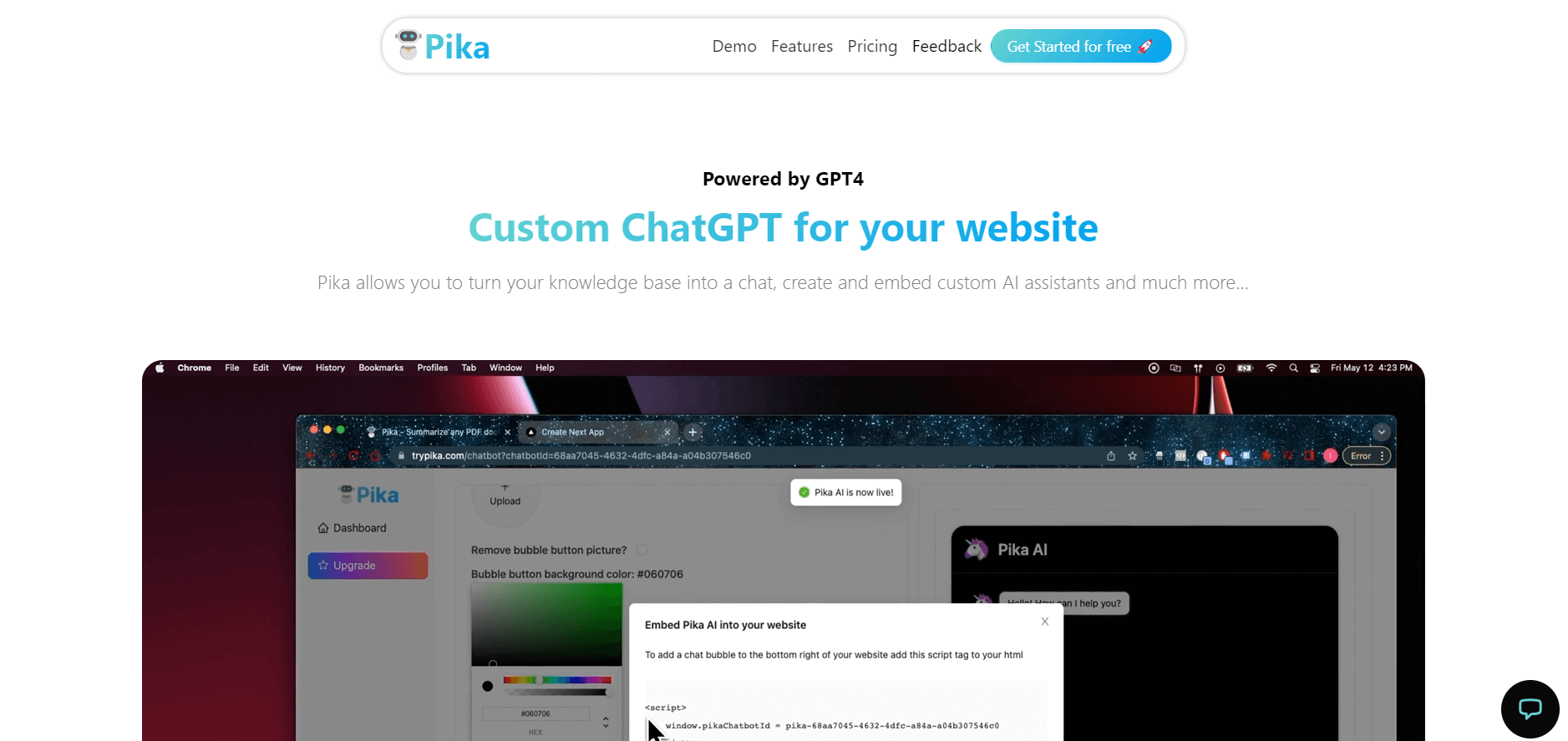
Pika is an AI video generation and creative effects platform that transforms text prompts, still images, and video clips into cinematic video sequences, meme animations, and viral visual effects using its proprietary generative video models.
 4.7
4.7Hotshot AI
Video Generator
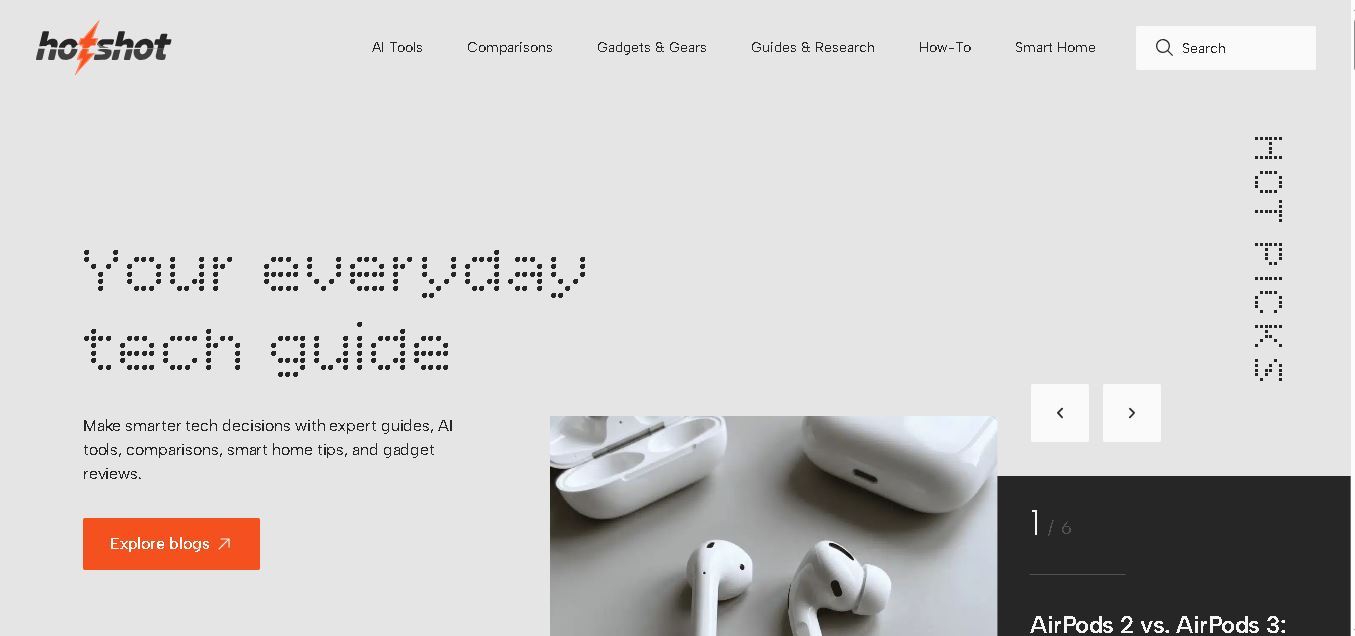
Hotshot is an everyday technology publication covering AI tools, gadgets, smart home technology, comparisons, research, and practical how-to guides. It helps readers understand products, evaluate software, compare options, and solve common technology problems through accessible articles created for people who want clearer information before making technology-related decisions online with confidence.
 4.7
4.7VideoPlus AI
Video Generator
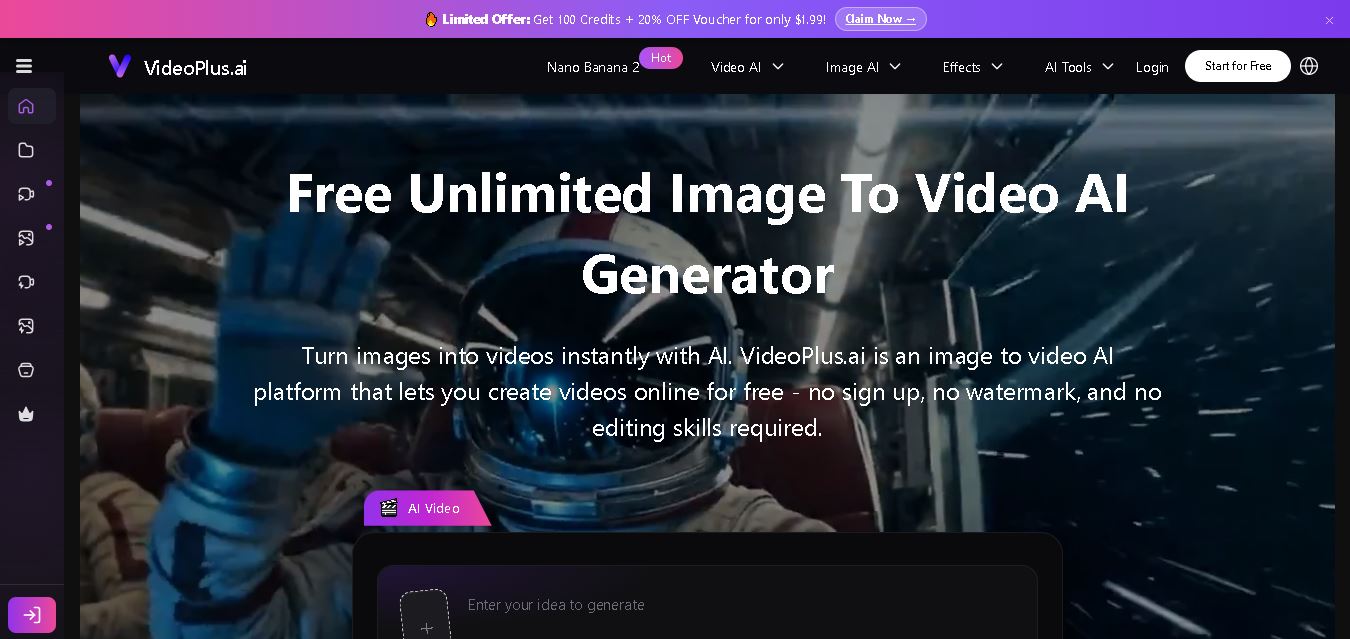
VideoPlus.ai is a versatile AI creation platform for generating and transforming videos and images. It supports text-to-video, image-to-video, reference-to-video, video-to-video, animation, image generation, enhancement, lip syncing, and creative effects. Multiple AI video models are available, making it useful for creators, marketers, designers, and businesses.
 4.7
4.7VideoTube
Video Generator
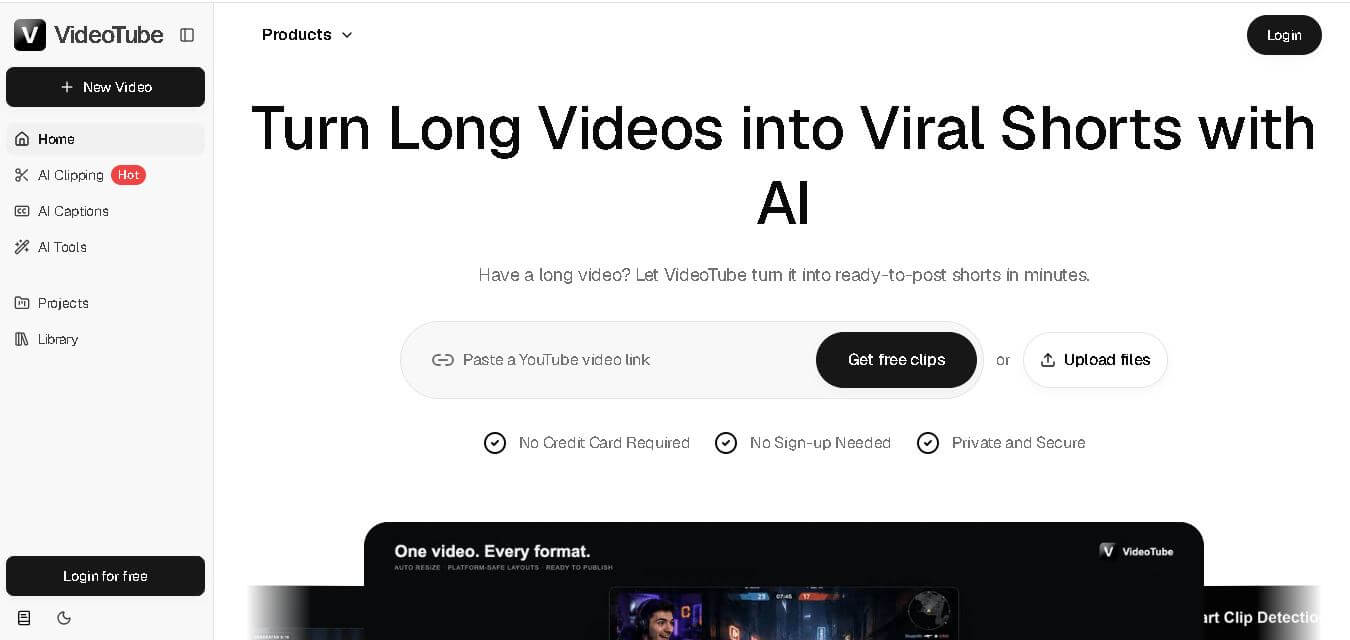
VideoTube helps creators transform long videos into short, social-ready content with AI. It can detect engaging moments, generate captions, remove filler, add B-roll, and automatically reframe videos for vertical platforms. Podcasters, YouTubers, educators, marketers, and agencies can repurpose existing content faster without relying on complicated video editing workflows.
 4.8
4.8Pollo AI
Video Generator
Pollo AI helps creators generate videos and visual content from text, images, and creative prompts. It combines multiple AI video models in one platform and supports workflows such as text-to-video, image-to-video, avatars, video transformation, and reference-based generation. A free tier lets users explore its core creative capabilities before upgrading.
iMini AI
Video Generator
iMini AI (imini.com) is an all-in-one AI creative agent and generative content hub that combines leading AI models into a single interface for generating images, videos, presentations, branding, and deep research reports.
 4.8
4.8Guidde
Video Generator
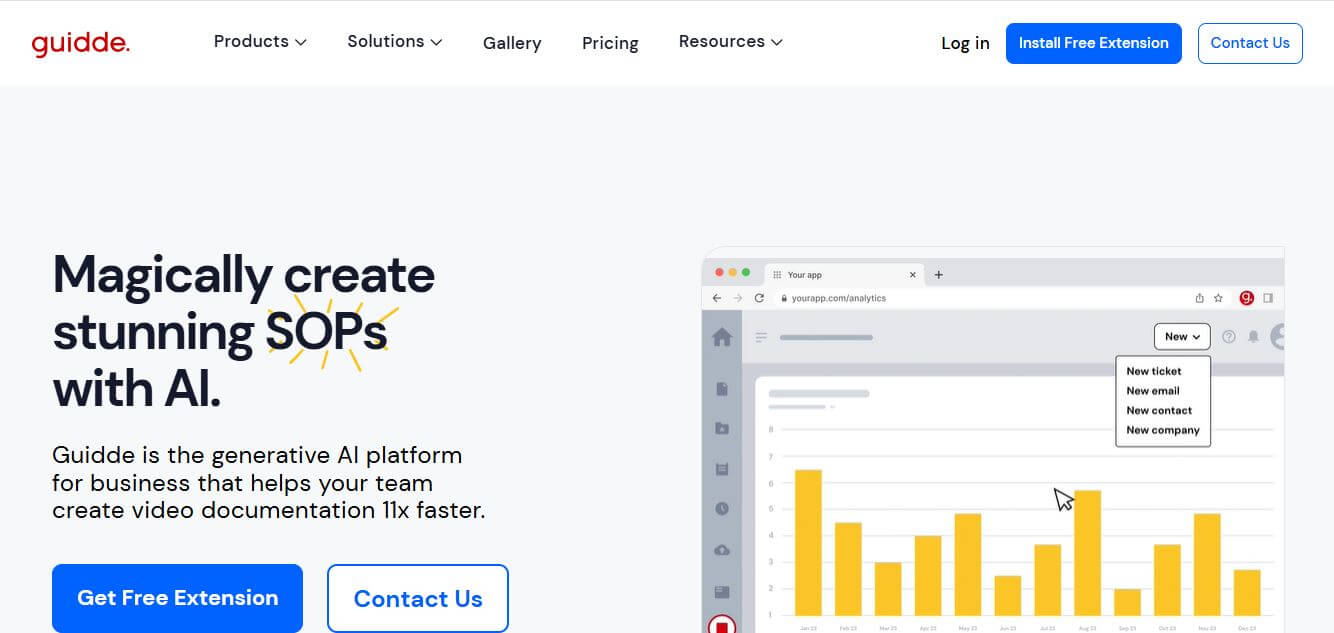
Guidde is a generative AI video documentation and training platform that captures screen workflows across web and desktop apps, automatically producing structured, step-by-step how-to videos and written guides complete with synthetic voiceovers in 100+ languages.