Google Veo (Google AI Studio)
Veo (by Google AI Studio) is an advanced AI video generation model that creates high-quality, cinematic videos from text prompts or images. It understands scenes, camera movements, and physics, producing realistic motion, consistent characters, and detailed environments for storytelling and creative production.
What is Google Veo?
Veo (Google AI Studio) is Google’s advanced AI video generation model that lets you create cinematic, high-quality videos from simple text prompts, images, or a combination of both. Built by Google DeepMind, Veo can generate realistic scenes with accurate motion, lighting, and even synchronized audio, making it feel closer to real filmmaking than basic AI video tools. Inside Google AI Studio, it acts as a hands-on workspace where you can experiment with prompts, adjust parameters like duration and aspect ratio, and instantly generate videos for testing or production use. The latest versions support features like image-guided generation, scene extension, consistent characters, and 4K output, giving creators “director-level” control over storytelling and visual style. Veo is designed for creators, developers, and teams who want to turn ideas into professional video content quickly using AI.
Developed by Google DeepMind and unveiled by Demis Hassabis, Veo represents Google's direct technological answer to OpenAI Sora, Runway Gen-3, and Kling. Built to understand nuanced cinematic terminology (such as timelapse, aerial drone tracking, and anamorphic lens flare), modern iterations of the Veo family (including Veo 2 and Veo 3.x) deliver 1080p and 4K rendering, first-and-last frame keyframe interpolation, single-pass native synchronized audio, and digital watermarking via SynthID. Accessible to developers via the Gemini API in Google AI Studio and Vertex AI, Veo offers a free developer tier alongside pay-as-you-go API consumption starting from $0.05 to $0.40 per second of generated video.
- Developer / Organization: Google DeepMind & Google Cloud (Mountain View, California)
- Platform Access: Google AI Studio, Gemini API & Google Cloud Vertex AI
- Core Output Capabilities: Text-to-video, image-to-video, 720p/1080p/4K resolution, 16:9 & 9:16 aspect ratios
Use Cases:
- Generating photorealistic B-roll, concept art, and visual storyboards directly from descriptive text prompts
- Animating static e-commerce catalog photos or marketing assets into engaging short-form video ads
- Programmatically integrating AI video generation pipelines into SaaS apps, media suites, and mobile tools via the Gemini API
- Interpolating transitions between starting and ending keyframes using first-and-last frame conditioning
- Synthesizing ambient soundscapes, sound effects, and character dialogue synchronized to visual action in a single pass
Technology:
- Advanced visual diffusion transformer architecture trained on compressed latent video representations and multimodal semantic tokens
- Native comprehension of cinematic camera grammar: pans, dollies, tracking shots, zoom velocities, and focal lengths
- Imperceptible AI provenance tracking powered by DeepMind's SynthID digital watermarking technology
Target Users:
- Full-stack engineers and AI application developers integrating video generation into software products via REST and Python SDKs
- Film directors, animators, and VFX artists producing rapid pre-visualization animatics and storyboards
- Performance marketing teams producing multi-variant social media video creatives for YouTube Shorts and TikTok
- Enterprise creative agencies requiring high-compliance, indemnity-backed generative video models on Google Cloud
Acquisition: Proprietary flagship foundation model developed and distributed by Google LLC

Key features of Google Veo
Google Veo's key platform features are
- Cinematic Grammar Adherence: Understands complex cinematic directions including camera movements (aerial tracking, crane shot, pan left), lens types, lighting conditions, and specific film visual styles.
- Text-to-Video & Image-to-Video: Generate dynamic video clips entirely from scratch or animate existing images with high prompt adherence and physical realism.
- First-and-Last Frame Control: Provide starting and ending keyframe images to interpolate smooth camera transitions, morphs, and continuous visual narratives.
- Native Synchronized Audio: Advanced model variants generate ambient environmental audio, foley sound effects, and speech synchronized to the video in a single pass.
- Configurable Formats & Resolution: Select between landscape (16:9) and vertical (9:16) aspect ratios with output resolutions spanning 720p, 1080p Full HD, and up to 4K on high-tier pipelines.
- Google AI Studio Playground: Interactive web-based testing console allowing developers to experiment with prompts, tweak duration parameters, and export runnable code snippets.
- Unified Gemini API & Vertex AI Deployment: Access the model programmatically using Google GenAI SDKs for Python, Node.js, Go, or direct REST calls with enterprise IAM governance.
- SynthID Watermarking: Every generated frame embeds an invisible, tamper-resistant digital watermark that survives compression and format conversion to verify provenance.
Google Veo Pricing
Google Veo is available through developer API pay-as-you-go billing in Google AI Studio and Vertex AI, alongside consumer subscription bundles across Google AI Pro and Ultra plans.
Google AI Studio (Free Tier / Evaluation):
- $0 / Free Trial: Rate-limited testing credits in Google AI Studio for developers to prototype prompts and explore model parameters
Developer API (Pay-As-You-Go):
- Veo Lite / Fast: ~$0.05 to $0.15 per second of generated video (~$0.25 to $0.75 per 5-second clip) for high-speed generation
- Veo Standard / High-Fidelity: ~$0.35 to $0.40 per second of generated video (~$1.75 to $2.00 per 5-second 1080p clip)
- Audio-Visual & 4K Add-ons: Audio synthesis and 4K upscaling available on Vertex AI at specialized per-second premiums ($0.40–$0.60/sec)
Consumer / Workspace Plans:
- Google AI Pro ($19.99 / month): Includes monthly video generation allowances via Flow and the Gemini app
- Google AI Ultra ($249.99 / month): High-volume generation allowances, 1080p resolution, watermark-free output, and priority queue dispatch
Disclaimer: API pricing varies across Google AI Studio and Vertex AI depending on model checkpoint (Veo 2 vs. Veo 3.x), audio inclusion, and resolution. For official documentation and quota requests, visit aistudio.google.com/models/veo.
Who is using Google Veo?
Google Veo is used by developers, filmmakers, and digital agencies, including
- Software Developers & SaaS Builders: Integrating native video generation, social ad creation, and asset animation into third-party web apps via the Gemini API
- Creative Directors & Filmmakers: Pre-visualizing film sequences, blocking complex camera trajectories, and drafting storyboards with precise cinematic language
- Social Media Marketers: Producing eye-catching vertical (9:16) video clips for TikTok, Instagram Reels, and YouTube Shorts
- Enterprise Marketing Teams: Rapidly testing multi-variant product commercials and localized advertising campaigns inside Google Cloud Vertex AI
Best Google Veo Alternatives
Some of the strongest Google Veo alternatives include
- OpenAI Sora
- Runway (Gen-3 Alpha)
- Kling AI
- Vidu (vidu.com - ShengShu Technology)
- Luma Dream Machine
- ClipDance (clipdance.ai - Multi-Model Video Studio)
Pros and Cons of Google Veo
Pros
- Exceptional understanding of cinematic camera vocabulary, lens focal lengths, and complex physical motion
- First-class developer integration via Google AI Studio and Vertex AI with well-supported client SDKs
- Native single-pass synchronized audio rendering on frontier Veo model iterations
- Robust enterprise security, compliance, and IP indemnity protection on Google Cloud infrastructure
- Built-in SynthID digital watermarking ensures ethical AI governance and provenance verification
Cons
- High-fidelity 1080p and 4K API video generations can scale costs quickly on high-volume production runs ($0.35–$0.60/sec)
- Access to experimental cutting-edge checkpoints can be subject to regional rollouts and waitlists
- Strict safety filters may reject prompts containing sensitive keywords or licensed public figures
Why Choose Google Veo?
While many third-party AI video tools wrap closed consumer portals without dependable developer APIs, Google Veo provides an enterprise-ready foundation model integrated directly into Google's developer ecosystem.
- Provides a direct API interface (Google AI Studio & Vertex AI) to build custom video apps with standard Google SDKs
- Translates precise directorial commands into realistic camera movements and consistent physical lighting
- Combines visuals and synchronized sound in a single pass to minimize external editing
- Backed by Google's enterprise infrastructure, high availability, and IP indemnity protections
Google Veo vs. Competitors
The main difference between Google Veo, OpenAI Sora, Runway Gen-3, and Kling AI lies in API availability, cinematic prompt comprehension, and enterprise integration. While Sora has prioritized closed creative partnerships and Runway operates primarily as a standalone creative suite, Google Veo provides both a direct developer API in AI Studio and enterprise-scale deployment on Google Cloud Vertex AI, featuring precise camera trajectory controls and integrated SynthID watermarking.
| Feature / Tool | Google Veo (AI Studio) | OpenAI Sora | Runway (Gen-3 Alpha) | Kling AI |
|---|---|---|---|---|
| Core Focus | Developer Video Foundation Model & API | Photorealistic Video Foundation Model | Cinematic Creative Video Studio | High-Motion Realistic Video Platform |
| Developer API Access | Yes (Google AI Studio & Vertex AI) | Restricted / Partner Rollouts | Yes (Runway API) | Yes (Kling Developer API) |
| Cinematic Camera Control | Deep prompt-level camera grammar | Prompt-level understanding | Camera controls & motion brush | Camera trajectory toggles |
| Watermarking & Safety | DeepMind SynthID imperceptible watermark | C2PA metadata & watermarks | Standard metadata | Platform watermarking |
| Pricing Structure | Free dev trial / From ~$0.05–$0.40/sec | ChatGPT Plus/Pro tier inclusion | Free tier / From $12/month | Free tier / From ~$10/month |
| Best For | Developers building enterprise video software | High-budget film pre-vis & studio artists | VFX artists & creative agencies | Creators needing complex human physical motion |
How do we rate Google Veo?
| Parameter | Rating (out of 5) |
|---|---|
| Cinematic Adherence & Physical Realism | 5.0 |
| Developer API & Google Cloud Integration | 5.0 |
| Camera Direction & Keyframe Control | 4.9 |
| Audio-Visual Synthesis & Lip-Sync | 4.8 |
| Value for Money | 4.8 |
| Overall Score | 4.90 |
Google Veo Review
Google Veo represents a high watermark in generative video research and practical developer infrastructure. By combining Google DeepMind's deep learning architecture with Google Cloud's enterprise infrastructure, Veo delivers remarkable prompt fidelity, nuanced camera physics, and high visual consistency. Its availability through Google AI Studio and Vertex AI allows development teams to move beyond isolated consumer web interfaces and build scalable, production-grade video applications with confidence.
Conclusion
Google Veo is one of the most advanced AI video generation models available today, designed to help creators turn simple prompts into cinematic, high-quality videos with realistic motion, physics, and even native audio. It supports multiple workflows—including text-to-video, image-to-video, and video editing—while maintaining strong prompt accuracy and visual consistency across scenes. Its biggest strength lies in creative control and realism, offering features like camera movement control, scene extension, first-and-last-frame generation, and reference-based styling, allowing users to direct videos almost like a film production tool. With capabilities like 1080p/4K output, vertical video generation, and synchronized audio, it significantly reduces the gap between idea and production-ready content. While still evolving and often limited to short clips, the impact is clear.
FAQ
What is Google Veo?
Google Veo is a state-of-the-art AI video generation model that creates high-quality videos from text, images, or references. It’s part of Google AI Studio and the Gemini ecosystem, designed for cinematic, production-ready video creation.
How does Veo work?
You provide a prompt (text, image, or both), and Veo generates a short video clip with realistic motion, scenes, and even audio. It understands storytelling, camera angles, and visual style to produce cinematic outputs.
What can you do with Veo?
You can create ads, social media videos, short films, product demos, and visual storytelling content using text-to-video, image-to-video, and multi-scene generation.
Does Veo generate audio with video?
Yes, newer versions like Veo 3+ generate audio natively—such as dialogue, ambient sound, and effects—along with video, making it a full audio-visual tool.
What video quality does Veo support?
Veo supports resolutions from 720p to 1080p and up to 4K, depending on the model version, with cinematic quality and realistic physics.
How long are Veo-generated videos?
Typically, Veo generates short clips of 4–8 seconds, which can be extended or combined into longer sequences using advanced workflows.
Who should use Veo?
Veo is ideal for creators, filmmakers, marketers, agencies, and developers who want high-quality AI video generation with advanced control and realism.
User Reviews
No reviews yet for Google Veo (Google AI Studio).
Featured Tools
Featured AI tools from TechShark

Melody Genie
MelodyGenie is an AI-powered music generator that creates original songs from simple text prompts. Users can choose styles, moods, and genres, then instantly generate melodies and full tracks, making it easy for creators, marketers, and hobbyists to produce custom music without musical expertise.
Freemium

Kimi AI
Kimi AI is an advanced AI assistant developed by Moonshot AI that helps you chat, research, write, code, and automate tasks in one place. It supports web search, file analysis, and multimodal inputs, and can even run autonomous “agent” workflows to complete complex tasks end-to-end.
Freemium

Fashion Diffusion AI
Fashion Diffusion is an AI-powered fashion design platform that helps brands and designers create clothing designs, virtual try-ons, AI models, product photos, and marketing visuals faster and cost-effectively.
Paid

Veo 4
Veo 4 AI is an AI video creation platform that generates dramatic videos from text, images, audio, and video prompts using realistic motion and synchronized sound.
Paid
Alternatives
Alternatives to Google Veo (Google AI Studio)
The best Google Veo alternatives include OpenAI Sora, Runway (Gen-3 Alpha), Kling AI, Vidu (vidu.com), Luma Dream Machine, and ClipDance (clipdance.ai). These platforms offer frontier text-to-video, image-to-video, and video generation APIs. While Google Veo specializes in precise cinematic camera grammar, enterprise SDK integration via Google AI Studio and Vertex AI, single-pass synchronized audio, and SynthID digital watermarking, alternatives like Runway provide specialized VFX timeline suites, and Vidu excels in anime and multi-shot storytelling.
 4.7
4.7Kaiber
Video Generator
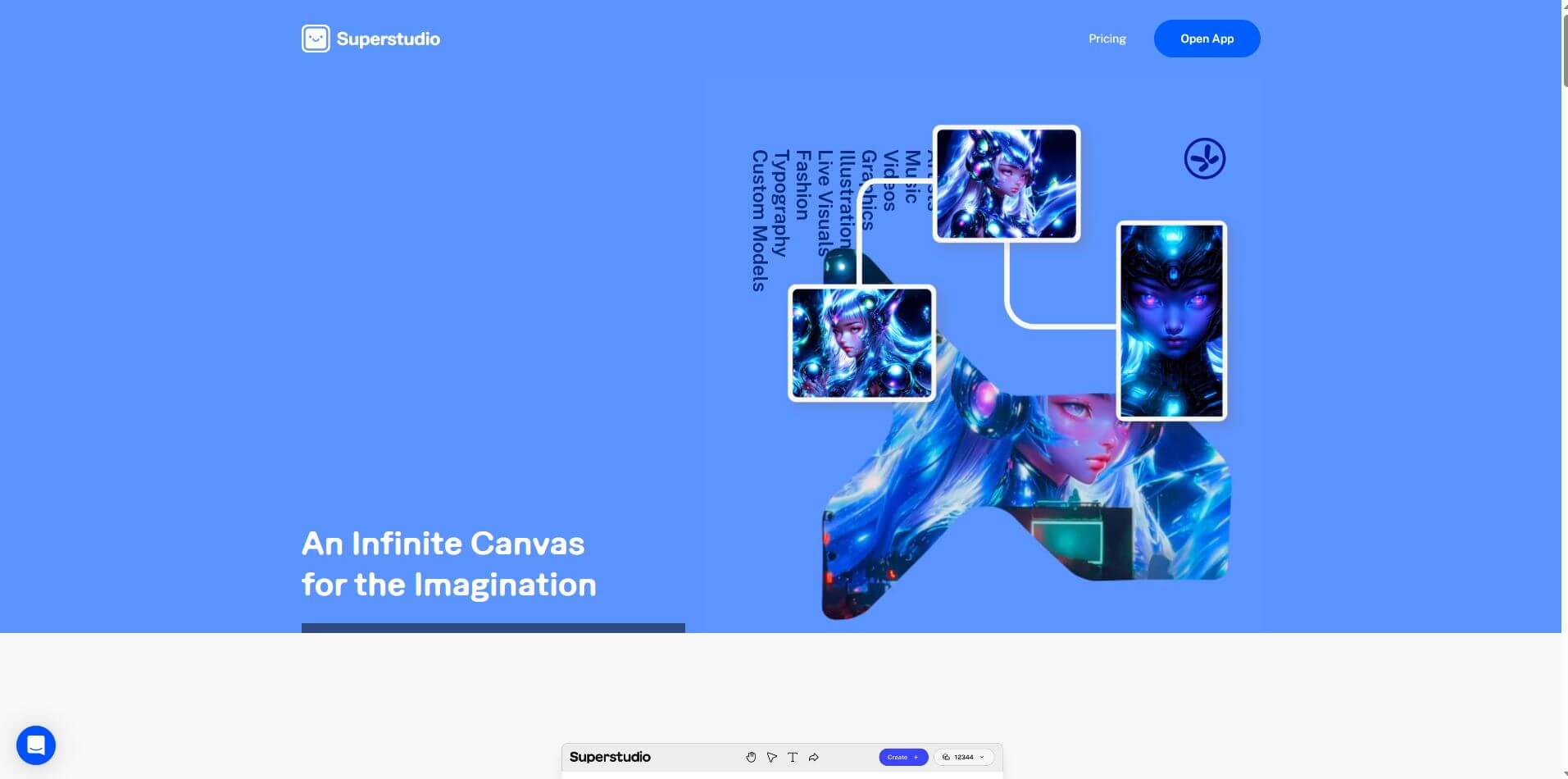
Kaiber is an AI-powered creative suite for generating videos, images, and audio. It helps musicians, content creators, and marketers turn text prompts, images, and music into engaging visuals. Its tools support image animation, beat-synced video creation, lip-sync, visual restyling, and timeline editing for social media and music videos.
 4.8
4.8VideoDubber
Video Enhancer
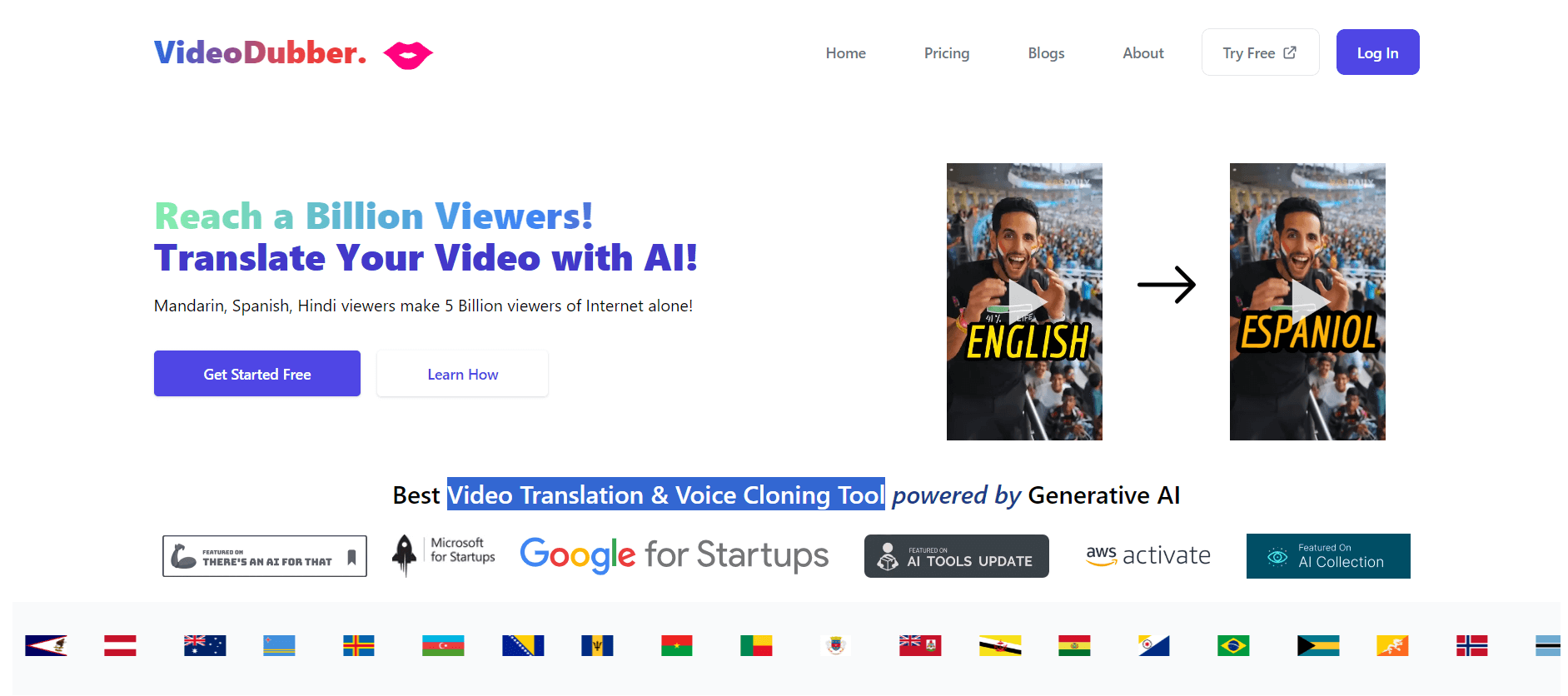
VideoDubber is an AI-powered video translation and dubbing platform that helps creators, businesses, and educators reach global audiences. It translates videos into 150+ languages, clones voices, synchronizes lip movements, generates subtitles, and preserves background audio. Users can edit translations and export localized videos for multiple platforms.
 4.9
4.9Clipchamp
Video Generator
Clipchamp is an AI-powered online video editor by Microsoft that helps users record, edit, and share videos directly from the browser. It offers templates, stock media, and AI tools like subtitles, voiceovers, and noise removal, enabling fast, professional video creation without advanced editing skills.
 4.9
4.9CapCut
Video Editing
CapCut is a popular video editing tool that helps creators produce engaging videos with effects, transitions, filters, templates, subtitles, and AI-powered features. Available on multiple platforms, CapCut makes it easy to edit videos for TikTok, Instagram Reels, YouTube Shorts, and other social media channels.
 4.9
4.9Pika
Video Generator
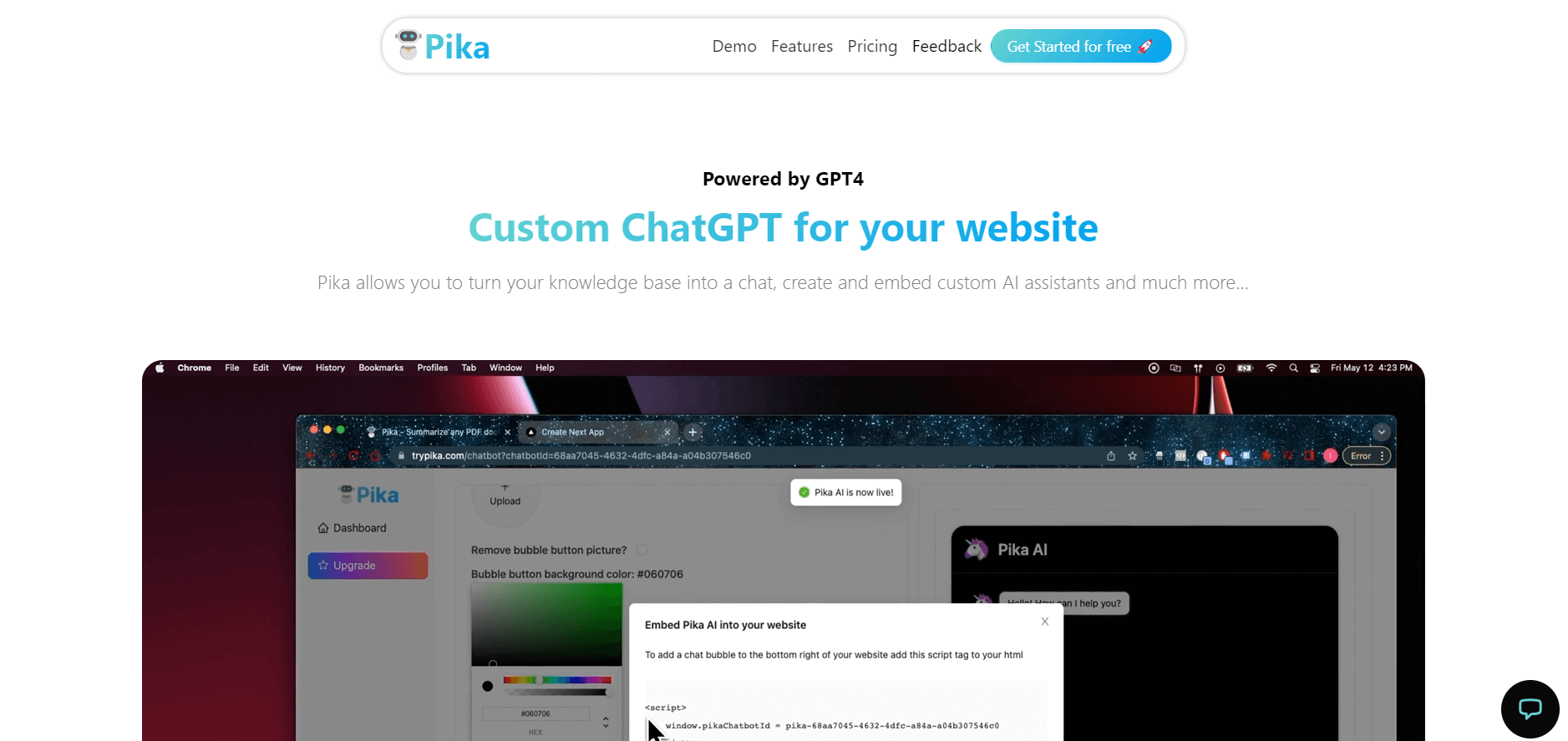
Pika is an AI video generation and creative effects platform that transforms text prompts, still images, and video clips into cinematic video sequences, meme animations, and viral visual effects using its proprietary generative video models.
 4.7
4.7Hotshot AI
Video Generator
Hotshot is an everyday technology publication covering AI tools, gadgets, smart home technology, comparisons, research, and practical how-to guides. It helps readers understand products, evaluate software, compare options, and solve common technology problems through accessible articles created for people who want clearer information before making technology-related decisions online with confidence.
 4.7
4.7VideoPlus AI
Video Generator
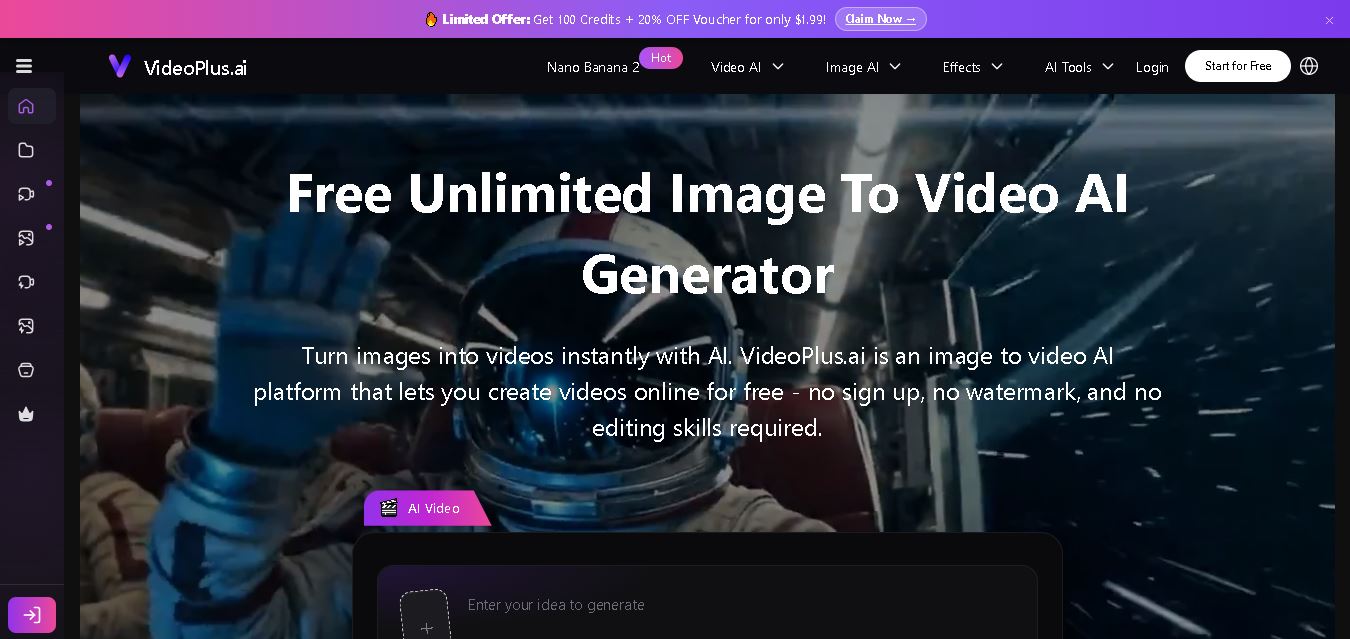
VideoPlus.ai is a versatile AI creation platform for generating and transforming videos and images. It supports text-to-video, image-to-video, reference-to-video, video-to-video, animation, image generation, enhancement, lip syncing, and creative effects. Multiple AI video models are available, making it useful for creators, marketers, designers, and businesses.
 4.7
4.7VideoTube
Video Generator
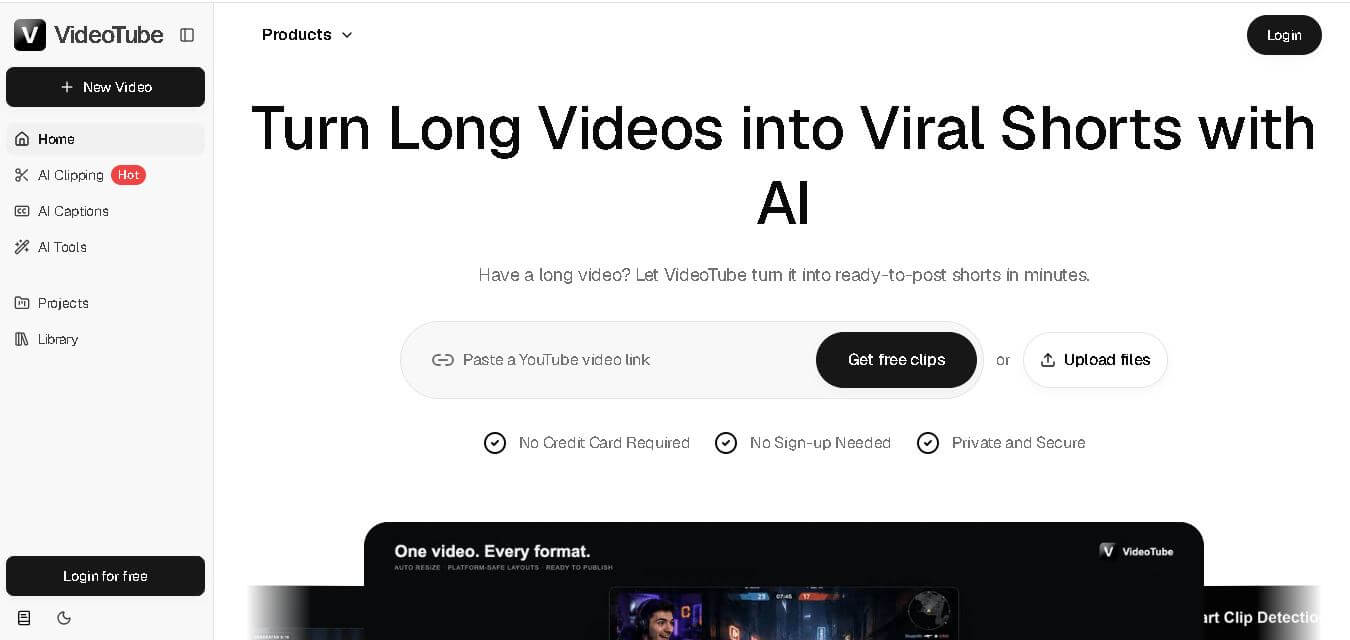
VideoTube helps creators transform long videos into short, social-ready content with AI. It can detect engaging moments, generate captions, remove filler, add B-roll, and automatically reframe videos for vertical platforms. Podcasters, YouTubers, educators, marketers, and agencies can repurpose existing content faster without relying on complicated video editing workflows.
 4.7
4.7TYPPO
Video Generator
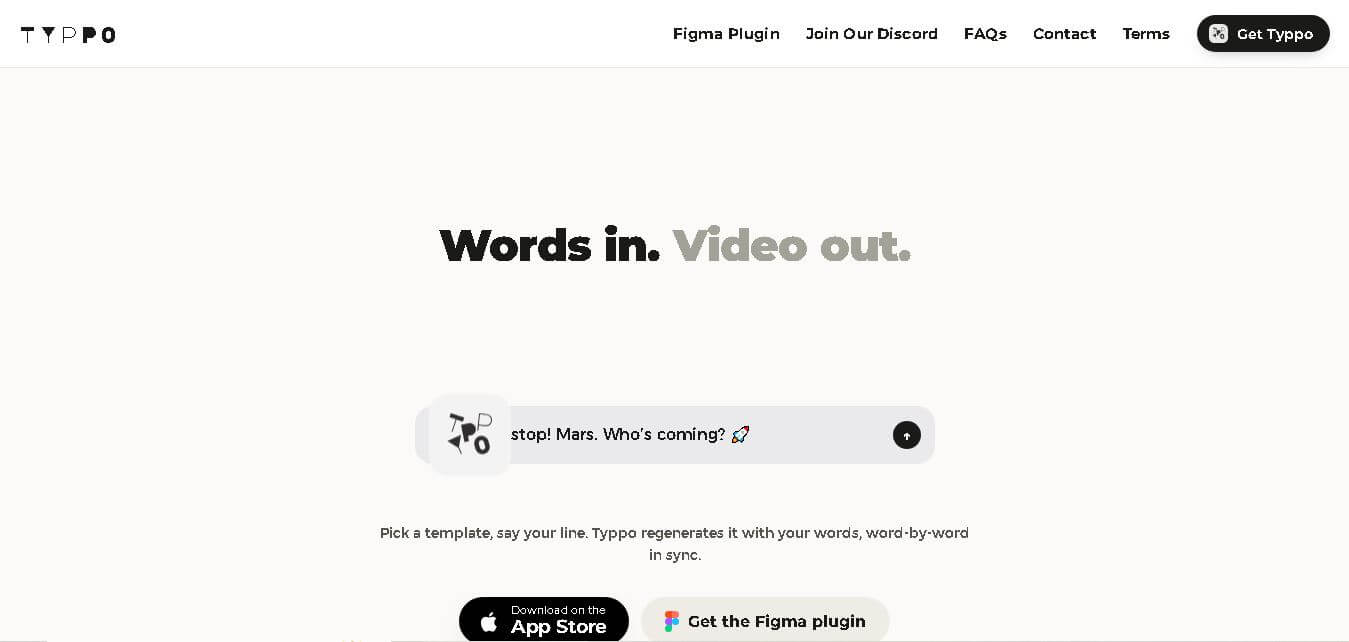
Typpo turns spoken words into animated videos without requiring design skills. Record a message, let the app transform your voice into motion graphics, and share the result on mobile-focused social channels. It supports multiple languages and offers a simple workflow for creators, marketers, communicators, and anyone wanting faster visual content creation.