
VideoTube
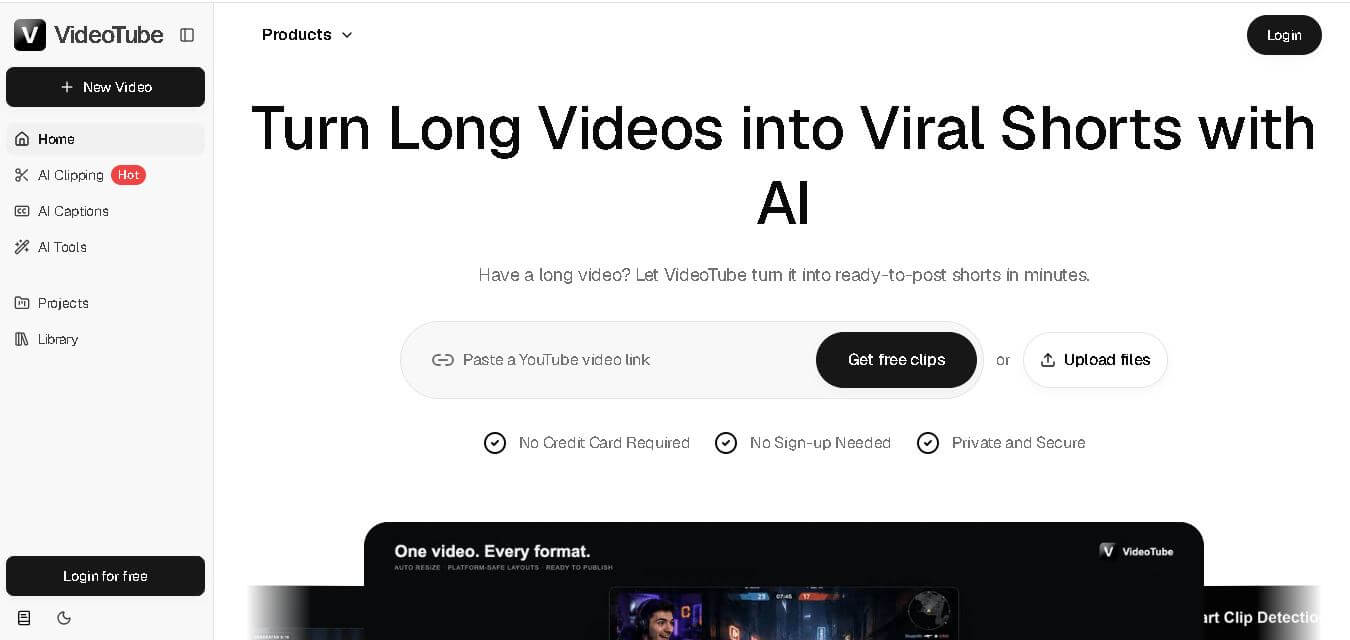
VideoTube helps creators transform long videos into short, social-ready content with AI. It can detect engaging moments, generate captions, remove filler, add B-roll, and automatically reframe videos for vertical platforms. Podcasters, YouTubers, educators, marketers, and agencies can repurpose existing content faster without relying on complicated video editing workflows.
What is VideoTube?
VideoTube is a video creation and repurposing tool designed to turn long-form videos into engaging short-form content. It analyzes uploaded videos or YouTube links to identify highlights, hooks, emotions, and valuable moments, then helps create clips with captions, reframing, filler removal, and AI B-roll. VideoTube supports content creation for TikTok, YouTube Shorts, Instagram Reels, podcasts, webinars, interviews, tutorials, and marketing videos. It also provides additional AI video tools for generating and transforming videos from text, images, and existing media.
VideoTube provides a streamlined workflow with 4 main stages: upload, AI analysis, AI editing, and publishing. Its homepage highlights 6 core capabilities, including highlight detection, viral scoring, smart captions, auto reframing, silence and filler removal, and AI B-roll. Users can paste a YouTube link or upload files, while the platform supports publishing content for 3 major short-video destinations: TikTok, YouTube Shorts, and Instagram Reels. New users can receive 100 credits, while individual generations may require 10 or more credits, depending on the model.
- Platform Role: AI Video & Shorts Generator, Faceless Video Creator, E-commerce Product Video Hub
- Developer & Organization: VideoTube.ai
- Cross-Platform Access: Web Browser (zero-install cloud platform) with multi-model rendering support
Use Cases:
- Generating viral short-form clips, faceless video narratives, and trending AI effects for TikTok and YouTube Shorts
- Converting static e-commerce product photos into dynamic showcase videos and promotional ad creatives
- Creating animated AI talking photos and avatars with synchronized voiceovers and audio tracks
- Transforming educational lesson notes and text prompts into visual short videos for student engagement
- Applying viral video filters such as AI kiss, hug, motion sway, and character animation transitions
Technology:
- Multi-engine AI aggregation layer integrating leading video generators like Vidu, Kling, Nano Banana, and specialized shorts models
- AI talking photo and facial landmark tracking algorithms for realistic lip-syncing and voice synthesis
- Automated prompt parsing and script-to-video engine for faceless social media channel automation
- Cloud rendering pipeline offering watermark-free, high-definition video exports
Target Users:
- Content creators and social media influencers building faceless automated accounts or viral short-form channels
- E-commerce store owners and marketers needing fast product video ads without staging physical shoots
- Digital agencies and marketing teams producing high-volume ad variations for social ad campaigns
- Educators and trainers turning instructional text into engaging visual presentation videos
Acquisition: Native web platform operated by VideoTube.ai (videotube.ai)

What are the key features of VideoTube?
VideoTube's key platform features are
- Text & Image to Video: Generate cinematic video scenes directly from written prompts or static reference photographs.
- AI Shorts Generator: Automated story-to-video workflows tailored for vertical formats on TikTok, Instagram Reels, and YouTube Shorts.
- AI Talking Photo & Lip-Sync: Animate still photos with continuous audio, artificial voiceovers, or podcasts into realistic talking avatars.
- Trending AI Video Effects: Access one-click specialized effects, including AI Kiss, AI Hug, Sway Dance, Muscle Effect, and Earth Zoom.
- E-Commerce Showcase Automation: Convert simple product shots into animated marketing assets with customizable lighting and movement.
- Multi-Model Engine Access: Seamlessly select underlying generation models (Vidu, Kling, Nano Banana) within one interface using unified platform credits.
How much does VideoTube cost?
VideoTube operates on a credit-based pay-as-you-go and subscription model, providing free welcome credits for new users along with one-time credit package purchases.
Free Access:
- 100 Free Welcome Credits: New registered users receive 100 free credits to test text-to-video, image-to-video, and avatar lip-sync features.
Credit Packs (One-Time Payment / Non-Subscription):
- Basic Pack ($9.90): Includes 300 credits ($0.033/credit), valid for up to 30 AI videos or 2 AI Shorts, with no watermarks and full model access.
- Standard Pack ($29.90): Includes 1,100 credits ($0.027/credit), valid for up to 110 AI videos or 7 AI Shorts.
- Pro Pack ($89.90): Includes 3,000 credits ($0.029/credit), valid for up to 300 AI videos or 19 AI Shorts for heavy content creation.
Disclaimer: Credit consumption depends on the underlying AI model chosen, video length, and visual resolution. Purchased credits remain valid for 365 days from the purchase date.
Who should use VideoTube?
VideoTube is designed for online content creators and digital sellers, including
- Shorts & Reels Creators: Influencers who want to rapidly produce engaging short-form content and trending visual effects.
- Faceless Channel Operators: Marketers running automated YouTube Shorts or TikTok accounts using script-to-video and AI voices.
- Online Store Owners: E-commerce brands seeking fast, budget-friendly product video generation from basic product photography.
What are the best alternatives to VideoTube?
Some of the strongest VideoTube alternatives include
- InVideo AI
- Veed.io
- CapCut AI
- HeyGen
- Runway (Gen-2 / Gen-3)
- Pika Labs
What are the pros and cons of VideoTube?
What are the pros of VideoTube?
- All-in-one suite combining text-to-video, image-to-video, lip-sync, and AI shorts in a single dashboard
- Access to multiple top-tier AI video models (Vidu, Kling) without needing individual subscriptions
- One-time credit pack model without forced recurring monthly subscriptions
- Watermark-free downloads and high-resolution video outputs across paid credit tiers
- Fast generation times optimized for viral social media trends
What are the cons of VideoTube?
- Failed or unsatisfactory video generations still consume credit points
- Limited timeline control compared to traditional desktop video editors like Premiere Pro
- Complex prompt requirements can occasionally result in unpredictable visual artifacts
Why should you choose VideoTube?
Creating short-form video content traditionally demands hours of scriptwriting, filming, voice recording, and manual editing. VideoTube bypasses this friction by offering an AI-powered creative engine that turns ideas and images into published-ready videos in minutes. With specialized tools for e-commerce, AI talking avatars, and viral social media trends, VideoTube enables creators and businesses to scale their video presence rapidly at a minimal per-clip cost.
How does VideoTube compare to competitors?
The primary distinction between VideoTube, InVideo AI, HeyGen, and Runway lies in output focus and engine flexibility. While HeyGen specializes strictly in enterprise AI avatars, and Runway targets high-end cinematic VFX, VideoTube acts as a flexible aggregator specifically optimized for fast, short-form social media clips, viral AI effects, and e-commerce product videos.
| Feature / Platform | VideoTube | InVideo AI | HeyGen | Runway |
|---|---|---|---|---|
| Core Focus | Shorts Creation, Product Videos & AI Effects | Full Script-to-Video Production & Stock Editing | Enterprise AI Avatars & Video Translation | Cinematic Gen-AI Video & VFX Tools |
| Pricing Structure | Pay-As-You-Go Credits (365-day validity) | Monthly / Annual Subscriptions | Monthly Tiered Credit Subscriptions | Monthly Tiered Credit Subscriptions |
| Multi-Model Access | High (Vidu, Kling, Nano Banana, Shorts Models) | Proprietary assembly with stock media | Proprietary avatar & voice engines | Proprietary Gen-3 Alpha models |
| Talking Avatar / Lip-Sync | Yes (talking photos & audio sync) | Voiceover generation only | High (studio-grade photo/video avatars) | Limited motion tracking |
| Best For | Social creators and e-commerce sellers needing fast, short clips | YouTubers and marketers making long-form explainer videos | Corporate teams creating localized training & sales videos | Filmmakers and visual artists wanting deep scene control |
How do we rate VideoTube?
| Parameter | Rating (out of 5) |
|---|---|
| Generation Speed & Efficiency | 4.8 |
| Feature & Effect Variety | 4.7 |
| Multi-Model Aggregation Quality | 4.6 |
| Ease of Use & Interface | 4.8 |
| Value for Money (Credit Flexibility) | 4.6 |
| Overall Score | 4.70 |
What is our review and verdict on VideoTube?
VideoTube delivers a versatile and accessible solution for creators looking to stay ahead in the fast-moving short-form video ecosystem. By combining text-to-video, AI product showcases, talking photos, and viral filters under a flexible one-time credit system, it provides high utility without locking users into expensive monthly retainers. For social media marketers, e-commerce sellers, and faceless channel managers, VideoTube is a highly practical asset.
Conclusion
VideoTube is a practical choice for creators who want to get more short-form content from videos they already produce. Its combination of highlight detection, viral scoring, captions, automatic reframing, filler removal, and AI B-roll can simplify the repurposing workflow. With additional tools for video generation and transformation, VideoTube extends beyond basic clipping and supports different content-creation needs. For creators focused on publishing consistently across TikTok, YouTube Shorts, and Instagram Reels, it offers a convenient AI-assisted workflow.
FAQ
What can I use VideoTube for?
VideoTube is useful when you want to turn existing long-form content into shorter videos without manually searching through every recording. You can use it for podcasts, webinars, interviews, YouTube videos, tutorials, educational content, marketing material, and social media clips. It is especially helpful when consistent short-form publishing is your priority.
How does VideoTube find the best moments?
VideoTube analyzes your video to identify hooks, highlights, emotions, and valuable moments that may work well as short-form content. Its highlight detection and viral score features help identify clips with stronger engagement potential. This makes the selection process faster, particularly when your original video contains lengthy conversations or multiple topics.
Can VideoTube automatically create captions?
Yes. VideoTube includes Smart Captions that automatically generate animated subtitles for your clips. Its separate AI Subtitle Generator can also create subtitles, translate languages, customize subtitle styles, and edit generated text. This can save creators from manually transcribing and synchronizing dialogue before publishing videos on social platforms.
Can I create Shorts for TikTok and Instagram?
Yes. VideoTube is designed to help repurpose long-form videos into short content for TikTok, YouTube Shorts, and Instagram Reels. Its Auto Reframe feature converts landscape videos into vertical formats, making existing recordings more suitable for mobile-first platforms without requiring you to manually adjust every clip.
Is VideoTube suitable for beginners?
Yes. VideoTube is designed around an automated workflow, so you do not need advanced video-editing knowledge to begin creating content. You can upload a video or provide a YouTube link, let the system analyze the content, and use its automated editing capabilities to produce short-form videos more efficiently.
Who should use VideoTube?
VideoTube can be particularly useful for podcasters, YouTubers, educators, coaches, marketers, streamers, and agencies that regularly produce long-form videos. Instead of treating every Short as a separate production project, these users can extract additional content from recordings they already have and distribute those clips across multiple social channels.
User Reviews
No reviews yet for VideoTube.
Featured Tools
Featured AI tools from TechShark

Melody Genie
MelodyGenie is an AI-powered music generator that creates original songs from simple text prompts. Users can choose styles, moods, and genres, then instantly generate melodies and full tracks, making it easy for creators, marketers, and hobbyists to produce custom music without musical expertise.
Freemium

Kimi AI
Kimi AI is an advanced AI assistant developed by Moonshot AI that helps you chat, research, write, code, and automate tasks in one place. It supports web search, file analysis, and multimodal inputs, and can even run autonomous “agent” workflows to complete complex tasks end-to-end.
Freemium

Fashion Diffusion AI
Fashion Diffusion is an AI-powered fashion design platform that helps brands and designers create clothing designs, virtual try-ons, AI models, product photos, and marketing visuals faster and cost-effectively.
Paid

Veo 4
Veo 4 AI is an AI video creation platform that generates dramatic videos from text, images, audio, and video prompts using realistic motion and synchronized sound.
Paid
Alternatives
Alternatives to VideoTube
The best VideoTube alternatives include InVideo AI, HeyGen, Runway, Veed.io, and Pika Labs. While VideoTube provides a flexible credit-based platform aggregating multiple AI video models for fast social media shorts, talking photos, and e-commerce videos, alternatives like InVideo AI specialize in full script-to-video production and HeyGen focuses on studio-grade enterprise AI avatars.
 4.9
4.9Clipchamp
Video Generator
Clipchamp is an AI-powered online video editor by Microsoft that helps users record, edit, and share videos directly from the browser. It offers templates, stock media, and AI tools like subtitles, voiceovers, and noise removal, enabling fast, professional video creation without advanced editing skills.
 4.9
4.9CapCut
Video Editing
CapCut is a popular video editing tool that helps creators produce engaging videos with effects, transitions, filters, templates, subtitles, and AI-powered features. Available on multiple platforms, CapCut makes it easy to edit videos for TikTok, Instagram Reels, YouTube Shorts, and other social media channels.
 4.9
4.9Pika
Video Generator
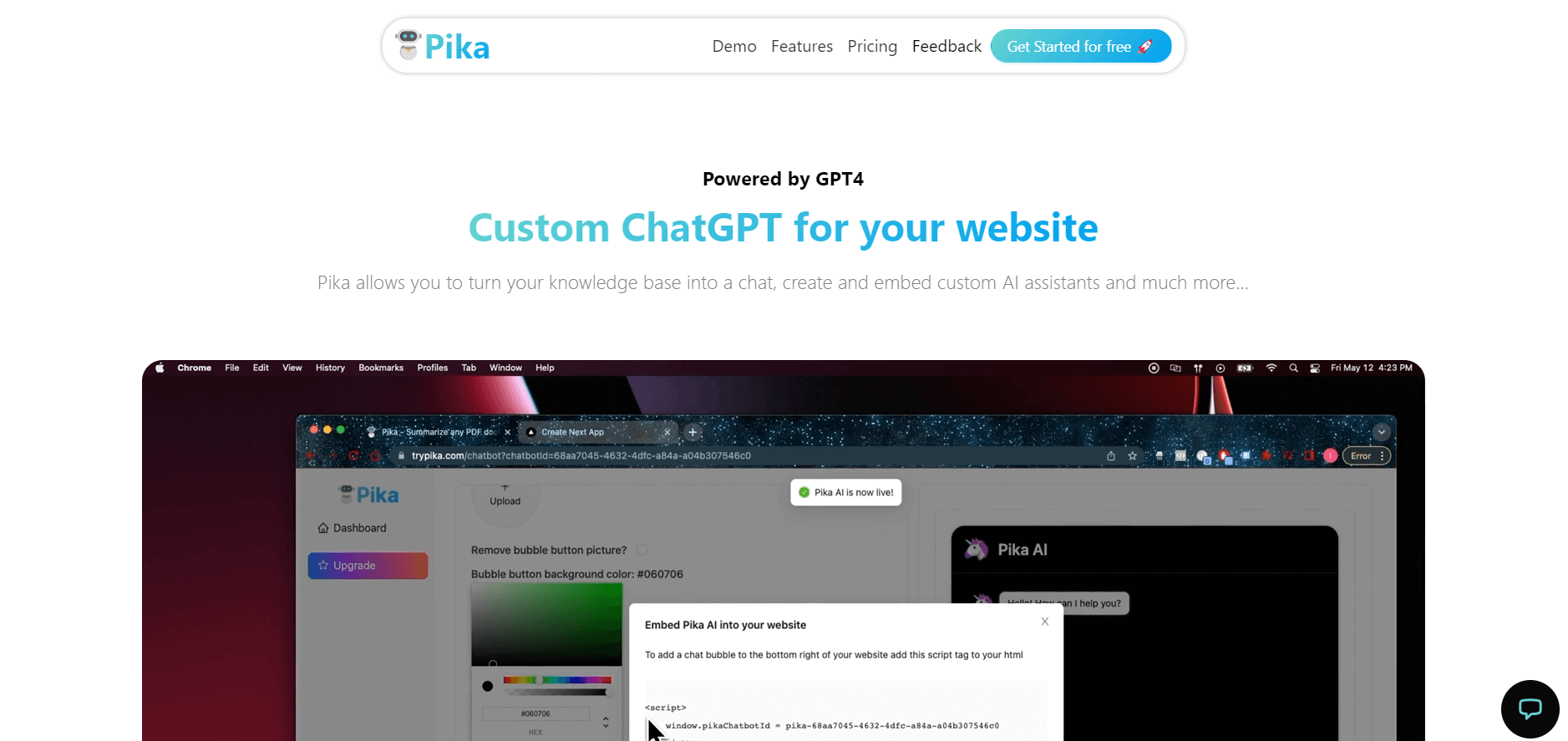
Pika is an AI video generation and creative effects platform that transforms text prompts, still images, and video clips into cinematic video sequences, meme animations, and viral visual effects using its proprietary generative video models.
 4.7
4.7Hotshot AI
Video Generator
Hotshot is an everyday technology publication covering AI tools, gadgets, smart home technology, comparisons, research, and practical how-to guides. It helps readers understand products, evaluate software, compare options, and solve common technology problems through accessible articles created for people who want clearer information before making technology-related decisions online with confidence.
 4.7
4.7VideoPlus AI
Video Generator
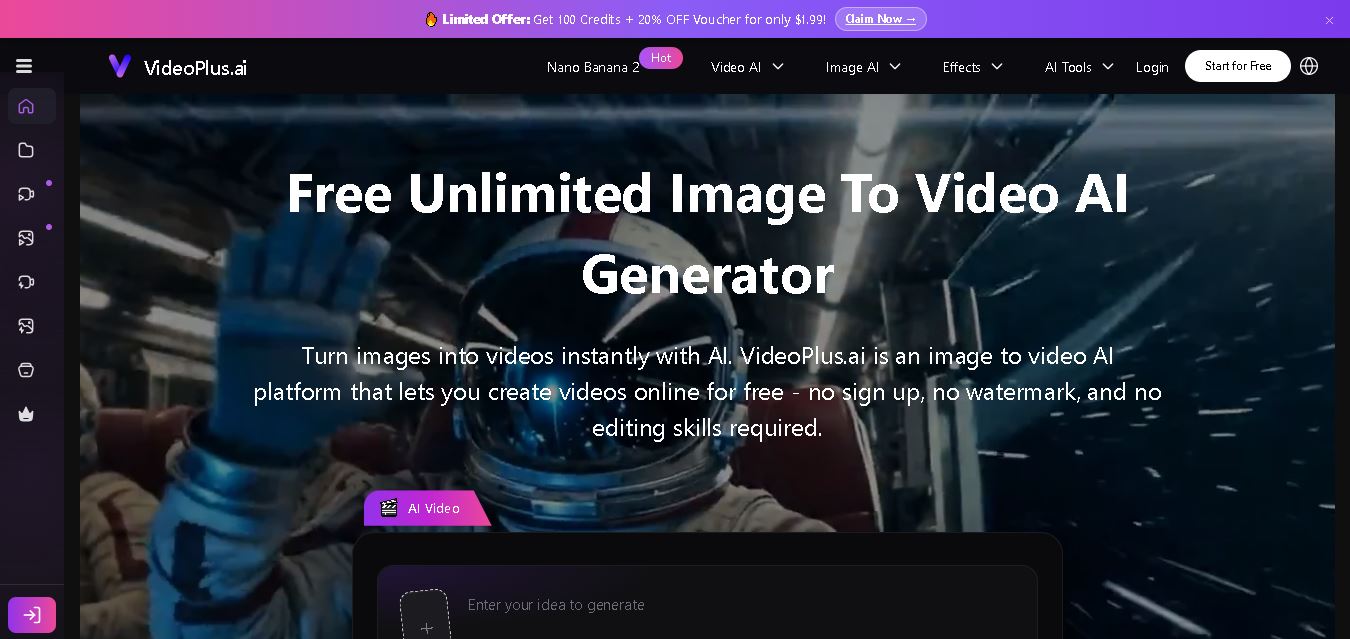
VideoPlus.ai is a versatile AI creation platform for generating and transforming videos and images. It supports text-to-video, image-to-video, reference-to-video, video-to-video, animation, image generation, enhancement, lip syncing, and creative effects. Multiple AI video models are available, making it useful for creators, marketers, designers, and businesses.
 4.7
4.7TYPPO
Video Generator
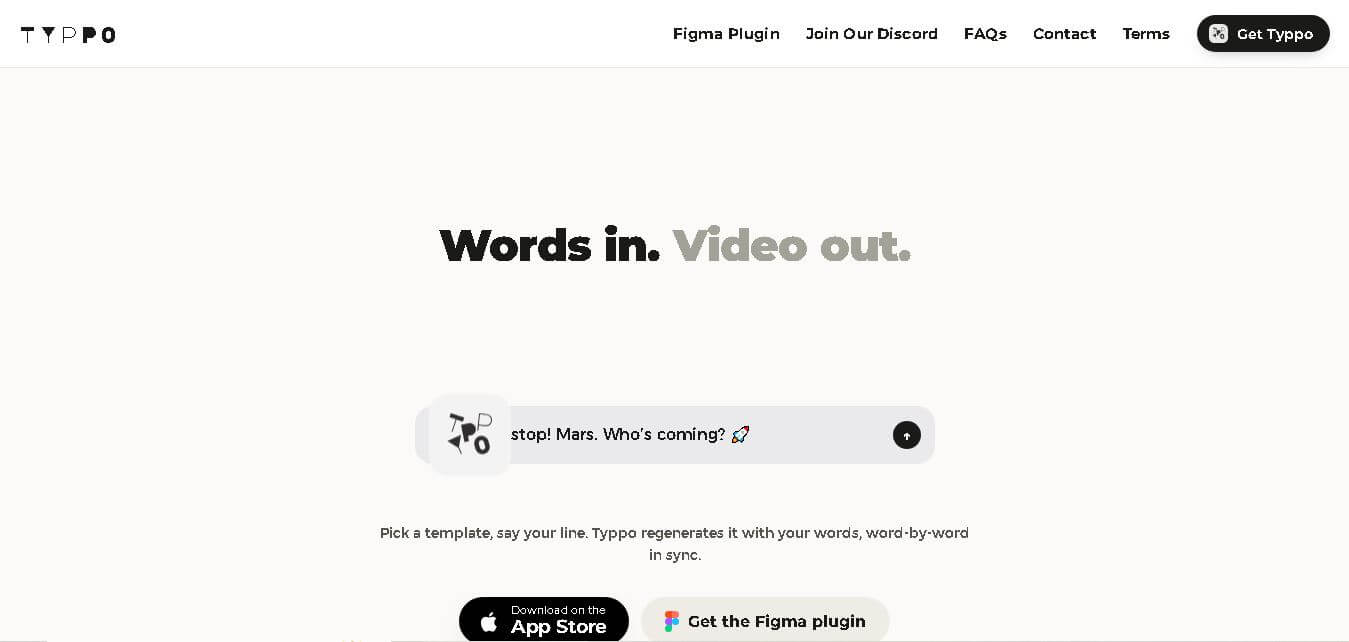
Typpo turns spoken words into animated videos without requiring design skills. Record a message, let the app transform your voice into motion graphics, and share the result on mobile-focused social channels. It supports multiple languages and offers a simple workflow for creators, marketers, communicators, and anyone wanting faster visual content creation.
 4.8
4.8Pollo AI
Video Generator
Pollo AI helps creators generate videos and visual content from text, images, and creative prompts. It combines multiple AI video models in one platform and supports workflows such as text-to-video, image-to-video, avatars, video transformation, and reference-based generation. A free tier lets users explore its core creative capabilities before upgrading.
iMini AI
Video Generator
iMini AI (imini.com) is an all-in-one AI creative agent and generative content hub that combines leading AI models into a single interface for generating images, videos, presentations, branding, and deep research reports.
 4.8
4.8Guidde
Video Generator
Guidde is a generative AI video documentation and training platform that captures screen workflows across web and desktop apps, automatically producing structured, step-by-step how-to videos and written guides complete with synthetic voiceovers in 100+ languages.