Moda
Moda (moda.app) is an AI-powered graphic design and visual asset tool that generates fully-editable presentations, social posts, carousels, documents, diagrams, animations, and websites on a real interactive canvas instead of static images.
What is Moda?
Moda is an advanced AI design platform created to eliminate static AI images by delivering fully editable, on-brand visual assets on a real control canvas. Positioned as a faster alternative to traditional tools like Canva, Gamma, and standard image generators, Moda is built for go-to-market and business teams generating pitch decks, QBRs, case studies, one-pagers, and LinkedIn carousels.
Designed around the core pitch of “AI designs you can actually edit,” Moda allows users to describe what they want and immediately receive structured deliverables where every element—layouts, text, and individual objects—remains directly editable rather than baked into a flat picture.
- Platform Role: AI Graphic Design Tool, Presentation Maker & Interactive Canvas Suite
- Adoption: Utilized by go-to-market and business teams at prominent companies including Deloitte, Glean, Intercom, and Magic Spoon.
- Asset Types Supported: Slides, social posts, PDFs, documents, carousels, diagrams, animations, and websites.
Use Cases:
- Generating pitch decks, quarterly business reviews (QBRs), and all-hands presentation decks instantly using text descriptions.
- Creating engaging LinkedIn carousels, social media posts, and visual marketing assets.
- Designing professional one-pagers, case studies, and business documents on a fully adjustable canvas.
- Rapidly prototyping diagrams, website layouts, and animations without requiring a dedicated design agency.
Technology:
- Interactive generative canvas engine separating design objects to maintain full post-generation editability.
- Context-aware natural language prompt parser translating descriptive business requests into structured multi-page slides and documents.
- Brand-matching template engine ensuring generated outputs align with pre-set visual styles and remixable starter frameworks.
Target Users:
- Go-to-market teams, marketers, and founders building pitch decks and case studies.
- Business analysts and corporate teams producing QBRs and all-hands documents.
- Professionals seeking polished visual deliverables without mastering complex layout tools or hiring designers.
Acquisition: AI design software platform

What are key features of Moda?
Moda's key platform features are
- Fully Editable Canvas: Every generated element remains an independent object, allowing deep post-generation customization of layouts and text.
- Multi-Format Generation: Instantly produce slides, carousels, websites, diagrams, animations, and PDF reports from a single prompt.
- Remixable Starter Templates: Copy, paste, and adapt pre-built professional design templates to fit specific project needs.
- On-Brand Visual Consistency: Maintains clean, agency-quality aesthetics tailored to corporate and business presentation standards.
- Rapid Content Iteration: Adjust content blocks dynamically without wrestling with static raster images or flat graphics.
How much does Moda cost?
Modb.app operates on a flexible pricing model designed for individual professionals and growing business teams.
Pricing Structure:
- Free Tier: Available with basic tools to start generating and editing initial projects at no cost.
- Paid Plans: Tiered subscriptions starting from approximately $24.90/month unlocking advanced features, higher quotas, and expanded export flexibility.
Disclaimer: Specific credit allocations and tier limits vary. Visit moda.app for active pricing details and subscription terms.
Who should use Moda?
Moda is designed for business teams and creators, including
- Startup Founders & Executives: Crafting investor pitch decks and strategic presentation deliverables quickly.
- Marketing & Growth Teams: Producing social media carousels, case studies, and marketing collateral.
- Sales & Account Professionals: Building polished one-pagers and QBR decks for client meetings.
- Non-Designers: Anyone needing agency-quality visual presentations without professional design training.
What are the best alternatives to Moda?
Some of the strongest Moda alternatives include
What are the pros and cons of Moda?
What are the pros of Moda?
- Unlike standard image generators, outputs are fully editable on a real interactive canvas
- Generates diverse formats ranging from slide decks and carousels to web pages and animations
- Saves hours of layout design work for non-designers and business professionals
- Maintains professional, on-brand aesthetics suitable for enterprise environments
- Free starting tier allows users to test the platform before committing to paid subscriptions
What are the cons of Moda?
- Relies on prompt interpretation, which may occasionally require manual layout tweaks for hyper-specific brand guidelines
- Advanced template controls and export formats require active paid tier memberships
Why should you choose Moda?
Standard AI image generators leave you with flat pictures that cannot be modified, while traditional presentation tools require hours of manual layout formatting. Moda bridges this gap by providing an interactive AI canvas where generated slides, carousels, and documents remain fully editable down to the individual object. For business teams and marketers who need to produce polished, professional assets at scale without an agency, Moda offers a fast, flexible solution.
- Generate complete presentation decks and documents from text prompts
- Keep full control over every element on an interactive editing canvas
- Produce diverse assets including social carousels, websites, and diagrams
- Streamline go-to-market workflows with clean, professional visual formatting
How does Moda compare to competitors?
The primary distinction between Moda, Canva, and Gamma lies in its focus on fully editable AI-generated canvas objects. While traditional tools either focus on static templates or produce flat raster images that cannot be modified, Moda generates structured layouts where every text box, image block, and vector object stays fully editable on a live workspace.
| Feature / Platform | Moda | Canva | Gamma |
|---|---|---|---|
| Core Focus | Fully editable AI visual design canvas | Template-based graphic design suite | AI-generated card-based documents & decks |
| Editability | Complete object-level canvas editing | Manual template element manipulation | Card and block-based text editing |
| Asset Types | Slides, carousels, websites, diagrams, PDFs | Flyers, social posts, videos, documents | Presentations, web pages, memos |
| Pricing Structure | Free tier / Paid from ~$24.90/mo | Free tier / Pro from $15/mo | Free tier / Plus from $10/mo |
| Best For | GTM teams needing quick, editable decks and carousels | General social media graphics and marketing flyers | Fast conversational document and deck creation |
How do we rate Moda?
| Parameter | Rating (out of 5) |
|---|---|
| Editable Canvas & Object Control | 4.9 |
| Asset Diversity (Slides, Web, Carousels) | 4.8 |
| Brand Aesthetics & Professional Polish | 4.9 |
| Time-to-Market for GTM Teams | 4.8 |
| Value for Money | 4.8 |
| Overall Score | 4.84 |
What is our review and verdict on Moda?
Moda successfully addresses the biggest frustration with AI image and slide generation: the inability to edit outputs without starting over. By combining prompt-driven design generation with a fully interactive editing canvas where every object remains adjustable, Moda provides an essential tool for modern go-to-market teams. For anyone needing high-end pitch decks, carousels, and business documents without agency delays, Moda is an exceptional platform.
Conclusion
Moda focuses on simplifying how users organize work and ideas by combining AI assistance with a clean, distraction-free interface. Instead of juggling multiple apps, it brings tasks, notes, and workflows into one streamlined space. Its intuitive design makes it easy to stay focused while still benefiting from smart automation. Overall, Moda helps users manage their work more clearly and efficiently, turning everyday productivity into a smoother, more structured, and less overwhelming experience.
FAQ
What is Moda and what does it actually do?
Moda AI Design Platform is an AI-powered design workspace that helps you create fully editable, on-brand visual assets like slides, social posts, documents, and ads. Unlike typical AI image generators, it produces designs on a real canvas where you can edit layouts, text, and visuals just like a design tool.
How is Moda different from Canva or other AI design tools?
Most AI tools generate static images that are hard to edit, but Moda creates fully editable designs with structure and layout control. It combines AI generation with a Figma/Canva-style canvas, so you don’t lose control over branding, positioning, or content after generation.
What can you create with Moda?
You can create a wide range of assets including pitch decks, social media posts, one-pagers, case studies, reports, and marketing creatives. It’s especially useful for business content like sales materials, investor decks, and campaign visuals.
How does Moda’s AI actually work?
You describe what you want (e.g., “create a LinkedIn carousel for product launch”), and Moda’s AI generates a structured, editable design. It can also research, plan, and design content together, acting more like a design assistant than just a generator.
Can Moda be used with AI agents like ChatGPT or Cursor?
Yes, Moda supports MCP (Model Context Protocol) and CLI integrations, allowing AI agents like ChatGPT, Claude, or Cursor to generate designs directly. This makes it useful for automated workflows where content and design are created together.
Is Moda free or paid?
Moda follows a freemium + credit-based model, where users get AI credits to generate designs and can upgrade for higher usage, team features, and advanced capabilities. Pricing scales based on usage and team needs.
Who should use Moda?
Moda is ideal for marketers, founders, sales teams, and startups who need to create high-quality, on-brand visuals quickly. It’s especially valuable for teams producing decks, ads, and content regularly without relying on designers.
User Reviews
No reviews yet for Moda.
Featured Tools
Featured AI tools from TechShark

Melody Genie
MelodyGenie is an AI-powered music generator that creates original songs from simple text prompts. Users can choose styles, moods, and genres, then instantly generate melodies and full tracks, making it easy for creators, marketers, and hobbyists to produce custom music without musical expertise.
Freemium

Kimi AI
Kimi AI is an advanced AI assistant developed by Moonshot AI that helps you chat, research, write, code, and automate tasks in one place. It supports web search, file analysis, and multimodal inputs, and can even run autonomous “agent” workflows to complete complex tasks end-to-end.
Freemium

Fashion Diffusion AI
Fashion Diffusion is an AI-powered fashion design platform that helps brands and designers create clothing designs, virtual try-ons, AI models, product photos, and marketing visuals faster and cost-effectively.
Paid

Veo 4
Veo 4 AI is an AI video creation platform that generates dramatic videos from text, images, audio, and video prompts using realistic motion and synchronized sound.
Paid
Alternatives
Alternatives to Moda
The best Moda alternatives include Canva, Gamma, MagicSlides.app, Microsoft Copilot PowerPoint, and Beautiful.ai. While Moda specializes in generating fully editable, multi-format design deliverables on an interactive canvas from descriptive text prompts, alternatives like Canva rely heavily on manual template manipulation.
 4.7
4.7Flux.ai
Design
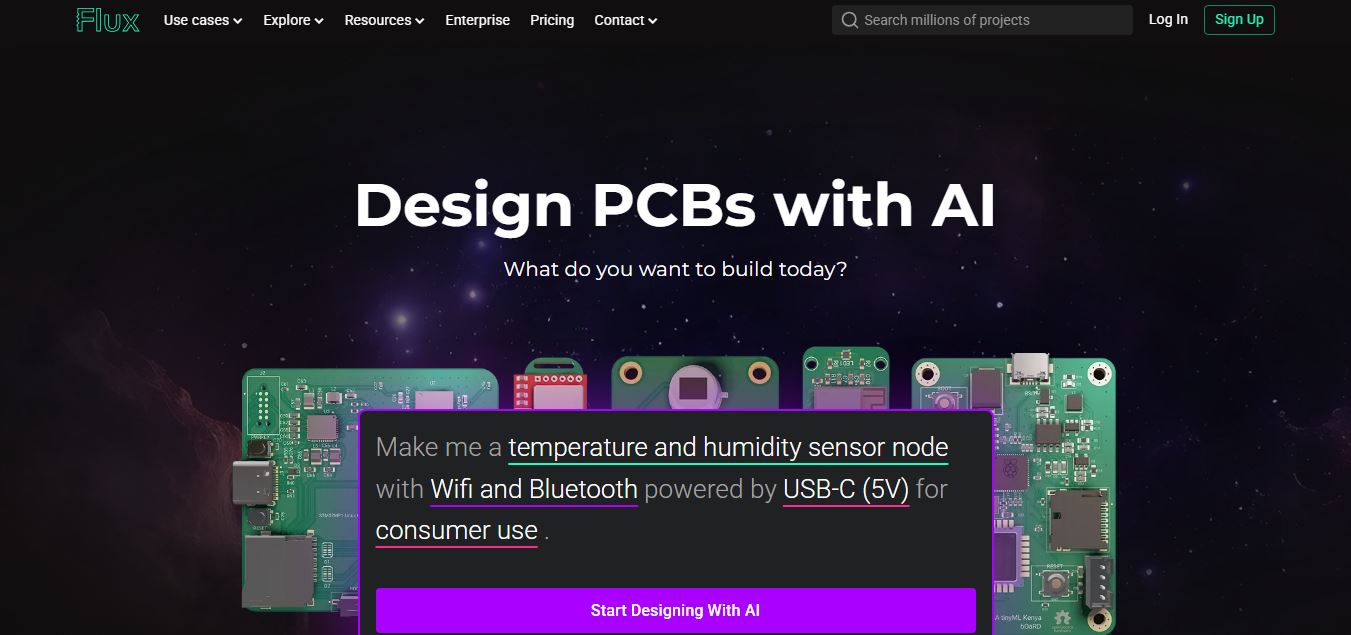
Flux AI is an AI-powered electronics design platform that helps engineers create schematics, design printed circuit boards (PCBs), select components, and optimize routing. Its browser-based workspace supports real-time collaboration, design validation, and manufacturing exports, making hardware development more accessible for individuals, startups, and engineering teams.
 4.8
4.8Repaint
Design
Repaint helps entrepreneurs and small businesses build websites, online stores, booking systems, and custom web applications using AI chat. Users can generate designs, edit content, manage customer accounts, accept payments, and organize business data without traditional coding. It offers subscription plans with different usage limits and business management capabilities.
 4.8
4.8SWAPP
Design
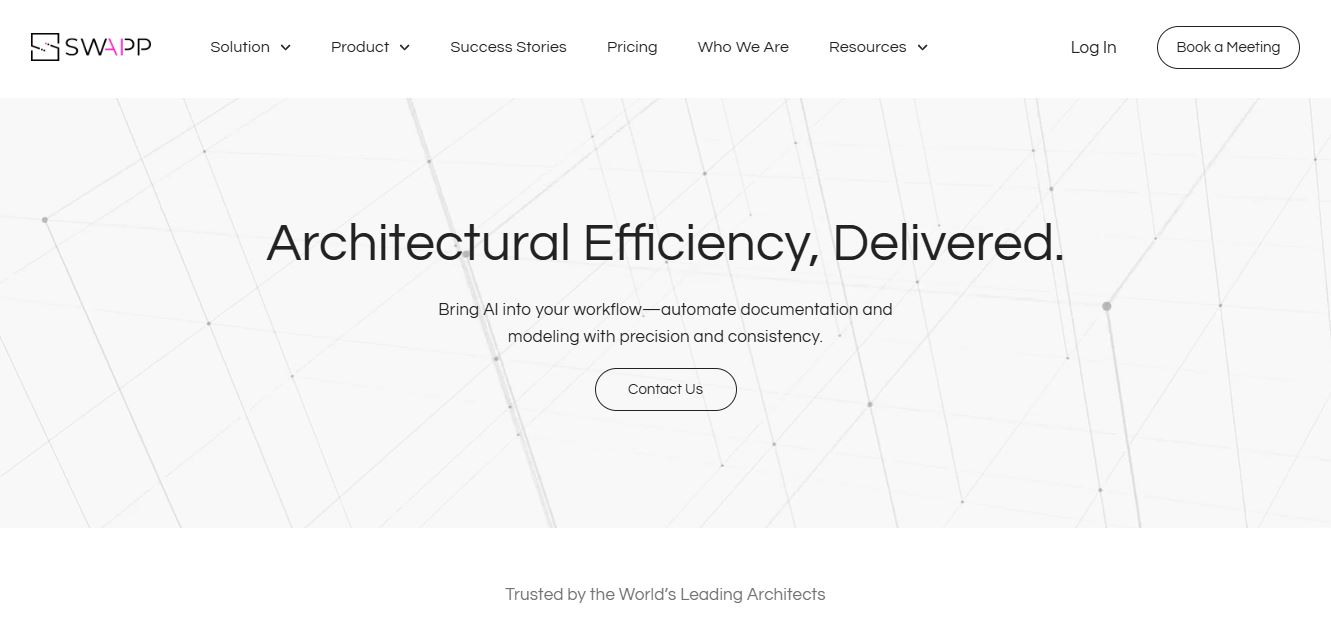
SWAPP helps architecture firms automate construction documentation, BIM modeling, and QA work inside Revit and ArchiCAD. Its Frank agent applies firm-specific standards to repetitive production tasks, while workflow memory preserves organizational knowledge. The platform is suited to teams seeking faster delivery, consistency, and less manual production effort across complex projects.
 4.9
4.9Adobe Stock
Design
Adobe Stock is a creative asset marketplace that helps designers and businesses access millions of royalty-free images, videos, templates, and 3D assets. It integrates with Adobe Creative Cloud, enabling users to search, customize, and license high-quality visuals quickly for marketing, design, and content creation.
 4.9
4.9Yellow Images
Design
Yellow Images is a digital marketplace that helps designers create branding and marketing visuals using high-quality mockups, fonts, PNGs, and graphic assets. It offers a large library of ready-to-use creative resources, enabling faster design workflows for agencies, freelancers, and ecommerce businesses.
 4.9
4.9Placeit
Design
Placeit is a browser-based design platform that helps creators and businesses generate mockups, logos, videos, and marketing visuals using ready-made templates. It allows users to quickly customize designs and download professional assets, making it ideal for ecommerce, social media, and branding without advanced design skills.
 4.8
4.8Figma AI
Design
Figma AI brings generative and assistive tools directly into Figma workflows, helping designers move from ideas to editable designs, visuals, prototypes, and production-ready experiences faster. Users can generate concepts, edit images, search files, automate repetitive work, and collaborate with teammates while keeping creative exploration inside the familiar Figma design environment.
 4.7
4.7PageGPT
Design
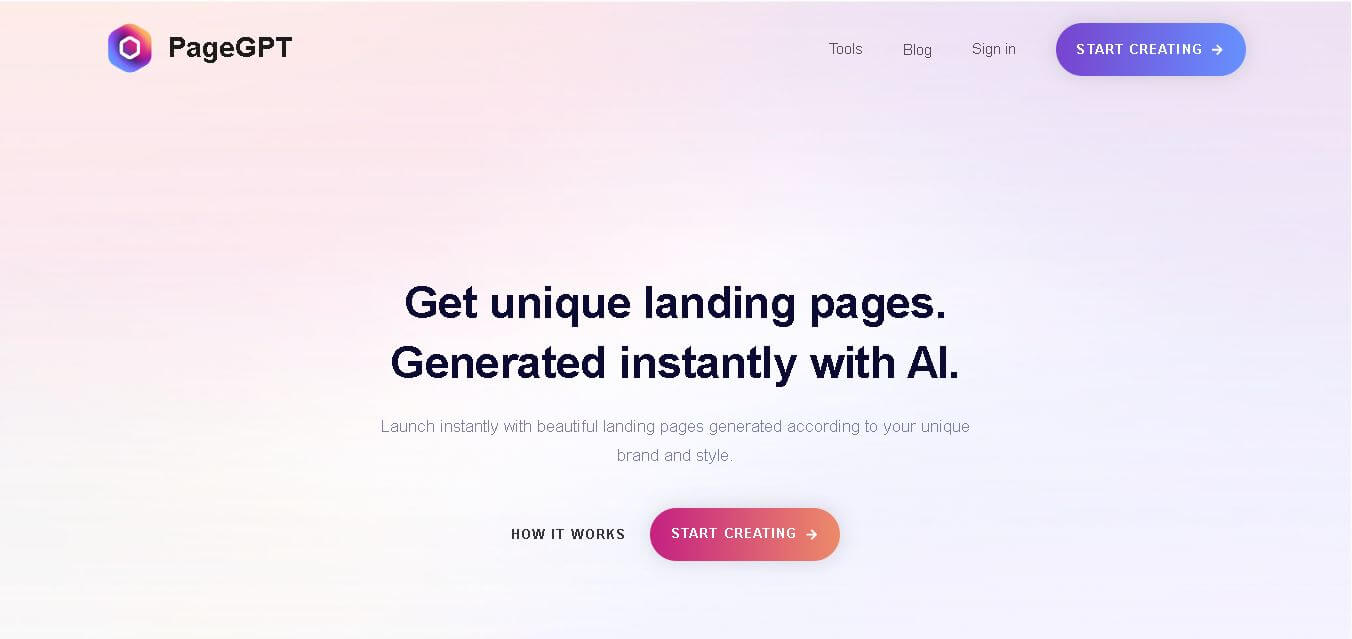
PageGPT helps businesses, creators, marketers, and entrepreneurs create customized landing pages and websites with AI. Users can describe their product and preferred style, generate designs with copy and images, then refine the result through chat or drag-and-drop editing. It also supports responsive pages, custom effects, and publishing options.
 4.8
4.8Locofy.ai
Design
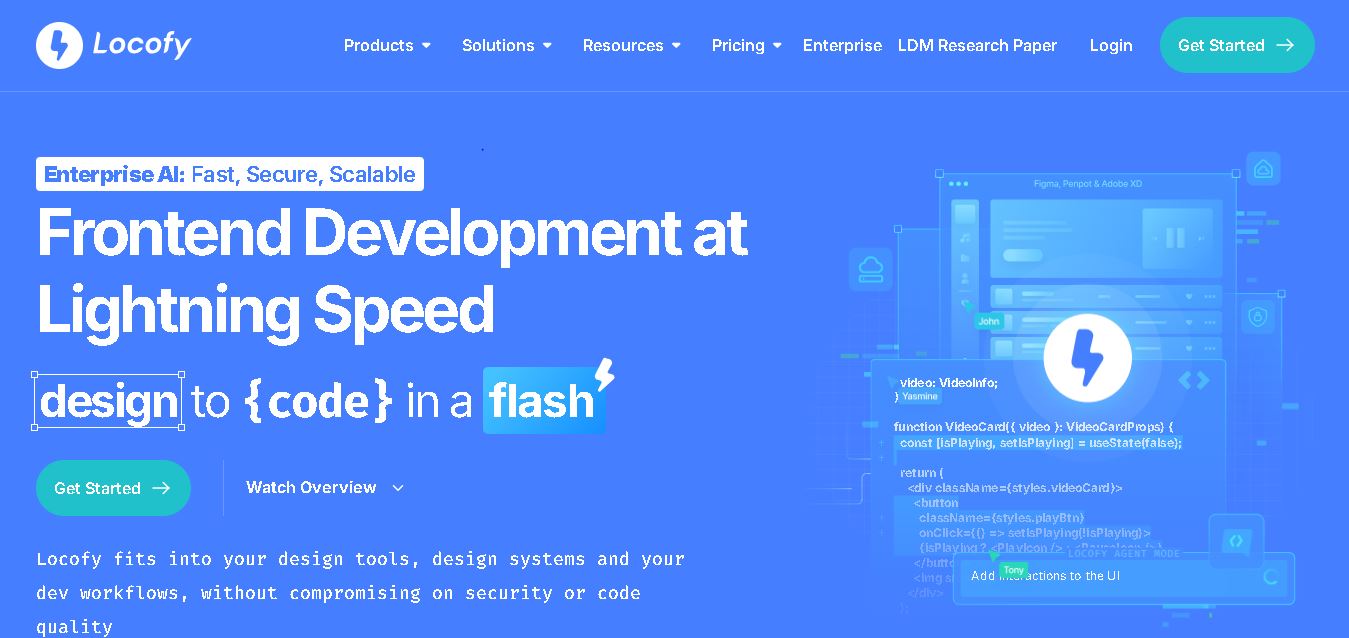
Locofy helps teams transform UI designs into developer-friendly frontend code without rebuilding interfaces manually. It supports popular design tools, web and mobile frameworks, responsive layouts, reusable components, and AI-assisted refinement. Designers can prepare screens while developers customize, export, synchronize, and continue development within familiar workflows and coding environments for teams.