
MiniMax Speech 2.5
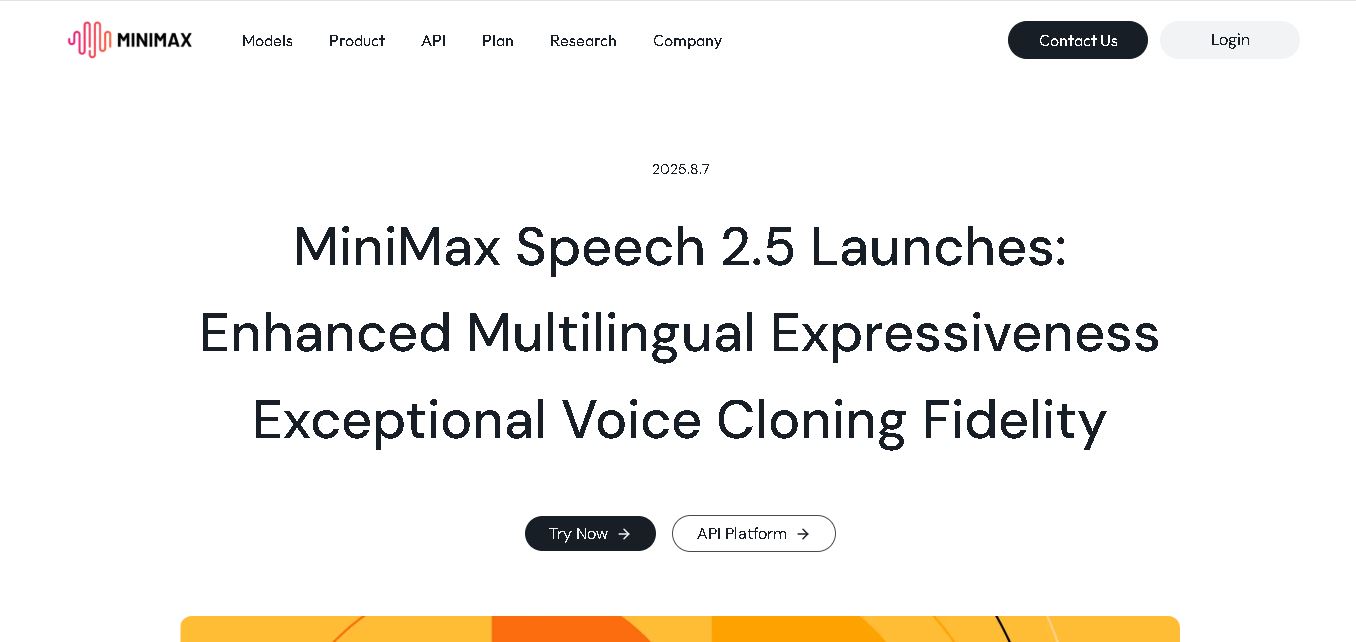
MiniMax Speech 2.5 creates natural multilingual speech and realistic voice clones with strong accent, emotion, and style preservation. Supporting more than 40 languages, it helps creators, businesses, educators, and developers produce localized voiceovers, customer-service audio, marketing content, educational materials, and multilingual media with less manual recording and traditional dubbing work.
What is MiniMax Speech 2.5?
MiniMax Speech 2.5 is a voice generation model designed to produce natural, expressive speech and highly realistic voice clones across more than 40 languages. It improves multilingual pronunciation, rhythm, accent preservation, emotional tone, and cross-lingual voice consistency. The model is especially useful for creators, businesses, educators, and developers producing localized audio content at scale and speed with flexible global applications.
MiniMax Speech 2.5 launched on August 7, 2025, building on Speech 02 released in May. It introduced three major upgrades: stronger multilingual performance, more realistic voice cloning, and support for over 40 languages. The model supports cross-lingual cloning while preserving accent, style, emotion, and vocal characteristics. MiniMax says businesses can create voiceovers in 40+ languages in about 10 minutes. There is no limitation to creators, businesses, or educators seeking scalable, localized audio production across global markets for wider audience reach.
- Developer / Company: MiniMax (Shanghai MiniMax Intelligent Technology)
- Core Focus: Multilingual AI Text-to-Speech, High-Fidelity Voice Cloning, & Emotional Voice Generation
Use Cases:
- Generating localized marketing voiceovers and product promotions across 40+ languages simultaneously
- Cloning creator or brand voices to produce multilingual short-form video content without manual re-recording
- Powering conversational AI voice assistants, IVR systems, and customer service bots with fluid natural speech
- Creating audiobooks, e-learning course materials, and broadcast media dubbing with precise emotional controls
Technology:
- Deep generative speech neural architecture trained on massive multi-dialect acoustic datasets
- Cross-lingual zero-shot voice cloning engine preserving timbre, vocal weight, and unique speaker accents
- Real-time API endpoint integration via MiniMax Open Platform with custom sound tag, pause, and emotion controls
Target Users:
- Global enterprise brands scaling cross-border e-commerce, international marketing, and customer support
- Digital content creators and video producers generating viral, multi-language social media content
- EdTech providers and educators building rapid language learning courses and listening materials
- Content creators using writing tools to draft script outlines, educational courses, and marketing copy
Corporate Entity: Operates under Shanghai MiniMax Intelligent Technology Co., Ltd.

Key features of MiniMax Speech 2.5
MiniMax Speech 2.5's key features are
- Expanded Multilingual Support (40+ Languages): Supports high-fidelity audio generation across English, Mandarin, Spanish, French, Italian, German, Japanese, Korean, Malay, Hebrew, and dozens more.
- Realistic Cross-Lingual Voice Cloning: Clones a target speaker's unique voice characteristics and allows them to speak fluently in foreign languages while maintaining their natural vocal identity.
- Emotional & Vibe Control: Fine-tunes speech delivery with customizable emotion tags (happy, sad, solemn, excited) and adjustable natural pause lengths.
- Natural Accent Preservation: Accurately reproduces distinct regional accents, such as standard Queen's English, regional American accents, or native language pronunciations.
- High-Speed Production Workflow: Allows users to generate professional voiceovers for video campaigns or product launches in minutes rather than days.
- Enterprise-Grade API Access: Offers robust REST APIs through the MiniMax Open Platform for seamless integration into enterprise applications and media pipelines.
MiniMax Speech 2.5 Pricing
MiniMax Speech 2.5 operates on a flexible developer credit and usage-based API pricing model, alongside free trial credits on the MiniMax Audio platform.
Free Tier & Web Trial:
- $0 / Web platform free credits
- Includes free web credits for new users on the MiniMax Audio platform to test text-to-speech generation and voice cloning features
Pay-As-You-Go API Tier:
- Usage-based API pricing per character or per audio second (typically starting from fractions of a cent per 1,000 generated characters)
- Scalable M-Plan enterprise pricing available for high-volume developer commitments, bulk batch processing, and dedicated customer support
Disclaimer: API pricing scales based on character processing volume and model selection. Free web testing credits are provided upon registration. For current developer rates, visit minimax.io/platform_overview.
Who is using MiniMax Speech 2.5?
MiniMax Speech 2.5 is designed for voice engineers, enterprise businesses, and digital creators, including
- Global E-Commerce Platforms: Producing localized product video dubbing and multi-market advertisement campaigns
- Educational Institutions & Online Schools: Creating instructional audio materials and niche language training courses
- Media & Publishing Companies: Converting written news articles, audiobooks, and podcasts into human-like speech
- Content Creators: Using writing tools to draft script outlines, educational courses, and marketing copy
Best MiniMax Speech 2.5 Alternatives
Some of the strongest MiniMax Speech 2.5 alternatives include
- ElevenLabs
- OpenAI Voice Engine
- Play.ht
- Murf.ai
- Cartesia
- Deepgram
Pros and Cons of MiniMax Speech 2.5
Pros
- Outstanding cross-lingual voice cloning fidelity that retains original vocal timbre across 40+ languages
- Generates a highly expressive, natural human cadence complete with realistic pauses and emotional nuances
- Dramatically cuts costs for global content localization and multilingual audio dubbing
- Developer-friendly open API platform with robust documentation and fast synthesis speed
- Free trial points available on the web interface for instant testing without immediate commitment
Cons
- Requires technical API integration for custom enterprise workflows and backend application scaling
- Advanced emotion controls require script tagging for optimal expressive variation
- High-volume production environments must manage developer API token balances
Why Choose MiniMax Speech 2.5?
MiniMax Speech 2.5 is a premier choice for teams seeking hyper-realistic, multilingual text-to-speech with state-of-the-art voice cloning capabilities.
- Enables creators and brands to speak fluently in over 40 languages while retaining their distinct vocal identity
- Provides realistic emotional expressiveness and pause timing suitable for professional dubbing
- Reduces international dubbing costs from thousands of dollars to automated API processing
- Trusted by industry leaders including NetEase, Ximalaya, and Gaotu Education for high-scale voice generation
- Offers accessible Web and API entry points for rapid testing and deployment
MiniMax Speech 2.5 vs. Competitors
The main difference between MiniMax Speech 2.5, ElevenLabs, Play.ht, and Murf.ai is that MiniMax Speech 2.5 combines top-tier multilingual voice cloning fidelity with competitive enterprise API pricing and native support for Asian and global languages. While ElevenLabs is known for hyper-expressive voice cloning in Western markets and Murf.ai focuses on corporate presentation voiceovers, MiniMax Speech 2.5 excels in cross-lingual adaptation and broad international language coverage.
| Feature / Tool | MiniMax Speech 2.5 (minimax.io) | ElevenLabs | Play.ht | Murf.ai |
|---|---|---|---|---|
| Core Focus | Multilingual Speech Synthesis & Cross-Lingual Cloning | Expressive Neural Voice Generation & Dubbing | AI Voice Generation & Podcasting TTS | Studio Voiceovers & Presentation Audio |
| Language Coverage | 40+ Languages with Multi-Dialect Support | 30+ Languages | 100+ Languages | 20+ Languages |
| Cross-Lingual Voice Cloning | Yes (High-Fidelity Accent & Timbre Retention) | Yes (High-Fidelity) | Yes (Cloning Tiers) | Limited Voice Cloning |
| Emotion & Pause Control | Yes (Custom sound tags, pauses, & emotions) | Yes (Stability & Exaggeration sliders) | Yes (Expressive styles) | Yes (Pitch & speed controls) |
| Starting Price Range | Free Web Trial / Usage-based API | Free / ~$5.00–$22.00/month | Free / ~$31.20–$99.00/month | Free / ~$19.00–$26.00/month |
| Best For | Global cross-lingual voice cloning & enterprise API synthesis | Hyper-realistic creative narration & storytelling | Audiobook publishing & podcast generation | Corporate slide deck narration & e-learning |
How do we rate MiniMax Speech 2.5?
| Parameter | Rating (out of 5) |
|---|---|
| Voice Naturalness & Audio Quality | 4.9 |
| Cross-Lingual Voice Cloning Fidelity | 4.9 |
| Multilingual Support & Accent Depth | 4.8 |
| API Performance & Developer Integration | 4.8 |
| Value for Money | 4.7 |
| Overall Score | 4.82 |
MiniMax Speech 2.5 Review
MiniMax Speech 2.5 represents a major milestone in AI speech synthesis and voice cloning technology. By solving the cross-lingual identity gap—allowing a single voice clone to speak naturally across 40+ languages without losing its unique timbre—MiniMax makes global content localization effortless. Features like fine-grained emotional tags and realistic pause injection ensure that synthesized audio sounds like genuine human speech rather than robotic narration. Combined with robust API access and scalable enterprise infrastructure, MiniMax Speech 2.5 is a top-tier voice AI solution in 2026.
Conclusion
MiniMax Speech 2.5 stands out for combining multilingual coverage with expressive speech and detailed voice cloning. Its support for more than 40 languages makes it useful for global content, education, marketing, customer service, and creator workflows. If you need natural-sounding localized audio while preserving a speaker’s identity, accent, and emotional style, Speech 2.5 is a strong practical option for many teams.
FAQ
What is MiniMax Speech 2.5?
MiniMax Speech 2.5 is a voice generation model from MiniMax that focuses on natural multilingual speech and realistic voice cloning. It improves pronunciation, rhythm, accents, emotions, and speaking styles while supporting more than 40 languages. For your content workflow, it can help create localized voiceovers without recording every language separately.
What are the main features of MiniMax Speech 2.5?
The main features include improved multilingual speech quality, realistic voice cloning, cross-lingual voice preservation, accent and emotion replication, and support for more than 40 languages. You can use these capabilities for marketing, education, customer service, videos, and other audio projects where natural delivery and consistent speaker identity matter across languages.
How many languages does MiniMax Speech 2.5 support?
MiniMax Speech 2.5 supports more than 40 languages, expanding its usefulness for international content. MiniMax highlights additions including Bulgarian, Danish, Greek, Swedish, Filipino, Hungarian, Spanish, Finnish, Norwegian, Slovak, Swahili, Catalan, Lithuanian, and Afrikaans. This broader coverage helps you localize audio for customers, learners, viewers, and global audiences more efficiently today.
Can MiniMax Speech 2.5 clone voices?
Yes, MiniMax Speech 2.5 is designed for highly realistic voice cloning. It can reproduce characteristics such as accent, speaking style, emotional tone, rhythm, pronunciation, and age-related vocal qualities. It also supports cross-lingual cloning, allowing a speaker’s recognizable vocal characteristics to remain consistent when generating speech in another supported language smoothly.
Does MiniMax Speech 2.5 support cross-lingual voice cloning?
Yes, cross-lingual voice cloning is one of Speech 2.5’s highlighted capabilities. A cloned speaker can maintain recognizable vocal characteristics and accent while speaking another language, such as switching between Italian and English. For multilingual creators, this can make localized videos and audio feel more consistent without requiring separate voice talent.
Who should use MiniMax Speech 2.5?
MiniMax Speech 2.5 is suitable for businesses, content creators, educators, developers, and teams producing multilingual audio. Businesses can localize marketing or customer-service content, creators can generate multilingual videos, and educators can produce learning materials in niche languages. It is particularly useful when you need scalable speech with consistent voice characteristics.
User Reviews
No reviews yet for MiniMax Speech 2.5.
Featured Tools
Featured AI tools from TechShark

Melody Genie
MelodyGenie is an AI-powered music generator that creates original songs from simple text prompts. Users can choose styles, moods, and genres, then instantly generate melodies and full tracks, making it easy for creators, marketers, and hobbyists to produce custom music without musical expertise.
Freemium

Kimi AI
Kimi AI is an advanced AI assistant developed by Moonshot AI that helps you chat, research, write, code, and automate tasks in one place. It supports web search, file analysis, and multimodal inputs, and can even run autonomous “agent” workflows to complete complex tasks end-to-end.
Freemium

Fashion Diffusion AI
Fashion Diffusion is an AI-powered fashion design platform that helps brands and designers create clothing designs, virtual try-ons, AI models, product photos, and marketing visuals faster and cost-effectively.
Paid

Veo 4
Veo 4 AI is an AI video creation platform that generates dramatic videos from text, images, audio, and video prompts using realistic motion and synchronized sound.
Paid
Alternatives
Alternatives to MiniMax Speech 2.5
The best MiniMax Speech 2.5 alternatives include ElevenLabs, OpenAI Voice Engine, Play.ht, Murf.ai, Cartesia (Sonic), and Deepgram (Aura). These tools provide AI text-to-speech, voice cloning, and audio synthesis services. While MiniMax Speech 2.5 excels with its cross-lingual voice cloning fidelity across 40+ languages and developer API integration, alternatives like ElevenLabs specialize in hyper-expressive voice generation, Play.ht focuses on audiobook publishing, and Murf.ai provides studio voiceover capabilities for presentations.
 4.9
4.9KittenTTS Web
Text-to-Speech
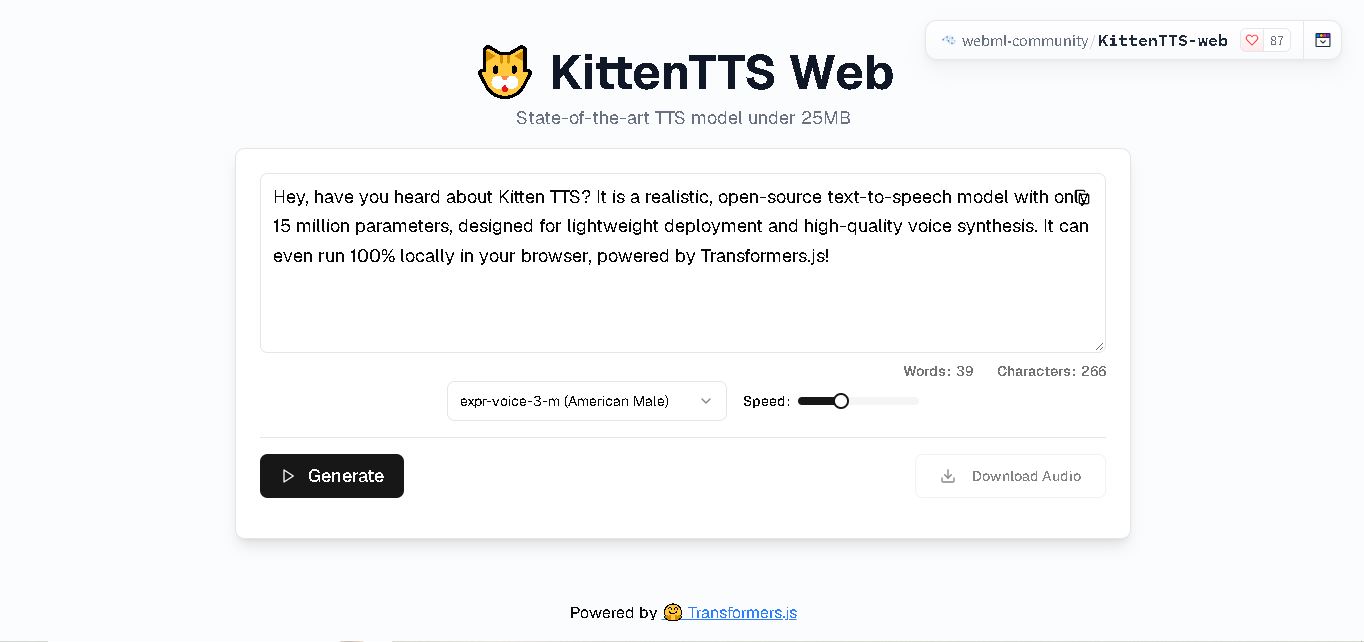
KittenTTS Web is a lightweight text-to-speech demo hosted on Hugging Face Spaces. It helps users explore how written text can be transformed into spoken audio using neural voice synthesis. The project is particularly relevant to developers, content creators, and accessibility-focused users interested in experimenting with compact speech generation technology directly through a web browser.
 4.9
4.9Parler-TTS
Text-to-Speech
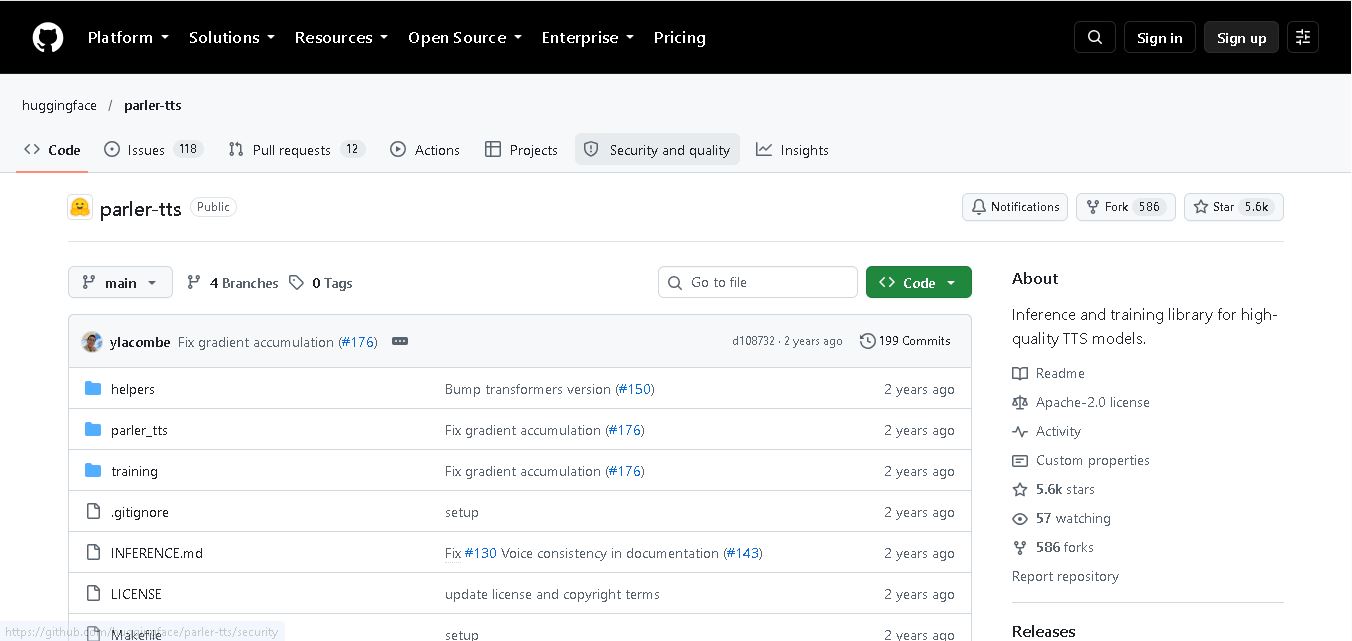
Parler-TTS is an open-source text-to-speech tool that transforms written content into natural-sounding audio. It lets developers describe voice characteristics using natural language, including pitch, speaking speed, and recording quality. With publicly available model weights, training resources, and customizable checkpoints, it supports experimentation, research, and tailored speech-generation applications across projects.
 4.9
4.9IMS Toucan
Text-to-Speech
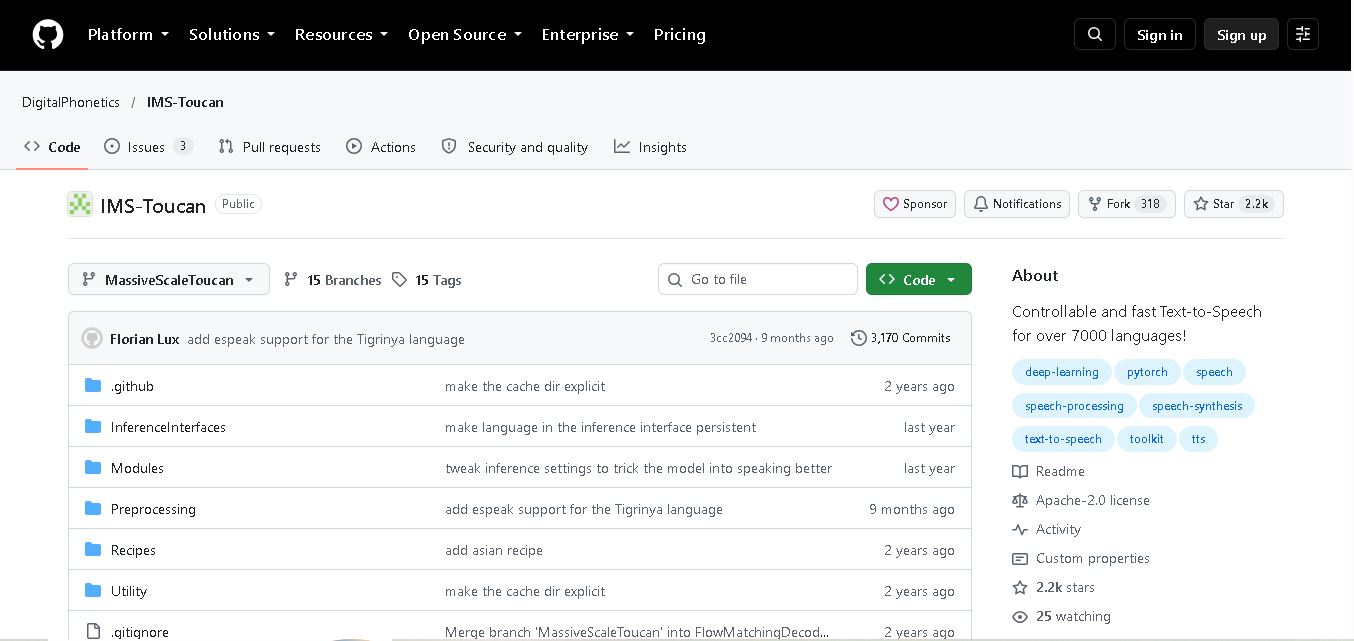
IMS Toucan is an open-source text-to-speech toolkit from the University of Stuttgart designed for multilingual speech generation. It converts text into audio and provides tools for inference, voice and prosody control, and model training. Supporting more than 7,000 languages, it serves developers and researchers exploring technology across linguistic contexts.
 4.8
4.8Verbatik
Text-to-Speech
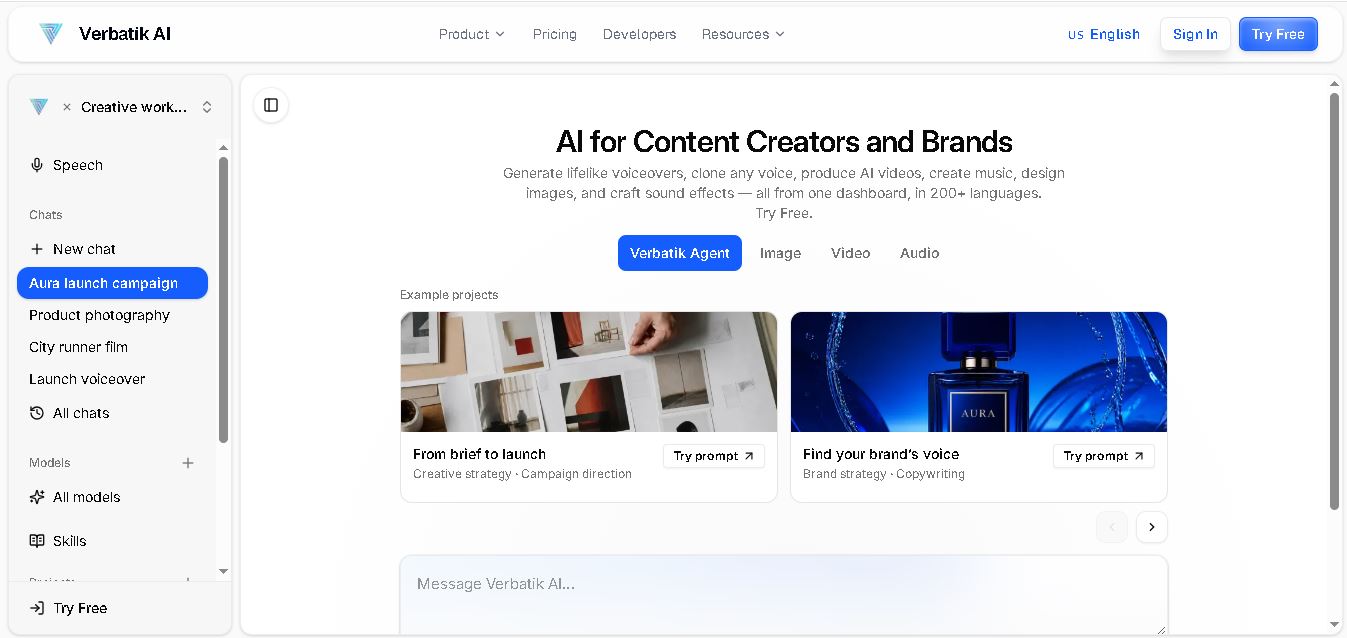
Verbatik AI helps users create realistic voiceovers, clone voices, generate music, and produce multimedia content using artificial intelligence. With multilingual speech, customizable voice settings, and developer APIs, it supports content creators, marketers, educators, and businesses. The platform simplifies audio production, video creation, and content localization from one workspace.
 4.8
4.8Narration Box
Text-to-Speech
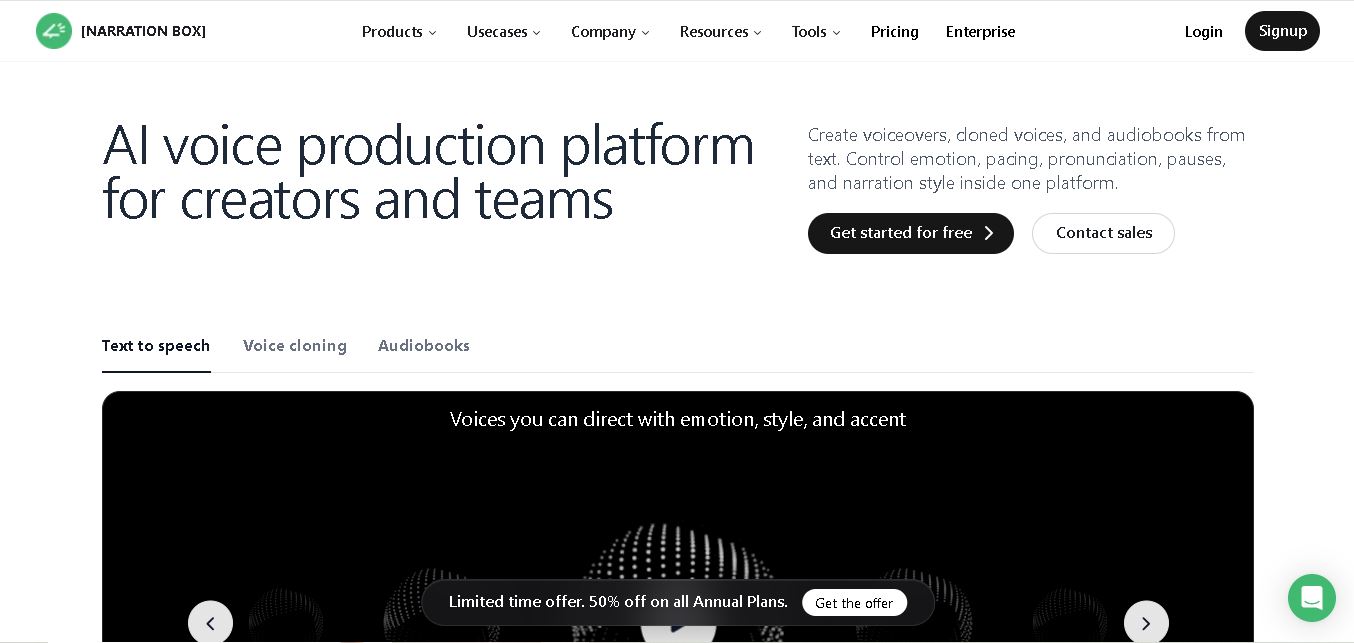
Narration Box is an AI voice generator for creating realistic voiceovers, audiobooks, podcasts, and educational audio from text. It offers over 1,500 AI narrators, 80+ languages and accents, voice cloning, and customizable emotional delivery. Its editing tools help creators produce consistent, multilingual audio content for personal and professional projects.
 4.7
4.7AudioBot
Text-to-Speech
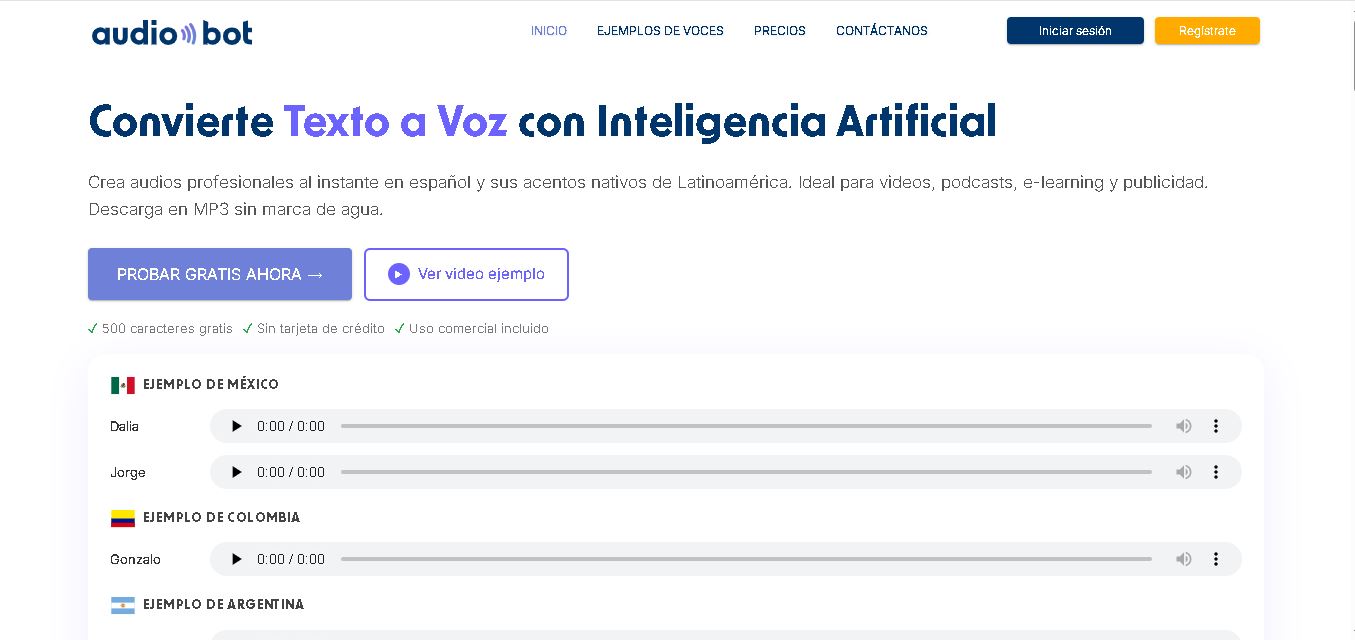
AudioBot converts written text into natural-sounding speech using AI-generated voices. It supports multiple languages and regional accents, making it useful for video voiceovers, presentations, educational materials, and audio content. Users can generate and download audio files, helping simplify narration workflows without requiring traditional recording equipment or voice talent.
 4.7
4.7Audie AI
Text-to-Speech
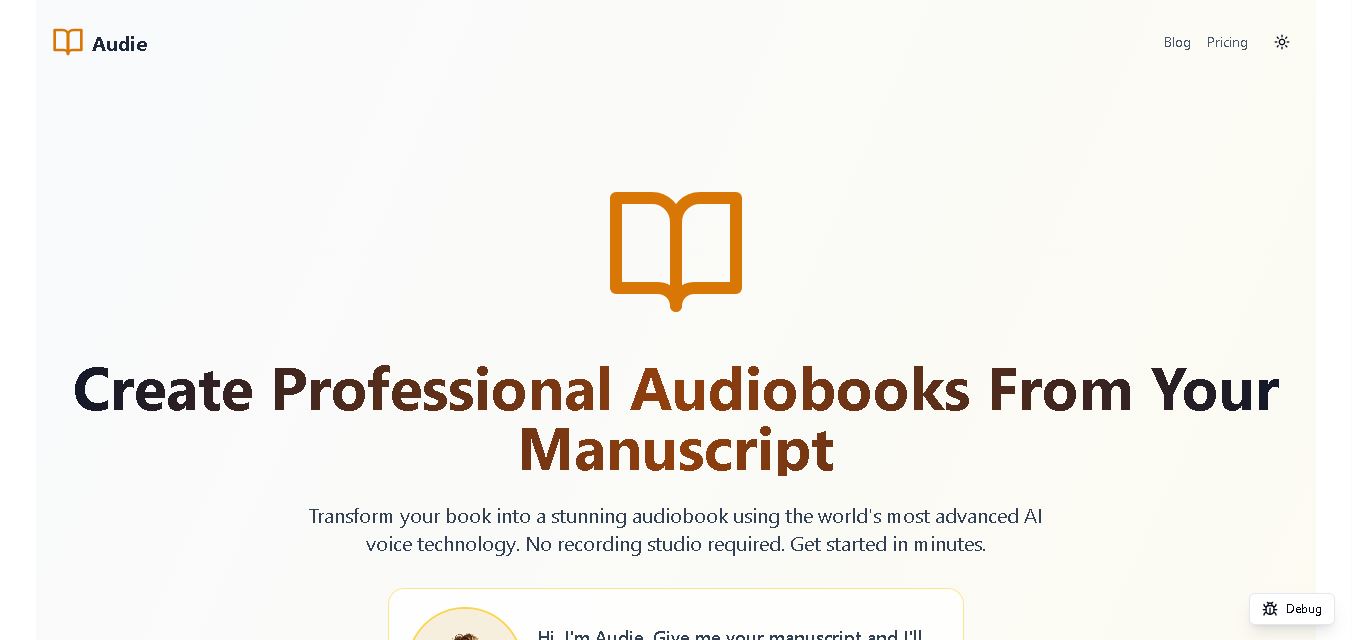
Audie AI is an audiobook creation tool that converts written manuscripts into narrated audio using AI-generated voices. It helps authors and publishers simplify production, explore different narration styles, and reduce reliance on traditional recording studios. With voice selection, advertised voice cloning, and downloadable audio, it supports more accessible audiobook creation for independent creators.
 4.6
4.6Speechelo
Text-to-Speech
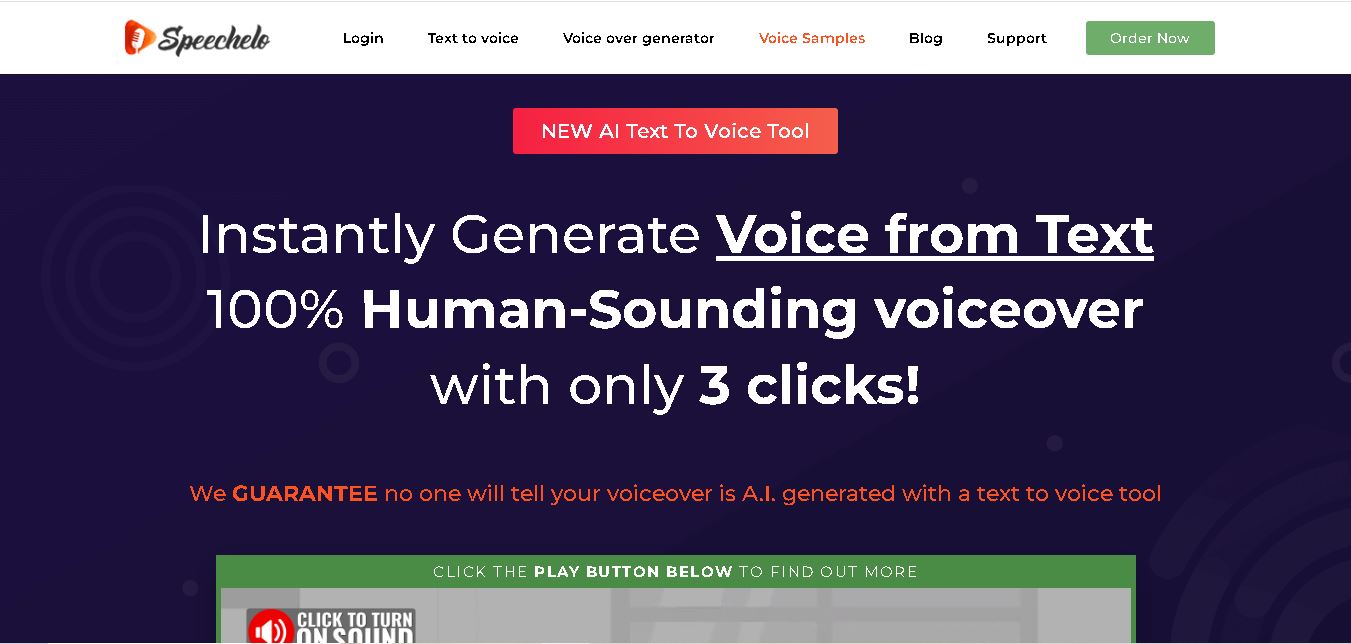
Speechelo is a text-to-speech tool designed to help creators turn written scripts into voiceovers. It offers different voices, languages, tones, and audio adjustments for creating narration. Video creators, educators, marketers, and content teams can use it to produce audio for tutorials, presentations, promotional videos, and other digital content projects.
 4.7
4.7Leelo AI
Text-to-Speech
Leelo AI helps you turn written content into natural-sounding speech without recording your own voice. You can choose from 800+ voices across 142 languages and accents, adjust available voice settings, generate audio, store files in the cloud, export recordings, and use generated speech commercially for different content and communication needs.