
KittenTTS Web
KittenTTS Web is a lightweight text-to-speech demo hosted on Hugging Face Spaces. It helps users explore how written text can be transformed into spoken audio using neural voice synthesis. The project is particularly relevant to developers, content creators, and accessibility-focused users interested in experimenting with compact speech generation technology directly through a web browser.
What is KittenTTS Web?
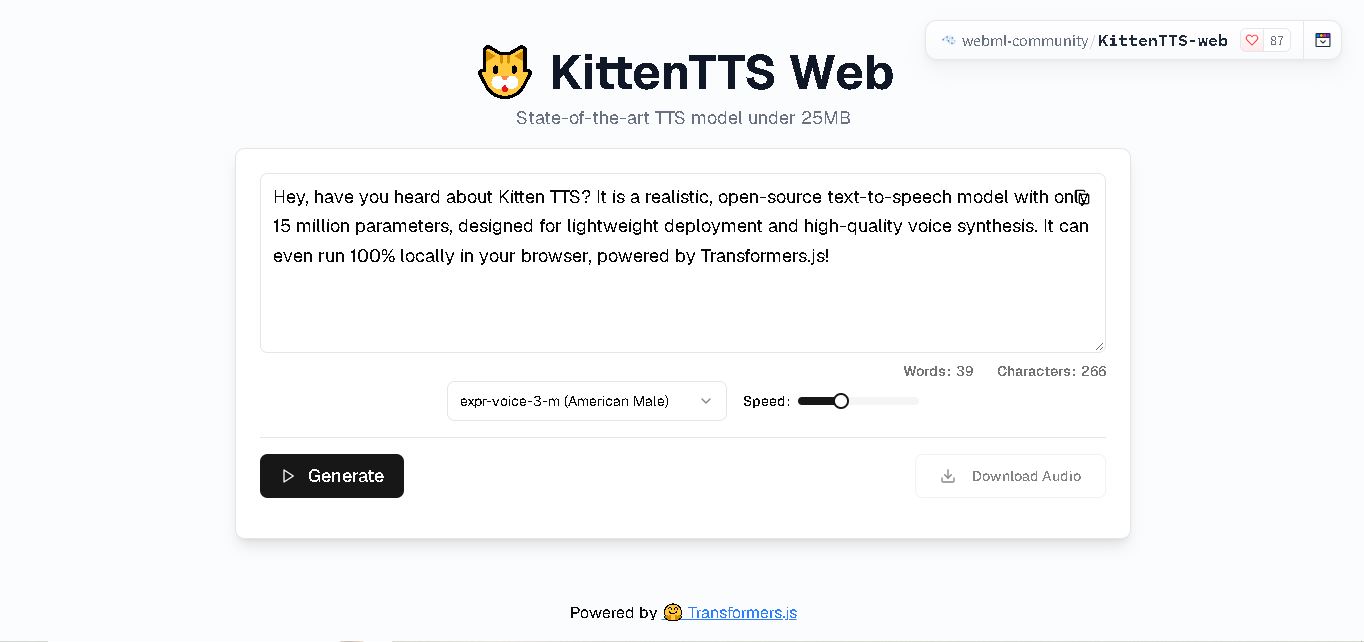
KittenTTS Web is a browser-based text-to-speech tool that converts written text into spoken audio using the KittenTTS speech synthesis model. Available through Hugging Face Spaces, it lets users experiment with AI-generated voices without setting up a local development environment. The underlying web technology supports lightweight speech generation in the browser, making it useful for testing voice output, exploring text-to-speech applications, and understanding how on-device speech synthesis can work.
KittenTTS Web is hosted on Hugging Face Spaces and demonstrates browser-based text-to-speech generation. The underlying KittenTTS Web project supports 4 lightweight model variants with approximately 15 million to 80 million parameters and download sizes of 25 MB to 80 MB. It offers 8 built-in voices in its documented lightweight implementation and supports audio generation for web applications. No GPU is required for the lightweight ONNX models. Actual performance depends on the selected model, browser, and device hardware.
- Developer / Community: WebML Community & KittenML
- Platform & Space: Hugging Face Spaces (`webml-community/KittenTTS-web`)
- Core Focus: On-Device WebML Text-to-Speech, Client-Side Audio Synthesis & Privacy-First TTS
Use Cases:
- Generating fast, private audio read-alouds for web articles, e-learning courses, and browser applications
- Integrating low-latency, offline-capable speech generation into progressive web apps (PWAs) and browser extensions
- Evaluating lightweight neural speech synthesis architectures for edge deployment and web embedding
- Providing accessible read-aloud tools for visually impaired users without transmitting text data to external servers
Technology:
- KittenTTS neural speech model family (including sub-25MB ONNX quantized models optimized for CPU and WebML execution)
- ONNX Runtime Web and WebAssembly (WASM) execution engine with WebGPU/WebGL acceleration
- Pure client-side JavaScript/TypeScript interface processing audio buffers in real time inside the browser
Target Users:
- Web developers, front-end engineers, and AI researchers exploring on-device WebML and client-side inference
- Privacy-conscious users seeking an ad-free, serverless text-to-speech reader that keeps data on-device
- PWA and web app developers looking for open-source, zero-cost voice synthesis libraries
- Content creators using writing tools to draft web copy, blog posts, and interactive scripts
Corporate / Community Entity: WebML Community / KittenML (Hugging Face Spaces)

Key features of KittenTTS Web
KittenTTS Web's key features are
- 100% Client-Side WebML Synthesis: Processes all text-to-speech inference directly inside your web browser via WebAssembly and WebGPU without cloud server dependency.
- Ultra-Lightweight Footprint: Utilizes compressed KittenTTS model weights (under 25MB for Nano variants) for ultra-fast initial browser loading.
- Strict Local Privacy: Text inputs and generated audio never leave your local device, making it fully compliant with strict data privacy guidelines.
- Multiple Built-In Voices & Speed Controls: Select from multiple natural speaker profiles (e.g., Bella, Bruno, Luna, Jasper) and fine-tune speaking rate parameters.
- Instant Audio Playback & WAV Downloads: Previews synthesized audio in an embedded HTML5 player and provides direct single-click WAV file exports.
- Zero Cloud Hosting Costs: Open-source framework that enables web developers to add offline voice generation to apps without ongoing cloud API bills.
- Hugging Face Space Demo Interface: Interactive web UI hosted on Hugging Face Spaces for immediate testing across desktop and mobile browsers.
KittenTTS Web Pricing
KittenTTS Web is a 100% free, open-source community space and library distributed under permissive open-source terms (Apache 2.0 / MIT).
Open-Source Web Access:
- $0 / Completely free and open-source
- No subscription fees, credit limits, or API keys required to generate speech or download audio files
Disclaimer: Because inference runs locally inside your browser, performance depends on your local CPU or device hardware capabilities. For the live interactive space, visit huggingface.co/spaces/webml-community/KittenTTS-web.
Who is using KittenTTS Web?
KittenTTS Web is designed for web developers, AI researchers, and privacy-focused users, including
- Web Engineers & Front-End Developers: Embedding lightweight, on-device text-to-speech into web applications and PWAs
- Edge AI & WebML Researchers: Testing in-browser ONNX model execution and WASM speech synthesis performance
- Privacy-Conscious Online Readers: Listening to sensitive documents and web text without sending data to third-party APIs
- Content Creators: Using writing tools to draft web copy, blog posts, and interactive scripts
Best KittenTTS Web Alternatives
Some of the strongest KittenTTS Web alternatives include
- Piper TTS
- eSpeak NG WebAssembly
- Transformers.js TTS
- Parler-TTS
- IMS Toucan
- Bark (Suno AI)
Pros and Cons of KittenTTS Web
Pros
- 100% free and open-source with zero recurring API costs or character limits
- Runs entirely client-side inside the browser for maximum data privacy and offline capability
- Ultra-lightweight model sizes (sub-25MB) ensure fast browser download and low memory consumption
- Supports direct WAV audio file downloads for seamless use in web projects
- Demonstrates cutting-edge WebML and ONNX Runtime Web hardware acceleration
Cons
- Inference speed depends on the client's local processor hardware (older devices may experience slower generation)
- Smaller parameter counts mean prosody expressiveness is lighter than heavy 1B+ parameter cloud models
- Voice customization options are limited to pre-packaged ONNX speaker models
Why Choose KittenTTS Web?
KittenTTS Web is an ideal choice for developers and users seeking a free, private, client-side text-to-speech solution that runs directly inside modern web browsers.
- Completely free, open-source WebML text-to-speech tool running without backend servers
- Keeps all text inputs local on the device for total user data privacy
- Delivers fast ONNX execution via WebAssembly and WebGPU/WebGL acceleration
- Eliminates cloud API usage fees for progressive web applications and local tools
- Maintained by the active open-source WebML and Hugging Face developer communities
KittenTTS Web vs. Competitors
The main difference between KittenTTS Web, Piper TTS (WASM), Transformers.js TTS, and Parler-TTS is that KittenTTS Web is purpose-built as an ultra-compact (sub-25MB) ONNX model optimized specifically for instant browser-based WebML inference, whereas Piper TTS focuses on lightweight C++ local execution, Transformers.js offers a broader library of ML models in JavaScript, and Parler-TTS requires dedicated Python/GPU hardware servers.
| Feature / Tool | KittenTTS Web (Hugging Face) | Piper TTS (WASM) | Transformers.js TTS | Parler-TTS |
|---|---|---|---|---|
| Core Focus | Ultra-Lightweight WebML On-Device TTS Space | Fast CPU/Embedded Local Speech Engine | General WebML Pipelines in JavaScript | Prompt-Controlled Python/GPU TTS Model |
| Execution Environment | 100% Client-Side Browser (WASM / WebGPU) | Browser WASM & Local C++ CLI | 100% Client-Side JavaScript Engine | Server-Side Python & CUDA GPU |
| Model Size | Sub-25MB (Nano ONNX variants) | 15MB – 60MB per voice model | Varies (50MB – 300MB+) | 600MB – 2GB+ checkpoints |
| Data Privacy | 100% Local (Zero data leaves browser) | 100% Local | 100% Local | Local or Self-Hosted Server |
| Pricing | $0 / Free Open-Source | $0 / Free Open-Source | $0 / Free Open-Source | $0 / Free Open-Source |
| Best For | Instant in-browser TTS demos & lightweight WebML app integration | Embedded hardware, smart homes, & fast offline local voice | Web developers wanting unified Hugging Face ML models in JS | High-quality prompt-driven voice generation with Python/GPU |
How do we rate KittenTTS Web?
| Parameter | Rating (out of 5) |
|---|---|
| WebML Client-Side Execution & Efficiency | 4.9 |
| Local Privacy & On-Device Security | 5.0 |
| Model Size Optimization (Sub-25MB Footprint) | 4.9 |
| Speech Naturalness & Voice Quality | 4.6 |
| Value for Money | 5.0 |
| Overall Score | 4.88 |
KittenTTS Web Review
KittenTTS Web is an impressive open-source WebML demonstration of modern client-side text-to-speech. By running KittenML's lightweight ONNX models directly inside the browser using WebAssembly and WebGPU, it eliminates server costs while keeping user text inputs completely private on device. Offering multiple voice selections, instant audio playback, and clean WAV exports in a sub-25MB package, KittenTTS Web provides a practical, zero-cost reference implementation for developers and privacy-conscious users in 2026.
Conclusion
KittenTTS Web is a useful option for exploring lightweight, browser-based text-to-speech generation without a complicated initial setup. Its underlying technology supports compact models, multiple built-in voices, and CPU-based inference, making it relevant to developers, educators, and content creators. Before adopting it for professional or commercial work, verify the current Space functionality, licensing terms, and audio quality. Overall, it provides an accessible starting point for understanding practical AI voice generation and testing speech-based content workflows.
FAQ
What can you use KittenTTS Web for?
You can use KittenTTS Web to experiment with converting written content into spoken audio directly through a browser. It may help you test narration for articles, educational materials, prototypes, and accessibility features. For your content workflow, it offers a practical way to evaluate generated speech before selecting a text-to-speech solution for regular production.
Is KittenTTS Web free to use?
KittenTTS Web is publicly accessible through Hugging Face Spaces, allowing users to explore the demonstration without installing a local application. However, availability and usage limits may depend on the hosting environment and its current configuration. Check the space before relying on it for repeated generation or commercial production, as access conditions can change.
Does KittenTTS Web require a GPU?
The lightweight KittenTTS models use ONNX Runtime and can run on CPUs without requiring a dedicated GPU. The browser-based implementation uses web technologies for inference, although performance depends on device capabilities and model size. A more powerful device may handle generation more smoothly, particularly when working with longer text or larger models.
Which voices are available in KittenTTS?
The documented lightweight KittenTTS implementation includes eight built-in voices: Bella, Jasper, Luna, Bruno, Rosie, Hugo, Kiki, and Leo. These voices give users options for testing different speech outputs. The exact choices available in the Hugging Face demonstration may depend on its deployed version, so verify the interface before selecting a voice for a project.
Can KittenTTS Web create audio for YouTube videos?
You can experiment with KittenTTS Web for narration drafts, explainer videos, educational clips, and other content that benefits from spoken audio. Before publishing, listen for pronunciation errors, unnatural pauses, and inconsistent delivery. Also, verify the applicable model and hosting licenses and any commercial-use conditions before using generated audio in monetized videos.
Does KittenTTS Web work offline?
The underlying KittenTTS Web technology supports caching model assets for local browser use, which can enable offline generation after the necessary files are available. However, the Hugging Face-hosted demonstration may require an internet connection to load initially. Offline availability depends on how the application stores assets and whether all required resources have been downloaded.
User Reviews
No reviews yet for KittenTTS Web.
Featured Tools
Featured AI tools from TechShark

Melody Genie
MelodyGenie is an AI-powered music generator that creates original songs from simple text prompts. Users can choose styles, moods, and genres, then instantly generate melodies and full tracks, making it easy for creators, marketers, and hobbyists to produce custom music without musical expertise.
Freemium

Kimi AI
Kimi AI is an advanced AI assistant developed by Moonshot AI that helps you chat, research, write, code, and automate tasks in one place. It supports web search, file analysis, and multimodal inputs, and can even run autonomous “agent” workflows to complete complex tasks end-to-end.
Freemium

Fashion Diffusion AI
Fashion Diffusion is an AI-powered fashion design platform that helps brands and designers create clothing designs, virtual try-ons, AI models, product photos, and marketing visuals faster and cost-effectively.
Paid

Veo 4
Veo 4 AI is an AI video creation platform that generates dramatic videos from text, images, audio, and video prompts using realistic motion and synchronized sound.
Paid
Alternatives
Alternatives to KittenTTS Web
The best KittenTTS Web alternatives include Piper TTS (Web/WASM), eSpeak NG WebAssembly, Transformers.js TTS, Parler-TTS, IMS Toucan, and Bark (Suno AI). These open-source toolkits and WebML libraries provide local speech synthesis and browser-based audio generation. While KittenTTS Web excels with an ultra-compact sub-25MB footprint running on-device via ONNX Runtime Web and WebGPU, alternatives like Piper TTS target embedded microcontrollers, and Transformers.js offers unified JavaScript AI pipelines.
 4.9
4.9Parler-TTS
Text-to-Speech
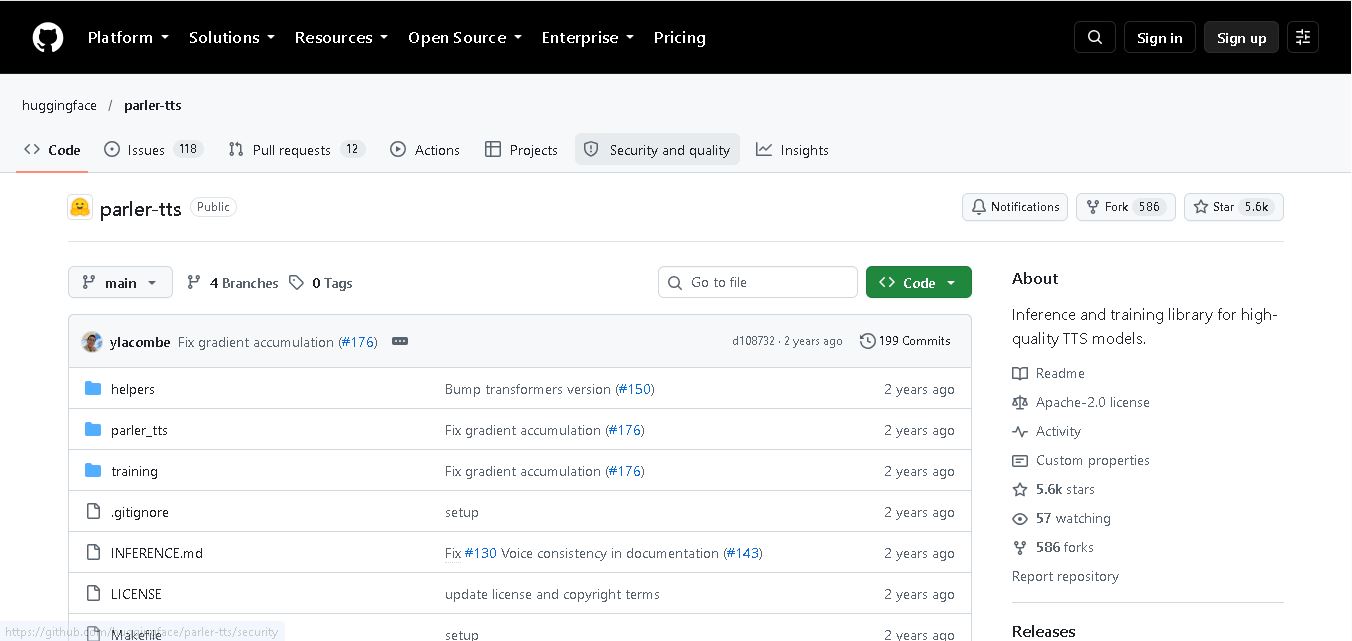
Parler-TTS is an open-source text-to-speech tool that transforms written content into natural-sounding audio. It lets developers describe voice characteristics using natural language, including pitch, speaking speed, and recording quality. With publicly available model weights, training resources, and customizable checkpoints, it supports experimentation, research, and tailored speech-generation applications across projects.
 4.9
4.9IMS Toucan
Text-to-Speech
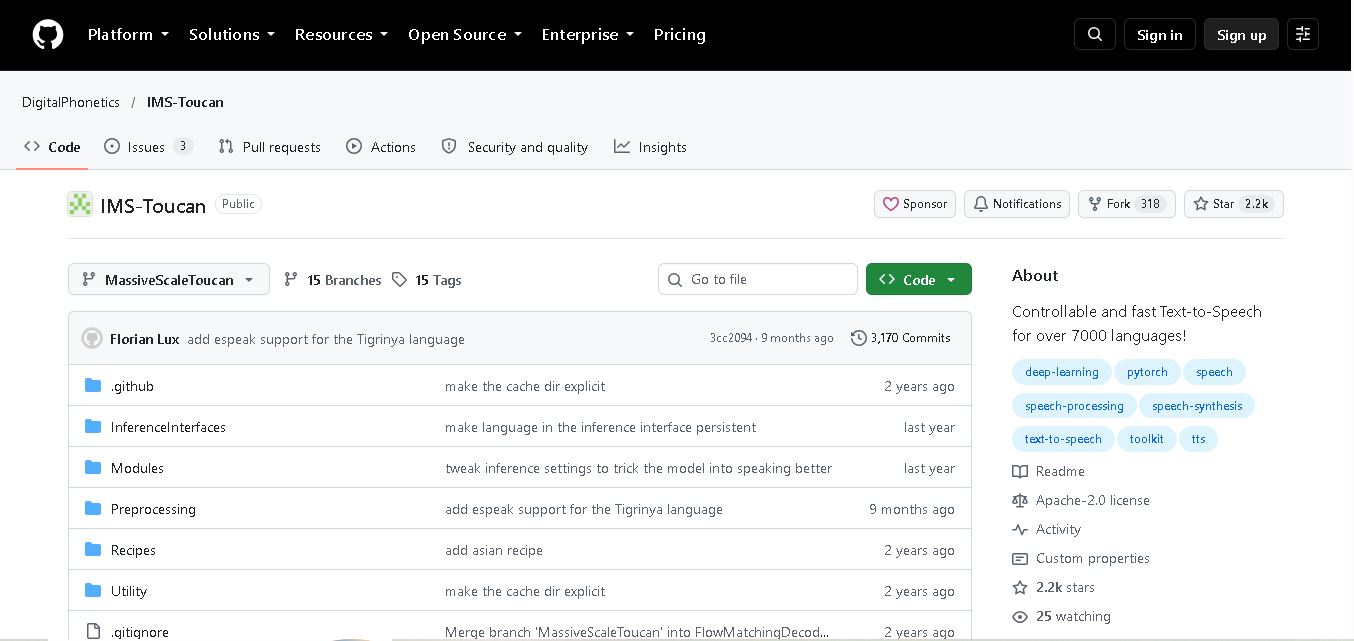
IMS Toucan is an open-source text-to-speech toolkit from the University of Stuttgart designed for multilingual speech generation. It converts text into audio and provides tools for inference, voice and prosody control, and model training. Supporting more than 7,000 languages, it serves developers and researchers exploring technology across linguistic contexts.
 4.8
4.8Verbatik
Text-to-Speech
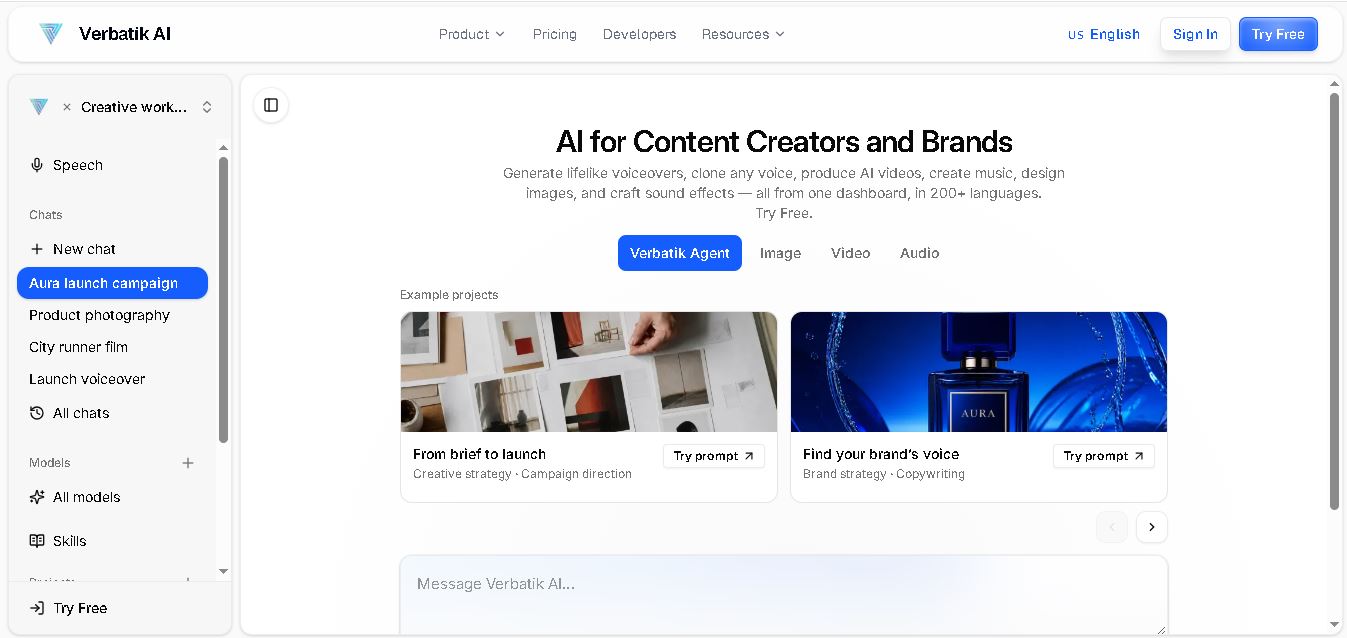
Verbatik AI helps users create realistic voiceovers, clone voices, generate music, and produce multimedia content using artificial intelligence. With multilingual speech, customizable voice settings, and developer APIs, it supports content creators, marketers, educators, and businesses. The platform simplifies audio production, video creation, and content localization from one workspace.
 4.8
4.8Narration Box
Text-to-Speech
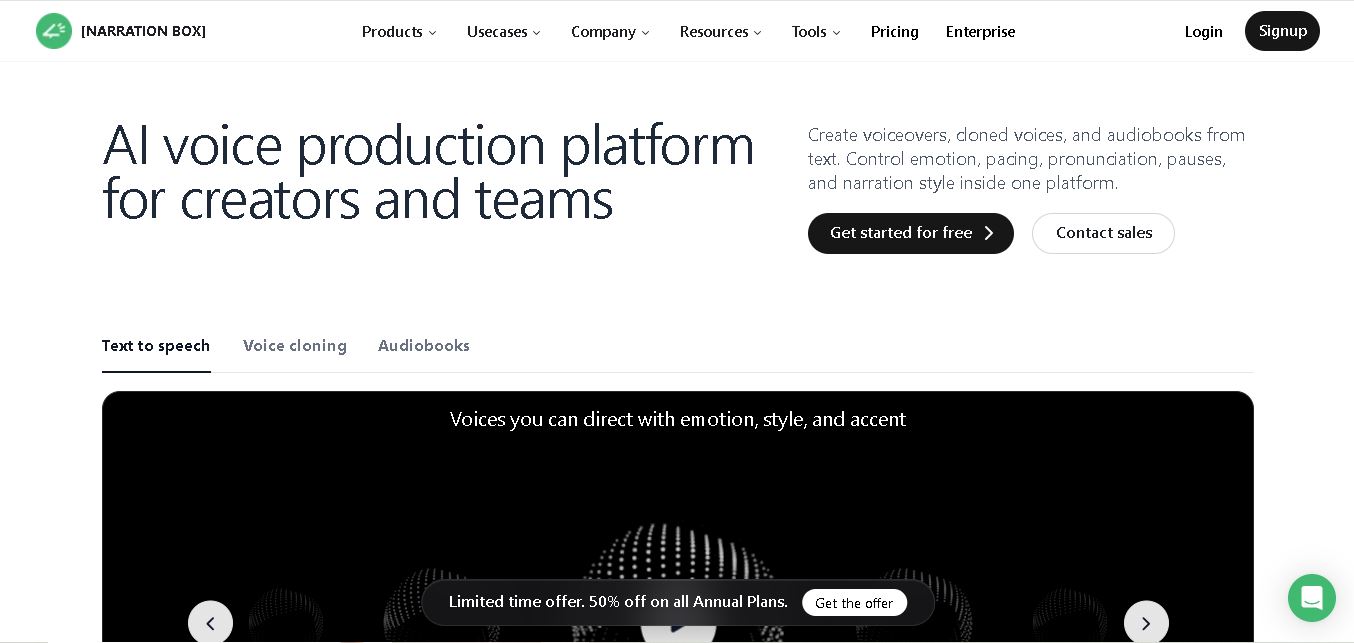
Narration Box is an AI voice generator for creating realistic voiceovers, audiobooks, podcasts, and educational audio from text. It offers over 1,500 AI narrators, 80+ languages and accents, voice cloning, and customizable emotional delivery. Its editing tools help creators produce consistent, multilingual audio content for personal and professional projects.
 4.7
4.7AudioBot
Text-to-Speech
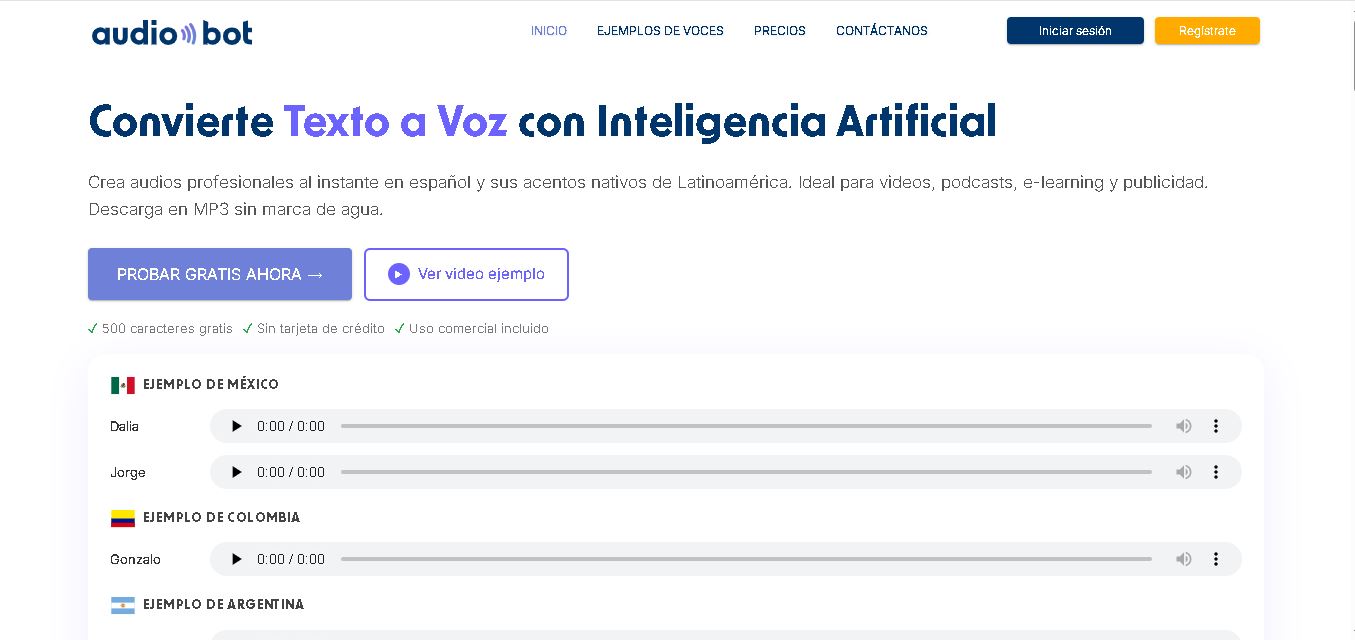
AudioBot converts written text into natural-sounding speech using AI-generated voices. It supports multiple languages and regional accents, making it useful for video voiceovers, presentations, educational materials, and audio content. Users can generate and download audio files, helping simplify narration workflows without requiring traditional recording equipment or voice talent.
 4.7
4.7Audie AI
Text-to-Speech
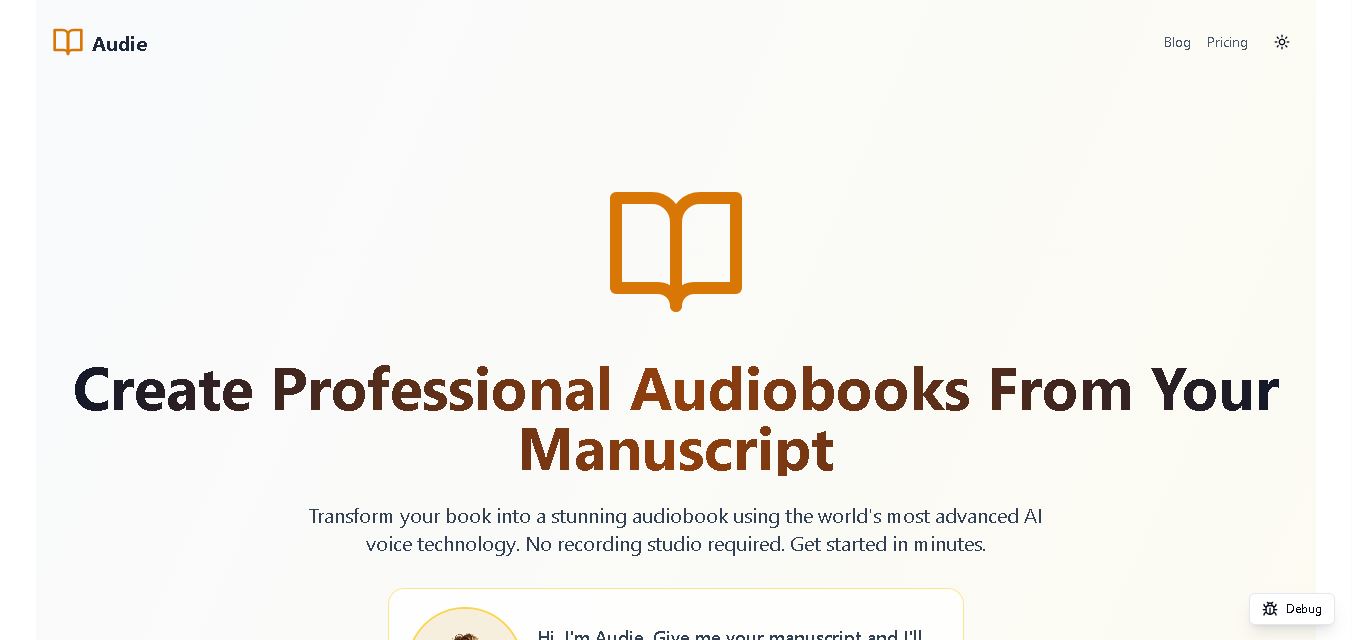
Audie AI is an audiobook creation tool that converts written manuscripts into narrated audio using AI-generated voices. It helps authors and publishers simplify production, explore different narration styles, and reduce reliance on traditional recording studios. With voice selection, advertised voice cloning, and downloadable audio, it supports more accessible audiobook creation for independent creators.
 4.6
4.6Speechelo
Text-to-Speech
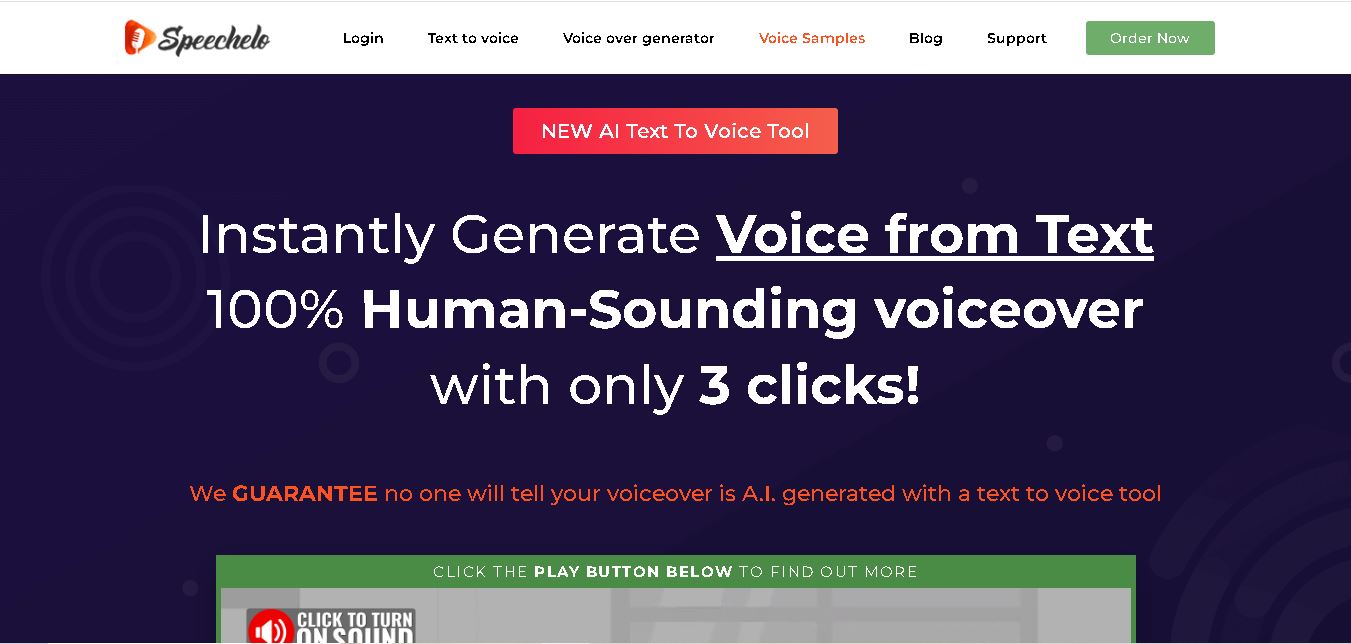
Speechelo is a text-to-speech tool designed to help creators turn written scripts into voiceovers. It offers different voices, languages, tones, and audio adjustments for creating narration. Video creators, educators, marketers, and content teams can use it to produce audio for tutorials, presentations, promotional videos, and other digital content projects.
 4.7
4.7Leelo AI
Text-to-Speech
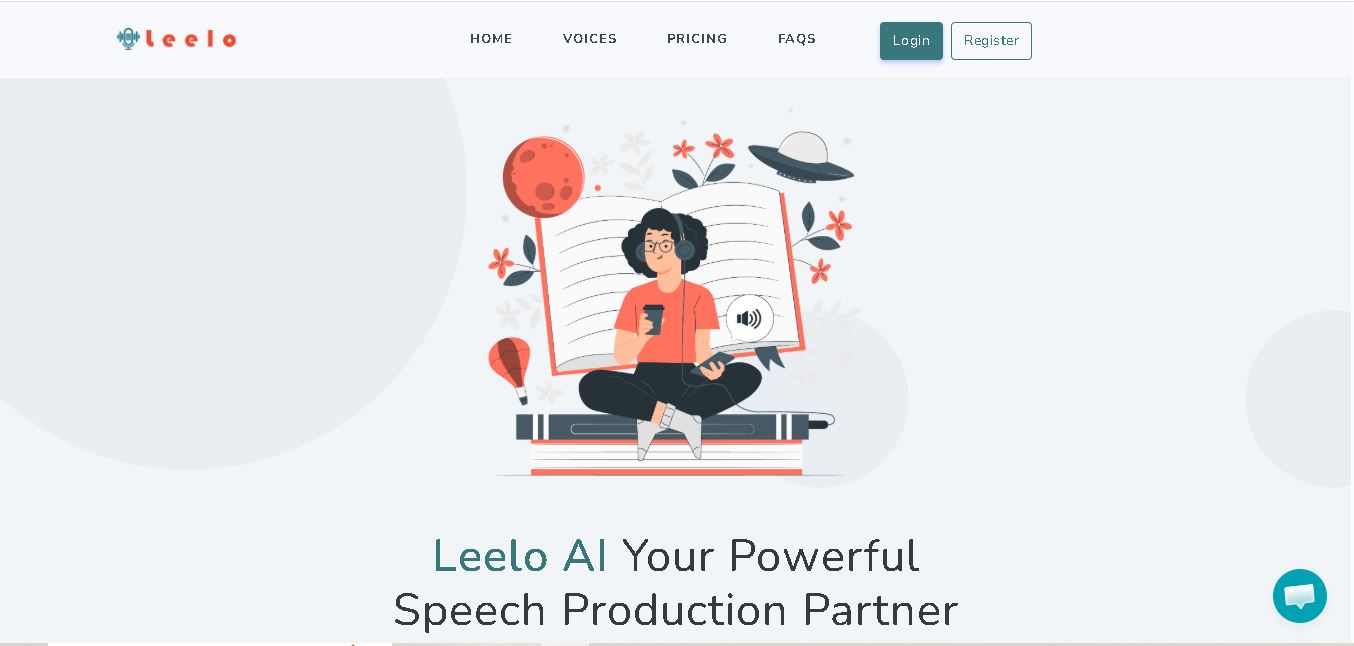
Leelo AI helps you turn written content into natural-sounding speech without recording your own voice. You can choose from 800+ voices across 142 languages and accents, adjust available voice settings, generate audio, store files in the cloud, export recordings, and use generated speech commercially for different content and communication needs.
 4.7
4.7MyVocal AI
Text-to-Speech
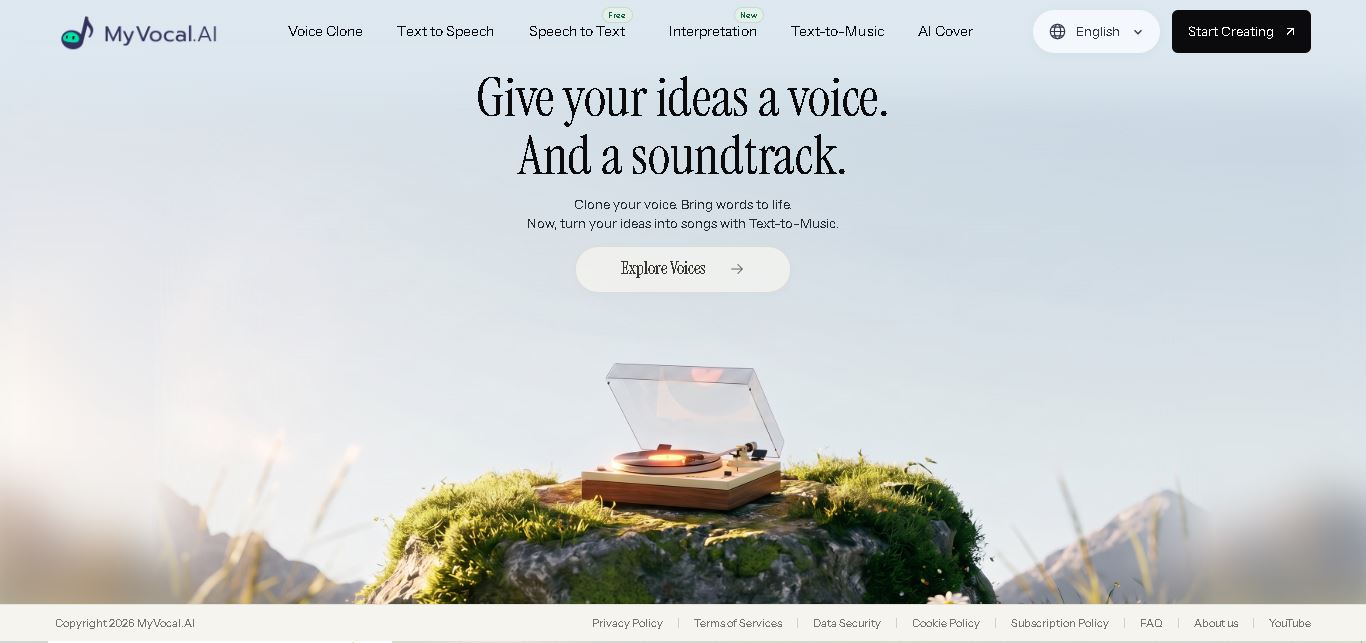
MyVocal AI helps creators turn written content and voice recordings into natural-sounding audio. Users can clone voices, generate multilingual speech, create AI song covers, transcribe recordings, and produce music from text. Its combination of voice customization, emotion control, and multilingual generation makes it useful for content, narration, music, products, and interactive experiences.