ttsMP3
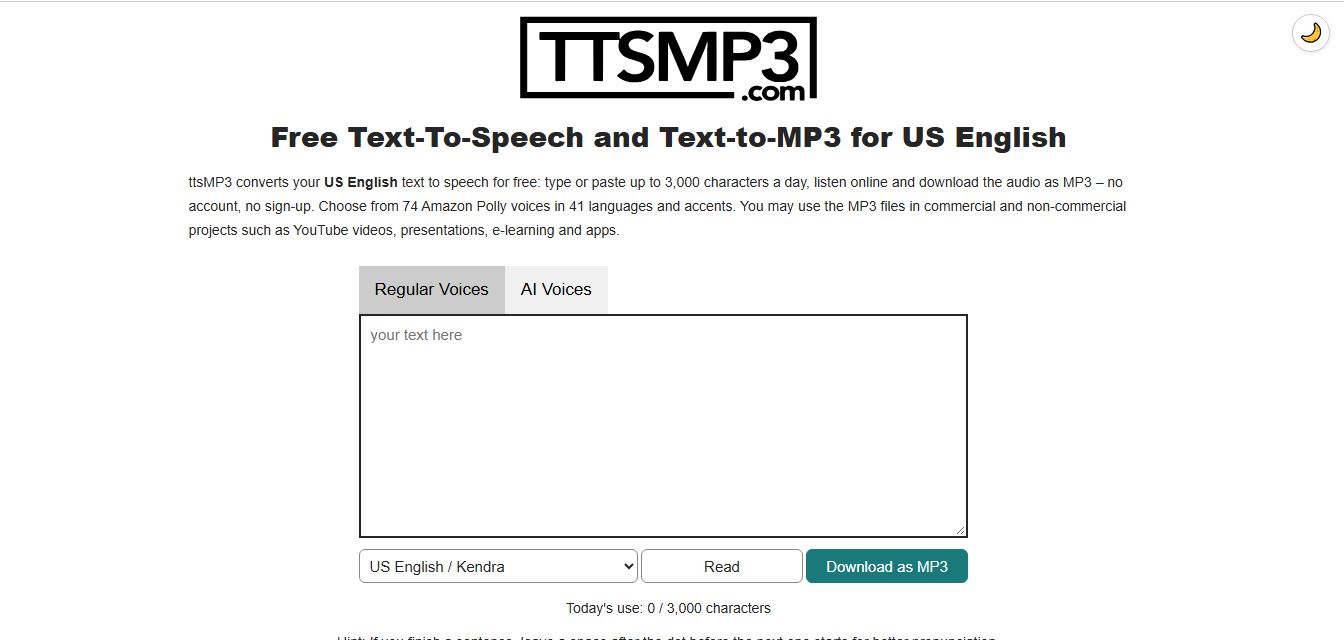
ttsMP3 is an online text-to-speech tool that converts written text into natural-sounding speech and downloadable MP3 files. It offers 74 voices across 41 languages and accents, with controls for speed, pitch, pauses, and emphasis. Users can create voiceovers for YouTube videos, podcasts, presentations, and e-learning content.
What is ttsMP3?
TTSMP3 is a free text-to-speech tool that converts written text into natural-sounding audio using AI-generated voices. It supports multiple languages, accents, and voice options, allowing users to create voiceovers for videos, presentations, tutorials, and other digital content. Users can enter text, select a preferred voice, adjust speech settings, and download the generated audio in MP3 format. TTSMP3 is useful for content creators, educators, students, and businesses looking for a simple way to turn text into spoken audio without recording their own voice.
Powering millions of conversions for video voiceovers, e-learning modules, and interactive applications, ttsMP3 integrates voice libraries from Amazon Polly and OpenAI. The platform provides over 70 regular and neural voices across more than 40 languages and regional accents, paired with inline Speech Synthesis Markup Language (SSML) support that gives creators precise control over pauses, pitch, speed, and multi-speaker dialogues.
- Core Focus / Category: Online Text-to-Speech (TTS) Converter, MP3 Audio Generator, and Voice Synthesis Utility
- Platform Architecture: Lightweight, browser-based web application backed by cloud speech synthesis infrastructure (Amazon Polly and OpenAI TTS)
- Key Specialization: Instant no-login text-to-MP3 generation, SSML tag support, speaker dialogues, and royalty-free commercial audio downloads
Use Cases:
- Generating clean voiceovers for YouTube tutorials, TikTok videos, and marketing reels without recording equipment
- Creating audio narrations for e-learning courses, presentations, and educational modules in native accents
- Enhancing web accessibility by converting text articles into downloadable audio snippets for visually impaired visitors
- Prototyping multi-character dialogues and conversational prompts using inline speaker tags
Technology:
- Speech synthesis engine leveraging Amazon Polly and OpenAI voice architectures for clear phonetic pronunciation
- Full SSML parsing engine supporting tags for breaks, pitch adjustments, rate changes, whispers, and emphasis
- Multi-speaker script parsing allowing multiple characters to converse within a single text block
Target Users:
- Independent YouTubers and video editors needing quick, reliable voiceovers without recording vocals
- Instructional designers and corporate educators producing multilingual e-learning material
- Software developers prototyping audio prompts, automated telephone systems, and app voice notifications
- Content publishers using audio tools to turn written articles and blog posts into audio files
Corporate Entity: Operates as ttsMP3 (ttsMP3.com / Cloud Web Service)

Key features of ttsMP3
ttsMP3's key features are
- No-Registration Web Converter: Generate and download MP3 audio immediately directly in your browser without requiring an account or login.
- Broad Voice Library: Over 70 regular and neural voices across 40+ languages and accents, including US/UK/Indian English, Spanish, German, French, and Japanese.
- Amazon Polly & OpenAI Integration: Choose between traditional Amazon Polly voices or newer OpenAI neural voices tailored for conversational emotion.
- SSML Customization Support: Insert breaks, whisper tags, pitch variations, and speed changes directly into text prompts for natural cadence.
- Conversational Speaker Tags: Use simple inline speaker tags (e.g., [speaker:Brian]) to produce multi-character dialogues in one pass.
- Royalty-Free Commercial Licensing: Downloaded MP3 files can be used in commercial and monetized projects, including YouTube videos and apps, with no mandatory attribution.
- Developer API Access: Higher-tier annual plans include direct programmatic API access for integrating text-to-speech into external apps.
ttsMP3 Pricing
ttsMP3 operates on a freemium model offering a recurring daily free allowance alongside short-term passes and annual character bundles.
Free Forever Tier:
- $0 / Free daily
- Includes up to 3,000 characters per day (approx. 375 words) with full access to standard voices, browser listening, and direct MP3 downloads
24-Hour & Short-Term Passes:
- Starts from ~$3.99 to $5.00 for short-term access passes
- Ideal for single-project needs requiring increased character allotments without recurring commitments
Monthly & Annual Premium Packages:
- Starts from ~$10.00 to $20.00 / month or discounted annual subscriptions
- Provides large character packages ranging from 1 million to 10 million characters, higher processing speeds, and priority generation
- Annual plans include access to the ttsMP3 Text-to-Speech API
Disclaimer: Character allowances reset daily on the free plan. Premium character packs and API limits are subject to terms listed at ttsmp3.com.
Who is using ttsMP3?
ttsMP3 is designed for creators, teachers, and developers, including
- Independent YouTube Creators: Voicing faceless video channels, explanatory shorts, and video game commentary
- Language Learners & Teachers: Listening to natural regional pronunciation and creating audio flashcards for students
- Instructional Designers & Educators: Adding audio narration to slide decks, e-learning modules, and training presentations
- Accessibility Advocates: Converting articles and text summaries into accessible MP3 audio files
- Indie App Developers: Testing voice prompts and UI announcements using commercial-ready MP3 exports
Best ttsMP3 Alternatives
Some of the strongest ttsMP3 alternatives include
Pros and Cons of ttsMP3
Pros
- Zero registration required; paste text and download MP3 files immediately
- Commercial usage allowed on all generated MP3 files with no attribution required
- Comprehensive SSML tag support enables fine-tuned control over pace, pauses, and pitch
- Simple multi-speaker dialogue syntax allows script conversations within one text box
- Generous free daily quota of 3,000 characters resets every 24 hours
Cons
- Standard Amazon Polly voices can sound slightly mechanical compared to generative models like ElevenLabs
- No built-in custom voice cloning or upload capabilities
- Free limit capped at 3,000 characters per day, requiring paid plans for long-form audiobooks
- Interface is utilitarian and lacks integrated timeline audio editing or multitrack mixing
Why Choose ttsMP3?
ttsMP3 is the ideal solution for creators and developers who need quick, reliable, and royalty-free text-to-speech audio without getting bogged down by complicated software setups.
- Convert text to MP3 in seconds with no login or credit card required
- Use generated audio in commercial YouTube videos, podcasts, and commercial apps with complete peace of mind
- Fine-tune cadence, breathing pauses, and emphasis using native SSML tags
- Access proven voice engines from Amazon Polly and OpenAI under one interface
- Upgrade easily to flexible short-term passes or annual API plans when scaling production
ttsMP3 vs. Competitors
The main difference between ttsMP3, ElevenLabs, TTSMaker, and NaturalReader lies in simplicity and voice modeling. While ElevenLabs delivers hyper-realistic emotional voice cloning, TTSMaker offers unlimited free web conversions, and NaturalReader focuses on document-reading workflows, ttsMP3 focuses on fast, no-nonsense utility. With support for SSML tags, multi-speaker dialogues, and commercial rights out of the box, ttsMP3 remains a dependable workhorse for day-to-day audio generation.
| Feature / Platform | ttsMP3 (ttsmp3.com) | ElevenLabs | TTSMaker | NaturalReader |
|---|---|---|---|---|
| Primary Focus | Fast Text to MP3 & SSML Utility | Generative AI Voice Cloning & Speech | Free Online TTS Voice Generator | Document Reading & Audiobooks |
| No-Signup Free Use | Yes (Up to 3,000 chars/day) | Account required | Yes (Weekly character limits) | Yes (Limited web reader) |
| Voice Engine | Amazon Polly & OpenAI | Proprietary Generative AI | Neural TTS synthesis | Proprietary & Cloud TTS |
| SSML & Dialogue Tags | Yes (Full SSML & speaker tags) | Prompt-based voice direction | Basic pause controls | Basic speed controls |
| Starting Price | Free tier / Paid from ~$3.99 pass | Free tier / Starter from $5.00/mo | Free / Pro plans available | Free / Premium ~$9.99/mo |
| Best For | Quick Commercial Voiceovers & Dialogues | Cinematic Quality & Custom Voice Cloning | Casual Free Speech Generation | Listening to PDFs, Docs & Articles |
How do we rate ttsMP3?
| Parameter | Rating (out of 5) |
|---|---|
| Ease of Use & Instant Accessibility | 5.0 |
| Language & Voice Variety | 4.6 |
| SSML & Multi-Speaker Controls | 4.8 |
| Commercial Licensing & Value | 4.9 |
| Voice Naturalness & Emotion | 4.3 |
| Overall Score | 4.72 |
ttsMP3 Review
ttsMP3 is one of the most practical and friction-free utilities on the web for text-to-speech conversion. While advanced generative platforms require subscription setups, credit card verifications, and complex prompt steering, ttsMP3 lets you paste text and download an MP3 in under thirty seconds. Its native integration of SSML tags and conversational multi-speaker markers makes it particularly powerful for scripted dialogue scenes. For creators and educators who need clear, commercial-use voiceovers without recurring software overhead, ttsMP3 is a dependable, high-speed solution.
Conclusion
ttsMP3 delivers an accessible, high-efficiency text-to-speech platform backed by Amazon Polly and OpenAI voice architectures. With support for over 40 languages, commercial usage rights, multi-speaker dialogues, and zero mandatory account creation, it remains a favorite utility for creators, educators, and indie developers worldwide. For anyone seeking quick, hassle-free MP3 voice generation, ttsMP3 is an essential web tool.
FAQ
Is ttsMP3 free to use?
Yes. ttsMP3 offers a free text-to-speech converter that allows users to generate up to 3,000 characters per day with regular voices. Users can listen to the generated speech online and download it as an MP3 without creating an account. Paid plans offer higher conversion limits.
How do I convert text into an MP3 file using ttsMP3?
To convert text into an MP3 file, visit ttsMP3, paste or type your content into the text box, select a preferred language and voice, and click the Read or Download as MP3 option. The tool generates spoken audio that you can preview and save to your device.
Does ttsMP3 support AI-generated voices?
Yes. ttsMP3 offers regular Amazon Polly voices and a separate collection of AI voices powered by OpenAI Text-to-Speech. AI voices are designed to produce more natural and expressive speech, with options for voice instructions, tone, and speaking style.
How many languages and voices does ttsMP3 support?
ttsMP3's regular voice converter offers 74 voices across 41 languages and accents, including English, Spanish, French, German, Japanese, Arabic, Portuguese, and Chinese. Its AI voice converter supports a separate set of voices with automatic language detection for 57 languages.
Can I use ttsMP3 for YouTube voiceovers?
Yes. You can use ttsMP3-generated MP3 files for YouTube videos, including monetized content. It is useful for creating narration for tutorials, educational videos, product reviews, documentaries, and faceless YouTube channels. Commercial use of generated audio is permitted under the platform's terms.
Does ttsMP3 support multiple speakers in one audio file?
Yes. Regular voices support multiple speakers within a single text using speaker tags. Users can assign different voices to individual dialogue lines, making it useful for conversations, storytelling, audiobooks, educational dialogues, and character-based narration.
What is SSML and how does ttsMP3 support it?
SSML, or Speech Synthesis Markup Language, is a markup format that controls how text is spoken by a text-to-speech engine. ttsMP3 supports SSML features such as pauses, emphasis, speaking rate, pitch, and whisper effects with its regular voices.
What are the best alternatives to ttsMP3?
Popular ttsMP3 alternatives include ElevenLabs, NaturalReader, Murf AI, Speechify, PlayHT, and Google Cloud Text-to-Speech. ElevenLabs and Murf AI offer advanced voice generation, while NaturalReader and Speechify focus on text-to-speech reading and accessibility. The best option depends on voice quality, language support, pricing, and commercial licensing requirements.
User Reviews
No reviews yet for ttsMP3.
Featured Tools
Featured AI tools from TechShark

Melody Genie
MelodyGenie is an AI-powered music generator that creates original songs from simple text prompts. Users can choose styles, moods, and genres, then instantly generate melodies and full tracks, making it easy for creators, marketers, and hobbyists to produce custom music without musical expertise.
Freemium

Kimi AI
Kimi AI is an advanced AI assistant developed by Moonshot AI that helps you chat, research, write, code, and automate tasks in one place. It supports web search, file analysis, and multimodal inputs, and can even run autonomous “agent” workflows to complete complex tasks end-to-end.
Freemium

Fashion Diffusion AI
Fashion Diffusion is an AI-powered fashion design platform that helps brands and designers create clothing designs, virtual try-ons, AI models, product photos, and marketing visuals faster and cost-effectively.
Paid

Veo 4
Veo 4 AI is an AI video creation platform that generates dramatic videos from text, images, audio, and video prompts using realistic motion and synchronized sound.
Paid
Alternatives
Alternatives to ttsMP3
The best ttsMP3 alternatives include ElevenLabs, TTSMaker, NaturalReader, Speechify, Narakeet, and Voicemaker.in. These tools offer online text-to-speech conversion, voice generation, and audio production. While ttsMP3 specializes in fast, no-registration text-to-MP3 generation with Amazon Polly and OpenAI voices starting from a free 3,000 chars/day tier, alternatives like ElevenLabs provide state-of-the-art emotional voice cloning, TTSMaker offers unlimited free voice creation, and NaturalReader focuses on document listening. Choosing the right tool depends on whether you prioritize instant no-login utility and SSML controls or advanced AI vocal nuance.
 4.9
4.9KittenTTS Web
Text-to-Speech
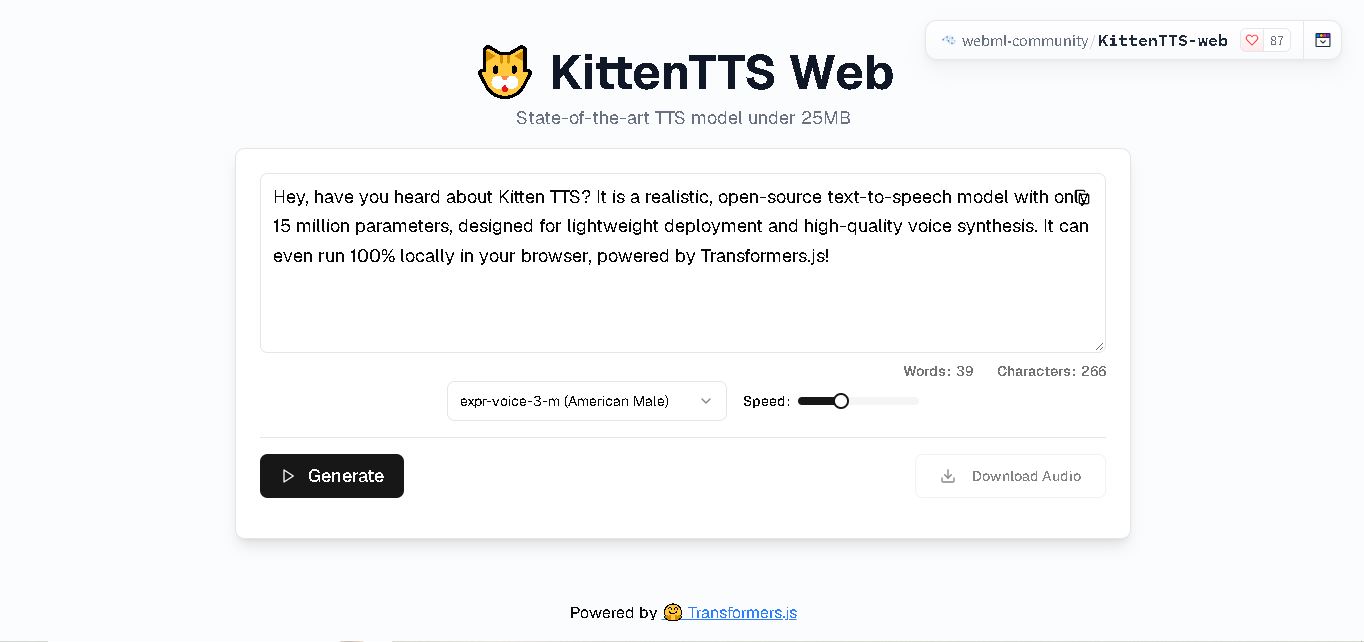
KittenTTS Web is a lightweight text-to-speech demo hosted on Hugging Face Spaces. It helps users explore how written text can be transformed into spoken audio using neural voice synthesis. The project is particularly relevant to developers, content creators, and accessibility-focused users interested in experimenting with compact speech generation technology directly through a web browser.
 4.9
4.9Parler-TTS
Text-to-Speech
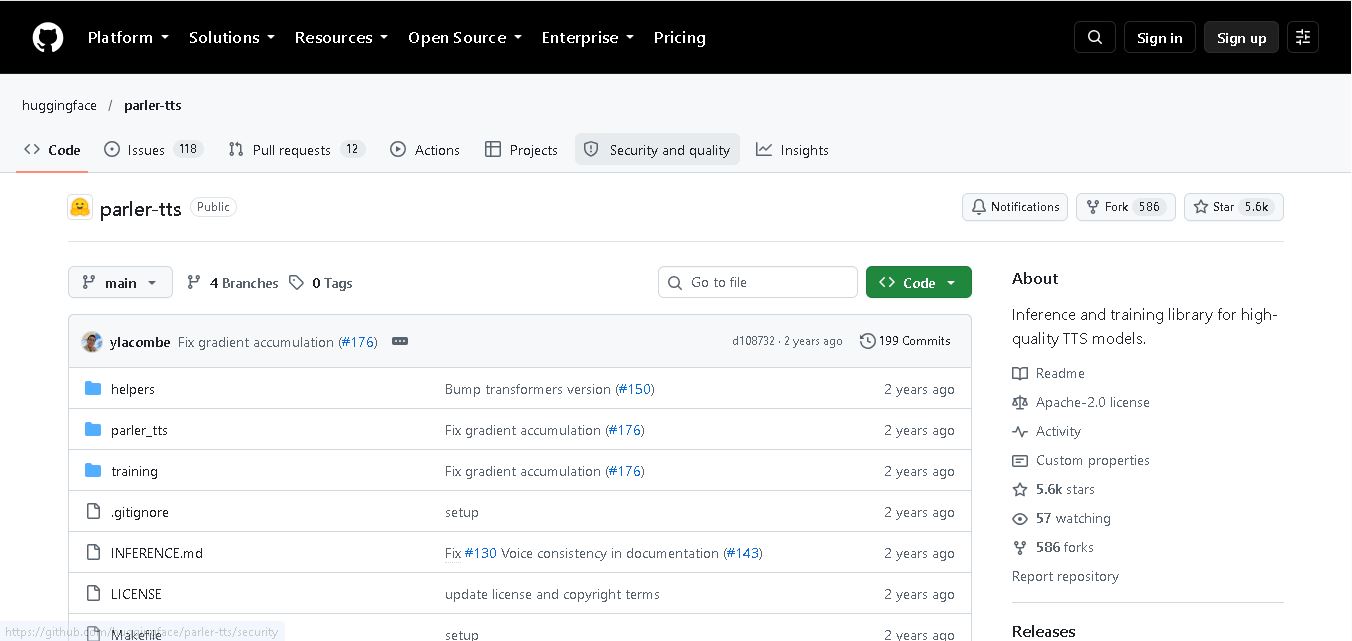
Parler-TTS is an open-source text-to-speech tool that transforms written content into natural-sounding audio. It lets developers describe voice characteristics using natural language, including pitch, speaking speed, and recording quality. With publicly available model weights, training resources, and customizable checkpoints, it supports experimentation, research, and tailored speech-generation applications across projects.
 4.9
4.9IMS Toucan
Text-to-Speech
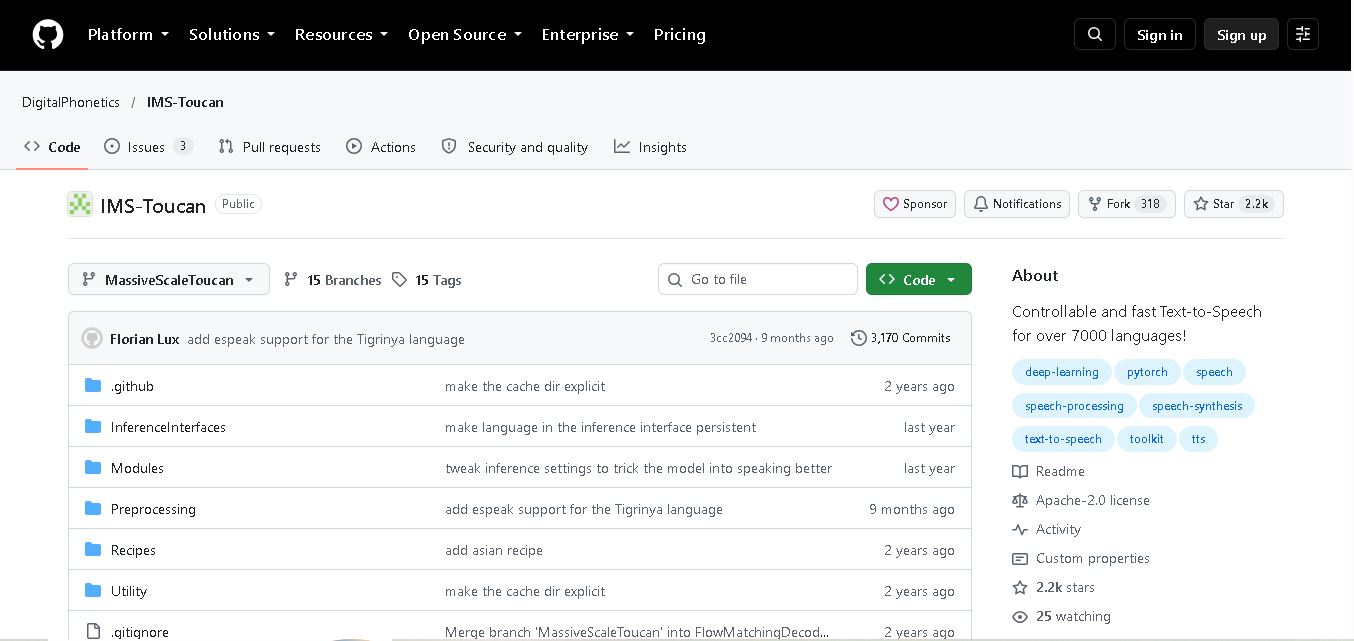
IMS Toucan is an open-source text-to-speech toolkit from the University of Stuttgart designed for multilingual speech generation. It converts text into audio and provides tools for inference, voice and prosody control, and model training. Supporting more than 7,000 languages, it serves developers and researchers exploring technology across linguistic contexts.
 4.8
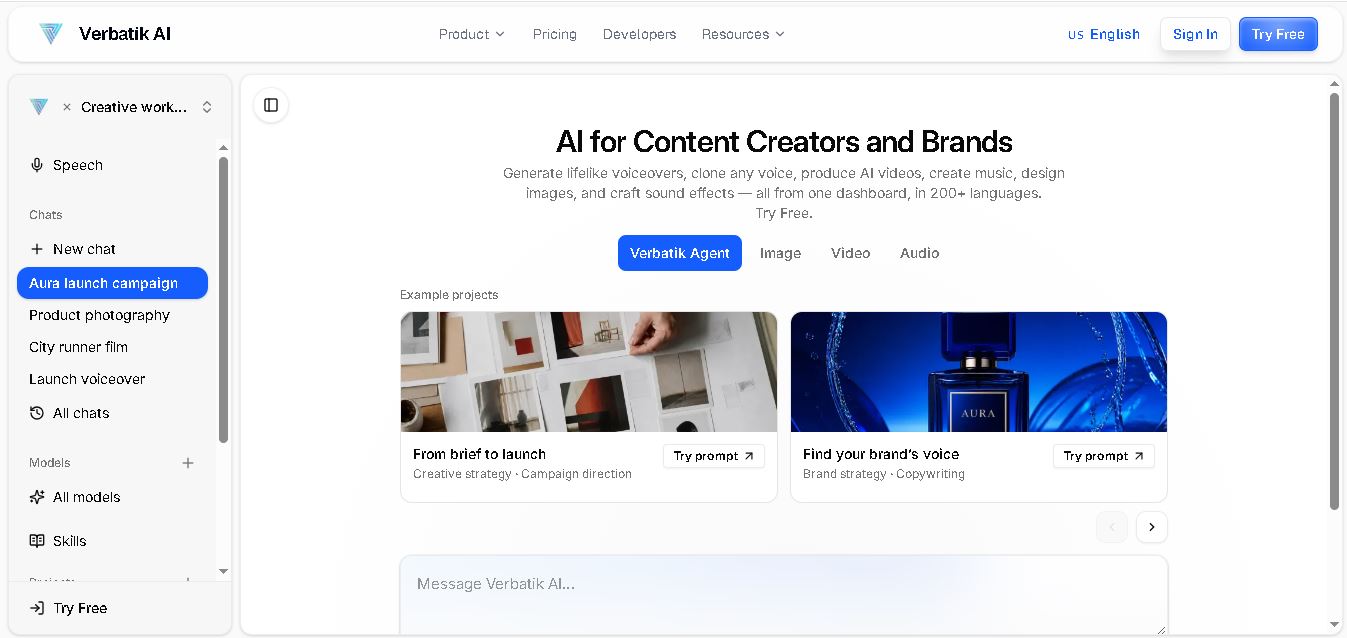
4.8Verbatik
Text-to-Speech
Verbatik AI helps users create realistic voiceovers, clone voices, generate music, and produce multimedia content using artificial intelligence. With multilingual speech, customizable voice settings, and developer APIs, it supports content creators, marketers, educators, and businesses. The platform simplifies audio production, video creation, and content localization from one workspace.
 4.8
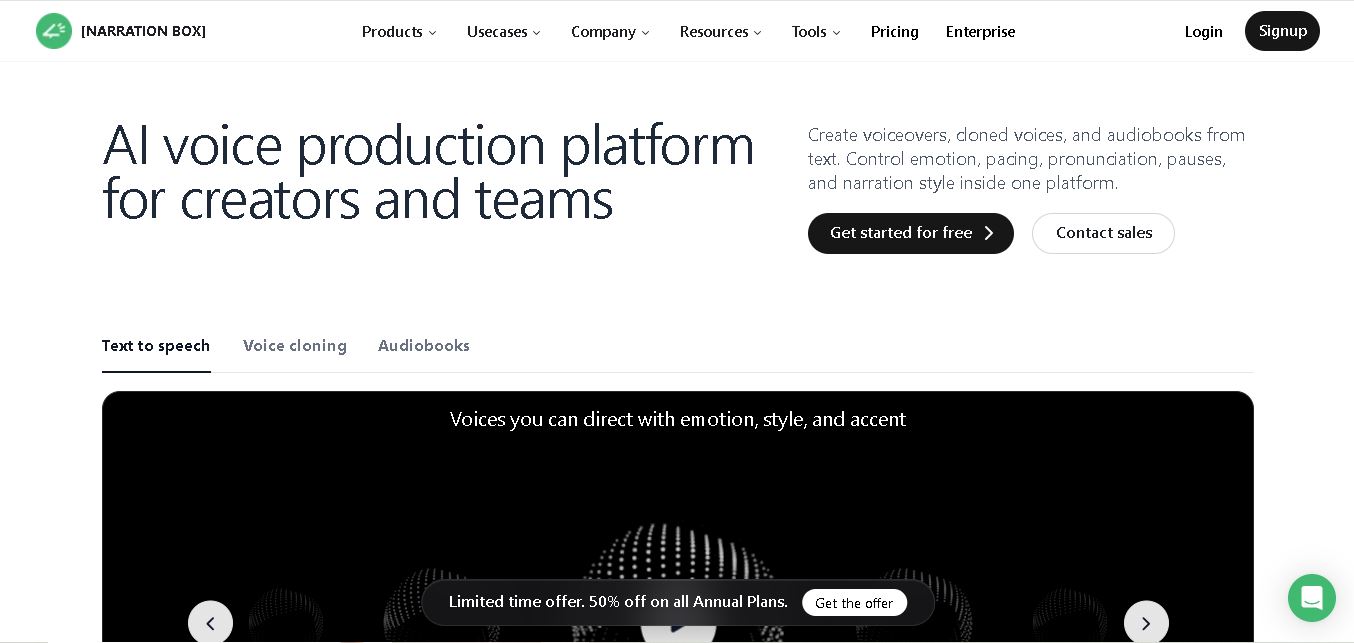
4.8Narration Box
Text-to-Speech
Narration Box is an AI voice generator for creating realistic voiceovers, audiobooks, podcasts, and educational audio from text. It offers over 1,500 AI narrators, 80+ languages and accents, voice cloning, and customizable emotional delivery. Its editing tools help creators produce consistent, multilingual audio content for personal and professional projects.
 4.7
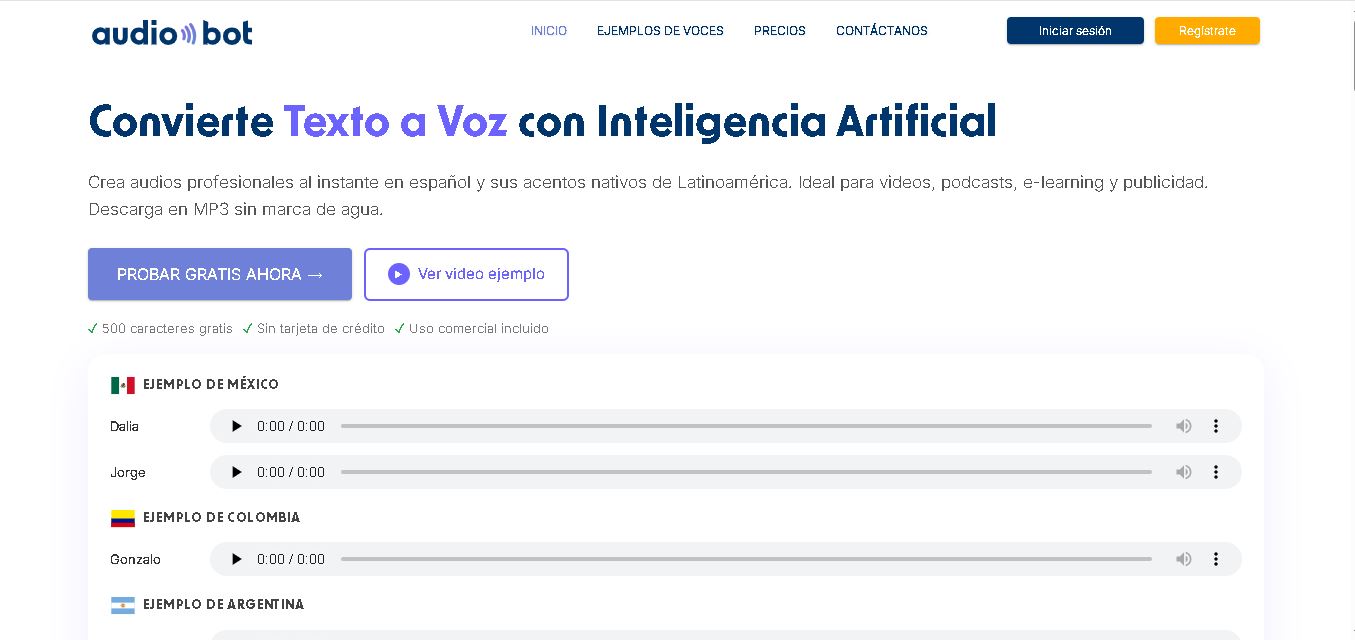
4.7AudioBot
Text-to-Speech
AudioBot converts written text into natural-sounding speech using AI-generated voices. It supports multiple languages and regional accents, making it useful for video voiceovers, presentations, educational materials, and audio content. Users can generate and download audio files, helping simplify narration workflows without requiring traditional recording equipment or voice talent.
 4.7
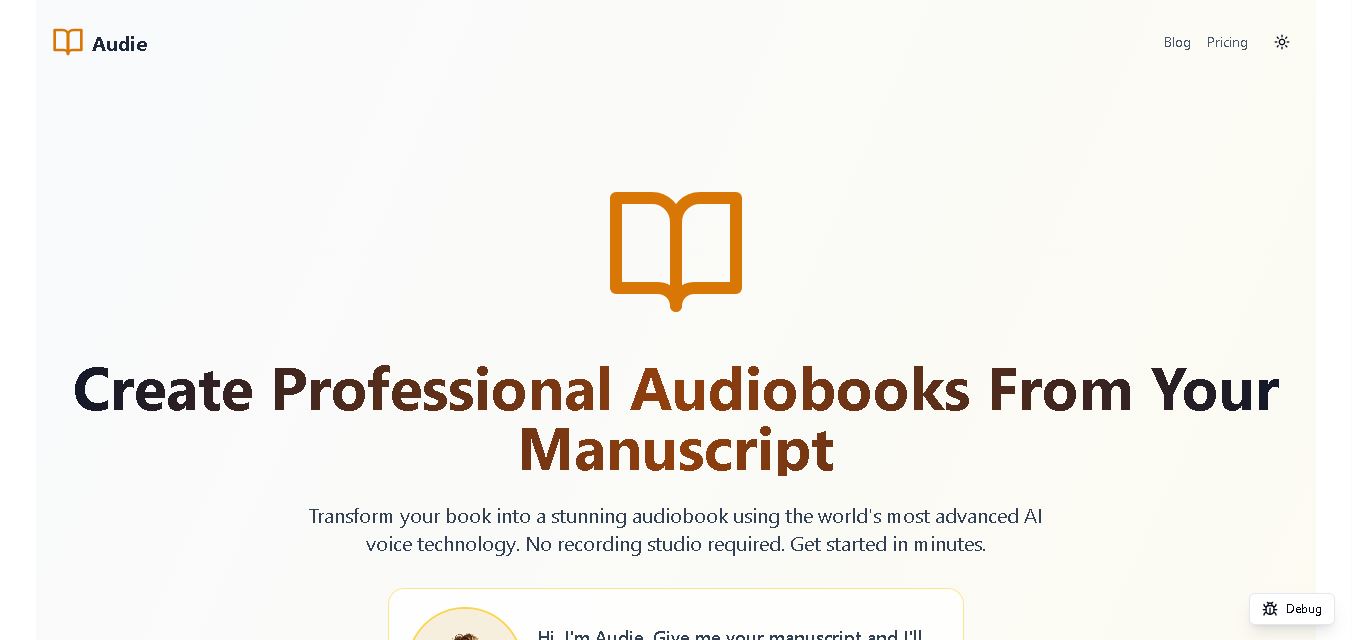
4.7Audie AI
Text-to-Speech
Audie AI is an audiobook creation tool that converts written manuscripts into narrated audio using AI-generated voices. It helps authors and publishers simplify production, explore different narration styles, and reduce reliance on traditional recording studios. With voice selection, advertised voice cloning, and downloadable audio, it supports more accessible audiobook creation for independent creators.
 4.6
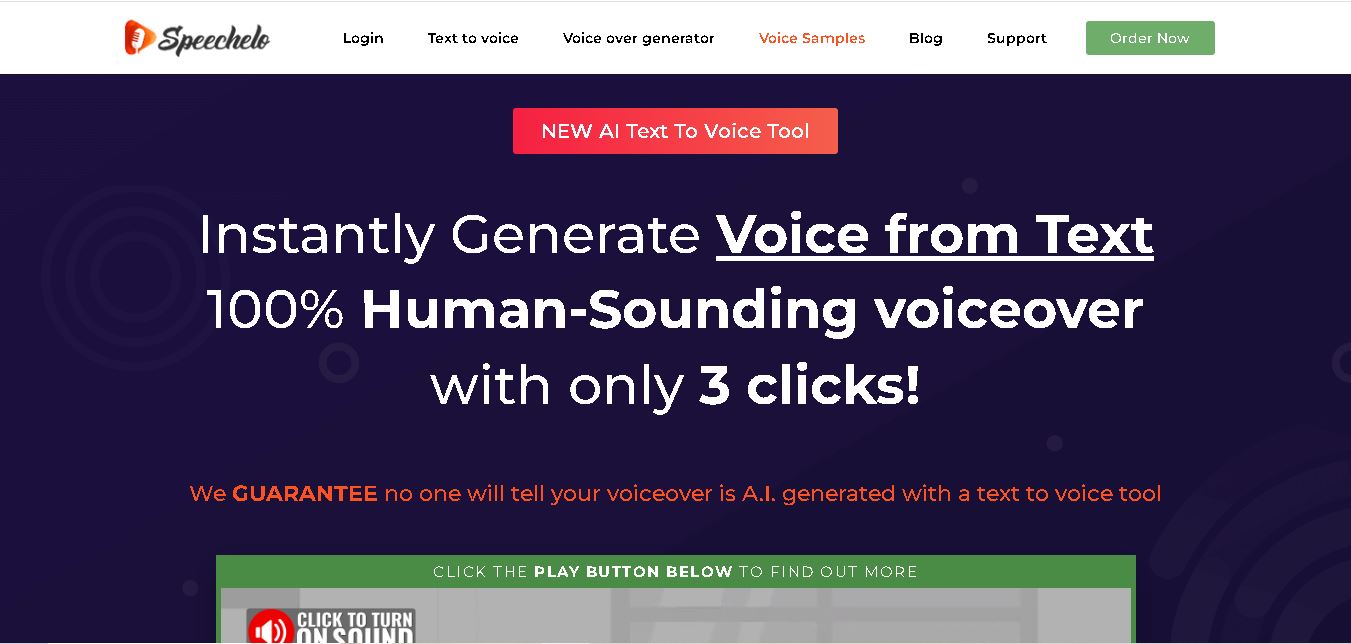
4.6Speechelo
Text-to-Speech
Speechelo is a text-to-speech tool designed to help creators turn written scripts into voiceovers. It offers different voices, languages, tones, and audio adjustments for creating narration. Video creators, educators, marketers, and content teams can use it to produce audio for tutorials, presentations, promotional videos, and other digital content projects.
 4.7
4.7Leelo AI
Text-to-Speech
Leelo AI helps you turn written content into natural-sounding speech without recording your own voice. You can choose from 800+ voices across 142 languages and accents, adjust available voice settings, generate audio, store files in the cloud, export recordings, and use generated speech commercially for different content and communication needs.