
Murf AI
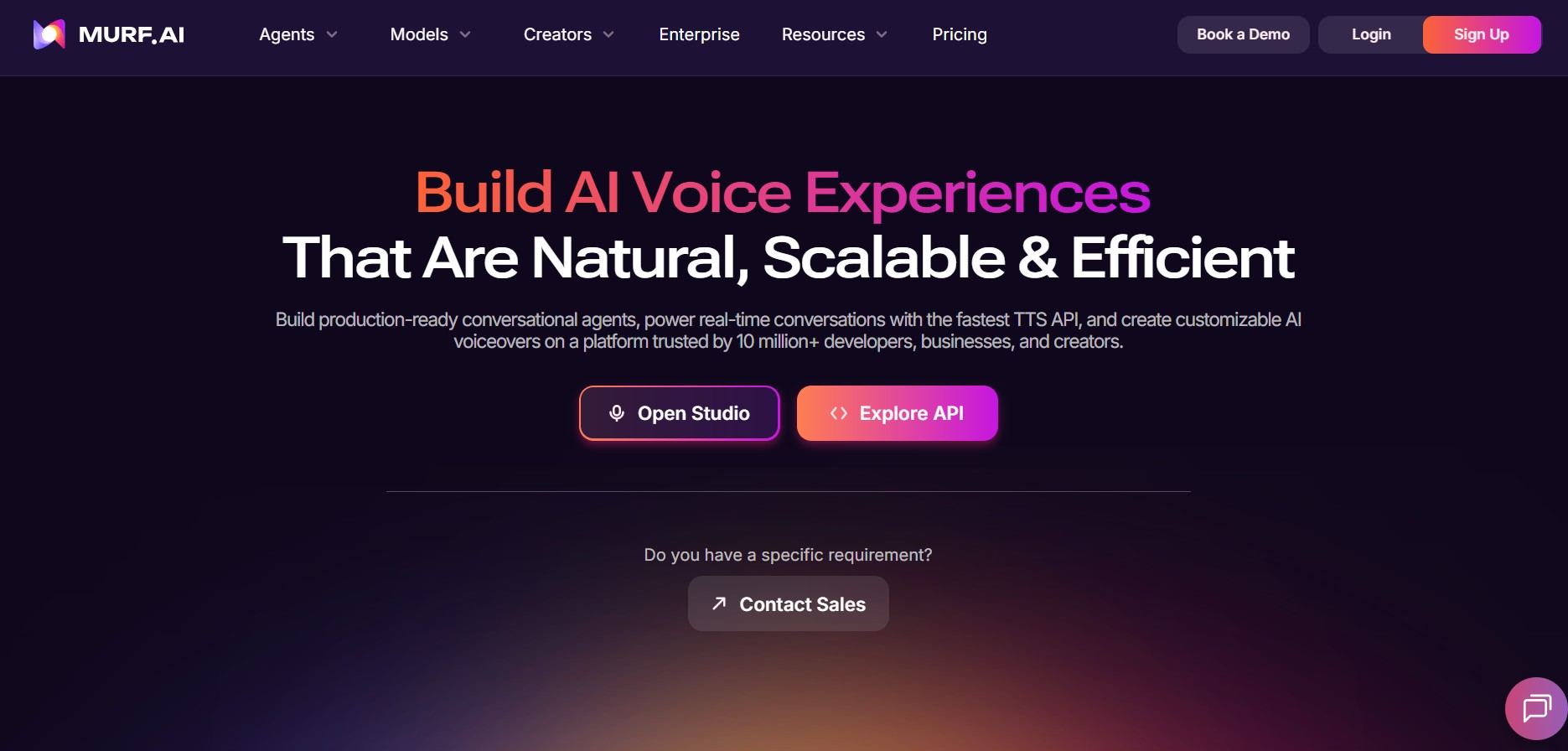
Murf.ai is an AI-powered text-to-speech studio and voice generator platform that enables users to create professional voiceovers, perform voice cloning, edit audio from scripts, and synchronize AI speech with visual content.
What is Murf.ai?
Murf.ai is an AI text-to-speech (TTS) platform and cloud-based voice studio designed for content creators, corporate trainers, marketers, and developers. Built on deep learning speech synthesis models, Murf transforms written scripts into natural-sounding voiceovers across global languages, accents, and emotional tones.
Murf.ai provides an all-in-one virtual studio that allows teams to generate, customize, and sync realistic AI voiceovers directly alongside video, presentations, and background music.
- Platform Role: AI Voiceover Studio & Text-to-Speech Engine
- Core Capabilities: Text-to-Speech Synthesis, Pitch & Pause Customization, Audio-to-Audio Voice Changing, AI Voice Cloning, Video-Audio Synchronization, REST API
- Deployment: Web Application Studio (murf.ai), Developer API, and Canva / Google Slides Add-ons
Use Cases:
- Producing high-quality narration for eLearning modules, corporate training videos, and onboarding presentations
- Creating localized promotional audio and voiceovers for YouTube, TikTok, and digital advertising campaigns
- Converting raw home recordings into professional studio-quality voiceovers using the Voice Changer feature
- Embedding automated speech generation directly into software applications and games using the Murf API
Technology:
- Deep Neural Speech Models: Trained to reproduce human intonation, natural pauses, cadence, and contextual emphasis
- Audio-to-Audio Processing: Converts personal voice recordings into selected AI character voices while filtering out background noise
- Enterprise API & Cloud Pipeline: Scalable infrastructure supporting high-concurrency text-to-speech rendering and dynamic audio generation
Target Users:
- eLearning developers, instructional designers, and corporate trainers
- Video editors, YouTube creators, podcasters, and digital marketing agencies
- Developers and product managers integrating TTS capabilities via API
Acquisition: Web studio application and API (murf.ai)
What are the key features of Murf.ai?
Murf.ai's key platform features are
- 200+ AI Voices & 35+ Languages: Access a diverse library of natural-sounding voices spanning various age groups, accents, and emotional tones.
- Granular Voice Control: Fine-tune voice output by adjusting pitch, speed, volume, custom pauses, and word-level emphasis.
- AI Voice Changer: Upload a basic voice recording and transform it into a polished, professional AI voiceover while stripping background noise.
- Video & Presentation Sync: Upload videos or slides directly into the timeline editor to align spoken text perfectly with visual cues.
- Custom AI Voice Cloning: Create secure, enterprise-grade digital clones of specific brand voices for ongoing content continuity.
- Murf API: Seamlessly integrate AI voice synthesis into mobile apps, enterprise tools, and automated publishing workflows.
How much does Murf.ai cost?
Murf.ai operates on a freemium model with tier-based subscription options for individuals, teams, and enterprise API users.
Pricing Overview:
- Free Plan ($0): Free trial providing 10 minutes of voice generation and transcript creation to test studio tools (no downloads included).
- Basic Plan (~$19/mo billed annually): Includes unlimited downloads, access to 60+ voices, 24 languages, and standard commercial usage rights.
- Pro Plan (~$26/mo billed annually): Unlocks all 200+ voices, 35+ languages, AI Voice Changer, voice customization controls, and high-priority processing.
- Enterprise Plan (Custom): Custom user seats, centralized billing, voice cloning options, SSO, and dedicated developer API support.
Disclaimer: Plan pricing and feature allocations are subject to updates. Visit murf.ai/pricing for the latest details.
Who should use Murf.ai?
Murf.ai is tailored for audio and visual content creators, including
- Educators & Trainers: Generating clear, engaging voiceovers for online courses and training decks without hiring external talent.
- Marketers & Content Teams: Producing localized ads, podcasts, and video voiceovers in multiple languages rapidly.
- Product Teams & Developers: Embedding natural speech generation into customer-facing applications and interactive tools.
What are the best alternatives to Murf.ai?
Some of the top alternatives to Murf.ai include
- ElevenLabs
- PlayHT
- Speechify
- Lovo.ai
- Descript
What are the pros and cons of Murf.ai?
What are the pros of Murf.ai?
- Intuitive timeline editor designed specifically for syncing voiceovers with video and slides
- High-quality voice library with strong accent and emotion customization options
- Built-in Voice Changer tool to convert low-quality voice notes into professional audio
What are the cons of Murf.ai?
- Free tier does not support audio file downloads
- Advanced speech inflections and pitch controls require a Pro subscription
Why should you choose Murf.ai?
Murf.ai stands out by combining an intuitive video-audio timeline editor with natural text-to-speech technology. Instead of managing separate tools for voice synthesis, video editing, and background music, Murf gives teams a unified studio to build production-ready audio tracks in minutes.
- Generate realistic speech in 200+ voices across 35+ global languages
- Sync audio directly with presentation slides and promotional videos
- Transform raw home audio recordings into studio-quality voice tracks
How do we rate Murf.ai?
| Parameter | Rating (out of 5) |
|---|---|
| Voice Quality & Realism | 4.8 |
| Studio Interface & Sync Tools | 4.9 |
| Voice Control & Customization | 4.7 |
| Language & Accent Variety | 4.7 |
| Value for Money | 4.6 |
| Overall Score | 4.74 |
What is our review and verdict on Murf.ai?
Murf.ai is a top-tier platform for voice generation and video audio production. Its built-in editing studio, voice changer features, and natural sounding voice library make it a powerful choice for corporate trainers, marketers, and video editors.
What is the final conclusion on Murf.ai?
Whether you need to create voiceovers for online courses, produce localized ads, or turn raw audio into professional narrations, Murf.ai offers a complete AI voice studio solution.
FAQ
What is Murf AI?
Murf AI is an AI-powered voice platform that converts written scripts into natural-sounding voiceovers for videos, presentations, e-learning, podcasts, advertisements, and other content. It offers a large library of AI voices with controls for pitch, speed, pronunciation, pauses, and speaking style.
How does Murf AI generate voiceovers from text?
Users can enter or upload a script in Murf Studio, select an AI voice, and customize how the narration sounds before generating the audio. Murf also provides controls for emphasis, pronunciation, pacing, and intonation, allowing creators to refine individual parts of a voiceover.
How many languages and AI voices does Murf AI support?
Murf currently provides 200+ expressive voices across 35+ languages and supports multiple accents and voice styles. Its platform also includes multilingual capabilities for localization, dubbing, and AI voice applications.
Can Murf AI clone a person's voice?
Yes, Murf offers voice-cloning capabilities, although availability depends on the product and plan. Its current Instant Voice Cloning API allows eligible Enterprise customers to create a clone from a single reference recording of up to 30 seconds, and the cloned voice can generate speech across supported Falcon 2 languages.
Can Murf AI translate and dub videos into other languages?
Yes. Murf includes AI dubbing and video-translation tools that can create localized voice tracks while maintaining the context and natural flow of the original content. Its dubbing tools are designed for use cases such as YouTube videos, marketing content, training materials, product demonstrations, and other multilingual media.
Can developers integrate Murf AI into applications?
Yes. Murf provides APIs and SDKs for text-to-speech, conversational voice, dubbing, voice changing, and other voice workflows. Its Falcon API is designed for real-time voice applications, while the text-to-speech APIs provide programmatic control over voice characteristics such as pitch, speed, and prosody
Is Murf AI free to use?
Murf offers a free plan for trying its Studio features, with the current pricing page listing 10 minutes of voice generation and limited projects. Paid Creator and Business plans provide larger usage limits and additional features, while Enterprise plans offer custom capabilities and unlimited voice generation.
User Reviews
No reviews yet for Murf AI.
Featured Tools
Featured AI tools from TechShark

Melody Genie
MelodyGenie is an AI-powered music generator that creates original songs from simple text prompts. Users can choose styles, moods, and genres, then instantly generate melodies and full tracks, making it easy for creators, marketers, and hobbyists to produce custom music without musical expertise.
Freemium

Kimi AI
Kimi AI is an advanced AI assistant developed by Moonshot AI that helps you chat, research, write, code, and automate tasks in one place. It supports web search, file analysis, and multimodal inputs, and can even run autonomous “agent” workflows to complete complex tasks end-to-end.
Freemium

Fashion Diffusion AI
Fashion Diffusion is an AI-powered fashion design platform that helps brands and designers create clothing designs, virtual try-ons, AI models, product photos, and marketing visuals faster and cost-effectively.
Paid

Veo 4
Veo 4 AI is an AI video creation platform that generates dramatic videos from text, images, audio, and video prompts using realistic motion and synchronized sound.
Paid
Alternatives
Alternatives to Murf AI
Top alternatives to Murf.ai include ElevenLabs, PlayHT, Speechify, and Lovo.ai. While ElevenLabs focuses heavily on emotive conversational cloning, Murf.ai stands out with its built-in timeline editor tailored for aligning voiceovers with video presentations and e-learning slides.
 4.7
4.7ttsMP3
Text-to-Speech
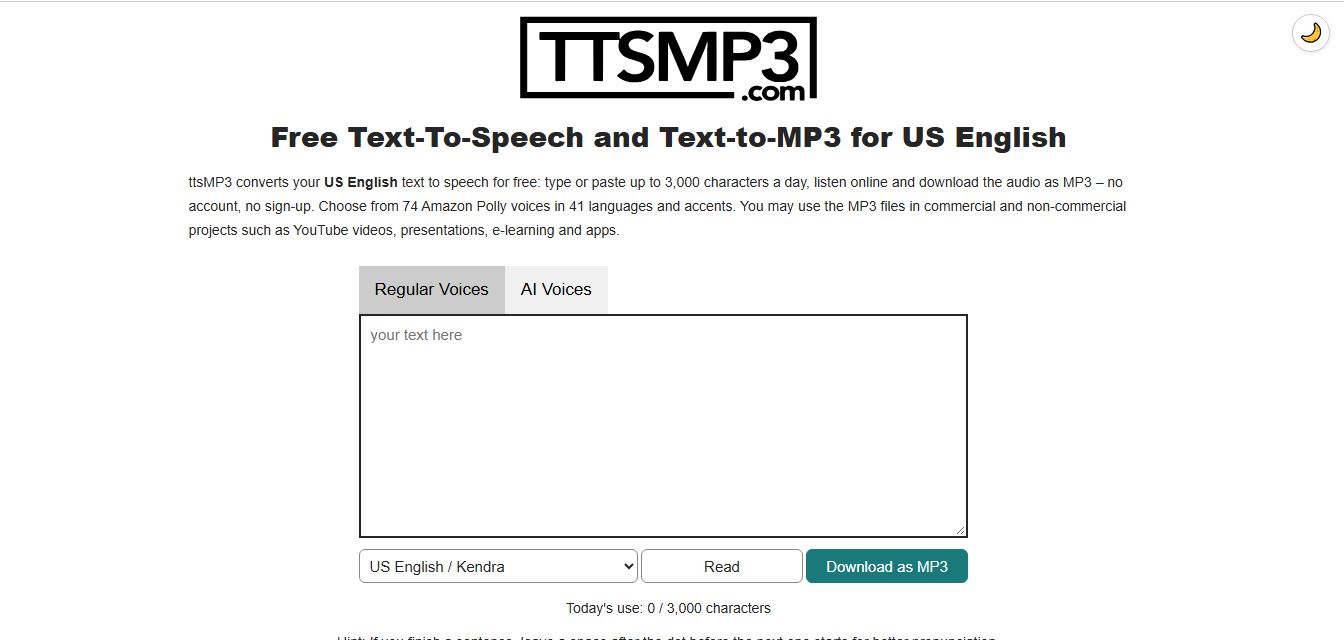
ttsMP3 is an online text-to-speech tool that converts written text into natural-sounding speech and downloadable MP3 files. It offers 74 voices across 41 languages and accents, with controls for speed, pitch, pauses, and emphasis. Users can create voiceovers for YouTube videos, podcasts, presentations, and e-learning content.
 4.9
4.9KittenTTS Web
Text-to-Speech
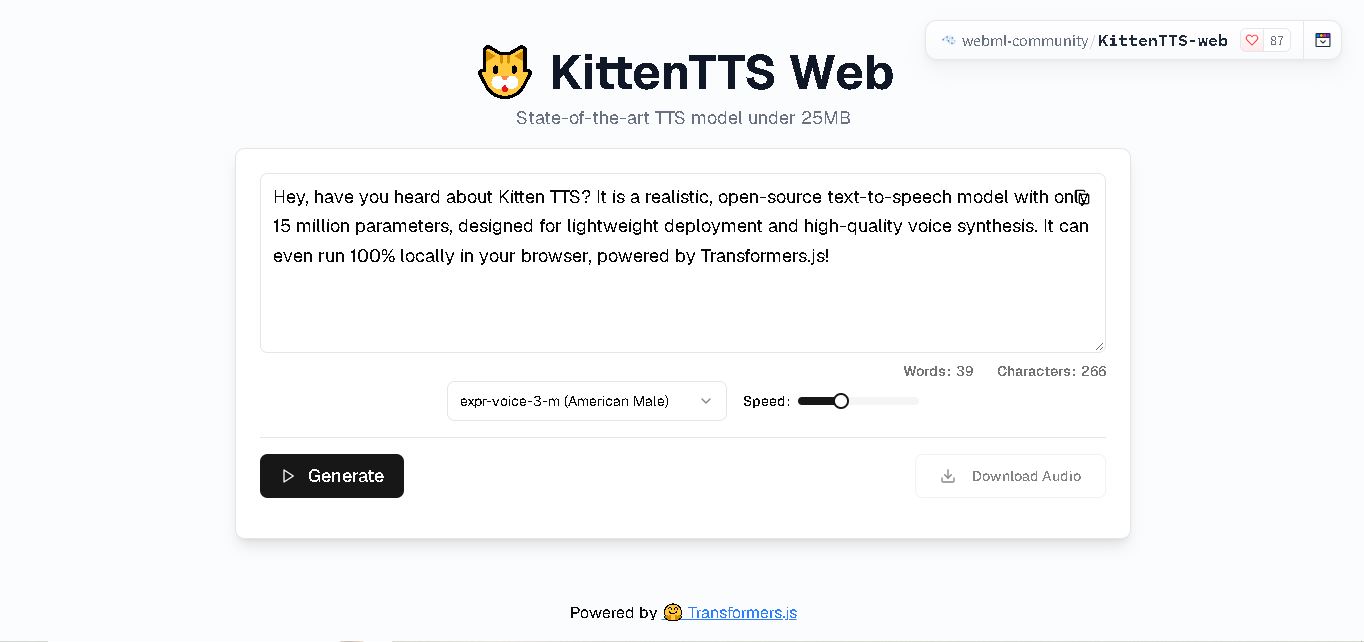
KittenTTS Web is a lightweight text-to-speech demo hosted on Hugging Face Spaces. It helps users explore how written text can be transformed into spoken audio using neural voice synthesis. The project is particularly relevant to developers, content creators, and accessibility-focused users interested in experimenting with compact speech generation technology directly through a web browser.
 4.9
4.9Parler-TTS
Text-to-Speech
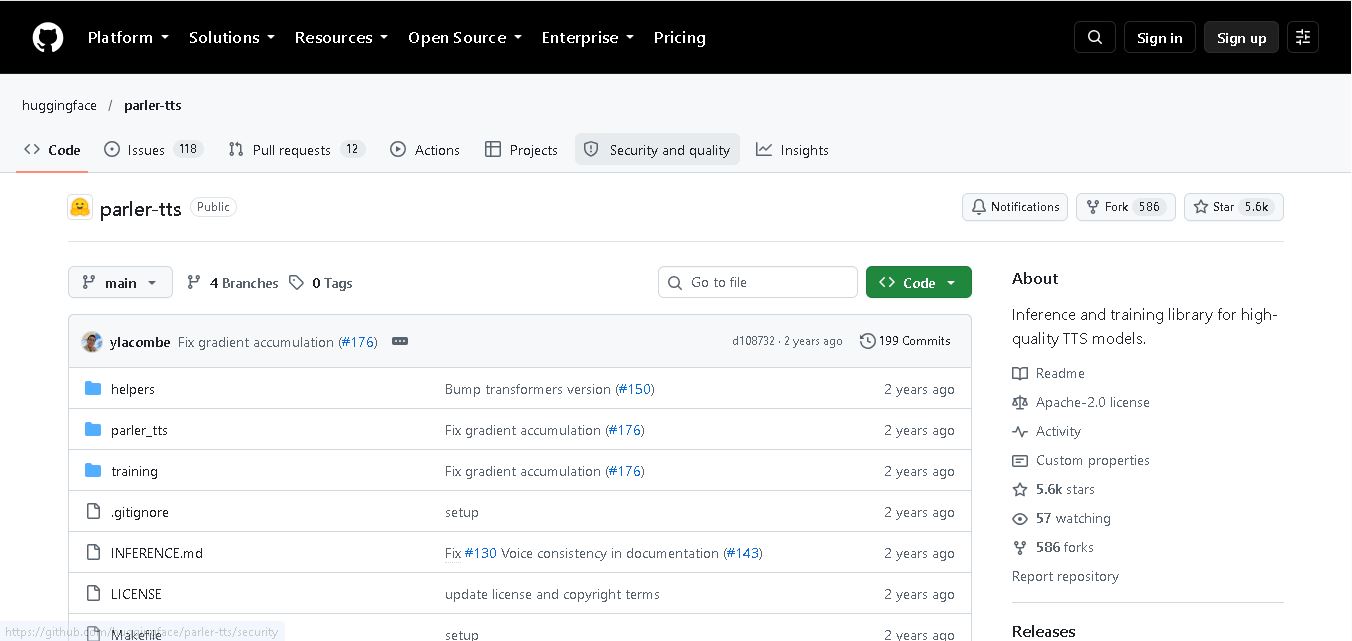
Parler-TTS is an open-source text-to-speech tool that transforms written content into natural-sounding audio. It lets developers describe voice characteristics using natural language, including pitch, speaking speed, and recording quality. With publicly available model weights, training resources, and customizable checkpoints, it supports experimentation, research, and tailored speech-generation applications across projects.
 4.9
4.9IMS Toucan
Text-to-Speech
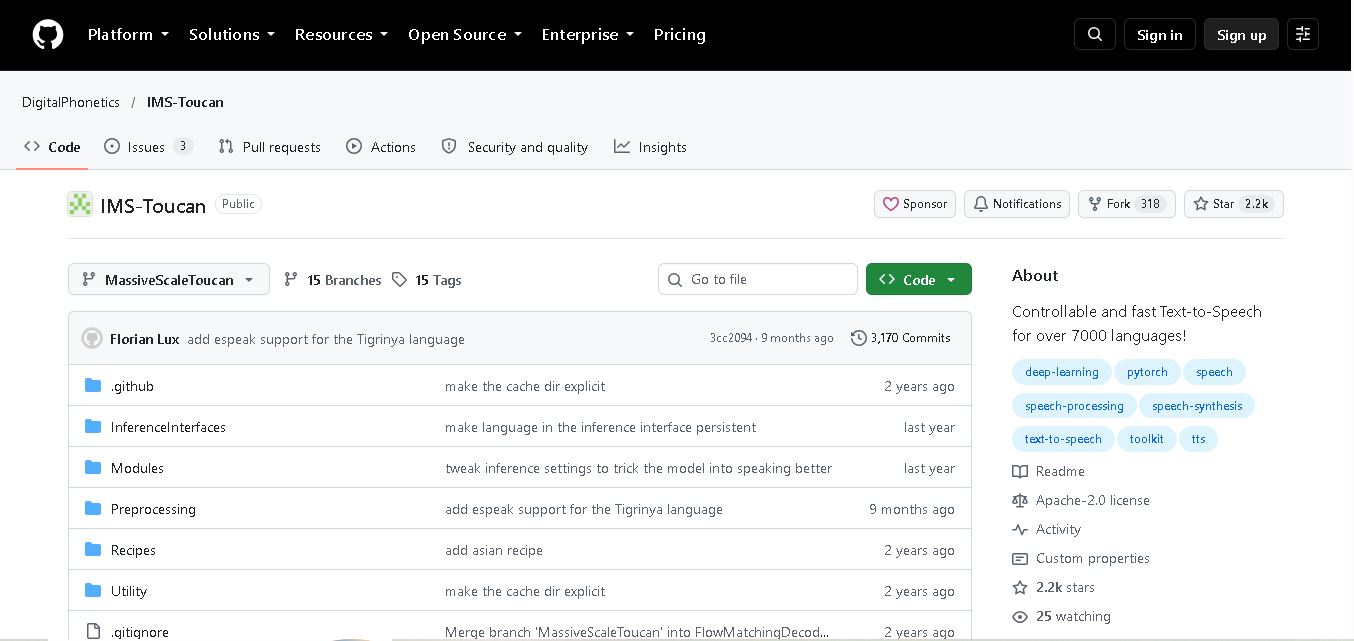
IMS Toucan is an open-source text-to-speech toolkit from the University of Stuttgart designed for multilingual speech generation. It converts text into audio and provides tools for inference, voice and prosody control, and model training. Supporting more than 7,000 languages, it serves developers and researchers exploring technology across linguistic contexts.
 4.8
4.8Verbatik
Text-to-Speech
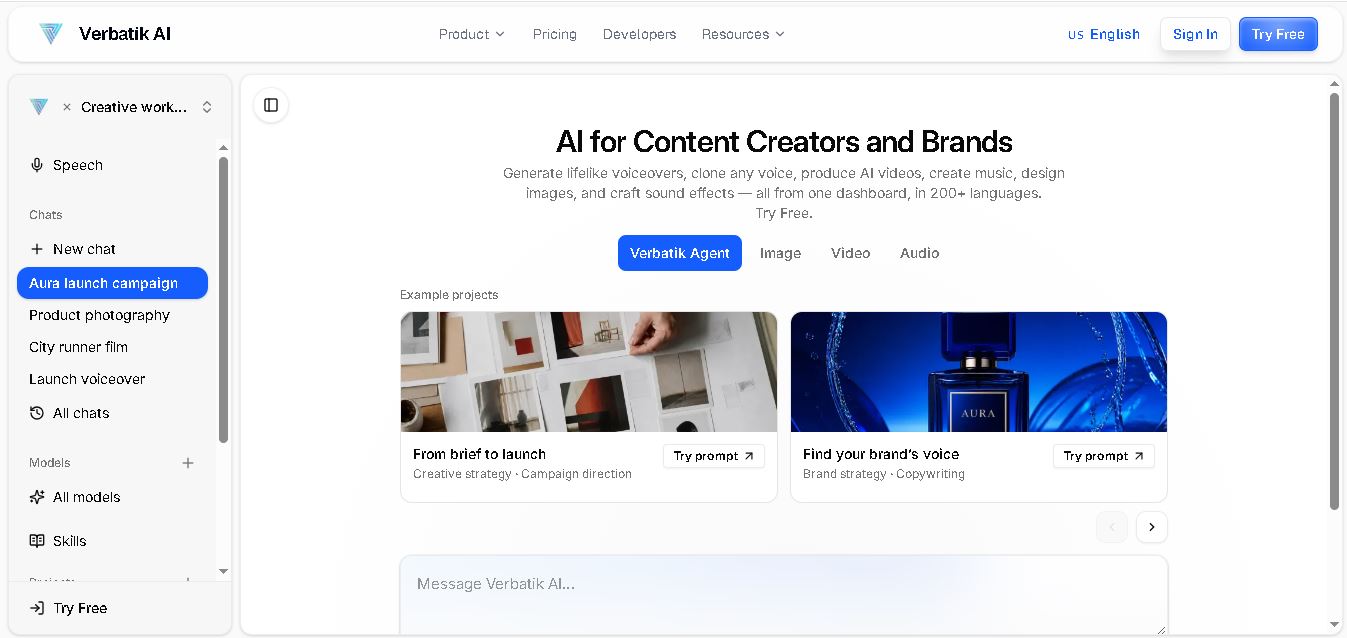
Verbatik AI helps users create realistic voiceovers, clone voices, generate music, and produce multimedia content using artificial intelligence. With multilingual speech, customizable voice settings, and developer APIs, it supports content creators, marketers, educators, and businesses. The platform simplifies audio production, video creation, and content localization from one workspace.
 4.8
4.8Narration Box
Text-to-Speech
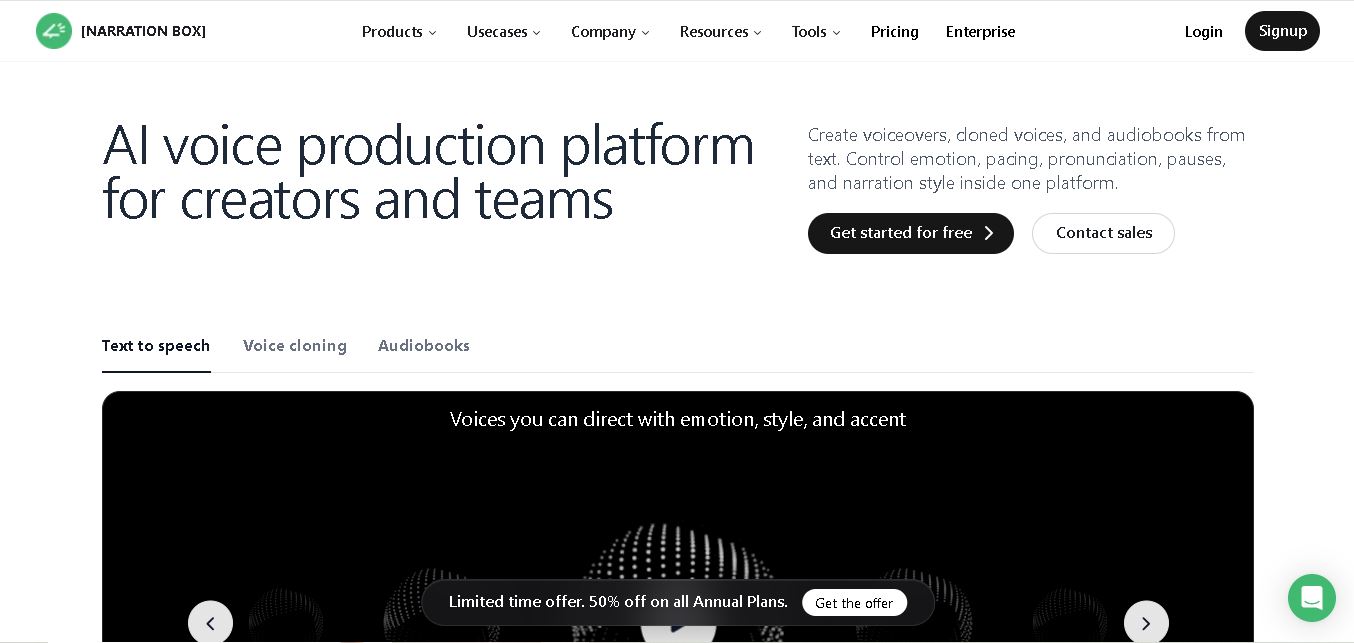
Narration Box is an AI voice generator for creating realistic voiceovers, audiobooks, podcasts, and educational audio from text. It offers over 1,500 AI narrators, 80+ languages and accents, voice cloning, and customizable emotional delivery. Its editing tools help creators produce consistent, multilingual audio content for personal and professional projects.
 4.7
4.7AudioBot
Text-to-Speech
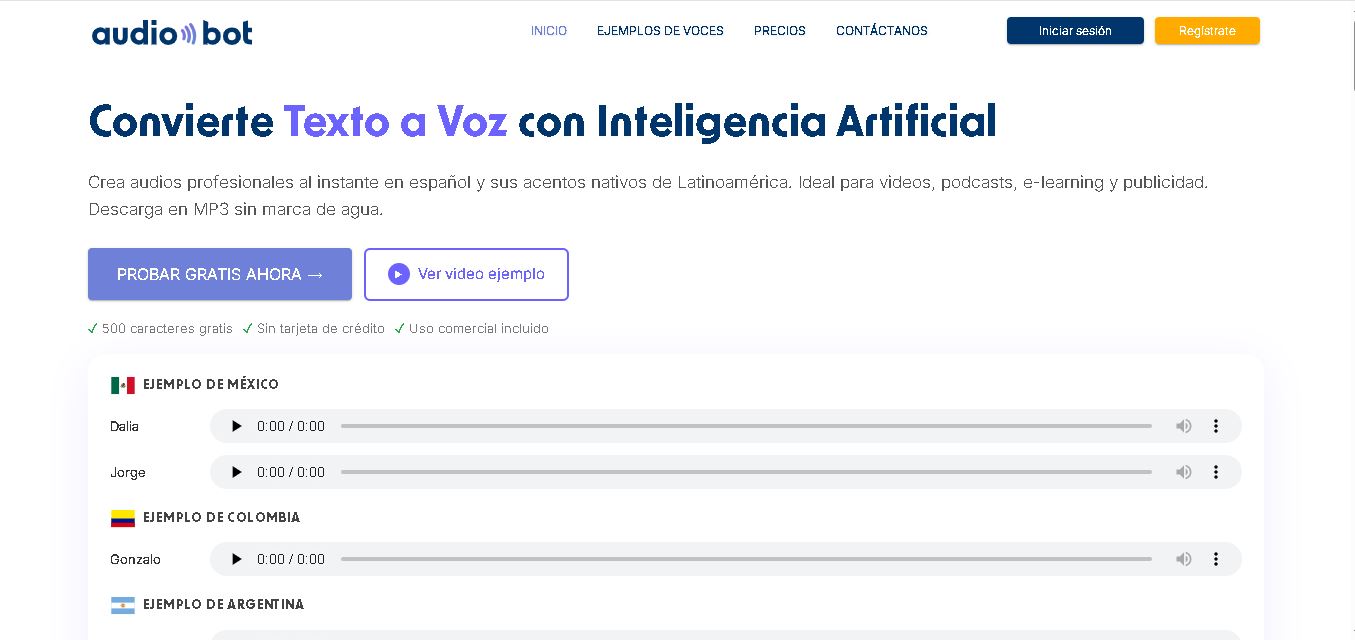
AudioBot converts written text into natural-sounding speech using AI-generated voices. It supports multiple languages and regional accents, making it useful for video voiceovers, presentations, educational materials, and audio content. Users can generate and download audio files, helping simplify narration workflows without requiring traditional recording equipment or voice talent.
 4.7
4.7Audie AI
Text-to-Speech
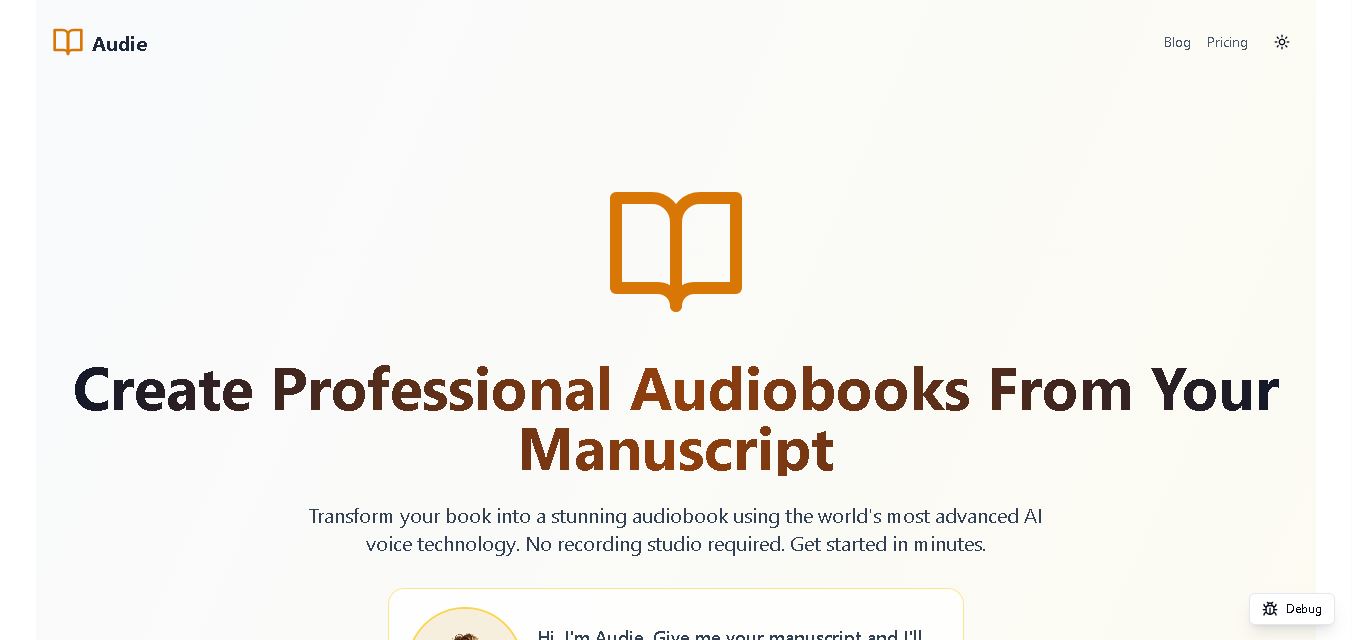
Audie AI is an audiobook creation tool that converts written manuscripts into narrated audio using AI-generated voices. It helps authors and publishers simplify production, explore different narration styles, and reduce reliance on traditional recording studios. With voice selection, advertised voice cloning, and downloadable audio, it supports more accessible audiobook creation for independent creators.
 4.6
4.6Speechelo
Text-to-Speech
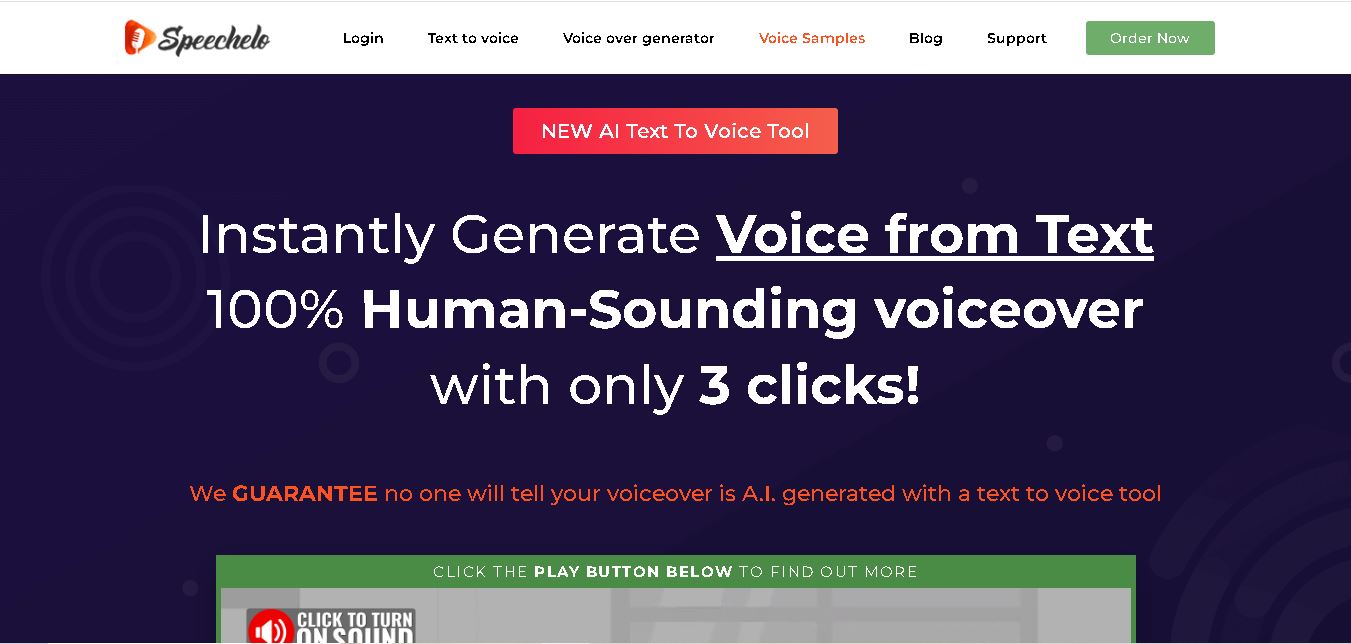
Speechelo is a text-to-speech tool designed to help creators turn written scripts into voiceovers. It offers different voices, languages, tones, and audio adjustments for creating narration. Video creators, educators, marketers, and content teams can use it to produce audio for tutorials, presentations, promotional videos, and other digital content projects.