
Illustrae
Illustrae is an AI-powered vector illustration and graphic generation platform that converts text prompts and brand sketches into clean, fully editable SVG graphics, icon packs, and landing page illustrations with layered vector paths and customizable color palettes.
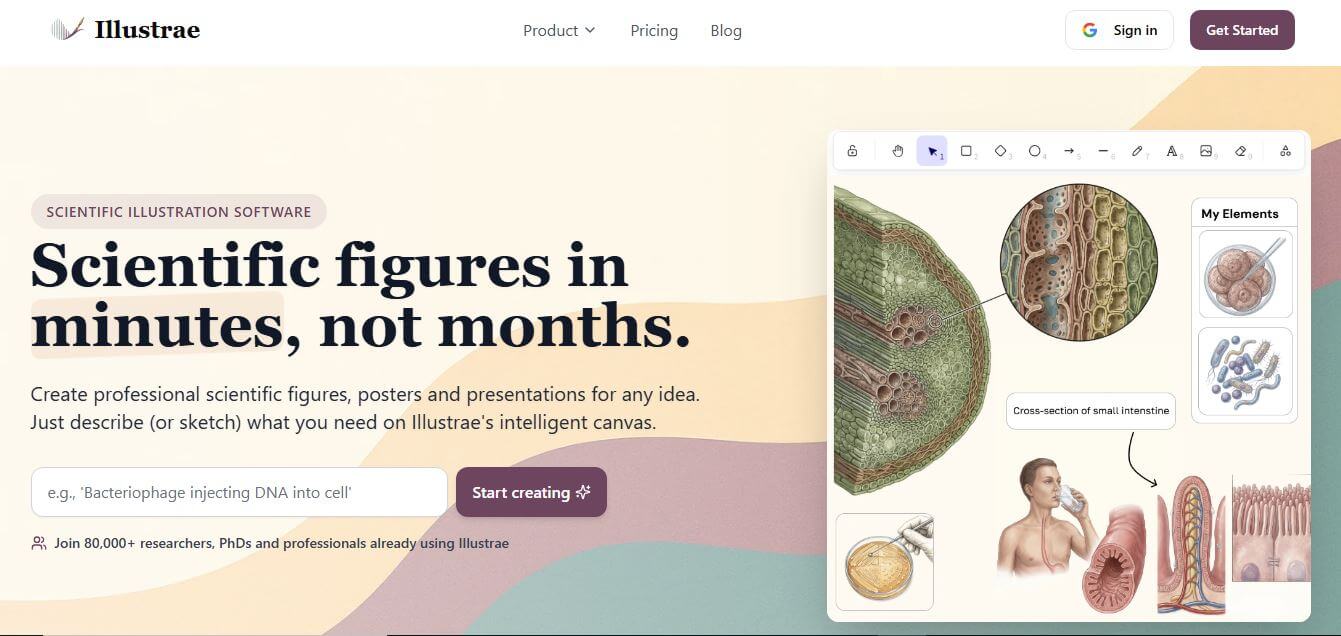
What is Illustrae?
Illustrae is an AI-driven vector illustration and icon generation platform designed for UI/UX designers, developers, brand marketers, and creative studios. It transforms text descriptions and sketches into editable, layered SVG illustrations and cohesive icon sets. Featuring customizable color systems, vector path optimization, and design tool integrations, Illustrae enables users to create scalable, on-brand graphics for websites, mobile applications, and marketing materials without manual pen-tool drafting.
Illustrae generates fully layered, mathematically scalable SVG vectors in under 10 seconds from plain text prompts. The platform helps digital product design teams and agencies reduce custom illustration turnaround times by up to 75 percent compared to manual drafting in Adobe Illustrator or Figma. Supporting diverse artistic aesthetics—including flat 2D, line art, isometric, and 3D vector styles—designers can recolor entire asset libraries in a single click, cutting asset production costs by over 80 percent.
- Founder: Developed by the Illustrae product design and AI engineering team
- Launch Year: 2024
- Use Cases:
- SaaS landing page and product marketing illustration generation
- Mobile app onboarding screens, empty states, and modal graphics
- Cohesive branded icon pack creation and UI design system assets
- Sketch-to-vector asset conversion and visual branding iteration
- Technology:
- Vector-native generative diffusion and curve generation models
- Semantic SVG path optimization and layer grouping architectures
- Automated geometric Bezier curve and color palette conditioning
- Target Users:
- UI/UX product designers and design system leads
- Frontend web developers and software engineers
- Brand marketers, growth leads, and creative agencies
- Startup founders and indie builders needing bespoke web graphics
- Acquisition: Operates as an independent creative design technology company

Key features of Illustrae
Illustrae's key features are
- Text-to-SVG Vector Generation: Generates clean, resolution-independent vector graphics with organized paths directly from natural language prompts.
- Native Layered Paths: Delivers true vector curves and shapes rather than raster pixel approximations, making individual elements easy to select and edit.
- Instant Palette Recoloring: Applies custom HEX brand colors across illustrations and icon sets with automatic harmony adjustments.
- Diverse Illustration Styles: Includes curated style presets such as Flat Corporate, Isometric, 3D Clay, Minimalist Outline, and Hand-Drawn Doodle.
- Cohesive Icon Pack Creator: Generates matched sets of thematic UI icons with consistent stroke weights, corner radiuses, and visual density.
- Direct Figma & SVG Export: Exports clean SVG code, Figma-compatible components, and high-resolution PNG/PDF formats for seamless handoff.
- Sketch-to-Vector Conditioning: Upload rough wireframes or pencil sketches to guide composition, perspective, and object placement accurately.
- Background Removal & Isolation: Automatically isolates illustration subjects with transparent backgrounds for clean integration onto landing pages.
Illustrae Pricing
Illustrae offers a freemium model with flexible monthly subscription tiers and credit packs.
Free Plan:
- $0/month
- Initial generation credits for testing
- Access to standard illustration presets and basic SVG exports
Pro Plan:
- Starts at approximately $15 – $19/month
- Expanded monthly vector generation allowances
- Full Figma-ready SVG downloads, commercial usage rights, and custom color palettes
Team / Studio Plan:
- Approximately $39 – $49/month
- High-speed generation priority and shared team asset workspaces
- Batch icon pack creation and dedicated support
Enterprise Tier:
- Custom pricing
- Custom brand model fine-tuning, dedicated API access, and enterprise seat management
Disclaimer: For the latest and most accurate pricing information, please visit the official Illustrae website.
Who is using Illustrae?
Illustrae is designed for a broad range of product and visual design specialists, including
- UI/UX Designers: Building cohesive illustration systems and empty states for mobile apps and web platforms
- Frontend Developers: Generating lightweight, clean SVG assets that load instantly without slowing down web performance
- SaaS Founders & Marketers: Creating eye-catching landing page hero graphics and feature visuals
- Creative Agencies: Delivering customized vector illustration packages for client brand identities
- Content Creators: Using writing tools to brainstorm visual themes and storytelling assets for articles
- Graphic Designers: Speeding up early concept exploration before final vector refinement in Figma or Illustrator
Best Illustrae Alternatives
Some of the strongest Illustrae alternatives include
- Recraft AI
- Kittl
- Vectorizer.ai
- Adobe Firefly (Vector Generative AI)
- Illlustrations.co
- Canva Magic Studio
Pros and Cons of Illustrae
Pros
- Generates genuine, clean mathematical SVG vector paths rather than pixelated raster images
- Full layer organization allows individual shapes and nodes to be edited in Figma or Illustrator
- One-click palette recoloring ensures instant alignment with brand guidelines
- Clean, intuitive web interface built specifically for vector workflows
- Lightweight SVG outputs optimize website loading speeds and SEO performance
Cons
- Highly complex multi-character scenes may occasionally require minor manual path cleanup
- Advanced custom style training is restricted to Team and Enterprise plans
- Free tier provides limited monthly generation credits
- Requires a stable internet connection for real-time cloud vector synthesis
Why Choose Illustrae?
Illustrae is the ideal choice for designers, developers, and founders who need custom, infinitely scalable SVG graphics without hiring expensive illustration agencies or settling for generic stock art.
- Produces native, editable SVG vectors directly from simple text prompts in seconds
- Retains crisp visual fidelity across all screen sizes and resolutions
- Matches your exact brand colors automatically across entire illustration sets
- Seamlessly exports into Figma, web code, and design systems
- Significantly cuts design production costs and accelerates marketing launch timelines
Illustrae vs. Competitors
The main difference between Illustrae, Recraft AI, Kittl, and Vectorizer.ai is that Illustrae specializes in UI/UX landing page illustrations and icon sets with clean SVG code and native design system integrations, while Recraft AI offers a broad multi-style vector and raster studio, Kittl focuses on typography and merchandise graphic design, and Vectorizer.ai is a bitmap-to-vector tracing utility. Illustrae stands out for its product design orientation and palette management.
| Feature / Tool | Illustrae | Recraft AI | Kittl | Vectorizer.ai |
|---|---|---|---|---|
| Core Focus | UI/UX Vector Illustrations | Multi-Style Vector Studio | Design & Typography Suite | Raster to Vector Tracer |
| Native SVG Output | Yes (Layered Paths) | Yes | Yes | Yes |
| Prompt-to-Vector | Yes | Yes | Yes | No (Upload Tracer Only) |
| UI/UX Icon Set Maker | Yes (Matched Styles) | Yes (Icon Sets) | Limited | No |
| One-Click Brand Palettes | Yes | Yes | Yes | No |
| Best For | Product & Web Designers | Digital Illustrators & 3D | Merch & Poster Designers | Converting Bitmaps to SVG |
How do we rate Illustrae?
| Parameter | Rating (out of 5) |
|---|---|
| Vector Quality & Path Cleanliness | 4.8 |
| Style Variety & UI Relevance | 4.9 |
| Palette & Color Customization | 4.9 |
| Ease of Use & Export Tools | 4.9 |
| Value for Money | 4.8 |
| Overall Score | 4.86 |
Illustrae Review
Illustrae brings a much-needed, designer-first approach to generative AI by focusing on native vector output. Unlike tools that simply convert raster images into messy, bloated vector outlines, Illustrae generates clean, organized paths that feel natural to edit in Figma or Illustrator. Its ability to create matching icon sets and recolor illustrations to specific brand HEX codes saves hours of manual vector polishing. For digital product designers, web developers, and startup founders seeking bespoke visual assets, Illustrae delivers outstanding creative speed and utility.
Conclusion
Illustrae is a powerful and innovative platform that simplifies the process of creating professional scientific illustrations. By turning simple text prompts, sketches, or images into polished visuals within minutes, it removes the traditional barriers of time, cost, and design complexity. Its intuitive canvas, AI-powered generation, and flexible editing tools make it especially valuable for researchers, educators, and students who need clear and impactful visuals. While users may still need to refine outputs for accuracy, the platform significantly speeds up the workflow. Illustrae enhances productivity, improves communication of complex ideas, and makes high-quality scientific visualization more accessible than ever.
FAQ
What is Illustrae and how can Illustrae help me?
Illustrae is an AI-powered scientific illustration platform that helps researchers, students, and educators turn complex ideas into clear, professional visuals. Illustrae allows you to create diagrams, figures, and academic visuals simply by describing what you need. Instead of spending hours designing or hiring illustrators, Illustrae helps you generate publication-ready visuals in minutes.
How does Illustrae actually work?
Illustrae works through an intelligent canvas where you can input text prompts, upload sketches, or even use photos. Illustrae then uses AI to transform your input into detailed scientific illustrations. You can edit these visuals using simple text commands, rearrange elements on the canvas, and export the final result in high quality for presentations or research papers.
What makes Illustrae different from traditional design tools?
Illustrae is designed specifically for scientific and academic use, unlike general design tools. Illustrae understands scientific structures like molecules, anatomy, and biological systems, and can generate them accurately based on prompts. This makes Illustrae far more efficient for researchers who need precise, domain-specific visuals instead of generic graphics.
What types of visuals can Illustrae create?
Illustrae can create a wide range of visuals such as biological diagrams, molecular structures, anatomical illustrations, graphical abstracts, academic posters, and presentation slides. Illustrae also supports different styles—from textbook-style visuals to modern diagrammatic designs—so your output matches your publication or presentation needs.
Can Illustrae turn sketches or photos into illustrations?
Yes, Illustrae supports multiple input formats. You can upload a rough sketch or a photo, and Illustrae will convert it into a polished scientific illustration. This feature is especially useful for researchers who like to brainstorm visually or capture ideas quickly in the lab.
Is Illustrae beginner-friendly?
Illustrae is designed to be intuitive, even for users with no design experience. The platform focuses on a simple workflow—describe, generate, and edit—so beginners can quickly create professional visuals without learning complex software.
Can Illustrae be used for research papers and journals?
Yes, Illustrae allows you to export high-resolution images suitable for academic publications, presentations, and teaching materials. Illustrae also gives you full rights to use the visuals you create, though you should always check individual journal policies regarding AI-generated images.
Is Illustrae free to use?
Illustrae offers both free and paid plans. The free or starter options usually include limited image generations, while paid plans unlock more features like unlimited generations, advanced editing tools, and higher usage limits.
Why is Illustrae important for modern research and education?
Illustrae represents a major shift in how scientific visuals are created. By reducing the time needed to produce high-quality illustrations, Illustrae allows researchers and educators to focus more on ideas and communication rather than technical design work. This makes knowledge sharing faster, clearer, and more accessible.
User Reviews
No reviews yet for Illustrae.
Featured Tools
Featured AI tools from TechShark

Melody Genie
MelodyGenie is an AI-powered music generator that creates original songs from simple text prompts. Users can choose styles, moods, and genres, then instantly generate melodies and full tracks, making it easy for creators, marketers, and hobbyists to produce custom music without musical expertise.
Freemium

Kimi AI
Kimi AI is an advanced AI assistant developed by Moonshot AI that helps you chat, research, write, code, and automate tasks in one place. It supports web search, file analysis, and multimodal inputs, and can even run autonomous “agent” workflows to complete complex tasks end-to-end.
Freemium

Fashion Diffusion AI
Fashion Diffusion is an AI-powered fashion design platform that helps brands and designers create clothing designs, virtual try-ons, AI models, product photos, and marketing visuals faster and cost-effectively.
Paid

Veo 4
Veo 4 AI is an AI video creation platform that generates dramatic videos from text, images, audio, and video prompts using realistic motion and synchronized sound.
Paid
Alternatives
Alternatives to Illustrae
The best Illustrae alternatives includes Recraft AI, Kittl, Vectorizer.ai, Adobe Firefly, Illlustrations.co, and Canva Magic Studio. These platforms provide AI graphic generation, vector conversion, and digital design tools. While Illustrae specializes in UI/UX vector illustrations, clean SVG code, and brand palette customization, alternatives like Kittl focus on merchandise design and typography, and Vectorizer.ai specializes in tracing existing bitmap images into vectors. Choosing the right tool depends on whether you require generative SVG illustrations, merchandise design templates, or image-to-vector conversion.
 4.7
4.7Flux.ai
Design
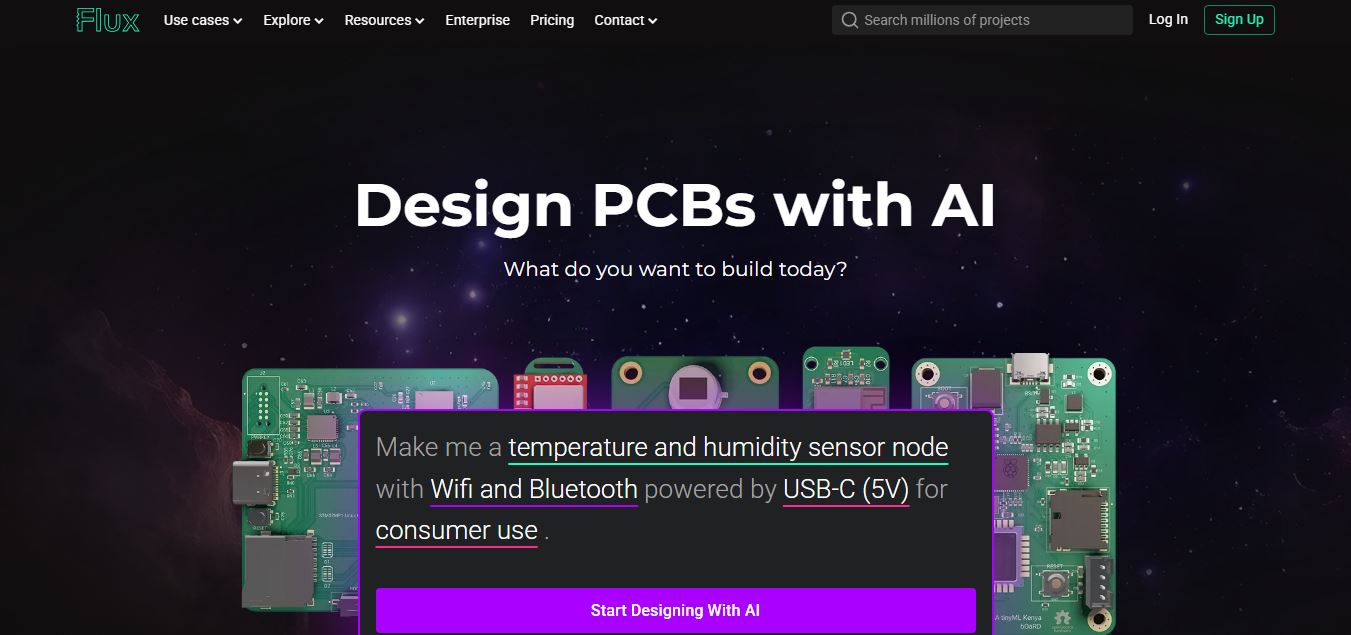
Flux AI is an AI-powered electronics design platform that helps engineers create schematics, design printed circuit boards (PCBs), select components, and optimize routing. Its browser-based workspace supports real-time collaboration, design validation, and manufacturing exports, making hardware development more accessible for individuals, startups, and engineering teams.
 4.8
4.8Repaint
Design
Repaint helps entrepreneurs and small businesses build websites, online stores, booking systems, and custom web applications using AI chat. Users can generate designs, edit content, manage customer accounts, accept payments, and organize business data without traditional coding. It offers subscription plans with different usage limits and business management capabilities.
 4.8
4.8SWAPP
Design
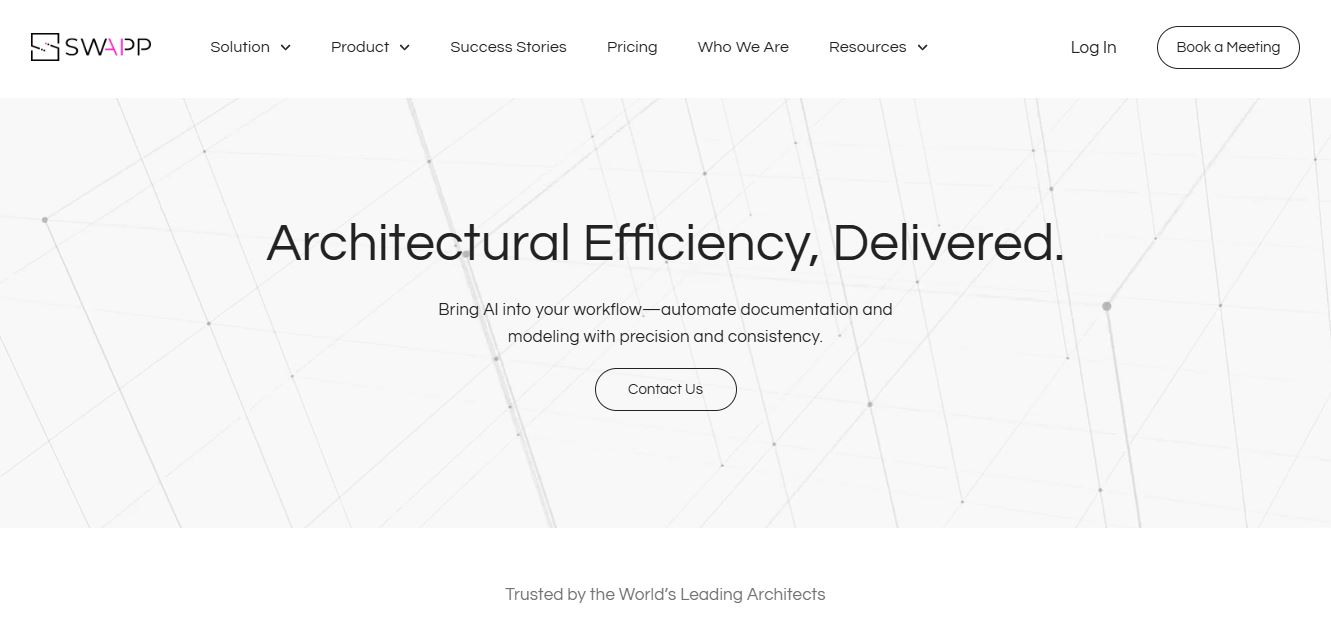
SWAPP helps architecture firms automate construction documentation, BIM modeling, and QA work inside Revit and ArchiCAD. Its Frank agent applies firm-specific standards to repetitive production tasks, while workflow memory preserves organizational knowledge. The platform is suited to teams seeking faster delivery, consistency, and less manual production effort across complex projects.
 4.9
4.9Adobe Stock
Design
Adobe Stock is a creative asset marketplace that helps designers and businesses access millions of royalty-free images, videos, templates, and 3D assets. It integrates with Adobe Creative Cloud, enabling users to search, customize, and license high-quality visuals quickly for marketing, design, and content creation.
 4.9
4.9Yellow Images
Design
Yellow Images is a digital marketplace that helps designers create branding and marketing visuals using high-quality mockups, fonts, PNGs, and graphic assets. It offers a large library of ready-to-use creative resources, enabling faster design workflows for agencies, freelancers, and ecommerce businesses.
 4.9
4.9Placeit
Design
Placeit is a browser-based design platform that helps creators and businesses generate mockups, logos, videos, and marketing visuals using ready-made templates. It allows users to quickly customize designs and download professional assets, making it ideal for ecommerce, social media, and branding without advanced design skills.
 4.8
4.8Figma AI
Design
Figma AI brings generative and assistive tools directly into Figma workflows, helping designers move from ideas to editable designs, visuals, prototypes, and production-ready experiences faster. Users can generate concepts, edit images, search files, automate repetitive work, and collaborate with teammates while keeping creative exploration inside the familiar Figma design environment.
 4.7
4.7PageGPT
Design
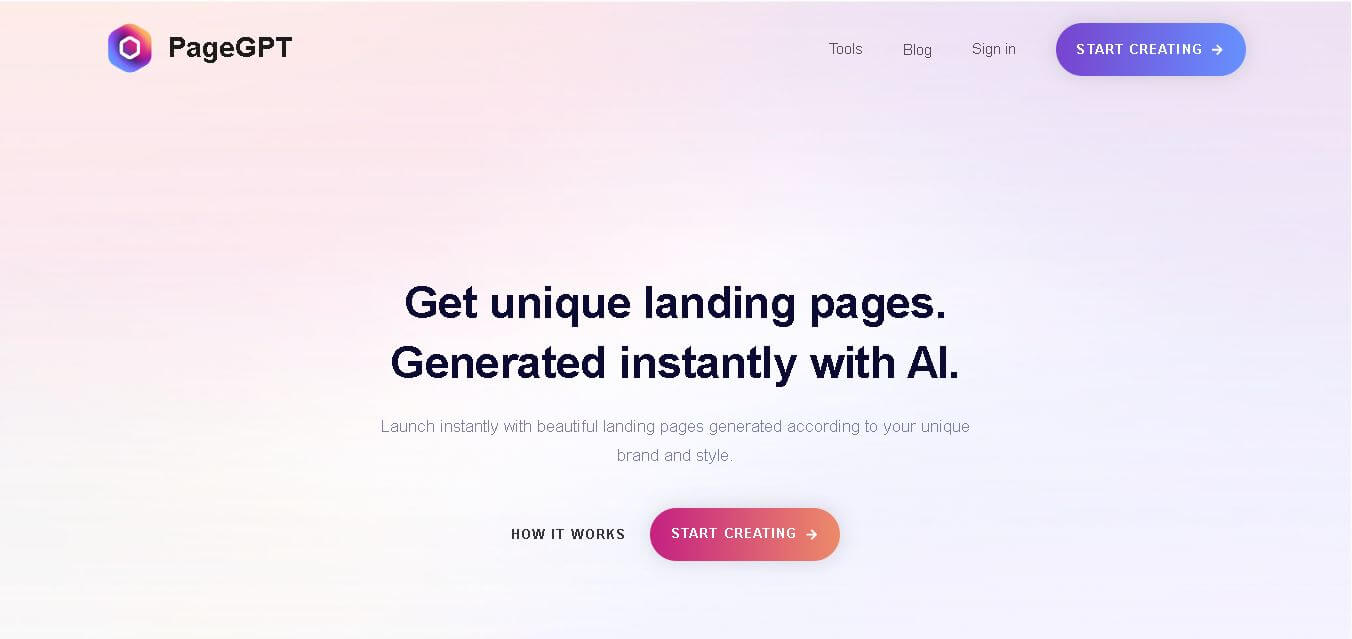
PageGPT helps businesses, creators, marketers, and entrepreneurs create customized landing pages and websites with AI. Users can describe their product and preferred style, generate designs with copy and images, then refine the result through chat or drag-and-drop editing. It also supports responsive pages, custom effects, and publishing options.
 4.8
4.8Locofy.ai
Design
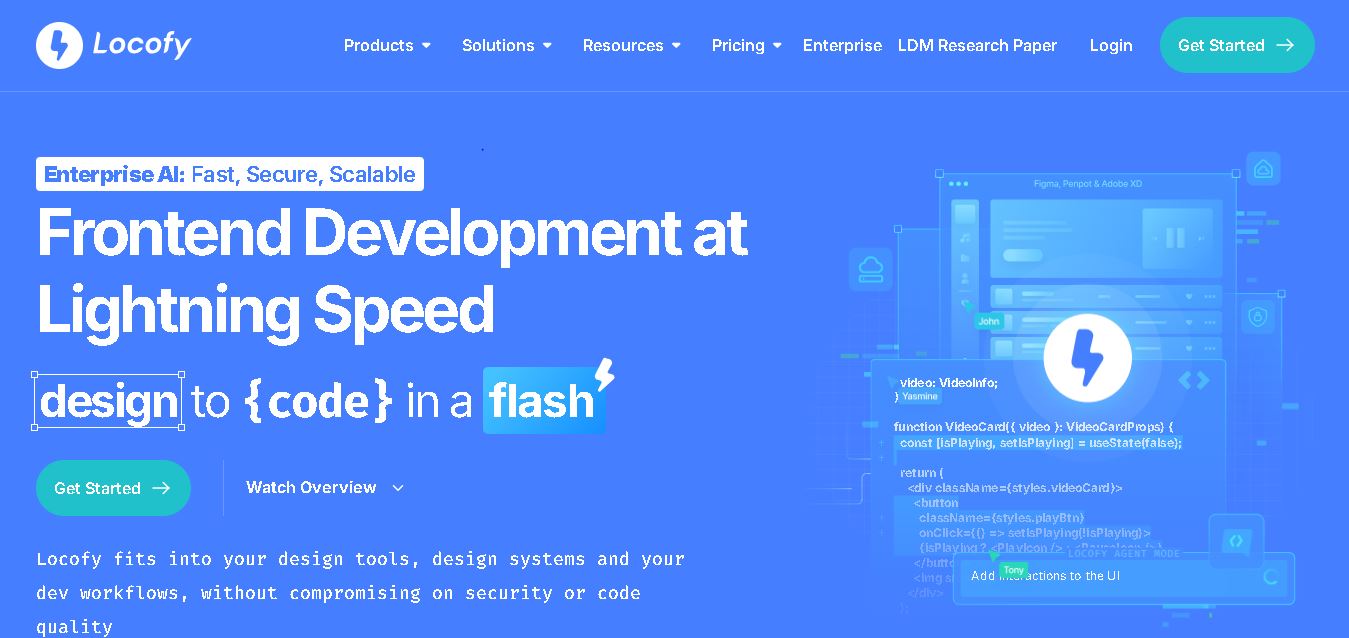
Locofy helps teams transform UI designs into developer-friendly frontend code without rebuilding interfaces manually. It supports popular design tools, web and mobile frameworks, responsive layouts, reusable components, and AI-assisted refinement. Designers can prepare screens while developers customize, export, synchronize, and continue development within familiar workflows and coding environments for teams.