
Gemini Omni 1.1 Flash
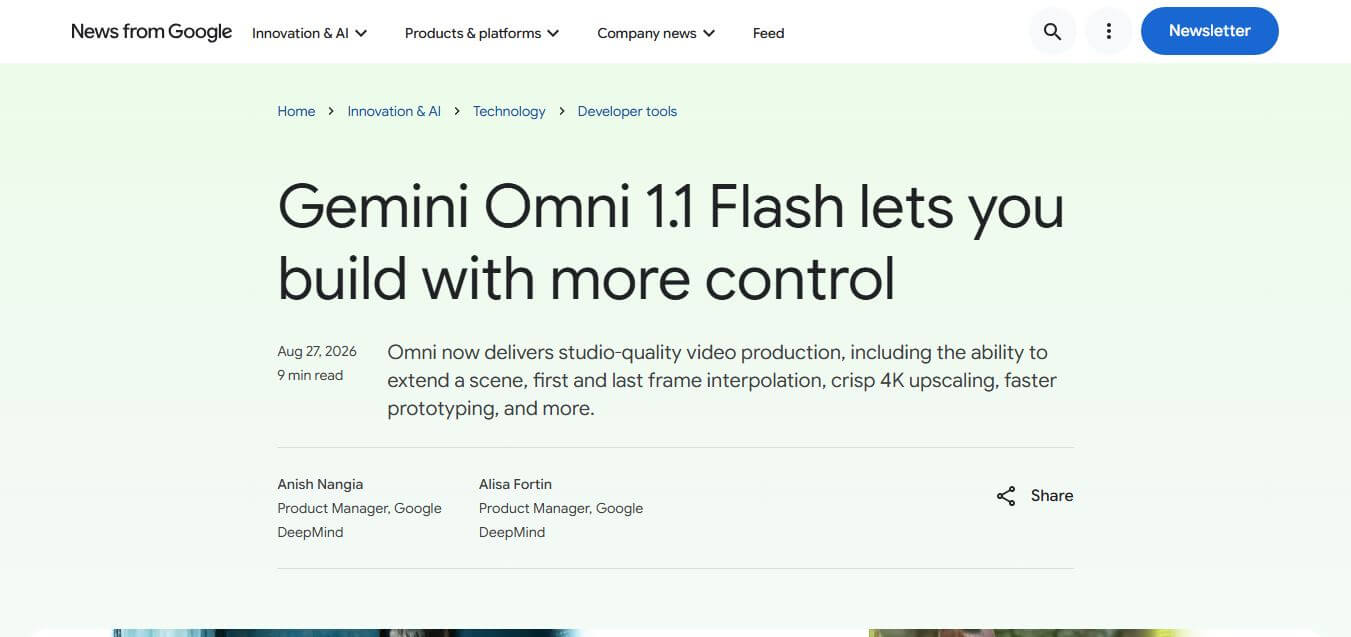
Gemini Omni 1.1 Flash is Google’s production-ready generative video model for developers, offering granular scene extension up to 40 seconds, keyframe interpolation, 360p draft previews, and 4K upscaling via Google AI Studio and enterprise APIs.
What is Gemini Omni 1.1 Flash?
Gemini Omni 1.1 Flash is a production-ready generative video foundation model developed by Google DeepMind for software developers, creative tool builders, and media enterprises. You can access it through Google AI Studio and the Gemini API, and it offers detailed video generation controls, such as 10-second scene extensions, start-and-end keyframe interpolation, 3-second video references, lightweight 360p draft rendering, and 4K upscaling pipelines.
Gemini Omni 1.1 Flash achieved first place in text-to-video generation and second place in image-to-video generation in blind Arena benchmark evaluations. The model analyzes up to 10 seconds of prior video footage to extend continuous scenes up to a total cumulative length of 40 seconds without visual drift. Its 360p draft preview mode generates footage up to 60 percent faster at one-third the cost of standard 720p rendering. Available globally across Google AI Studio and the Gemini Enterprise Agent Platform, it supports video generation priced on transparent per-second API rates.
- Founder: Developed by Google DeepMind and Google Labs (Product Lead: Anish Nangia, Alisa Fortin)
- Launch Year: 2026
- Use Cases:
- Generative video application backend and media editing software workflows
- Scene extension and narrative continuity for multi-shot video storytelling
- Keyframe-controlled camera orbits, zoom transitions, and seamless looping clips
- Cost-effective video prompt prototyping in 360p and high-resolution 4K rendering
- Technology:
- Temporal Multimodal Video Diffusion with 10-second prior context window
- First and last keyframe neural interpolation architecture
- Multimodal video reference conditioning and multi-tier neural upscaling engines
- Target Users:
- Software engineers and AI video platform developers
- Creative tool builders, video editing SaaS founders, and VFX artists
- Game development studios and animation directors
- Enterprise media production teams and advertising agencies
- Acquisition: Operates directly under Alphabet Inc. (Google DeepMind)

Key features of Gemini Omni 1.1 Flash
Gemini Omni 1.1 Flash's key features are
- Extended Scene Continuation: Analyzes up to 10 seconds of prior video context to extend scenes in 10-second increments up to a total of 40 seconds while locking character likeness and lighting.
- First & Last Frame Keyframing: Generates continuous, smooth video between specified start and end frames for camera orbits, zoom transitions, and seamless looping clips.
- 3-Second Video References: Ingests up to three seconds of video reference clips within multimodal inputs to enforce character consistency, motion style, and visual framing.
- Cost-Efficient 360p Draft Previews: Generates lightweight 360p video previews up to 60 percent faster and at one-third the cost of 720p for rapid prompt iteration.
- Production-Grade 4K Upscaling: Upscales finalized 360p or 720p drafts directly into crisp 1080p or 4K resolution outputs for broadcast and commercial use.
- Text-to-Video & Image-to-Video Synthesis: Creates high-fidelity cinematic video sequences from detailed text descriptions or reference still images.
- Google AI Studio & API Integration: Easily prototype and test prompts directly in Google AI Studio or integrate via the Gemini API and Enterprise Agent Platform.
- SynthID Provenance Embedding: Automatically embeds invisible, tamper-resistant digital watermarks into every generated video frame for authenticity tracking.
Gemini Omni 1.1 Flash Pricing
Gemini Omni 1.1 Flash follows a flexible pay-as-you-go per-second generation model in Google AI Studio and Vertex AI.
360p Draft Mode:
- Approximately $0.03 per second of generated video
- Optimized for rapid prompt iteration and storyboard prototyping
720p Standard Mode:
- Approximately $0.10 per second of generated video
- Standard resolution for balanced fidelity and speed
1080p Full HD Mode:
- Approximately $0.15 per second of generated video
- Full high-definition export for commercial applications
4K Ultra HD Mode:
- Approximately $0.30 per second of generated video
- Production-ready upscaled output for broadcast and film
Disclaimer: For the latest API pricing and documentation, please visit the official Google AI Studio and Google Cloud Vertex AI websites.
Who is building with Gemini Omni 1.1 Flash?
Gemini Omni 1.1 Flash is designed for a broad range of developers and creative technology teams, including
- Creative Software Startups: Building next-generation AI video editing and storyboarding applications
- Game Development Studios: Generating continuous cinematics, background cutscenes, and environment flythroughs
- VFX & Animation Artists: Enforcing precise camera movement transitions between specified keyframes
- Marketing Automation Platforms: Generating tailored product videos and localized advertising assets at scale
- Content Creators: Using writing tools to script and storyboard multi-shot video narratives
- Enterprise Media Studios: Automating high-resolution 4K video rendering pipelines
Best Gemini Omni 1.1 Flash Alternatives
Some of the strongest Gemini Omni 1.1 Flash alternatives include
- Runway (Gen-3 Alpha API)
- Kling AI (Kling API)
- Luma Dream Machine (Ray API)
- OpenAI Sora API
- MiniMax Video-01 (Hailuo AI)
- Pika Labs (Pika API)
Pros and Cons of Gemini Omni 1.1 Flash
Pros
- 10-second prior context window eliminates character and environment drift during scene extensions
- 360p draft mode saves up to 66% on compute costs during prompt engineering and testing
- Precise start and end frame keyframing enables predictable cinematic transitions
- Native 4K upscaling produces production-ready broadcast resolution
- Backed by Google Cloud infrastructure, Gemini API tooling, and Google AI Studio integration
Cons
- Cumulative scene extension is currently capped at 40 seconds maximum
- High-volume 4K rendering at $0.30/second requires careful pipeline cost management for large projects
- Complex multi-agent physics interactions may require multiple prompt refinements
- Available primarily through API and developer platforms rather than a standalone consumer mobile app
Why Choose Gemini Omni 1.1 Flash?
Gemini Omni 1.1 Flash is the ideal foundation model for developers and studios building commercial video generation applications that require deterministic control, low prototyping costs, and high-resolution output.
- Gives you granular control over camera transitions using first and last frame constraints
- Extends scenes up to 40 seconds while maintaining narrative and character continuity
- Lowers development and testing costs by allowing rapid prototyping in 360p
- Delivers broadcast-ready 4K upscaling for final commercial media deliverables
- Integrates seamlessly with existing Google Cloud and Gemini API developer environments
Gemini Omni 1.1 Flash vs. Competitors
The main difference between Gemini Omni 1.1 Flash, Runway Gen-3 Alpha, Kling AI, and Luma Ray is that Gemini Omni 1.1 Flash provides an end-to-end developer pipeline with 10-second contextual memory, 360p-to-4K cost-tiered drafting, and video reference inputs, whereas Runway focuses on creator-facing web UI tools, Kling excels in raw physics simulation, and Luma specializes in dynamic camera motion. Gemini Omni 1.1 Flash stands out for its developer economics and scene extension continuity.
| Feature / Tool | Gemini Omni 1.1 Flash | Runway Gen-3 Alpha | Kling AI | Luma Dream Machine |
|---|---|---|---|---|
| Developer API Access | Yes (Google AI Studio) | Yes (Runway API) | Yes (Kling API) | Yes (Luma API) |
| Contextual Scene Extension | Up to 40s (10s memory) | Up to 10s Increments | Extend Feature | Extend Feature |
| First/Last Keyframe Control | Yes | Keyframe Control | End Frame Control | Keyframe Control |
| Low-Cost Draft Mode (360p) | Yes (60% Faster / Low Cost) | No (Fixed Tiers) | Standard Mode | Standard Mode |
| Max Output Resolution | 4K (Upscaled) | 1080p / 4K | 1080p | 1080p / 4K |
| Best For | Video App Devs & Pipelines | Creative Web Workflows | Complex Physical Action | Dynamic Camera Movement |
How do we rate Gemini Omni 1.1 Flash?
| Parameter | Rating (out of 5) |
|---|---|
| Temporal Consistency & Extension | 4.9 |
| Developer Control (Keyframes & Refs) | 4.9 |
| API Economics & 360p Drafting | 5.0 |
| Visual Fidelity & 4K Output | 4.9 |
| Value for Money | 4.8 |
| Overall Score | 4.9 |
Gemini Omni 1.1 Flash Review
Gemini Omni 1.1 Flash is a major step forward for generative video infrastructure. By addressing developer pain points around scene drift, expensive prompt testing, and awkward cuts, Google DeepMind has built a tool meant for real-world software integration rather than one-off parlor tricks. The combination of a 10-second context window for scene extensions and a 360p draft preview mode solves both the creative continuity and economic challenges of AI video. For engineers and studios building commercial AI video tools, Gemini Omni 1.1 Flash delivers unmatched utility and control.
Conclusion
Gemini Omni 1.1 Flash represents a major step forward in AI-powered video creation and editing, offering developers greater control, speed, and production-ready capabilities. With features like scene extension, smooth frame transitions, and high-quality 4K output, it makes it easier to build professional-grade creative tools and workflows. Its ability to support multimodal inputs and enable faster prototyping further enhances flexibility and innovation for real-world applications. While still evolving, it clearly signals the future of AI-driven media creation. Gemini Omni 1.1 Flash is a powerful platform that empowers developers to create, iterate, and scale creative video experiences more efficiently and effectively.
FAQ
What is Gemini Omni 1.1 Flash and how can Gemini Omni 1.1 Flash help me?
Gemini Omni 1.1 Flash is an advanced AI model from Google designed for generating and editing videos using text, images, and video inputs. Gemini Omni 1.1 Flash helps developers and creators build high-quality video content quickly, with better control over scenes, transitions, and visual storytelling. It’s especially useful for building creative apps, video tools, and media workflows.
How does Gemini Omni 1.1 Flash actually work?
Gemini Omni 1.1 Flash works through a multimodal AI system that accepts inputs like text, images, and short video clips, then generates or edits video output. Gemini Omni 1.1 Flash also allows conversational editing, meaning you can refine videos just by describing changes in natural language instead of using complex editing software.
What makes Gemini Omni 1.1 Flash different from other AI video tools?
Gemini Omni 1.1 Flash stands out because of its fine-grained control over video creation. Unlike basic text-to-video tools, Gemini Omni 1.1 Flash lets you define camera movements, control transitions, extend scenes, and maintain visual consistency across clips. This makes it more suitable for professional-grade video production.
Can Gemini Omni 1.1 Flash extend existing videos?
Yes, Gemini Omni 1.1 Flash allows you to extend video scenes seamlessly. It can analyze up to 10 seconds of previous footage and continue generating content in a consistent style. You can extend videos in increments up to a total length of around 40 seconds, making storytelling more fluid and continuous.
Can Gemini Omni 1.1 Flash create smooth transitions between scenes?
Yes, Gemini Omni 1.1 Flash lets you define the first and last frames of a video. This allows the model to generate smooth transitions, camera movements, and cinematic effects between those frames. It’s particularly useful for creating professional-looking sequences without manual editing.
Does Gemini Omni 1.1 Flash support high-quality video output?
Yes, Gemini Omni 1.1 Flash supports high-resolution outputs, including 1080p and 4K. This means you can generate polished, production-ready videos suitable for professional use such as marketing, filmmaking, or educational content.
Can Gemini Omni 1.1 Flash help with faster video creation?
Yes, Gemini Omni 1.1 Flash includes a feature for generating low-resolution previews (like 360p). These drafts are up to 60% faster and cheaper to produce, allowing you to experiment and iterate quickly before creating the final high-quality version.
What types of inputs does Gemini Omni 1.1 Flash support?
Gemini Omni 1.1 Flash supports multiple input types, including text prompts, images, and short video clips. It can even use video references to maintain consistency in characters, scenes, or motion when generating new content.
Who should use Gemini Omni 1.1 Flash?
Gemini Omni 1.1 Flash is ideal for developers, video creators, designers, and businesses building media tools or content platforms. It’s especially valuable for those who want to automate video creation or integrate AI-powered video generation into their apps.
Where can I access Gemini Omni 1.1 Flash?
Gemini Omni 1.1 Flash is available through Google AI Studio and the Gemini API. It can also be deployed on enterprise platforms like the Gemini Enterprise Agent Platform, making it accessible for both individual developers and large organizations.
Are there any limitations of Gemini Omni 1.1 Flash?
Gemini Omni 1.1 Flash currently focuses on short video generation and editing, with limits on clip length and input duration. Since it is still evolving, results may vary depending on prompt quality, and complex scenes may require multiple iterations to perfect.
User Reviews
No reviews yet for Gemini Omni 1.1 Flash.
Featured Tools
Featured AI tools from TechShark

Melody Genie
MelodyGenie is an AI-powered music generator that creates original songs from simple text prompts. Users can choose styles, moods, and genres, then instantly generate melodies and full tracks, making it easy for creators, marketers, and hobbyists to produce custom music without musical expertise.
Freemium

Kimi AI
Kimi AI is an advanced AI assistant developed by Moonshot AI that helps you chat, research, write, code, and automate tasks in one place. It supports web search, file analysis, and multimodal inputs, and can even run autonomous “agent” workflows to complete complex tasks end-to-end.
Freemium

Fashion Diffusion AI
Fashion Diffusion is an AI-powered fashion design platform that helps brands and designers create clothing designs, virtual try-ons, AI models, product photos, and marketing visuals faster and cost-effectively.
Paid

Veo 4
Veo 4 AI is an AI video creation platform that generates dramatic videos from text, images, audio, and video prompts using realistic motion and synchronized sound.
Paid
Alternatives
Alternatives to Gemini Omni 1.1 Flash
The best Gemini Omni 1.1 Flash alternatives includes Runway (Gen-3 Alpha), Kling AI, Luma Dream Machine, OpenAI Sora API, MiniMax Video-01, and Pika Labs. These platforms provide AI video generation APIs, image-to-video synthesis, and creative animation tools. While Gemini Omni 1.1 Flash specializes in developer-friendly 10-second context scene extensions, keyframe interpolation, and 360p-to-4K draft pipelines, alternatives like Runway provide integrated creator web tools, and Kling specializes in realistic physical motion. Choosing the right tool depends on whether you require scalable developer API pipelines or standalone creator software.
 4.7
4.7Flux.ai
Design
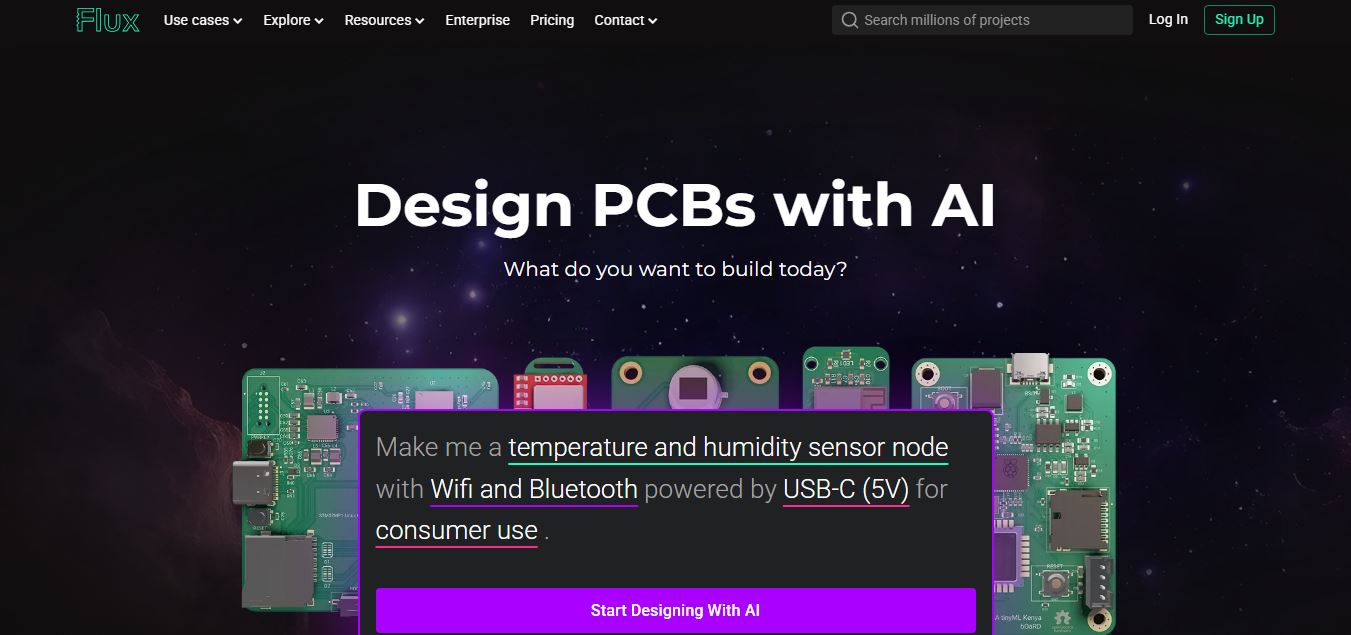
Flux AI is an AI-powered electronics design platform that helps engineers create schematics, design printed circuit boards (PCBs), select components, and optimize routing. Its browser-based workspace supports real-time collaboration, design validation, and manufacturing exports, making hardware development more accessible for individuals, startups, and engineering teams.
 4.8
4.8Repaint
Design
Repaint helps entrepreneurs and small businesses build websites, online stores, booking systems, and custom web applications using AI chat. Users can generate designs, edit content, manage customer accounts, accept payments, and organize business data without traditional coding. It offers subscription plans with different usage limits and business management capabilities.
 4.8
4.8SWAPP
Design
SWAPP helps architecture firms automate construction documentation, BIM modeling, and QA work inside Revit and ArchiCAD. Its Frank agent applies firm-specific standards to repetitive production tasks, while workflow memory preserves organizational knowledge. The platform is suited to teams seeking faster delivery, consistency, and less manual production effort across complex projects.
 4.9
4.9Adobe Stock
Design
Adobe Stock is a creative asset marketplace that helps designers and businesses access millions of royalty-free images, videos, templates, and 3D assets. It integrates with Adobe Creative Cloud, enabling users to search, customize, and license high-quality visuals quickly for marketing, design, and content creation.
 4.9
4.9Yellow Images
Design
Yellow Images is a digital marketplace that helps designers create branding and marketing visuals using high-quality mockups, fonts, PNGs, and graphic assets. It offers a large library of ready-to-use creative resources, enabling faster design workflows for agencies, freelancers, and ecommerce businesses.
 4.9
4.9Placeit
Design
Placeit is a browser-based design platform that helps creators and businesses generate mockups, logos, videos, and marketing visuals using ready-made templates. It allows users to quickly customize designs and download professional assets, making it ideal for ecommerce, social media, and branding without advanced design skills.
 4.8
4.8Figma AI
Design
Figma AI brings generative and assistive tools directly into Figma workflows, helping designers move from ideas to editable designs, visuals, prototypes, and production-ready experiences faster. Users can generate concepts, edit images, search files, automate repetitive work, and collaborate with teammates while keeping creative exploration inside the familiar Figma design environment.
 4.7
4.7PageGPT
Design
PageGPT helps businesses, creators, marketers, and entrepreneurs create customized landing pages and websites with AI. Users can describe their product and preferred style, generate designs with copy and images, then refine the result through chat or drag-and-drop editing. It also supports responsive pages, custom effects, and publishing options.
 4.8
4.8Locofy.ai
Design
Locofy helps teams transform UI designs into developer-friendly frontend code without rebuilding interfaces manually. It supports popular design tools, web and mobile frameworks, responsive layouts, reusable components, and AI-assisted refinement. Designers can prepare screens while developers customize, export, synchronize, and continue development within familiar workflows and coding environments for teams.