
Dokie AI
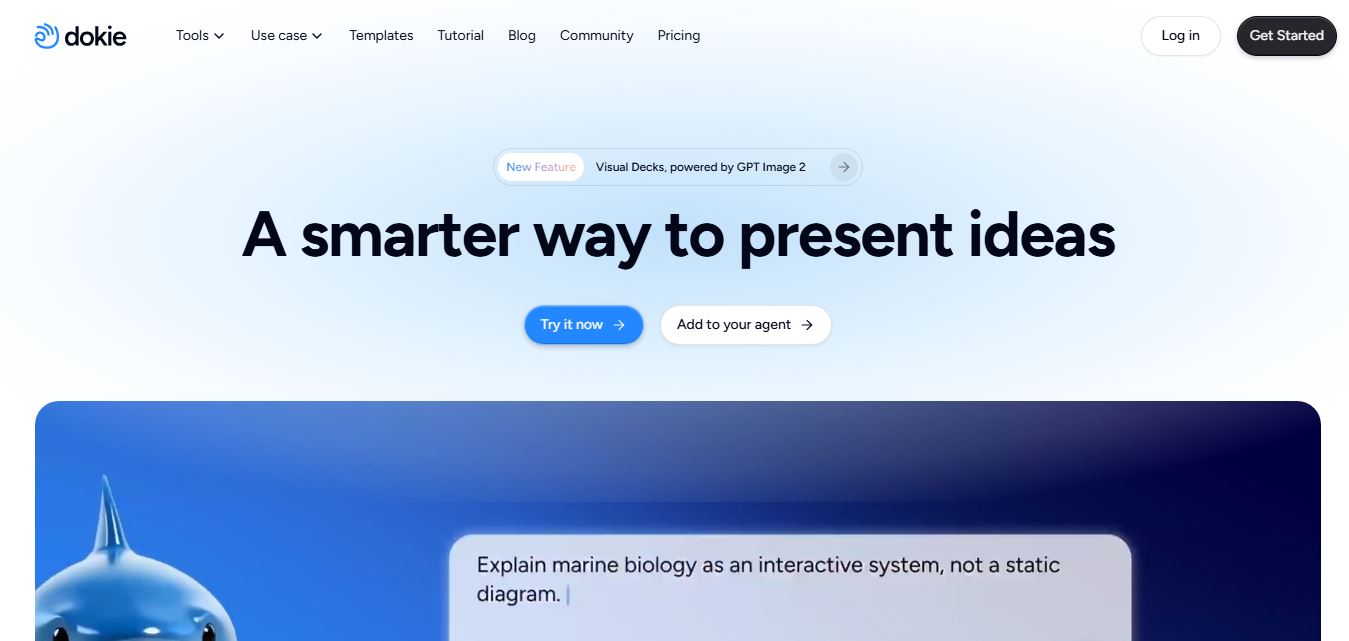
Dokie AI is an AI presentation maker that turns ideas, documents, and outlines into polished PowerPoint presentations with automated design, editing, and speaker notes.
What is Dokie AI?
Dokie AI is an AI-powered presentation generator made to help people put together PowerPoint decks quicker. Instead of manually planning the slides, writing the content, and wrestling with layouts, you can just describe your topic or drop in some source material and let Dokie generate a more structured presentation. It also handles PPT beautification, converts PDF to PPT, does speaker note generation, and runs a few document-to-PPT workflows. Under the hood, Dokie AI uses Claude Opus 4.7, plus you get a browser-based preview and editing stage before exporting. The output is standard PPTX, so the generated slides should plug right into common presentation routines.
Dokie.ai is an AI-powered presentation generator designed to create professional slide decks in 2–5 minutes, significantly reducing manual work. It supports 11+ languages and is powered by advanced models like Claude Opus 4.7 for content, layout, and design automation. The platform offers 10+ core features, including AI PPT generation, PPT beautification, PDF-to-PPT conversion, speaker notes generation, and real-time editing. Dokie.ai enables users to convert content from multiple formats such as PDF, Word, HTML, YouTube, and text into PPT. With a team size of 11–50 employees, it targets businesses, educators, and students for fast, scalable presentation creation.
- Founder: No individual founder is publicly identified on the official Dokie AI pages reviewed. The Android listing identifies NexGen Innovation Limited as the developer.
- Launch: The Android version became available on Google Play in May 2026, with AppBrain recording the first listing activity on May 12, 2026.
- Use cases: Business presentations, sales decks, investor pitches, educational materials, reports, training presentations, project presentations, team updates, and pitch decks.
- Technology: Claude Opus 4.7, AI-powered presentation generation, layout automation, content generation, document conversion, and real-time editing.
- Target users: Business professionals, educators, students, marketers, startup founders, and teams that regularly create presentations.
- Acquisition: The sources reviewed did not identify any verified public acquisition of Dokie AI. The product is associated with NexGen Innovation Limited.
Whether you're a student, marketer, business professional, or founder, Dokie AI helps turn raw ideas, documents, or notes into structured slide decks quickly.

Dokie AI at a Glance
| Attribute | Details |
|---|---|
| Product Name | Dokie AI |
| Category | AI Presentation Tool |
| Platform | Web |
| AI PPT Generator | Yes |
| Document to Slides | Yes |
| AI Content Writing | Yes |
| Layout Automation | Yes |
| Export to PPT | Yes |
| Best For | Business presentations & reports |
Dokie AI Key Features
Dokie AI key features are
- AI PPT Generation: Creates complete presentation decks from natural-language descriptions, handling slide structure, content, layouts, and visual hierarchy.
- PPT Beautification: Improves existing presentations by applying more polished layouts, styling, spacing, and visual consistency while retaining the original content.
- PDF to PPT: Converts PDF documents into editable PowerPoint presentations using AI-powered content and layout analysis.
- Speaker Notes Generation: Automatically creates speaker notes and talking points to help presenters explain each slide more effectively.
- Real-Time Preview and Editing: Lets users review and modify presentations in the browser before exporting the final deck.
- Multiple Input Formats: Supports workflows involving PDF, Word, Excel, Markdown, HTML, text, and other source formats.
- YouTube to PPT: Converts important information from YouTube videos into structured presentation slides.
- Custom Themes: Users can upload presentation themes, templates, or reference files to maintain a consistent visual identity.
- PPT Reverse Prompt: Analyzes a PowerPoint presentation to extract design-style prompts that can help recreate its visual approach.
- Multiple Language Support: Dokie AI supports presentation creation in 11 languages, making it useful for multilingual presentation workflows.
Dokie AI Pricing
Dokie AI currently uses a credit-based pricing model. The official pricing information lists three main plans:
- Starter: $9.50 per month on annual billing, with 12,000 annual credits, approximately 1,000 credits per month, up to 10 PPT creations per month, 10+ professional templates, and basic style customization.
- Standard: $23.90 per month on annual billing, with 36,000 annual credits, approximately 3,000 credits per month, up to 60 PPT creations per month, 50+ professional templates, advanced style customization, and PPTX/PDF export.
- Premium: $47.90 per month on annual billing, with 90,000 annual credits, approximately 7,500 credits per month, up to 150 PPT creations per month, 100+ professional templates, and full style customization.
Is Dokie AI Worth Paying For?
If you frequently create presentations, Dokie AI can save significant time by automating structure and content creation. It is especially valuable for professionals and students who prioritize clarity and speed over complex design.
Disclaimer: For the latest and most accurate pricing information, please visit the official Dokie AI website.
Who Is Using Dokie AI?
Dokie AI is designed for a broad range of presentation-heavy users, including
- Business professionals creating reports, presentations, and sales decks
- Startup founders preparing investor and pitch presentations
- Marketing teams building campaign and product presentations
- Educators creating lectures, training materials, and course presentations
- Students preparing academic projects and thesis presentations
- Sales teams creating customer-facing presentations
- Consultants preparing proposals and client presentations
- Teams that need to transform existing documents into presentation formats
What Are the Best Dokie AI Alternatives?
Some of the strongest Dokie AI alternatives include
- Gamma: A strong option for AI-generated presentations and web-style visual storytelling.
- Beautiful.ai: A good option for users who want automated slide layouts and presentation design.
- Plus AI: A good choice for users who prefer working closely with PowerPoint or Google Slides.
- Canva: Better suited to users who want extensive templates and broader graphic-design functionality.
- Tome: Useful for AI-assisted storytelling, presentations, and visual documents.
The right alternative depends largely on whether you prioritize AI generation, native PowerPoint workflows, design customization, collaboration, or broader design capabilities.
Pros and Cons of Dokie AI
Pros
- Generates presentations from natural-language prompts
- Supports multiple document-to-PPT workflows
- Uses Claude Opus 4.7 for AI generation
- Includes AI-powered PPT beautification
- Generates speaker notes
- Offers real-time browser editing
- Supports custom themes and reference files
- Provides PPTX and PDF export options
- Supports multiple languages
- Includes additional presentation conversion tools
Cons
- Pricing is based on credits, which can make usage harder to estimate
- AI-generated content still needs human fact-checking
- Highly customized corporate presentations may require manual editing
- The individual founder is not publicly identified in the official materials reviewed
- The product is relatively new compared with established presentation platforms
- Users who prefer fully native PowerPoint or Google Slides workflows may find dedicated integrations more convenient
Why Choose Dokie AI?
Dokie AI is worth considering if your biggest presentation problem is the time required to move from an idea or source document to a usable first draft.
- Faster presentation creation: Dokie automates much of the initial slide-building process.
- Document-to-presentation workflows: Users can turn different source formats into presentation content.
- AI-powered redesign: Existing PPT files can be improved instead of creating every slide from scratch.
- Presentation-focused workflow: The platform concentrates on presentations rather than trying to be a general-purpose design application.
- Speaker notes: Automatically generated notes can reduce preparation time for presenters.
- Custom styling: Users can provide themes and reference files for more consistent presentations.
- Flexible editing: Real-time preview and editing allow users to refine generated content before export.
Dokie AI vs. Competitors
The main difference between Dokie AI, Gamma, Beautiful.ai, Plus AI, and Canva is that Dokie AI focuses strongly on AI-generated PowerPoint workflows, document conversion, PPT beautification, and presentation-specific automation. Gamma is particularly strong for web-style storytelling, Beautiful.ai emphasizes automated design, Plus AI is closely aligned with established presentation software, and Canva offers a much broader visual-design ecosystem. Your best choice depends on the final editing environment and level of design control required.
| Tool | Main Strength | Best For | PowerPoint Workflow | Design Flexibility |
|---|---|---|---|---|
| Dokie AI | AI PPT generation and conversion | AI-powered presentations | Strong | High |
| Gamma | AI storytelling | Modern visual presentations | Moderate | High |
| Beautiful.ai | Automated layouts | Business presentations | Strong | High |
| Plus AI | Native presentation workflow | PowerPoint and Google Slides users | Very strong | Moderate |
| Canva | Broad design ecosystem | Design and presentations | Strong | Very high |
How Do We Rate Dokie AI?
| Rating Category | Score out of 5 |
|---|---|
| Creative Accuracy | 4.3 |
| User Experience | 4.4 |
| Tools and Capabilities | 4.6 |
| Speed and Efficiency | 4.7 |
| Creative Freedom | 4.2 |
| Trust and Transparency | 4.0 |
| Help and Community | 3.8 |
| Value for Money | 4.1 |
| Ecosystem Fit | 4.0 |
| Overall Score | 4.3 |
These ratings reflect the platform's documented feature set, workflow, pricing structure, and current product maturity rather than a formal third-party benchmark.
Dokie AI Review
Dokie AI makes a strong case for users who want to reduce the manual work involved in creating PowerPoint presentations. Its biggest advantage is that it goes beyond simple text-to-slide generation. Users can beautify existing PPT files, convert documents into presentations, generate speaker notes, apply custom themes, and edit slides in real time.
The use of Claude Opus 4.7 is another notable part of its technology stack. The platform also offers several conversion utilities, making it more than a single-purpose presentation generator.
However, users should not expect AI to eliminate the need for review. Users should still check important statistics, claims, citations, branding elements, and presentation logic manually. The credit-based pricing model also means frequent users should calculate their expected monthly usage before choosing a plan.
For professionals, educators, marketers, and founders who regularly need first-draft presentations, Dokie AI is a compelling tool to test.
Conclusion
Dokie AI is a pretty capable AI presentation maker; it blends slide generation with document conversion, PPT beautification, speaker notes, custom themes, and even real-time editing. You receive a Claude-powered workflow that helps you create presentation drafts more quickly, and the conversion tools enhance its utility beyond basic text-to-PPT generation. The main things to keep in mind are the credit-based pricing, the fact you still need some human review, and that the product ecosystem is still relatively young. Overall, Dokie AI seems worth considering for professionals, educators, marketers, students, and founders who want to spend less time manually assembling slides instead of wrestling with every little detail.
FAQ
What is Dokie AI?
Dokie AI is an AI-powered presentation generator that creates and edits PowerPoint presentations from prompts, outlines, and source files.
Is Dokie AI free?
Dokie AI offers free features or credits, while its paid plans currently start at $9.50 per month when billed annually.
What AI model does Dokie AI use?
Dokie AI states that it is powered by Claude Opus 4.7.
Can Dokie AI create PowerPoint presentations?
Yes. Dokie AI can generate PowerPoint presentations and export them in PPTX format.
Can Dokie AI convert PDF to PPT?
Yes. Dokie AI provides an AI-powered PDF-to-PPT conversion workflow designed to transform PDF content into editable presentations.
Is Dokie AI better than Canva?
Dokie AI and Canva serve different purposes. Dokie AI is focused on AI-driven content generation and presentation structure, while Canva is primarily a design-focused tool with extensive templates and customization options. If you need quick, structured presentations, Dokie AI is better. If you want highly customized and visually creative slides, Canva is a stronger choice.
What are the best Dokie AI alternatives?
Some of the best alternatives to Dokie AI include Tome (for storytelling presentations), Gamma (for interactive documents), Beautiful.ai (for design automation), Canva (for creative design), and Decktopus (for automated slide generation). Each tool has its own strengths depending on whether you prioritize design, interactivity, or speed.
User Reviews
No reviews yet for Dokie AI.
Featured Tools
Featured AI tools from TechShark

Melody Genie
MelodyGenie is an AI-powered music generator that creates original songs from simple text prompts. Users can choose styles, moods, and genres, then instantly generate melodies and full tracks, making it easy for creators, marketers, and hobbyists to produce custom music without musical expertise.
Freemium

Kimi AI
Kimi AI is an advanced AI assistant developed by Moonshot AI that helps you chat, research, write, code, and automate tasks in one place. It supports web search, file analysis, and multimodal inputs, and can even run autonomous “agent” workflows to complete complex tasks end-to-end.
Freemium

Fashion Diffusion AI
Fashion Diffusion is an AI-powered fashion design platform that helps brands and designers create clothing designs, virtual try-ons, AI models, product photos, and marketing visuals faster and cost-effectively.
Paid

Veo 4
Veo 4 AI is an AI video creation platform that generates dramatic videos from text, images, audio, and video prompts using realistic motion and synchronized sound.
Paid
Alternatives
Alternatives to Dokie AI
The best Dokie AI alternatives include Gamma, Beautiful.ai, Plus AI, Canva, and Tome. Gamma is a strong choice for web-based visual storytelling, Beautiful.ai focuses on automated presentation design, Plus AI works closely with established presentation platforms, Canva provides a broad creative-design ecosystem, and Tome offers AI-assisted storytelling. The best alternative ultimately depends on whether you need PowerPoint compatibility, automated design, collaboration, extensive templates, or a flexible visual storytelling workflow.
 4.8
4.8PitchBob
Presentation
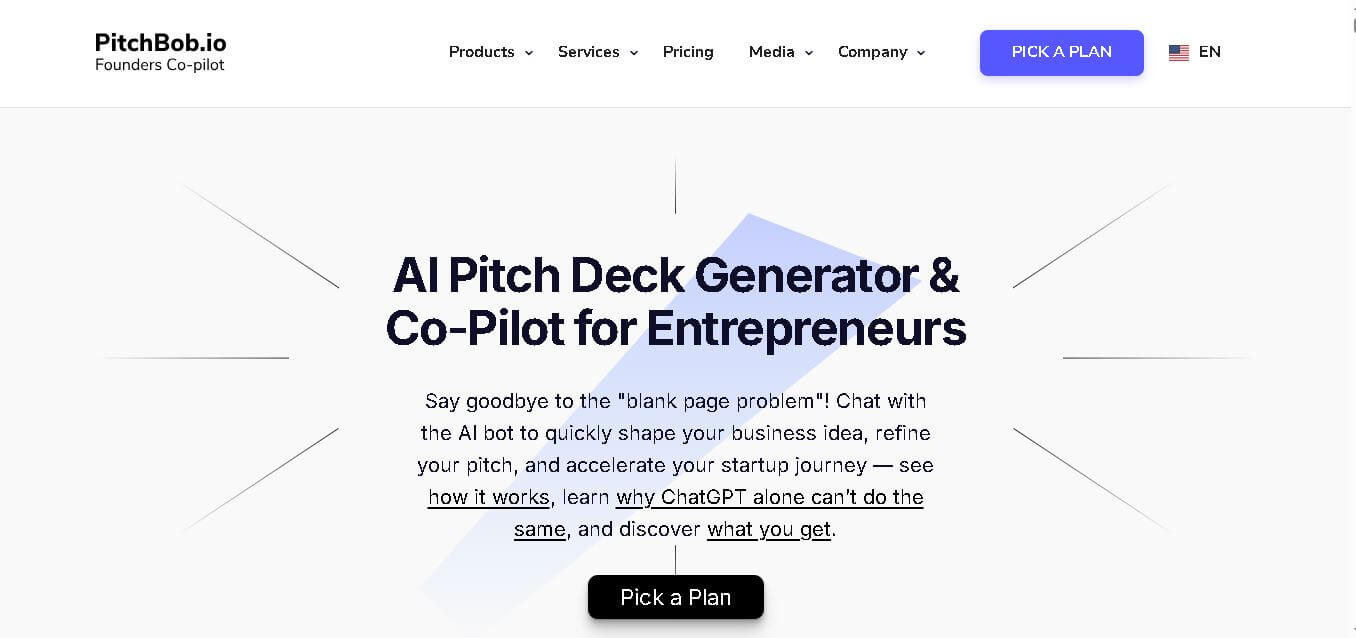
PitchBob.io helps entrepreneurs develop startup ideas and create pitch decks, investor letters, business plans, and executive summaries. Through guided AI conversations, it organizes business information, offers pitch feedback, and supports fundraising preparation. It is useful for founders who want structured startup documents without starting from a blank page.
 4.6
4.6Xavier AI
Presentation
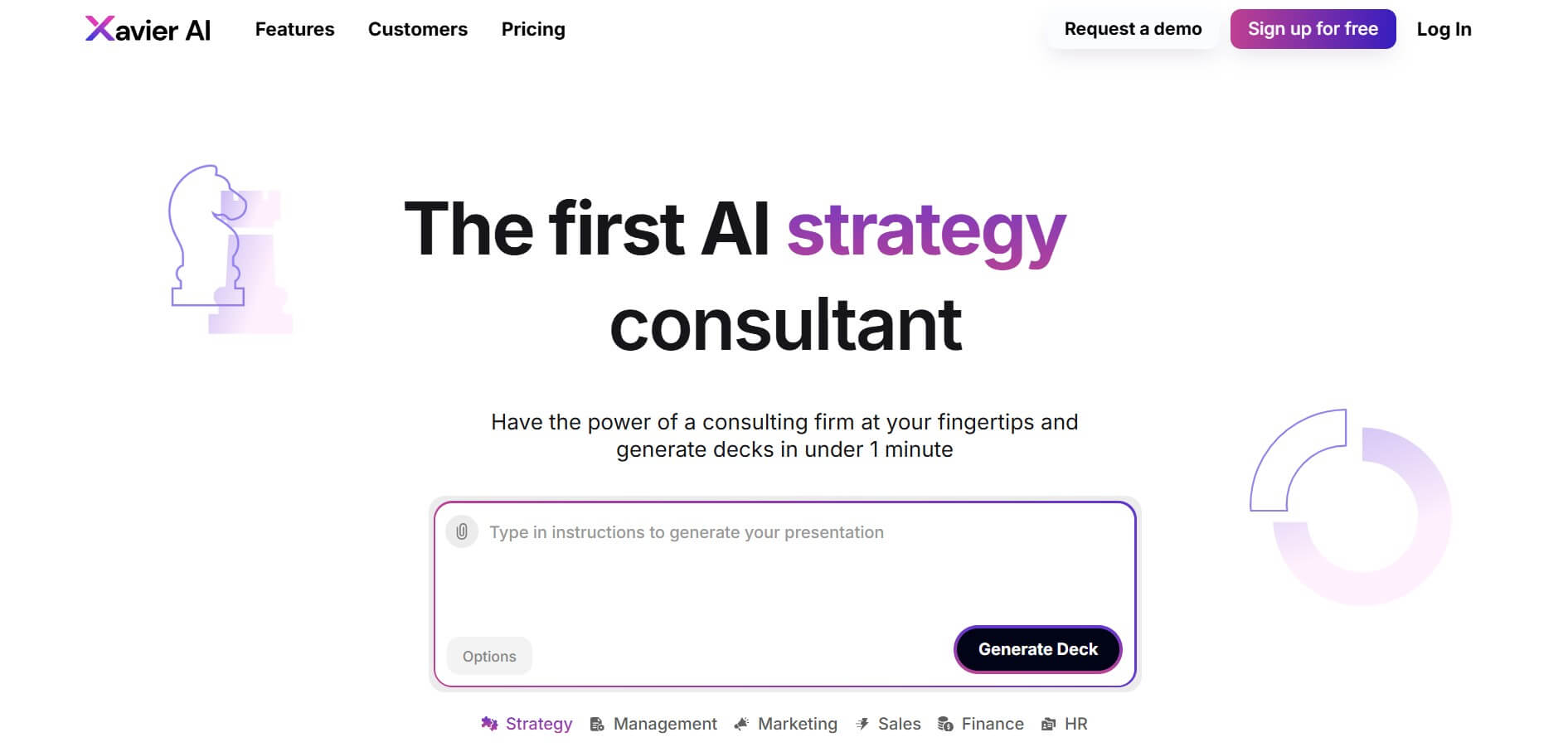
Xavier AI is a strategy-focused presentation tool designed to help professionals create consulting-style business decks quickly. It can transform prompts or uploaded documents into structured presentations, support market and competitive analysis, and provide sourced information. Users can also customize presentations to company branding and export finished decks to PowerPoint files.
 4.9
4.9Zoho Sheet
Spreadsheets
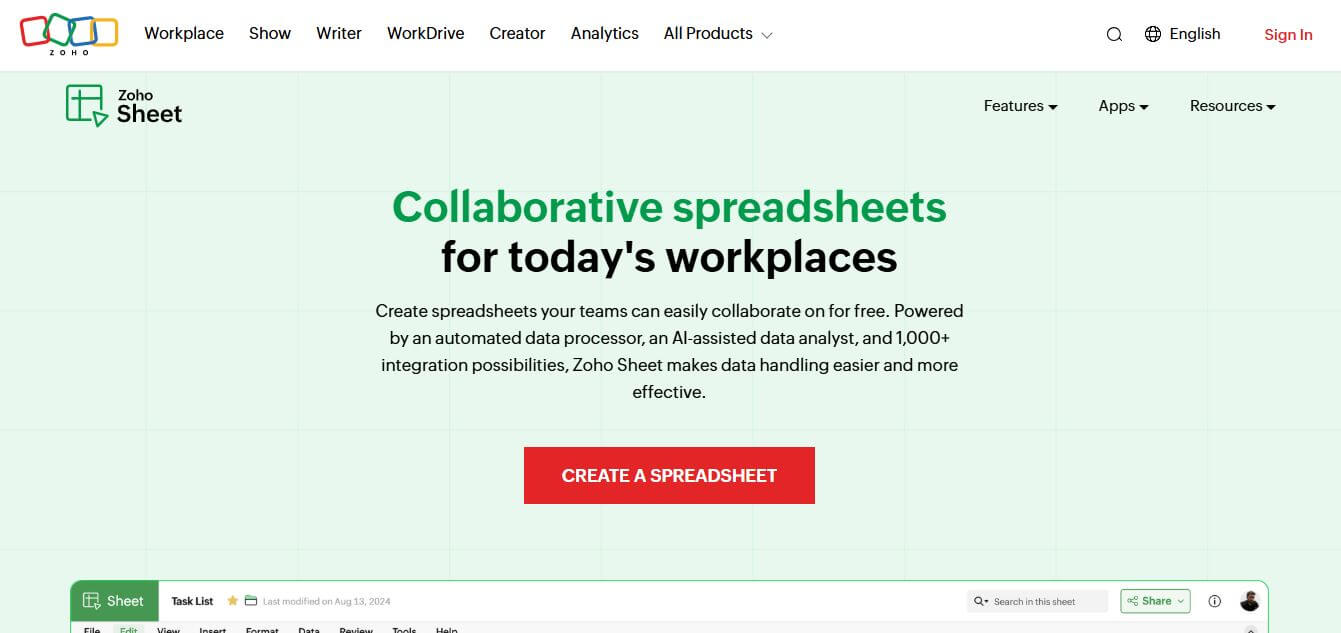
Zoho Sheet is a cloud-based spreadsheet tool that lets users create, edit, and collaborate on data in real time. It offers formulas, charts, automation, and AI-powered insights, helping teams analyze data, manage workflows, and work together efficiently from anywhere.
 4.9
4.9Slidesgo
Presentation
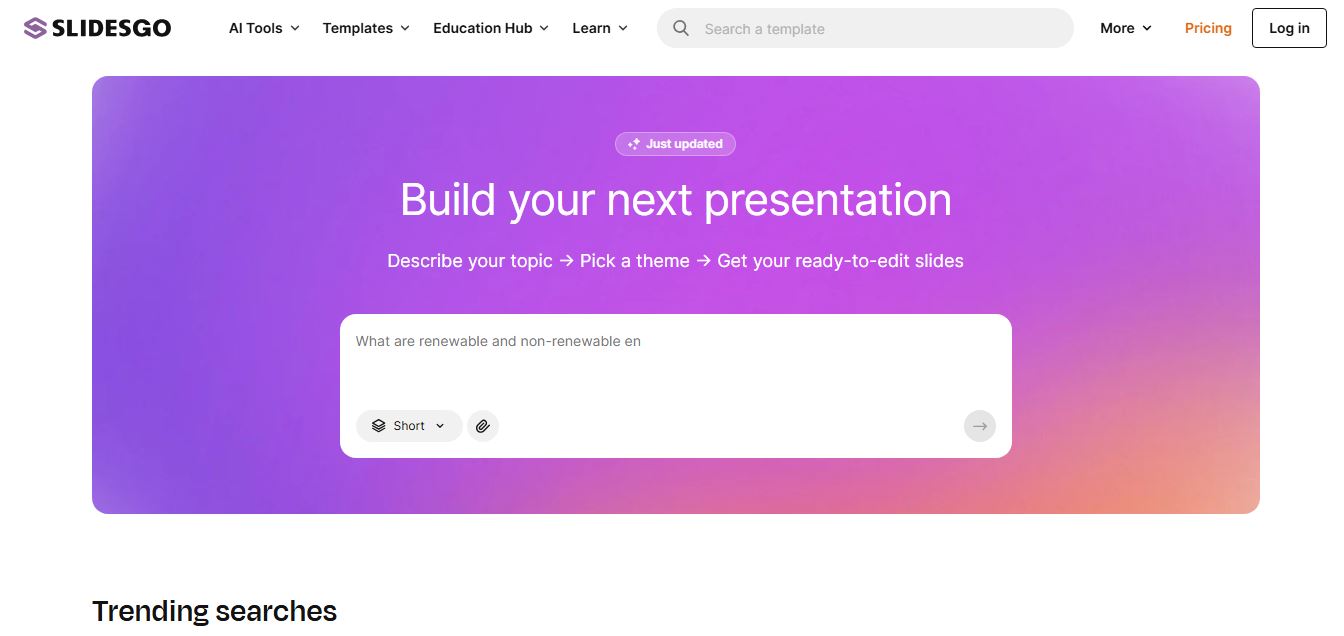
Slidesgo is a platform that offers free and premium presentation templates for Google Slides and PowerPoint. It provides professionally designed slides for business, education, and creative use, helping users create visually appealing presentations quickly without starting from scratch.
 4.8
4.8SlideSpeak
Presentation
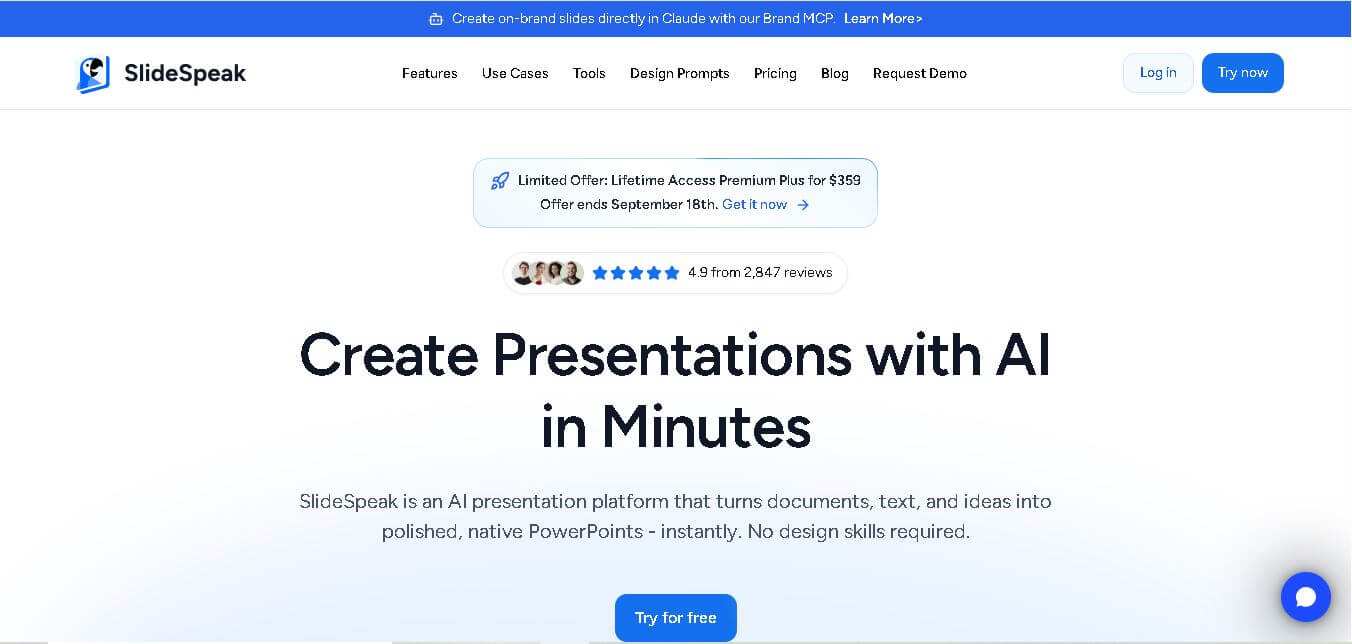
SlideSpeak is an AI-powered presentation tool that lets users chat with PowerPoint files, summarize slides, and generate new presentations from documents or prompts. It helps extract insights, create slides quickly, and turn content into clear, structured presentations with minimal effort.
 4.8
4.8MagicSlides
Presentation
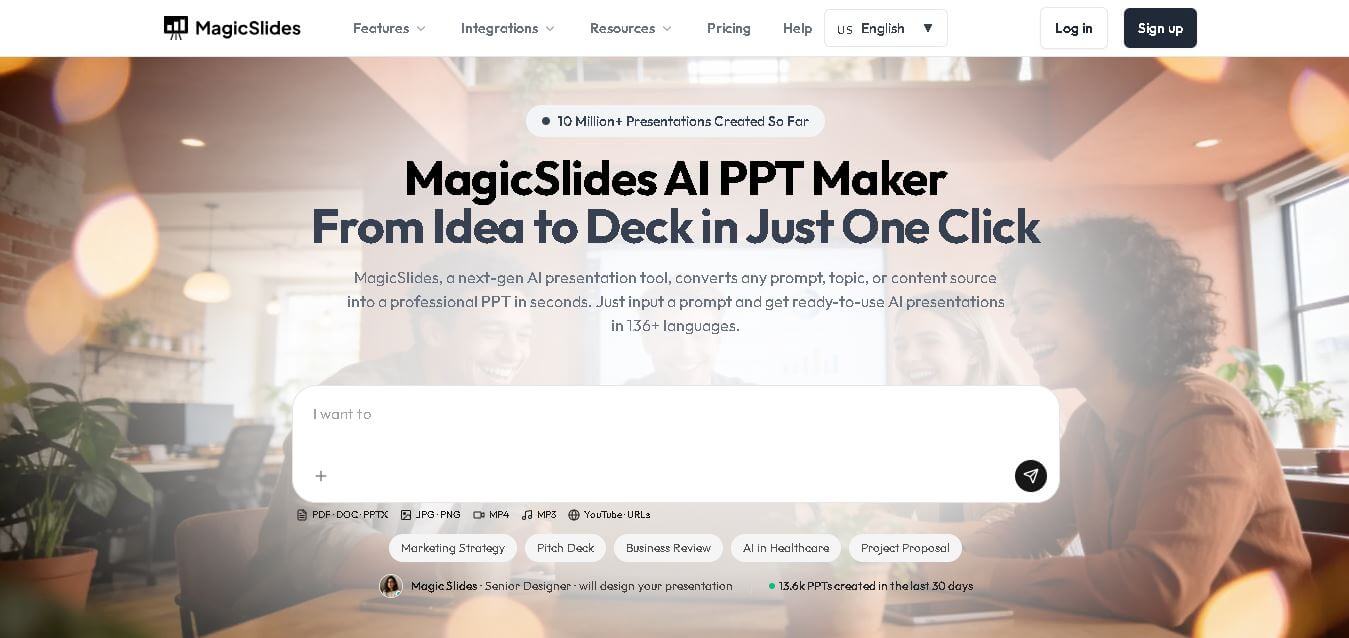
MagicSlides helps users create polished presentations from ideas, text, documents, URLs, and other content. It combines automated slide generation with templates, design systems, AI editing, image support, and multiple export formats. Students, teachers, professionals, consultants, and entrepreneurs can use it to produce presentations faster without building every slide manually.
 4.8
4.8Alai
Presentation
Alai is an AI presentation and design maker backed by Y Combinator that generates on-brand pitch decks, slide decks, infographics, carousels, and social visuals from prompts, documents, or links using custom design systems and native PPT/PDF exports.
 4.9
4.9Beautiful AI
Presentation
Beautiful.ai is an AI-powered presentation software that helps users create professional slides quickly with smart design automation. It automatically adjusts layouts, formatting, and visuals, allowing teams to build polished, consistent presentations without manual design work or advanced skills.
 4.8
4.8GitMind
Project Management
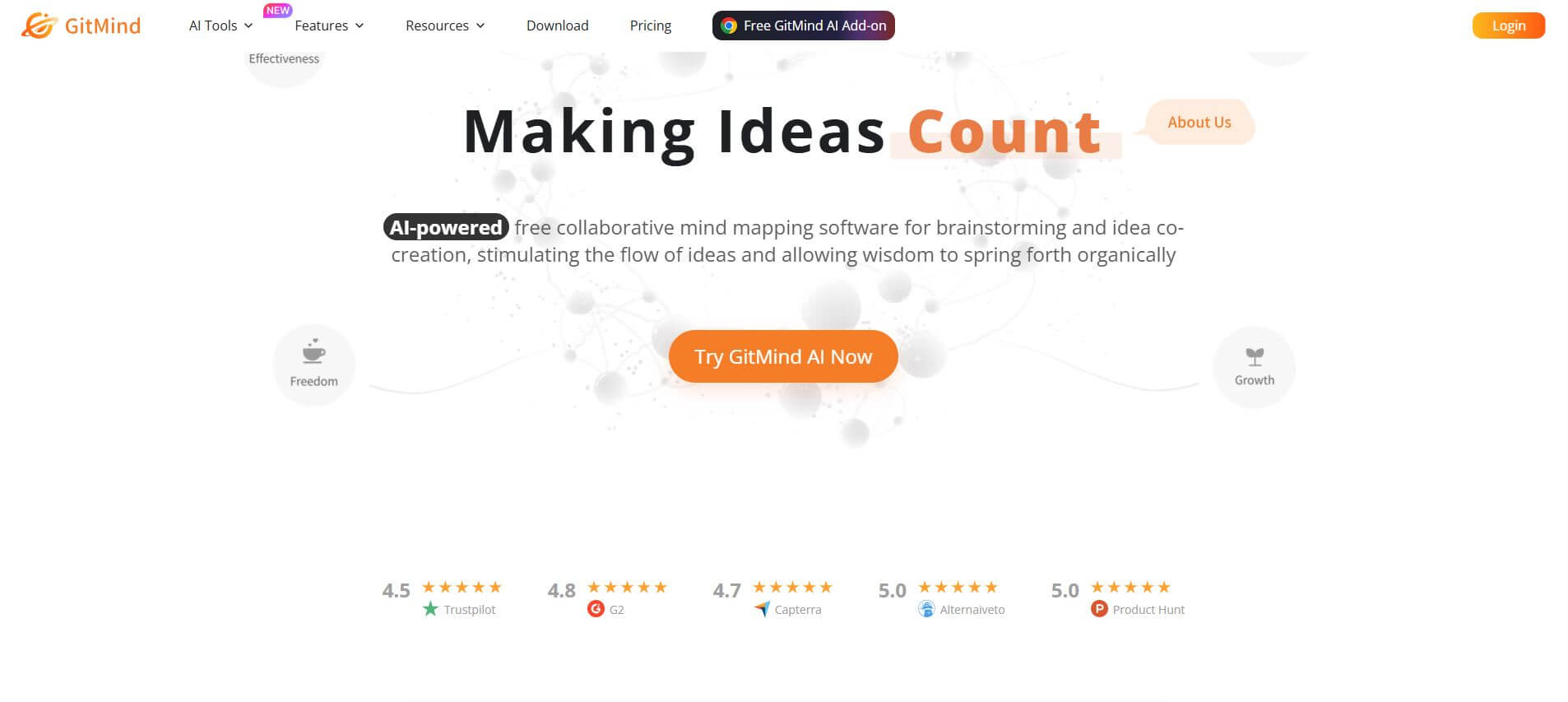
GitMind is an AI-powered mind mapping and visual workspace that turns text, videos, audio, PDFs, and websites into structured mind maps, summaries, and diagrams. It helps you organize ideas, brainstorm, plan projects, and simplify complex information using AI-driven insights and visual layouts.