
WebSim
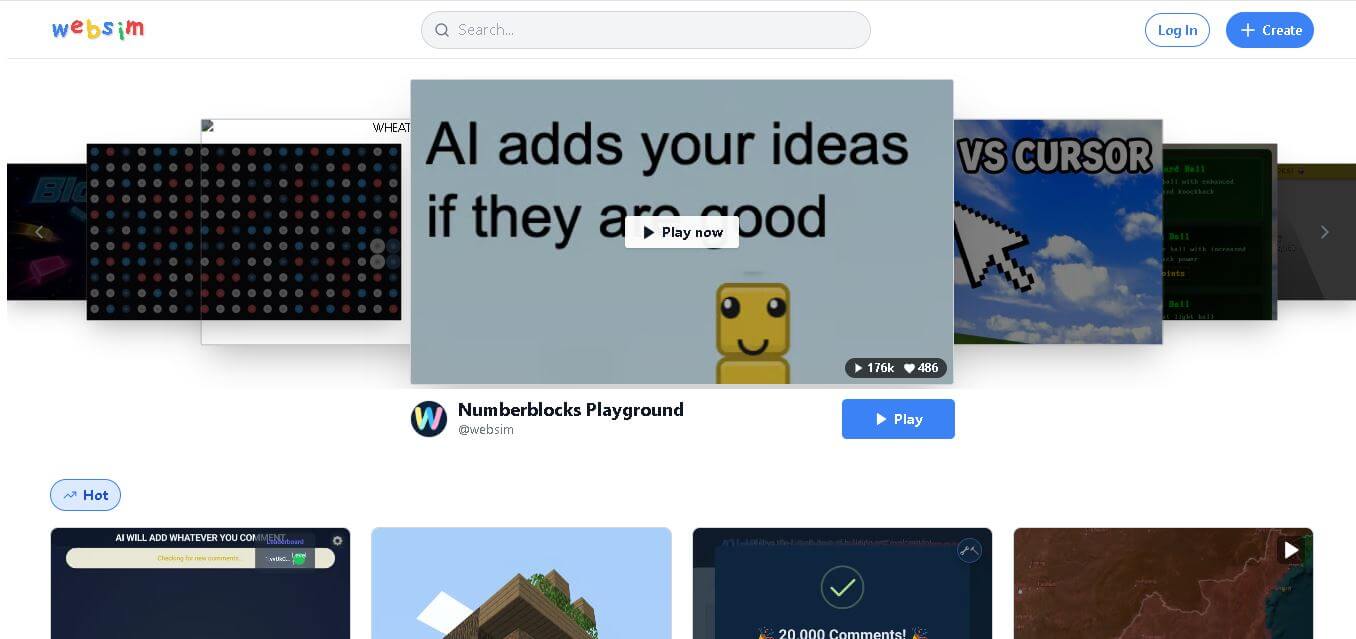
Websim is a browser-based creation platform that lets anyone turn ideas into interactive websites, games, AI applications, and multiplayer experiences using simple text prompts. Instead of writing complex code, users describe what they want, customize the generated project, collaborate with others, remix creations, and publish them instantly for the community.
What is WebSim?
Websim is a web creation environment where ideas are transformed into functional digital experiences through natural language prompts. It enables users to build websites, games, AI applications, educational projects, prototypes, and interactive tools directly from a browser without requiring advanced programming knowledge. The platform combines AI-assisted development with a collaborative community where creators can publish, remix, and improve projects together. Users can also integrate AI capabilities such as chat, image generation, and text-to-speech into their creations. By making development more accessible, Websim helps beginners, educators, developers, and creators experiment, learn, and share projects faster.
Websim supports creating websites, AI applications, multiplayer games, and interactive tools from text prompts. The platform includes 3+ major AI capabilities including language models, image generation, and text-to-speech. It supports 11 languages for text-to-speech features and offers community collaboration through project remixing and sharing. Users can publish projects instantly, earn credits through community engagement, and build directly in the browser without software installation, making development faster and more accessible for creators worldwide.
- Founders: Rob Haisfield & Sarah Chen
- Launch Year: 2024
Use Cases:
- Rapid prototyping of interactive web applications and dashboard concepts
- Generating browser-based 2D/3D games, audio visualizers, and interactive experiments
- Exploring simulated web history and hypothetical software interfaces
- Exporting generated HTML, CSS, and JavaScript code for independent hosting
Technology:
- Real-time LLM web rendering and client-side code execution engine
- AI image generation and dynamic canvas graphics synthesis
- Hierarchical prompt routing for multi-page web simulation
Target Users:
- UX/UI designers looking to prototype creative web concepts quickly
- Indie game developers and digital artists experimenting with generative web tools
- No-code builders and curious creators wanting instant web application generation
Ecosystem: Features a community discovery hub with Hot, New, Top, and Replayed creations, along with public code inspection and single-click project forking.

Key features of WebSim
WebSim's key features are
- Instant Web Simulation: Transforms natural language prompts or imaginary URLs into live, interactive web pages in seconds.
- Client-Side Code Execution: Generates standard HTML5, CSS3, JavaScript, and WebGL code that runs directly in the browser without server compilation delays.
- Code Inspection & Forking: Allows users to view generated source code, make manual adjustments, or fork community projects to build upon them.
- Interactive Navigation: Simulates functional links, multi-page flows, and dynamic web states based on contextual user clicks.
- Community Discovery Hub: Displays trending, popular, and novel creations created by global users with built-in remixing tools.
- Static Asset Export: Enables creators to download full project code files for standalone hosting on GitHub Pages, Vercel, or custom servers.
WebSim Pricing
WebSim offers broad free accessibility for browsing, creating, and exporting, alongside premium tiers for power users requiring higher generation limits.
Free Plan:
- $0/month
- Free access to community creations, real-time page generation, code inspection, and static HTML exports
Pro / Developer Plans:
- Starting from $9.99 to $24.99/month
- Higher generation allowances, priority queue processing, advanced customization tools, and API access features
Disclaimer: For the latest and most accurate pricing information, please visit the official WebSim AI website.
Is WebSim Worth It?
WebSim is an exceptionally fun and productive tool for designers, creators, and developers seeking creative spark. It lowers the barrier to building interactive web experiments from hours down to seconds, making it an invaluable sandbox for prototyping ideas before committing to manual engineering.
Real-World Use Cases
- Interactive Game Prototyping: Creators prompt WebSim to generate playable retro arcade games or Canvas-based visual experiments.
- Rapid UI/UX Mockups: Product designers test navigation ideas and layout concepts with live user interactions.
- Generative Web Art: Digital artists combine generative audio, CSS animations, and interactive canvases for online portfolios.
- Educational Web Tools: Teachers and students generate custom interactive calculators and visual science demonstrations.
Who is using WebSim?
WebSim is popular among a wide variety of digital builders, including
- Creative Technologists: Exploring generative UI capabilities and novel human-computer interactions
- Front-End Developers: Extracting quick code snippets and prototyping CSS layout ideas
- Indie Hackers & Makers: Building quick micro-apps, landing page concepts, and viral web experiments
- Casual AI Enthusiasts: Generating nostalgic web pages and interactive games for entertainment
Best WebSim Alternatives
Some of the strongest WebSim alternatives include
Pros and Cons of WebSim
Pros
- Generates fully interactive HTML, CSS, and JS web experiences in seconds
- Generous free tier allows creating, inspecting, and exporting project code
- Vibrant community library for discovering and remixing existing web projects
- No local development environment setup required
- Supports complex interactive elements like WebGL and audio canvas generation
Cons
- Complex full-stack backend databases require external API integration
- Highly detailed multi-step applications may require prompt iterations
- Free tiers may experience rate limits during peak platform traffic
Why Choose WebSim?
WebSim turns the entire web into an open canvas for prompt-driven creation. Unlike traditional code generation tools that focus narrowly on component snippets, WebSim renders full, navigable web environments that react dynamically to user input.
- Eliminates development friction by generating live, interactive web apps instantly
- Allows open code inspection and static file downloads for full project portability
- Provides a collaborative community ecosystem for sharing and remixing web ideas
- Offers a risk-free playground to test web design ideas before writing production code
How WebSim Works
- 1. Enter a Prompt or URL: Type a concept description or an imaginary website URL into the WebSim address bar.
- 2. Watch Real-Time Generation: The platform synthesizes HTML, CSS, and JavaScript code directly in your browser window.
- 3. Interact & Refine: Click buttons, test interactive features, or send follow-up prompts to tweak the layout.
- 4. Inspect & Export: Open the code panel to copy source code, fork the project, or download static files for hosting.
WebSim vs. Competitors
The primary difference between WebSim, v0 by Vercel, and Bolt.new is that WebSim focuses on exploratory, real-time web simulation and interactive sandbox generation, whereas v0 and Bolt.new focus on generating production-ready React components and full-stack software repos. WebSim excels at rapid creative exploration and instant browser playback.
| Feature | WebSim | v0 by Vercel | Bolt.new |
|---|---|---|---|
| Primary Focus | Web Simulation & Sandbox Creation | Production UI Components | Full-Stack Web App Development |
| Output Format | Interactive Browser HTML/JS/CSS | React / Tailwind Code | Node/React Full-Stack Repos |
| Code Inspection | Native Code Viewer & Forking | Native Code Viewer | Integrated Web Container IDE |
| Community Hub | Built-in Remixing Feed | Public Gallery | Project Templates |
| Starting Price | Free / Pro Tiers | Freemium ($20/mo) | Freemium ($20/mo) |
How do we rate WebSim?
| Parameter | Rating (out of 5) |
|---|---|
| Ease of Use | 4.8 |
| Generation Speed | 4.7 |
| Interactive Quality | 4.5 |
| Value for Money | 4.7 |
| Community & Sharing | 4.6 |
| Overall Score | 4.6 |
WebSim Review
WebSim brings a fresh and delightful perspective to AI web generation. By blurring the line between web browsing and software creation, it allows users to manifest complex web interfaces, games, and creative tools almost instantaneously. Its open code view and export capabilities ensure that generated ideas can easily move beyond the sandbox into production projects.
Conclusion
Websim simplifies digital creation by allowing anyone to transform ideas into interactive websites, AI applications, games, and web experiences through natural language. Its browser-based workflow, AI-assisted development, collaborative community, and built-in sharing capabilities make it an excellent choice for beginners, educators, creators, startups, and developers who want to build faster without complicated setup. Whether you are experimenting with a new concept, creating educational content, or developing a functional application, Websim reduces technical barriers while encouraging creativity and collaboration. As AI-assisted development continues to evolve, Websim provides an accessible and practical platform for bringing innovative ideas to life.
FAQ
What makes Websim different from other AI website builders?
Websim focuses on turning creative ideas into fully interactive experiences instead of only generating static websites. You can build games, AI applications, multiplayer projects, and experimental web experiences using simple prompts. The platform also encourages collaboration through remixing, sharing, and community feedback, making it suitable for both learning and rapid product development.
Do I need coding knowledge to use Websim?
No. Websim is designed for beginners as well as experienced developers. You simply describe your idea in plain language, and the platform generates the necessary code automatically. If you know programming, you can further customize the generated project, while beginners can build functional applications without learning complex coding concepts first.
What types of projects can I build with Websim?
You can create websites, AI chatbots, image generation tools, educational applications, multiplayer games, interactive prototypes, dashboards, creative experiments, and business tools. Because the platform supports multiple AI features and browser-based development, it offers flexibility for personal, educational, and commercial projects across many industries.
Can I share my Websim projects with others?
Yes. Every project can be published and shared online with just a few clicks. Other users can play, test, like, comment on, or remix your work. This collaborative ecosystem helps creators receive feedback, improve projects continuously, and build an audience without managing hosting or deployment manually.
Is Websim suitable for professional developers?
Yes. While Websim is beginner-friendly, professional developers can also use it for rapid prototyping, testing new ideas, building proof-of-concepts, and experimenting with AI-powered features. It reduces repetitive development work while allowing advanced users to refine generated code and expand projects according to specific business requirements.
User Reviews
No reviews yet for WebSim.
Featured Tools
Featured AI tools from TechShark

Melody Genie
MelodyGenie is an AI-powered music generator that creates original songs from simple text prompts. Users can choose styles, moods, and genres, then instantly generate melodies and full tracks, making it easy for creators, marketers, and hobbyists to produce custom music without musical expertise.
Freemium

Kimi AI
Kimi AI is an advanced AI assistant developed by Moonshot AI that helps you chat, research, write, code, and automate tasks in one place. It supports web search, file analysis, and multimodal inputs, and can even run autonomous “agent” workflows to complete complex tasks end-to-end.
Freemium

Fashion Diffusion AI
Fashion Diffusion is an AI-powered fashion design platform that helps brands and designers create clothing designs, virtual try-ons, AI models, product photos, and marketing visuals faster and cost-effectively.
Paid

Veo 4
Veo 4 AI is an AI video creation platform that generates dramatic videos from text, images, audio, and video prompts using realistic motion and synchronized sound.
Paid
Alternatives
Alternatives to WebSim
The best WebSim alternatives include v0 by Vercel, Claude Artifacts, Bolt.new, Lovable, and Replit Agent. v0 and Bolt.new excel at generating production-grade React and full-stack web applications. Claude Artifacts provides fast inline UI previewing within chat workflows, while Lovable and Replit Agent enable full-stack software development from natural language prompts.
 4.9
4.9GPT Engineer
Low-code/No-code
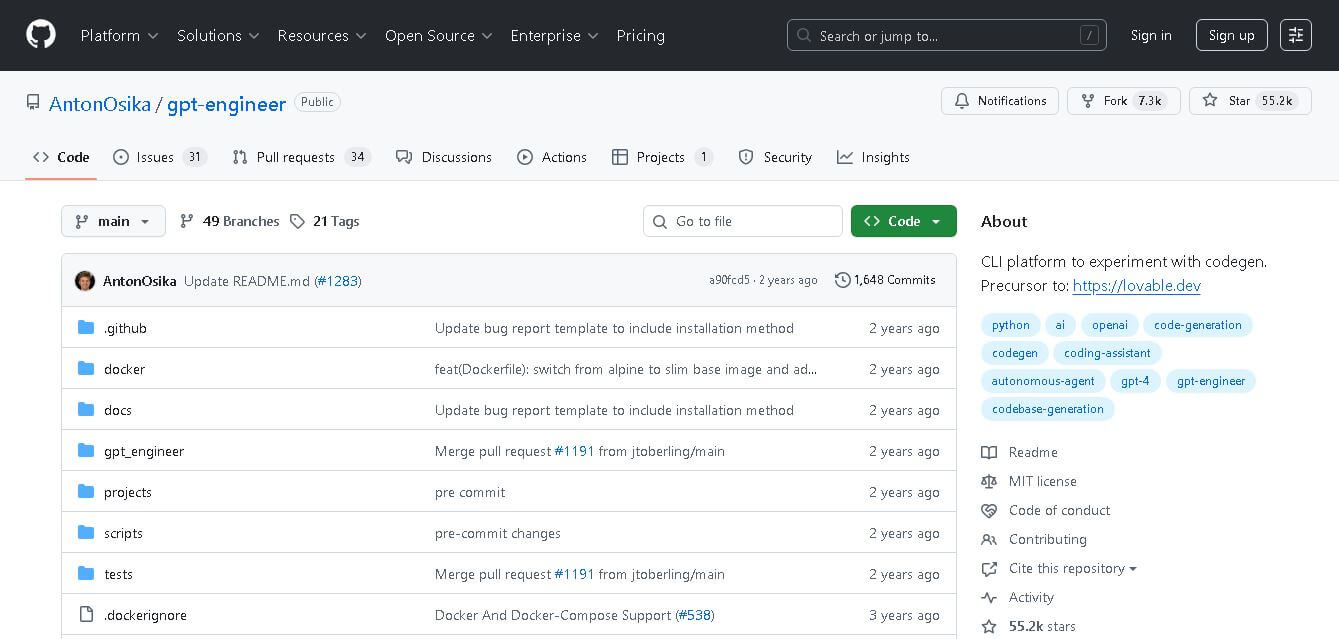
GPT Engineer is an open-source AI coding framework that helps developers generate and improve software from natural-language instructions. It works through a command-line workflow, allowing users to provide project requirements, generate code, execute development steps, and request changes. It also supports customizable prompts, vision-capable models, alternative model providers, Docker, and benchmarking workflows.
Klarent
Low-code/No-code
Klarent (by Fore AI) is an autonomous, AI-powered, no-code QA test automation platform designed to create, execute, and self-heal end-to-end tests for web, native iOS, Android, and cross-platform applications.
 4.8
4.8Glif
Low-code/No-code
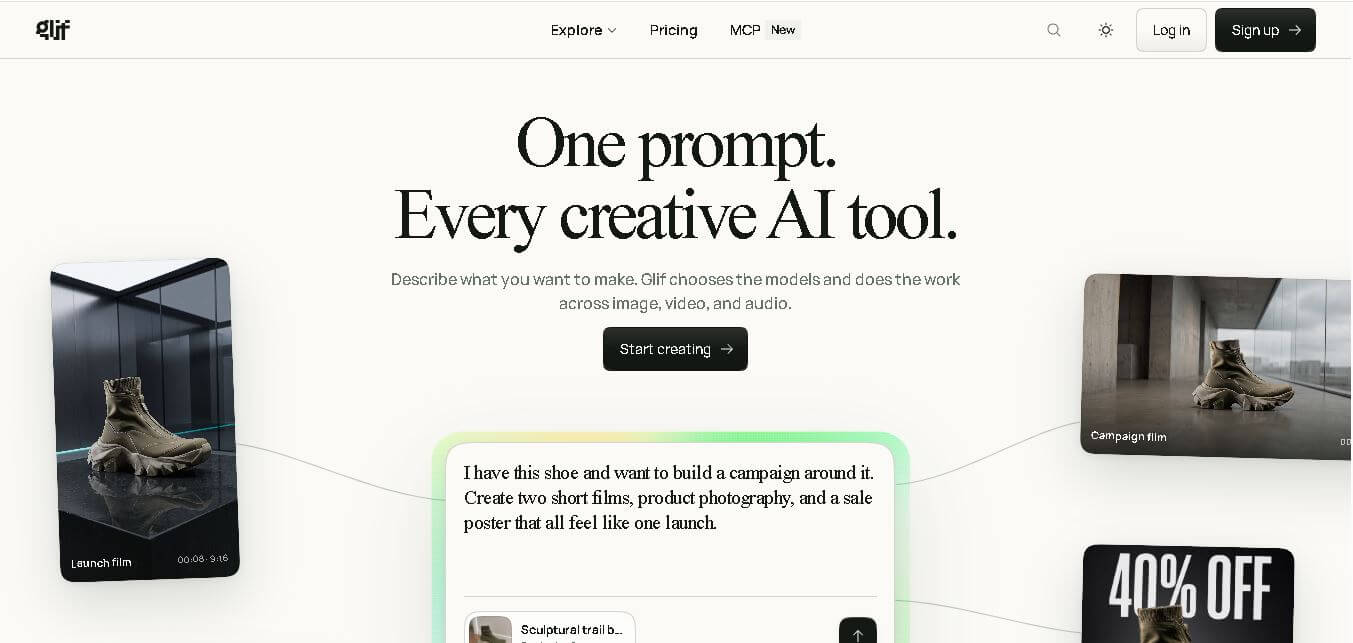
Glif is a conversational creative AI tool for generating images, videos, audio, text, advertisements, product visuals, social media content, and more. It selects suitable AI models and tools based on your request, allowing creators and marketers to develop complete creative projects without manually managing multiple AI platforms or complicated production workflows.
 4.8
4.8Visily AI
Low-code/No-code
Visily helps teams transform ideas into editable UI designs, wireframes, mockups, diagrams, and prototypes using AI, templates, screenshots, and text prompts. Its collaborative canvas makes it easier for non-designers and product teams to visualize concepts, gather feedback, refine interfaces, and prepare designs for developer or Figma handoff without requiring advanced design skills.
 4.9
4.9Anakin AI
Low-code/No-code
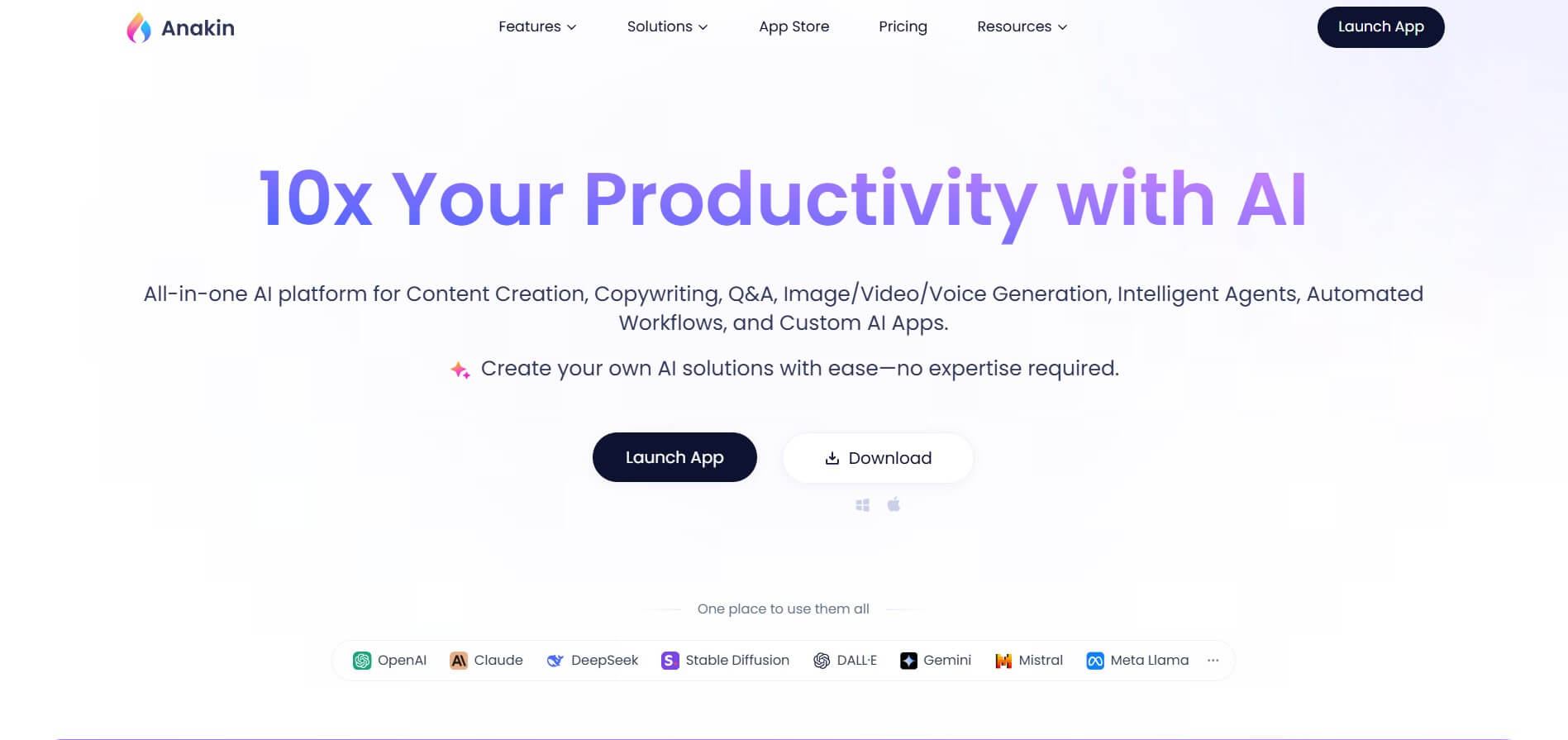
Anakin AI is an all-in-one no-code AI platform and app builder that unifies 1,000+ pre-built AI applications, drag-and-drop workflow automation, batch processing, and multi-model access (OpenAI, Claude, DeepSeek, Gemini, and Grok) under a single interface.
 4.8
4.8Figma Sites
Low-code/No-code
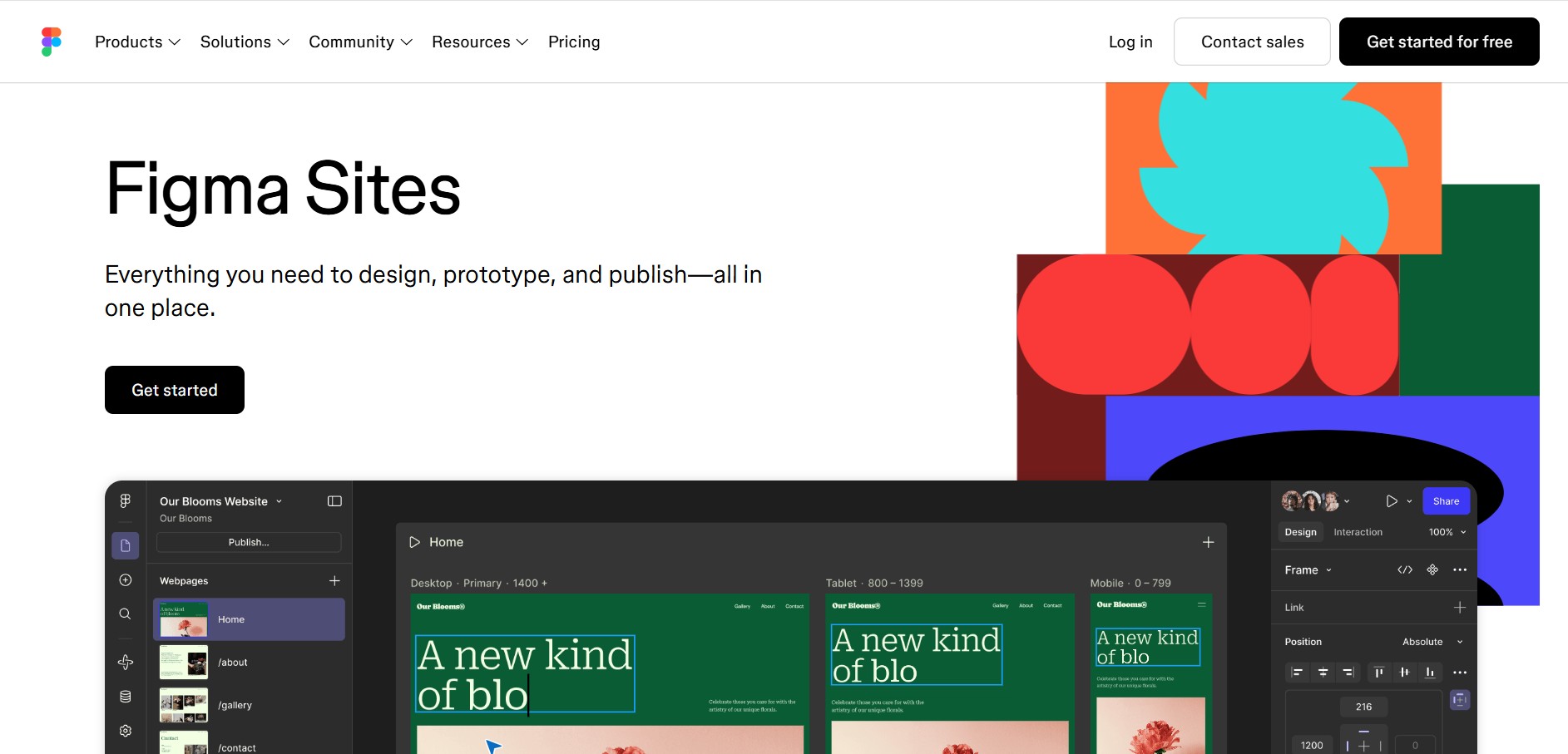
Figma Sites helps designers create, customize, and publish responsive websites directly from the Figma ecosystem. You can reuse existing designs, apply responsive layouts, add interactions, manage website content through CMS, and customize experiences with code or AI. It is especially useful for portfolios, landing pages, business websites, events, and creative projects.
 4.7
4.7Base44 Builder
Low-code/No-code
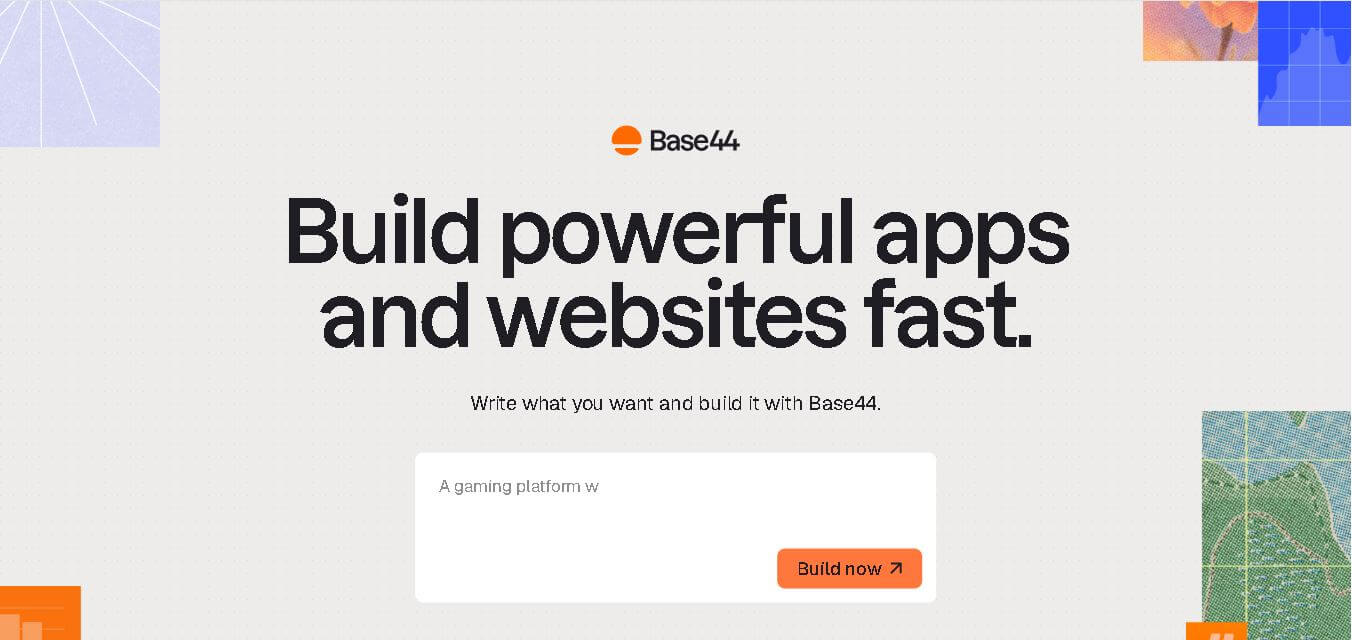
Base44 is a no-code application builder that helps individuals and teams transform ideas into functional apps, websites, and AI agents through simple text prompts. It combines design, hosting, authentication, databases, integrations, and deployment into one workspace, allowing users to build, test, refine, and launch digital products without complex technical setup.
 4.8
4.8WeWeb
Low-code/No-code
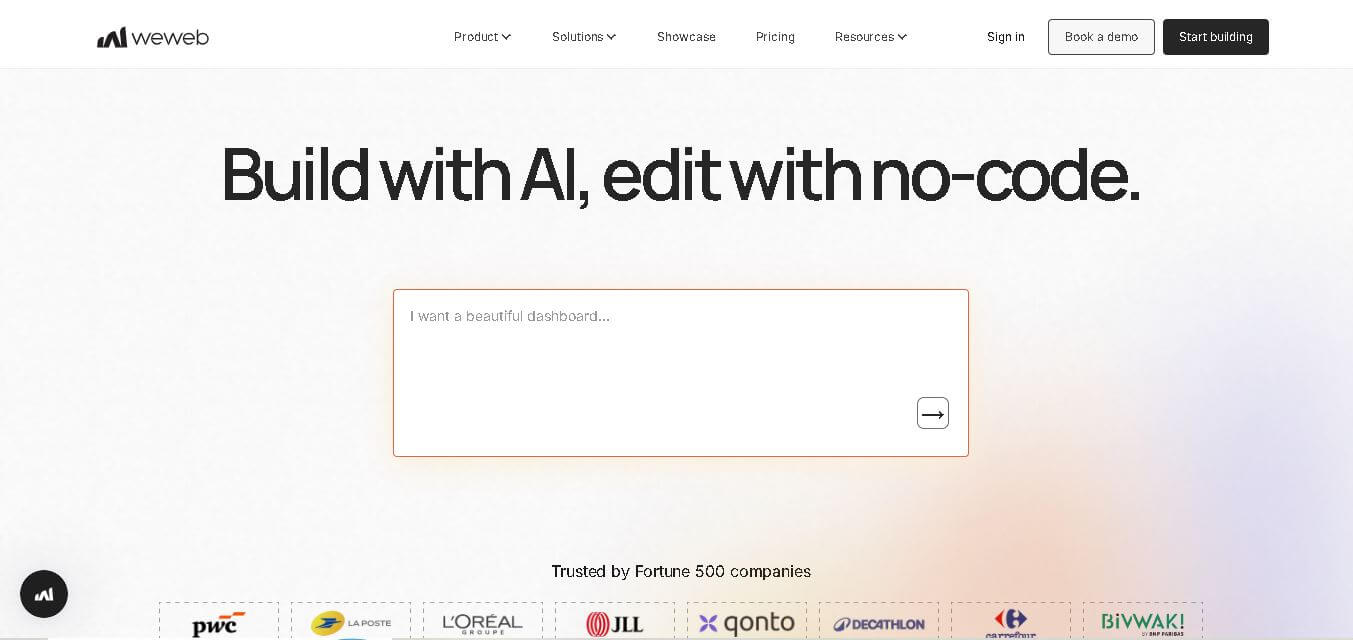
WeWeb is a visual web application builder that enables users to create responsive, production-ready applications without extensive coding. It combines drag-and-drop development, AI-assisted workflows, API integrations, and code export, making it suitable for startups, enterprises, agencies, and developers building custom business applications with complete frontend flexibility.
 4.8
4.8Dust
Low-code/No-code
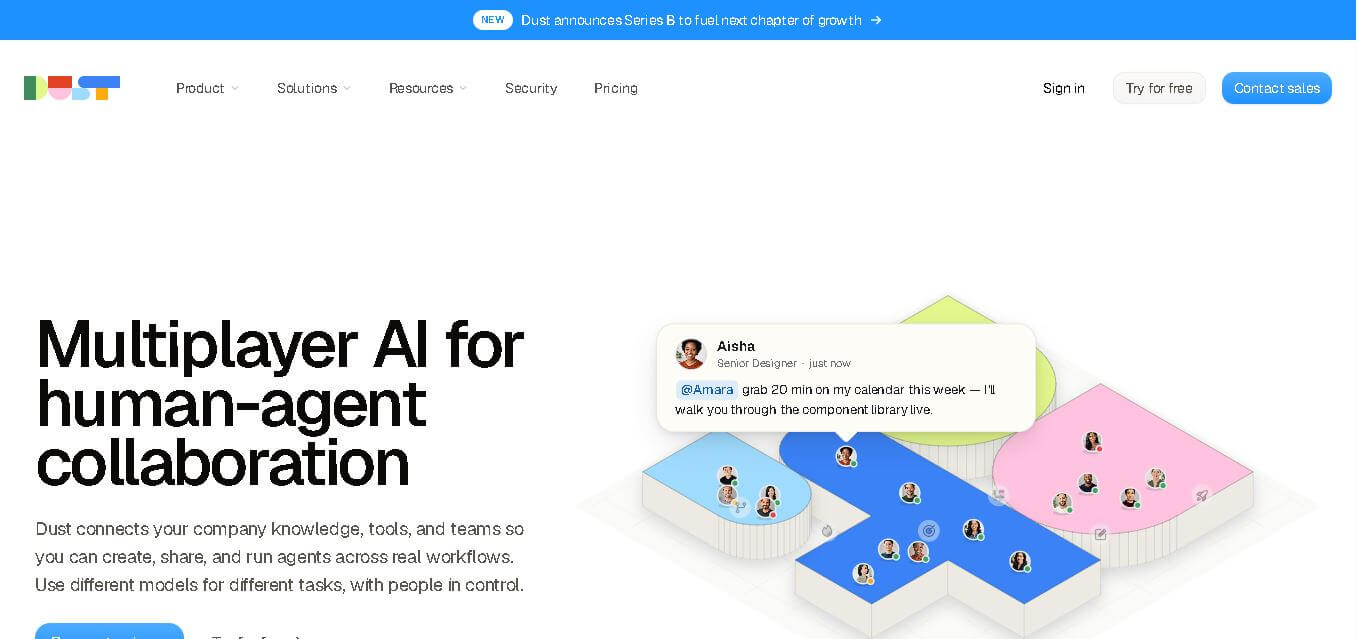
Dust helps teams build and run AI agents that work with company knowledge, connected business tools, and people. It supports collaborative workflows across departments, lets teams choose from 20+ AI models, and provides features for agents, skills, Pods, automations, governance, and usage monitoring.