
Voiset AI
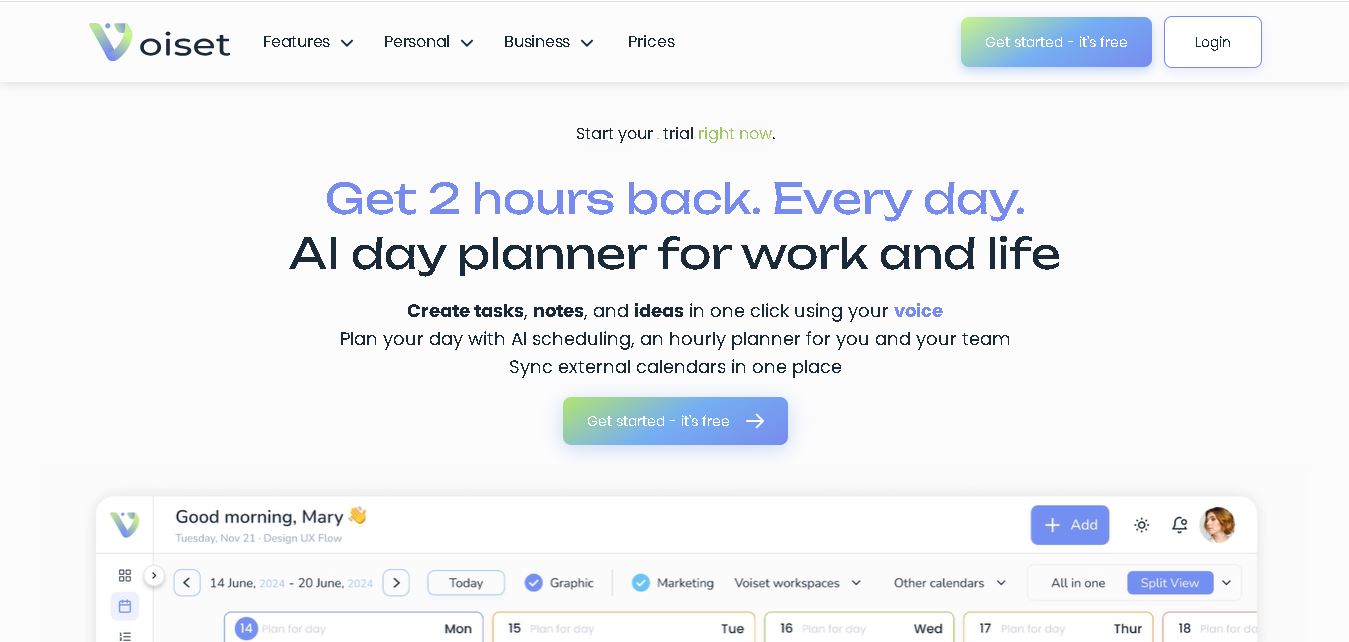
Voiset is an AI day planner for organizing work and personal life. You can create tasks and notes by voice, automatically schedule priorities, combine Google, Outlook, and Zoom calendars, manage separate workspaces, and coordinate appointments. It is designed for individuals, freelancers, families, students, and small teams seeking simpler daily planning.
What is Voiset AI?
Voiset is a personal and team day-planning tool that turns tasks, notes, voice input, calendars, and appointments into an organized daily schedule. It uses AI to prioritize work, find suitable time slots, and coordinate commitments across connected calendars. You can capture tasks by speaking, manage separate workspaces, and keep personal and professional plans together in one master calendar for clearer, more structured daily planning.
Voiset reports more than 6,000 teams and individuals using the service and highlights potential savings of up to 2 hours per day. Its voice assistant can reduce typing time by up to 50%, while AI scheduling organizes tasks around deadlines, priorities, workload, and availability. Paid plans start at €9.99 per month, with annual pricing from €8 monthly. Voice allowances range from 30 to 240 minutes monthly across plans, while workspaces range from 3 to 10 and users from 5 to 50.
- Platform Role: AI Day Planner, Voice-to-Task Manager & Smart Scheduling Engine
- Developer & Organization: Union Smart Technology
- Cross-Platform Access: Web App, Mobile Apps (iOS App Store & Google Play), Telegram Bot, and MCP Extensions
Use Cases:
- Capturing quick voice notes on the go and converting speech to categorized to-do items
- Auto-scheduling daily tasks into open calendar slots using AI workload analysis
- Managing appointment booking links that cross-check real-time availability across external calendars
- Managing tasks directly through Anthropic Claude via Model Context Protocol (MCP) or ChatGPT via custom plugins
- Structuring complex projects into small 5–15 minute manageable micro-tasks for ADHD-friendly focus
Technology:
- Speech-to-text NLP engines optimized for task extraction, deadline parsing, and priority assignment
- Model Context Protocol (MCP) integration for Anthropic Claude and ChatGPT custom plugins
- Two-way real-time calendar synchronization (Google Calendar, Microsoft Outlook, Zoom, Teams)
Target Users:
- Busy professionals, freelancers, and small business owners managing dynamic schedules
- Field teams (real estate agents, installers, and field technicians) who prefer voice input over typing
- Individuals with ADHD or fast-moving routines needing structured, low-friction daily planning
Acquisition: Web app and mobile downloads available via voiset.io

What are the key features of Voiset AI?
Voiset AI's key platform features are
- Voice-to-Task Assistant: Instant voice capture that parses spoken words into prioritized tasks, deadlines, and reminders.
- AI Auto-Scheduling Engine: Automatically places tasks into optimal time slots across daily hourly calendars.
- MCP & Claude Integration: Create, manage, and schedule tasks directly inside Claude chats via Model Context Protocol.
- Multi-Workspace Master Calendar: Separate personal, work, and family schedules into distinct color-coded areas while preventing overlapping commitments.
- Client Appointment Booking System: Shareable scheduling links that check availability across synced calendars and auto-book Google Meet or Zoom calls.
- Telegram Productivity Assistant: Access task updates, daily schedules, and quick entry directly inside Telegram chat.
How much does Voiset AI cost?
Voiset AI offers a free trial tier alongside paid individual and business plans.
Pricing Plans:
- Free Tier / Free Trial: Full free trial available to test voice capturing, basic auto-scheduling, and single-calendar sync.
- Pro / Personal Plan: Paid subscription unlocking unlimited AI auto-scheduling, external calendar integrations, MCP connection, and custom booking links.
- Business / Team Workspace: Expanded tier for multi-user task assignment, team workload analytics, and shared project spaces.
Who should use Voiset AI?
Voiset AI is designed for individuals and teams seeking efficient time management, including:
- On-the-Go Professionals: Real estate agents, consultants, and field workers who build to-do lists while traveling or commuting.
- AI Power Users: Professionals who want to manage their schedules conversationally through Claude or ChatGPT.
- ADHD & Fast Minds: Users looking for gentle, voice-driven task breakdown tools without typing overhead.
What are the best alternatives to Voiset AI?
Some of the strongest Voiset AI alternatives include
- Motion
- Sunsama
- Reclaim.ai
- Akiflow
- Todoist AI
What are the pros and cons of Voiset AI?
What are the pros of Voiset AI?
- Extremely low input friction through voice transcription and automated task creation
- Native integration with Model Context Protocol (MCP) for seamless Claude workflow management
- Unified Master Calendar view for balancing work, personal, and family routines
What are the cons of Voiset AI?
- Advanced AI auto-scheduling features require an active paid subscription after the trial period
- Voice accuracy relies on clear microphone input in noisy field environments
Why should you choose Voiset AI?
While traditional calendar tools require manual data entry, Voiset AI combines speech recognition with automatic task placement and deep LLM integration. By connecting directly to Claude via MCP and providing instant booking pages, Voiset transforms calendar management from an administrative chore into an automated system.
Voiset vs. Competitors
The main difference between Voiset, Motion, Reclaim AI, and Sunsama is that Voiset combines voice task creation, AI scheduling, smart notes, workspaces, and calendar management in one system. Motion focuses on AI-driven project and calendar management, Reclaim AI centers on intelligent calendar optimization and task scheduling, while Sunsama emphasizes guided daily planning and timeboxing. Voiset also connects with Google, Microsoft, Zoom, Claude, ChatGPT, and Telegram for broader productivity workflows.
| Tool | Primary Focus | AI Scheduling | Voice Task Creation | Smart Notes | Calendar Integration | Team/Workspace Support |
|---|---|---|---|---|---|---|
| Voiset | AI day planning, tasks, notes, and voice productivity | Yes | Yes | Yes | Google, Outlook, Zoom | Yes |
| Motion | AI project and calendar management | Yes | Limited compared with Voiset | Limited | Calendar and productivity integrations | Yes |
| Reclaim AI | AI calendar and time management | Yes | Not a core feature | Limited | Calendar-focused | Yes |
| Sunsama | Guided daily planning and timeboxing | Yes, with manual planning emphasis | Not a core feature | Task notes | Calendar + task integrations | Limited/team collaboration features |
How do we rate Voiset AI?
| Parameter | Rating (out of 5) |
|---|---|
| Voice Capture & NLP Parsing | 4.8 |
| Auto-Scheduling Efficiency | 4.7 |
| Integrations (Claude MCP, Calendars) | 4.9 |
| User Experience & UI Design | 4.7 |
| Overall Score | 4.78 |
What is our review and verdict on Voiset AI?
Voiset AI stands out as a forward-thinking daily planner for voice-first productivity. Its ability to bridge external calendars with AI agents via MCP makes it an exceptional tool for freelancers, busy professionals, and field teams looking to streamline their daily schedule.
Conclusion
Voiset brings task capture, AI scheduling, voice notes, calendar synchronization, workspaces, and appointment booking into one planning environment. Its strongest practical value is reducing the amount of manual organization required during a busy day. With support for personal users and teams, plus integrations with Google, Microsoft, Zoom, ChatGPT, Claude, and Telegram, Voiset can fit workflows where tasks and schedules frequently change. Its trial lets users evaluate the experience before choosing a paid plan.
FAQ
What is Voiset used for?
Voiset helps you organize tasks, notes, meetings, reminders, and priorities in one place. You can speak a task instead of typing it, then let Voiset schedule it around commitments. For busy professionals, freelancers, students, families, and small teams, this can simplify planning while keeping personal and work responsibilities visible together.
How does Voiset AI scheduling work?
Voiset analyzes tasks, deadlines, priorities, workload, routines, and calendar availability to suggest suitable times for completing work. Instead of manually rearranging every item, you can let the planner build your day and adjust schedules when commitments change. This makes it useful when your workload shifts or meetings interrupt planned tasks.
Can I create tasks using my voice?
Yes. Voiset lets you create tasks and notes through voice input from its web or mobile application. Your speech is converted into text and can become a task with details such as timing, priority, or responsibility. This approach is convenient when you are commuting, walking, or working away from your desk.
Which calendars does Voiset integrate with?
Voiset can connect with Google Calendar, Microsoft calendars, and Zoom, bringing meetings and commitments into a combined planning view. The service also supports scheduling around Google Meet, Zoom, and Microsoft Teams calls. This helps you see professional obligations together instead of checking multiple calendars before deciding when to work easily.
Is Voiset suitable for small teams?
Yes. Voiset is designed for individuals as well as teams needing shared task management and scheduling. Depending on the subscription, teams can use multiple workspaces, assign tasks, coordinate workloads, and manage shared calendars. The pricing page lists support for up to 10 users on Advanced and 50 on Premium plans.
Does Voiset have a free plan?
Voiset currently does not advertise a permanent free plan. Instead, its paid subscriptions include a free trial, allowing you to test the service before subscribing. The base plan starts at €9.99 monthly, while annual billing starts at €8 per month. Features, voice minutes, users, workspaces, and storage vary by plan.
User Reviews
No reviews yet for Voiset AI.
Featured Tools
Featured AI tools from TechShark

Melody Genie
MelodyGenie is an AI-powered music generator that creates original songs from simple text prompts. Users can choose styles, moods, and genres, then instantly generate melodies and full tracks, making it easy for creators, marketers, and hobbyists to produce custom music without musical expertise.
Freemium

Kimi AI
Kimi AI is an advanced AI assistant developed by Moonshot AI that helps you chat, research, write, code, and automate tasks in one place. It supports web search, file analysis, and multimodal inputs, and can even run autonomous “agent” workflows to complete complex tasks end-to-end.
Freemium

Fashion Diffusion AI
Fashion Diffusion is an AI-powered fashion design platform that helps brands and designers create clothing designs, virtual try-ons, AI models, product photos, and marketing visuals faster and cost-effectively.
Paid

Veo 4
Veo 4 AI is an AI video creation platform that generates dramatic videos from text, images, audio, and video prompts using realistic motion and synchronized sound.
Paid
Alternatives
Alternatives to Voiset AI
The best Voiset AI alternatives include Motion, Sunsama, Reclaim.ai, and Akiflow. While Voiset AI emphasizes voice-driven input, multi-workspace isolation, and native Claude MCP integration, alternatives like Motion focus heavily on automated corporate project management and team capacity planning.
 4.7
4.7PartyPilot AI
Life Assistant
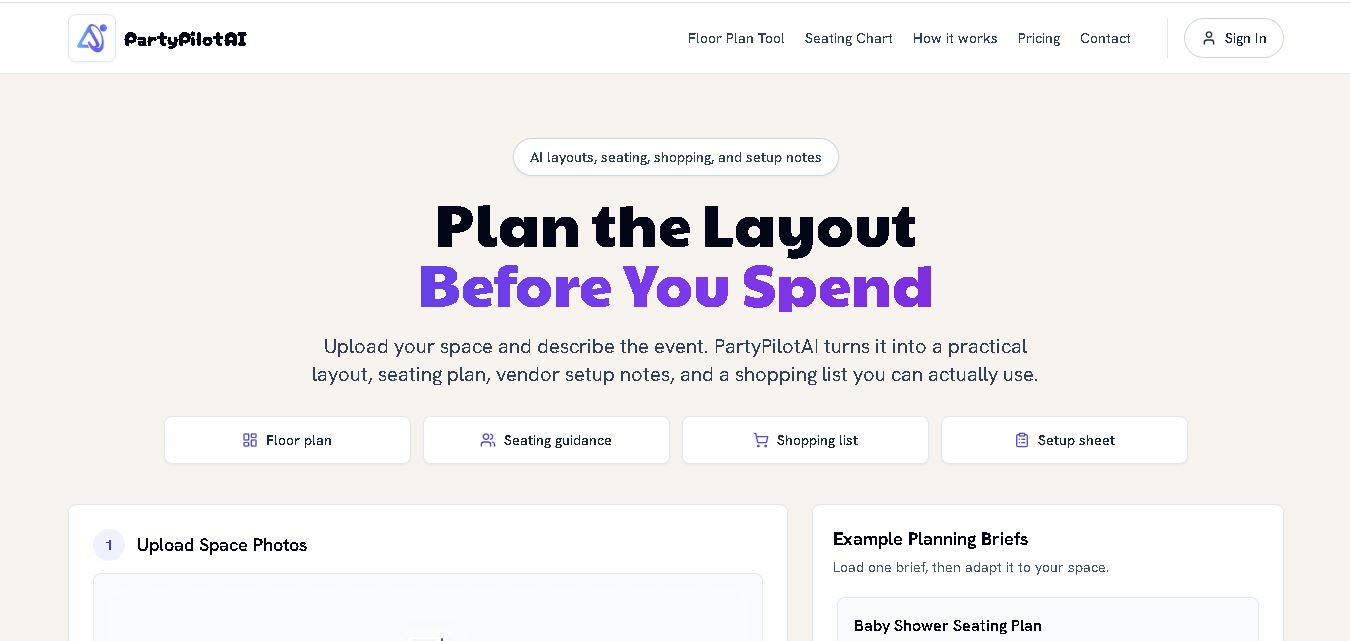
PartyPilotAI helps you plan celebrations around your actual space. Upload venue photos, describe your guest count, theme, budget, and requirements, then receive practical layout guidance, seating ideas, shopping priorities, setup notes, and optional visual mockups. It is designed for hosts, families, helpers, vendors, and event-planning workflows for smoother event preparation.
 4.8
4.8SuperIntern
Life Assistant
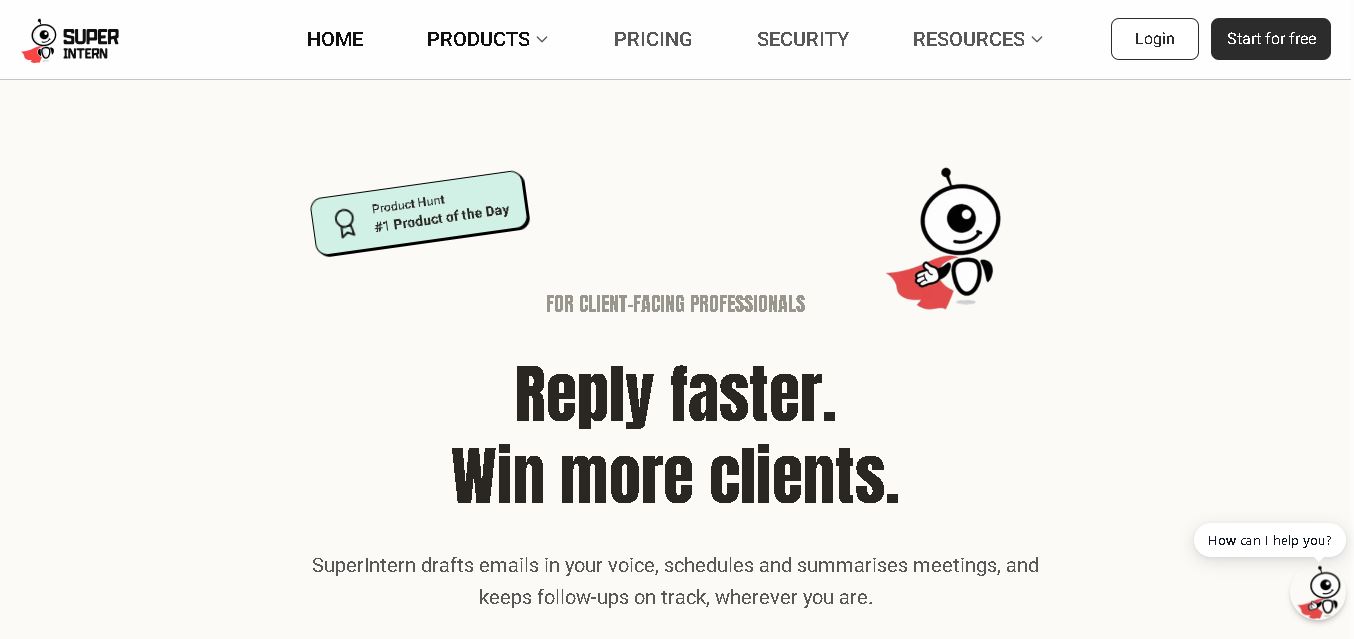
SuperIntern is a proactive AI assistant for professionals who want help managing emails, meetings, tasks, reminders, and follow-ups. It learns your communication style, works through familiar messaging apps, connects business knowledge, and handles recurring workflows. You review important outputs before sending, while the assistant reduces repetitive administrative work across operations.
 4.8
4.8JourneAI
Life Assistant
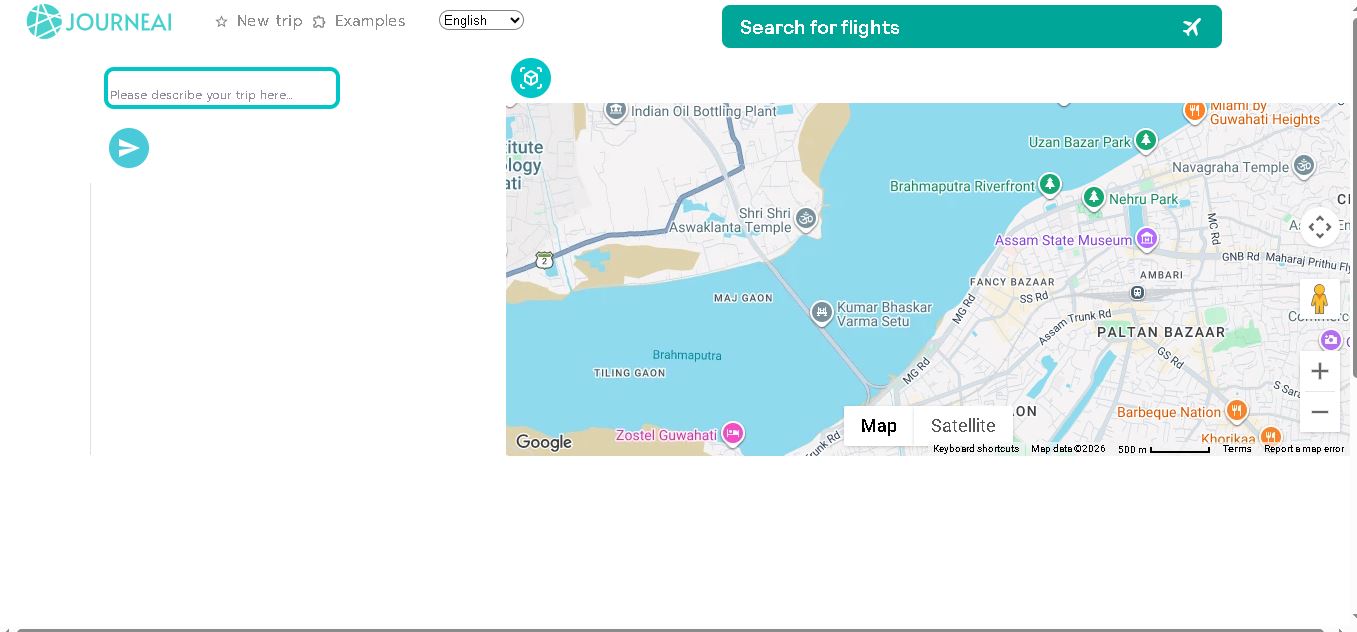
JourneAI is a travel itinerary generator that turns your destination or travel idea into a personalized trip plan. It helps travelers organize journeys quickly by generating detailed itineraries from simple descriptions. The tool is useful for discovering travel possibilities, structuring activities, and creating a practical starting point for trip planning.
 4.7
4.7SYiGO
Life Assistant
SYiGO is a structured digital dialogue space for reflection, clarity, and conscious decision-making. It helps individuals organize thoughts, explore values, understand complex situations, and identify priorities. Teams can also use SYiGO to bring perspectives together, clarify responsibilities, strengthen communication, and create shared alignment during important decisions or organizational change.
 4.7
4.7RedditScout
Life Assistant
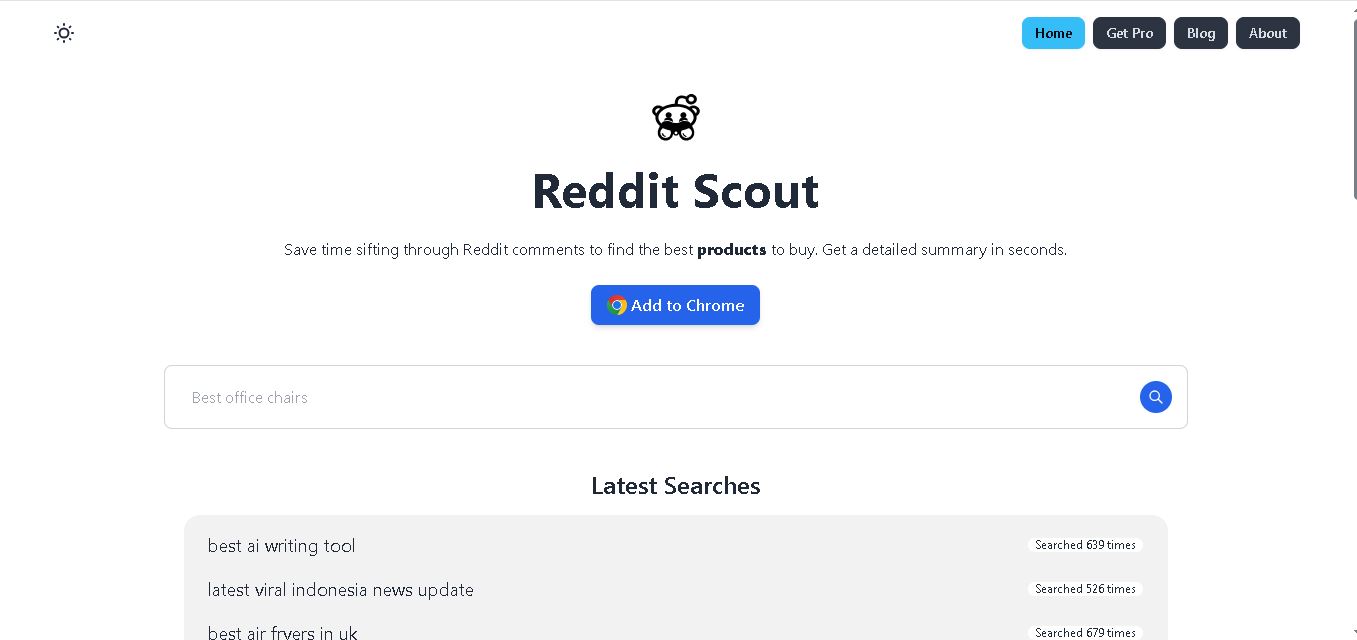
Reddit Scout helps you research products through Reddit discussions. Enter a product or category, and it surfaces relevant comments, highlights community experiences, and summarizes useful information. It can reduce time spent browsing multiple threads when comparing products, discovering recommendations, or understanding what Reddit users say about a specific purchase decision.
 4.7
4.7Glitter AI
Life Assistant
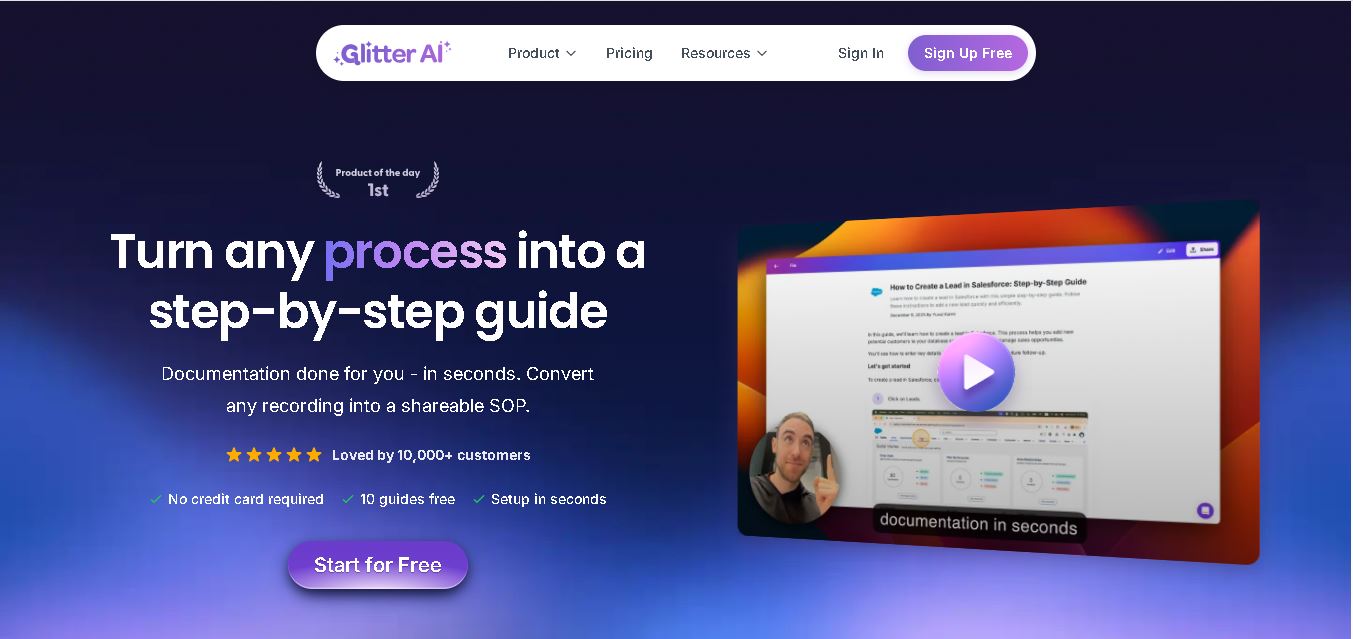
Glitter AI helps teams turn everyday workflows into clear step-by-step guides, SOPs, and training documentation. Record your screen and voice or upload an existing video, and Glitter identifies important moments, captures screenshots, and generates written instructions. Guides can then be edited, shared, exported, translated, or embedded for easier knowledge sharing.
 4.7
4.7BlackInk AI
Life Assistant
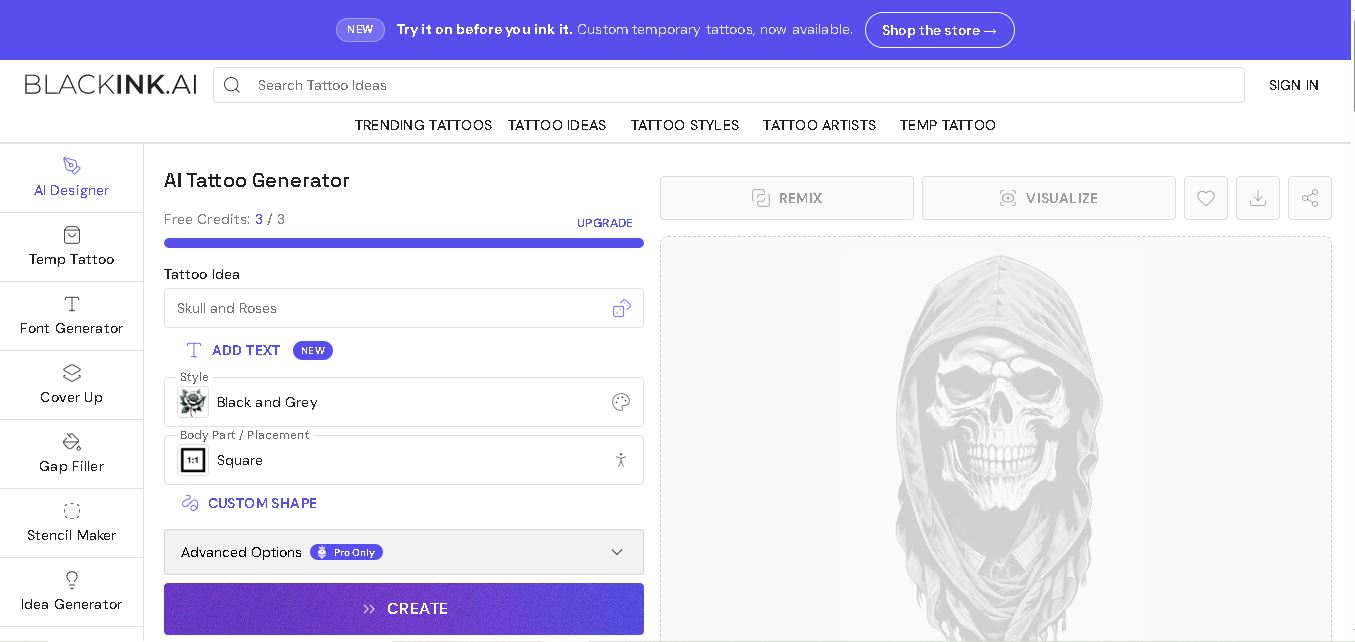
BlackInk AI helps users turn tattoo ideas into personalized visual concepts using simple text prompts and customization options. You can explore different styles, preview designs on body placements, create stencils, and refine creative directions before visiting an artist. It suits beginners, tattoo enthusiasts, illustrators, and professional tattoo artists alike today.
 4.8
4.8Jovida AI
Life Assistant
Jovida Daily helps users capture, organize, prioritize, and complete everyday tasks without constantly maintaining a complicated productivity system. It converts voice notes, screenshots, links, messages, and rough ideas into actionable to-dos, breaks overwhelming projects into smaller steps, adjusts daily plans, and follows up when important work remains unfinished.
 4.7
4.7MysticX AI
Life Assistant
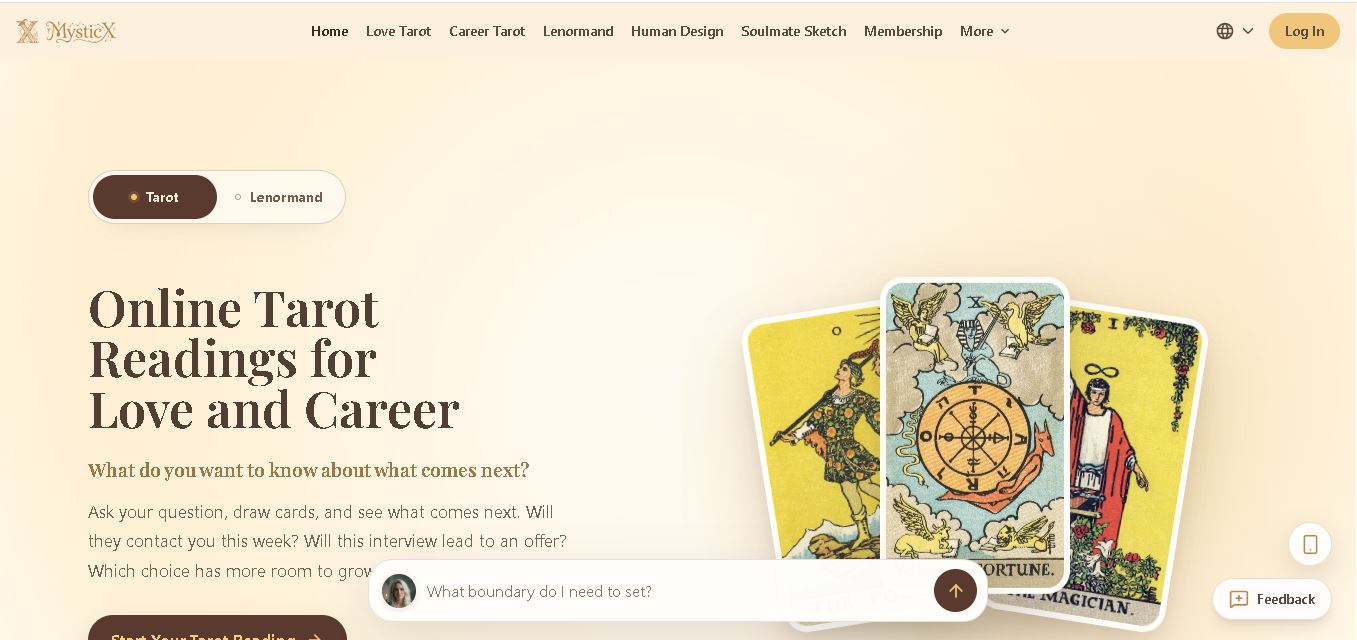
MysticX is an online tarot and reflection tool for personalized guidance across love, career, relationships, decisions, and daily life. Users can draw Tarot or Lenormand cards, explore different spreads, ask follow-up questions, save meaningful readings, and discover additional experiences such as Human Design and Soulmate Sketch.