
Glitter AI
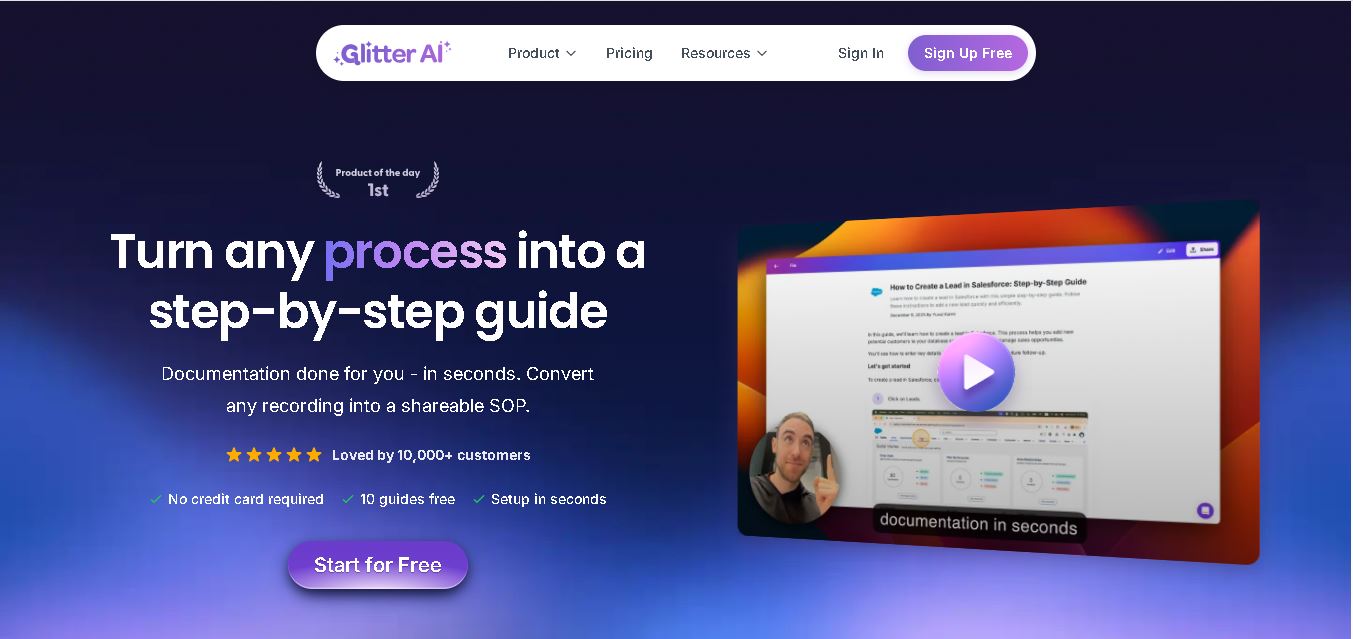
Glitter AI helps teams turn everyday workflows into clear step-by-step guides, SOPs, and training documentation. Record your screen and voice or upload an existing video, and Glitter identifies important moments, captures screenshots, and generates written instructions. Guides can then be edited, shared, exported, translated, or embedded for easier knowledge sharing.
What is Glitter AI?
Glitter AI is a process documentation and SOP creation tool that transforms screen recordings or existing videos into structured, step-by-step guides. Users can record a workflow through its desktop app or browser extension while narrating the process, and Glitter automatically creates written instructions with relevant screenshots. It supports documentation for employee onboarding, customer training, IT support, compliance, and internal workflows, with sharing, editing, exporting, embedding, and multilingual translation capabilities.
Glitter AI reports serving 10,000+ customers and supports speech-to-text and guide translation across 99 languages. Its Free plan allows 10 total guides and recordings up to 5 minutes. Pro supports unlimited guides and 15-minute recordings, while Team increases recordings to 30 minutes. Enterprise supports recordings up to 60 minutes. Paid plans provide credits for video conversion and translation, with 1 credit equal to $1 and video conversion costing 1 credit per minute.
- Platform Role: SOP Generator, Screen Recorder & AI Documentation Assistant
- Developer & Organization: Glitter AI, Inc.
- Cross-Platform Access: Web Browser Extension (Chrome, Edge, Brave), Desktop Application (macOS & Windows), and Mobile Video Import
Use Cases:
- Generating step-by-step SOPs and internal runbooks for employee onboarding and software training
- Converting Zoom, Microsoft Teams, or pre-recorded video walkthroughs into written help articles
- Creating client-facing support documentation and knowledge base guides for SaaS platforms
- Building visual compliance and audit-ready procedural guides across IT, operations, and finance teams
- Auto-translating generated documentation into up to 99 languages for global teams
Technology:
- Speech-to-Text and Generative LLM pipelines that transcribe commentary into structured instructions
- On-device capture engine for desktop and browser-based software interaction tracking
- Local redact and blur algorithms to mask sensitive data before uploading content
- Enterprise security architecture featuring SOC 2 Type II compliance and AES-256 encryption
Target Users:
- Operations and HR managers creating internal process guides and onboarding checklists
- IT support specialists documenting technical setup procedures and troubleshooting steps
- Customer success managers building self-serve help centers and software tutorials
- Consultants and agencies delivering step-by-step deliverables to clients
Acquisition: Native SaaS service operated by Glitter AI, Inc. (glitter.io)

What are the key features of Glitter AI?
Glitter AI's key platform features are
- Screen & Voice Recording: Captures both desktop app actions and microphone audio to turn natural speech into step-by-step instructions.
- Video-to-SOP Generator: Converts uploaded video files—including Zoom calls and mobile screen captures—into structured written guides.
- Cross-Platform Capture: Operates across both web browsers via extension and desktop operating systems (macOS/Windows).
- Multi-Language Translation: Translates guides across 99 languages for global team distribution.
- Built-In Guide Editor: Enables step reordering, screenshot annotations, text adjustments, and on-device data blurring.
- Export & Embedding Options: Exports guides to PDF, HTML, and Markdown or embeds them into knowledge platforms like Notion, Confluence, and Zendesk.
How much does Glitter AI cost?
Glitter AI offers a free tier with basic guide creation features, along with paid monthly and annual plans for additional recording limits, video uploads, and advanced export capabilities.
Free Tier:
- $0 / Free Plan: Includes up to 10 free guides, desktop app and Chrome extension access, basic editing, and web link sharing.
Paid Commercial Tiers:
- Pro Plan: Unlocks unlimited guide creation, video-to-guide processing, longer recording sessions, PDF/Markdown exports, and advanced blurring.
- Enterprise Plan: Includes custom team controls, priority support, and enterprise administrative controls.
Disclaimer: The free plan is limited to 10 guides and basic link sharing. Advanced exports, video file conversion, and redaction features require a paid subscription.
Who should use Glitter AI?
Glitter AI is designed for businesses, educators, and operations teams, including
- Growing SaaS & Remote Teams: Organizations needing fast documentation for internal workflows and software systems.
- IT & Technical Support Departments: Staff members who need to build reproducible technical guides without taking screenshots manually.
- Customer Success Managers: Specialists building visual user guides to reduce support ticket volumes.
What are the best alternatives to Glitter AI?
Some of the strongest Glitter AI alternatives include
What are the pros and cons of Glitter AI?
What are the pros of Glitter AI?
- Combines screen capture with voice transcription for context-aware step summaries
- Supports both browser extension and native desktop app capturing on macOS and Windows
- Converts external video files (e.g., Zoom recordings) directly into step-by-step SOPs
- Supports multi-language translation across 99 languages
What are the cons of Glitter AI?
- The free tier restricts total guide creation to 10 guides
- Advanced export options like PDF, HTML, and Markdown are reserved for paid tiers
- AI-generated text summaries may require manual editing for complex technical procedures
Why should you choose Glitter AI?
Creating standard operating procedures manually often requires taking scores of individual screenshots, cropping them, and writing detailed explanatory text. Glitter AI automates this workflow by capturing both screen movement and voice narration simultaneously. By outputting clean, editable guides in seconds, it speeds up knowledge sharing across operational, technical, and customer-facing teams.
How does Glitter AI compare to competitors?
The main differences between Glitter AI, Scribe, Tango, and Loom lie in input methods and AI processing. While Scribe and Tango focus primarily on capturing mouse clicks, Glitter AI incorporates voice commentary and video file processing to generate context-aware documentation.
| Feature / Platform | Glitter AI | Scribe | Tango | Loom |
|---|---|---|---|---|
| Primary Output | AI-generated SOPs & Written Guides | Screenshot Step-by-Step Guides | Interactive Process Guides | Asynchronous Video Clips |
| Voice-to-Text AI | Yes (transcribes commentary into steps) | Limited / AI Text Generation | Limited/Click Tracking Focus | Video Transcription Only |
| Video-to-SOP Import | Yes (converts pre-recorded videos) | No (real-time capture focus) | No (real-time capture focus) | No (outputs video format) |
| Desktop & Browser Capture | Yes (desktop app + extension) | Yes (desktop app on paid plans) | Yes (desktop app on paid plans) | Yes (desktop app + extension) |
| Best For | Teams wanting AI-assisted SOP generation from video and voice walkthroughs | Fast screenshot-based web workflow documentation | Operations teams documenting software procedures | Quick asynchronous video messaging and screen sharing |
How do we rate Glitter AI?
| Parameter | Rating (out of 5) |
|---|---|
| Ease of Use & Capture Speed | 4.8 |
| AI Speech & Text Processing | 4.7 |
| Cross-Platform Support (Desktop & Browser) | 4.8 |
| Export & Integration Capabilities | 4.6 |
| Value for Money | 4.6 |
| Overall Score | 4.70 |
What is our review and verdict on Glitter AI?
Glitter AI offers an efficient approach to standard operating procedure documentation by integrating voice commentary and existing video processing with screen capturing. Its desktop and browser capabilities allow teams to document complex software tasks quickly, making it a strong tool for knowledge management.
Conclusion
Glitter AI provides a practical way to convert real workflows into reusable SOPs, tutorials, onboarding materials, and visual documentation. Its combination of screen recording, voice transcription, automatic screenshots, video-to-guide conversion, editing, and support for 99 languages can reduce manual documentation effort. With Free, Pro, Team, and Enterprise options, Glitter can accommodate individual users as well as organizations building scalable internal or customer-facing knowledge resources.
FAQ
How does Glitter AI create step-by-step guides?
If you regularly explain workflows to employees or customers, Glitter AI can reduce repetitive documentation work. You record your screen while completing a process and optionally explain each action aloud. Glitter automatically transcribes your narration, identifies important moments, captures relevant screenshots, and organizes everything into an editable step-by-step guide for sharing.
Can I use existing videos with Glitter AI?
Yes. If you already have useful recordings, you do not necessarily need to recreate them. Glitter AI can convert existing videos into structured guides, including screen recordings, Zoom or Microsoft Teams recordings, mobile screen captures, and live footage. Its AI identifies key steps and transforms the recording into editable documentation automatically.
Does Glitter AI offer a free plan?
Yes. Glitter AI provides a Free plan that lets you create up to 10 guides without entering a credit card. You receive desktop and web capture, AI speech-to-text, version history, and editing capabilities. Free recordings can last up to 5 minutes, making the plan useful for testing shorter documentation workflows.
What languages does Glitter AI support?
Glitter AI supports 99 languages, making it practical if your employees, customers, or partners operate internationally. You can speak while recording, and the tool converts your narration into written explanations. Eligible plans also support AI translation, allowing an existing guide to be translated into another supported language without manually rewriting every individual step.
Is Glitter AI useful for creating SOPs?
Yes. If creating SOPs manually takes too much time, Glitter AI provides a faster recording-based approach. You simply perform the workflow while recording your screen, and the software converts the process into numbered instructions with screenshots and written explanations. You can then review and edit the generated documentation before sharing it internally.
Who should use Glitter AI?
Glitter AI can benefit operations teams, customer success departments, IT teams, trainers, HR professionals, SaaS businesses, and organizations managing repeatable processes. It is particularly useful when you frequently explain the same workflow. Instead of repeatedly demonstrating tasks, you can create reusable visual instructions that employees or customers can access when needed.
User Reviews
No reviews yet for Glitter AI.
Featured Tools
Featured AI tools from TechShark

Melody Genie
MelodyGenie is an AI-powered music generator that creates original songs from simple text prompts. Users can choose styles, moods, and genres, then instantly generate melodies and full tracks, making it easy for creators, marketers, and hobbyists to produce custom music without musical expertise.
Freemium

Kimi AI
Kimi AI is an advanced AI assistant developed by Moonshot AI that helps you chat, research, write, code, and automate tasks in one place. It supports web search, file analysis, and multimodal inputs, and can even run autonomous “agent” workflows to complete complex tasks end-to-end.
Freemium

Fashion Diffusion AI
Fashion Diffusion is an AI-powered fashion design platform that helps brands and designers create clothing designs, virtual try-ons, AI models, product photos, and marketing visuals faster and cost-effectively.
Paid

Veo 4
Veo 4 AI is an AI video creation platform that generates dramatic videos from text, images, audio, and video prompts using realistic motion and synchronized sound.
Paid
Alternatives
Alternatives to Glitter AI
The best Glitter AI alternatives include Scribe, Tango, Guidde, and Loom. While Glitter AI combines voice narration, screen capture, and video-to-SOP conversion into structured written guides, alternatives like Scribe focus primarily on click-based screenshot documentation and Loom provides video recordings.
 4.7
4.7PartyPilot AI
Life Assistant
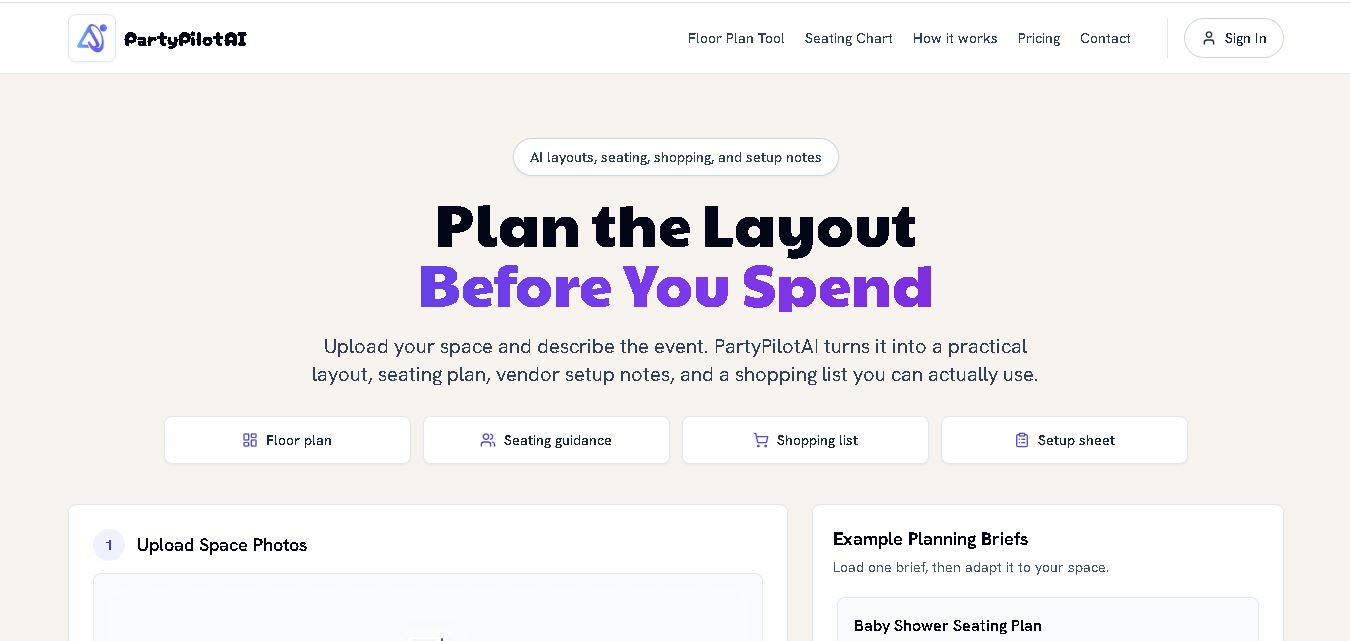
PartyPilotAI helps you plan celebrations around your actual space. Upload venue photos, describe your guest count, theme, budget, and requirements, then receive practical layout guidance, seating ideas, shopping priorities, setup notes, and optional visual mockups. It is designed for hosts, families, helpers, vendors, and event-planning workflows for smoother event preparation.
 4.8
4.8SuperIntern
Life Assistant
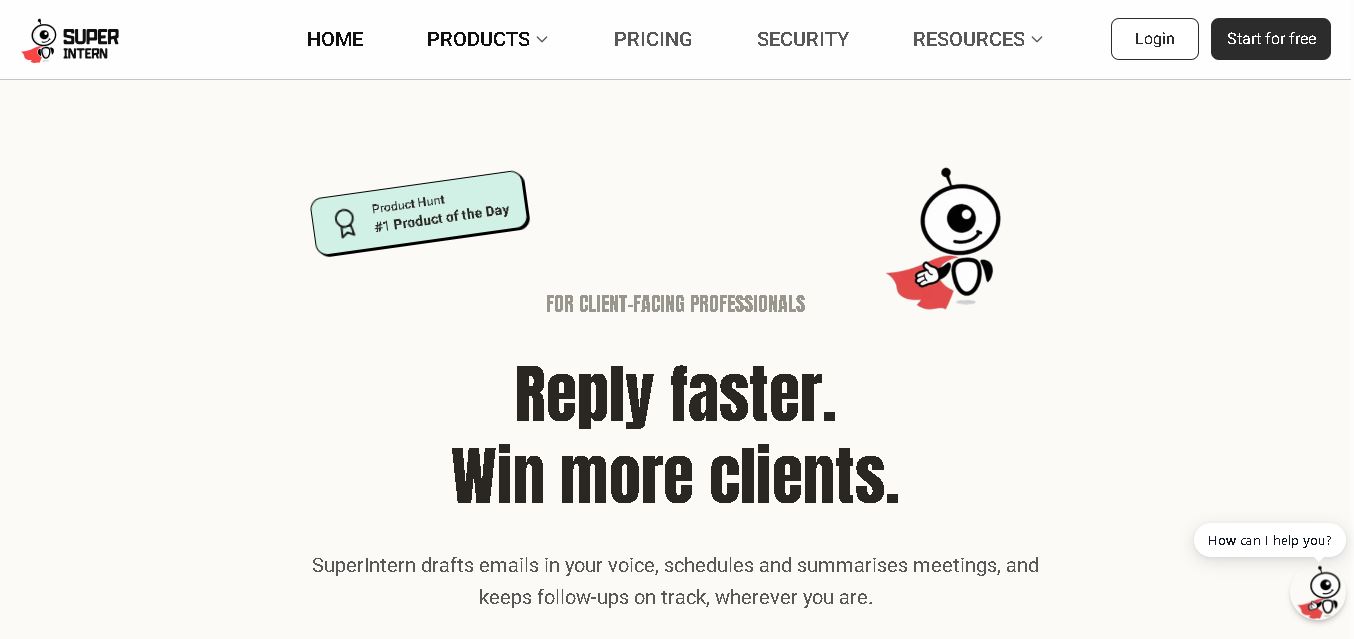
SuperIntern is a proactive AI assistant for professionals who want help managing emails, meetings, tasks, reminders, and follow-ups. It learns your communication style, works through familiar messaging apps, connects business knowledge, and handles recurring workflows. You review important outputs before sending, while the assistant reduces repetitive administrative work across operations.
 4.8
4.8JourneAI
Life Assistant
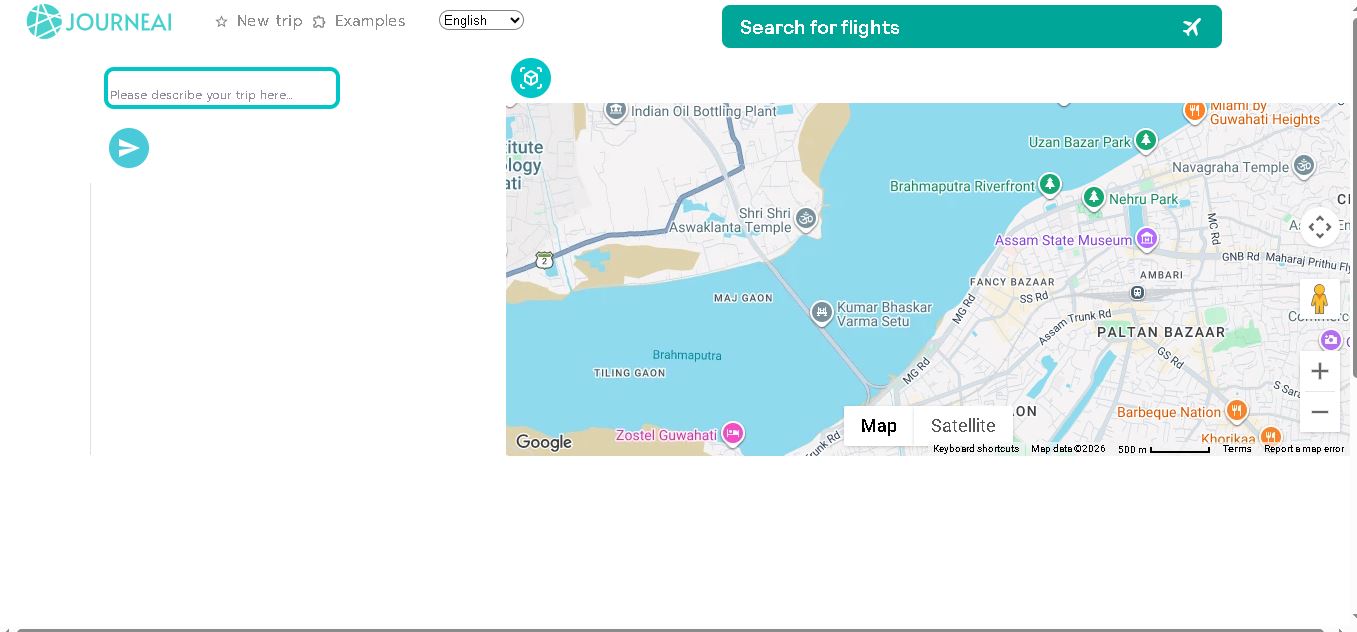
JourneAI is a travel itinerary generator that turns your destination or travel idea into a personalized trip plan. It helps travelers organize journeys quickly by generating detailed itineraries from simple descriptions. The tool is useful for discovering travel possibilities, structuring activities, and creating a practical starting point for trip planning.
 4.7
4.7SYiGO
Life Assistant
SYiGO is a structured digital dialogue space for reflection, clarity, and conscious decision-making. It helps individuals organize thoughts, explore values, understand complex situations, and identify priorities. Teams can also use SYiGO to bring perspectives together, clarify responsibilities, strengthen communication, and create shared alignment during important decisions or organizational change.
 4.7
4.7RedditScout
Life Assistant
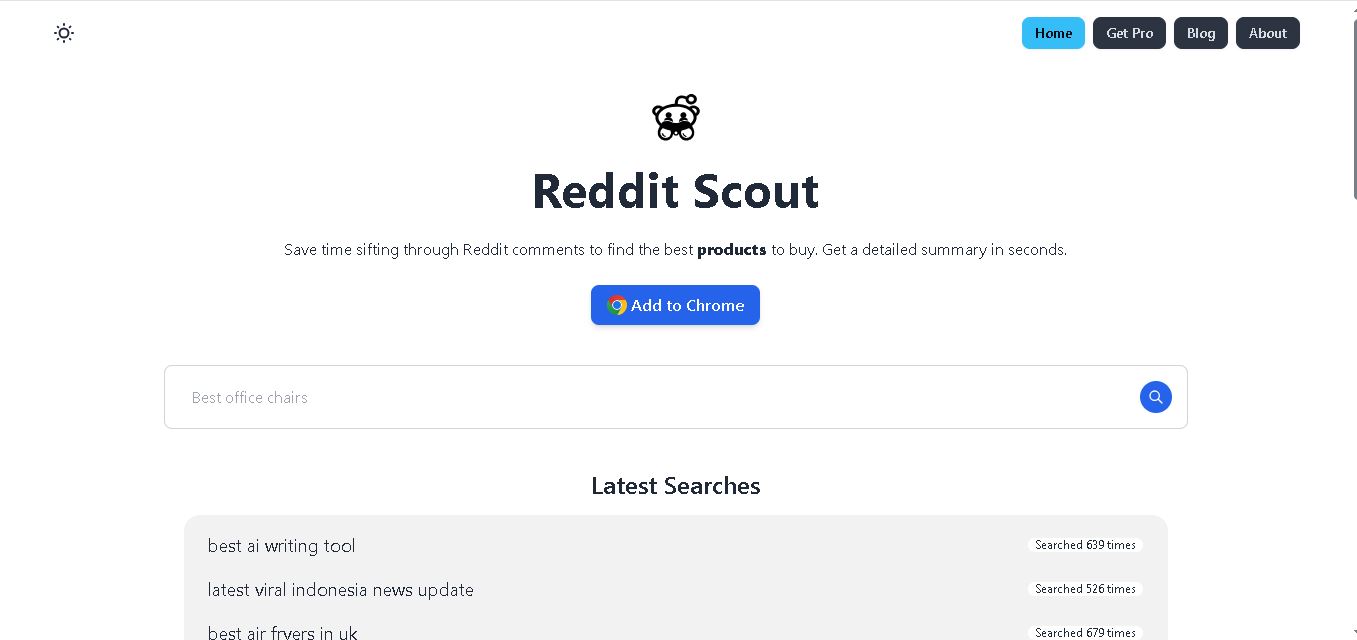
Reddit Scout helps you research products through Reddit discussions. Enter a product or category, and it surfaces relevant comments, highlights community experiences, and summarizes useful information. It can reduce time spent browsing multiple threads when comparing products, discovering recommendations, or understanding what Reddit users say about a specific purchase decision.
 4.7
4.7BlackInk AI
Life Assistant
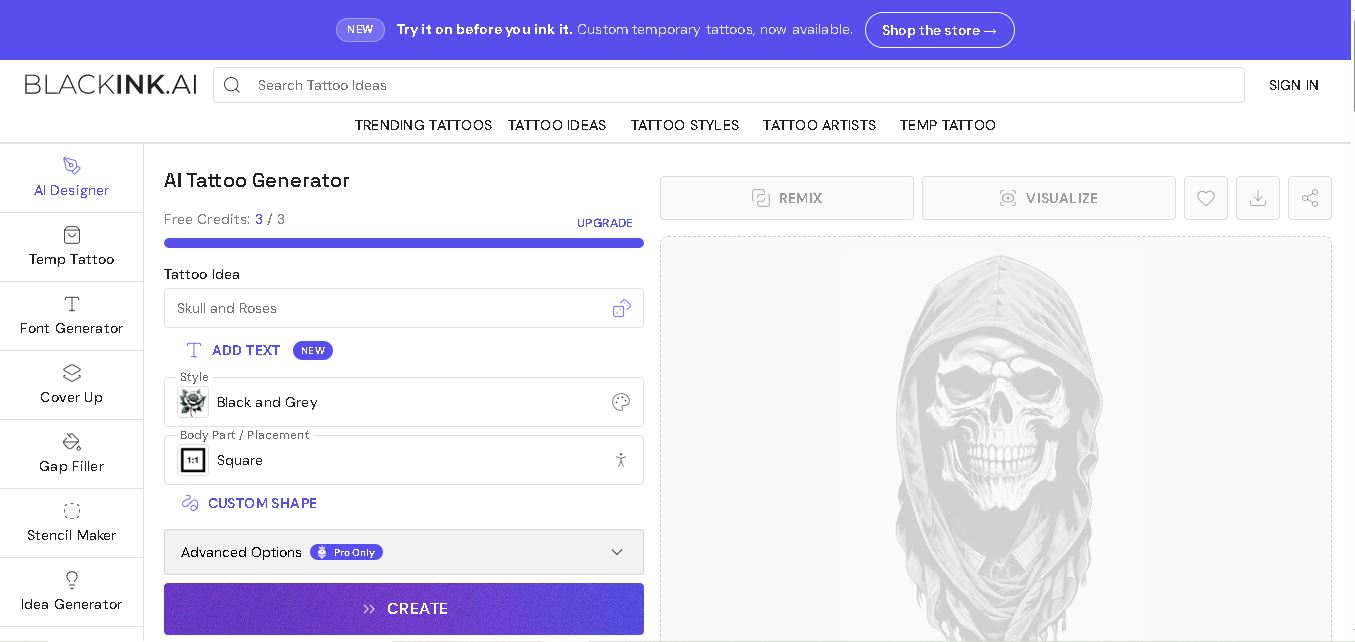
BlackInk AI helps users turn tattoo ideas into personalized visual concepts using simple text prompts and customization options. You can explore different styles, preview designs on body placements, create stencils, and refine creative directions before visiting an artist. It suits beginners, tattoo enthusiasts, illustrators, and professional tattoo artists alike today.
 4.8
4.8Jovida AI
Life Assistant
Jovida Daily helps users capture, organize, prioritize, and complete everyday tasks without constantly maintaining a complicated productivity system. It converts voice notes, screenshots, links, messages, and rough ideas into actionable to-dos, breaks overwhelming projects into smaller steps, adjusts daily plans, and follows up when important work remains unfinished.
 4.7
4.7MysticX AI
Life Assistant
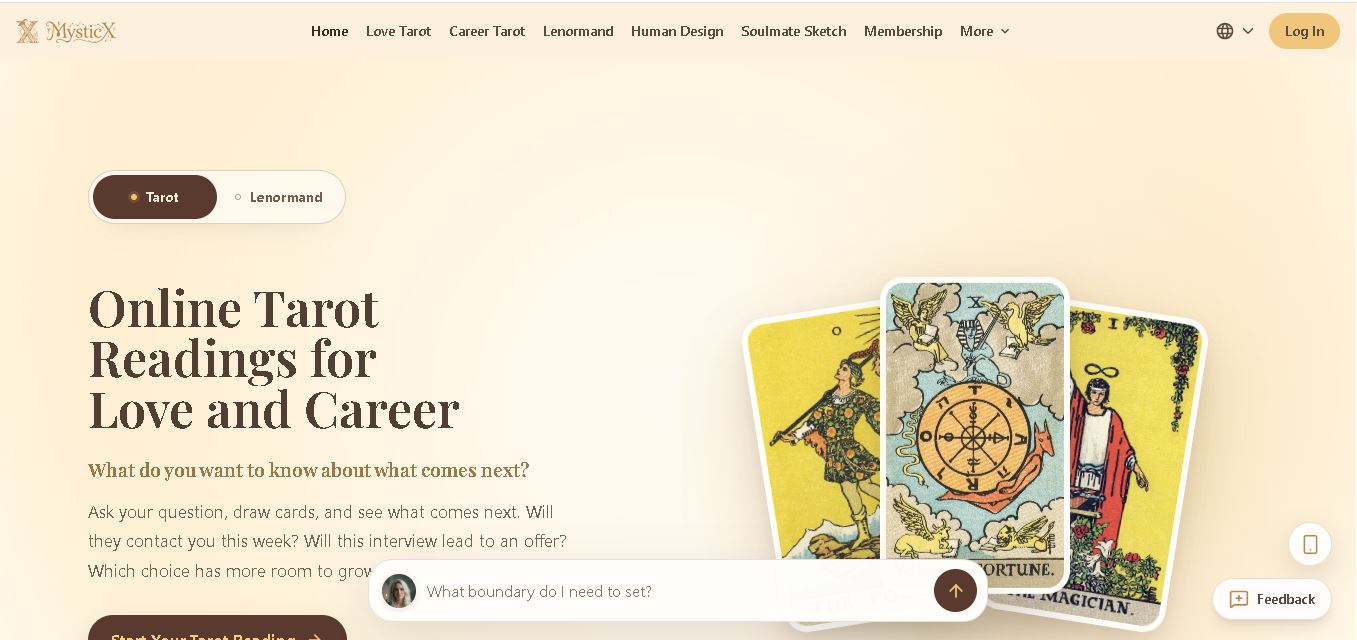
MysticX is an online tarot and reflection tool for personalized guidance across love, career, relationships, decisions, and daily life. Users can draw Tarot or Lenormand cards, explore different spreads, ask follow-up questions, save meaningful readings, and discover additional experiences such as Human Design and Soulmate Sketch.
 4.7
4.7KnowMyFace
Life Assistant
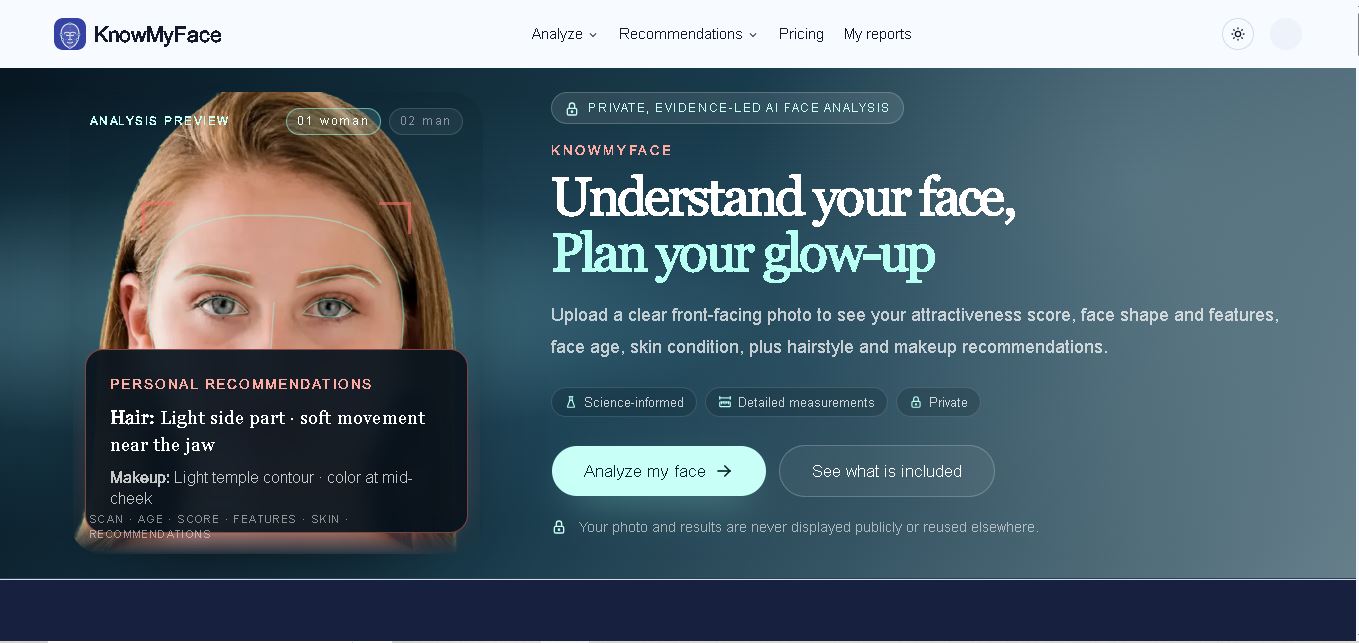
KnowMyFace helps you understand your facial features from one clear photo. It identifies face shape, brows, eyes, nose, lips, appearance age, and attractiveness context, then provides personalized hairstyle and makeup guidance. A free preview is available, while the Complete Report adds measurements, evidence, skin observations, and a downloadable PDF report.