
Sunsama
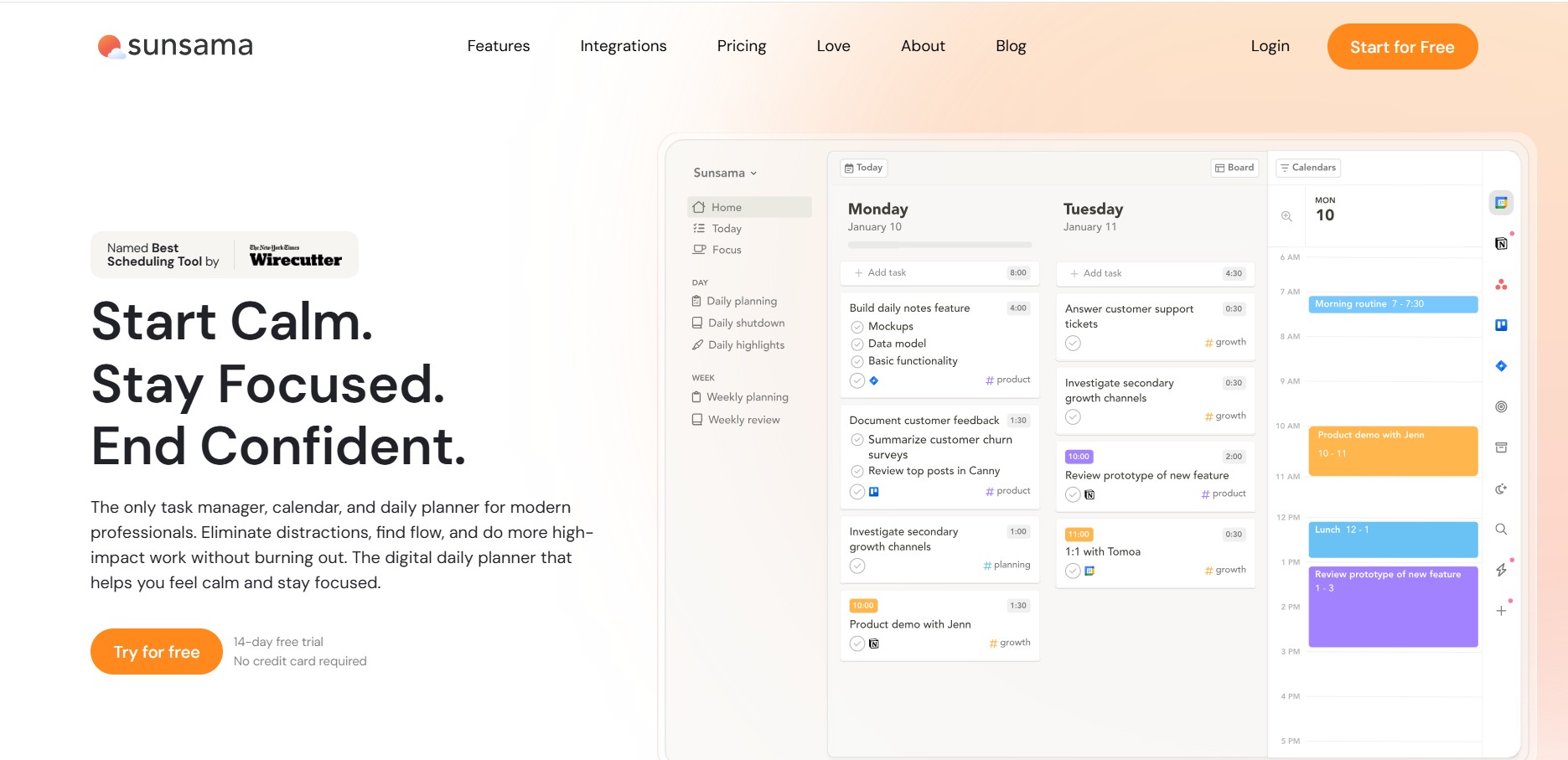
Sunsama is a digital daily planner and time-blocking application designed to cultivate intentional work habits, consolidate tasks across third-party tools, and facilitate guided morning planning and evening reflection rituals.
What is Sunsama?
Sunsama is a daily planning and productivity tool designed to help individuals and teams organize their work more intentionally. It combines task management, calendar integration, and guided daily planning into one streamlined workflow. Users can pull tasks from tools like Trello, Asana, and Gmail, then schedule them alongside meetings. Sunsama emphasizes realistic planning, focus, and work-life balance by encouraging users to set achievable goals and reflect on their progress at the end of each day.
Sunsama helps knowledge workers pull action items from scattered work apps into a unified daily view, time-block tasks directly onto calendars, and prevent burnout through deliberate workload limits.
- Platform Role: Digital Daily Planner, Task Aggregator & Time-Blocking Tool
- Core Capabilities: Guided Daily Planning Ritual, Universal Task Capture, Calendar Time-Blocking, Focus Mode with Built-In Timers, Weekly Objectives & Review, Shutdown Rituals
- Deployment: Desktop Apps (macOS, Windows, Linux), Mobile Apps (iOS, Android), and Web Application
Use Cases:
- Consolidating incoming tasks, tickets, and messages from Jira, Asana, Trello, ClickUp, Notion, Slack, and Gmail into a single daily plan
- Dragging prioritized tasks directly onto Google Calendar or Outlook timelines to construct realistic time-blocked schedules
- Conducting structured end-of-day reviews to archive finished work, defer uncompleted tasks, and maintain healthy boundaries between work and life
- Tracking precise time spent on tasks compared to initial estimations using Focus Mode
Technology:
- Universal Task Import API: Native integrations with core productivity platforms (Jira, GitHub, Asana, Trello, ClickUp, Notion, Todoist, Slack, Gmail)
- Two-Way Calendar Sync: Real-time synchronization with Google Calendar and Microsoft Outlook for seamless time-blocking
- Capacity Threshold Logic: Workload warning algorithms that alert users when scheduled tasks exceed reasonable daily working hour thresholds
Target Users:
- Founders, executives, and agency leads balancing task lists across multiple software tools
- Software developers, designers, and project managers requiring structured focus blocks and realistic daily planning
- Remote workers looking to establish strong morning and evening routines to avoid burnout
Acquisition: Web application and desktop/mobile software downloads (sunsama.com)
What are the key features of Sunsama?
Sunsama's key platform features are
- Guided Planning Ritual: A step-by-step morning walkthrough to set daily thresholds, pull tasks from integrations, and schedule priorities.
- Universal Integration Hub: Import items directly from Asana, Trello, ClickUp, Jira, GitHub, Notion, Todoist, Slack, and Gmail into your queue.
- Calendar Time-Blocking: Drag and drop tasks onto Google Calendar or Outlook to assign specific time windows for execution.
- Focus Mode & Time Tracking: Built-in stopwatch timers and full-screen focus modes to track active work time against estimated durations.
- Workload Cap Warnings: Set daily working hour targets (e.g., 6 hours of focus work) with automated warnings when schedules are overcommitted.
- End-of-Day Shutdown Ritual: A structured reflection workflow to review accomplishments, log spent time, and clear your mind for off-hours.
How much does Sunsama cost?
Sunsama offers a 14-day free trial followed by subscription pricing options available on monthly or annual billing cycles.
Pricing Overview:
- Annual Subscription ($16/mo billed annually at $192/year): Includes full access to all task integrations, multi-calendar time blocking, desktop and mobile apps, and guided planning rituals.
- Monthly Subscription ($20/mo billed monthly): Full feature access with the flexibility of month-to-month billing.
- Free Trial: 14-day full-access trial with no credit card required upfront.
Disclaimer: Sunsama does not offer a permanent free tier. Visit sunsama.com/pricing for official plan details.
Who should use Sunsama?
Sunsama is tailored for intentional daily planning and work alignment, including
- Multi-Tool Power Users: Professionals who receive task requests across Jira, Slack, email, and Asana and need one central daily dashboard.
- Time-Blocking Enthusiasts: Individuals who want to visually organize their daily calendar with dedicated focus slots.
- Mindful Professionals: Knowledge workers prone to overcommitting who benefit from guided daily planning and shutdown rituals.
What are the best alternatives to Sunsama?
Some of the top alternatives to Sunsama include
- Akiflow
- Ellie Planner
- Morgen
- Routine
- Motion
- Todoist
What are the pros and cons of Sunsama?
What are the pros of Sunsama?
- Thoughtful, calming interface focused on human intentionality and burnout prevention
- Extensive integrations with major project tools (Jira, GitHub, Asana, Notion, Trello, Slack)
- Structured morning planning and evening shutdown rituals that foster strong productivity habits
What are the cons of Sunsama?
- No permanent free tier after the 14-day trial period
- Higher subscription price point compared to simple to-do list applications
Why should you choose Sunsama?
Sunsama delivers a calm, structured approach to daily time management. By unifying scattered tasks from work apps into a single daily timeline and enforcing realistic workload boundaries, Sunsama helps professionals stay focused without burning out.
- Consolidate action items from Jira, Slack, Asana, and email into one daily view
- Build realistic daily schedules through calendar time-blocking and capacity limits
- Develop intentional productivity habits with guided morning planning and evening shutdown routines
How do we rate Sunsama?
| Parameter | Rating (out of 5) |
|---|---|
| Daily Planning & Ritual Design | 4.9 |
| Task Tool Integrations | 4.9 |
| UI & Mindful User Experience | 4.9 |
| Time-Blocking & Tracking | 4.8 |
| Value for Money | 4.4 |
| Overall Score | 4.78 |
What is our review and verdict on Sunsama?
Sunsama is one of the most thoughtful daily planning tools available. Its emphasis on human agency, realistic workloads, and deep task integrations makes it a standout choice for professionals who want to maintain intentional control over their workdays.
Conclusion
Sunsama stands out as a powerful daily planning tool that brings clarity and structure to modern work. By combining tasks, calendars, and workflows into one place, it helps users stay focused and organized. Its emphasis on realistic goal-setting and mindful planning makes it especially useful for maintaining productivity without burnout, making it a valuable solution for professionals seeking better work-life balance.
FAQ
What is Sunsama?
Sunsama is a digital daily planner that combines tasks, calendars, emails, and work-management tools into one workspace. It is designed to help users plan realistic daily workloads, organize priorities, and time-block important tasks on their calendar.
How does Sunsama's guided daily planning work?
Sunsama guides users through a step-by-step daily planning process that includes reviewing the previous day, adding tasks, prioritizing work, checking the expected workload, and finalizing the day's schedule. Users can then timebox tasks on their calendar and share their daily plan with their team.
Can Sunsama combine tasks and calendars from different apps?
Yes. Sunsama can bring tasks from tools such as Asana, ClickUp, Jira, Linear, Monday, Notion, Todoist, and Trello into a unified daily view. It also supports Google, Outlook, and iCloud calendars with two-way synchronization, allowing users to manage meetings and planned tasks together.
Can Sunsama turn emails and messages into tasks?
Yes. Sunsama can turn emails from Gmail and Outlook into tasks so users can schedule time to work on them later. It can also convert Slack and Microsoft Teams messages into tasks, making it easier to track follow-ups without keeping communication apps constantly open.
Does Sunsama automatically schedule tasks?
Yes. Sunsama includes auto-scheduling features that can help place tasks into available calendar time. Users can also manually drag tasks onto their calendar, set planned durations, and adjust the schedule when priorities or workload change.
Does Sunsama provide focus and productivity features?
Yes. Sunsama includes Focus Mode, a Pomodoro timer, workload planning, weekly objectives, daily shutdown routines, analytics, and automatic reminders for breaks. These features are designed to help users concentrate on planned work while keeping their workload and working hours visible.
Is Sunsama free to use?
Sunsama offers a 14-day free trial with access to its features and does not require a credit card to start. After the trial, the current Pro plan costs $22 per user per month when billed monthly or $17 per month when billed annually; enterprise options are also available.
User Reviews
No reviews yet for Sunsama.
Featured Tools
Featured AI tools from TechShark

Melody Genie
MelodyGenie is an AI-powered music generator that creates original songs from simple text prompts. Users can choose styles, moods, and genres, then instantly generate melodies and full tracks, making it easy for creators, marketers, and hobbyists to produce custom music without musical expertise.
Freemium

Kimi AI
Kimi AI is an advanced AI assistant developed by Moonshot AI that helps you chat, research, write, code, and automate tasks in one place. It supports web search, file analysis, and multimodal inputs, and can even run autonomous “agent” workflows to complete complex tasks end-to-end.
Freemium

Fashion Diffusion AI
Fashion Diffusion is an AI-powered fashion design platform that helps brands and designers create clothing designs, virtual try-ons, AI models, product photos, and marketing visuals faster and cost-effectively.
Paid

Veo 4
Veo 4 AI is an AI video creation platform that generates dramatic videos from text, images, audio, and video prompts using realistic motion and synchronized sound.
Paid
Alternatives
Alternatives to Sunsama
Top alternatives to Sunsama include Akiflow, Ellie Planner, Morgen, Routine, and Motion. While Motion uses autonomous AI to auto-schedule tasks automatically, Sunsama and Akiflow prioritize deliberate, human-guided daily planning rituals and manual time-blocking.
 4.8
4.8ClickUp
Productivity
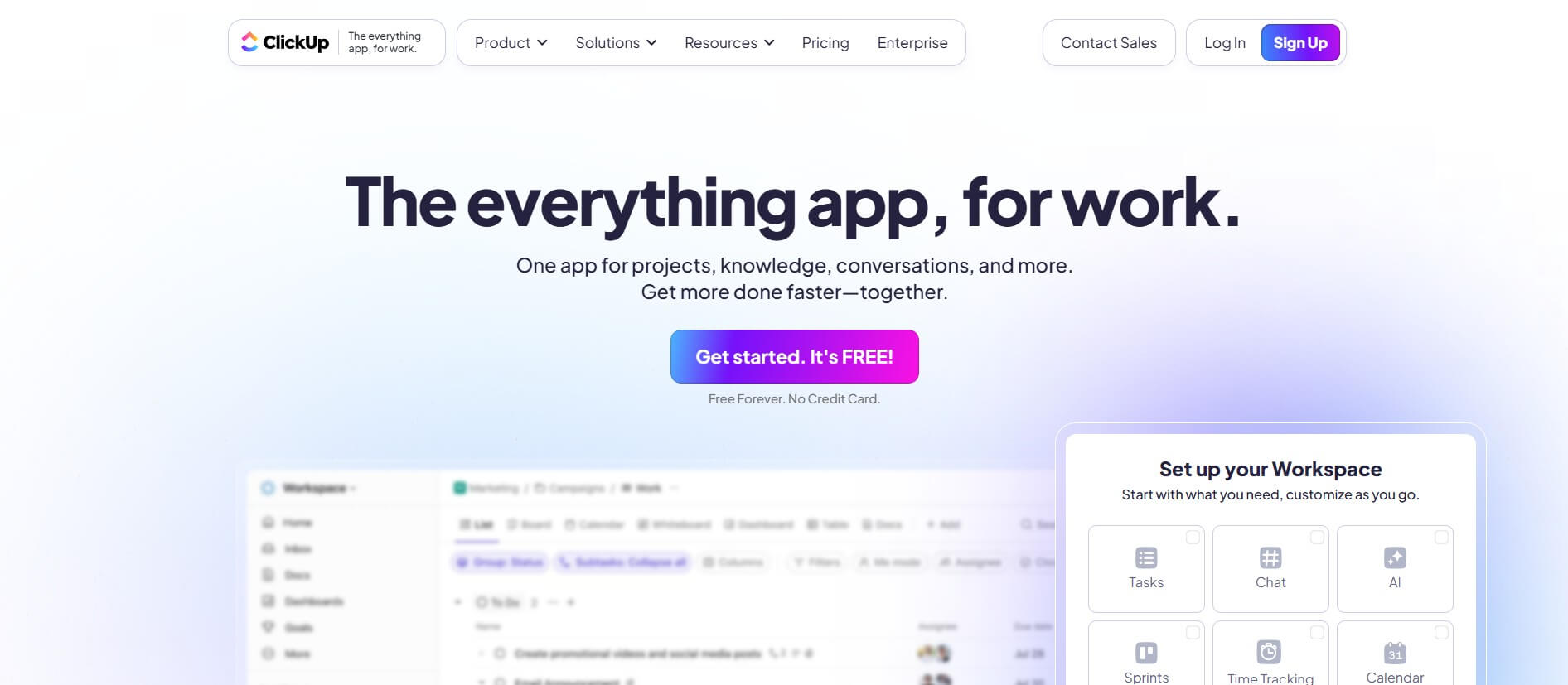
ClickUp is an all-in-one work management platform that helps teams manage projects, tasks, documents, goals, and collaboration in one workspace. Its AI features assist with task creation, meeting summaries, content generation, and workflow automation, while customizable dashboards, multiple project views, and integrations help teams improve productivity and track progress.
 4.9
4.9Notion
Productivity
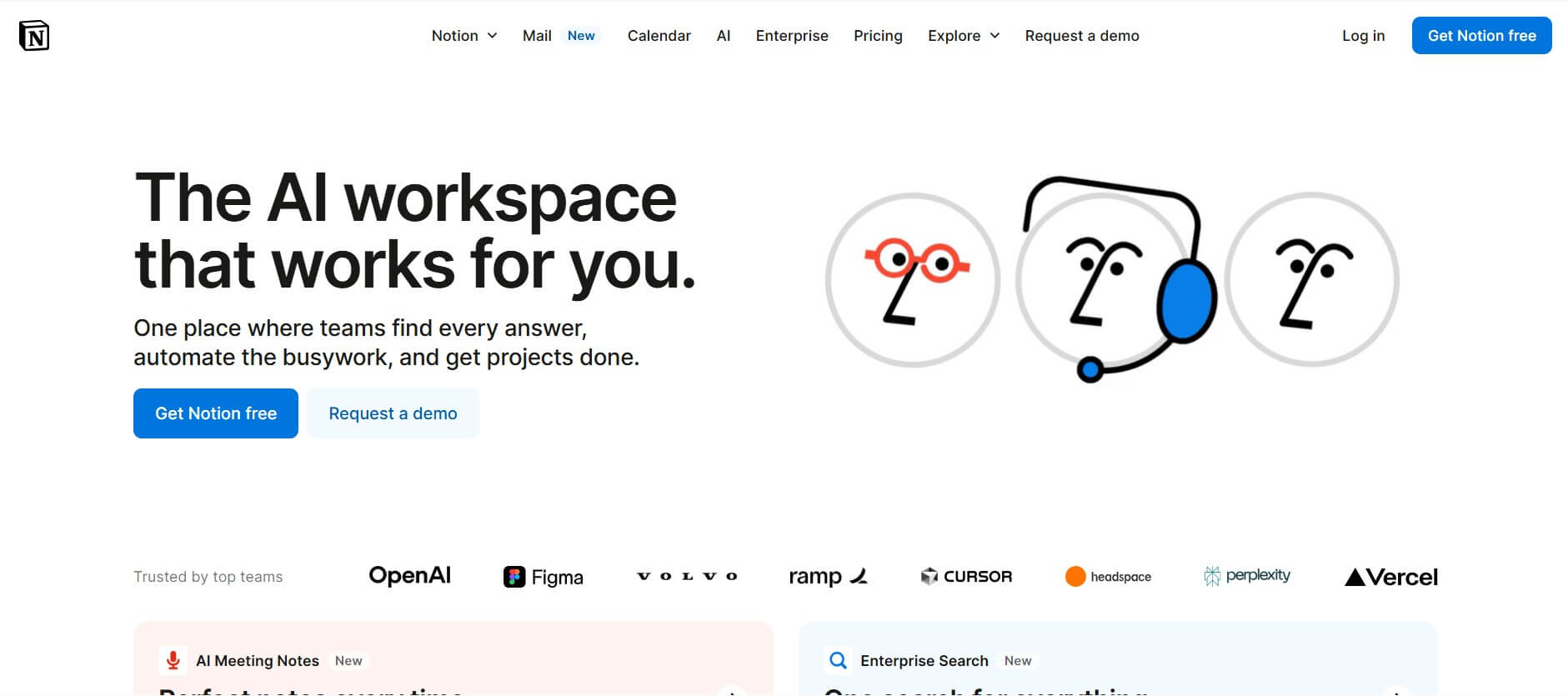
Notion is an all-in-one productivity and AI workspace that helps individuals and teams manage documents, notes, projects, databases, and company knowledge. Its AI features support writing, research, meeting summaries, enterprise search, and workflow automation, while customizable templates and integrations keep everyday work organized in one place.
 4.7
4.7Quinvio AI
Productivity
Quinvio AI helps you turn ideas, scripts, blogs, or web content into polished video presentations. You can refine messaging, choose branded templates, add AI avatars and voiceovers, and produce shareable visual content without traditional recording or editing workflows. It is especially useful for marketers, educators, trainers, creators, and business teams.
 4.9
4.9HubSpot
Marketing
HubSpot is an AI-powered customer platform that helps businesses manage marketing, sales, customer service, and content in one place. It offers a free CRM, automation tools, analytics, and AI features, enabling teams to attract leads, close deals, and deliver better customer experiences at scale.
 4.9
4.9TestSprite
Testing
TestSprite is an AI-powered software testing agent that helps developers automatically generate, run, and fix end-to-end tests for web apps. It simulates real user behavior, detects issues, and provides root-cause insights with suggested fixes, enabling faster releases and more reliable software without manual QA effort.
 4.8
4.8Microsoft Copilot
Productivity
Microsoft Copilot is an AI-powered assistant that helps users write, research, analyze data, and automate tasks across apps like Word, Excel, Outlook, and Teams. It combines large language models with real-time data to generate content, answer questions, and improve productivity across personal and professional workflows.
 4.9
4.9Casablanca AI
Productivity
Casablanca AI is an AI-powered virtual camera that corrects your gaze in real time during video calls, making it appear like you’re maintaining natural eye contact. It works with tools like Zoom and Teams, improving trust, engagement, and communication without needing extra hardware.
 4.9
4.9Granola
Productivity
Granola is an AI-powered meeting assistant that helps you capture, organize, and act on conversations without losing focus. It listens to meetings, turns notes into structured summaries, and generates action items and follow-ups automatically—so you stay present while everything important is documented and ready to use.
 4.8
4.8AI Submit
Productivity
AI Submit is an automated directory submission and SEO distribution platform that allows AI startup founders and developers to submit their artificial intelligence tools to dozens of top AI directories simultaneously for backlink building and traffic growth.