
BlackInk AI
BlackInk AI helps users turn tattoo ideas into personalized visual concepts using simple text prompts and customization options. You can explore different styles, preview designs on body placements, create stencils, and refine creative directions before visiting an artist. It suits beginners, tattoo enthusiasts, illustrators, and professional tattoo artists alike today.
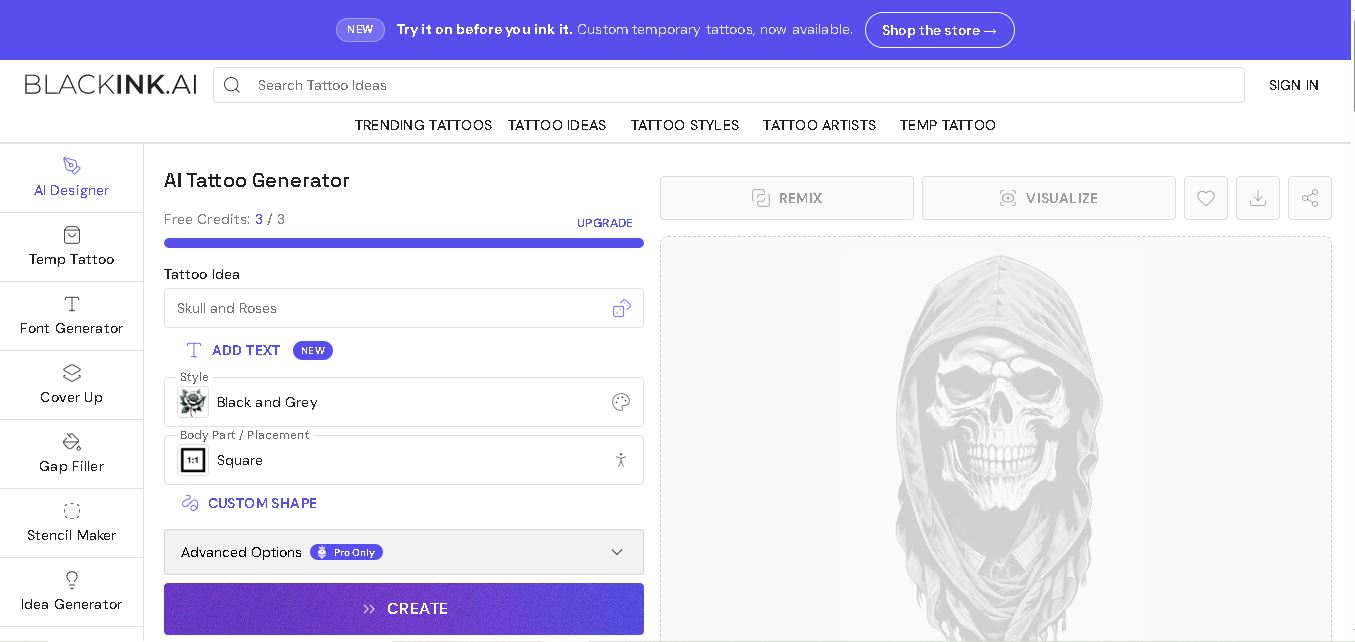
What is BlackInk AI?
BlackInk AI is an online tattoo design generator that turns written ideas into custom tattoo concepts within seconds. Users can choose tattoo styles, placements, shapes, detail levels, colors, and other creative options before generating designs. It also offers body-placement visualization, an image-to-stencil converter, and high-resolution downloads. The service is designed for tattoo enthusiasts, first-timers, tattoo artists, and illustrators who want to explore ideas before committing to permanent ink.
BlackInk AI reports more than 10,000,000 custom tattoo designs created, over 1.5 million users worldwide, and 28+ available tattoo styles. New users receive 3 free credits, while 1 generator run can produce 2–4 tattoo images. Pro Unlimited includes unlimited generations and visualizations plus 4x super-resolution downloads. Pricing starts at $15 monthly, $39.99 for 3 months, or $72 annually. No advanced controls, private designs, or unlimited visualization are included with the standard free tier for people considering Pro Unlimited access today.
- Platform Role: AI Tattoo Generator, Flash Art Creator & Stencil Conversion Tool
- Developer & Organization: BlackInk AI
- Cross-Platform Access: Web Browser (Desktop and Mobile), iOS App
Use Cases:
- Generating custom tattoo flash designs and placement concepts prior to visiting a studio
- Converting raw AI images or uploaded photos into clean, line-art tattoo stencils for artists
- Customizing line weight, color palette, and complexity tailored to specific body placements
- Exploring diverse artistic styles, including Blackwork, Traditional, Neo-Traditional, Japanese, and Minimalist
Technology:
- Specialized image generation models trained on vector, linework, and shaded tattoo artwork
- Automated image-to-stencil edge detection and line extraction algorithms
- AI-powered 4x super-resolution upscaling for high-fidelity printing
Target Users:
- Individuals looking for custom tattoo ideas and visualization before getting inked
- Professional tattoo artists seeking fast client mockups, flash sheet art, and stencil preparation
- Graphic designers and digital illustrators specializing in body art aesthetics
Acquisition: Independent web application and mobile service (blackink.ai)

What are the key features of BlackInk AI?
BlackInk AI's key platform features are
- Instant Text-to-Tattoo Generation: Generates high-quality tattoo concepts in under 30 seconds from simple text prompts.
- Image-to-Stencil Converter: Automatically extracts outlines and line art to turn designs into workable tattoo stencils.
- Granular Style & Complexity Controls: Adjust parameters like line weight, color schemes, and detail density.
- High-Resolution Upscaling: Export generated artwork with super-resolution upscaling suitable for transfer paper printing.
- Design Privacy Controls: Toggle designs between public community showcases and private personal galleries.
How much does BlackInk AI cost?
BlackInk AI offers a freemium model with starter trial credits alongside flexible credit packs and monthly subscriptions.
Pricing Plans:
- Free Tier / Trial: Free initial credits upon sign-up to generate and test basic tattoo prompts.
- Pay-As-You-Go Credit Packs: One-time credit top-ups starting from $5 to $15 for pay-per-design users.
- Pro Unlimited Subscription: Starting at $6 to $15/month for unlimited design generations, stencil downloads, and commercial licensing.
Who should use BlackInk AI?
BlackInk AI is designed for tattoo enthusiasts and artists, including
- First-Time Tattoo Seekers: Anyone wanting to visualize unique concepts or bring precise reference art to their artist.
- Tattoo Artists & Studios: Professionals looking to speed up stencil creation and offer instant client custom options during consultations.
What are the best alternatives to BlackInk AI?
Some of the strongest BlackInk AI alternatives include
- Tattoos AI
- Ink Studio AI
- Midjourney
- Photoleap AI Tattoo Generator
What are the pros and cons of BlackInk AI?
What are the pros of BlackInk AI?
- Tailored specifically for tattoo aesthetics rather than general stock imagery
- Built-in image-to-stencil tool saves time for tattoo artists
- High-resolution download capabilities ideal for physical stencil printing
What are the cons of BlackInk AI?
- Free trial credits are limited and require upgrading for heavy generation
- Complex anatomical placement mapping still requires manual adjustment by a professional artist
Why should you choose BlackInk AI?
Unlike general AI image generators that produce photorealistic scenes unsuitable for tattooing, BlackInk AI focuses specifically on clean line work, shading, and stencil readiness. It bridges the gap between client imagination and artist execution, making design discovery fast and accessible.
How do we rate BlackInk AI?
| Parameter | Rating (out of 5) |
|---|---|
| Design Quality & Tattoo Accuracy | 4.7 |
| Ease of Use & Prompt Responsiveness | 4.8 |
| Stencil Conversion & Export Quality | 4.6 |
| Value for Money | 4.5 |
| Overall Score | 4.65 |
What is our review and verdict on BlackInk AI?
BlackInk AI is one of the most practical AI tools for body art creation. By focusing on specialized styles, outline clarity, and stencil conversion, it offers genuine utility to both individuals looking for tattoo inspiration and professional tattooers seeking to accelerate client consultations.
Conclusion
BlackInk AI gives tattoo seekers a practical way to explore personalized concepts before making a permanent decision. Its prompt-based generator, 28+ styles, placement visualization, stencil conversion, and customization controls make experimentation easier for beginners and experienced creators. With free credits available, users can test the experience before considering Pro Unlimited. Generated concepts can also provide a useful starting point for discussing composition, placement, and refinements with a professional tattoo artist.
FAQ
How does BlackInk AI work?
You describe the tattoo you want, then choose options such as style, placement, shape, and available customization controls. BlackInk AI generates visual tattoo concepts from those choices within seconds. You can review the results, remix ideas, visualize selected designs on the body, or use them as inspiration for an artist.
Is BlackInk AI free to use?
Yes. BlackInk AI provides a free tier with 3 credits for trying the tattoo generator. Free users can access the style and tattoo ideas directory, common styles, generic templates, and one limited body-placement visualization. Some advanced controls, private designs, super-resolution downloads, and other capabilities require Pro Unlimited access instead today.
Can I preview a BlackInk AI tattoo on my body?
Yes. BlackInk AI includes body-placement visualization so you can preview how a generated tattoo concept may look on different areas before committing. The free plan includes one limited visualization, while Pro Unlimited provides unlimited visualizations. Treat the preview as creative guidance rather than a guarantee of the final tattoo result.
What tattoo styles does BlackInk AI support?
BlackInk AI states that its platform offers more than 28 tattoo styles, giving you multiple visual directions to explore. The free tier includes common options such as blackwork and realism, while Pro Unlimited adds access to special styles. You can compare different aesthetics before choosing a direction for your tattoo.
Can I convert my own tattoo image into a stencil?
Yes. BlackInk AI provides an image-to-stencil converter that lets you upload an existing tattoo design and transform it into a stencil. According to its pricing page, your initial upload remains private. Pro Unlimited includes unlimited stencil converter usage, making the feature particularly useful when refining existing artwork or preparing variations.
How much does BlackInk AI cost?
BlackInk AI currently offers a free tier and Pro Unlimited subscriptions. The website lists Pro at $15 billed monthly, $39.99 billed every 3 months, or $72 billed annually. The annual option is advertised as $0.19 per day. Prices are shown in USD, and subscriptions can be canceled at any time.
User Reviews
No reviews yet for BlackInk AI.
Featured Tools
Featured AI tools from TechShark

Melody Genie
MelodyGenie is an AI-powered music generator that creates original songs from simple text prompts. Users can choose styles, moods, and genres, then instantly generate melodies and full tracks, making it easy for creators, marketers, and hobbyists to produce custom music without musical expertise.
Freemium

Kimi AI
Kimi AI is an advanced AI assistant developed by Moonshot AI that helps you chat, research, write, code, and automate tasks in one place. It supports web search, file analysis, and multimodal inputs, and can even run autonomous “agent” workflows to complete complex tasks end-to-end.
Freemium

Fashion Diffusion AI
Fashion Diffusion is an AI-powered fashion design platform that helps brands and designers create clothing designs, virtual try-ons, AI models, product photos, and marketing visuals faster and cost-effectively.
Paid

Veo 4
Veo 4 AI is an AI video creation platform that generates dramatic videos from text, images, audio, and video prompts using realistic motion and synchronized sound.
Paid
Alternatives
Alternatives to BlackInk AI
The best BlackInk AI alternatives include Tattoos AI, Ink Studio AI, and Midjourney. While BlackInk AI offers specialized tattoo flash generation and automated image-to-stencil tools, alternatives like Midjourney allow broader general artistic flexibility with prompt tuning.
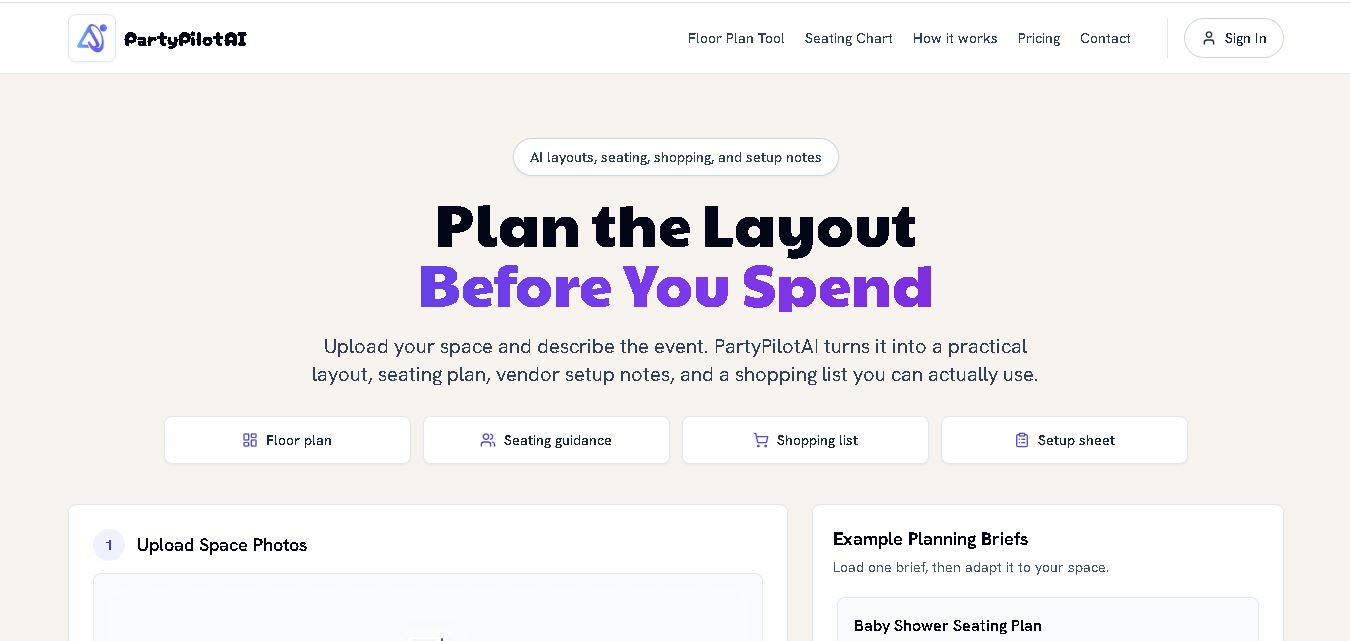 4.7
4.7PartyPilot AI
Life Assistant
PartyPilotAI helps you plan celebrations around your actual space. Upload venue photos, describe your guest count, theme, budget, and requirements, then receive practical layout guidance, seating ideas, shopping priorities, setup notes, and optional visual mockups. It is designed for hosts, families, helpers, vendors, and event-planning workflows for smoother event preparation.
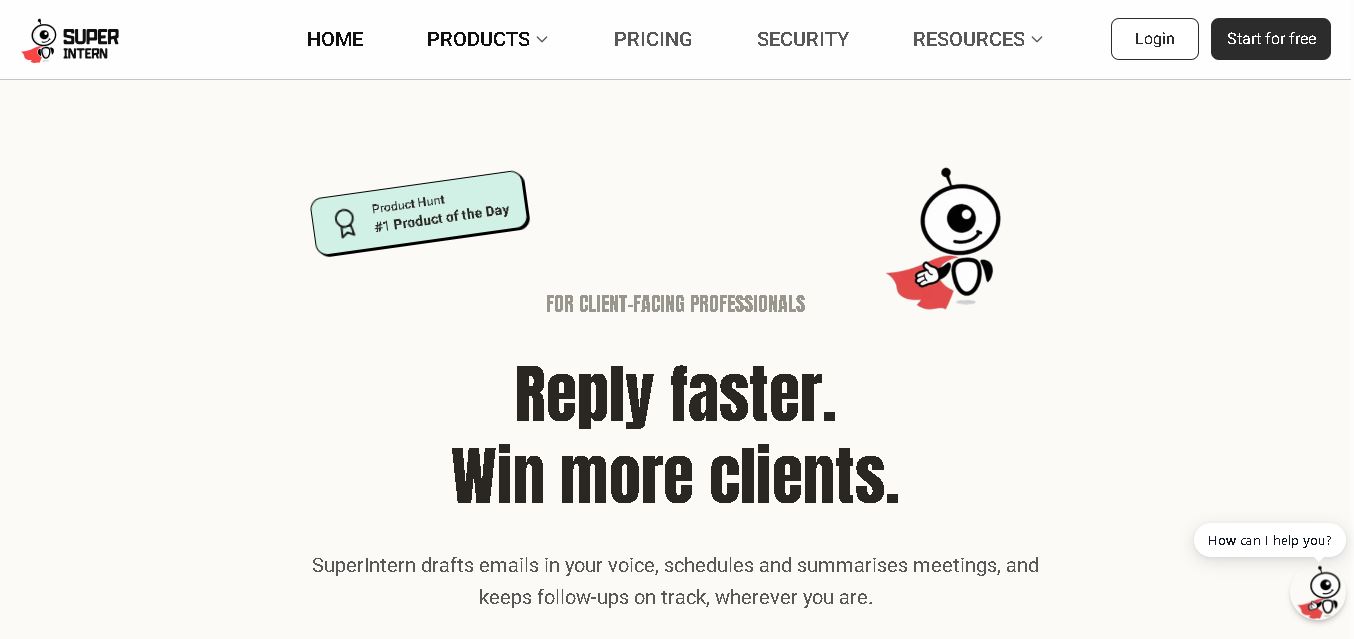 4.8
4.8SuperIntern
Life Assistant
SuperIntern is a proactive AI assistant for professionals who want help managing emails, meetings, tasks, reminders, and follow-ups. It learns your communication style, works through familiar messaging apps, connects business knowledge, and handles recurring workflows. You review important outputs before sending, while the assistant reduces repetitive administrative work across operations.
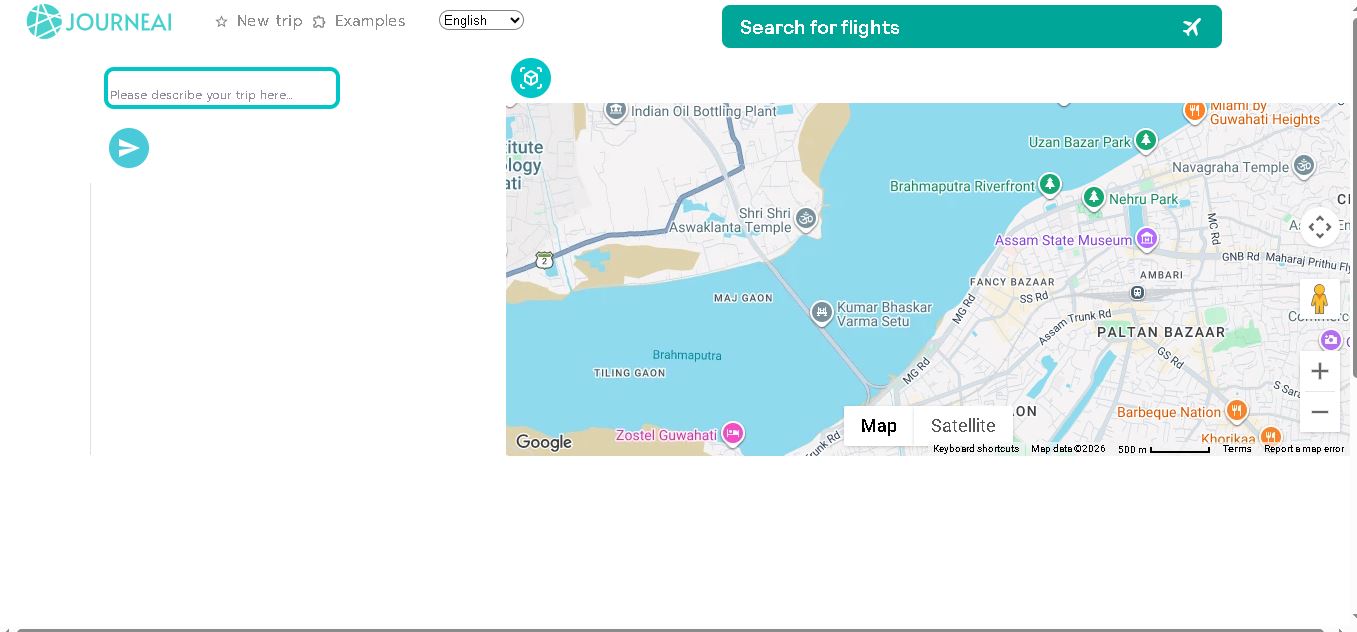 4.8
4.8JourneAI
Life Assistant
JourneAI is a travel itinerary generator that turns your destination or travel idea into a personalized trip plan. It helps travelers organize journeys quickly by generating detailed itineraries from simple descriptions. The tool is useful for discovering travel possibilities, structuring activities, and creating a practical starting point for trip planning.
 4.7
4.7SYiGO
Life Assistant
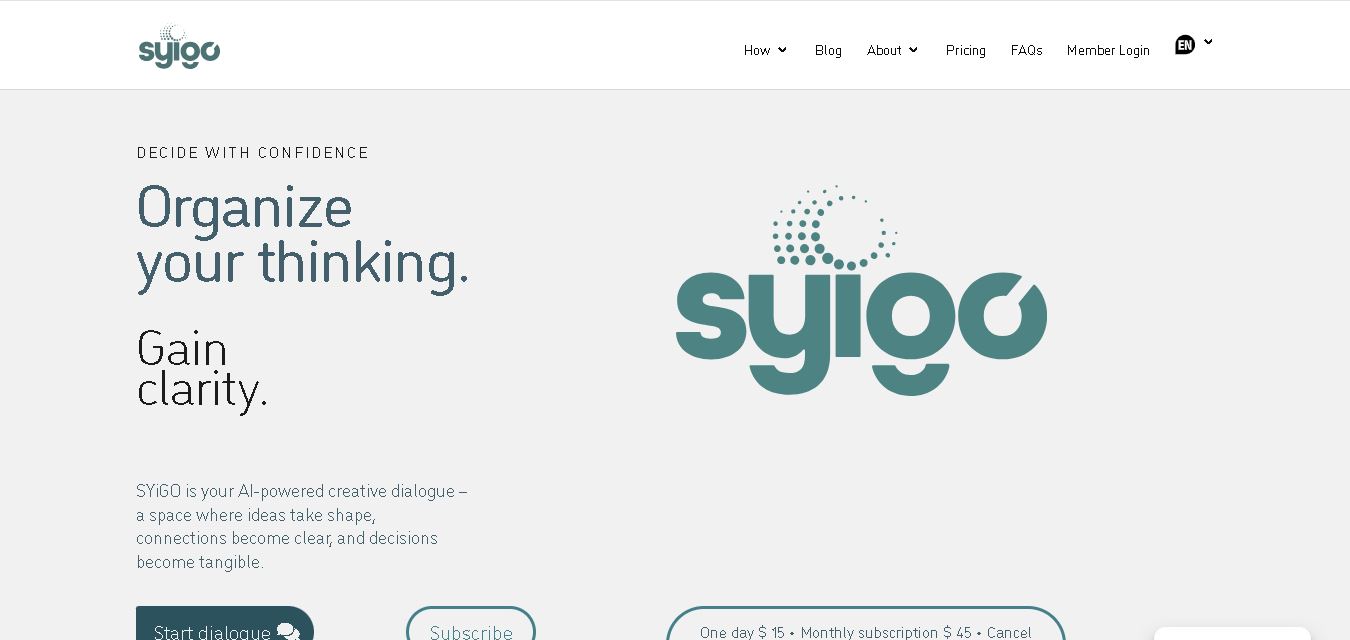
SYiGO is a structured digital dialogue space for reflection, clarity, and conscious decision-making. It helps individuals organize thoughts, explore values, understand complex situations, and identify priorities. Teams can also use SYiGO to bring perspectives together, clarify responsibilities, strengthen communication, and create shared alignment during important decisions or organizational change.
 4.7
4.7RedditScout
Life Assistant
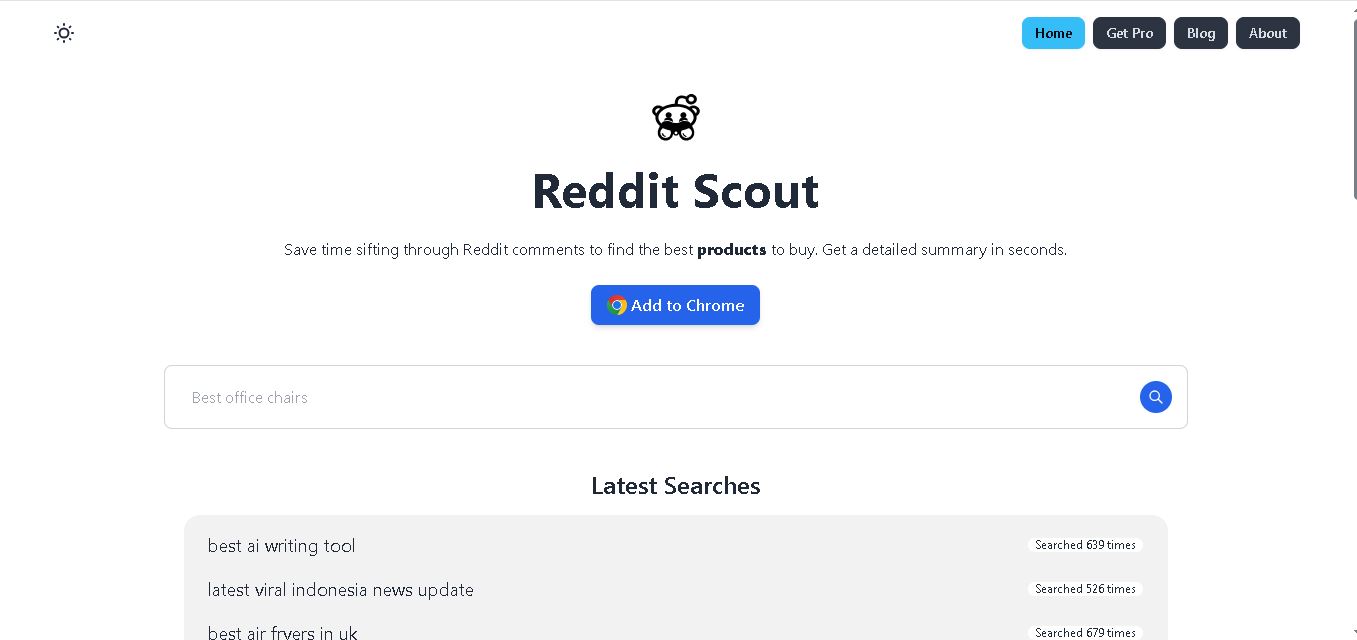
Reddit Scout helps you research products through Reddit discussions. Enter a product or category, and it surfaces relevant comments, highlights community experiences, and summarizes useful information. It can reduce time spent browsing multiple threads when comparing products, discovering recommendations, or understanding what Reddit users say about a specific purchase decision.
 4.7
4.7Glitter AI
Life Assistant
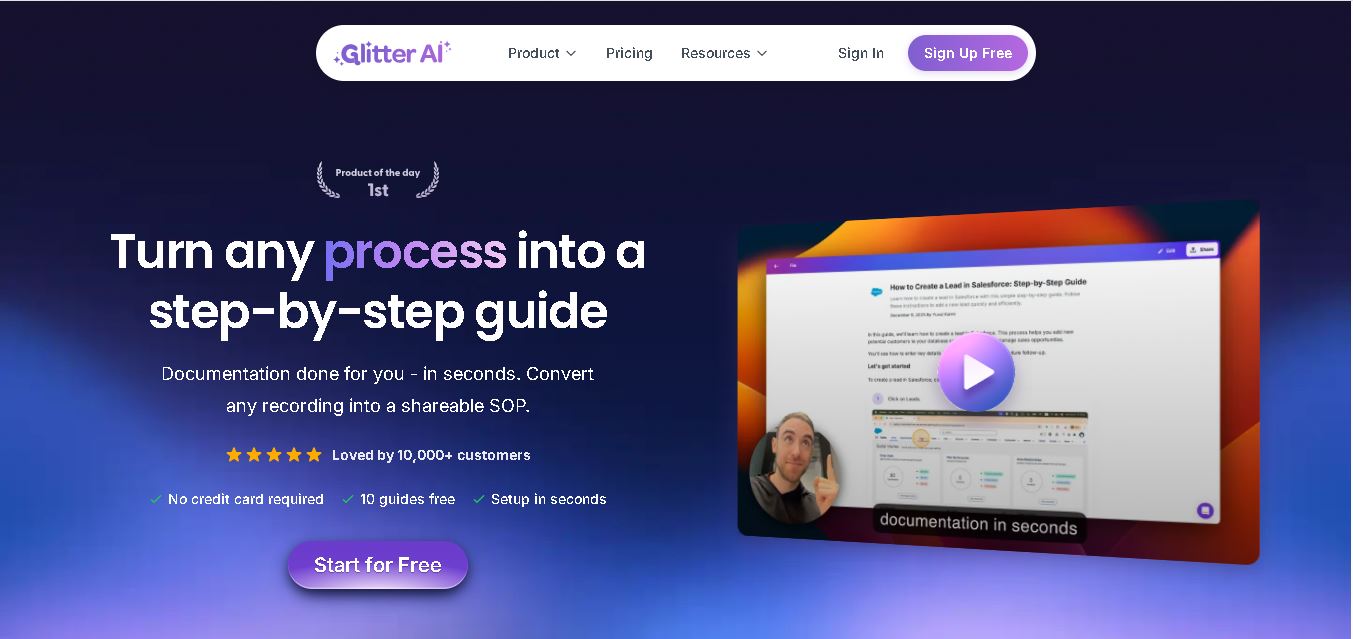
Glitter AI helps teams turn everyday workflows into clear step-by-step guides, SOPs, and training documentation. Record your screen and voice or upload an existing video, and Glitter identifies important moments, captures screenshots, and generates written instructions. Guides can then be edited, shared, exported, translated, or embedded for easier knowledge sharing.
 4.8
4.8Jovida AI
Life Assistant
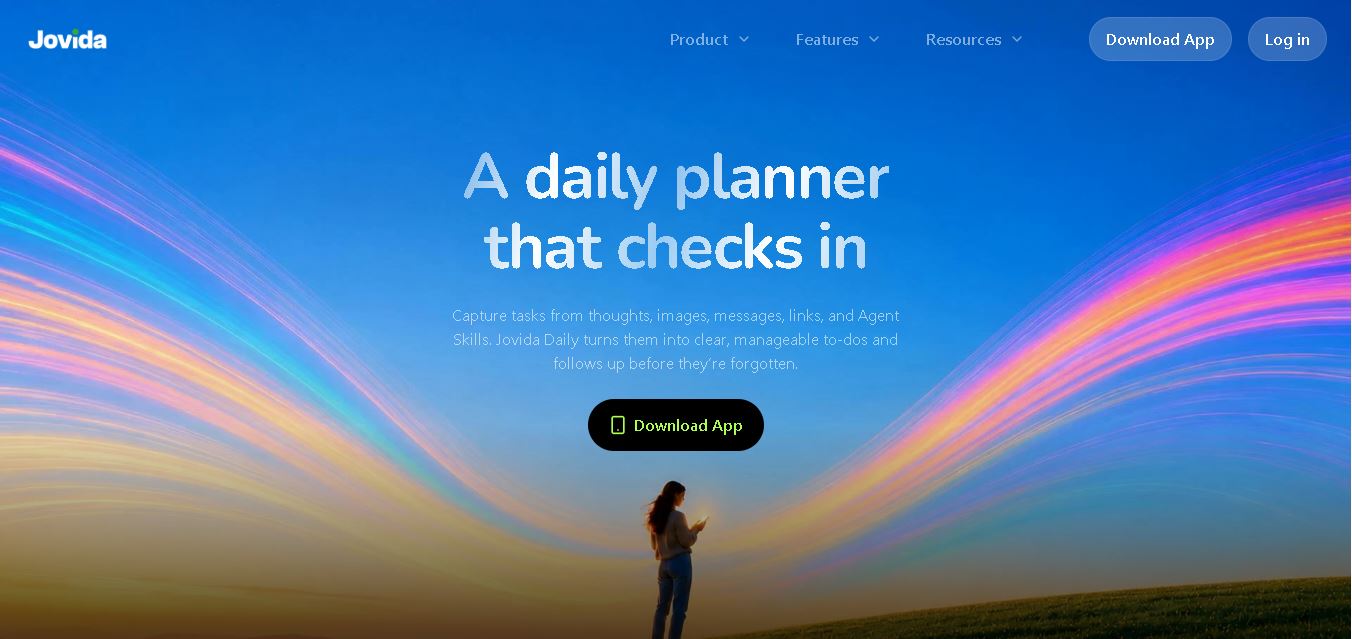
Jovida Daily helps users capture, organize, prioritize, and complete everyday tasks without constantly maintaining a complicated productivity system. It converts voice notes, screenshots, links, messages, and rough ideas into actionable to-dos, breaks overwhelming projects into smaller steps, adjusts daily plans, and follows up when important work remains unfinished.
 4.7
4.7MysticX AI
Life Assistant
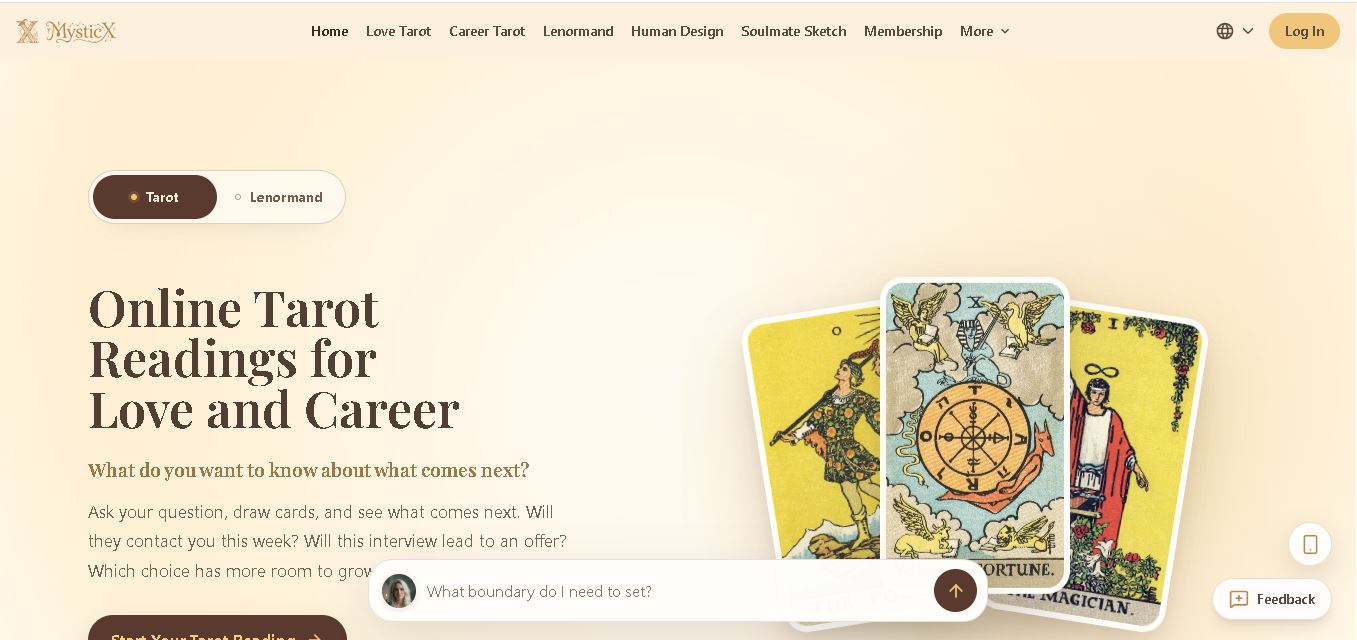
MysticX is an online tarot and reflection tool for personalized guidance across love, career, relationships, decisions, and daily life. Users can draw Tarot or Lenormand cards, explore different spreads, ask follow-up questions, save meaningful readings, and discover additional experiences such as Human Design and Soulmate Sketch.
 4.7
4.7KnowMyFace
Life Assistant
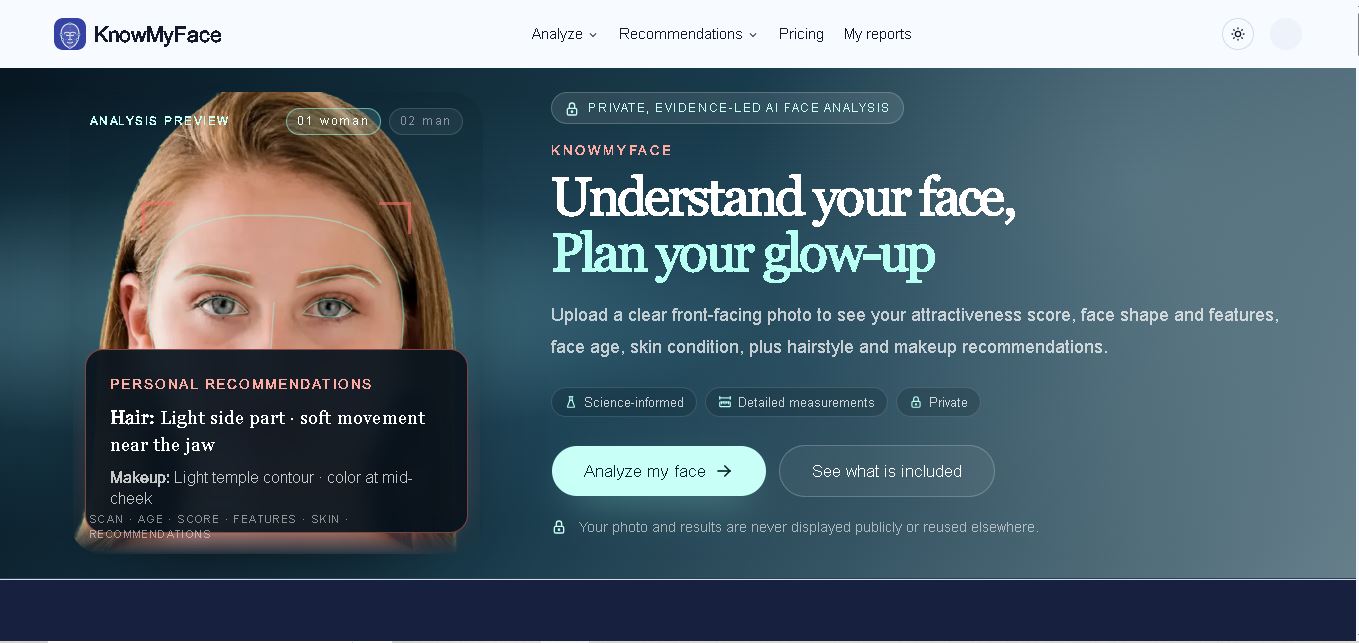
KnowMyFace helps you understand your facial features from one clear photo. It identifies face shape, brows, eyes, nose, lips, appearance age, and attractiveness context, then provides personalized hairstyle and makeup guidance. A free preview is available, while the Complete Report adds measurements, evidence, skin observations, and a downloadable PDF report.