
PartyPilot AI
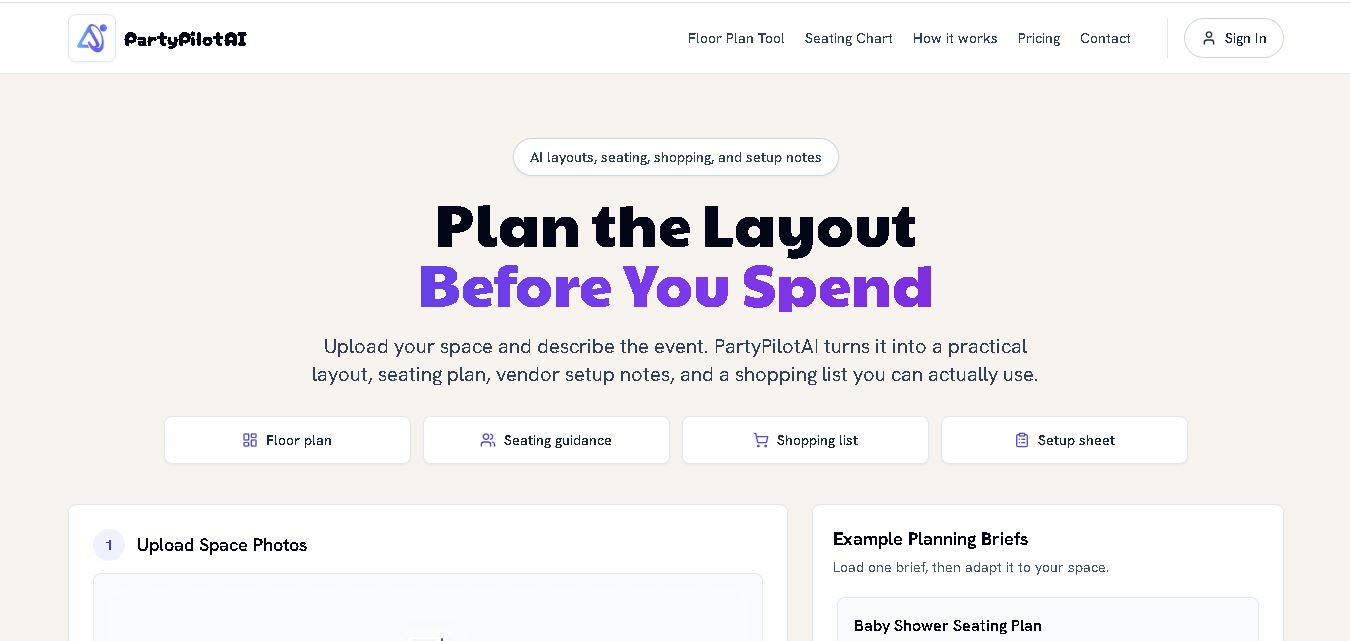
PartyPilotAI helps you plan celebrations around your actual space. Upload venue photos, describe your guest count, theme, budget, and requirements, then receive practical layout guidance, seating ideas, shopping priorities, setup notes, and optional visual mockups. It is designed for hosts, families, helpers, vendors, and event-planning workflows for smoother event preparation.
What is PartyPilot AI?
PartyPilotAI is a party-planning tool that converts venue photos and event details into practical layouts, seating guidance, shopping lists, and setup notes. It supports celebrations such as birthdays, baby showers, graduations, BBQs, weddings, and rooftop events. Users can upload up to three images and describe guest counts, themes, budgets, and required zones. This makes it useful when you want a structured plan before buying decorations or booking rentals.
PartyPilotAI was built by developer Jacob after a personal party-planning experience. The service can accept up to 3 venue images and supports JPG, PNG, and WebP files. A complete Planning Kit uses 30 credits, while extra perspective views cost 15 credits. Credit packs start at $9.99 for 300 credits, with no subscription required. The platform includes PDF export, seating guidance, shopping lists, setup notes, and layout planning for celebrations ranging from small gatherings to events involving up to 200 guests.
- Platform Role: AI Event Design Tool, Venue Visualizer & Shoppable Party Planner
- Developer & Organization: PartyPilot AI
- Cross-Platform Access: Web application accessible on desktop, tablet, and mobile web browsers
Use Cases:
- Visualizing outdoor birthday party setups with balloon arches, shaded seating, and grill zones in backyard photos
- Designing themed indoor baby showers, graduation parties, and anniversary backdrops customized to living room layouts
- Planning rooftop cocktail hours, lighting arrangements, and bar stations for evening celebrations
- Generating itemized supply and decoration lists with direct purchase links to streamline event shopping
- Calculating spatial layout flow for guest counts ranging from intimate gatherings of 10 to celebrations of 200+ guests
Technology:
- Computer vision model analyzing dimensions, ambient lighting, and spatial constraints from uploaded venue photos
- Generative image diffusion models (via Replicate and OpenAI) rendering 2 to 6 photorealistic event scenes per project
- Automated product matching engine linking visual decor elements to shoppable retail inventory links
- Modern web architecture built with Next.js, React, TypeScript, and Supabase for instant browser processing
Target Users:
- Parents and families organizing birthdays, baby showers, or graduation celebrations at home
- DIY party enthusiasts looking for professional decoration and aesthetic inspiration without hiring event planners
- Casual hosts planning backyard BBQs, rooftop mixers, or holiday gatherings
- Freelance event decorators and venue hosts seeking quick concept visualizers for clients
Acquisition: Self-serve web application with credit packages or subscription tiers available directly on partypilotai.com

What are the key features of PartyPilot AI?
PartyPilot AI's key platform features are
- Instant Photo-Based Venue Analysis: Accepts up to 3 venue photos (JPG, PNG, or WebP up to 10 MB) to assess room dimensions and layout constraints.
- 30-Second Photorealistic Renders: Generates 2 to 6 realistic scene visualizations depicting custom lighting, backdrops, and decor arrangements.
- Tailored Floor Plan Generation: Automatically maps out optimal placement for dining tables, DJ booths, photo walls, and buffet tables.
- Shoppable Supplies List: Compiles an itemized list of decorations and rental needs with direct e-commerce purchase links.
- Multi-Theme & Budget Customization: Adjusts design recommendations based on specific guest counts, party themes, and financial budgets.
How much does PartyPilot AI cost?
PartyPilot AI operates on a pay-per-project credit or subscription tier model for event design generations.
Pricing Structure:
- Basic / Pay-Per-Project Pass: Tiered credit options allowing users to generate designs, floor plans, and shoppable lists for individual events.
- Pro / Unlimited Pass: Monthly subscription tiers designed for frequent hosts and event planners offering multi-scene regenerations and high-resolution downloads.
Disclaimer: Exact credit costs, free trial credits, and package prices are subject to ongoing platform promotional updates.
Who should use PartyPilot AI?
PartyPilot AI is ideal for hosts and event creators, including
- Home Party Hosts: Individuals who want to see how decorations look in their specific living space before buying supplies.
- Parents & Families: Busy parents organizing milestone birthdays or showers looking to save hours of manual setup research.
- DIY Event Planners: Organizers seeking photorealistic mood boards and direct shopping links to execute celebrations on a budget.
What are the best alternatives to PartyPilot AI?
Some of the strongest PartyPilot AI alternatives include
- Catch My Party
- Pinterest AI / Lens
- Planner 5D / RoomSketcher
- Canva
- Eventbrite / WebEvent tools
What are the pros and cons of PartyPilot AI?
What are the pros of PartyPilot AI?
- Generates realistic visual renders from real venue photos within 30 seconds
- Saves money by providing shoppable lists so users buy only necessary decorations
- Requires no 3D modeling skills or design expertise—just upload photos and prompt
- Supports a wide variety of indoor and outdoor event types, from BBQs to formal showers
What are the cons of PartyPilot AI?
- Product availability in shoppable lists depends on partner retail stock and regional availability
- Complex architectural layouts with unusual angles may require re-uploading clearer photos
- Focused primarily on physical design and visual decor rather than guest RSVP management
Why should you choose PartyPilot AI?
Planning an event often involves guesswork—hoping that party rentals, balloon arches, and furniture fit comfortably inside a real space. PartyPilot AI removes this uncertainty by giving you photorealistic previews tailored directly to your room photos. By pairing instant visual rendering with an itemized shopping list, PartyPilot AI streamlines event planning from initial concept to final purchase.
How does PartyPilot AI compare to competitors?
The main difference between PartyPilot AI, Pinterest, and traditional 3D room planners like Planner 5D lies in visual context and ease of use. While Pinterest offers non-customized stock inspiration photos and Planner 5D requires manual floor plan drafting, PartyPilot AI automatically overlays customized designs onto photos of your actual space in seconds.
| Feature / Platform | PartyPilot AI | Planner 5D | Canva | |
|---|---|---|---|---|
| Primary Purpose | AI visual venue rendering & event design | General visual idea & mood discovery | Manual 2D/3D floor plan layout modeling | Graphic design & digital invites |
| Real Photo Overlay | Yes (designs rendered on user photos) | No (static web stock images) | No (requires built-in 3D rooms) | No |
| Automated Shoppable Lists | Yes (itemized product links) | Partial (product pins) | No | No |
| Generation Speed | 30 Seconds | Manual browsing | Manual modeling | Manual design |
| Best For | Home hosts wanting instant designs in their real space | Gathering general theme inspiration | Architectural event layout mapping | Designing printable party stationery |
How do we rate PartyPilot AI?
| Parameter | Rating (out of 5) |
|---|---|
| Visual Render Quality & Realism | 4.8 |
| Generation Speed & Ease of Use | 4.9 |
| Shoppable List Relevance | 4.6 |
| Spatial Layout Accuracy | 4.7 |
| Value for Money | 4.7 |
| Overall Score | 4.74 |
What is our review and verdict on PartyPilot AI?
PartyPilot AI brings an innovative visual AI solution to the event planning space. By converting simple venue photographs into realistic scene renders and shoppable supply lists, it removes the guesswork from party decorating. It is a highly practical tool for DIY hosts who want professional-looking event results without the steep price tag of traditional planners.
Conclusion
PartyPilotAI brings venue-aware planning into one practical workflow, helping you move from an event idea to a clearer setup plan. Its photo-based layouts, seating guidance, shopping lists, and checklists can reduce manual planning. Credit-based pricing also avoids subscriptions. For hosts and small event teams, it provides a structured starting point for organizing space, purchases, responsibilities, and event-day execution. It can also support clearer vendor communication.
FAQ
What does PartyPilotAI generate?
PartyPilotAI generates practical event layouts from your space photos and event brief. You can receive seating guidance, zone placement, shopping priorities, setup notes, and optional visual mockups. The output can cover dining, food, drinks, gifts, photos, activities, lounges, walkways, and other areas needed for smoother event preparation and execution planning.
Is PartyPilotAI only for backyard parties?
No, PartyPilotAI is not limited to backyard celebrations. You can plan living rooms, rooftops, patios, halls, garages, community rooms, and small venues. It supports birthdays, baby showers, graduations, BBQs, weddings, and other celebrations and gatherings. Your brief can specify guest counts, themes, food plans, seating requirements, budgets, and must-have zones.
Can PartyPilotAI help with seating charts?
Yes, PartyPilotAI can help organize seating by considering guest groups, table counts, family constraints, reception flow, and available space. Its wedding seating chart tool is designed for structured seating guidance, while broader planning kits can combine seating with food, activity, gift, photo, lounge, and walkway zones for coordinated event setup.
Why should I upload photos to PartyPilotAI?
Uploading photos helps PartyPilotAI understand visible characteristics of your actual venue before creating a plan. The website supports up to three images at once, including JPG, PNG, and WebP files. Photos can reveal doors, stairs, furniture, yard shape, entrances, serving areas, and other visible constraints that written descriptions might miss.
Does PartyPilotAI provide visual renderings?
Yes, PartyPilotAI still provides visual direction in its planning workflow. The website describes a complete planning kit as including a layout plan and visual mockup, while additional perspective views can be generated separately. The visual output works alongside seating guidance, shopping priorities, and setup notes rather than replacing them in one place.
How many credits does PartyPilotAI use?
A complete PartyPilotAI Planning Kit currently uses 30 credits for the layout plan and visual mockup. Additional perspective views use 15 credits each. Credits do not expire, and the service does not require a subscription. One-time packages include 300 credits for $9.99, 1,050 credits for $29.99, and 3,750 credits for $99.99.
User Reviews
No reviews yet for PartyPilot AI.
Featured Tools
Featured AI tools from TechShark

Melody Genie
MelodyGenie is an AI-powered music generator that creates original songs from simple text prompts. Users can choose styles, moods, and genres, then instantly generate melodies and full tracks, making it easy for creators, marketers, and hobbyists to produce custom music without musical expertise.
Freemium

Kimi AI
Kimi AI is an advanced AI assistant developed by Moonshot AI that helps you chat, research, write, code, and automate tasks in one place. It supports web search, file analysis, and multimodal inputs, and can even run autonomous “agent” workflows to complete complex tasks end-to-end.
Freemium

Fashion Diffusion AI
Fashion Diffusion is an AI-powered fashion design platform that helps brands and designers create clothing designs, virtual try-ons, AI models, product photos, and marketing visuals faster and cost-effectively.
Paid

Veo 4
Veo 4 AI is an AI video creation platform that generates dramatic videos from text, images, audio, and video prompts using realistic motion and synchronized sound.
Paid
Alternatives
Alternatives to PartyPilot AI
The best PartyPilot AI alternatives include Pinterest, Planner 5D, Catch My Party, and Canva. While PartyPilot AI specializes in uploading real venue photos to render 3D party setups and generate direct shopping lists in 30 seconds, alternatives like Pinterest provide general inspiration and Planner 5D offers manual 3D floor plan design.
 4.8
4.8SuperIntern
Life Assistant
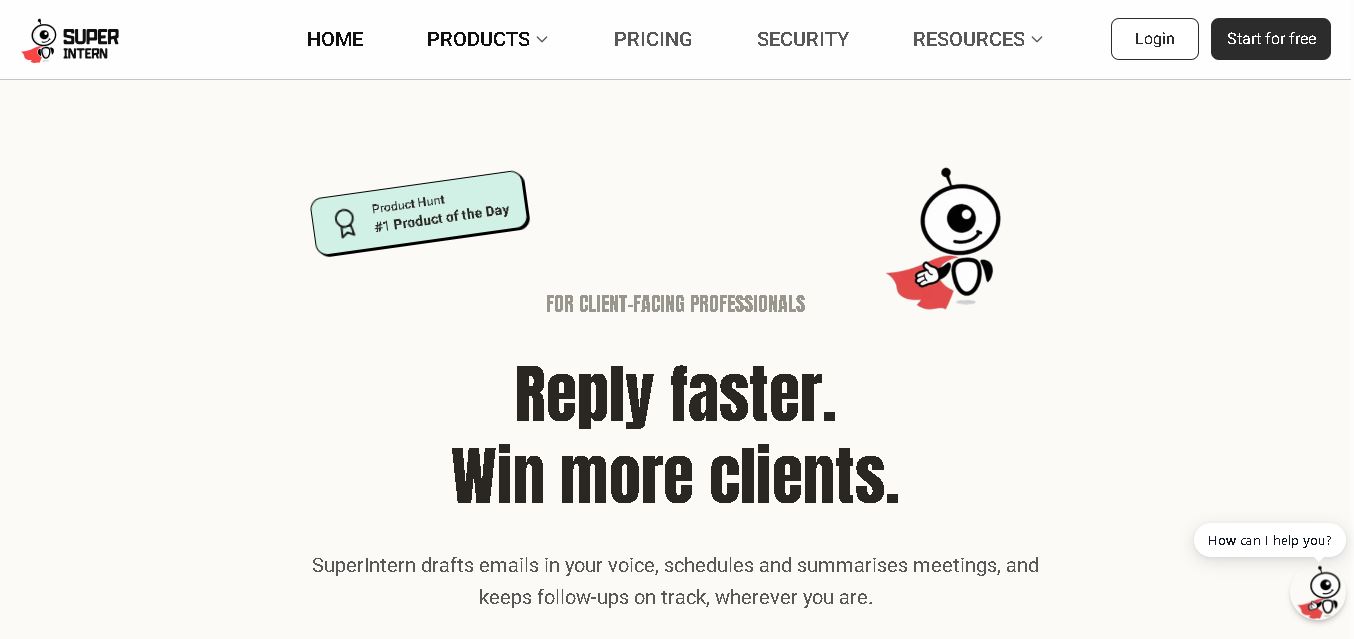
SuperIntern is a proactive AI assistant for professionals who want help managing emails, meetings, tasks, reminders, and follow-ups. It learns your communication style, works through familiar messaging apps, connects business knowledge, and handles recurring workflows. You review important outputs before sending, while the assistant reduces repetitive administrative work across operations.
 4.8
4.8JourneAI
Life Assistant
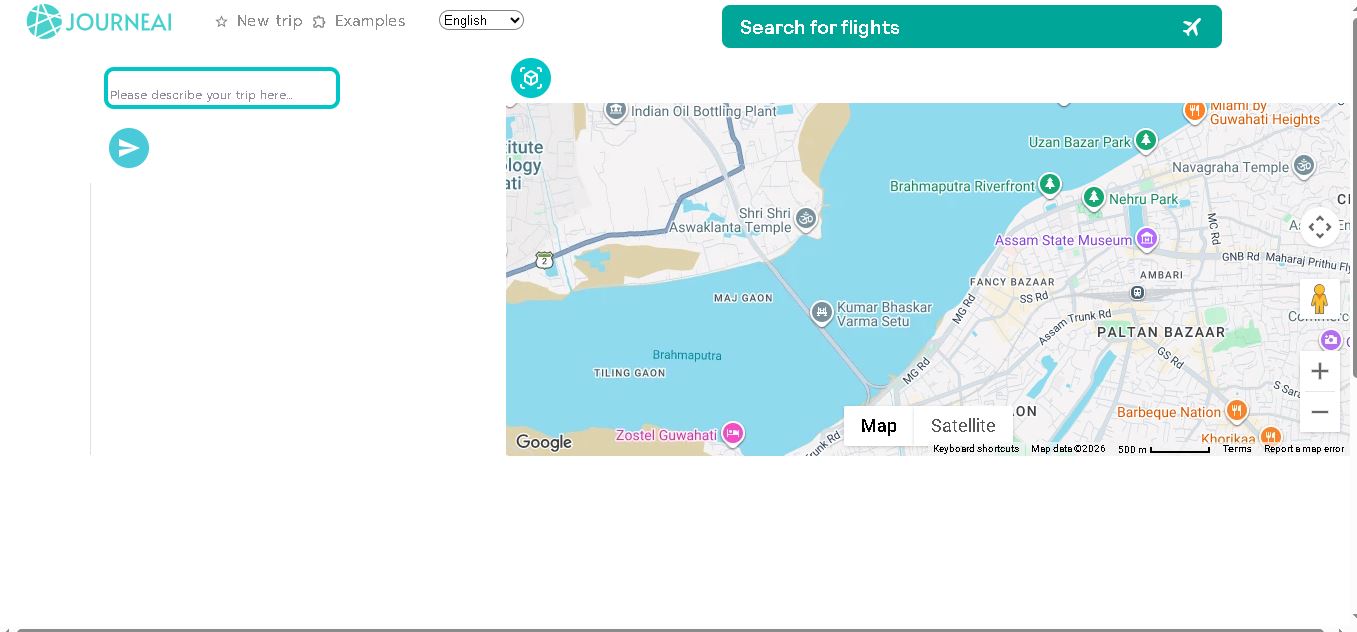
JourneAI is a travel itinerary generator that turns your destination or travel idea into a personalized trip plan. It helps travelers organize journeys quickly by generating detailed itineraries from simple descriptions. The tool is useful for discovering travel possibilities, structuring activities, and creating a practical starting point for trip planning.
 4.7
4.7SYiGO
Life Assistant
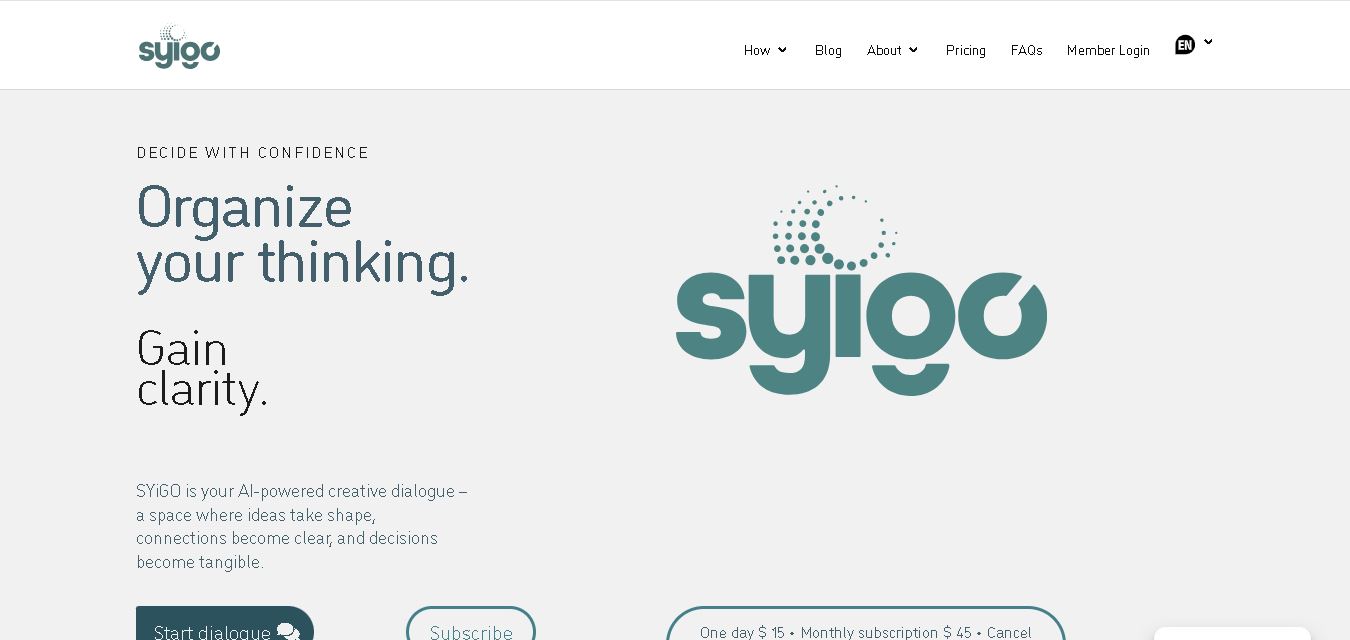
SYiGO is a structured digital dialogue space for reflection, clarity, and conscious decision-making. It helps individuals organize thoughts, explore values, understand complex situations, and identify priorities. Teams can also use SYiGO to bring perspectives together, clarify responsibilities, strengthen communication, and create shared alignment during important decisions or organizational change.
 4.7
4.7RedditScout
Life Assistant
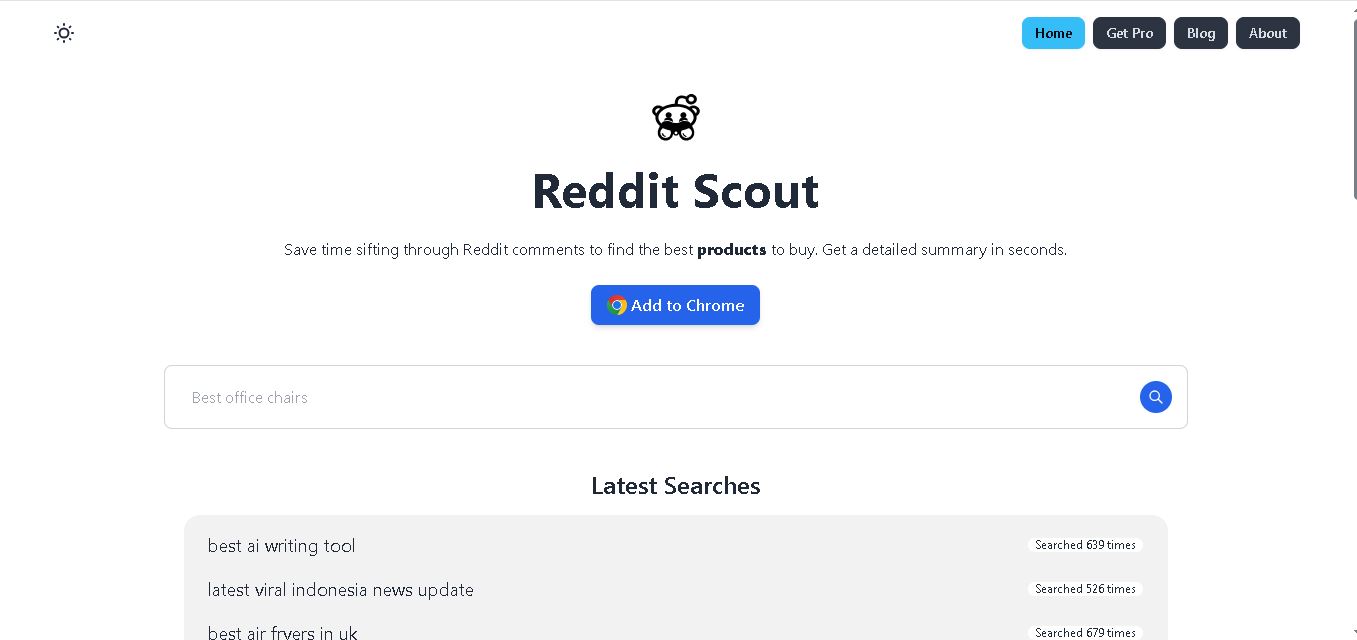
Reddit Scout helps you research products through Reddit discussions. Enter a product or category, and it surfaces relevant comments, highlights community experiences, and summarizes useful information. It can reduce time spent browsing multiple threads when comparing products, discovering recommendations, or understanding what Reddit users say about a specific purchase decision.
 4.7
4.7Glitter AI
Life Assistant
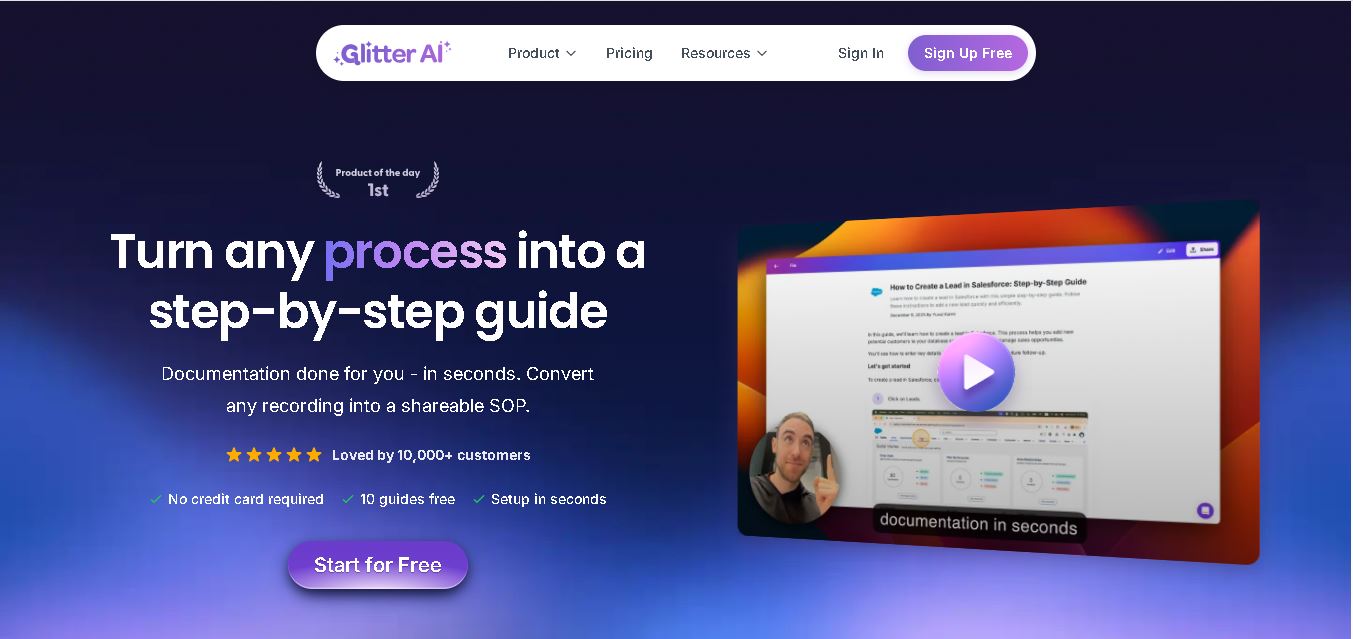
Glitter AI helps teams turn everyday workflows into clear step-by-step guides, SOPs, and training documentation. Record your screen and voice or upload an existing video, and Glitter identifies important moments, captures screenshots, and generates written instructions. Guides can then be edited, shared, exported, translated, or embedded for easier knowledge sharing.
 4.7
4.7BlackInk AI
Life Assistant
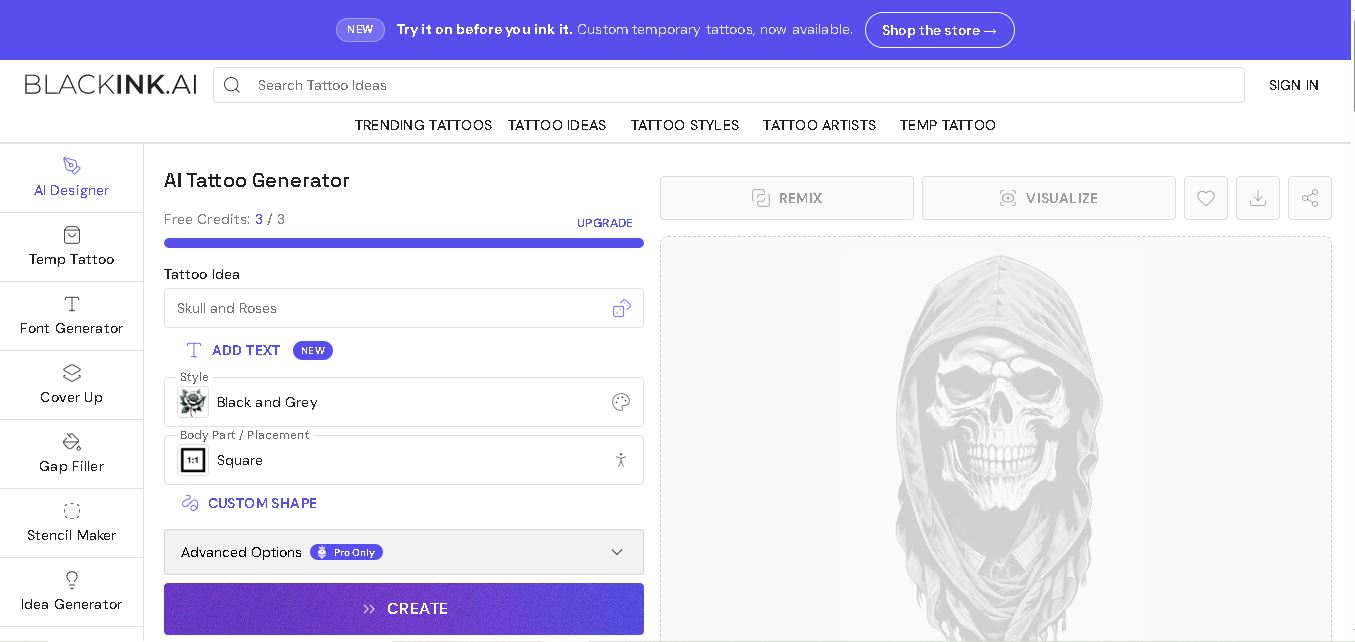
BlackInk AI helps users turn tattoo ideas into personalized visual concepts using simple text prompts and customization options. You can explore different styles, preview designs on body placements, create stencils, and refine creative directions before visiting an artist. It suits beginners, tattoo enthusiasts, illustrators, and professional tattoo artists alike today.
 4.8
4.8Jovida AI
Life Assistant
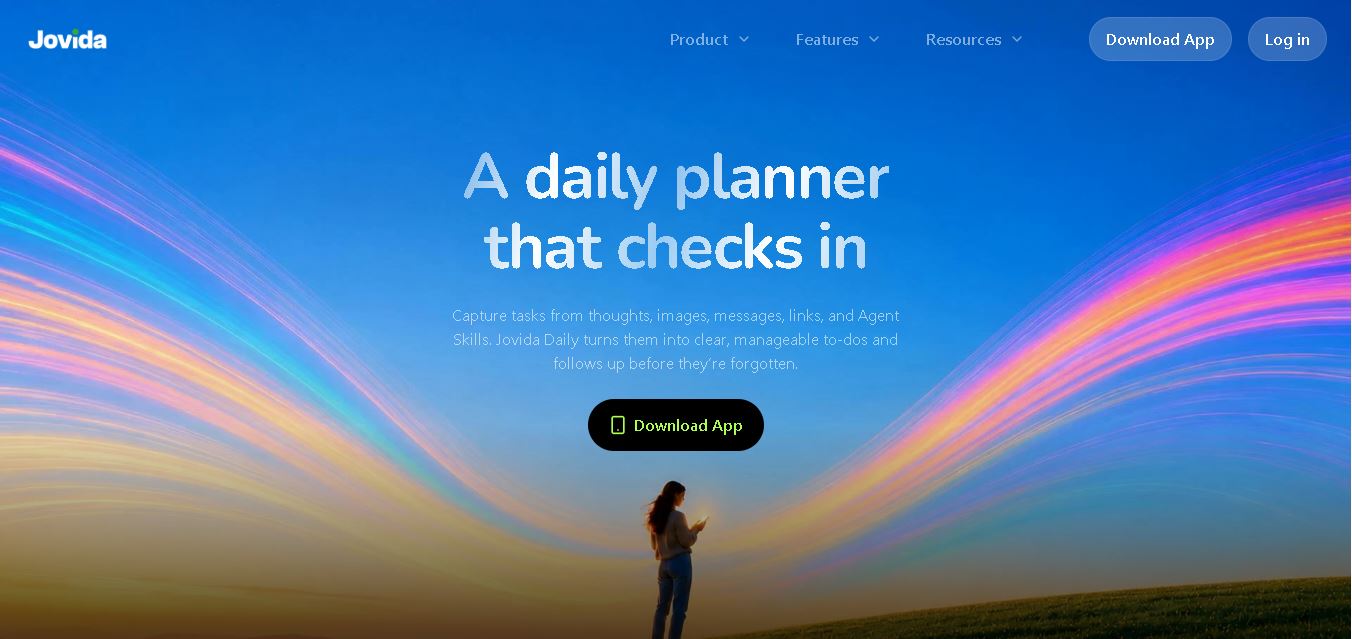
Jovida Daily helps users capture, organize, prioritize, and complete everyday tasks without constantly maintaining a complicated productivity system. It converts voice notes, screenshots, links, messages, and rough ideas into actionable to-dos, breaks overwhelming projects into smaller steps, adjusts daily plans, and follows up when important work remains unfinished.
 4.7
4.7MysticX AI
Life Assistant
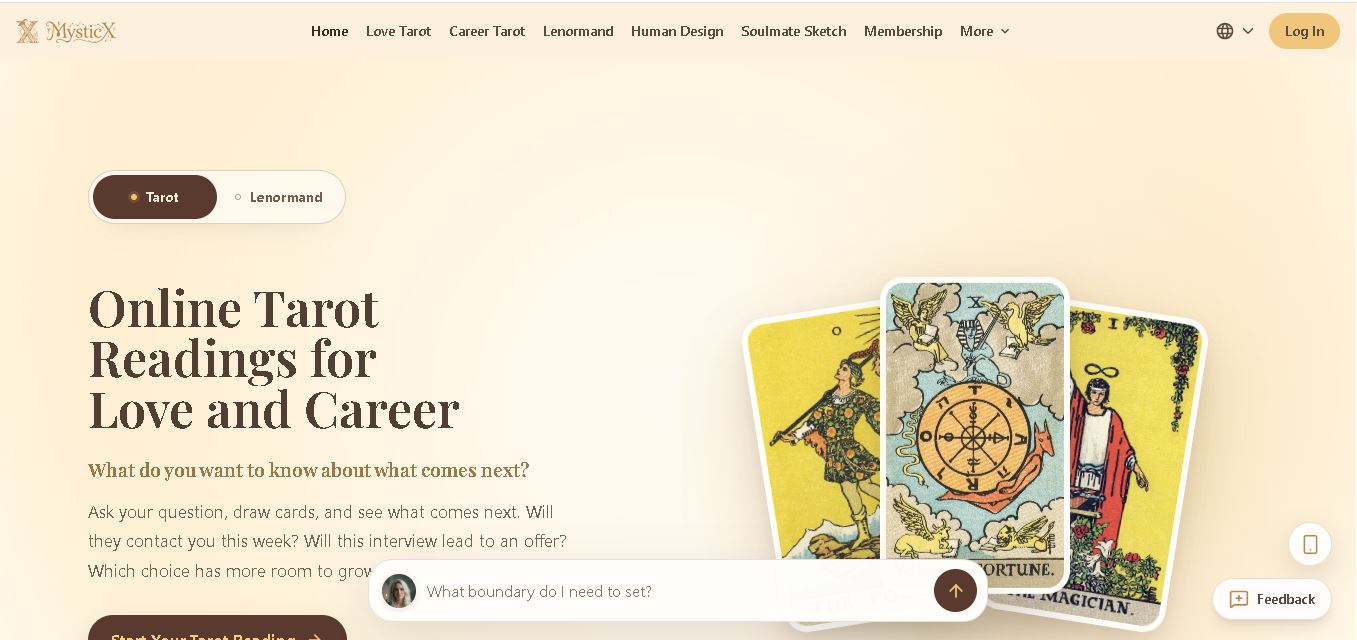
MysticX is an online tarot and reflection tool for personalized guidance across love, career, relationships, decisions, and daily life. Users can draw Tarot or Lenormand cards, explore different spreads, ask follow-up questions, save meaningful readings, and discover additional experiences such as Human Design and Soulmate Sketch.
 4.7
4.7KnowMyFace
Life Assistant
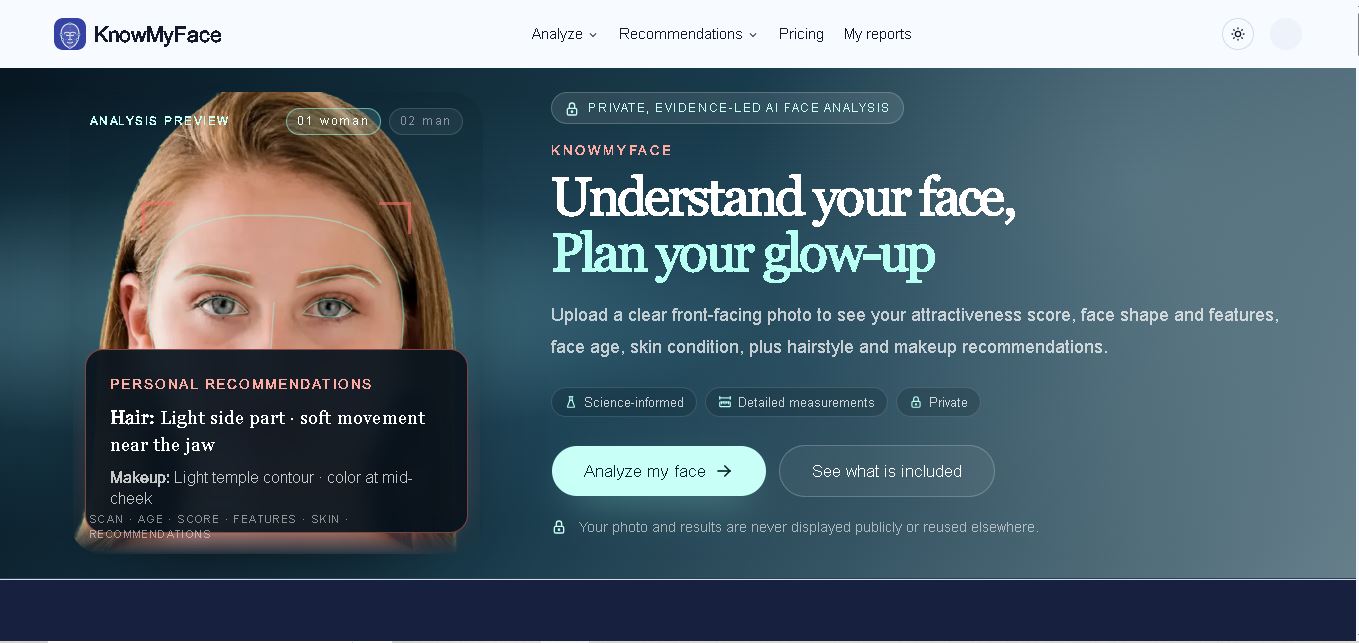
KnowMyFace helps you understand your facial features from one clear photo. It identifies face shape, brows, eyes, nose, lips, appearance age, and attractiveness context, then provides personalized hairstyle and makeup guidance. A free preview is available, while the Complete Report adds measurements, evidence, skin observations, and a downloadable PDF report.