
Jovida AI
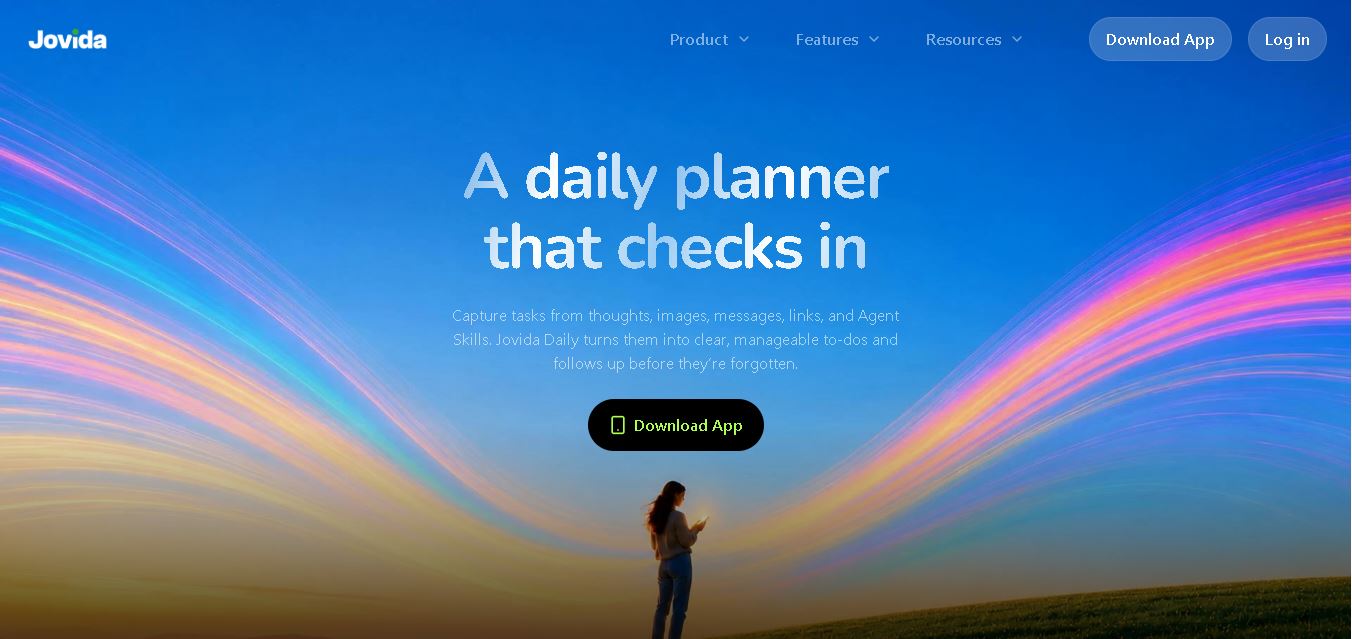
Jovida Daily helps users capture, organize, prioritize, and complete everyday tasks without constantly maintaining a complicated productivity system. It converts voice notes, screenshots, links, messages, and rough ideas into actionable to-dos, breaks overwhelming projects into smaller steps, adjusts daily plans, and follows up when important work remains unfinished.
What is Jovida AI?
Jovida Daily is a smart daily planner and to-do list designed to turn scattered thoughts into clear, manageable actions. Users can capture tasks through voice notes, screenshots, links, messages, images, or manual entries. The system identifies important actions, organizes priorities, breaks large projects into smaller steps, and provides contextual reminders. It also adapts daily plans when schedules change, making task management easier for professionals, students, creators, busy households, and people with ADHD.
Jovida Daily combines at least 6 core planning capabilities highlighted on its official website, including multi-format task capture, voice-dump organization, prioritized to-do lists, task breakdown, contextual reminders, and adaptive daily planning. Users can capture tasks from multiple formats, while its planning process follows 3 practical stages: checking constraints, building a realistic order, and replanning remaining work. The iOS app requires iOS 15.0 or later and supports 9 languages, giving users flexible productivity assistance across different routines and schedules.
- Platform Role: AI Daily Planner, ADHD Productivity Assistant & Voice-to-Task Organizer
- Developer & Organization: FluxVita Corp
- Cross-Platform Access: Web Browser, Mobile Application (iOS & Android), Jovida CLI, and Model Context Protocol (MCP) integrations
Use Cases:
- Recording quick voice notes or unstructured text dumps to automatically generate structured task lists
- Breaking down vague, intimidating projects or deadlines into manageable starting steps
- Dynamically rescheduling remaining daily tasks when schedules shift or delays occur
- Receiving intelligent AI check-ins and contextual follow-ups that prevent tasks from being forgotten
- Extracting tasks directly from screenshots, web links, and developer workflows via MCP/CLI tools
Technology:
- Multimodal generative AI engines capable of processing voice audio, images, raw text, and web URLs
- Adaptive task prioritization algorithms designed to reduce decision fatigue
- Open integration capabilities with Model Context Protocol (MCP) and Command Line Interfaces (CLI)
Target Users:
- Individuals with ADHD or fast-moving minds needing low-friction capture and gentle accountability
- Busy professionals and project managers handling dynamic schedules and multi-source task inputs
- Creators, developers, and students balancing multi-step projects and scattered ideas
Acquisition: Proprietary product operated by FluxVita Corp (jovida.ai)

What are the key features of Jovida AI?
Jovida AI's key platform features are
- AI Voice Dump Organizer: Translates rapid, scattered voice thoughts into organized tasks with context.
- Multimodal Task Capture: Accepts screenshots, raw notes, web links, and messages to create action items automatically.
- Automated Task Breakdown: Simplifies overwhelming projects by proposing initial starting steps and subtasks.
- Dynamic Adaptive Rescheduling: Rebuilds remaining daily schedules automatically as time and priorities shift.
- Smart Follow-Ups & AI Companion: Gently checks in on overdue or stuck items with context-aware prompts.
- Developer & Ecosystem Tools: Includes CLI access and Model Context Protocol (MCP) support for tech-forward workflows.
How much does Jovida AI cost?
Jovida AI offers free access to core daily planning tools with premium upgrades for advanced AI integrations and unlimited processing.
Pricing Tiers:
- Free Plan: Access to basic task management, manual entries, and starter AI task capture limits.
- Pro / Premium Subscription: Unlocks unlimited AI voice dumps, advanced project breakdown tools, MCP/CLI access, and personal AI companion follow-ups.
Who should use Jovida AI?
Jovida AI is designed for individuals seeking low-friction organization, including
- ADHD & Neurodivergent Users: People who struggle with traditional, static to-do lists and benefit from fast voice capture and small starting steps.
- Busy Executives & Freelancers: Professionals dealing with fragmented inputs across meetings, screenshots, and messaging apps.
What are the best alternatives to Jovida AI?
Some of the strongest Jovida AI alternatives include
What are the pros and cons of Jovida AI?
What are the pros of Jovida AI?
- Frictionless multimodal capture supports voice, screenshots, links, and text dumps
- Designed specifically to reduce cognitive load and decision fatigue for ADHD minds
- Developer-friendly integration via CLI and Model Context Protocol (MCP)
What are the cons of Jovida AI?
- Requires a user confirmation step to ensure AI task parsing accuracy
- Full feature set and unlimited voice parsing require a paid subscription
Why should you choose Jovida AI?
Standard to-do list apps require high manual maintenance and constant sorting, often becoming a source of stress rather than support. Jovida AI functions as an empathetic, proactive partner that transforms messy ideas into structured actions, automatically adapting as your day changes.
Jovida vs. Competitors
The main difference between Jovida, MyFitnessPal, MacroFactor, Fabulous, and Finch is that Jovida focuses on proactive, AI-driven life assistance rather than a single habit, nutrition, or wellness function. Jovida combines goal planning, smart nudges, contextual awareness, long-term memory, and task assistance, while MyFitnessPal and MacroFactor emphasize nutrition tracking, Fabulous focuses on routines, and Finch centers on self-care and habit-building through a virtual-pet experience for daily engagement.
| Tool | Primary Focus | Key Difference from Jovida |
|---|---|---|
| Jovida | AI life agent and personal goals | Combines goal planning, proactive nudges, contextual awareness, long-term memory, and action-orientated assistance. |
| MyFitnessPal | Nutrition and fitness tracking | Primarily focuses on food logging, calorie tracking, exercise, and nutrition management rather than broader life goals. |
| MacroFactor | Nutrition and macro tracking | Emphasizes adaptive calorie and macro recommendations based on nutrition and weight data. |
| Fabulous | Habit building and routines | Focuses on structured routines, habits, and behavioural coaching rather than an AI agent that proactively handles goal-related busywork. |
| Finch | Self-care and habit building | Uses a virtual-pet experience to encourage daily self-care, reflection, and positive routines. |
How do we rate Jovida AI?
| Parameter | Rating (out of 5) |
|---|---|
| Voice & Multimodal Task Capture | 4.8 |
| ADHD Friendliness & UX Simplicity | 4.9 |
| Adaptive Scheduling & Task Breakdown | 4.7 |
| Value for Money | 4.6 |
| Overall Score | 4.75 |
What is our review and verdict on Jovida AI?
Jovida AI stands out as a thoughtful, highly effective tool for anyone struggling with executive dysfunction or input overload. By prioritizing low-friction voice capture and gentle, context-aware reminders, it offers a refreshing alternative to traditional, rigid task management software.
Conclusion
Jovida Daily offers a more adaptive approach to task management by turning unstructured information into prioritized, actionable work. Its combination of multi-format capture, task breakdown, contextual reminders, prioritization, and daily replanning can be particularly useful when traditional to-do lists require too much manual organization. For students, professionals, creators, households, or users managing busy schedules, Jovida Daily aims to reduce planning effort while keeping important tasks visible and easier to start.
FAQ
What can I use Jovida Daily for?
You can use Jovida Daily to organize assignments, work projects, meetings, errands, content ideas, household responsibilities, and personal tasks. Instead of manually structuring everything, you can share rough thoughts, screenshots, links, or voice notes. Jovida identifies actionable items, organizes priorities, and helps you decide what should happen next.
How does Jovida Daily turn my thoughts into tasks?
If your thoughts feel scattered, you can speak or write them naturally instead of creating perfectly formatted tasks. Jovida Daily analyzes the information to identify actions, dates, people, and useful details. It then creates structured tasks for your review, allowing you to confirm or adjust them before adding them permanently.
Can Jovida Daily help me manage large projects?
Yes. When a project feels too large or unclear, Jovida Daily can break it into smaller, practical steps and identify an obvious starting point. This approach can make assignments, presentations, personal projects, or complicated responsibilities easier to begin because you see individual actions rather than one overwhelming task requiring completion.
What types of information can I add to Jovida Daily?
You are not limited to typing traditional to-do items. Jovida Daily can capture information from voice notes, screenshots, images, links, quick notes, and other messy inputs. The system analyzes the source, identifies useful actions and context, and converts that information into organized tasks that you can review before confirming.
How does Jovida Daily prioritize my tasks?
Jovida Daily prioritizes tasks using factors such as deadlines, importance, effort, and the time you actually have available. Instead of presenting one long flat list, it helps establish a clearer order for your day. This can reduce repeated decisions about what deserves attention and what can reasonably wait until later.
How are Jovida Daily reminders different from regular reminders?
Jovida Daily reminders are designed to bring useful context back with the task rather than displaying only a generic notification. They can include why something matters and provide a practical next step. If an important task remains unfinished, Jovida can follow up again instead of allowing the task to quietly disappear.
Does Jovida Daily adjust when my schedule changes?
Yes. Jovida Daily is designed to rebuild the remaining plan when your day changes. It considers fixed commitments, deadlines, available time, and unfinished work before reorganizing tasks. Therefore, if meetings run late or unexpected responsibilities appear, you can continue with an updated plan rather than abandoning your original schedule entirely.
User Reviews
No reviews yet for Jovida AI.
Featured Tools
Featured AI tools from TechShark

Melody Genie
MelodyGenie is an AI-powered music generator that creates original songs from simple text prompts. Users can choose styles, moods, and genres, then instantly generate melodies and full tracks, making it easy for creators, marketers, and hobbyists to produce custom music without musical expertise.
Freemium

Kimi AI
Kimi AI is an advanced AI assistant developed by Moonshot AI that helps you chat, research, write, code, and automate tasks in one place. It supports web search, file analysis, and multimodal inputs, and can even run autonomous “agent” workflows to complete complex tasks end-to-end.
Freemium

Fashion Diffusion AI
Fashion Diffusion is an AI-powered fashion design platform that helps brands and designers create clothing designs, virtual try-ons, AI models, product photos, and marketing visuals faster and cost-effectively.
Paid

Veo 4
Veo 4 AI is an AI video creation platform that generates dramatic videos from text, images, audio, and video prompts using realistic motion and synchronized sound.
Paid
Alternatives
Alternatives to Jovida AI
The best Jovida AI alternatives include Motion, Todoist, Sunsama, and Llama Life. While Jovida AI focuses on low-friction voice dumps and ADHD-friendly adaptive rescheduling, alternatives like Motion automate full calendar time-blocking and Sunsama integrates deeply with enterprise work management platforms.
 4.7
4.7PartyPilot AI
Life Assistant
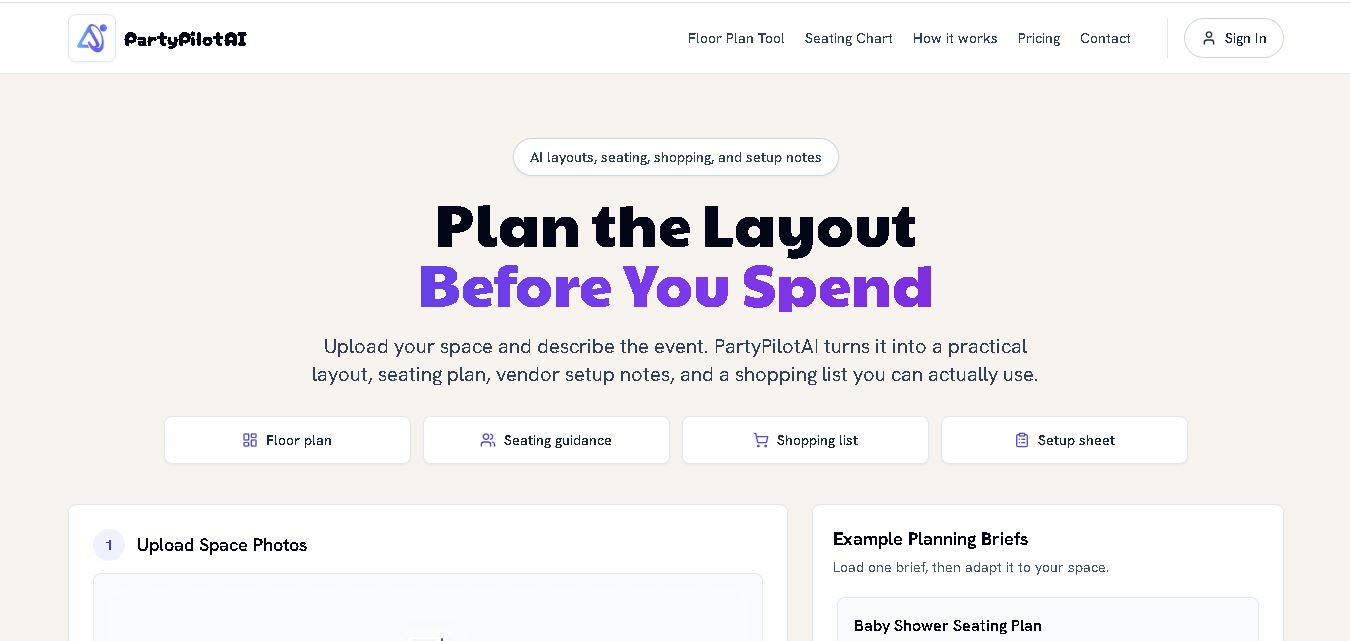
PartyPilotAI helps you plan celebrations around your actual space. Upload venue photos, describe your guest count, theme, budget, and requirements, then receive practical layout guidance, seating ideas, shopping priorities, setup notes, and optional visual mockups. It is designed for hosts, families, helpers, vendors, and event-planning workflows for smoother event preparation.
 4.8
4.8SuperIntern
Life Assistant
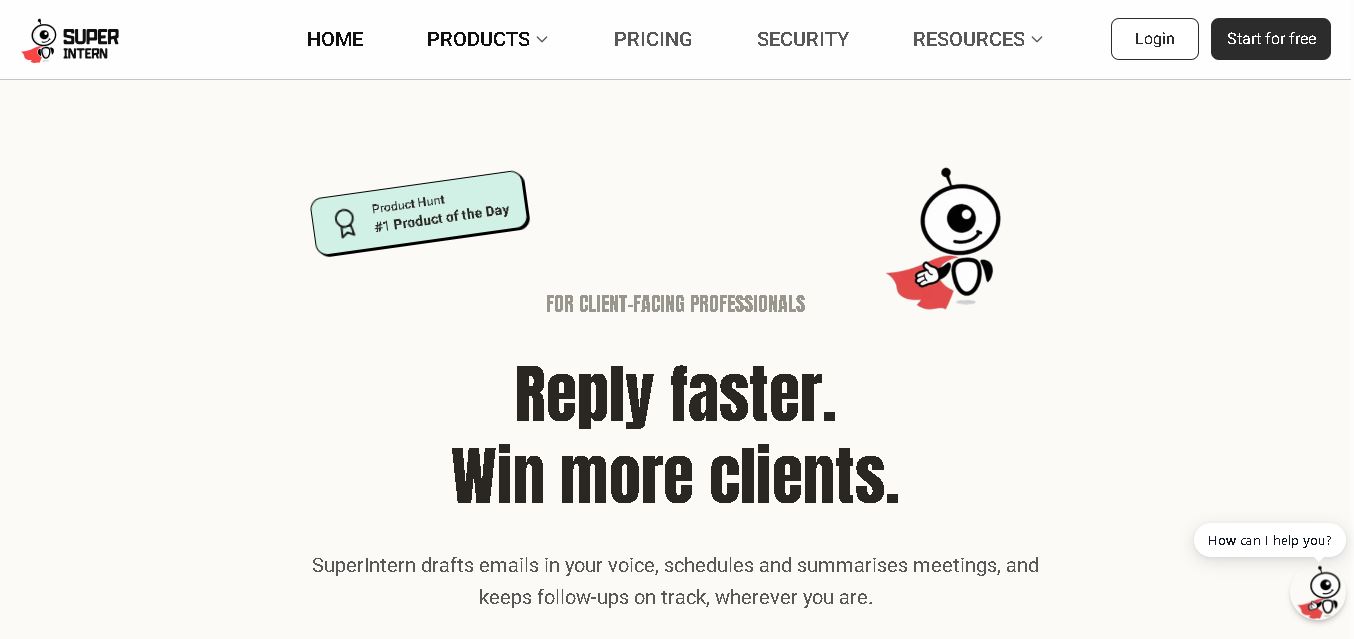
SuperIntern is a proactive AI assistant for professionals who want help managing emails, meetings, tasks, reminders, and follow-ups. It learns your communication style, works through familiar messaging apps, connects business knowledge, and handles recurring workflows. You review important outputs before sending, while the assistant reduces repetitive administrative work across operations.
 4.8
4.8JourneAI
Life Assistant
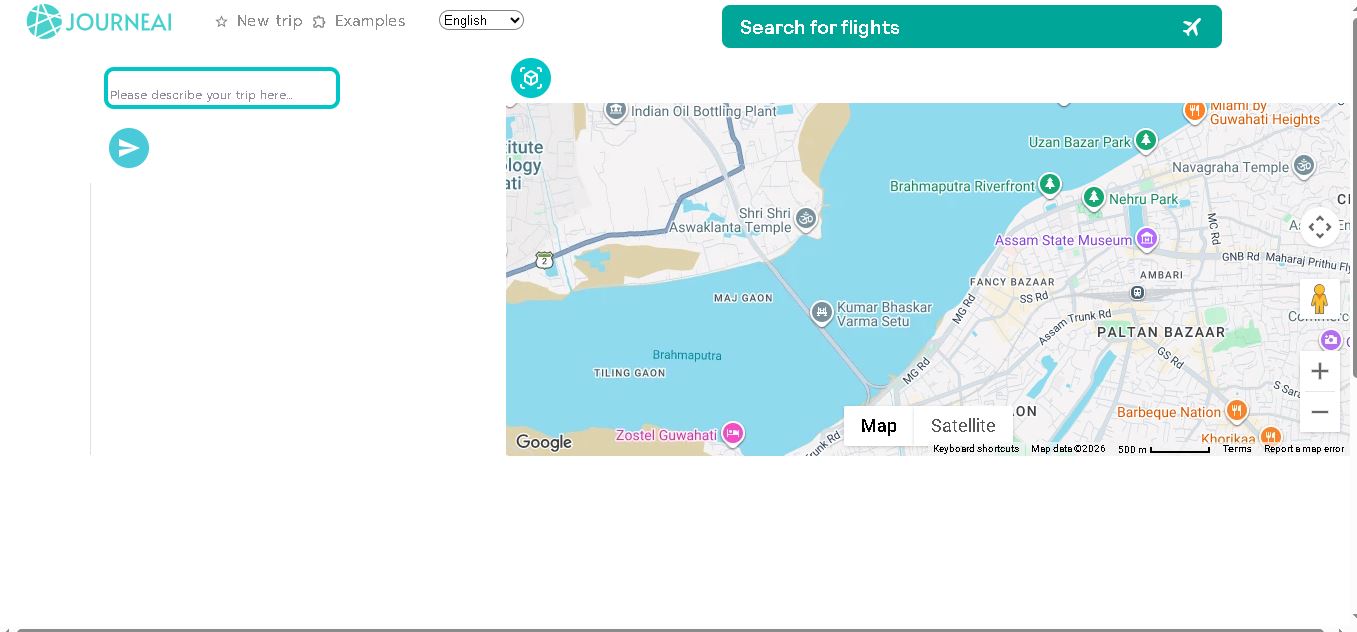
JourneAI is a travel itinerary generator that turns your destination or travel idea into a personalized trip plan. It helps travelers organize journeys quickly by generating detailed itineraries from simple descriptions. The tool is useful for discovering travel possibilities, structuring activities, and creating a practical starting point for trip planning.
 4.7
4.7SYiGO
Life Assistant
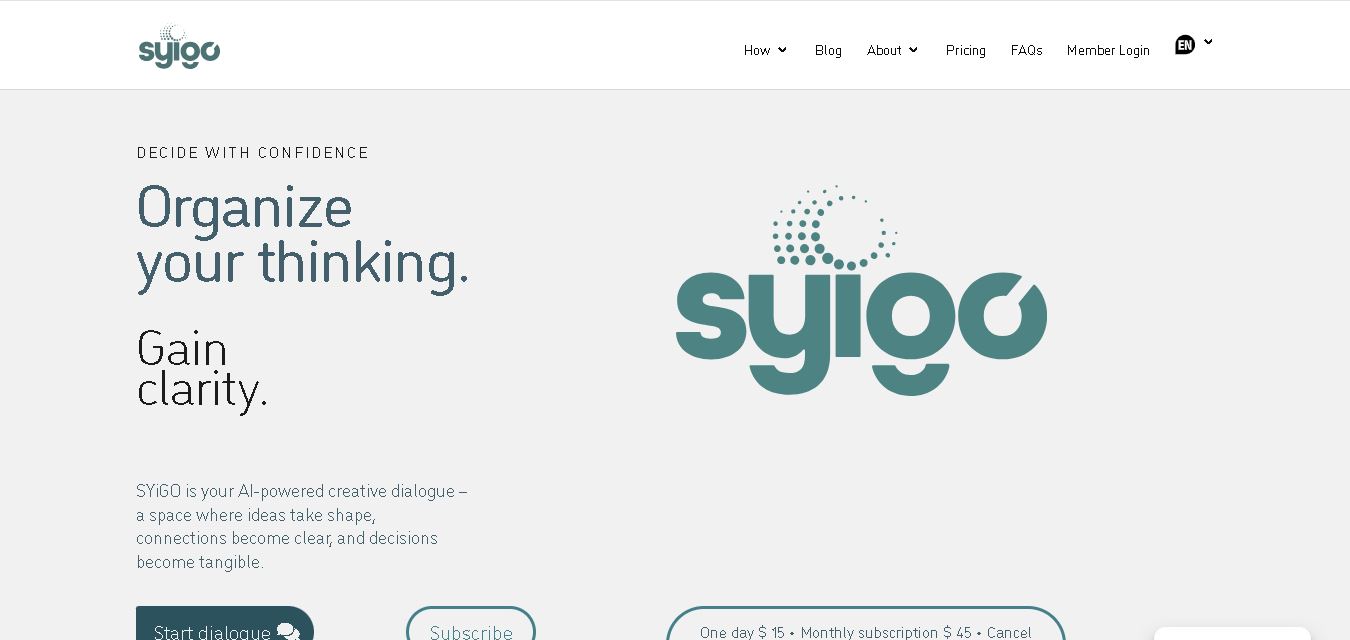
SYiGO is a structured digital dialogue space for reflection, clarity, and conscious decision-making. It helps individuals organize thoughts, explore values, understand complex situations, and identify priorities. Teams can also use SYiGO to bring perspectives together, clarify responsibilities, strengthen communication, and create shared alignment during important decisions or organizational change.
 4.7
4.7RedditScout
Life Assistant
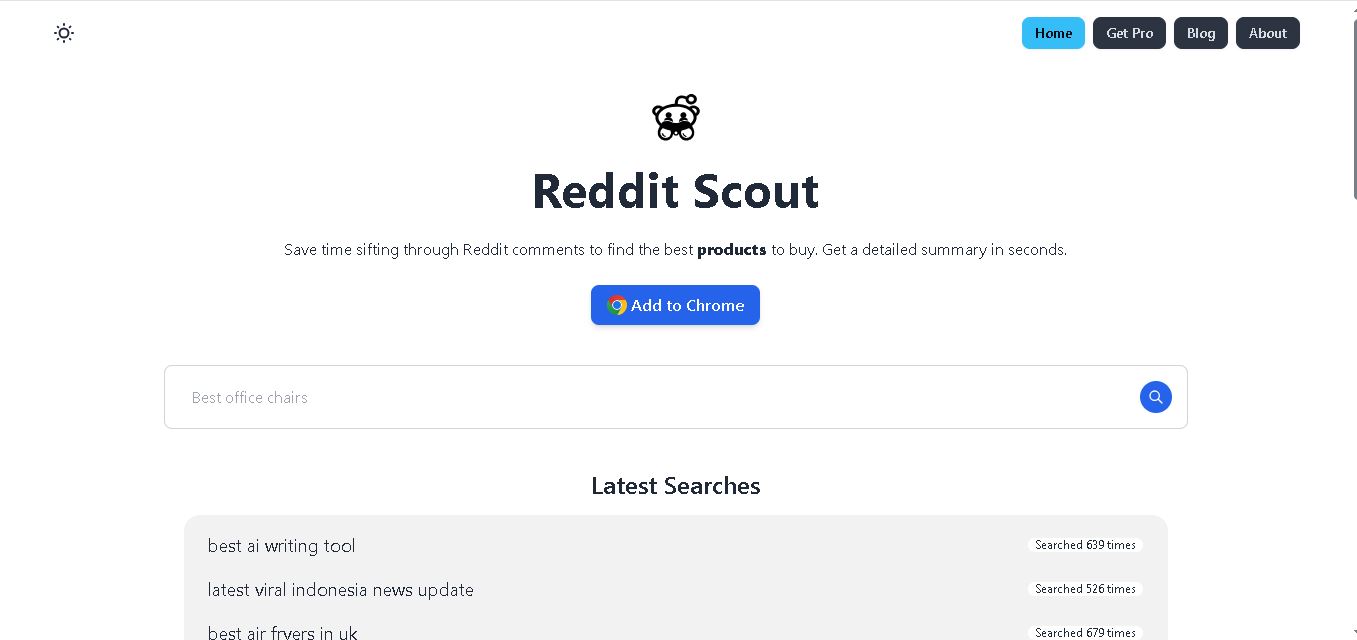
Reddit Scout helps you research products through Reddit discussions. Enter a product or category, and it surfaces relevant comments, highlights community experiences, and summarizes useful information. It can reduce time spent browsing multiple threads when comparing products, discovering recommendations, or understanding what Reddit users say about a specific purchase decision.
 4.7
4.7Glitter AI
Life Assistant
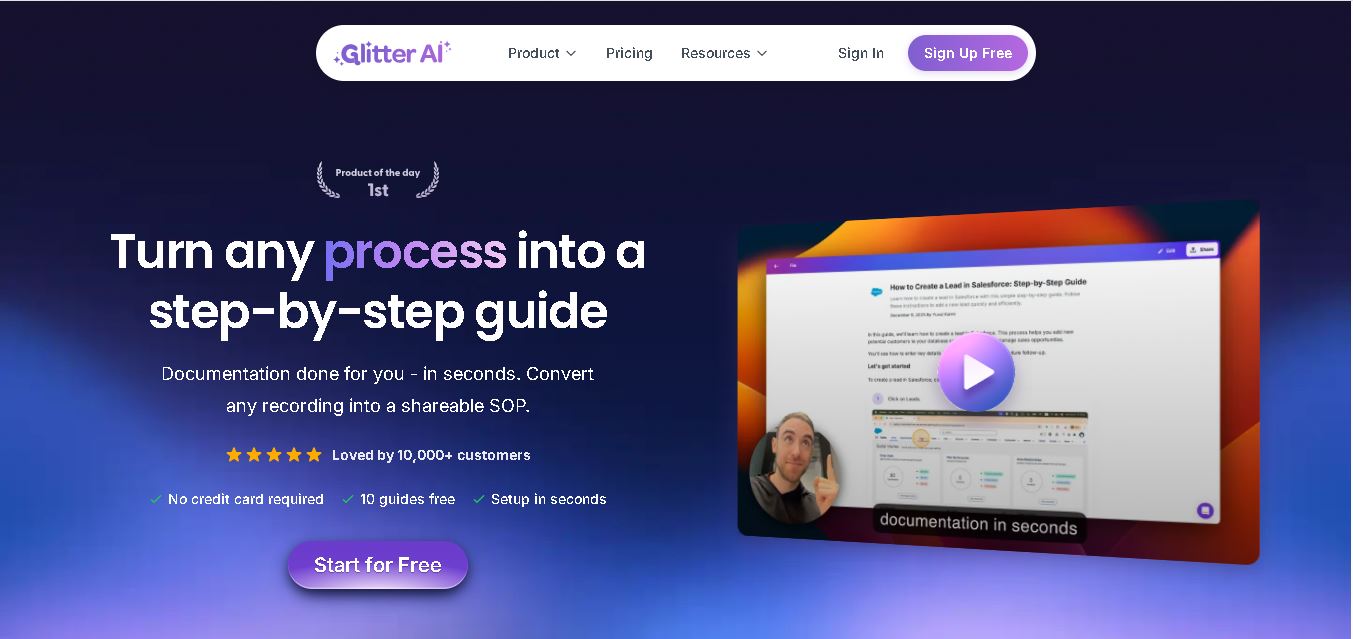
Glitter AI helps teams turn everyday workflows into clear step-by-step guides, SOPs, and training documentation. Record your screen and voice or upload an existing video, and Glitter identifies important moments, captures screenshots, and generates written instructions. Guides can then be edited, shared, exported, translated, or embedded for easier knowledge sharing.
 4.7
4.7BlackInk AI
Life Assistant
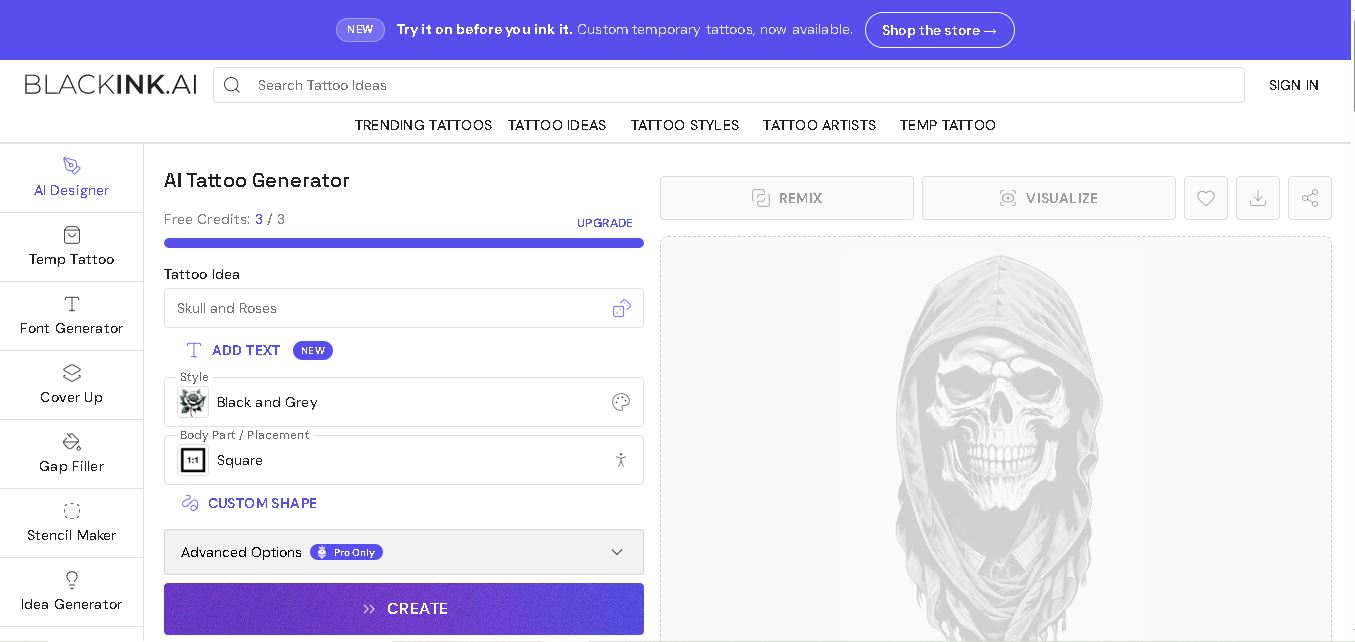
BlackInk AI helps users turn tattoo ideas into personalized visual concepts using simple text prompts and customization options. You can explore different styles, preview designs on body placements, create stencils, and refine creative directions before visiting an artist. It suits beginners, tattoo enthusiasts, illustrators, and professional tattoo artists alike today.
 4.7
4.7MysticX AI
Life Assistant
MysticX is an online tarot and reflection tool for personalized guidance across love, career, relationships, decisions, and daily life. Users can draw Tarot or Lenormand cards, explore different spreads, ask follow-up questions, save meaningful readings, and discover additional experiences such as Human Design and Soulmate Sketch.
 4.7
4.7KnowMyFace
Life Assistant
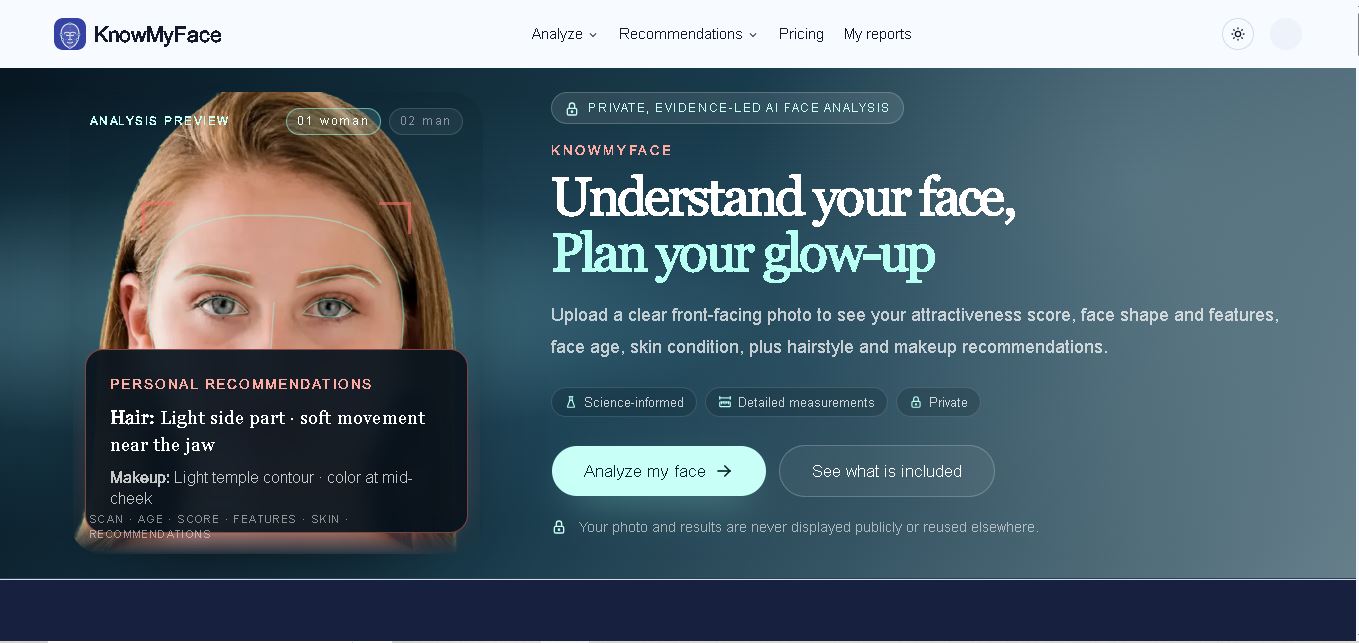
KnowMyFace helps you understand your facial features from one clear photo. It identifies face shape, brows, eyes, nose, lips, appearance age, and attractiveness context, then provides personalized hairstyle and makeup guidance. A free preview is available, while the Complete Report adds measurements, evidence, skin observations, and a downloadable PDF report.