
SuperIntern
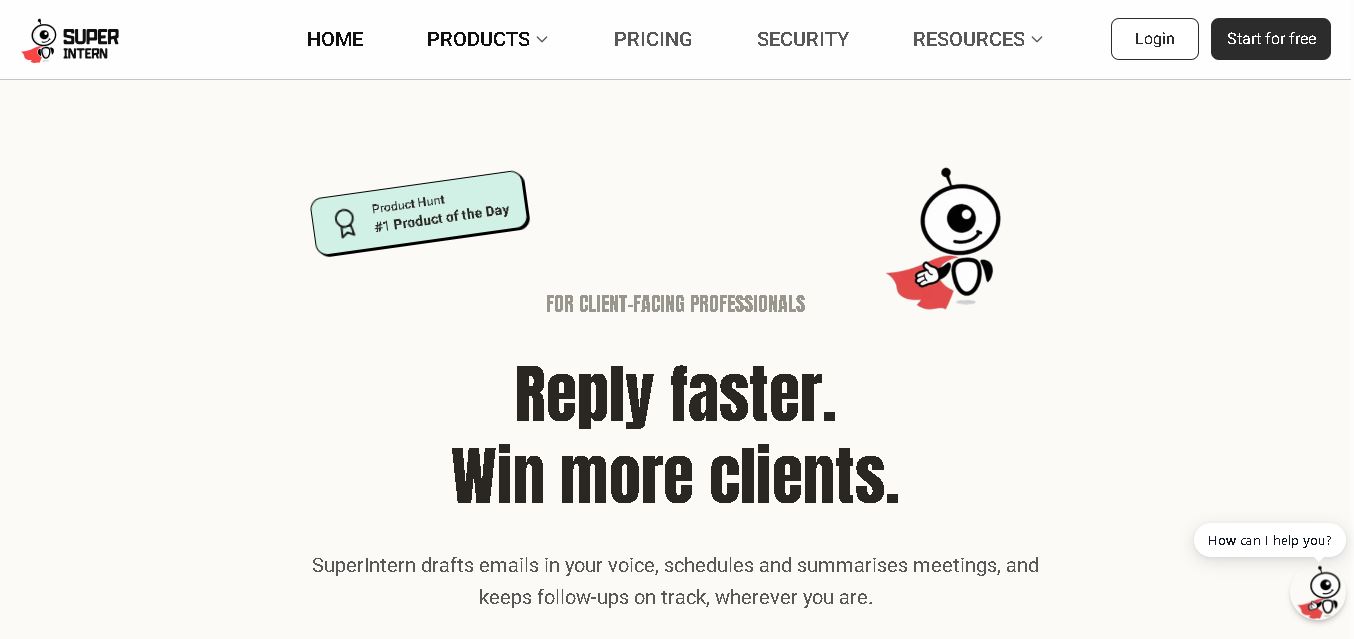
SuperIntern is a proactive AI assistant for professionals who want help managing emails, meetings, tasks, reminders, and follow-ups. It learns your communication style, works through familiar messaging apps, connects business knowledge, and handles recurring workflows. You review important outputs before sending, while the assistant reduces repetitive administrative work across operations.
What is SuperIntern?
SuperIntern is an always-on AI assistant designed to handle repetitive professional work across email, meetings, follow-ups, reminders, and connected apps. It drafts replies in your tone, remembers context, turns messages into tasks, summarizes meetings, and supports recurring workflows. Users connect Gmail or Outlook, teach their preferences, review generated replies, and delegate routine work through messaging platforms such as Telegram, WhatsApp, Discord, WeChat, and Slack.
SuperIntern offers a 7-day free trial and provides 300 credits at signup plus 100 credits daily. Its Starter plan costs $30/month with up to 6,000 credits and 600 drafted client emails, while Pro costs $50/month with up to 8,000 credits and 1,000 drafted emails. It supports 1,000+ integrations, records up to 60 hours of meetings on Starter and 100 hours on Pro, and lists SOC 2 Type I, GDPR, Google Cloud, and CASA credentials for professional users across different workflows.
- Platform Role: AI Executive Assistant, Messaging-First Workflow Agent & Meeting Transcription Tool
- Developer & Organization: SuperIntern AI (Founded by former engineering and product leads from Google, DeepMind, and Yahoo)
- Cross-Platform Access: Integrates directly into Telegram, WhatsApp, Discord, Slack, WeChat, Gmail, Google Calendar, and Outlook
Use Cases:
- Auto-drafting tailored client email replies in your exact tone of voice before you open your inbox
- Joining video calls automatically to capture transcripts, summarize key decisions, and email structured action items
- Converting casual voice notes, screenshots, and chat messages into scheduled calendar events and trackable to-dos
- Querying organizational knowledge grounded in connected tools like Google Drive, Notion, GitHub, and web links
- Maintaining searchable, persistent memory of past client interactions and multi-channel conversations
Technology:
- Adaptive LLM tone-learning models that refine draft quality based on user edits and historical communication habits
- Cross-messaging gateway linking native mobile chat APIs directly to Gmail, Microsoft Outlook, and Google Calendar endpoints
- Enterprise-grade security infrastructure certified with SOC 2 Type I, GDPR compliance, and Google CASA assessment
- Context-aware retrieval-augmented generation (RAG) connecting live chat inputs with connected document stores
Target Users:
- Founders, CEOs, and executives seeking to offload inbox management and scheduling without hiring full-time staff
- Venture capital investors, consultants, and advisors operating primarily via mobile messaging apps while traveling
- Client-facing sales representatives and agency operators needing rapid email response turnarounds
- Remote and hybrid teams using Slack, Telegram, or Discord as their central operational hub
Acquisition: Self-serve SaaS platform available with a 7-day free trial on superintern.ai

What are the key features of SuperIntern?
SuperIntern's key platform features are
- Zero-Prompt Tone Matching: Automatically generates email drafts tailored to your personal writing style, learning from every manual edit you make.
- Chat App Integration Hub: Operates natively within Telegram, WhatsApp, Slack, Discord, and WeChat so you can delegate tasks from your phone.
- Automated Meeting Recording & Recaps: Attends video calls, transcribes discussions, extracts action items, and sends follow-up notes automatically.
- Voice-to-Email & Quick Action Conversion: Converts spoken audio notes or uploaded screenshots into formatted emails, calendar invites, or reminder lists.
- Knowledge Base Grounding: Connects to Notion, Google Drive, and GitHub to answer context-specific questions about projects and agreements.
- Human-in-the-Loop Safeguards: Pre-drafts client replies directly in your inbox without automatically sending until explicitly approved.
How much does SuperIntern cost?
SuperIntern offers structured monthly subscription tiers with credit allocations for email drafting, meeting recordings, and AI context processing.
Pricing Plans:
- Starter Plan ($30/month): Includes up to 6,000 credits/month, up to 600 drafted client emails, 60 hours of recorded meetings, messaging app access, and custom knowledge integrations.
- Pro Plan ($50/month): Includes up to 8,000 credits/month, up to 1,000 drafted client emails, 100 hours of recorded meetings, priority processing, and advanced support.
Disclaimer: SuperIntern provides a 7-day free trial with no upfront charge. Subscription pricing and credit allocations are billed monthly or discounted on quarterly and annual billing cycles.
Who should use SuperIntern?
SuperIntern is designed for busy professionals and remote operators, including
- Founders & Startup Executives: Leaders who spend hours triaging emails and want AI to pre-draft replies in their personal tone.
- Mobile-First Investors & Advisors: Professionals running deal flow, introductory calls, and follow-ups directly out of Telegram or WhatsApp.
- Agencies & Consultants: Service providers maintaining continuous client communication across multiple chat platforms and inboxes.
What are the best alternatives to SuperIntern?
Some of the strongest SuperIntern alternatives include
- Superhuman AI
- Otter.ai
- Fireflies.ai
- Shortwave AI
- Clara Labs
- Motion
What are the pros and cons of SuperIntern?
What are the pros of SuperIntern?
- Lives directly inside messaging apps like Telegram and WhatsApp, removing the need for specialized desktop software
- Continuously learns individual writing nuances to make pre-drafted emails sound natural and personalized
- Combines email drafting, calendar scheduling, and meeting recording inside a single subscription
- SOC 2 Type I, GDPR, and CASA compliance ensure robust data protection for sensitive business communications
What are the cons of SuperIntern?
- Requires a monthly paid subscription following the 7-day trial period with no permanent free plan tier
- Relies on credit allowances for email volume and meeting hours that heavy users may exceed
- Native iMessage integration remains in development compared to fully supported apps like Telegram and WhatsApp
Why should you choose SuperIntern?
Managing a daily flood of client emails, calendar requests, and meeting follow-ups often fragments deep work hours. SuperIntern resolves this administrative burden by bringing an AI executive assistant directly into the messaging applications you already use on your phone. By drafting replies in your voice and converting voice notes into actionable tasks, SuperIntern turns your chat apps into a mobile productivity command center.
How does SuperIntern compare to competitors?
The primary distinction between SuperIntern, Superhuman AI, Otter.ai, and Motion lies in operational channel and scope. While Otter.ai focuses almost exclusively on meeting notes and Superhuman operates solely inside specialized email clients, SuperIntern bridges meeting recaps, inbox drafting, and task creation directly into mobile messaging channels like Telegram and WhatsApp.
| Feature / Platform | SuperIntern | Superhuman AI | Otter.ai | Motion |
|---|---|---|---|---|
| Primary Interface | Telegram, WhatsApp, Slack & Chat Apps | Dedicated Web & Desktop Email App | Web & Mobile Video Recording App | Web & Desktop Calendar / Task Manager |
| Email Auto-Drafting | Yes (learns tone from manual edits) | Yes (in-app prompt drafting) | No | No |
| Meeting Notes & Follow-ups | Yes (included in subscription) | No | Yes (core specialization) | No |
| Voice-to-Action Processing | Yes (converts audio notes to tasks/emails) | Limited | Yes (speech transcription) | No |
| Best For | Executives wanting full delegation inside messaging channels | Power email users seeking fast inbox triage | Teams focused purely on call recording & transcripts | Individual professionals needing AI schedule optimization |
How do we rate SuperIntern?
| Parameter | Rating (out of 5) |
|---|---|
| Tone Learning & Email Draft Quality | 4.8 |
| Messaging App Integration (WhatsApp/Telegram) | 4.9 |
| Meeting Summarization & Action Extraction | 4.7 |
| Enterprise Security & Compliance | 4.9 |
| Value for Money | 4.6 |
| Overall Score | 4.78 |
What is our review and verdict on SuperIntern?
SuperIntern delivers a uniquely effective approach to AI productivity by embedding directly into messaging platforms rather than creating yet another standalone dashboard. Its combination of voice-matched email pre-drafting, mobile task extraction, and meeting summarization provides genuine leverage for busy founders and executives. With solid security certifications and simple setup steps, SuperIntern stands out as an indispensable digital assistant for mobile-first workflows.
Conclusion
SuperIntern brings email assistance, meeting support, task management, reminders, and recurring workflows into one proactive workspace. Its ability to learn your preferences, use connected business knowledge, and operate through familiar messaging apps makes it suitable for professionals handling frequent administrative work. With a 7-day trial, multiple paid plans, 1,000+ integrations, and documented security measures, users can explore its capabilities before committing to a subscription.
FAQ
What can I use SuperIntern for?
SuperIntern is useful when your day includes repetitive email replies, meeting coordination, follow-ups, reminders, and administrative tasks. It can draft messages in your communication style, remember contacts and context, summarize meetings, and convert voice notes or messages into to-dos. You still review important outputs before sending or acting on them.
What apps and integrations does SuperIntern support?
SuperIntern connects with Gmail or Outlook through its setup flow and can work alongside tools such as Google Calendar, Notion, GitHub, Telegram, Slack, Discord, WhatsApp, and WeChat. The website states that it supports more than 1,000 integrations. Availability can vary by platform, so check current integration details before connecting accounts.
Can SuperIntern learn my writing style?
Yes. SuperIntern says it learns your tone, style, rules, preferences, and habits from your instructions and edits. Over time, those corrections help refine future drafts. You can define communication preferences and connected knowledge, allowing replies to reflect your working style rather than requiring a detailed prompt for emails or tasks.
Does SuperIntern send emails automatically?
SuperIntern does not automatically send drafted emails without your approval. It prepares replies for review, allowing you to check accuracy, tone, recipients, and context before sending. This review step is particularly important because SuperIntern's terms explain that AI-generated outputs can sometimes be incomplete, inaccurate, or inconsistent and should be verified.
How much does SuperIntern cost?
SuperIntern lists Starter at $30 per month and Pro at $50 per month. Starter includes up to 6,000 monthly credits and 600 drafted client emails, while Pro includes up to 8,000 credits and 1,000 drafted emails. The site also offers a 7-day free trial, with plan details subject to change.
Can I use SuperIntern from my phone?
SuperIntern supports mobile-first workflows through Telegram, WhatsApp, WeChat, Discord, and Slack, with Slack identified as beta on the website. It can help with voice-to-email drafting, scheduling, reminders, meeting follow-ups, and recurring tasks. iMessage is listed as coming soon, so availability and access should be checked before choosing a messaging workflow.
User Reviews
No reviews yet for SuperIntern.
Featured Tools
Featured AI tools from TechShark

Melody Genie
MelodyGenie is an AI-powered music generator that creates original songs from simple text prompts. Users can choose styles, moods, and genres, then instantly generate melodies and full tracks, making it easy for creators, marketers, and hobbyists to produce custom music without musical expertise.
Freemium

Kimi AI
Kimi AI is an advanced AI assistant developed by Moonshot AI that helps you chat, research, write, code, and automate tasks in one place. It supports web search, file analysis, and multimodal inputs, and can even run autonomous “agent” workflows to complete complex tasks end-to-end.
Freemium

Fashion Diffusion AI
Fashion Diffusion is an AI-powered fashion design platform that helps brands and designers create clothing designs, virtual try-ons, AI models, product photos, and marketing visuals faster and cost-effectively.
Paid

Veo 4
Veo 4 AI is an AI video creation platform that generates dramatic videos from text, images, audio, and video prompts using realistic motion and synchronized sound.
Paid
Alternatives
Alternatives to SuperIntern
The best SuperIntern alternatives include Superhuman AI, Otter.ai, Fireflies.ai, and Shortwave AI. While SuperIntern provides an all-in-one AI executive assistant operating directly inside chat channels like Telegram and WhatsApp for email drafting, scheduling, and meeting recaps, alternatives like Otter.ai focus purely on meeting transcriptions and Superhuman AI operates as a dedicated desktop email client.
 4.7
4.7PartyPilot AI
Life Assistant
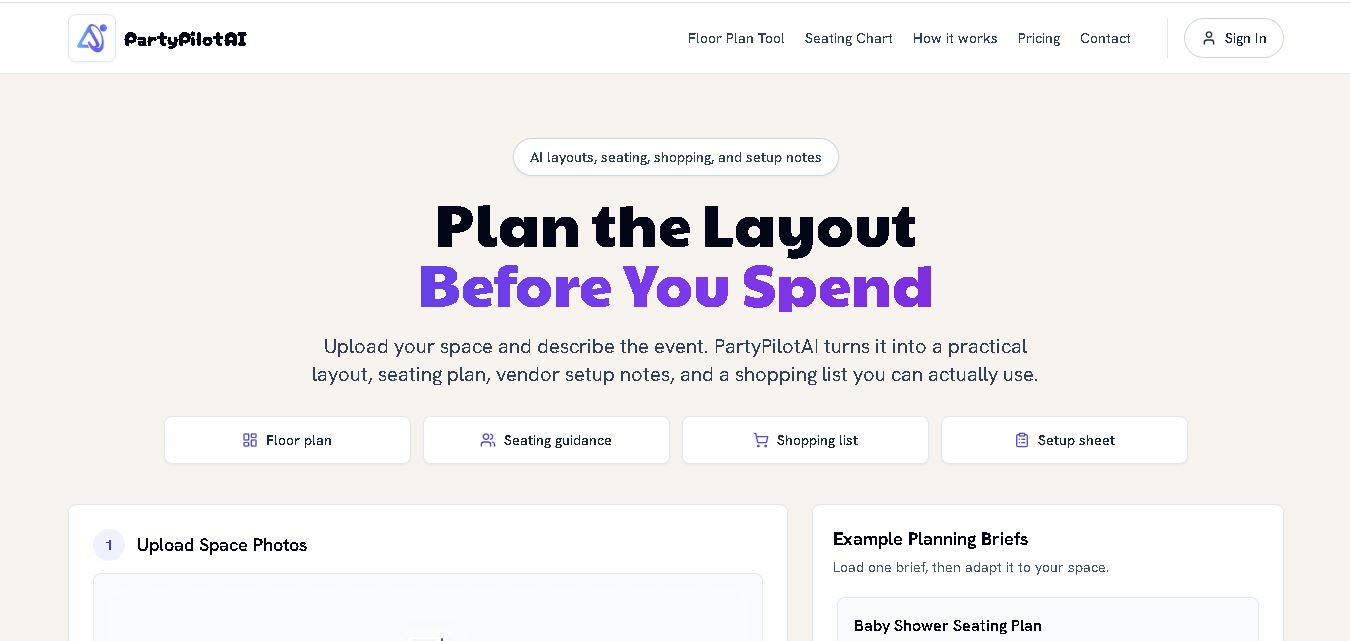
PartyPilotAI helps you plan celebrations around your actual space. Upload venue photos, describe your guest count, theme, budget, and requirements, then receive practical layout guidance, seating ideas, shopping priorities, setup notes, and optional visual mockups. It is designed for hosts, families, helpers, vendors, and event-planning workflows for smoother event preparation.
 4.8
4.8JourneAI
Life Assistant
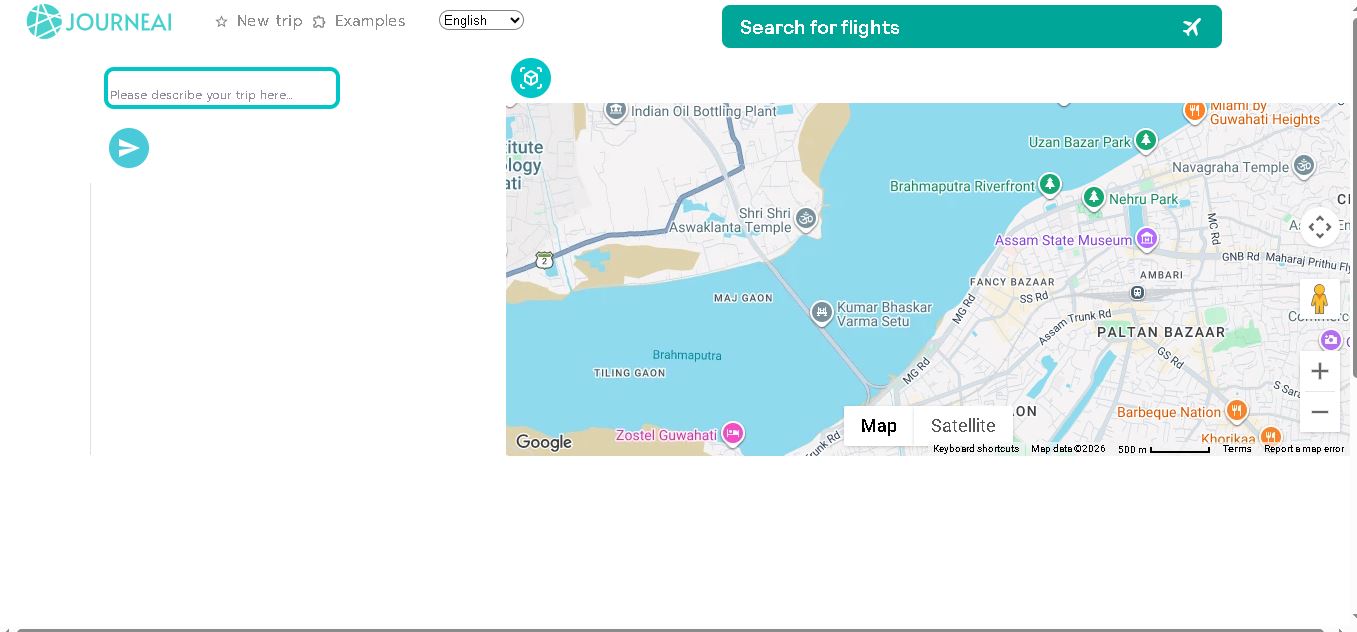
JourneAI is a travel itinerary generator that turns your destination or travel idea into a personalized trip plan. It helps travelers organize journeys quickly by generating detailed itineraries from simple descriptions. The tool is useful for discovering travel possibilities, structuring activities, and creating a practical starting point for trip planning.
 4.7
4.7SYiGO
Life Assistant
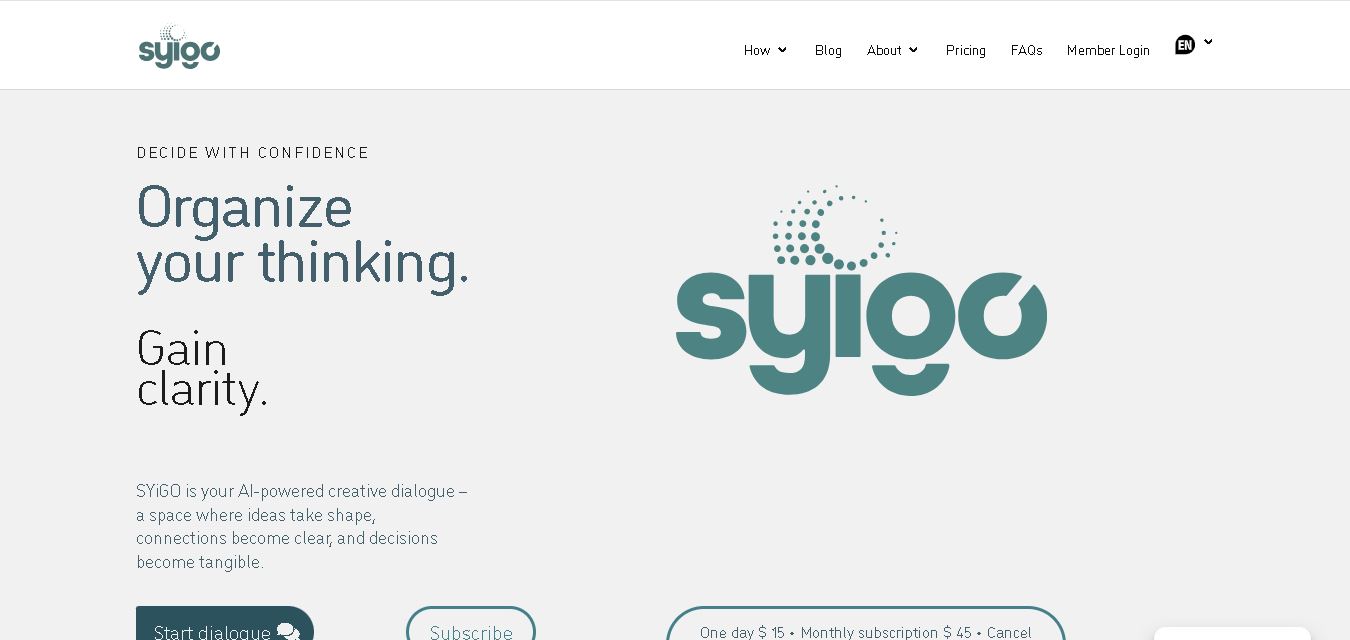
SYiGO is a structured digital dialogue space for reflection, clarity, and conscious decision-making. It helps individuals organize thoughts, explore values, understand complex situations, and identify priorities. Teams can also use SYiGO to bring perspectives together, clarify responsibilities, strengthen communication, and create shared alignment during important decisions or organizational change.
 4.7
4.7RedditScout
Life Assistant
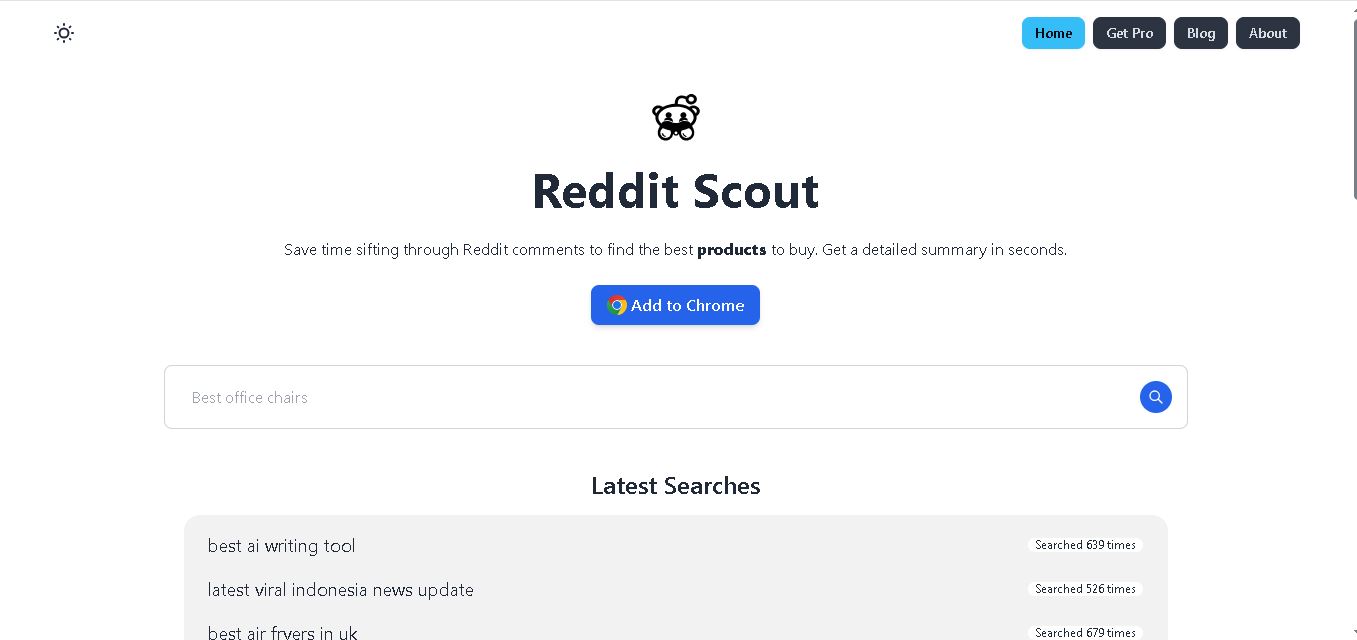
Reddit Scout helps you research products through Reddit discussions. Enter a product or category, and it surfaces relevant comments, highlights community experiences, and summarizes useful information. It can reduce time spent browsing multiple threads when comparing products, discovering recommendations, or understanding what Reddit users say about a specific purchase decision.
 4.7
4.7Glitter AI
Life Assistant
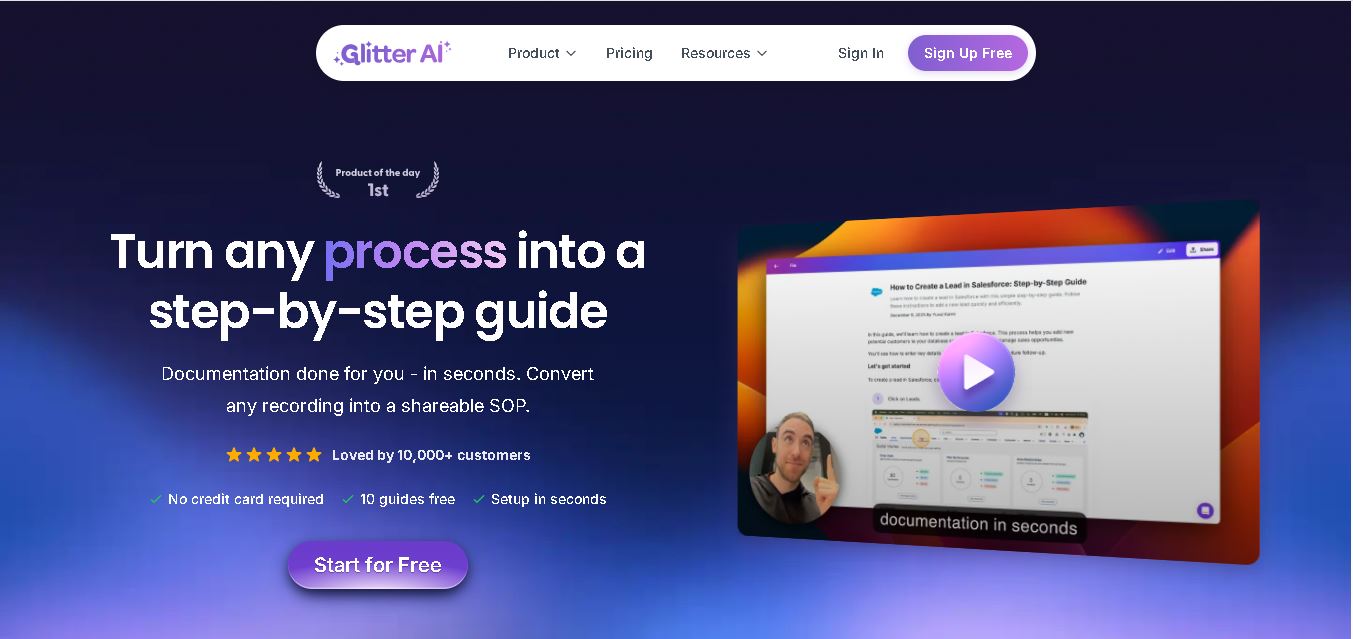
Glitter AI helps teams turn everyday workflows into clear step-by-step guides, SOPs, and training documentation. Record your screen and voice or upload an existing video, and Glitter identifies important moments, captures screenshots, and generates written instructions. Guides can then be edited, shared, exported, translated, or embedded for easier knowledge sharing.
 4.7
4.7BlackInk AI
Life Assistant
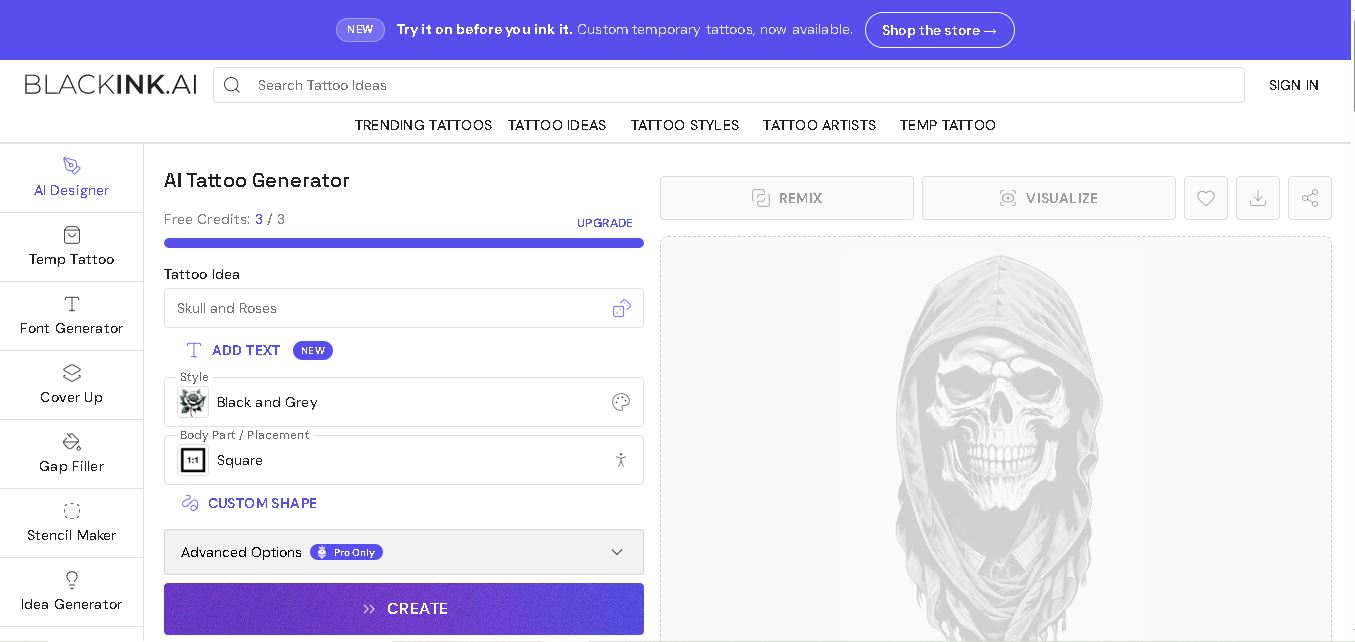
BlackInk AI helps users turn tattoo ideas into personalized visual concepts using simple text prompts and customization options. You can explore different styles, preview designs on body placements, create stencils, and refine creative directions before visiting an artist. It suits beginners, tattoo enthusiasts, illustrators, and professional tattoo artists alike today.
 4.8
4.8Jovida AI
Life Assistant
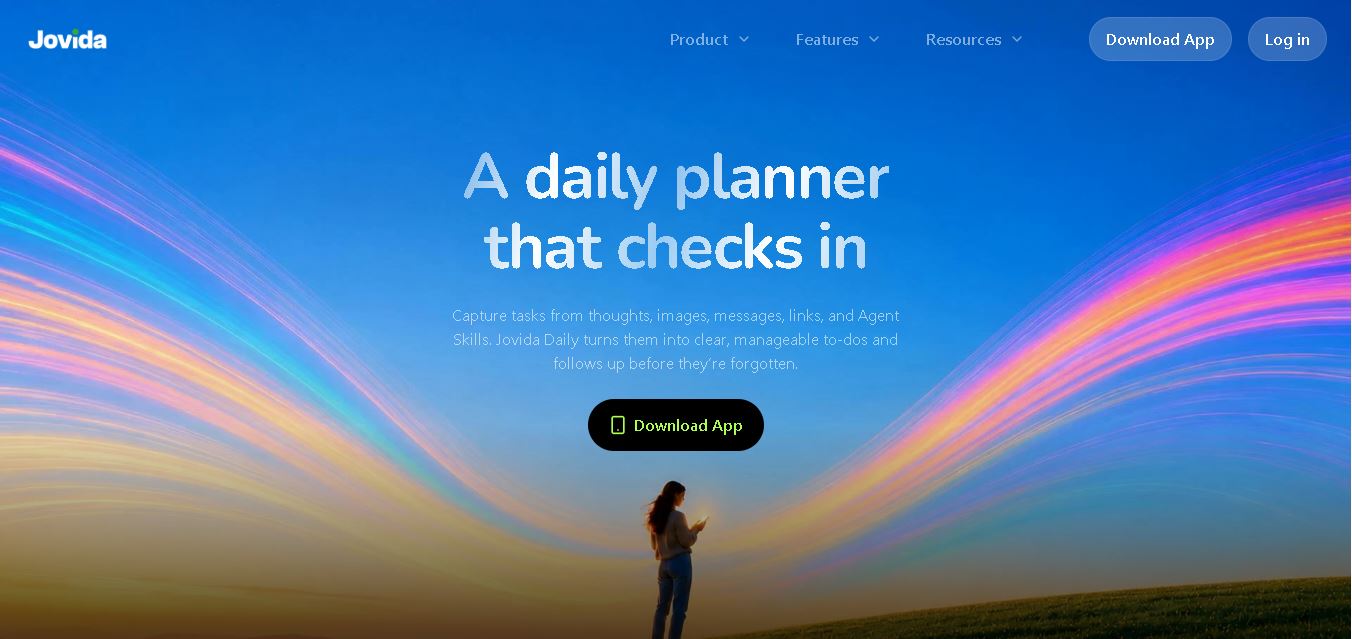
Jovida Daily helps users capture, organize, prioritize, and complete everyday tasks without constantly maintaining a complicated productivity system. It converts voice notes, screenshots, links, messages, and rough ideas into actionable to-dos, breaks overwhelming projects into smaller steps, adjusts daily plans, and follows up when important work remains unfinished.
 4.7
4.7MysticX AI
Life Assistant
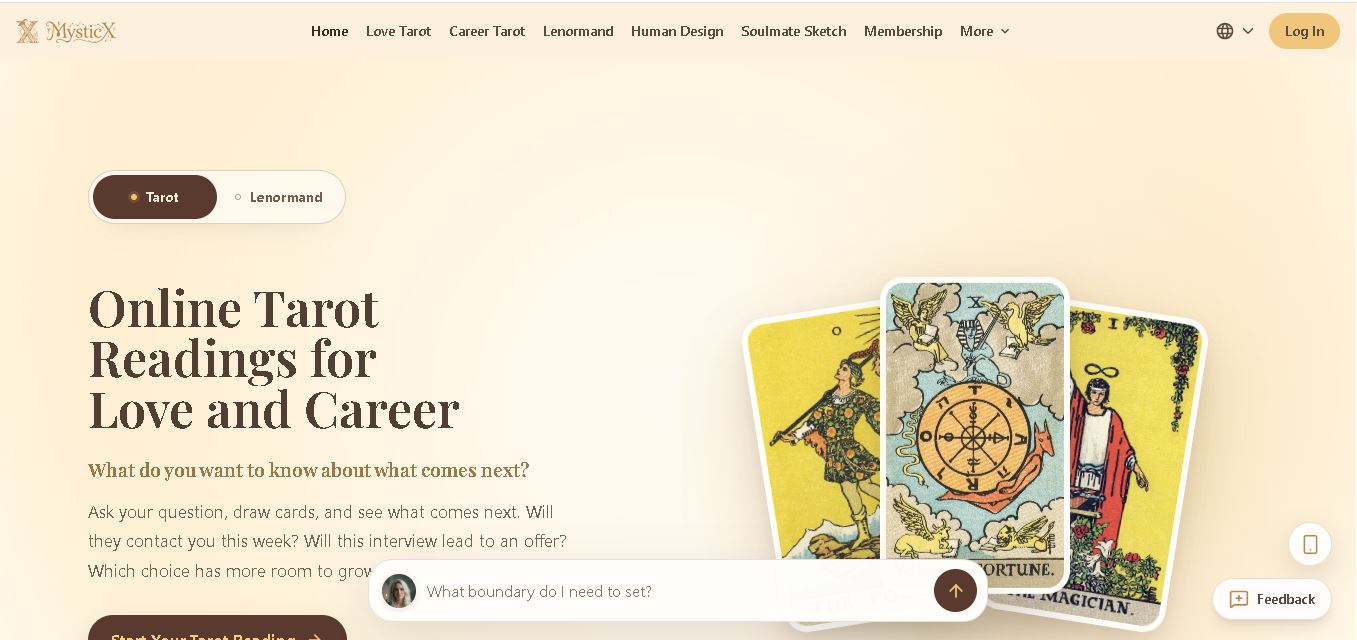
MysticX is an online tarot and reflection tool for personalized guidance across love, career, relationships, decisions, and daily life. Users can draw Tarot or Lenormand cards, explore different spreads, ask follow-up questions, save meaningful readings, and discover additional experiences such as Human Design and Soulmate Sketch.
 4.7
4.7KnowMyFace
Life Assistant
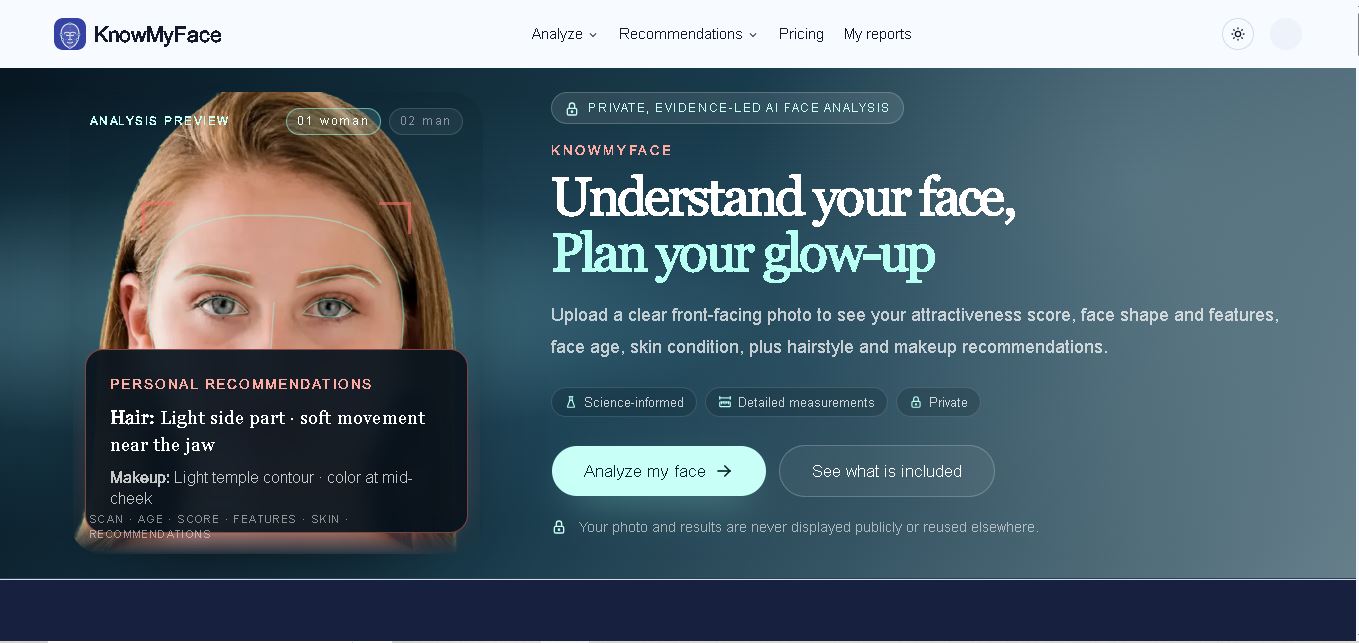
KnowMyFace helps you understand your facial features from one clear photo. It identifies face shape, brows, eyes, nose, lips, appearance age, and attractiveness context, then provides personalized hairstyle and makeup guidance. A free preview is available, while the Complete Report adds measurements, evidence, skin observations, and a downloadable PDF report.