VoiceOverMaker
VoiceOverMaker is an online text-to-speech and voiceover tool for creating natural-sounding audio and narrated videos. You can choose from hundreds of voices, adjust speech settings, translate content, transcribe videos, and export audio or video files. It is useful for YouTubers, educators, marketers, businesses, podcasters, and creators producing multilingual content.
What is VoiceOverMaker?
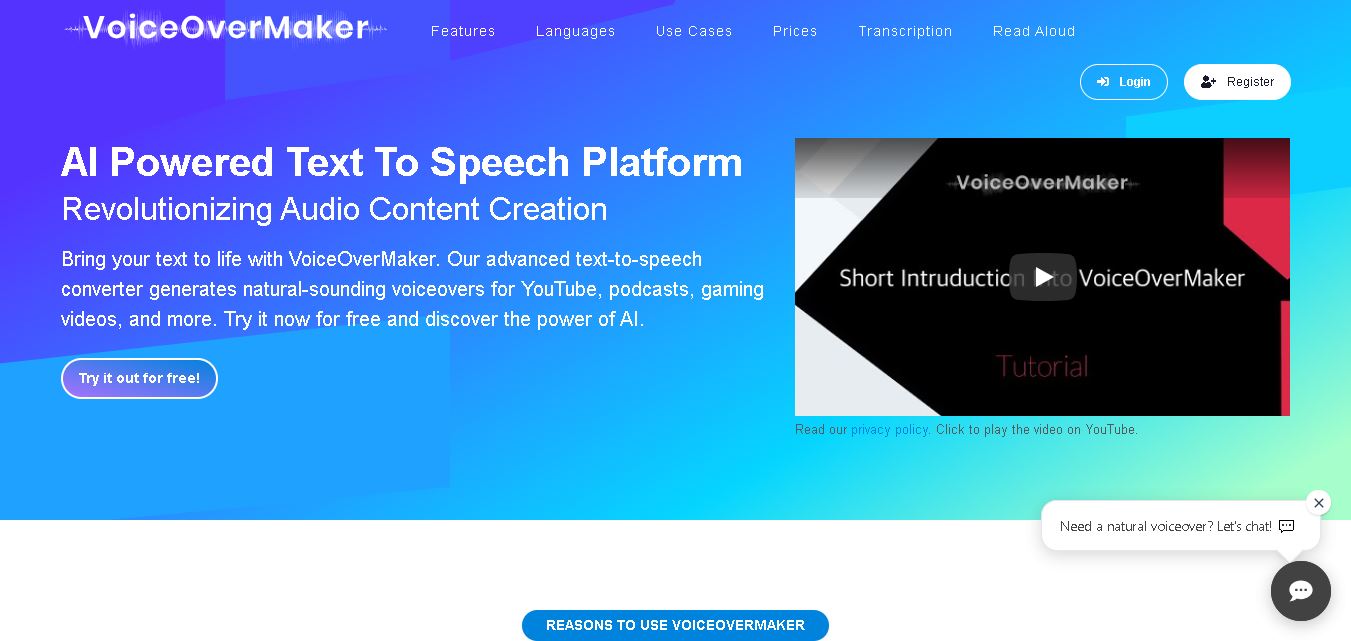
VoiceOverMaker is a text-to-speech and voiceover creation tool that converts written content into natural-sounding speech for videos, podcasts, e-learning, audiobooks, presentations, and other audio projects. It provides multilingual voices, SSML support, speech customization, transcription, translation, screen recording, and video editing features. Users can export generated audio as MP3 or WAV files and create videos with voiceovers directly in the browser.
VoiceOverMaker supports more than 800 voices across 80+ languages and language variants, according to its current website. It also highlights 100,000+ users, 3,100+ companies, 4,000+ voiceover videos created, and 2.9 million+ voices created. The platform supports SSML, MP3, WAV, MP4, batch processing, transcription, translation, and screen recording. Its free option provides 800 characters, while paid plans offer up to 300,000 characters.
- Core Focus: AI Text-to-Speech, Browser Video Editor, SSML Fine-Tuning & Automatic Video Dubbing
- Voice Library: 800+ Neural AI Voices across 80+ Global Languages & Regional Accents
Use Cases:
- Creating professional voiceovers and narrated screencasts for YouTube tutorials, product demos, and explainer videos
- Translating and dubbing existing video content into multiple languages with synchronized AI audio tracks
- Converting ebooks, PDFs, and long written documents into batch audio files, podcasts, and e-learning courses
- Generating telephone announcements, IVR greeting loops, and voicemail messages in MP3 or WAV formats
Technology:
- Neural network speech synthesis supporting SSML (Speech Synthesis Markup Language) tags for pitch, speed, and pause control
- Browser-native multi-track timeline video editor with keyframe animation, overlay graphics, and screen recording capabilities
- Multimodal AI visual analyzer that automatically generates WebVTT subtitle descriptions from silent video actions
Target Users:
- YouTube creators, social media managers, and video producers seeking rapid in-browser narration and editing
- Instructional designers and corporate trainers creating localized e-learning modules and video screencasts
- Software companies and product managers producing automated walkthroughs and customer support videos
- Content creators using writing tools to draft video scripts, educational courses, and marketing copy
Corporate Entity: Operates as VoiceOverMaker (voiceovermaker.io)

Key features of VoiceOverMaker
VoiceOverMaker's key features are
- Expansive Neural Voice Library (800+ Voices): Offers high-fidelity natural speech synthesis in over 80 languages and regional accents.
- Advanced SSML Editor: Customizes speech pacing, pitch, emphasis, volume, and exact pause durations using built-in Speech Synthesis Markup Language controls.
- Browser Video Editor & Screen Recorder: Integrated multi-track timeline for trimming clips, adding overlays, recording browser tabs/webcams, and rendering MP4 videos up to 4K.
- Automatic Video & Speech Translation: Translates voiceover scripts and auto-dubs video projects into international languages with a single click.
- Batch Text-to-Speech Conversion: Imports large text files, manuscripts, and ebooks to convert chapters into MP3 or WAV audio files simultaneously.
- Multimodal Visual AI Subtitling: Analyzes screen video actions frame-by-frame to generate precise WebVTT subtitle files and descriptive scripts automatically.
- Team Collaboration & Cloud Project Storage: Allows team members to share audio projects, collaborate on script edits, and manage shared cloud assets.
VoiceOverMaker Pricing
VoiceOverMaker operates on a freemium pay-as-you-go credit and monthly subscription model, providing a free account tier alongside scalable credit packages.
Free Plan:
- $0 / Free forever
- Includes 5,000 free monthly credits (2 credits per character), access to 200+ basic AI voices, 1GB cloud storage, and up to 10 active projects
Starter & Pro Credit Plans:
- Starter Plan: ~$14.99/month (includes credit allowance for standard narration, 720p/1080p video exports, and basic translation)
- Pro / Business Tiers: Pay-as-you-go credit top-ups or monthly subscriptions scaling up for high-volume content creators and team access
Disclaimer: Credit consumption rates vary depending on voice neural quality (Standard vs. Neural/Pro) and video export resolution. For complete pricing tiers, visit voiceovermaker.io/pricing.
Who is using VoiceOverMaker?
VoiceOverMaker is designed for online video creators, educators, and enterprise marketing teams, including
- YouTubers & Video Marketers: Producing faceless channels, explainer videos, and product promotional clips directly in the browser
- E-Learning Instructors: Narrating slide presentations, online course modules, and educational tutorials
- SaaS & Tech Companies: Recording silent screencasts and generating automatic multilingual video walkthroughs
- Content Creators: Using writing tools to draft video scripts, educational courses, and marketing copy
Best VoiceOverMaker Alternatives
Some of the strongest VoiceOverMaker alternatives include
Pros and Cons of VoiceOverMaker
Pros
- Combines screen recording, multi-track video editing, and text-to-speech in a single browser tab
- Comprehensive SSML editor allows detailed fine-tuning of pauses, pitch, and pronunciation rules
- Generous free plan offering 5,000 monthly credits to test neural voices without entering a credit card
- Supports batch document importing for converting ebooks and long texts into MP3 audio downloads
- Multimodal visual AI automatically describes video actions to build instant narration scripts
Cons
- Free plan exports video in standard definition (480p) and requires upgrading for 1080p or 4K rendering
- Voice credits are consumed at higher rates when utilizing ultra-premium neural voice models
- Full multi-track video editing features require a desktop browser for optimal timeline control
Why Choose VoiceOverMaker?
VoiceOverMaker is a top choice for creators who want an all-in-one studio to record, narrate, edit, and translate video content without installing separate desktop software.
- Eliminates the need to switch between screen recorders, TTS tools, and video editing software
- Provides fine-grained SSML control over voice inflections, pauses, and natural speech rhythm
- Translates and dubs existing video projects into international languages seamlessly
- Offers 800+ voices across 80+ languages to match any brand tone or audience demographic
- Includes cloud project backup and collaborative team access for scaling content production
VoiceOverMaker vs. Competitors
The main difference between VoiceOverMaker, Murf.ai, ElevenLabs, and Fliki is that VoiceOverMaker provides an integrated browser-based video editor and screen recorder alongside its TTS engine, allowing users to align audio directly with video clips and screencasts. While ElevenLabs focuses primarily on hyper-realistic AI voice cloning and Murf.ai centers on studio voiceover generation for slide decks, VoiceOverMaker excels as a complete video narration and auto-dubbing studio with extensive SSML customization.
| Feature / Tool | VoiceOverMaker (voiceovermaker.io) | Murf.ai | ElevenLabs | Fliki |
|---|---|---|---|---|
| Core Focus | AI TTS & Integrated Browser Video Editor | Studio AI Voiceovers & Presentation Narrations | Hyper-Realistic Speech Synthesis & Voice Cloning | Text-to-Video AI Content Generator |
| Built-In Screen Recorder | Yes (browser, tab, and webcam recording) | No | No | No |
| SSML Editor Support | Yes (full visual SSML tag support) | Partial (Pitch & speed sliders) | No (prompt & style sliders) | Basic pacing sliders |
| Video Dubbing & Translation | Yes (Auto-translation & webVTT generation) | Yes (add-on dubbing). | Yes (AI Dubbing Studio) | Yes (text-to-video translation) |
| Starting Price Range | Free / ~$14.99/month | Free / ~$19.00–$26.00/month | Free / ~$5.00–$22.00/month | Free / ~$21.00–$66.00/month |
| Best For | In-browser screencast narration & SSML tuning | Corporate slide deck & commercial voiceovers | Ultra-realistic expressive storytelling & audiobooks | Rapid automated social media video generation |
How do we rate VoiceOverMaker?
| Parameter | Rating (out of 5) |
|---|---|
| Voice Variety & Neural Naturalness | 4.7 |
| SSML Customization & Fine-Tuning | 4.9 |
| Video Editing & Screen Recording Capability | 4.8 |
| Multilingual Translation & Dubbing | 4.7 |
| Value for Money | 4.8 |
| Overall Score | 4.78 |
VoiceOverMaker Review
VoiceOverMaker provides a remarkably versatile workspace for modern online video narration. Rather than limiting users to basic audio file generation, it integrates a full multi-track video editor and browser screen recorder alongside its neural speech engine. Features like multimodal AI scene analysis automatically turn silent software demonstrations into guided scripts, while its SSML controls ensure precise pronunciation of technical terms. Combined with automated multi-language video translation, VoiceOverMaker serves as an efficient studio for creators producing video tutorials, e-learning courses, and multilingual marketing content.
Conclusion
VoiceOverMaker combines text-to-speech, voiceover creation, transcription, translation, screen recording, and video editing in one browser-based workflow. Its large voice and language selection makes it suitable for creators producing multilingual content, while SSML and speech controls provide additional customization. With a free personal-use option and character-based paid packages, VoiceOverMaker can fit both experimentation and commercial content production needs.
FAQ
What can I use VoiceOverMaker for?
You can use VoiceOverMaker to turn written scripts into voiceovers for YouTube videos, podcasts, tutorials, gaming content, e-learning courses, audiobooks, presentations, and social media videos. It also supports transcription, translation, screen recording, and video editing, making it useful when you want to manage several voice and video tasks in one browser-based workflow.
Does VoiceOverMaker offer free text-to-speech?
Yes, VoiceOverMaker provides a free option with up to 800 characters and access to its functions for personal use. If your project requires more characters or commercial usage, you can purchase a character-based package. This approach can be useful when you want to test voice quality before committing to a larger content project.
How many voices does VoiceOverMaker provide?
VoiceOverMaker currently advertises more than 800 voices across more than 80 languages and language variants. The available selection includes languages such as English, Hindi, Spanish, French, German, Japanese, Korean, Chinese, Portuguese, Arabic, and many others. You can select a language and voice inside the editor before generating your voiceover.
Can VoiceOverMaker create voiceovers for YouTube videos?
Yes, VoiceOverMaker is designed for creating voiceovers for YouTube videos, including tutorials, explainer videos, screencasts, and other content. You can generate speech from your script and incorporate it into your video. The platform also supports video editing and exporting, helping creators produce narrated videos without relying entirely on separate voiceover software.
Does VoiceOverMaker support multiple languages?
Yes, multilingual content is one of VoiceOverMaker's major capabilities. The platform supports numerous languages and regional variants, allowing you to generate speech for audiences in different countries. You can also translate transcriptions and create dubbed versions of videos. This makes VoiceOverMaker particularly useful when expanding educational, marketing, or social content internationally.
Can I use VoiceOverMaker for commercial projects?
Yes, VoiceOverMaker states that generated voices can be used for commercial purposes. However, the free plan is specifically described as being for personal use, while its paid packages allow commercial usage. Therefore, if you are creating monetized YouTube videos, advertisements, client projects, or business content, selecting an appropriate paid package is important.
User Reviews
No reviews yet for VoiceOverMaker.
Featured Tools
Featured AI tools from TechShark

Melody Genie
MelodyGenie is an AI-powered music generator that creates original songs from simple text prompts. Users can choose styles, moods, and genres, then instantly generate melodies and full tracks, making it easy for creators, marketers, and hobbyists to produce custom music without musical expertise.
Freemium

Kimi AI
Kimi AI is an advanced AI assistant developed by Moonshot AI that helps you chat, research, write, code, and automate tasks in one place. It supports web search, file analysis, and multimodal inputs, and can even run autonomous “agent” workflows to complete complex tasks end-to-end.
Freemium

Fashion Diffusion AI
Fashion Diffusion is an AI-powered fashion design platform that helps brands and designers create clothing designs, virtual try-ons, AI models, product photos, and marketing visuals faster and cost-effectively.
Paid

Veo 4
Veo 4 AI is an AI video creation platform that generates dramatic videos from text, images, audio, and video prompts using realistic motion and synchronized sound.
Paid
Alternatives
Alternatives to VoiceOverMaker
The best VoiceOverMaker alternatives include Murf.ai, ElevenLabs, Speechify, Lovo.ai (Genny), Fliki, and Synthesia. These tools provide AI text-to-speech, voice cloning, and video narration services. While VoiceOverMaker excels with its built-in browser screen recorder, multi-track video editor, SSML customization, and multimodal visual script analysis, alternatives like ElevenLabs specialize in ultra-realistic voice cloning, Murf.ai focuses on slide deck presentations, and Fliki specializes in automated text-to-video generation.
 4.9
4.9KittenTTS Web
Text-to-Speech
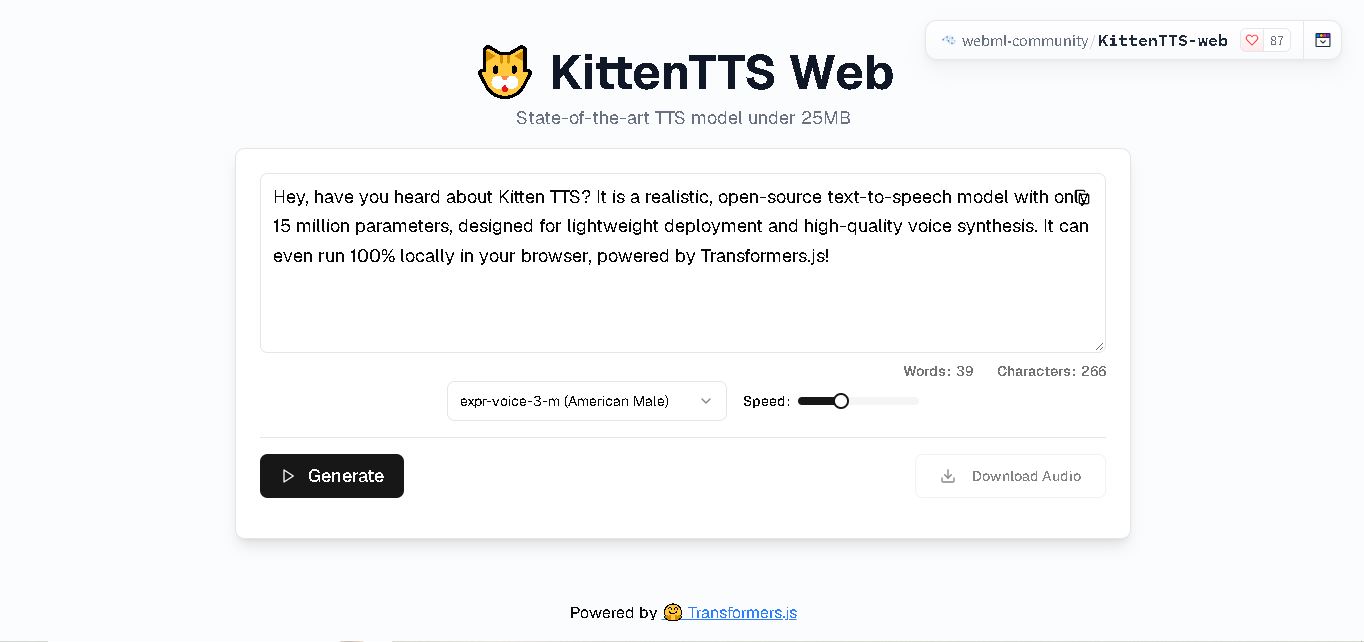
KittenTTS Web is a lightweight text-to-speech demo hosted on Hugging Face Spaces. It helps users explore how written text can be transformed into spoken audio using neural voice synthesis. The project is particularly relevant to developers, content creators, and accessibility-focused users interested in experimenting with compact speech generation technology directly through a web browser.
 4.9
4.9Parler-TTS
Text-to-Speech
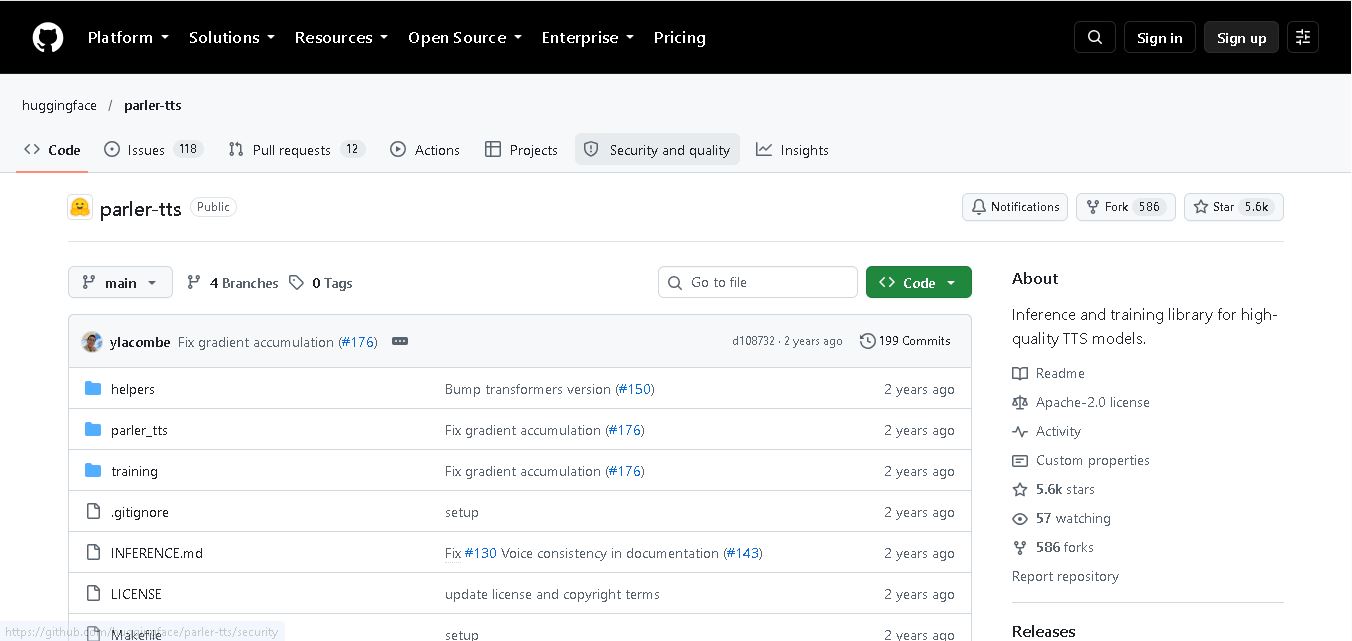
Parler-TTS is an open-source text-to-speech tool that transforms written content into natural-sounding audio. It lets developers describe voice characteristics using natural language, including pitch, speaking speed, and recording quality. With publicly available model weights, training resources, and customizable checkpoints, it supports experimentation, research, and tailored speech-generation applications across projects.
 4.9
4.9IMS Toucan
Text-to-Speech
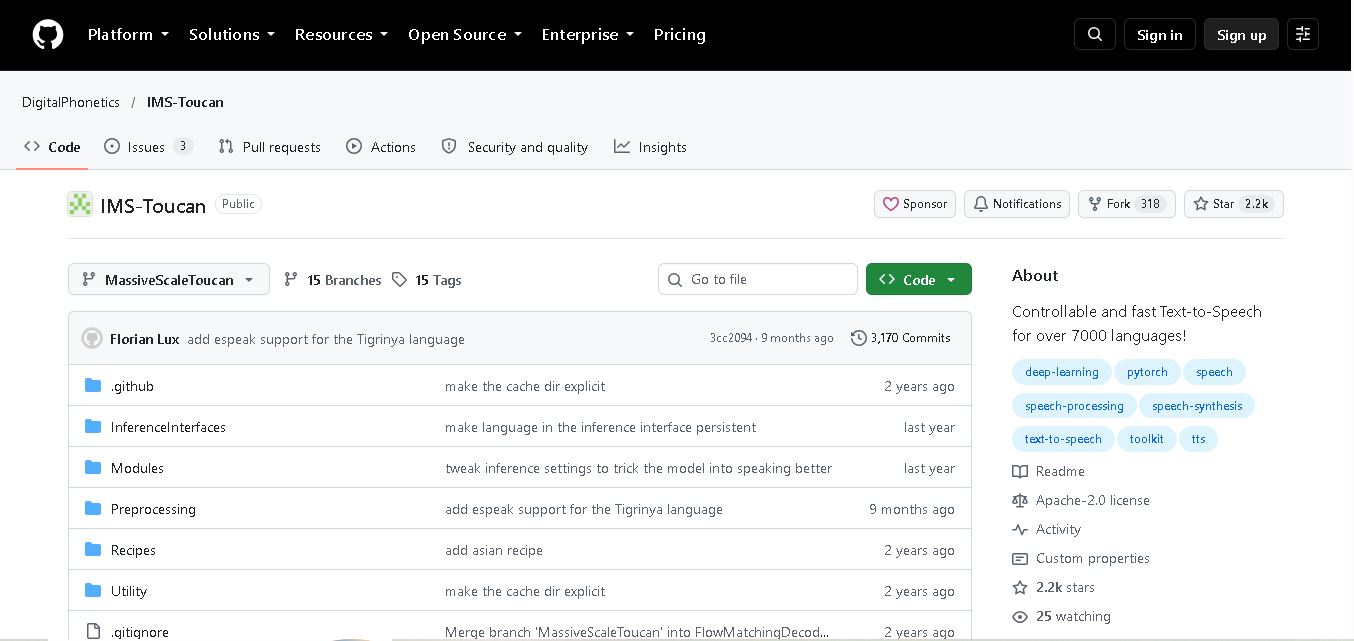
IMS Toucan is an open-source text-to-speech toolkit from the University of Stuttgart designed for multilingual speech generation. It converts text into audio and provides tools for inference, voice and prosody control, and model training. Supporting more than 7,000 languages, it serves developers and researchers exploring technology across linguistic contexts.
 4.8
4.8Verbatik
Text-to-Speech
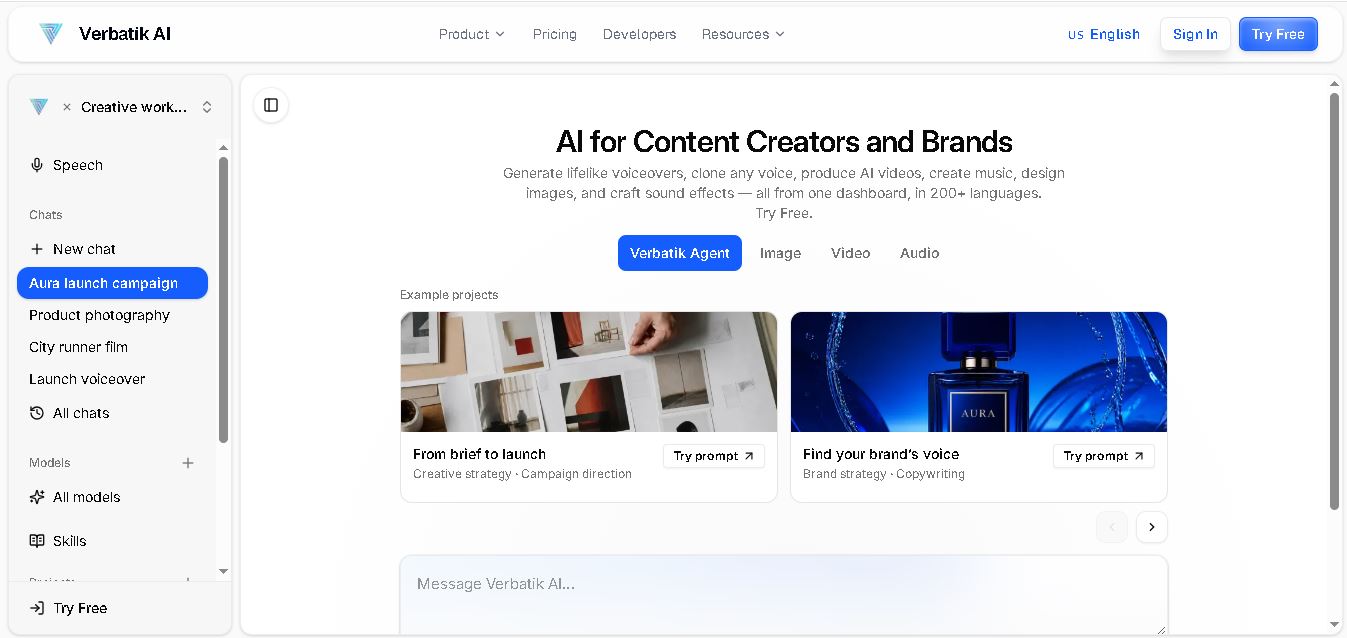
Verbatik AI helps users create realistic voiceovers, clone voices, generate music, and produce multimedia content using artificial intelligence. With multilingual speech, customizable voice settings, and developer APIs, it supports content creators, marketers, educators, and businesses. The platform simplifies audio production, video creation, and content localization from one workspace.
 4.8
4.8Narration Box
Text-to-Speech
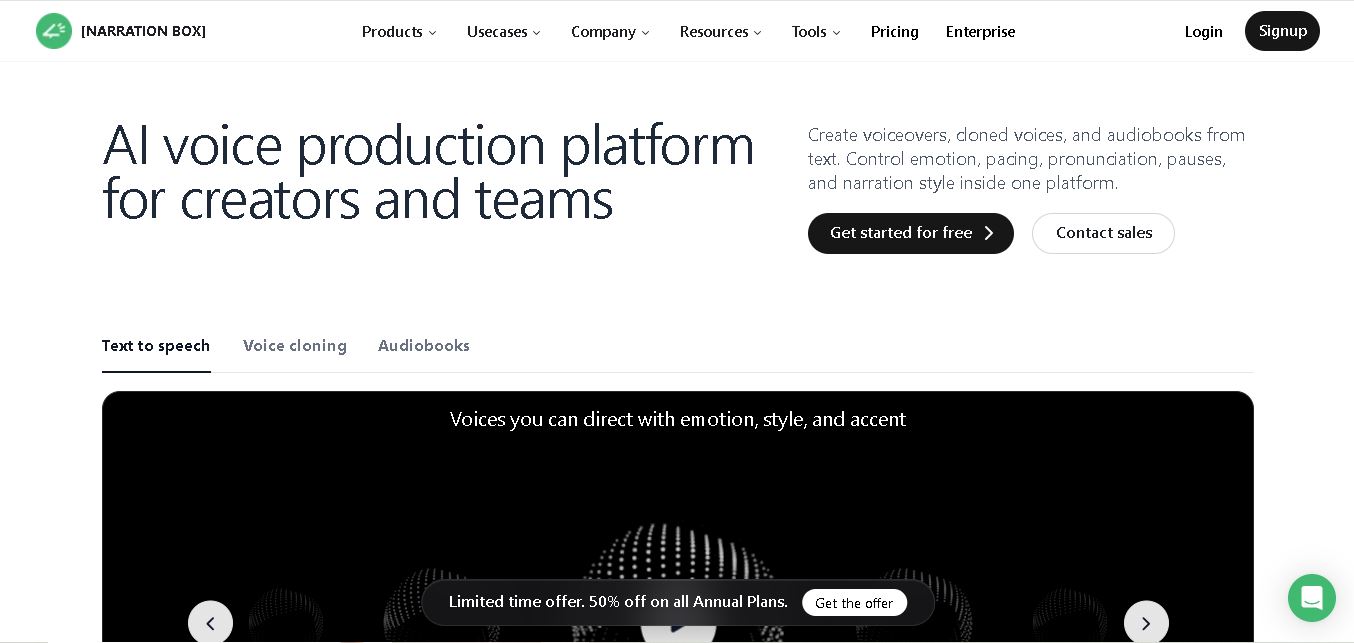
Narration Box is an AI voice generator for creating realistic voiceovers, audiobooks, podcasts, and educational audio from text. It offers over 1,500 AI narrators, 80+ languages and accents, voice cloning, and customizable emotional delivery. Its editing tools help creators produce consistent, multilingual audio content for personal and professional projects.
 4.7
4.7AudioBot
Text-to-Speech
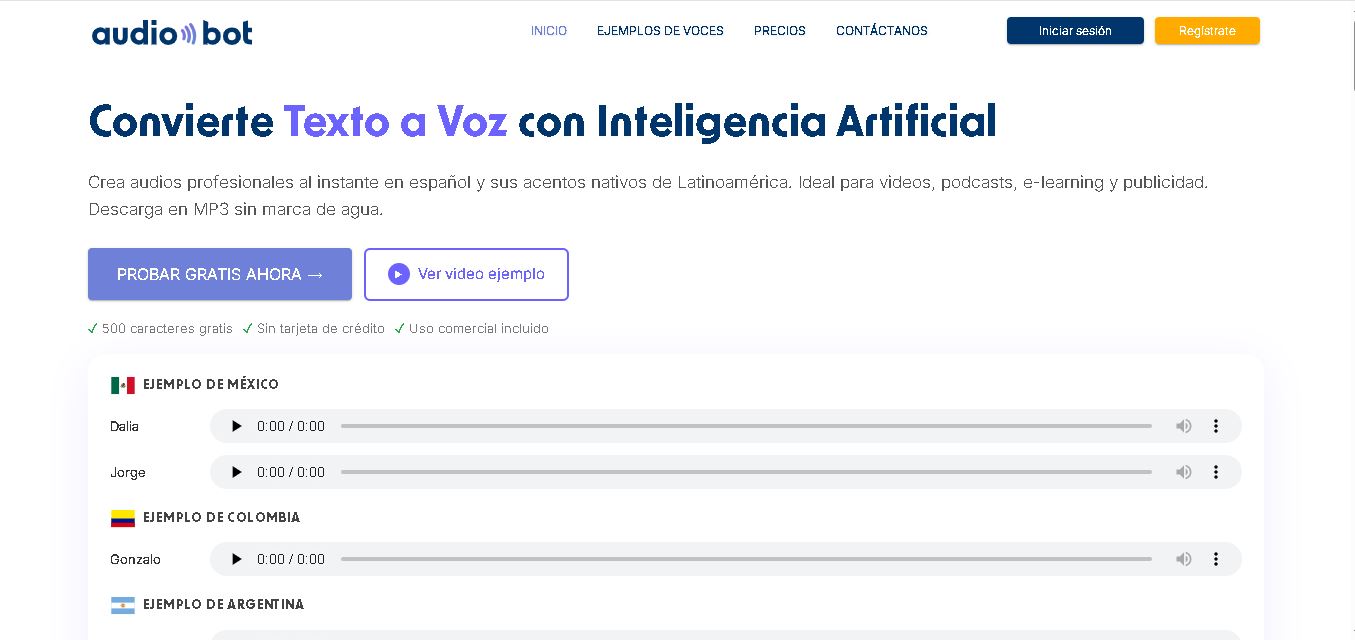
AudioBot converts written text into natural-sounding speech using AI-generated voices. It supports multiple languages and regional accents, making it useful for video voiceovers, presentations, educational materials, and audio content. Users can generate and download audio files, helping simplify narration workflows without requiring traditional recording equipment or voice talent.
 4.7
4.7Audie AI
Text-to-Speech
Audie AI is an audiobook creation tool that converts written manuscripts into narrated audio using AI-generated voices. It helps authors and publishers simplify production, explore different narration styles, and reduce reliance on traditional recording studios. With voice selection, advertised voice cloning, and downloadable audio, it supports more accessible audiobook creation for independent creators.
 4.6
4.6Speechelo
Text-to-Speech
Speechelo is a text-to-speech tool designed to help creators turn written scripts into voiceovers. It offers different voices, languages, tones, and audio adjustments for creating narration. Video creators, educators, marketers, and content teams can use it to produce audio for tutorials, presentations, promotional videos, and other digital content projects.
 4.7
4.7Leelo AI
Text-to-Speech
Leelo AI helps you turn written content into natural-sounding speech without recording your own voice. You can choose from 800+ voices across 142 languages and accents, adjust available voice settings, generate audio, store files in the cloud, export recordings, and use generated speech commercially for different content and communication needs.