
MimicPC
MimicPC is an AI-powered cloud computing platform that enables users to run heavy applications, automation tasks, and workflows remotely without needing high-end local hardware.
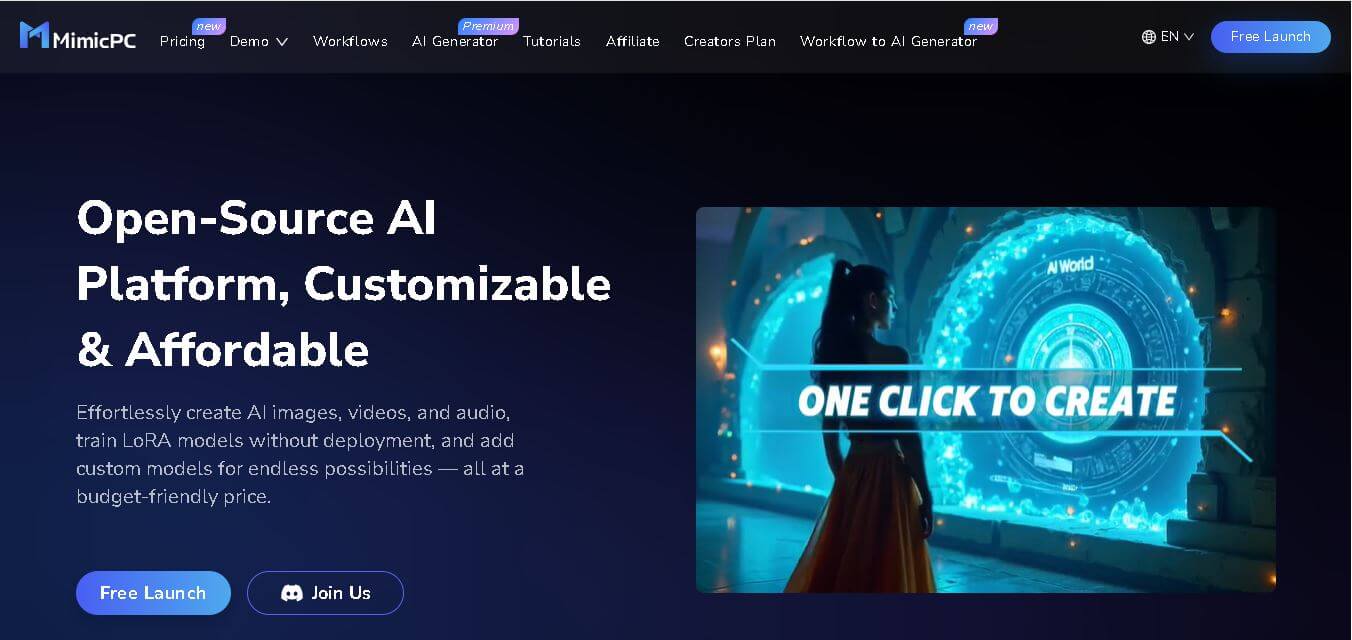
What is MimicPC AI?
- Founders: Not publicly disclosed
- Launch: Recently introduced as a cloud computing solution
- Use Cases:
- AI model execution
- Automation workflows
- Remote software operation
- Data processing tasks
- Development and testing environments
- Technology:
- Cloud computing infrastructure
- Virtual machines (VMs)
- GPU-enabled processing
- AI workload optimization
- Secure remote access systems
MimicPC is an AI-powered image editing platform that allows customers to do high-performance computing jobs in the cloud instead of depending on costly local hardware. It is intended for developers, AI enthusiasts, and enterprises that need high processing capacity for automation, simulations, and advanced processes. MimicPC's user-friendly interface and scalable architecture enable demanding programs to run seamlessly from any device. The platform is flexible, fast, and efficient, making it perfect for remote work scenarios.
Key Features
MimicPC AI key features are
- Cloud-Based Computing Power
Access high-performance computing resources without investing in expensive hardware. Run intensive applications smoothly from any device with internet connectivity. - GPU Acceleration Support
MimicPC offers GPU-powered environments, making it ideal for AI training, rendering, and complex computational workloads that require enhanced performance. - Remote Accessibility
Work from anywhere with seamless remote access. Users can manage tasks, run software, and monitor workflows without being tied to a physical machine. - Scalable Infrastructure
Easily scale resources based on workload requirements. Whether handling small tasks or large projects, the platform adjusts performance accordingly. - Automation-Friendly Environment
Supports automation scripts and workflows, helping developers and businesses streamline repetitive processes and improve productivity. - Secure Environment
Ensures data protection with secure cloud architecture, encrypted access, and controlled user permissions. - User-Friendly Interface
Designed for both beginners and professionals, offering simple navigation and easy setup for running applications and managing resources.
Pricing
- Free trial
- Pay-as-you-go
- Subscription plans
- Custom enterprise
Disclaimer: For the latest and most accurate pricing information, please visit the official MimicPC AI website.
Who is using it?
A diverse range of users and organizations utilize MimicPC AI
- Developers and programmers
- AI and machine learning engineers
- Startups and tech companies
- Freelancers and remote workers
- Data analysts and researchers
- Content creators and designers
Alternatives
Some MimicPC AI alternatives are
- Amazon Web Services (AWS)
- Google Cloud Platform
- Microsoft Azure
- Paperspace
- RunPod
- DigitalOcean
Conclusion
MimicPC stands out as a strong and adaptable cloud computing platform that overcomes the constraints of traditional hardware. It allows users to run demanding applications, automate workflows, and easily execute AI-driven tasks from anywhere. With its scalable framework and user-friendly design, it attracts to both consumers and organizations looking for reliable service without a significant investment in physical systems. The platform's emphasis on accessibility, speed, and security makes it an attractive option in today's remote and digital-first world. Overall, MimicPC is a viable option for anyone trying to boost productivity with cloud-based computing solutions.
People are also reading
FAQ
What is MimicPC used for?
MimicPC is used for running high-performance applications, AI workloads, and automation tasks in a cloud-based environment.
Do I need powerful hardware to use MimicPC?
No, MimicPC eliminates the need for high-end hardware by providing cloud-based computing resources.
Is MimicPC suitable for beginners?
Yes, it offers a user-friendly interface that is easy to navigate for both beginners and professionals.
Does MimicPC support GPU computing?
Yes, it provides GPU-enabled environments for AI training and heavy computational tasks.
Can I access MimicPC remotely?
Yes, you can access it from anywhere using an internet connection.
Is there a free plan available?
MimicPC typically offers a free trial along with flexible paid plans.
User Reviews
No reviews yet for MimicPC.
Featured Tools
Featured AI tools from TechShark

Melody Genie
MelodyGenie is an AI-powered music generator that creates original songs from simple text prompts. Users can choose styles, moods, and genres, then instantly generate melodies and full tracks, making it easy for creators, marketers, and hobbyists to produce custom music without musical expertise.
Freemium

Kimi AI
Kimi AI is an advanced AI assistant developed by Moonshot AI that helps you chat, research, write, code, and automate tasks in one place. It supports web search, file analysis, and multimodal inputs, and can even run autonomous “agent” workflows to complete complex tasks end-to-end.
Freemium

Fashion Diffusion AI
Fashion Diffusion is an AI-powered fashion design platform that helps brands and designers create clothing designs, virtual try-ons, AI models, product photos, and marketing visuals faster and cost-effectively.
Paid

Veo 4
Veo 4 AI is an AI video creation platform that generates dramatic videos from text, images, audio, and video prompts using realistic motion and synchronized sound.
Paid
Alternatives
Alternatives to MimicPC
MimicPC provides scalable cloud-based computing resources for running AI tools, software automation, and complex workflows. It eliminates hardware limitations, offering fast, secure, and efficient remote execution for developers, creators, and businesses.
 4.7
4.7ImgCreator AI
Image
ImgCreator AI is an AI-powered image generation tool that helps users create visuals from text prompts and reference images. It supports creative artwork, realistic portraits, product visuals, and image editing, making it useful for designers, marketers, content creators, and businesses seeking faster visual content production.
Neural.love
AI Image Enhancer
Neural.love is an AI-powered creative platform for generating images, editing photos, enhancing videos, restoring old media, and animating pictures. It combines multiple AI tools in a browser-based workspace, helping content creators, marketers, photographers, designers, and businesses improve visual content without relying entirely on traditional editing software.
 4.8
4.8Prisma AI
Image
Prisma AI turns everyday photos into artistic images with stylized filters and creative effects. It offers hundreds of art and portrait styles inspired by famous artists, allowing beginners to create distinctive visuals quickly. Users can capture or upload photos, apply a chosen style, and save or share the finished result.
 4.8
4.8Opus Clip (Opus Pro)
Video Editing
OpusClip helps creators transform long-form videos into short, social-ready clips. It can identify engaging moments, generate captions, reframe footage, add B-roll, enhance audio, and support publishing across major social platforms. It is designed for creators, marketers, podcasters, businesses, and teams that want to scale video content production.
 4.8
4.8Shuffll
Video Editing
Shuffll goes beyond traditional video creation by connecting personalized video directly to enterprise data and workflows. Its API-first infrastructure, 40+ AI models, automated production, and built-in brand governance make it suitable for organizations that need video at scale. For businesses seeking higher engagement without building large production teams, Shuffll offers a practical way to turn existing data into personalized, on-brand video experiences.
 4.9
4.9Bria AI
Image
Bria helps businesses and teams generate and edit visual content using controllable generative AI. Its capabilities cover image generation, product visuals, background editing, video workflows, and developer integrations. With licensed training data, attribution, provenance, and enterprise deployment options, Bria is positioned for businesses that need scalable, commercially focused visual AI.
 4.7
4.7Unwatermark
Image
Unwatermark.ai helps creators, marketers, photographers, and businesses remove watermarks, logos, text, people, and unwanted objects from images and videos. Its automatic detection handles quick edits, while the manual brush provides precise control over difficult areas. With browser-based processing, format support, previews, and free usage, it simplifies everyday visual cleanup.
 4.8
4.8Dubbah
Video Editing
Dubbah helps Mac users translate and dub videos into 14 languages while preserving a familiar speaker voice. The app processes media locally, supports editing translated lines, and works offline after setup. With no account, subscription, or per-minute fee, it offers a simple, straightforward option for creators producing multilingual video content.
 4.9
4.9invideo Nano Banana
Image
Nano Banana is an AI image generation and editing model by Google (Gemini family) that helps users create, modify, and refine visuals using natural language prompts. It supports 4K outputs, consistent characters, accurate text rendering, and real-time editing, enabling fast, production-ready creative workflows.