
Taku AI
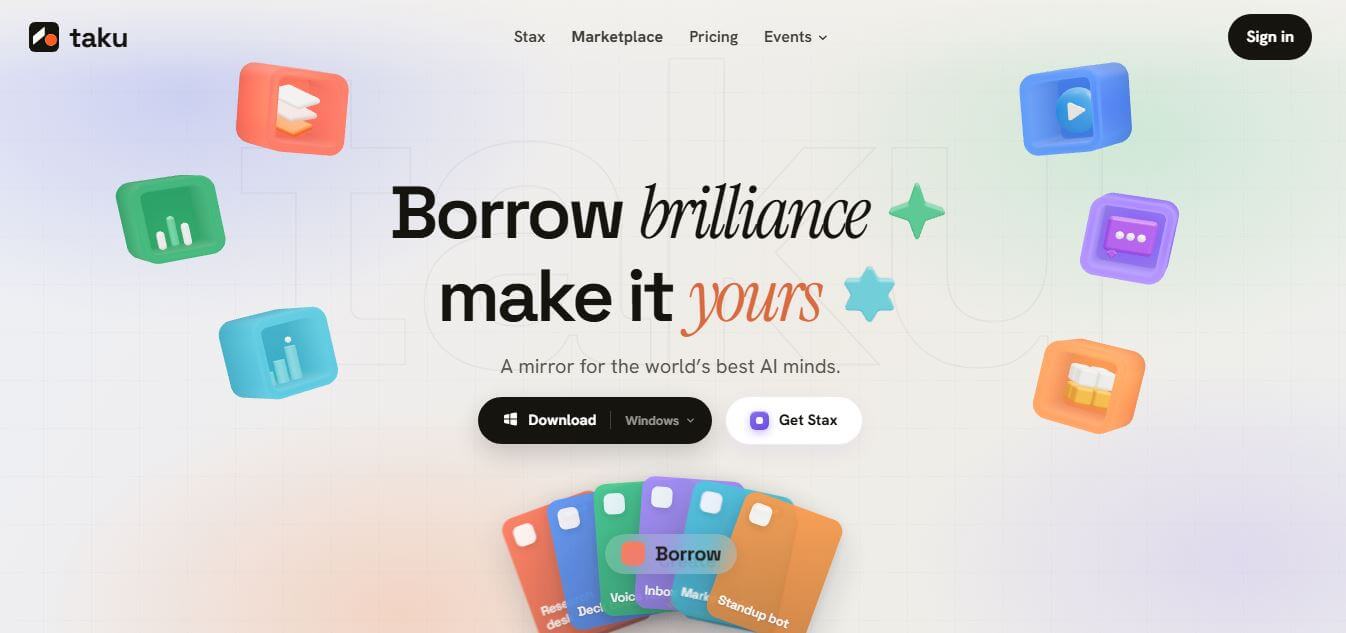
Taku AI is a no-code AI workspace that lets users discover, run, and remix proven AI tools, agents, and workflows in one place. It removes setup complexity by turning ready-made AI systems into one-click apps, helping individuals and teams quickly build and automate tasks.
What is Taku AI?
Taku AI is a modern no-code AI workspace designed to simplify how individuals and teams use artificial intelligence in their daily tasks. Instead of building tools from scratch, users can explore, run, and customize ready-made AI agents and workflows with just a few clicks. The platform brings together multiple AI capabilities into one unified space, making it easier to automate content creation, research, and business processes without technical expertise. Its intuitive interface and pre-built systems save time and reduce complexity, allowing users to focus on outcomes rather than setup. Taku AI is especially useful for creators, marketers, and startups looking to efficiently scale productivity using AI.
Taku powers over 1.2 million monthly runs across a ecosystem of 12,000+ integrated apps and skills. By enabling users to assemble custom automated workflows using plain natural language, Taku turns isolated AI prompts into scalable, executable desktop tools that can be shared, remixed, or monetized through its marketplace.
- Developer: Taku AI Team
- Launch Year: 2026
- Use Cases:
- Assembling multi-agent workflows for content creation, research, and data extraction
- Creating lightweight, prompt-driven desktop utilities for daily task execution
- Monetizing and distributing custom AI workflows through the Stax Marketplace
- Automating inbox management, standup bots, and competitive intelligence gathering
- Technology:
- Modular Stax workflow packaging engine
- Natural language AI stack assembler
- Developer API, CLI, webhooks, and BYO API key support
- Target Users:
- AI Power Users & Workflow Engineers
- Founders, Solopreneurs, and Product Managers
- Marketers, Content Creators, and Researchers
- Software Developers & Automation Specialists
- Acquisition: Operates as an independent SaaS company

Key features of Taku AI
Taku AI's key features are
- Stax Packaging: Converts multi-step AI prompts, agents, and external integrations into reusable, one-click executable tools.
- Natural Language Stack Assembly: Automatically combines relevant apps, models, and skills based on natural language task descriptions.
- App & Skill Marketplace: Provides access to thousands of pre-built AI agents and workflows curated by top creators.
- Remix & Share Architecture: Allows users to duplicate, customize, and publish existing Stax to suit specific productivity needs.
- Creator Distribution & Monetization: Enables workflow builders to earn recurring credits or revenue when others run their Stax.
- Native Desktop Integration: Runs natively on desktop environments with quick dock access to reduce UI clutter and context-switching.
- Developer Mode & BYO Keys: Supports custom model routing, custom API keys, webhooks, and CLI integrations for power developers.
Taku AI Pricing
Taku AI offers a tiered monthly subscription model based on execution credits, alongside a free tier to build and test workflows.
Free Plan:
- $0 / month
- 1,000 initial credits (refreshes at 500 credits/month)
- Run 1 concurrent task, borrow/create up to 5 Taku apps
- Assemble up to 1 stack
Starter Plan:
- $20 / month
- 6,000 credits / month
- Borrow any free app & agent
- Assemble up to 3 stacks, install & remix any Stax
Standard Plan (Most Popular):
- $50 / month
- 15,000 credits / month
- Unlock all paid apps & assemble unlimited stacks
- Publish your own Stax to the marketplace
Pro Plan:
- $200 / month
- 60,000 credits / month
- Priority execution speed & queue
- Private stacks & team seats included
Disclaimer: For the latest and most accurate pricing information, please visit the official Taku website.
Who is using Taku AI?
Taku AI is designed for AI creators, developers, and productivity-focused professionals, including
- Content Creators & Writers: Automating research, outline generation, and cross-platform publishing pipelines
- AI Engineers & Developers: Packaging agents and complex API chains into consumer-ready desktop apps
- Productivity Enthusiasts: Replacing repetitive manual AI prompting with one-click desktop Stax
- Founders & Solopreneurs: Executing automated market research, inbox triage, and daily standups efficiently
- Growth Marketers: Spinning up automated content engines and competitor analysis workflows on demand
Best Taku AI Alternatives
Some of the strongest Taku AI alternatives include
- Make.com
- Zapier Central
- Replit Agent
- MindStudio
- Flowise AI
- n8n
Pros and Cons of Taku AI
Pros
- Converts complex AI setups into simple desktop apps without coding
- Vast ecosystem of user-created Stax available for instant remixing
- Monetization pathways for creators who publish popular workflows
- Supports developer custom model keys and native CLI/API integrations
- Clean, lightweight UI that minimizes browser tab clutter
Cons
- High-volume executions can consume monthly credits quickly
- Unused paid credits do not roll over to the following month
- Advanced developer features require external API configurations
Why Choose Taku AI?
Taku AI bridges the gap between conversational AI and dedicated software tools. Instead of re-typing prompts across different platforms, Taku lets you encapsulate your best AI setups into persistent, one-click desktop utilities.
- Eliminates context-switching between LLM chat tabs and production tools
- Provides a marketplace to borrow battle-tested AI workflows from top builders
- Allows seamless monetization of custom AI tools and agent setups
- Offers flexible usage options for both non-technical users and developers
Taku AI vs. Competitors
The main difference between Taku AI, Make.com, Zapier Central, and MindStudio is that Taku focuses on turning AI workflows into lightweight, desktop-native micro-apps (Stax) with an emphasis on community sharing and remixing. While tools like Make.com and n8n excel at deep backend API integrations, Taku provides an intuitive user interface for executing, sharing, and monetizing AI workflows instantly.
| Feature / Tool | Taku AI | Make.com | Zapier Central | MindStudio |
|---|---|---|---|---|
| Core Focus | Modular AI Stax & Apps | Visual Enterprise Automation | Cross-App AI Bots | No-Code AI App Building |
| Interface Type | Desktop Workspace & Dock | Web Node Visual Canvas | Web-Based Assistant | Web App Builder |
| Marketplace / Sharing | Native Creator Stax Store | Template Directory | Internal Sharing | App Marketplace |
| Setup Time | Instant (One-Click) | Moderate (10-30 mins) | Fast (5-10 mins) | Moderate (15-45 mins) |
| Best For | Desktop AI Micro-Tools | Complex API Pipelines | SaaS App Connections | Custom Web AI Interfaces |
How do we rate Taku AI?
| Parameter | Rating (out of 5) |
|---|---|
| Workflow Packaging & Stax Utility | 4.9 |
| Marketplace & Ecosystem Diversity | 4.8 |
| Ease of Setup & Desktop UX | 4.8 |
| Developer Flexibility & API Options | 4.6 |
| Value for Money | 4.7 |
| Overall Score | 4.8 |
Taku AI Review
Taku AI solves one of the biggest challenges in daily AI usage: turning ephemeral chat sessions into persistent, reusable tools. By introducing the 'Stax' framework, Taku allows users to package complex prompt setups and agent workflows into desktop-ready micro-apps. The platform's emphasis on community remixing and creator rewards fosters a rapidly growing catalog of practical workflows. It is an exceptional platform for anyone looking to streamline personal productivity or distribute tailored AI setups.
Conclusion
Taku AI is a powerful desktop workflow environment for creators, developers, and professionals seeking to streamline their interaction with AI models. By converting raw AI capabilities into executable, one-click Stax apps, Taku removes technical complexity and context-switching from the loop. Whether you want to borrow expert-designed setups or publish your own AI-powered tools, Taku AI offers the infrastructure needed to maximize modern AI productivity.
FAQ
What is Taku AI, and how does Taku AI help users?
Taku AI is an AI-native workspace that helps users discover, run, and customize AI tools, agents, and workflows without dealing with complex setup. Instead of installing multiple tools or configuring APIs, Taku AI lets you “borrow” ready-made AI setups and run them instantly. This makes it much easier to turn ideas into working solutions, especially for people who want results without technical friction.
How is Taku AI different from traditional AI tools like chatbots?
Taku AI focuses on execution rather than just conversation. While most AI tools give answers or suggestions, Taku AI actually builds and runs workflows for you. It connects multiple apps, agents, and skills into a working system, so instead of reading instructions and doing the work yourself, the platform completes tasks directly.
What kind of tasks can Taku AI handle?
Taku AI can handle a variety of productivity tasks such as creating presentations, summarizing emails, generating content, building research workflows, or organizing notes. It uses pre-built “stacks” of tools to automate these tasks, allowing users to complete complex workflows like inbox management or content creation with minimal effort.
How does Taku AI actually work behind the scenes?
Taku AI works in three simple steps: you describe your goal, the system pulls relevant apps and agents from its marketplace, and then it assembles them into a working workflow that you can run instantly. This “idea to execution” approach makes it feel less like a tool and more like an operating system designed for AI-powered tasks.
Who should use Taku AI the most?
Taku AI is ideal for creators, founders, marketers, and small teams who want to use AI more effectively without spending time on setup and configuration. It is especially useful for people who discover interesting AI tools but struggle to actually run or integrate them into their workflow. Taku AI bridges that gap by making powerful AI setups instantly usable.
User Reviews
No reviews yet for Taku AI.
Featured Tools
Featured AI tools from TechShark

Melody Genie
MelodyGenie is an AI-powered music generator that creates original songs from simple text prompts. Users can choose styles, moods, and genres, then instantly generate melodies and full tracks, making it easy for creators, marketers, and hobbyists to produce custom music without musical expertise.
Freemium

Kimi AI
Kimi AI is an advanced AI assistant developed by Moonshot AI that helps you chat, research, write, code, and automate tasks in one place. It supports web search, file analysis, and multimodal inputs, and can even run autonomous “agent” workflows to complete complex tasks end-to-end.
Freemium

Fashion Diffusion AI
Fashion Diffusion is an AI-powered fashion design platform that helps brands and designers create clothing designs, virtual try-ons, AI models, product photos, and marketing visuals faster and cost-effectively.
Paid

Veo 4
Veo 4 AI is an AI video creation platform that generates dramatic videos from text, images, audio, and video prompts using realistic motion and synchronized sound.
Paid
Alternatives
Alternatives to Taku AI
The best Taku AI alternatives include Make.com, Zapier Central, Replit Agent, MindStudio, Flowise AI, and n8n. These automation platforms provide workflow building, custom AI app deployment, and integration capabilities. While Taku AI specializes in packaging AI prompts and agents into lightweight, desktop-native micro-apps (Stax), platforms like Make.com and n8n focus on deep, multi-app enterprise automation.
 4.8
4.8Soroco
Workflow Automation
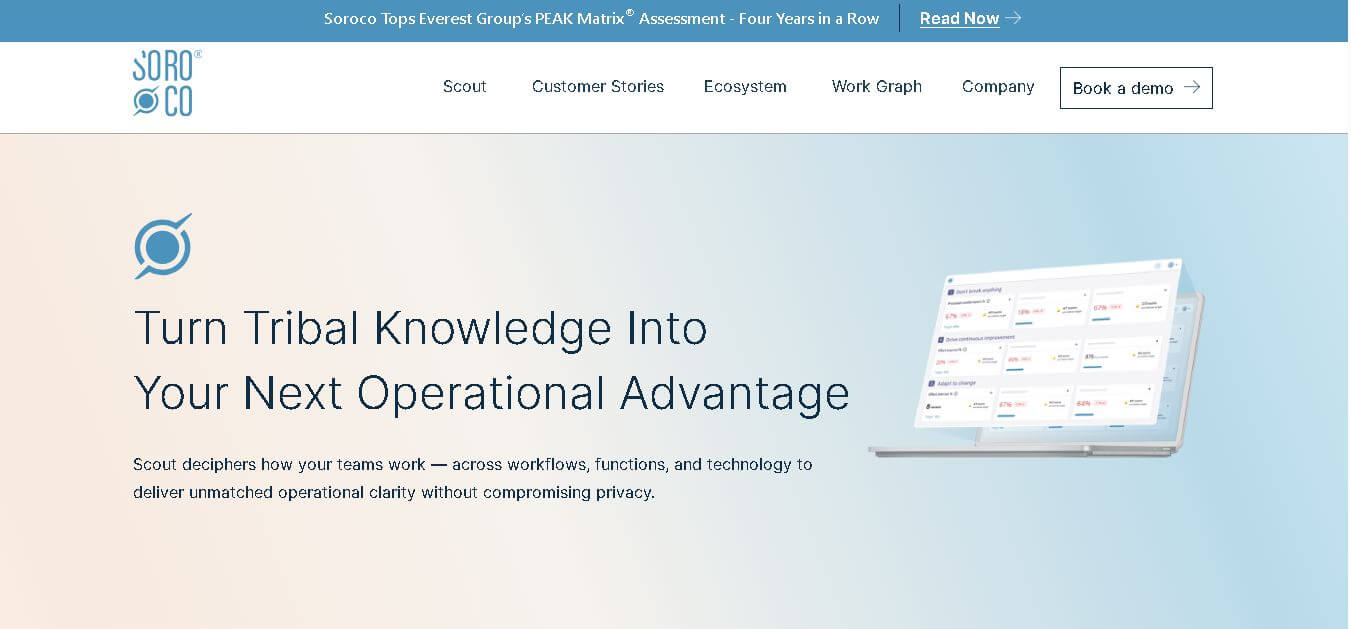
Soroco helps enterprises understand and improve how people and AI agents perform everyday work. Its Scout platform maps real workflows, identifies bottlenecks, measures operational effort, and highlights automation opportunities. Organizations can use its insights to improve productivity, optimize costs, strengthen decision-making, and build more effective human-AI workflows.
 4.7
4.7Quinvio AI
Productivity
Quinvio AI helps you turn ideas, scripts, blogs, or web content into polished video presentations. You can refine messaging, choose branded templates, add AI avatars and voiceovers, and produce shareable visual content without traditional recording or editing workflows. It is especially useful for marketers, educators, trainers, creators, and business teams.
 4.9
4.9HubSpot
Marketing
HubSpot is an AI-powered customer platform that helps businesses manage marketing, sales, customer service, and content in one place. It offers a free CRM, automation tools, analytics, and AI features, enabling teams to attract leads, close deals, and deliver better customer experiences at scale.
 4.9
4.9TestSprite
Testing
TestSprite is an AI-powered software testing agent that helps developers automatically generate, run, and fix end-to-end tests for web apps. It simulates real user behavior, detects issues, and provides root-cause insights with suggested fixes, enabling faster releases and more reliable software without manual QA effort.
 4.9
4.9Gemini 4 Argon
Workflow Automation
Gemini 4 Argon is Google DeepMind’s most advanced AI model, built for complex, long-running tasks like software engineering, finance, legal work, and cybersecurity. It delivers deep reasoning, handles multi-step workflows, and processes large context inputs, making it ideal for enterprise automation and high-level problem solving.
 4.8
4.8Microsoft Copilot
Productivity
Microsoft Copilot is an AI-powered assistant that helps users write, research, analyze data, and automate tasks across apps like Word, Excel, Outlook, and Teams. It combines large language models with real-time data to generate content, answer questions, and improve productivity across personal and professional workflows.
 4.9
4.9Casablanca AI
Productivity
Casablanca AI is an AI-powered virtual camera that corrects your gaze in real time during video calls, making it appear like you’re maintaining natural eye contact. It works with tools like Zoom and Teams, improving trust, engagement, and communication without needing extra hardware.
 4.9
4.9Granola
Productivity
Granola is an AI-powered meeting assistant that helps you capture, organize, and act on conversations without losing focus. It listens to meetings, turns notes into structured summaries, and generates action items and follow-ups automatically—so you stay present while everything important is documented and ready to use.
 4.8
4.8AI Submit
Productivity
AI Submit is an automated directory submission and SEO distribution platform that allows AI startup founders and developers to submit their artificial intelligence tools to dozens of top AI directories simultaneously for backlink building and traffic growth.