
n8n
n8n is a fair-code workflow automation platform that connects applications, APIs, and databases through visual workflows. It combines low-code automation with custom JavaScript and Python, AI agent development, and self-hosting options for developers and businesses.

What is n8n?
n8n is an AI-powered open-source workflow automation software for developers that helps developers, businesses, and technical teams connect applications, automate repetitive tasks, and build AI-powered workflows. It combines a visual workflow editor with custom coding capabilities, allowing users to create simple automations as well as complex, multi-step business processes. Unlike traditional no-code automation platforms, n8n gives users more control over how workflows operate. Users can connect applications, APIs, databases, and AI models through a visual interface, then add JavaScript or Python code when more advanced functionality is required.
For example, a business can create a workflow that receives a customer inquiry, extracts relevant information, sends it to an AI model for classification, updates a CRM, and notifies the sales team through Slack. These steps can run automatically based on triggers and predefined conditions. One of n8n's biggest advantages is its deployment flexibility. Users can choose n8n Cloud, where the platform manages hosting, or self-host the software using their own infrastructure. This makes it useful for organizations that need greater control over their data, infrastructure, and automation environment.
n8n also provides dedicated AI capabilities for building AI agents and intelligent workflows. Users can connect language models from providers such as OpenAI, Anthropic, and Google, combine them with external tools, and introduce human approval steps where necessary.
n8n is an open-source workflow automation platform that helps individuals and businesses connect apps, automate repetitive tasks, and build AI-powered workflows with little or no code. Founded in 2019, it supports 1,900+ integrations, allowing users to connect everything from Google Workspace and Slack to OpenAI and databases. The platform has earned 150,000+ GitHub stars, powers 230,000+ active users, and is backed by a 200,000+ member community. With cloud and self-hosted options, n8n is widely adopted for business automation and AI agent development.
- Founder: Jan Oberhauser
- Launch: Founded in 2019
- Use Cases: IT operations, security automation, AI agent workflows, CRM enhancement, backend prototyping
- Technology: Low-code/no-code platform with support for custom JavaScript/Python code, over 500 integrations, AI capabilities, and fair-code licensing

n8n Key Features
n8n combines workflow automation, custom development, and AI capabilities in one platform. Its main features include:
- Visual Workflow Automation: Build multi-step workflows by connecting nodes through a visual editor. Users can define triggers, actions, conditions, and data transformations without writing an entire application from scratch.
- 2,000+ Integrations: Connect applications, services, databases, and APIs through n8n's integration directory. Supported services include Google Sheets, Slack, OpenAI, Gmail, and many other business tools.
- AI Agent Builder: Create AI agents that use language models, tools, and external data sources to complete tasks and respond to information dynamically.
- AI Workflow Automation: Combine AI models with conventional workflow steps to automate content processing, customer support, research, and business operations.
- Self-Hosted Deployment: Install n8n on your own infrastructure to maintain greater control over deployment, data, and system configuration.
- n8n Cloud: Use the managed cloud version without handling server installation, infrastructure maintenance, or platform updates yourself.
- Custom Code Support: Add JavaScript or Python code to handle advanced logic, data transformations, and custom automation requirements.
- API and Webhook Integration: Connect external services using APIs and webhooks to exchange data and trigger workflows automatically.
- Database Connectivity: Integrate supported databases to retrieve, update, and process information as part of automated workflows.
- Human-in-the-Loop Automation: Add approval steps and human intervention to workflows that require review before completing sensitive or important actions.
- Model Flexibility: Connect different AI model providers, including OpenAI, Anthropic, Google, and supported open-source models.
- MCP Support: Use Model Context Protocol capabilities to connect AI agents and compatible tools with external systems.
- Workflow Templates: Explore ready-made automation templates to understand common use cases and build workflows faster.
- Enterprise Governance: Access features such as SSO, LDAP, role-based permissions, multiple environments, and version control on eligible plans.
- Community Support: Access documentation, tutorials, workflow examples, and community discussions to learn and troubleshoot automation projects.
n8n Pricing
n8n offers cloud subscriptions, an enterprise option, and a self-hosted community edition. Its pricing model is different from many traditional automation platforms because paid plans are primarily based on the number of workflow executions rather than the number of individual steps. A workflow execution counts as one complete run of a workflow, regardless of how many steps it contains. This can make n8n attractive for complex workflows with multiple connected nodes.
n8n Pricing Plans
| Plan | Price (Billed Annually) | Monthly Workflow Executions | Hosting |
|---|---|---|---|
| Starter | €20/month | 2,500 | n8n Cloud |
| Pro | €50/month | 10,000 | n8n Cloud |
| Business | €667/month | 40,000 | Self-hosted |
| Enterprise | Custom | Custom | Cloud or self-hosted |
| Community Edition | Free software | Depends on infrastructure | Self-hosted |
Prices above are monthly equivalents when billed annually. Business is a self-hosted subscription, not a managed cloud plan.
1. n8n Starter Plan
20/month, billed annually
The Starter plan is designed for individuals and small teams that want to build and run their first workflows and AI agents using n8n Cloud.
Key features:
- 2,500 workflow executions per month.
- Unlimited workflow steps.
- One shared project.
- Five concurrent executions.
- Unlimited users.
- AI agent, MCP, and AI nodes.
- Monthly AI Assistant credits.
- Forum support.
Who should choose it?
Starter is suitable for freelancers, developers, small businesses, and beginners who want to automate everyday tasks without managing their own hosting infrastructure.
2. n8n Pro Plan
€50/month, billed annually
The Pro plan is designed for solo builders and small teams running business automations in production.
Key features:
- 10,000 workflow executions per month.
- Unlimited workflow steps.
- Three shared projects.
- 20 concurrent executions on the entry Pro tier.
- Higher concurrency on eligible Pro tiers.
- Unlimited users.
- Workflow history.
- Execution search.
- Global variables.
- Admin roles.
- Seven days of insights.
- Additional AI Assistant credits.
Who should choose it?
Pro is suitable for growing businesses, developers, and technical teams that need more workflow executions, project organization, and monitoring capabilities.
3. n8n Business Plan
€667/month, billed annually
The business plan is designed for companies that need advanced collaboration, deployment, and governance features.
Key features:
- 40,000 workflow executions per month.
- Unlimited workflow steps.
- Six shared projects.
- Self-hosted deployment.
- SSO and LDAP.
- 30 days of insights.
- Multiple environments.
- Queue mode for scaling.
- Git-based version control.
- Forum support.
- Additional collaboration and governance capabilities.
Who should choose it?
Business is suitable for growing organizations and technical teams that want to manage larger automation environments with advanced security, collaboration, and deployment controls.
4. n8n Enterprise Plan
Custom pricing
The Enterprise plan is designed for organizations with advanced compliance, governance, and scalability requirements.
Key features:
- Custom workflow execution limits.
- Cloud or self-hosted deployment.
- Unlimited shared projects.
- 200+ concurrent executions.
- Up to 365 days of insights.
- External secret store integration.
- Log streaming.
- Extended data retention.
- Dedicated support with an SLA.
- Advanced enterprise governance features.
Who should choose it?
Enterprise is suitable for large businesses and organizations that need customized deployment, advanced security controls, dedicated support, and higher automation capacity.
5. n8n Community Edition
n8n also provides a free, self-hosted Community Edition. It allows developers and technical users to install the platform on their own infrastructure and create workflows without paying for a standard n8n Cloud subscription.
The Community Edition is particularly useful for:
- Developers experimenting with workflow automation.
- Startups building internal automation systems.
- Technical users creating AI workflows.
- Businesses that want control over their hosting environment.
- Users who prefer managing their own infrastructure.
However, self-hosting requires technical knowledge and responsibility for server configuration, security, backups, updates, and maintenance. Some advanced enterprise features are not included in the Community Edition.
n8n Plans: Feature Comparison
| Features | Starter | Pro | Business | Enterprise |
|---|---|---|---|---|
| Cloud Hosting | Yes | Yes | No | Available |
| Self-Hosting | No | No | Yes | Yes |
| Workflow Executions | 2,500/month | 10,000/month | 40,000/month | Custom |
| Unlimited Workflow Steps | Yes | Yes | Yes | Yes |
| Shared Projects | 1 | 3 | 6 | Unlimited |
| Concurrent Executions | 5 | 20+ depending on tier | 20 | 200+ |
| Unlimited Users | Yes | Yes | Yes | Yes |
| Workflow History | Basic | Yes | Yes | Extended |
| Insights | Basic availability | 7 days | 30 days | Up to 365 days |
| SSO and LDAP | No | No | Yes | Yes |
| Multiple Environments | No | No | Yes | Yes |
| Git Version Control | No | No | Yes | Yes |
| Dedicated SLA Support | No | No | No | Yes |
Does n8n Offer a Free Plan?
Yes. n8n provides a free, self-hosted Community Edition that users can install on their own infrastructure. This is different from n8n Cloud, which is a paid managed service with a limited free trial.
The self-hosted Community Edition allows users to:
- Build visual workflows.
- Connect supported applications and APIs.
- Automate repetitive tasks.
- Create custom workflow logic.
- Explore AI automation capabilities.
- Manage their own hosting environment.
Important: The Community Edition is source-available under n8n's Sustainable Use License. It is not an unrestricted open-source license. Users should review the licensing terms before using it commercially, especially when redistributing or offering n8n as a hosted service.
Disclaimer: For the latest and most accurate pricing information, please visit the official n8n website.
n8n Video/Demo
Who Is Using n8n?
n8n is used by individuals, technical teams, startups, and enterprises that want to automate business processes and connect different applications.
Its main user groups include:
- Developers: Build custom workflows, API integrations, and backend automation.
- AI Engineers: Create AI agents and intelligent workflows using different language models.
- DevOps Teams: Automate infrastructure monitoring, alerts, and operational tasks.
- IT Operations Teams: Streamline system administration, incident management, and routine processes.
- SaaS Companies: Connect applications, synchronize data, and automate product workflows.
- Startups: Reduce manual work and build internal automation without developing every integration from scratch.
- Enterprise Teams: Manage business processes with advanced deployment and governance options.
- Marketing Teams: Automate lead generation, campaign reporting, and content distribution.
- Sales Teams: Connect CRM systems, manage leads, and automate follow-ups.
- Customer Support Teams: Classify incoming tickets and route support requests.
- Data Analysts: Automate data collection, transformation, and reporting.
- Product Teams: Connect product tools and automate repetitive development workflows.
- Operations Teams: Streamline internal processes and information sharing.
- E-commerce Businesses: Automate order notifications, inventory updates, and customer communication.
- Finance Teams: Automate reporting, invoice processing, and financial data transfers.
- HR Teams: Streamline recruitment, onboarding, and employee administration.
- Freelancers and Agencies: Build custom automations for clients and internal operations.
- System Integrators: Connect different software systems through APIs and workflows.
- Low-Code Builders: Create automation projects using a visual editor with optional custom code.
n8n Alternatives
Some n8n alternatives are
Which n8n Alternative Should You Choose?
| Alternative | Best For | Main Advantage |
|---|---|---|
| Zapier | Beginners and business teams | Simple automation and extensive integrations |
| Make | Visual workflow automation | Flexible visual scenario builder |
| Workato | Large enterprises | Enterprise integration and governance |
| Pipedream | Developers | Code-first API automation |
| Power Automate | Microsoft users | Integration with Microsoft services |
| Activepieces | Self-hosted automation | Accessible visual workflow building |
| Tray.ai | Enterprise teams | Complex integration workflows |
| Node-RED | IoT and technical projects | Event-driven flow programming |
| Tines | Security and IT teams | Security and operational automation |
| IFTTT | Personal automation | Simple trigger-and-action workflows |
| UiPath | Robotic process automation | Software robots and business process automation |
| Apache Airflow | Data engineering | Scheduled data pipelines |
| Kestra | Workflow orchestration | Flexible workflow orchestration |
| Huginn | Self-hosted automation | Custom event-driven agents |
| Automatisch | Open-source automation | Visual application integrations |
Pros and Cons of n8n
n8n offers considerable flexibility for workflow automation, but it also has some limitations that users should consider before choosing the platform.
Pros
- Flexible Workflow Builder: Its visual editor makes it possible to create complex workflows without writing every component from scratch.
- AI Agent Capabilities: Users can build AI-powered workflows and agents using supported language models and external tools.
- Self-Hosting Options: Organizations can deploy n8n on their own infrastructure for greater control over their environment.
- Custom Code Support: JavaScript and Python support allow developers to implement advanced logic and custom integrations.
- Extensive Integrations: Its integration directory connects applications, databases, APIs, and business services.
- Execution-Based Pricing: Cloud subscriptions are based on complete workflow executions rather than charging separately for every individual step.
- API and Webhook Support: Users can connect external services and build custom automation workflows.
- Flexible AI Model Selection: Users can connect supported AI providers instead of relying on a single model ecosystem.
- Active Community: Documentation, tutorials, templates, and community discussions help users learn and troubleshoot workflows.
- Cloud and Self-Hosted Deployment: Users can choose between managed hosting and their own infrastructure.
Cons
- Learning Curve: Beginners may need time to understand nodes, expressions, data structures, APIs, and workflow logic.
- Self-Hosting Requires Technical Knowledge: Users must manage server configuration, updates, backups, and security when hosting n8n themselves.
- Fair-Code Licensing: The license does not provide unrestricted open-source rights, so some commercial use cases require careful review.
- Cloud Execution Limits: Paid plans have monthly workflow execution allowances that users need to monitor.
- Advanced Workflow Complexity: Large workflows can become difficult to maintain without proper organization and documentation.
- Enterprise Features Cost More: Advanced governance, collaboration, and deployment capabilities require higher-tier subscriptions.
- Third-Party API Dependencies: Automations may fail if connected services change their APIs, permissions, or availability.
Why Choose n8n?
n8n is worth considering if you need more control over your workflow automation than traditional no-code platforms provide. Its biggest advantage is the combination of a visual workflow editor and custom programming capabilities. You can create basic automations through connected nodes and introduce JavaScript or Python whenever your project requires more advanced logic. Another important advantage is its deployment flexibility. Businesses can use n8n Cloud for managed hosting or choose self-hosting when they need greater control over infrastructure and data.
n8n is also particularly relevant for AI automation. Its AI agent capabilities allow users to connect language models with APIs, databases, and external tools. This makes it possible to build workflows that do more than simply transfer information between applications. Its execution-based pricing model can also be attractive for complex workflows. Since billing is based on complete workflow runs rather than every individual step, workflows with many nodes can be easier to budget for. However, n8n is not necessarily the best choice for users who want the simplest possible automation experience. Beginners who prefer ready-made integrations and minimal configuration may find Zapier easier to start with.
Overall, n8n is a strong choice for developers, AI engineers, and businesses that need customizable automation, AI orchestration, and deployment flexibility.
How n8n Works
n8n uses a node-based visual editor to help users build workflows. Each node performs a specific task, such as receiving data, calling an API, processing information, or sending a notification.
Here is how to create a basic workflow using n8n:
- Create an n8n Account: Visit https://n8n.io/ and sign up for n8n Cloud, or install the self-hosted Community Edition.
- Create a New Workflow: Open the workflow editor and start a new automation project.
- Choose a Trigger: Select the event that should start your workflow, such as a webhook, scheduled trigger, or new record in an application.
- Add Workflow Nodes: Connect the applications and services that need to participate in the automation.
- Configure Each Node: Enter the required credentials, parameters, and settings for each application or service.
- Add Logic and Conditions: Use conditional nodes, expressions, and custom code to control how information moves through the workflow.
- Connect AI Models if Needed: Add supported AI nodes and language models to build intelligent automation or AI agent workflows.
- Test the Workflow: Run the workflow and inspect the output of individual nodes to identify configuration issues.
- Activate the Workflow: Enable the workflow so it can execute automatically when the selected trigger occurs.
- Monitor Executions: Review execution history and troubleshoot errors when necessary.
n8n vs Competitors
The main difference between n8n, Zapier, Make, Workato, and Microsoft Power Automate is their approach to workflow automation and their target audiences. n8n is particularly useful for developers and technical teams that want self-hosting, custom code, and flexible AI workflows. Zapier focuses on beginner-friendly automation, while Make provides a visual scenario builder for more complex workflows.
Workato is designed for enterprise integration and governance, whereas Microsoft Power Automate is particularly useful for organizations that rely heavily on Microsoft services.
| Feature | n8n | Zapier | Make | Workato | Microsoft Power Automate |
|---|---|---|---|---|---|
| Best For | Developer and AI automation | Simple business automation | Visual workflow automation | Enterprise integration | Microsoft ecosystem |
| Open-Source License | No, fair-code | No | No | No | No |
| Source Available | Yes | No | No | No | No |
| Self-Hosting | Yes | No | No | Deployment options vary | On-premises gateway and other deployment options |
| AI Agent Capabilities | Yes | Yes | Yes | AI capabilities | AI capabilities |
| Visual Workflow Builder | Yes | Yes | Yes | Yes | Yes |
| No-Code Support | Yes | Yes | Yes | Yes | Yes |
| Custom Code Support | JavaScript and Python | Limited code options | Custom code options | Code and developer tools | Expressions and developer tools |
| Integrations | 2,000+ listed | Large integration ecosystem | Large integration ecosystem | Enterprise connectors | Microsoft and third-party connectors |
| API and Webhooks | Yes | Yes | Yes | Yes | Yes |
| Cloud Hosting | Yes | Yes | Yes | Yes | Yes |
| Pricing Model | Workflow executions | Tasks and plan limits | Credits/operations and plan limits | Custom enterprise pricing | Plan and licensing dependent |
| Enterprise Features | Yes | Yes | Yes | Yes | Yes |
| Learning Curve | Moderate to advanced | Easy | Moderate | Advanced | Moderate |
| Ideal Users | Developers and AI engineers | Small businesses and marketers | Agencies and operations teams | Large enterprises | Microsoft organizations |
| Key Strength | Flexibility and self-hosting | Ease of use | Visual automation | Enterprise integration | Microsoft ecosystem |
| Main Limitation | Requires technical understanding | Costs can increase with usage | Complex scenarios need planning | Pricing can be high | Licensing can be complex |
How Did We Rate n8n?
TechShark evaluates workflow automation tools based on their functionality, flexibility, integrations, usability, pricing, and practical applications. The following ratings represent TechShark's editorial assessment of n8n. They are not independently measured performance benchmarks or verified customer ratings.
| Rating Factor | Rating (Out of 5) |
|---|---|
| Workflow Automation | 5.0/5 |
| AI Features and Integrations | 4.9/5 |
| Ease of Use | 4.5/5 |
| Customization and Flexibility | 5.0/5 |
| Performance and Reliability | 4.8/5 |
| Integration Library | 4.9/5 |
| Value for Money | 4.8/5 |
| Documentation and Community | 4.8/5 |
| Overall Rating | 4.8/5 |
n8n Review
n8n is one of the more flexible workflow automation platforms available for developers and technical teams. Its combination of visual workflow building, custom coding, and AI capabilities makes it useful for automating processes that would otherwise require several separate tools or custom scripts. One of its strongest advantages is the ability to combine no-code and code-based automation. Users can build workflows visually and introduce JavaScript or Python whenever they need more control over data processing, API requests, or conditional logic. Its AI capabilities also make it relevant for businesses exploring AI agents and intelligent automation. Users can connect language models with external tools and applications to create workflows that process information, make decisions, and complete tasks with optional human approval.
Another major advantage is the choice between cloud hosting and self-hosting. This flexibility allows users to select a deployment model based on their technical resources, security requirements, and infrastructure preferences. However, n8n is not the easiest automation tool for complete beginners. Understanding nodes, expressions, API authentication, and data structures can take time. Self-hosting also introduces responsibilities around server maintenance, security, and backups. Its fair-code license is another important consideration. Although the source code is available and self-hosting is supported, users should understand the licensing conditions before using n8n in commercial redistribution or hosted-service scenarios.
TechShark Verdict: n8n is an excellent workflow automation platform for developers, AI engineers, and businesses that need flexible, customizable automation. Its combination of visual workflows, custom code, AI agents, and self-hosting makes it a strong alternative to traditional no-code automation tools. Beginners who want the simplest setup may prefer Zapier, but technical teams will appreciate the control n8n provides.
Conclusion
n8n is a powerful workflow automation and AI orchestration platform that stands out for its flexibility, fair-code approach, and developer-friendly capabilities. It allows users to connect applications, automate repetitive business processes, build AI agents, and manage complex workflows through a combination of visual tools and custom code. Its cloud and self-hosted deployment options make it useful for individuals, startups, and enterprises with different infrastructure and security requirements. The execution-based pricing model also offers an alternative to automation platforms that charge for every individual task or step. However, n8n has a learning curve, and self-hosting requires technical knowledge and ongoing maintenance. Users should also review its licensing terms before adopting it for commercial distribution or hosted services.
Overall, n8n is a strong choice for developers, AI engineers, and businesses looking for customizable workflow automation and AI-powered integrations. It is particularly valuable when standard no-code tools do not provide enough flexibility or control.
People are also reading:
FAQ
What is n8n used for?
n8n is used to automate workflows by connecting various applications and services, allowing users to streamline processes such as data synchronization, task automation, and AI agent creation.
Can I self-host n8n?
Yes, n8n can be self-hosted using Docker, giving you full control over your data and workflows.
Does n8n support AI integrations?
Yes, n8n includes native AI capabilities, enabling the creation of intelligent workflows that can process and respond to data dynamically.
How many integrations does n8n support?
n8n's official integration directory lists more than 2,000 integrations. These include applications, services, AI tools, databases, and developer platforms. The directory continues to change as new integrations are added.
Is n8n suitable for non-technical users?
While n8n is designed for technical teams, its intuitive visual interface allows non-technical users to build and manage workflows with minimal coding knowledge.
Is n8n better than Zapier?
n8n is better for developers and advanced users who need customization and self-hosting, while Zapier is easier for beginners and non-technical users.
How many integrations does n8n offer?
n8n supports 1,900+ integrations, including Google Workspace, Slack, GitHub, Notion, Salesforce, PostgreSQL, and more.
What are the best n8n alternatives?
Some popular alternatives include Zapier, Make, Workato, Pipedream, Microsoft Power Automate, Activepieces, and Node-RED. The right choice depends on your technical requirements, budget, integrations, and deployment preferences.
Can n8n connect with APIs and webhooks?
Yes, n8n offers built-in support for REST APIs, GraphQL, webhooks, and custom HTTP requests.
Does n8n support AI workflows?
Yes, n8n supports AI-powered workflows and integrates with OpenAI, Anthropic, Google Gemini, and many other AI services.
What is the difference between n8n Cloud and self-hosted n8n?
n8n Cloud is a managed service where n8n handles hosting and infrastructure. Self-hosted n8n runs on your own infrastructure, giving you greater control but requiring you to manage deployment, updates, security, and backups.
Is n8n better than Zapier?
It depends on your needs. n8n provides more control through self-hosting and custom code, making it attractive to developers and technical teams. Zapier is generally easier for beginners who want straightforward app-to-app automation.
User Reviews
No reviews yet for n8n.
Featured Tools
Featured AI tools from TechShark
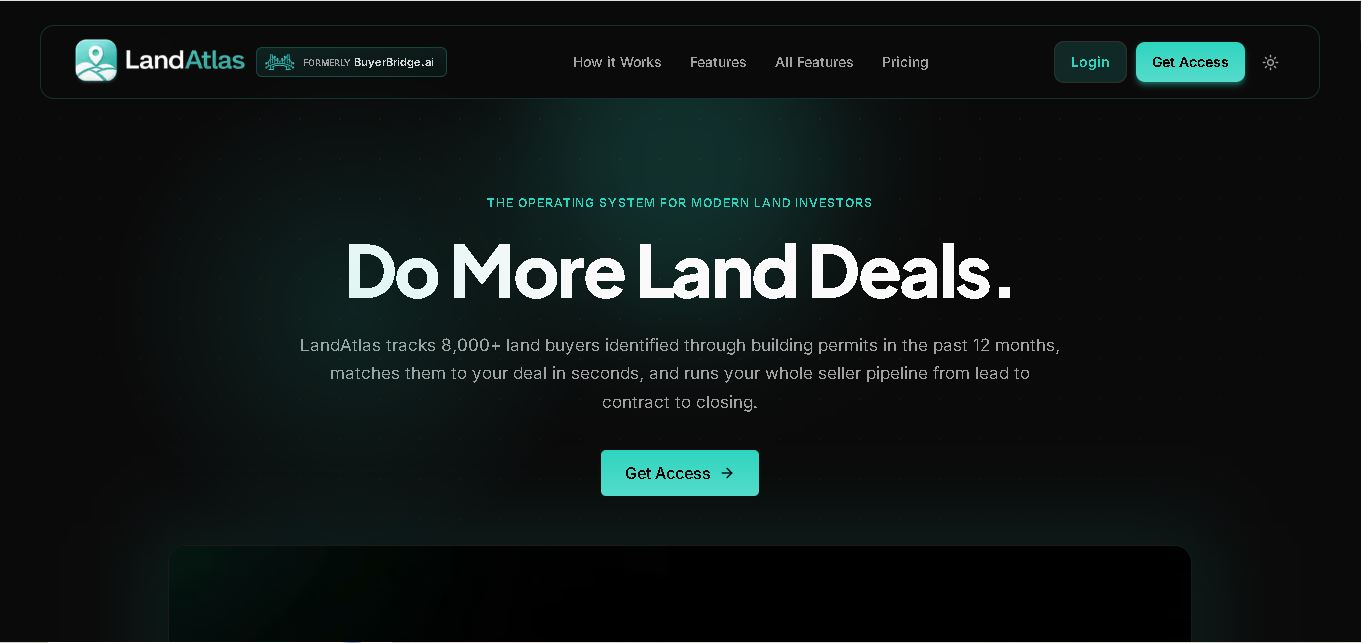
LandAtlas
LandAtlas is a land investing platform that combines parcel research, skip tracing, buyer matching, contracts, and deal management. It helps land wholesalers and acquisition teams organize property leads, evaluate opportunities, connect with potential buyers, and manage transactions from one workspace.
Paid
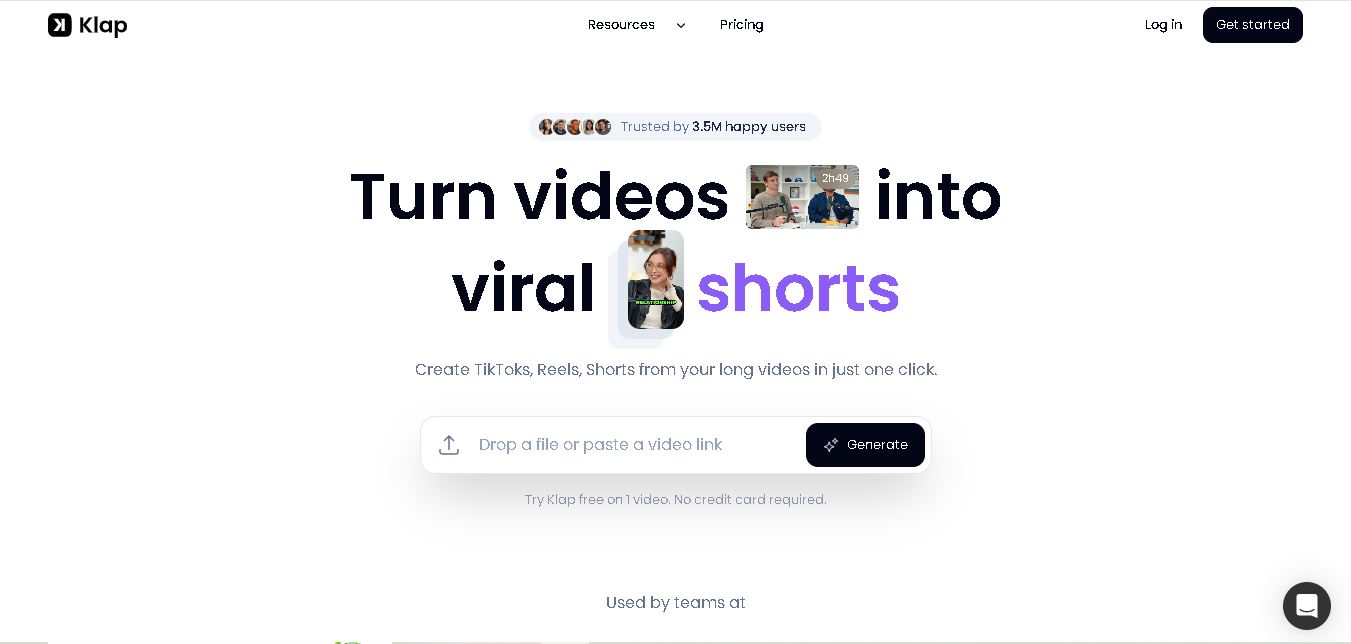
Klap
Klap is an AI video clipping platform that transforms long videos into short-form social media content. It automatically identifies highlights, creates captions, reframes speakers, and schedules clips, helping creators, podcasters, and marketing teams repurpose existing videos with less manual editing.
Free
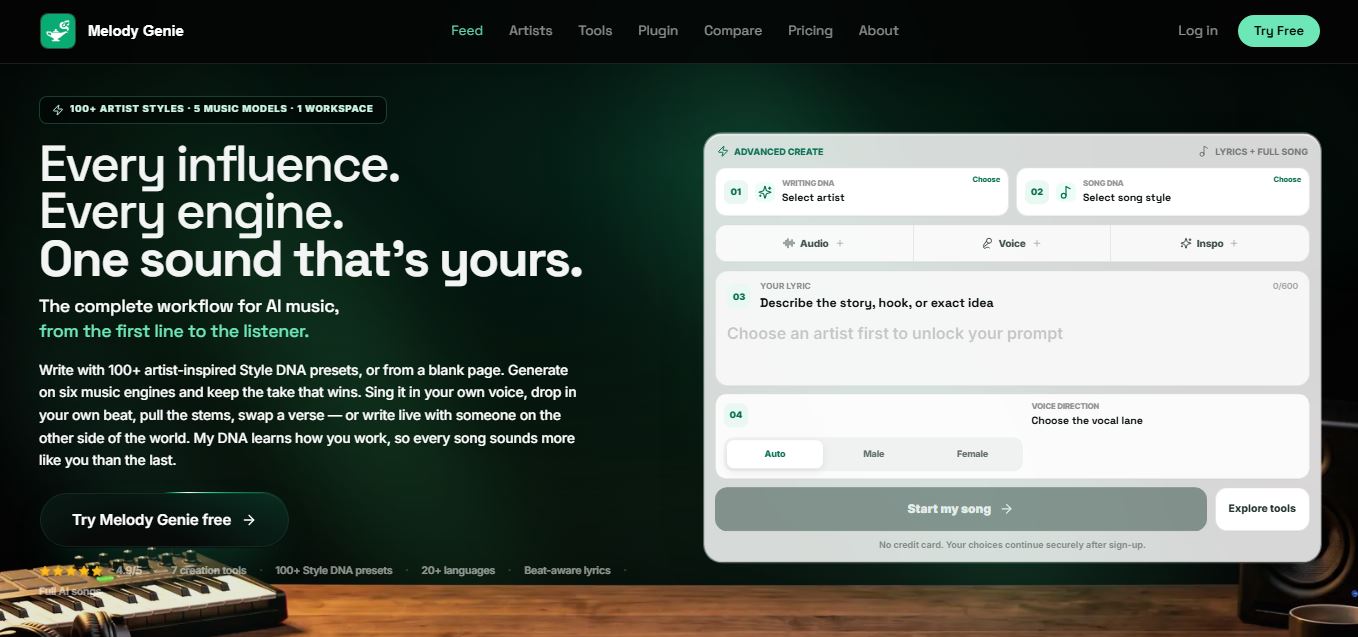
Melody Genie
MelodyGenie is an AI-powered music generator that creates original songs from simple text prompts. Users can choose styles, moods, and genres, then instantly generate melodies and full tracks, making it easy for creators, marketers, and hobbyists to produce custom music without musical expertise.
Freemium
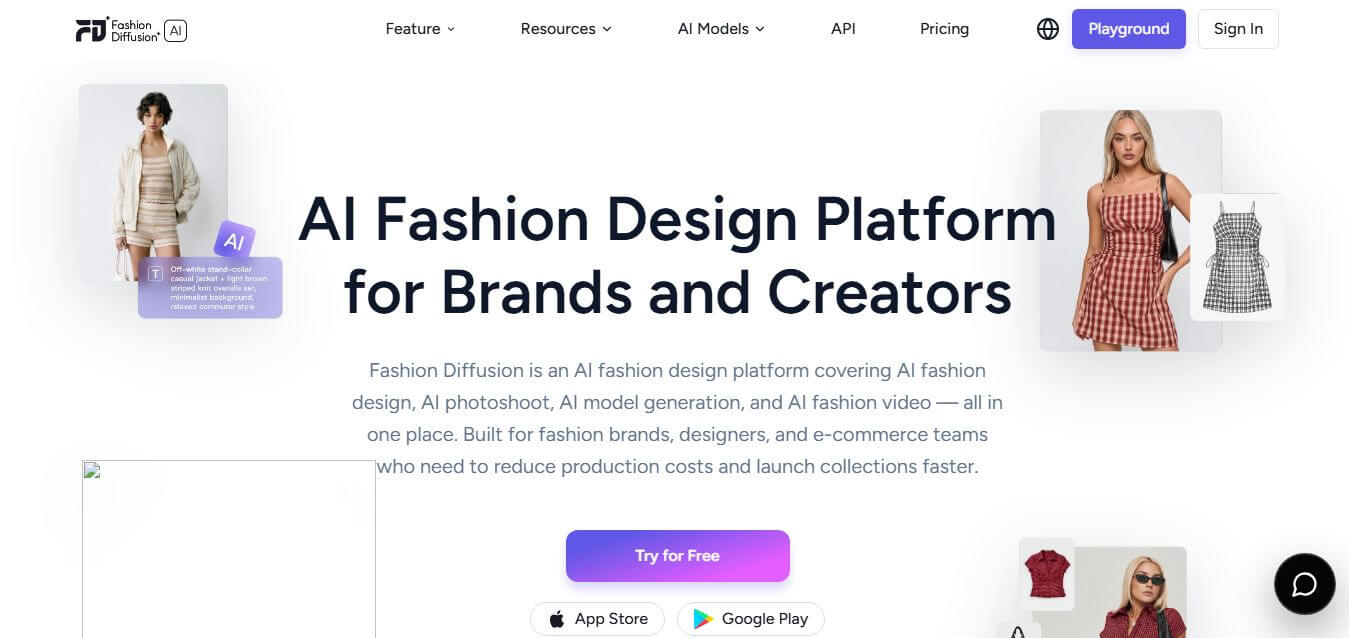
Fashion Diffusion AI
Fashion Diffusion is an AI-powered fashion design platform that helps brands and designers create clothing designs, virtual try-ons, AI models, product photos, and marketing visuals faster and cost-effectively.
Paid
Alternatives
Alternatives to n8n
The best n8n alternatives are Zapier, Make (formerly Integromat), Workato, Microsoft Power Automate, Pipedream, Activepieces, Tray.io, Node-RED, Tines, and IFTTT. These workflow automation platforms help users connect apps, automate repetitive tasks, integrate APIs, and build AI-powered workflows. Whether you're a beginner, developer, or enterprise team, these tools offer flexible automation solutions to improve productivity and streamline business processes.
TheInterviews.ai
AI Agent
TheInterviews.ai (theinterviews.ai) is an AI-powered mock interview and career credentialing platform that conducts real-time, voice-based AI interviews, grades performance against published rubrics, and issues a verified recruiter-ready Profile Card.
Equip
AI Agent
Equip (equip.co) is a pay-per-use pre-employment skills assessment and AI-native Applicant Tracking System (ATS) platform offering multi-skill quizzes, proctored coding challenges, CEFR communication tests, psychometric profiling, and one-way or conversational AI video interviews.
 4.7
Spark Hire
AI Agent
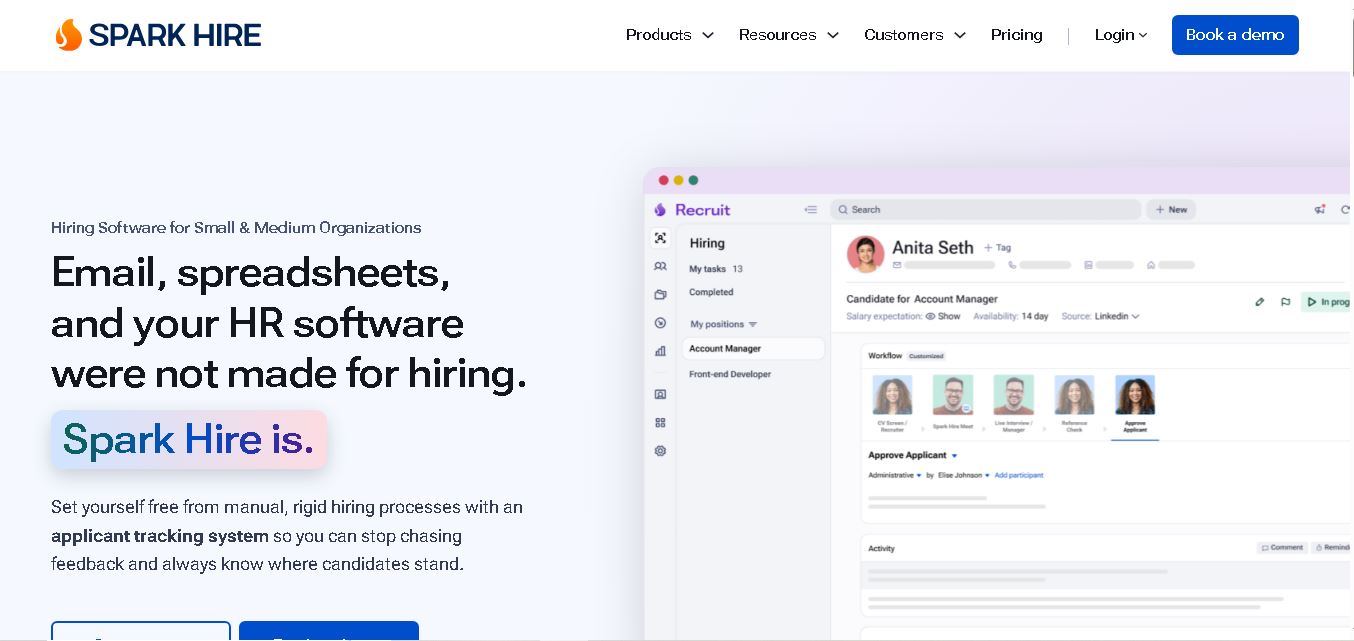
Spark Hire helps recruitment teams simplify hiring through one-way video interviews, live interviews, applicant tracking, and candidate evaluations. It enables employers to screen applicants remotely, collaborate with hiring managers, and organize recruitment workflows. Its AI-assisted features support interview transcription, summaries, and candidate review while maintaining human involvement in hiring decisions.
 4.9
Materiom
AI Agent
Materiom helps researchers, designers, and businesses discover and develop sustainable materials using renewable ingredients. Its resources include biomaterial recipes, material datasets, ingredient information, and AI-assisted research. By supporting experimentation and knowledge sharing, Materiom encourages innovation in bio-based packaging, textiles, and other products while helping users explore alternatives to conventional plastic materials.
 4.9
Talkwalker
AI Agent
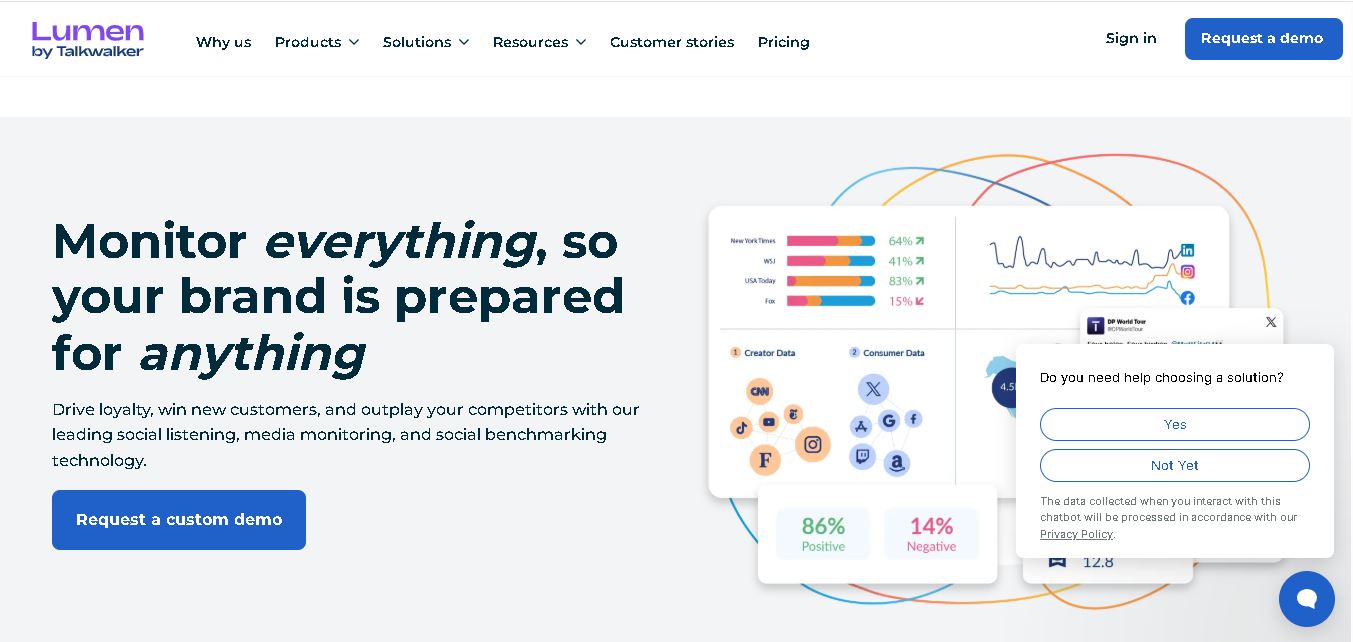
Talkwalker is a consumer intelligence and social listening solution that helps brands track online mentions, analyze audience sentiment, monitor competitors, and discover emerging trends. It combines social media analytics, media monitoring, customer feedback, and AI-powered insights to support marketing, public relations, reputation management, and data-driven business decisions across global markets.
 5.0
AI4K12
AI Agent
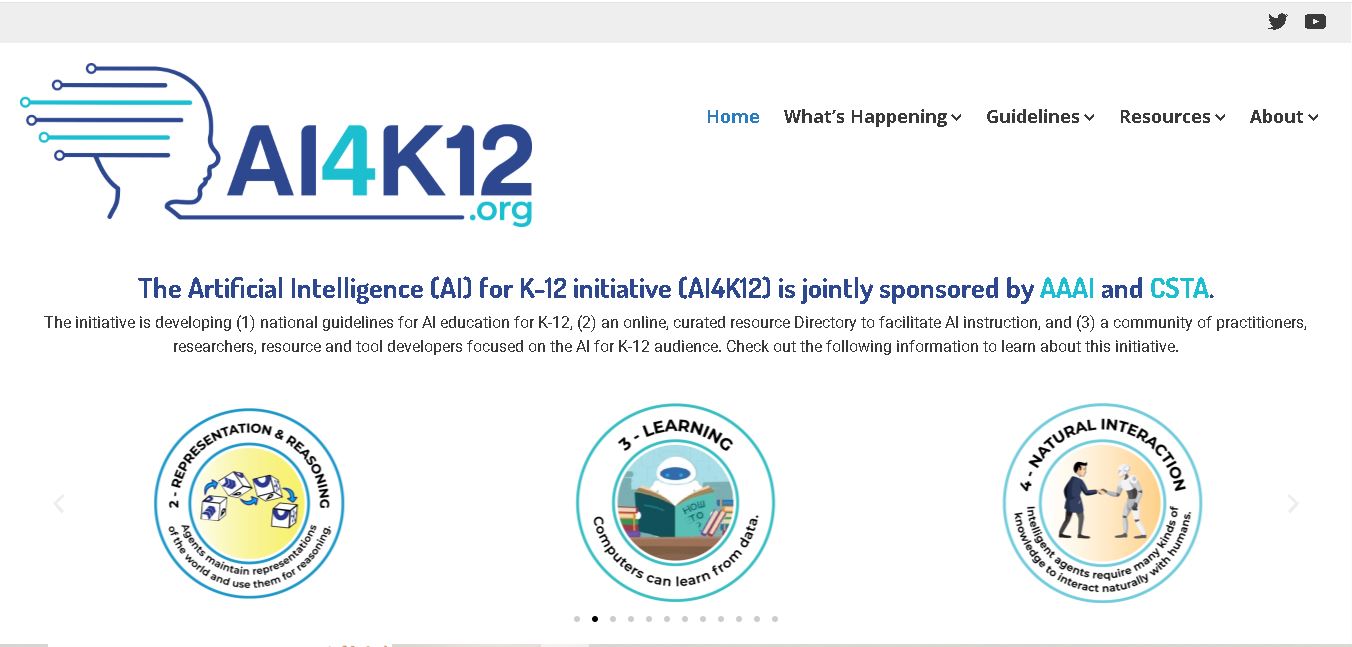
AI4K12 is an educational initiative focused on bringing artificial intelligence into K–12 classrooms. It provides grade-level learning guidelines, curated teaching resources, and the Five Big Ideas framework. Designed for educators and curriculum developers, AI4K12 supports age-appropriate AI instruction and helps students understand how intelligent technologies work and affect society.
Kommunicate
AI Agent
Kommunicate (kommunicate.io) is an AI-powered customer service automation and live chat platform that unites no-code generative AI agents, Kompose chatbot builder, seamless human escalation, voice AI, and omnichannel messaging across WhatsApp, web, and mobile apps.
Text
AI Agent
Text is an AI-powered customer service platform that combines live chat, help desk ticketing, AI agents, and workflow automation. It helps businesses manage customer conversations, automate repetitive support tasks, answer questions, engage website visitors, and turn customer interactions into sales opportunities through a unified communication workspace.
DocsBot AI
AI Agent
DocsBot AI is an AI chatbot and agent platform that turns websites, documents, knowledge bases, and support tickets into conversational assistants. Businesses can use it to automate customer support, answer questions, share internal knowledge, connect workflows, and provide information through website widgets and supported integrations.