Top image editing AI tools
Browse AI tools grouped by tag, then refine by price, rating, and freshness.
 4.7
SnapEdit
Image
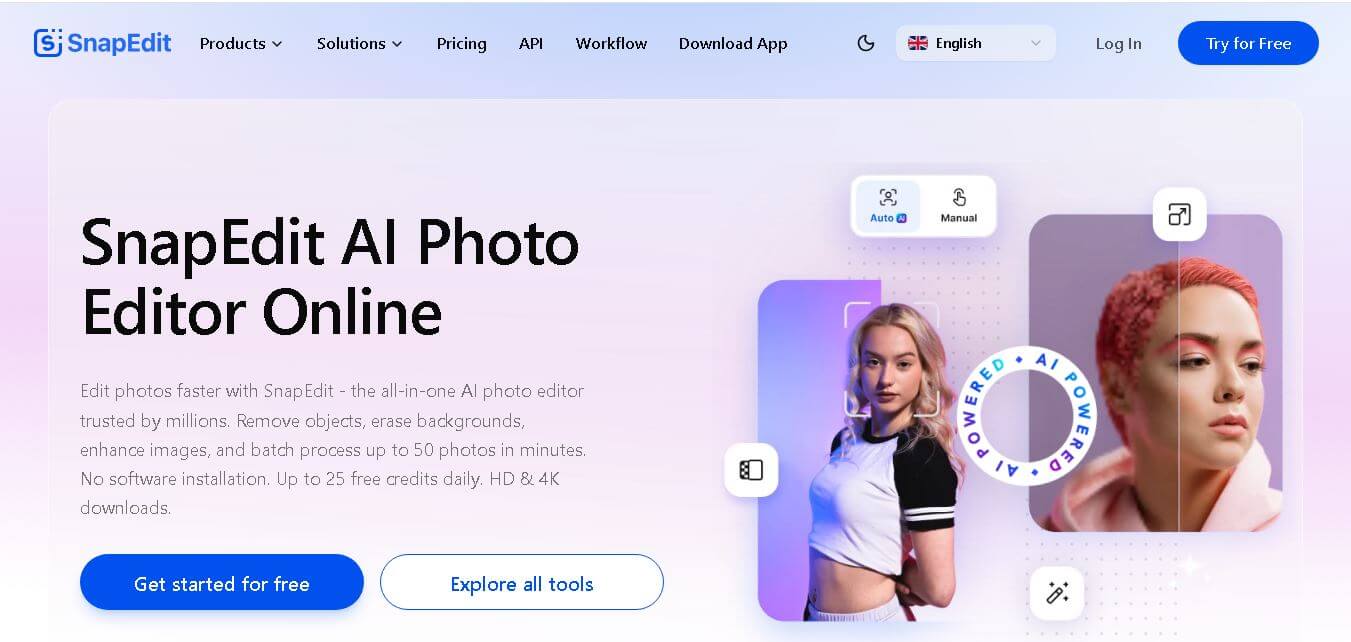
SnapEdit is an easy-to-use online photo editor that helps you quickly remove unwanted objects, enhance image quality, erase backgrounds, change skies, restore photos, and create polished visuals. With AI and non-AI editing tools, SnapEdit serves creators, photographers, ecommerce businesses, designers, and everyday users looking for faster photo editing.
FreemiumView tool
 4.7
Cleanup.pictures
Image
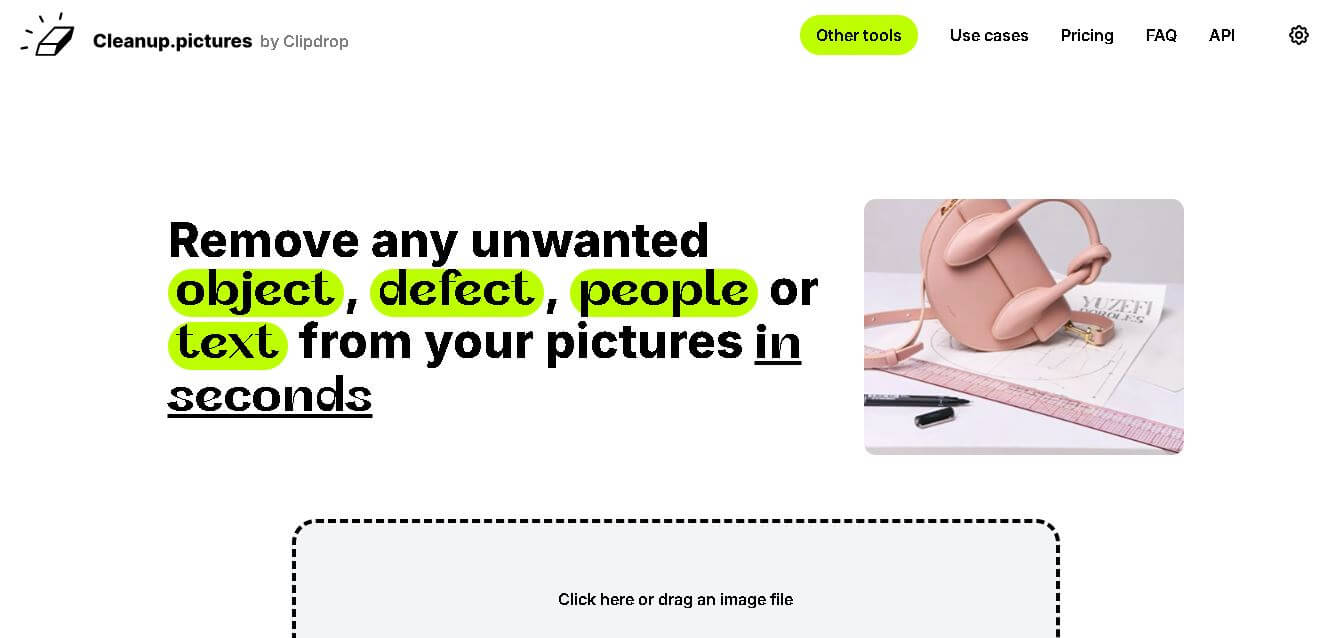
Cleanup.pictures makes photo cleanup simple by letting you brush over unwanted people, objects, text, logos, watermarks, blemishes, and other distractions. Its inpainting technology reconstructs selected areas automatically, helping users create cleaner visuals quickly. A free plan supports unlimited images, while Pro adds unlimited-resolution exports and higher-quality processing for demanding workflows.
FreemiumView tool
B
4.8BgSub
Image
BgSub (bgsub.com) is a privacy-first, browser-based AI tool that automatically removes and replaces image backgrounds in seconds, performing all processing directly on the user's device without uploading images to cloud servers.
FreeView tool
 4.8
ImgUpscaler
Image
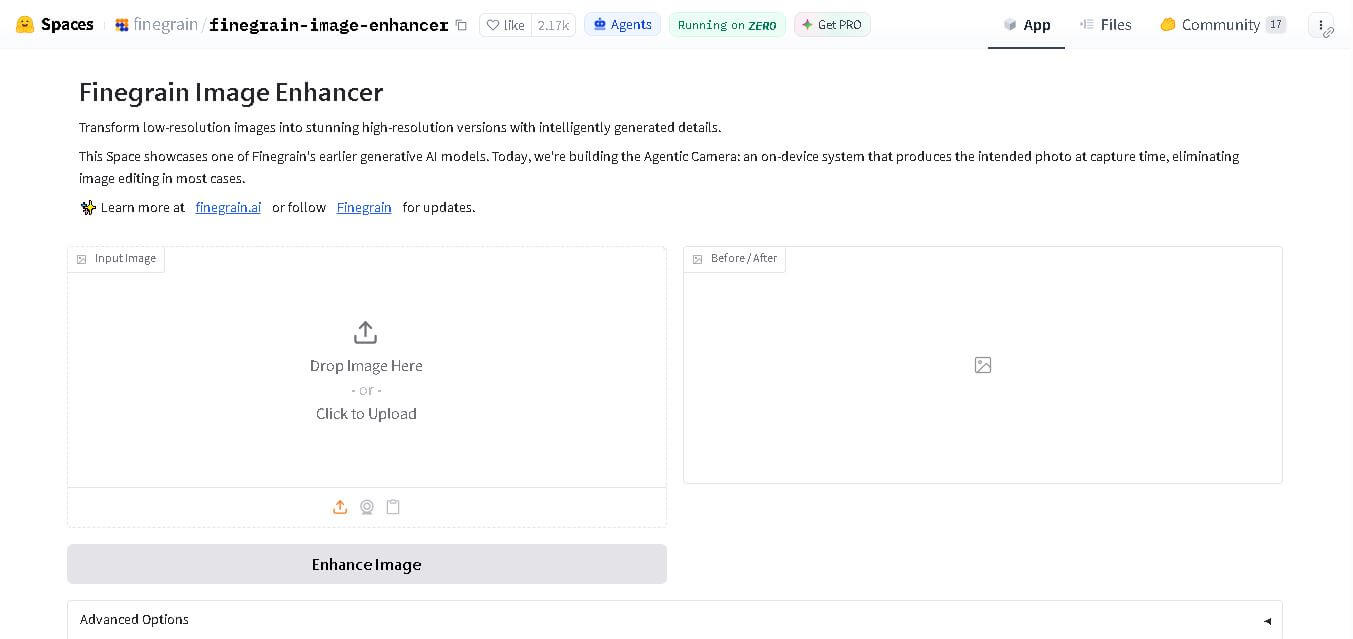
ImgUpscaler helps users enlarge and enhance low-resolution images with AI-based super-resolution. It can improve sharpness, textures, edges, and visible details across portraits, products, anime artwork, screenshots, and old photos. With browser-based processing, multiple image formats, 2x and 4x enlargement, and paid batch processing, it suits both casual and professional workflows.
FreemiumView tool
 4.8
Vector Magic
Image
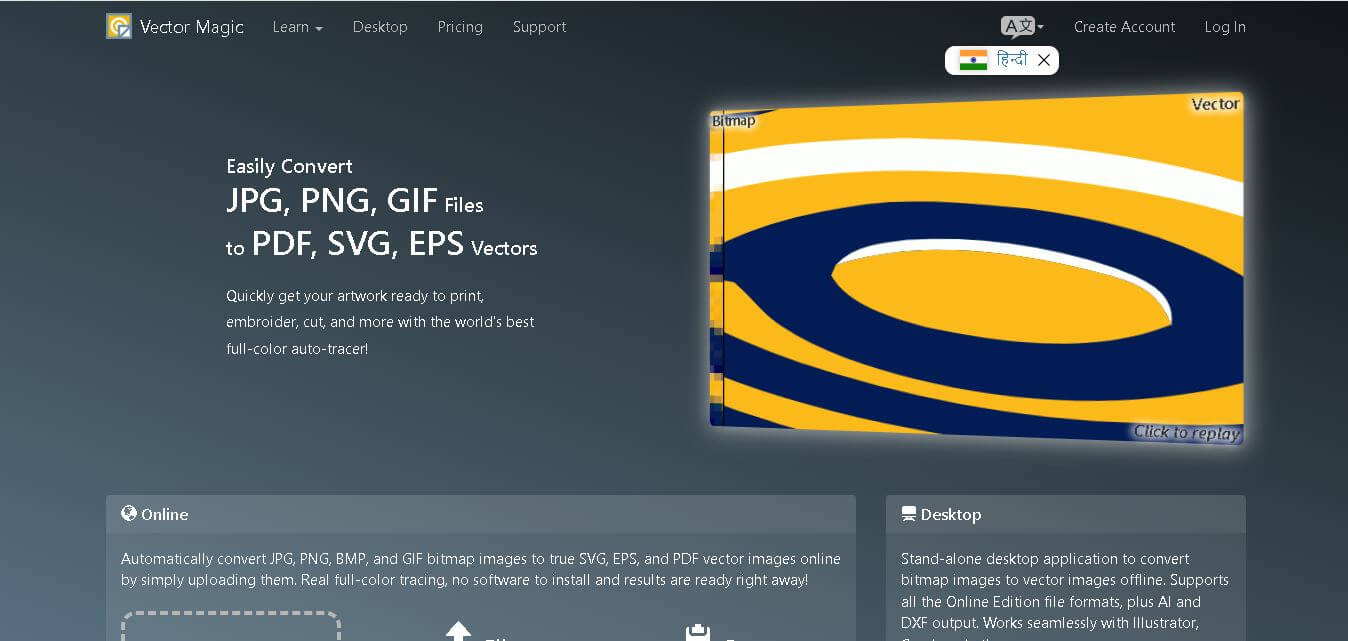
Vector Magic is an image conversion tool that transforms raster images like JPG, PNG, BMP, and GIF into high-quality vector formats such as SVG, EPS, PDF, AI, and DXF. It automatically detects image details, smooths edges, and creates scalable graphics suitable for printing, graphic design, laser cutting, branding, and professional creative workflows.
FreemiumView tool
 4.6
AI Photo Enhancer Pro
Image
AI Photo Enhancer helps users improve low-quality, blurry, noisy, or low-resolution images online. Its tools can sharpen details, reduce noise, enhance colors, restore pixels, and upscale photos toward 4K quality. With browser-based processing, supported image formats, and free trial credits, it suits creators, marketers, photographers, and everyday users.
FreemiumView tool
 4.5
RestorePhotos
Image
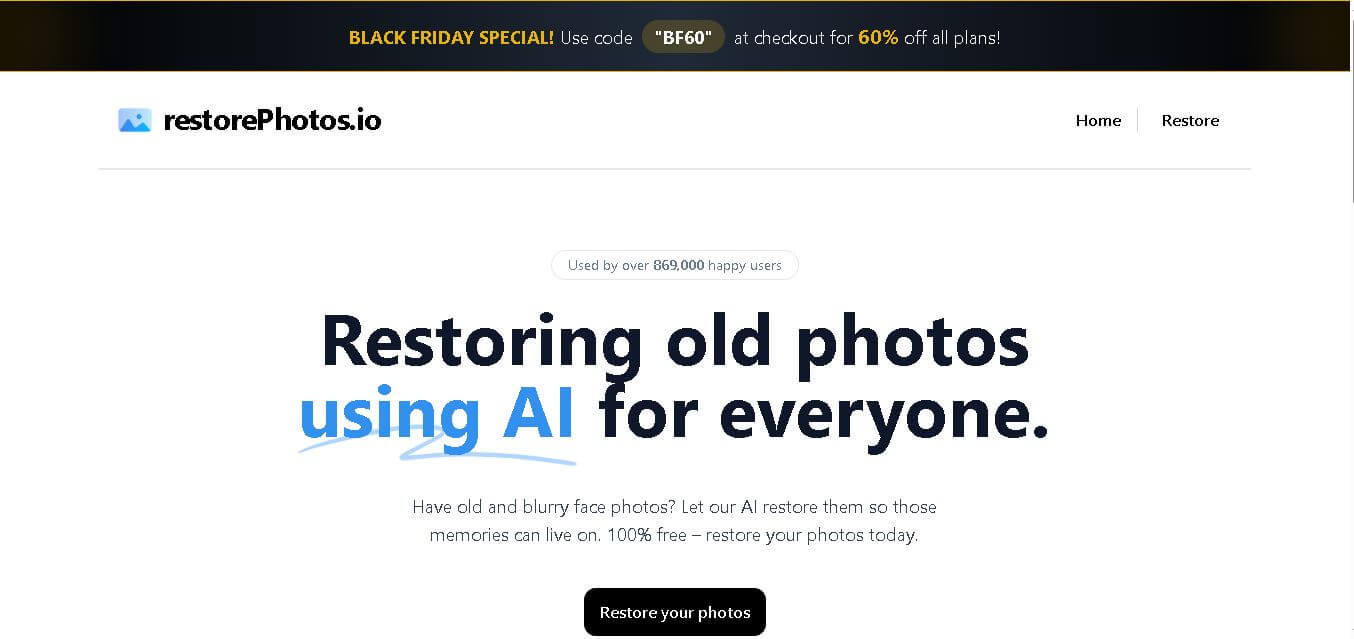
RestorePhotos.io helps you bring old and blurry face photographs back to life by improving facial clarity and image quality. Its simple online workflow makes restoration accessible to people who want to enhance family portraits, childhood pictures, historical photographs, or memorable images without using complicated photo-editing software.
FreemiumView tool