
Slazzer
Slazzer is an AI-powered image editing tool that removes backgrounds, enhances photo quality, upscales images, and adds realistic shadows. It helps e-commerce sellers, designers, photographers, and marketers create professional visuals quickly. With batch processing and integrations, Slazzer simplifies image editing for personal and business use.
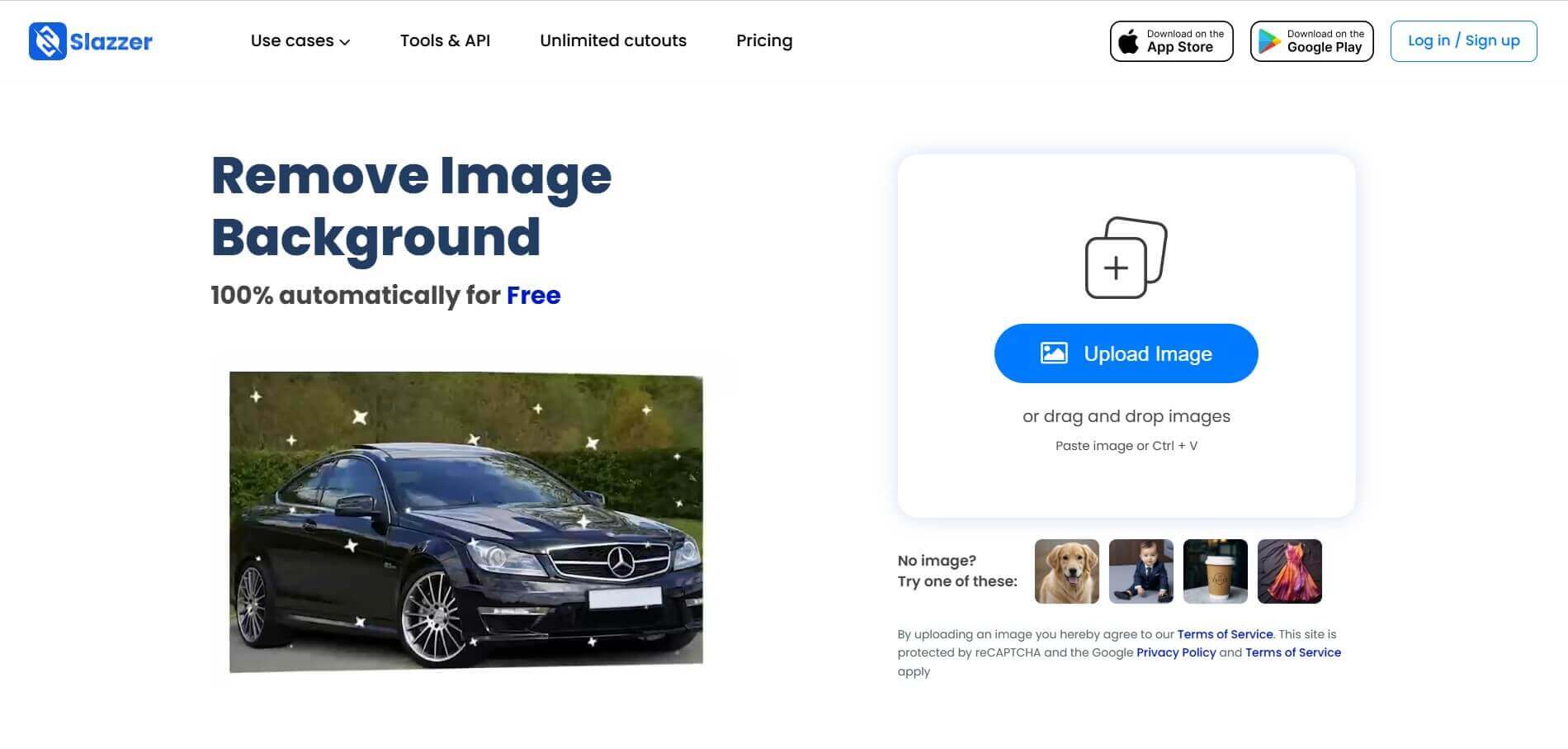
What is Slazzer?
Slazzer is an AI-powered background remover tool that helps users remove image backgrounds, enhance photos, and create professional-looking visuals in seconds. It uses AI technology to separate subjects from backgrounds, making it useful for product photography, e-commerce listings, social media graphics, and marketing campaigns. Along with background removal, Slazzer offers image upscaling, enhancement, and shadow generation features, helping individuals and businesses streamline their image editing workflows without relying on complex design software.
Serving millions of users and global enterprises across e-commerce, automotive, and media production, Slazzer processes image cutouts in under three seconds. Beyond individual web browser uploads, Slazzer provides cross-platform desktop apps for Windows, Mac, and Linux, direct Photoshop plugins, WooCommerce extensions, enterprise REST APIs, and private on-premise deployments that allow organizations to process high-volume image catalogs completely offline.
- Core Focus / Category: AI Background Removal, Automated Product Cataloging, Computer Vision Image Editing API
- Platform Architecture: Cloud-native REST API infrastructure and on-premise container builds paired with multi-platform desktop client applications
- Key Specialization: Instant transparent PNG cutouts, solid color replacements, automated vehicle studio backgrounds, AI upscaling, and bulk catalog processing
Use Cases:
- Automating marketplace-compliant pure white and neutral background generation for Shopify, Amazon, and eBay listings
- Standardizing car inventory photos by replacing distracting dealership lots with virtual showroom floors and custom reflections
- Integrating automatic background removal pipelines into print-on-demand, graphic design, and custom merchandise web applications
- Batch processing thousands of high-resolution product images in minutes via desktop utilities or enterprise REST APIs
Technology:
- Deep learning computer vision models trained specifically on complex edge detection, alpha-matte transparency, and diverse foreground subjects
- High-concurrency cloud API supporting automated cropping, margin spacing, region-of-interest (ROI) detection, and output format conversion
- Multi-modal AI image toolkit including AI Upscaling (up to 4x), AI Relighting, AI De-oldify, and automated shadow generation
Target Users:
- E-commerce store operators and marketplace sellers managing massive product catalogs
- Automobile dealerships and automotive platforms needing consistent virtual showroom imagery
- Developers and engineering teams integrating automated photo cleanup into mobile and SaaS applications
- Graphic designers and content creators using image tools to streamline production assets and promotional visual assets
Corporate Entity: Operates as Slazzer

Key features of Slazzer
Slazzer's key features are
- Instant AI Background Removal: Detects and removes backgrounds from portraits, animals, cars, and merchandise in under three seconds.
- Developer-Friendly REST API: Integrates directly into workflows with single-call endpoints, custom margins, scale parameters, and region-of-interest coordinates.
- Desktop Bulk Processing: Dedicated desktop software for Windows, macOS, and Linux that processes entire directories of images simultaneously.
- Ecosystem Integrations: Official extensions and plugins for Adobe Photoshop, WooCommerce, Figma, and modern web application stacks.
- Automotive AI Studio: Specialized car background replacement module that adds realistic floor reflections, custom showroom podiums, and balanced studio lighting.
- AI Enhancement Suite: Built-in utilities for AI image upscaling (up to 4x), dynamic shadow generation, sky replacement, and color enhancement.
- On-Premise Deployment Option: Fully isolated, offline-capable enterprise build that ensures zero data exposure and local GPU-accelerated processing.
Slazzer Pricing
Slazzer operates on a flexible credit-based system offering a free trial tier alongside monthly subscription packages, pay-as-you-go credit packs, and custom enterprise licensing.
Free Forever Tier:
- $0 / Free account
- Includes 2 free full-resolution HD credits upon signup, unlimited free low-resolution web previews, and basic API access testing
Monthly Subscription Plans (Recurring Credits):
- 100 Credits / month: ~$11.00 / month (~$0.11 per image)
- 300 Credits / month: ~$36.00 / month (~$0.12 per image)
- 1,000 Credits / month: ~$94.00 / month (~$0.09 per image)
- 5,000 Credits / month: ~$344.00 / month (~$0.07 per image)
- High-volume tiers scale up to 50,000 credits / month at ~$0.03 per image with credit rollover under active subscriptions
Top-Up / Pay-As-You-Go Packs (Valid for 2 Years):
- 10 Credits: ~$6.00 (~$0.60 per image)
- 200 Credits: ~$65.00 (~$0.33 per image)
- 1,000 Credits: ~$260.00 (~$0.26 per image)
- 12,000 Credits: ~$1,296.00 (~$0.11 per image)
Enterprise & On-Premise:
- Custom quote pricing for 100,000+ images/year, dedicated account managers, custom model fine-tuning, and self-hosted on-premise infrastructure with unlimited throughput
Disclaimer: Credit consumption rates vary by feature (e.g., standard background removal consumes 1 credit per HD image or 0.20 credits per preview, while upscaling consumes up to 1 credit). Check slazzer.com/pricing for active updates.
Who is using Slazzer?
Slazzer is designed for commercial sellers, visual creators, and technical teams, including
- E-Commerce Sellers & Brand Owners: Batch-cleaning multi-angle product photography to meet strict e-commerce marketplace standards
- Automotive Dealerships & Marketplaces: Modernizing car listing catalogs by placing vehicles onto clean virtual showroom backgrounds with matching reflections
- Software Engineers & App Builders: Hooking directly into Slazzer's REST API to automate user avatar masking and photo background replacement
- Graphic Designers & Marketers: Accelerating banner, composite, and ad creation by dropping raw cutouts straight into Photoshop or Figma
- Print-on-Demand Platforms: Isolating artwork and custom client uploads to preview prints on apparel, drinkware, and accessories
Best Slazzer Alternatives
Some of the strongest Slazzer alternatives include
- remove.bg
- PhotoRoom
- Clipping Magic
- Adobe Photoshop / Express
- Cutout.pro
- Pixelcut
Pros and Cons of Slazzer
Pros
- Exceptional edge-detection accuracy on complex subjects including flyaway hair, jewelry, and car contours
- Native desktop applications (Windows/Mac/Linux) enable fast local drag-and-drop batch processing
- Robust REST API with flexible control over output resolutions, region of interest, and margin padding
- Dedicated enterprise on-premise setup allows businesses to process sensitive photos completely offline
- Affordable per-image rates on higher tiers with rolled-over subscription credits
Cons
- Free plan provides only 2 full-resolution HD downloads before requiring credit purchases
- Very low-contrast edges with nearly identical foreground/background colors can occasionally require manual cleanup
- Pay-as-you-go credit packages have a higher price per image compared to monthly subscription options
- Advanced AI tools like upscaling and relighting consume separate credit amounts from the same balance
Why Choose Slazzer?
Slazzer is a versatile choice for teams and businesses that require rapid, production-ready background cutouts at scale without maintaining heavy manual editing pipelines.
- Remove backgrounds in under 3 seconds with high foreground-to-background accuracy
- Process entire folders of product images using desktop batch apps for Mac and Windows
- Leverage dedicated automotive tools to automatically generate professional car showroom listings
- Integrate developer-friendly REST APIs with extensive language SDK support
- Deploy on-premise for high-volume enterprise pipelines demanding strict offline data privacy
Slazzer vs. Competitors
The main difference between Slazzer, remove.bg, PhotoRoom, and Clipping Magic is that Slazzer balances flexible API integration with native desktop offline batch applications and specialized car studio tools, whereas remove.bg focuses predominantly on lightweight web and API workflows at slightly higher price tiers, PhotoRoom prioritizes mobile-centric generative social commerce templates, and Clipping Magic focuses on manual touchup tools for intricate hair selections. Slazzer stands out for its high-volume desktop throughput, flexible credit pricing, and private on-premise deployment options.
| Feature / Platform | Slazzer (slazzer.com) | remove.bg | PhotoRoom | Clipping Magic |
|---|---|---|---|---|
| Primary Focus | Automated AI Cutouts & Batch Desktop / API | Cloud API & Quick Web Cutouts | Mobile/Web AI Product Staging & Templates | Semi-automated Cutouts with Manual Tools |
| Desktop Batch App | Yes (Windows, Mac, Linux) | Yes (Windows, Mac, Linux) | Web & Mobile Only | Web Browser Only |
| Automotive Studio Tools | Yes (Car BG with virtual showroom floors) | Basic removal only | Generic templates | No specialized car module |
| On-Premise Deployment | Yes (Full enterprise local build) | Yes (Enterprise only) | No (Cloud only) | No (Cloud only) |
| Starting Price | Free tier / Subscriptions from ~$11/mo | Free tier / Subscriptions from ~$9/mo | Free tier / Pro ~$12.99/mo | Subscriptions from ~$3.99/mo |
| Best For | High-Volume Catalogs, Dealerships & APIs | Developers Needing Proven Cloud APIs | Social Sellers & Creative Product Staging | Precision Edits with Manual Control |
How do we rate Slazzer?
| Parameter | Rating (out of 5) |
|---|---|
| Cutout Precision & Edge Separation | 4.8 |
| API Usability & Developer Documentation | 4.9 |
| Batch Processing & Desktop Software | 4.8 |
| Automotive & Specialized Studio Features | 4.7 |
| Value for Money | 4.7 |
| Overall Score | 4.78 |
Slazzer Review
Slazzer provides an effective solution to one of digital media's most tedious recurring chores: background extraction. Its core computer vision model reliably handles challenging edge conditions, cleanly isolating strands of hair, complex product contours, and vehicle silhouettes without requiring manual touchup masking. For agencies, e-commerce managers, and automotive marketers who process hundreds or thousands of photos weekly, the combination of dedicated desktop batch tools, Photoshop plugins, and low-latency REST APIs makes Slazzer a dependable workflow accelerator.
Conclusion
Slazzer is a useful AI image editing tool for anyone who wants to create clean, professional visuals without spending hours on manual editing. Its background removal, image enhancement, upscaling, and shadow generation features can help businesses maintain consistent product images and improve creative workflows. E-commerce sellers, photographers, designers, and marketers can benefit from its automated editing capabilities and batch processing options. Before choosing a plan, review the available features, processing limits, and pricing to ensure Slazzer fits your specific requirements.
FAQ
Is Slazzer free to use?
Slazzer offers free background-removal previews and limited free usage, while high-resolution downloads and additional processing may require credits or a paid plan. Check the official pricing page for current limits.
How does Slazzer remove image backgrounds?
Slazzer uses AI and computer vision to identify the foreground subject and separate it from the background, allowing users to download an image with a transparent background or replace it with another background.
Which image formats does Slazzer support?
Slazzer supports common image formats, including PNG, JPG, JPEG, and WebP, for supported workflows. Format availability may vary by feature or integration.
Can Slazzer replace an image background with a custom background?
Yes. Slazzer lets users replace removed backgrounds with a custom image or color, making it useful for product photography, marketing graphics, and social media visuals.
Does Slazzer support bulk background removal?
Yes. Slazzer's desktop application supports batch processing, allowing users to remove backgrounds from multiple images in one workflow. This is useful for large e-commerce catalogs and product photography projects.
Can I use Slazzer for e-commerce product photos?
Yes. Slazzer helps e-commerce sellers create clean product images by removing backgrounds, adding white or custom backgrounds, and processing product photos in bulk for online stores and marketplaces.
Does Slazzer offer an API for developers?
Yes. Slazzer provides a REST API that developers can integrate into websites, applications, and automated image-processing workflows to remove backgrounds programmatically.
What are the best Slazzer alternatives?
Popular alternatives include Remove.bg, Adobe Photoshop, and PhotoRoom. Compare background-removal accuracy, output resolution, batch processing, API access, and pricing to find the right tool for your workflow.
User Reviews
No reviews yet for Slazzer.
Featured Tools
Featured AI tools from TechShark
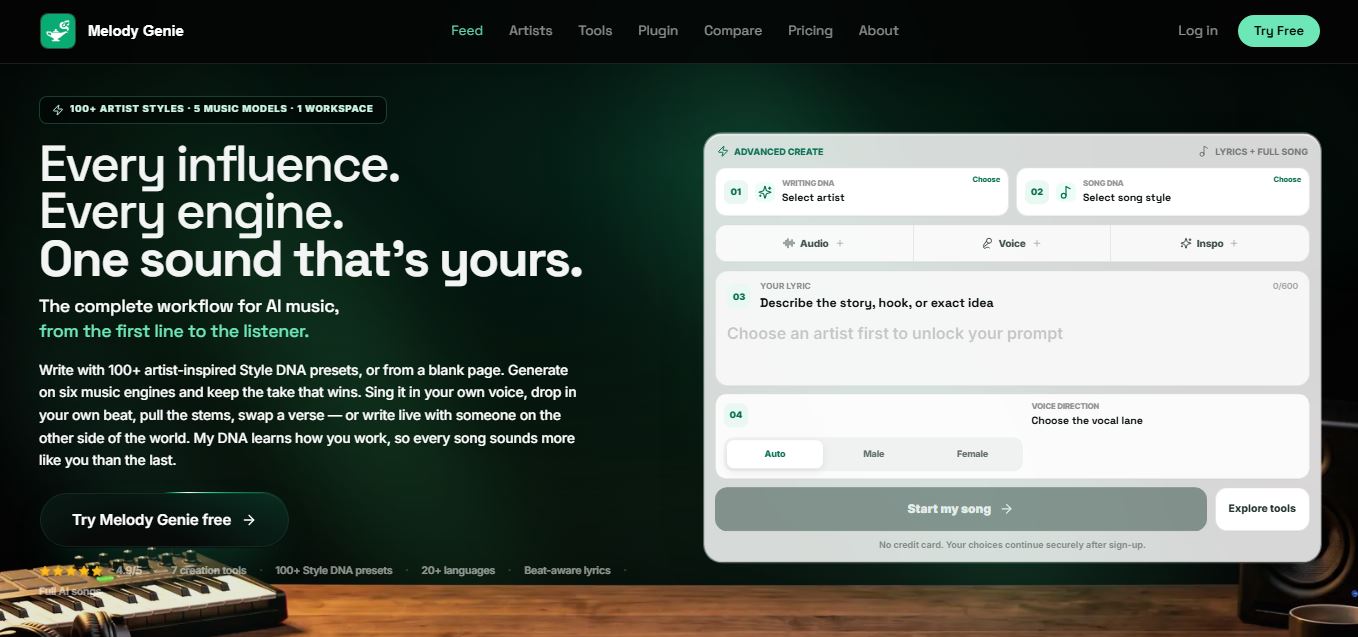
Melody Genie
MelodyGenie is an AI-powered music generator that creates original songs from simple text prompts. Users can choose styles, moods, and genres, then instantly generate melodies and full tracks, making it easy for creators, marketers, and hobbyists to produce custom music without musical expertise.
Freemium
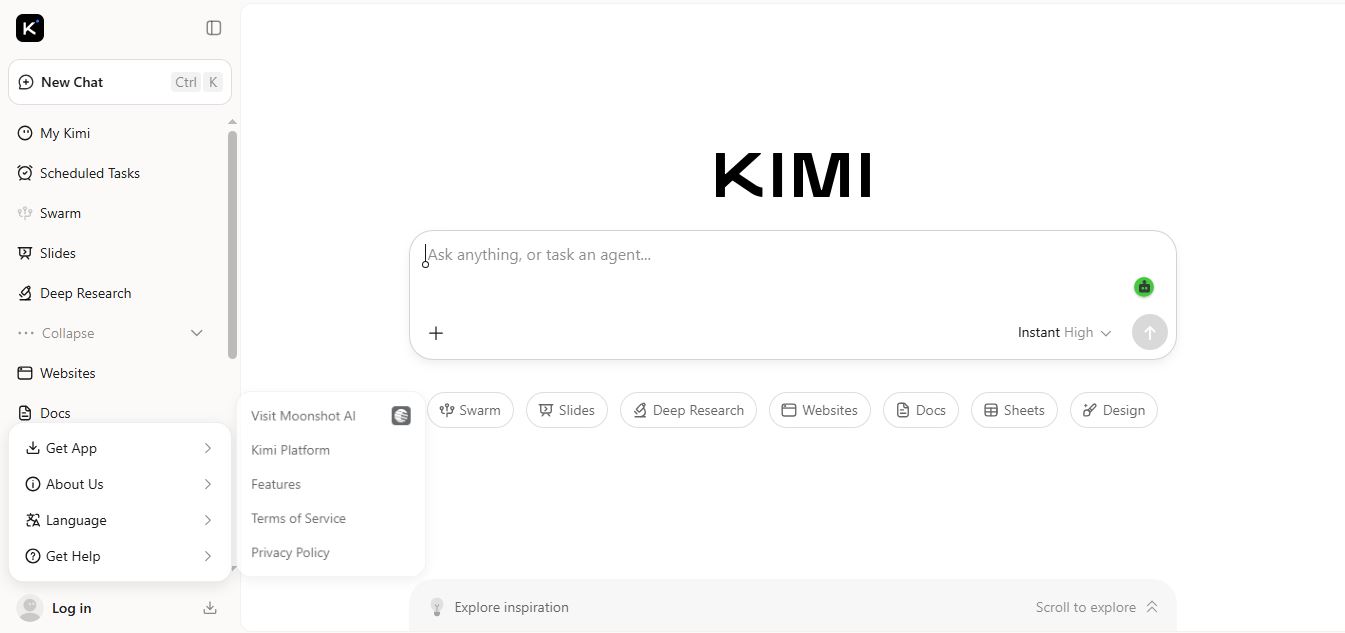
Kimi AI
Kimi AI is an advanced AI assistant developed by Moonshot AI that helps you chat, research, write, code, and automate tasks in one place. It supports web search, file analysis, and multimodal inputs, and can even run autonomous “agent” workflows to complete complex tasks end-to-end.
Freemium

Fashion Diffusion AI
Fashion Diffusion is an AI-powered fashion design platform that helps brands and designers create clothing designs, virtual try-ons, AI models, product photos, and marketing visuals faster and cost-effectively.
Paid
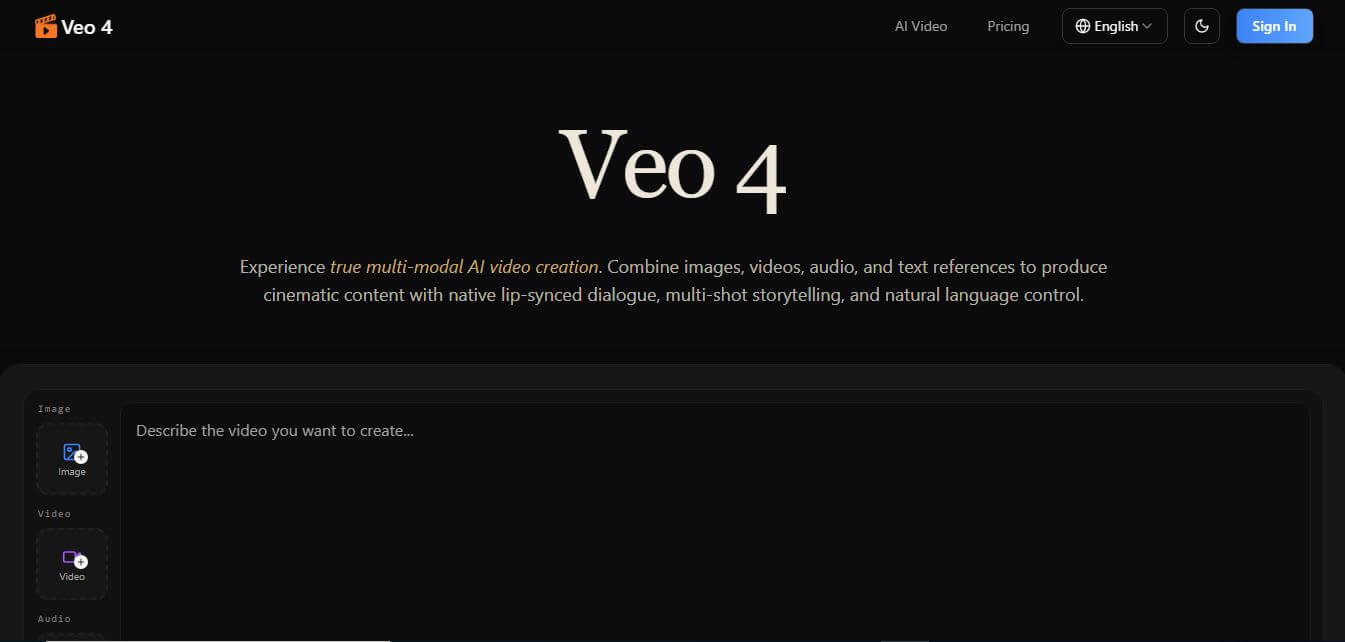
Veo 4
Veo 4 AI is an AI video creation platform that generates dramatic videos from text, images, audio, and video prompts using realistic motion and synchronized sound.
Paid
Alternatives
Alternatives to Slazzer
The best Slazzer alternatives include remove.bg, PhotoRoom, Clipping Magic, Adobe Photoshop, Cutout.pro, and Pixelcut. These platforms offer automated AI background removal, cutout isolation, and visual content editing. While Slazzer excels at rapid multi-platform workflows with dedicated desktop apps for Mac/Windows, specialized car background replacement, and flexible REST API packages starting from a free tier up to ~$11.00/month, alternatives like remove.bg offer deep cloud integrations, PhotoRoom provides mobile-first generative lifestyle backdrops, and Clipping Magic features precision manual touchup handles. The right choice depends on whether you need high-volume batch processing, developer-friendly APIs, or mobile social commerce staging.
 4.9
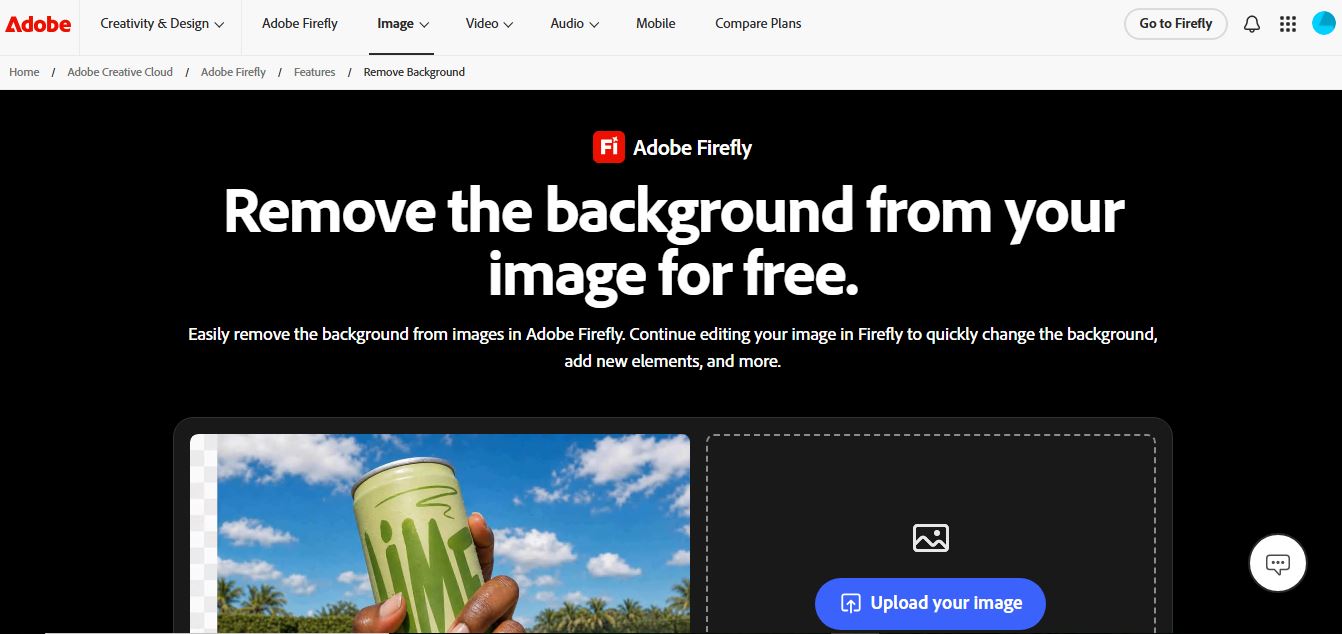
Adobe Firefly Remove Background
Background Remover
Adobe Firefly Background Remover is an AI-powered tool that helps users instantly remove image backgrounds and create clean, transparent cutouts. It automatically detects subjects, preserves fine details, and allows background replacement or further editing, making it ideal for design, ecommerce, and marketing workflows.
 4.9
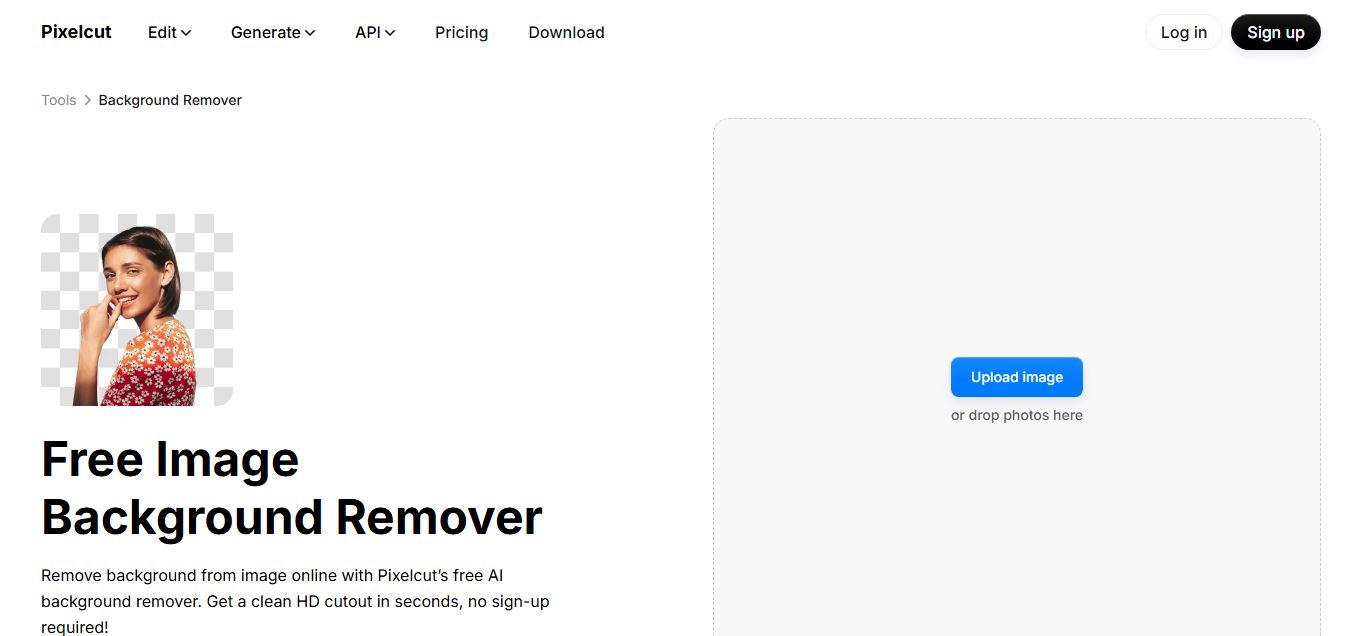
Pixelcut Background Remover
Background Remover
Pixelcut Background Remover is an AI-powered tool that helps users instantly remove backgrounds from images and create clean, professional visuals. It automatically detects subjects, supports batch editing, and allows background replacement, making it ideal for ecommerce, social media, and marketing workflows.
 4.8
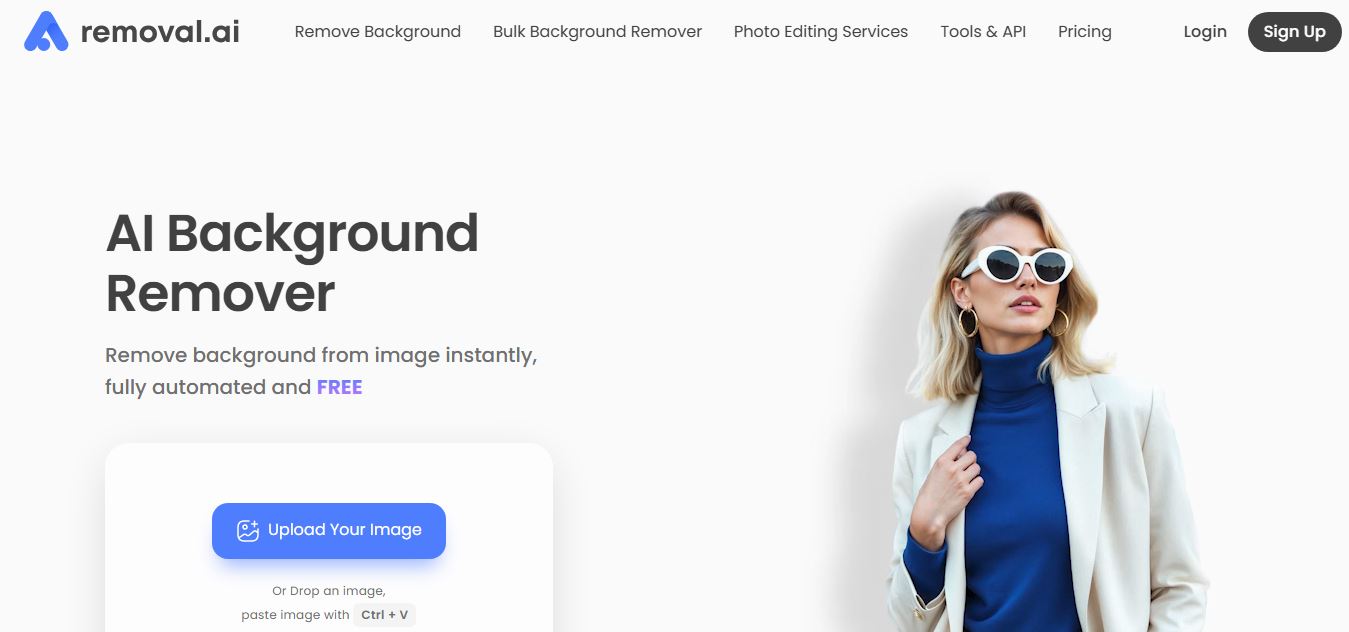
Removal AI
Background Remover
Removal.AI is an AI-powered background remover that helps users instantly cut out subjects from images and create clean, transparent, or custom backgrounds. It automates photo editing with precise edge detection, batch processing, and API integration, making it ideal for ecommerce, design, and marketing workflows.
 4.3
Dzine AI
Image
Dzine AI is an AI-powered image generation and editing platform offering tools like background removal, 2D-to-3D conversion, and AI character creation, tailored for designers and creators.
 4.5
BGBye
Image
BGBye is a free AI tool that removes backgrounds from images and videos quickly using multiple advanced models, no installation needed.
 4.5
Pixelcut
Image
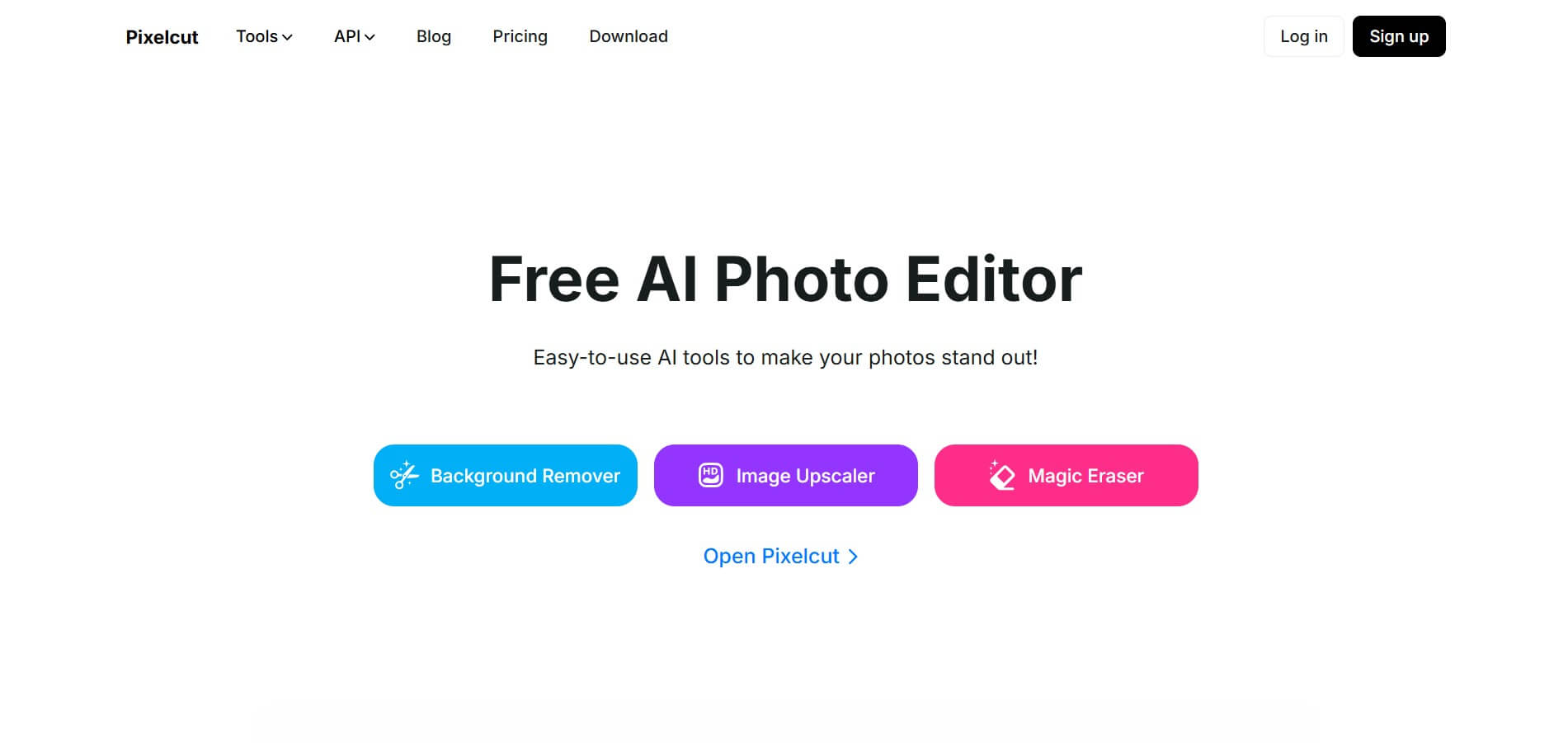
Pixelcut is an AI-powered image editing platform that simplifies background removal, object erasure, image upscaling, and content generation, ideal for e-commerce, social media, and marketing professionals.