
Adobe Firefly Remove Background
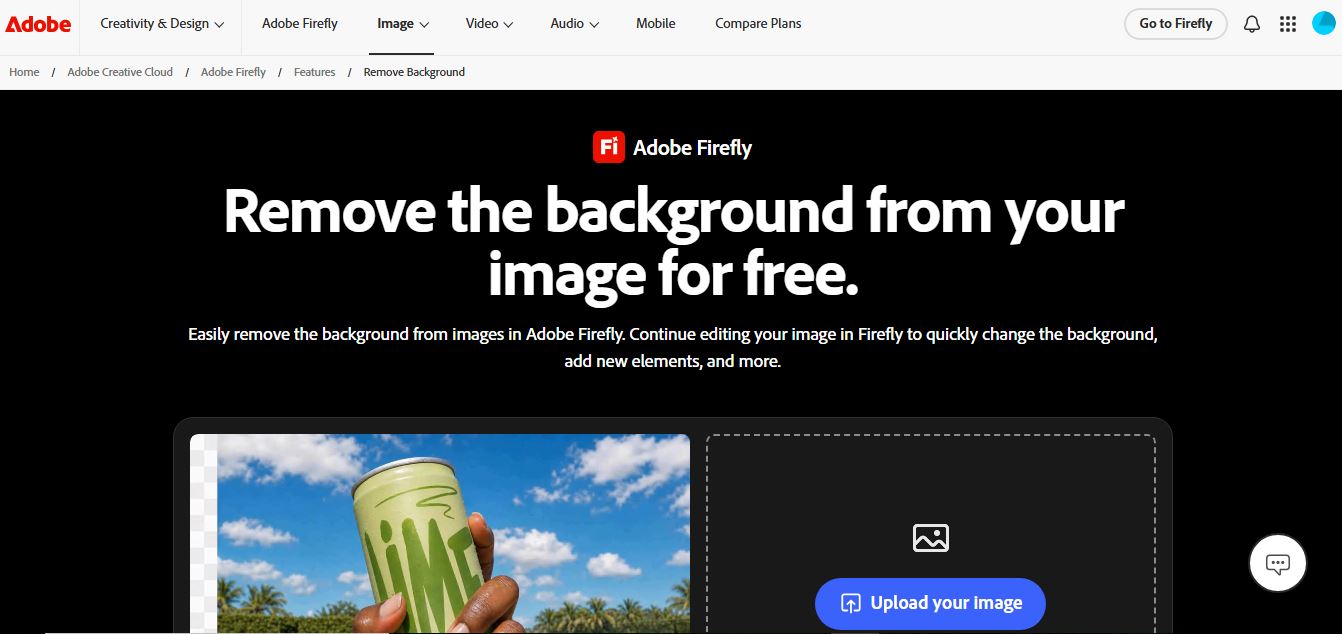
Adobe Firefly Background Remover is an AI-powered tool that helps users instantly remove image backgrounds and create clean, transparent cutouts. It automatically detects subjects, preserves fine details, and allows background replacement or further editing, making it ideal for design, ecommerce, and marketing workflows.
What is Adobe Firefly Remove Background?
Adobe Firefly Background Remover is an AI-powered tool that lets users remove image backgrounds quickly and accurately with just a few clicks. It uses Adobe’s Firefly AI models to detect subjects like people, products, and objects, delivering clean cutouts that can be instantly edited or replaced with new backgrounds. Integrated with Adobe Express and Creative Cloud apps, it allows seamless editing, customization, and design workflows. It’s especially useful for designers, marketers, and eCommerce users who need professional-quality visuals without manual editing.
Developed under Adobe's flagship generative AI ecosystem and commercially safe model architecture, Adobe Firefly is trained on hundreds of millions of licensed Adobe Stock assets and openly licensed public domain images. Integrated directly with Adobe Express and Adobe Creative Cloud, the Remove Background tool processes portraits, products, vehicles, and complex graphics with high edge precision. Unlike competitors that degrade image quality on unpaid plans, Adobe Firefly allows users to export clean, full-resolution transparent cutouts without compulsory watermarks or credit card sign-ups.
- Developer / Parent Company: Adobe Inc. (San Jose, CA, USA & Global)
- Launch / Evolution: Adobe Firefly launched in 2023; expanded with Quick Actions, web-based cutout tools, Generative Fill, and multi-model Adobe Express canvas integration through 2024–2026
Use Cases:
- Isolating portraits and personal headshots with fine hair strand preservation for resumes, corporate directories, and profile icons
- Creating clean white or transparent backgrounds for e-commerce products destined for Amazon, Shopify, Etsy, or eBay listings
- Removing cluttered backdrops from corporate logos and brand marks for presentation decks, pitch slides, and promotional merchandise
- Replacing removed backgrounds with custom AI-generated studio backdrops and fantasy scenes using Firefly prompt-based Generative Fill
Technology:
- Adobe Sensei and Firefly deep learning computer vision segmentation algorithms trained on high-contrast edge boundaries and complex subject silhouettes
- Sub-pixel alpha matting ensuring transparent gradient preservation across translucent glassware, veil fabrics, and flyaway hair fibers
- WebAssembly and GPU cloud execution enabling sub-3-second processing of files up to 40MB in JPEG, PNG, and WebP formats
Target Users:
- Social media managers, small business owners, and solo marketers designing banners, flyers, and advertising collaterals
- E-commerce store owners shooting product photography on smartphones and converting them to catalog-standard cutouts
- Creative directors and graphic designers seeking fast browser-based asset pre-processing before importing into Photoshop or Illustrator
- Content creators using writing tools to draft product listings, design briefs, and social media marketing copy
Corporate Entity: Operates as Adobe Inc. (San Jose, CA, USA; NASDAQ: ADBE)

Key features of Adobe Firefly Remove Background
Adobe Firefly Remove Background's key features are
- One-Click Instant Background Removal: Detects foreground subjects automatically and removes background elements in under 3 seconds without manual path tracing.
- High-Resolution Full-Quality Exports: Download crystal-clear, transparent PNG cutouts at full original resolution for free without downgrading to low-res previews.
- Prompt-Based Generative Backdrop Replacement: Type descriptive prompts to place subjects into photorealistic studio setups, natural landscapes, or artistic gradients using Firefly Generative Fill.
- Seamless Adobe Express Design Studio: Transfer cutouts directly into Adobe Express to add typography, branding colors, icons, layout grids, and social media template presets.
- Delicate Hair & Edge Matting: Advanced neural segmentation preserves fine hair fibers, pet fur, garment textures, and intricate logo strokes.
- Generative Expand & Object Removal: Combine background cutouts with Generative Expand to uncrop canvas borders or erase unwanted foreground artifacts with the AI Inpainting brush.
- Commercially Safe Model Foundation: Trained exclusively on Adobe Stock and open-license media to ensure enterprise IP indemnity and commercial safety.
- Cross-Device Browser & Mobile Compatibility: Fully functional across modern web browsers on desktop, tablets, and smartphones without requiring software installation.
Adobe Firefly Remove Background Pricing
Adobe Firefly Remove Background is available under an accessible freemium model, offering free browser-based background removals alongside subscription tiers for advanced generative AI features.
Free Plan:
- $0 / Free forever with an Adobe ID
- Includes free web background removal, high-resolution transparent PNG exports, basic editing in Adobe Express, and 25 monthly generative credits for Firefly AI text-to-image tools
Adobe Express Premium:
- $9.99 / month (or $99.99 / year billed annually)
- Includes unlimited background removal, bulk image resizing, 250 monthly generative credits, full access to 200M+ Adobe Stock photos, 20,000+ Adobe Fonts, and social media scheduling
Adobe Firefly Standard / Pro Plans:
- Firefly plans start from approximately $9.99 / month (includes up to 2,000 monthly generative credits, high-speed priority generation, and full Creative Cloud integrations)
- Included with Creative Cloud All Apps subscriptions ($59.99 / month) and Photoshop single-app plans
Disclaimer: Prices are listed in USD and adjust according to regional billing and local currency taxes. Full-resolution basic background removals remain free without subscription. Visit adobe.com/products/firefly for active promotional plans.
Who is using Adobe Firefly Remove Background?
Adobe Firefly Remove Background is designed for creators, marketers, and design teams, including
- Digital Marketers & Social Media Managers: Creating isolated subject graphics for Instagram ads, YouTube thumbnails, and promotional posters
- E-Commerce Sellers: Cleaning up smartphone product photos and creating uniform white-background images for online storefronts
- Solo Entrepreneurs & Job Seekers: Removing messy backgrounds from headshots for professional LinkedIn avatars and resume documents
- Graphic Designers & Brand Teams: Preparing transparent PNG logo assets and visual cutouts for corporate marketing collateral
- Content Creators: Using writing tools to draft product listings, design briefs, and social media marketing copy
- Educators & Students: Building clean classroom visual presentations and multi-layered digital project collages
Best Adobe Firefly Remove Background Alternatives
Some of the strongest Adobe Firefly Remove Background alternatives include
- Remove.bg
- Removal.ai
- Pixelcut Background Remover
- Photoroom
- Canva (Magic Studio Background Remover)
- Clipdrop (by Jasper)
Pros and Cons of Adobe Firefly Remove Background
Pros
- Free plan allows full-resolution transparent PNG downloads without downscaling to 0.25-megapixel previews
- End-to-end creative workflow connects directly to Adobe Express templates and prompt-based Generative Fill
- Commercially safe model architecture backed by Adobe enterprise copyright indemnity guarantees
- High-accuracy edge delineation on hair, animal fur, fine logo strokes, and translucent glass
- Browser-native interface requires no heavy software installation or plugin configuration
Cons
- Requires an Adobe ID login to process and download high-resolution cutouts
- Web tool processes images one at a time, lacking the native multi-thousand batch queue found in tools like Pixelcut
- Standalone developer REST API endpoints are aimed primarily at enterprise Creative SDK implementations rather than low-cost pay-as-you-go micro-credits
- Advanced generative backdrop changes and high-speed multi-variation queues consume monthly generative credits
Why Choose Adobe Firefly Remove Background?
Adobe Firefly Remove Background is the premier choice for creators and businesses looking for an accurate, commercially safe background remover that provides full-resolution downloads for free and connects directly to a full design suite.
- Remove image backgrounds in seconds with precision edge matting
- Download high-resolution transparent PNG files with zero watermarks for free
- Generate photorealistic custom backdrops using text prompts and Generative Fill
- Transition cutouts directly into Adobe Express for social media layouts and posters
- Backed by Adobe's commercially safe enterprise AI infrastructure
Adobe Firefly Remove Background vs. Competitors
The main difference between Adobe Firefly Remove Background, Remove.bg, Removal.ai, and Pixelcut is that Adobe Firefly provides free full-resolution PNG exports and connects directly into a complete creative ecosystem (Adobe Express and Generative Fill), whereas Remove.bg charges per credit for HD downloads, Removal.ai specializes in bulk desktop software and affordable API credit packs, and Pixelcut focuses on e-commerce product staging with realistic AI shadows and 10,000-image batch capacity. Adobe Firefly stands out for its high-res free exports, prompt-driven generative replacements, and commercial safety guarantees.
| Feature / Tool | Adobe Firefly (adobe.com) | Remove.bg | Removal.ai | Pixelcut |
|---|---|---|---|---|
| Core Focus | Full-Res AI Cutouts & Generative Design Studio | Pioneer Background Removal & Enterprise API | Cost-Effective Bulk Cutouts & Developer API | E-Commerce Photo Studio & AI Shadow Staging |
| Free HD Export Quality | Yes (Full Original Resolution) | No (Low-Res 0.25MP Preview) | No (Low-Res 0.25MP Preview) | Yes (Watermark-Free HD) |
| Prompt-Based Generative Fill | Yes (Native Firefly Generative Fill) | Basic AI Background Presets | No Generative Fill | Yes (AI Product Showcase) |
| Design Suite Integration | Direct Adobe Express & Creative Cloud | Photoshop / Figma Plugins | Photoshop Plugin Available | Built-in Canvas Editor |
| Starting Pricing Model | Free tier (Full HD) / Express $9.99/mo | Free low-res / $9.00/mo (40 credits) | Free low-res / $5.99/mo (40 credits) | Free tier / Pro $8.00–$9.99/mo |
| Best For | Creators Needing Free High-Res Cutouts & Design | Enterprise API Precision & Desktop Batching | Budget-Conscious Developers & Lifetime Credits | High-Volume Sellers Needing Realistic AI Shadows |
How do we rate Adobe Firefly Remove Background?
| Parameter | Rating (out of 5) |
|---|---|
| Cutout Precision & Hair/Edge Segmentation | 4.9 |
| Full-Resolution Free Export Value | 5.0 |
| Generative Fill & AI Backdrop Replacement | 5.0 |
| Design Suite Integration (Adobe Express) | 4.9 |
| Value for Money | 4.9 |
| Overall Score | 4.94 |
Adobe Firefly Remove Background Review
Adobe Firefly Remove Background addresses a common frustration in the online image editing space: tools that advertise free background removal only to restrict downloads to blurry, low-resolution previews behind a paywall. Adobe Firefly delivers clean subject segmentation and allows users to export full-resolution transparent PNG files at no cost. Beyond basic cutouts, the tool integrates directly into Adobe's broader creative ecosystem. Users can click straight from an isolated cutout into Adobe Express to add typography, layout elements, or social templates, or employ Firefly's Generative Fill to generate custom replacement backgrounds using descriptive text prompts. While high-volume e-commerce merchants with thousands of weekly catalog photos may prefer bulk utilities like Pixelcut, Adobe Firefly delivers one of the most capable, complete, and cost-effective individual background removal workflows available.
Conclusion
Adobe Firefly Remove Background is a standout AI image segmentation and visual editing tool that streamlines how creators and businesses extract subjects and build marketing assets. By uniting one-click automated cutouts, full-resolution transparent PNG exports, prompt-based Generative Fill, and integrated Adobe Express design tools into a free browser application, it provides an end-to-end creative solution. While automated bulk catalog processors may look to specialized API tools, Adobe Firefly’s cutout quality, high-res free exports, and commercial safety make it an essential creative tool.
FAQ
What is Adobe Firefly Background Remover and how does it work?
Adobe Firefly Background Remover is an AI-powered tool that automatically removes backgrounds from images with one click. You upload a JPG, PNG, or WEBP file, and Firefly detects the subject, isolates it, and removes the background instantly. The output is typically a transparent PNG that you can download or continue editing inside Firefly or other Adobe tools.
What makes Adobe Firefly different from other background remover tools?
Firefly stands out because it’s not just a cutout tool—it’s a complete AI creative suite. After removing the background, you can generate new backgrounds using prompts, apply generative fill, upscale images, or expand the canvas, all within the same workflow. Most competitors stop at background removal, while Firefly lets you continue designing without switching tools.
What problems does Firefly Background Remover solve?
It eliminates the need for manual editing in tools like Photoshop, where removing backgrounds used to require detailed masking and time-consuming work. Firefly automates the entire process, making it easy for marketers, designers, and e-commerce teams to create clean visuals quickly and at scale.
What features does Adobe Firefly Background Remover offer?
Firefly includes features like automatic background removal, transparent PNG export, AI background generation, image upscaling, generative fill, and integration with Adobe tools like Photoshop and Express. It also supports editing workflows where you can replace or customize backgrounds using text prompts, making it a full creative editing pipeline.
Can Firefly remove backgrounds from videos as well?
Yes, Adobe Firefly has introduced video background removal (in beta), where it detects subjects in the first frame and removes the background consistently across the entire clip. This makes it useful for creators working with video content, not just static images.
Is Adobe Firefly Background Remover free to use?
Yes, Firefly offers a free version with limited daily generations, allowing users to remove backgrounds without cost. However, advanced usage, higher limits, or unlimited access typically require a paid Adobe plan or subscription.
How accurate is Adobe Firefly at removing backgrounds?
Firefly is known for high precision edge detection, including fine details like hair, fur, and transparent objects. Its AI automatically detects subject boundaries and removes backgrounds cleanly, making it suitable for professional use cases like product photography and marketing visuals.
Can Firefly process images in bulk?
Yes, Firefly supports bulk background removal and replacement, especially for enterprise workflows. Users can upload multiple images at once and apply background removal or replacement across all files, which is useful for large-scale content production.
Who should use Adobe Firefly Background Remover?
Firefly is ideal for designers, marketers, content creators, e-commerce sellers, and businesses that need high-quality visuals quickly. It’s especially valuable if you’re already using Adobe tools, as it integrates seamlessly into existing workflows and adds advanced AI editing capabilities.
User Reviews
No reviews yet for Adobe Firefly Remove Background.
Featured Tools
Featured AI tools from TechShark

Melody Genie
MelodyGenie is an AI-powered music generator that creates original songs from simple text prompts. Users can choose styles, moods, and genres, then instantly generate melodies and full tracks, making it easy for creators, marketers, and hobbyists to produce custom music without musical expertise.
Freemium

Kimi AI
Kimi AI is an advanced AI assistant developed by Moonshot AI that helps you chat, research, write, code, and automate tasks in one place. It supports web search, file analysis, and multimodal inputs, and can even run autonomous “agent” workflows to complete complex tasks end-to-end.
Freemium

Fashion Diffusion AI
Fashion Diffusion is an AI-powered fashion design platform that helps brands and designers create clothing designs, virtual try-ons, AI models, product photos, and marketing visuals faster and cost-effectively.
Paid

Veo 4
Veo 4 AI is an AI video creation platform that generates dramatic videos from text, images, audio, and video prompts using realistic motion and synchronized sound.
Paid
Alternatives
Alternatives to Adobe Firefly Remove Background
The best Adobe Firefly Remove Background alternatives include Remove.bg, Removal.ai, Pixelcut Background Remover, Photoroom, Canva (Magic Studio), and Clipdrop. These platforms provide AI background removal, photo editing, and subject extraction. While Adobe Firefly specializes in free full-resolution PNG exports, commercially safe generative backdrop replacement via Generative Fill, and direct integration with Adobe Express design templates, alternatives like Remove.bg offer high-speed desktop bulk software with Photoshop plugins, Removal.ai provides budget-friendly lifetime credit packs, and Pixelcut focuses on e-commerce catalog workflows with realistic AI drop shadows and 10,000-image batch processing. Choosing the right tool depends on whether you require an all-in-one free high-res design studio, high-volume automated batch processing, or e-commerce product staging.
 4.8
4.8Slazzer
Background Remover
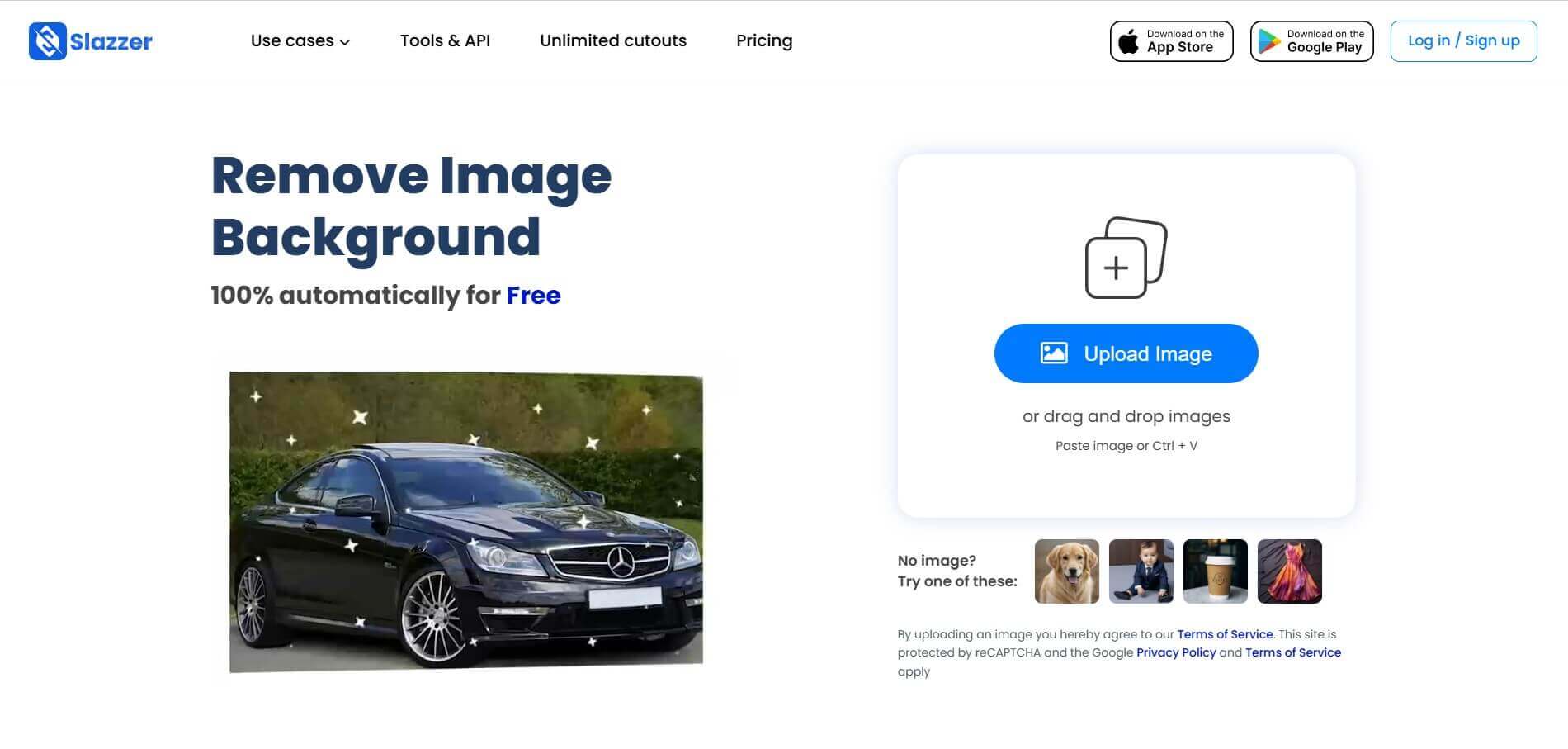
Slazzer is an AI-powered image editing tool that removes backgrounds, enhances photo quality, upscales images, and adds realistic shadows. It helps e-commerce sellers, designers, photographers, and marketers create professional visuals quickly. With batch processing and integrations, Slazzer simplifies image editing for personal and business use.
 4.9
4.9Pixelcut Background Remover
Background Remover
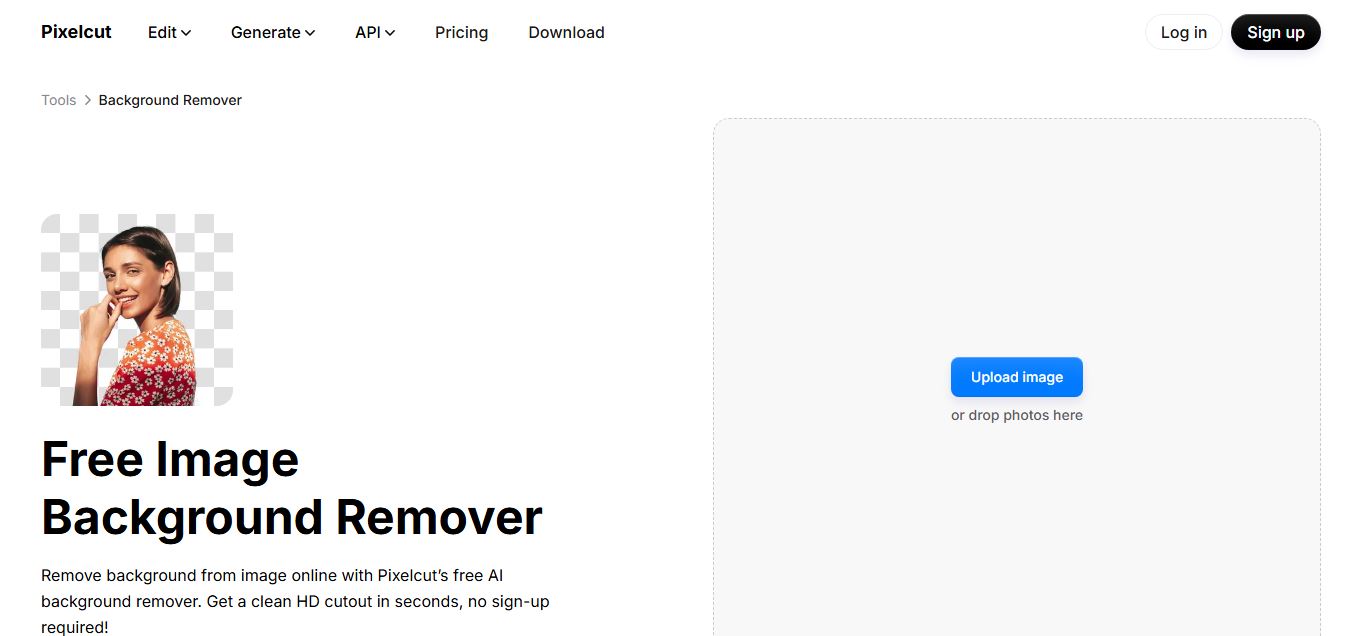
Pixelcut Background Remover is an AI-powered tool that helps users instantly remove backgrounds from images and create clean, professional visuals. It automatically detects subjects, supports batch editing, and allows background replacement, making it ideal for ecommerce, social media, and marketing workflows.
 4.8
4.8Removal AI
Background Remover
Removal.AI is an AI-powered background remover that helps users instantly cut out subjects from images and create clean, transparent, or custom backgrounds. It automates photo editing with precise edge detection, batch processing, and API integration, making it ideal for ecommerce, design, and marketing workflows.
 4.3
4.3Dzine AI
Image
Dzine AI is an AI-powered image generation and editing platform offering tools like background removal, 2D-to-3D conversion, and AI character creation, tailored for designers and creators.
 4.5
4.5BGBye
Image
BGBye is a free AI tool that removes backgrounds from images and videos quickly using multiple advanced models, no installation needed.
 4.5
4.5Pixelcut
Image
Pixelcut is an AI-powered image editing platform that simplifies background removal, object erasure, image upscaling, and content generation, ideal for e-commerce, social media, and marketing professionals.