
Adobe Photoshop
Adobe Photoshop is a professional image editing software offering advanced tools for photo manipulation, digital art, retouching, AI-powered enhancements, and creative visual design for individuals and businesses.
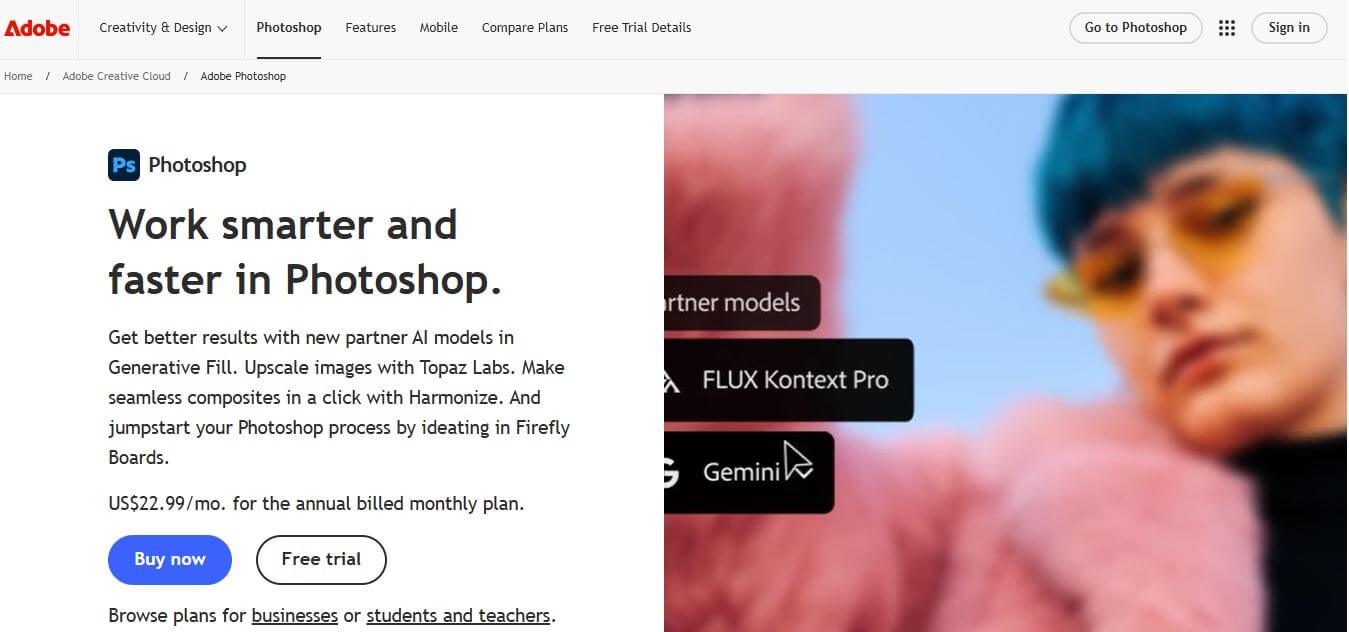
What is Adobe Photoshop?
- Founders: Thomas Knoll & John Knoll
- Launch Year: 1990
Use Cases:
- Photo editing and retouching
- Graphic design and marketing visuals
- Product mockups and branding assets
- Digital painting and illustrations
- AI-based image generation and enhancements
Technology:
- Adobe Sensei AI
- Layer-based editing
- Neural Filters
- Generative AI tools
- Cloud-based syncing and collaboration
Adobe Photoshop is an AI-powered image-editing platform that enables the creators, designers, and businesses to enhance their visuals with precise editing, striking manipulation, and high-end artistry. Photoshop has integrated Adobe Sensei AI, allowing the user to automate tedious chores like eliminating objects, fixing light, restoring pictures, or even building complex digital content. Despite possessing a variety of brushes, filters, layers, generative AI capabilities, and intelligent tools, Photoshop stands as the industry standard for manipulating photographic images. Photoshop gives you exquisite reach, performance, and creative freedom whether you are dabbling in branding, digital marketing, photography, or an art project. It is an essential software tool for both the amateur and professional worldwide.
Key Features
Adobe Photoshop key features are
- Generative AI for creating objects and expanding scenes
- Intelligent retouching tools, neural filters
- Maximum control with LAYERS EDITING
- Smart object support for non-destructive workflow
- Broad brush libraries and digital painting tools
- The software supports high resolution, export options, and color management.
- Seamless collaboration through cloud document support
- Automated background removal and recognition of objects
Pricing
- Photoshop single app plan: Easy monthly subscription plan.
- Photography Plan: It consists of Photoshop and Lightroom.
- Business Plan: Only pricing is available for teams and enterprises.
- Free Trial: A time-to-time trial for newer users.
Disclaimer: For the latest and most accurate pricing information, please visit the official Adobe Photoshop website.
Who is Using?
A diverse range of users and organizations utilize Adobe Photoshop
- Professional Photographers
- Graphic Designers
- Digital artists include illustrators.
- These individuals work for marketing teams and branding agencies.
- E-commerce businesses.
- Social media content creators are also included in this group.
- UI/UX designing.
- Students and creative learners.
Alternatives
Some Adobe Photoshop alternatives are
- GIMP
- Affinity Photo
- Corel PaintShop Pro
- Canva Pro
- Pixlr
Conclusion
Adobe Photoshop is perhaps the most trusted software for image editing and for digital designs; it is very versatile. The software has AI-equipped features, powerful creative tools, and functions even at the level of the professionals, which make the tool perfect for everyone, from beginners to advanced users. Photoshop, which is perpetually innovated and has seamless cloud integration, is ever redefining visual creativity across industries.
People are also reading
FAQ
What is Adobe Photoshop used for?
Adobe Photoshop is used for photo editing, retouching, graphic design, digital art, and AI-powered image enhancements.
Does Photoshop use AI?
Yes, Photoshop integrates Adobe Sensei AI for tasks like background removal, object selection, image restoration, and generative features.
Is Photoshop beginner-friendly?
Yes, beginners can start easily with built-in tutorials, presets, and automated tools.
Can Photoshop be used for digital painting?
Absolutely. Photoshop offers brushes, textures, and pressure-sensitive tools ideal for professional digital artwork.
Is there a free version of Photoshop?
Photoshop has a free trial, after which a subscription is required.
User Reviews
No reviews yet for Adobe Photoshop.
Featured Tools
Featured AI tools from TechShark

Melody Genie
MelodyGenie is an AI-powered music generator that creates original songs from simple text prompts. Users can choose styles, moods, and genres, then instantly generate melodies and full tracks, making it easy for creators, marketers, and hobbyists to produce custom music without musical expertise.
Freemium

Kimi AI
Kimi AI is an advanced AI assistant developed by Moonshot AI that helps you chat, research, write, code, and automate tasks in one place. It supports web search, file analysis, and multimodal inputs, and can even run autonomous “agent” workflows to complete complex tasks end-to-end.
Freemium

Fashion Diffusion AI
Fashion Diffusion is an AI-powered fashion design platform that helps brands and designers create clothing designs, virtual try-ons, AI models, product photos, and marketing visuals faster and cost-effectively.
Paid

Veo 4
Veo 4 AI is an AI video creation platform that generates dramatic videos from text, images, audio, and video prompts using realistic motion and synchronized sound.
Paid
Alternatives
Alternatives to Adobe Photoshop
Adobe Photoshop is a robust creative software that delivers powerful AI-driven editing, design, and retouching tools. It helps creators transform images, produce digital artwork, enhance photos, and craft visually compelling graphics with unmatched precision.
 4.9
4.9Bria AI
Image
Bria helps businesses and teams generate and edit visual content using controllable generative AI. Its capabilities cover image generation, product visuals, background editing, video workflows, and developer integrations. With licensed training data, attribution, provenance, and enterprise deployment options, Bria is positioned for businesses that need scalable, commercially focused visual AI.
 4.8
4.8Prisma AI
Image
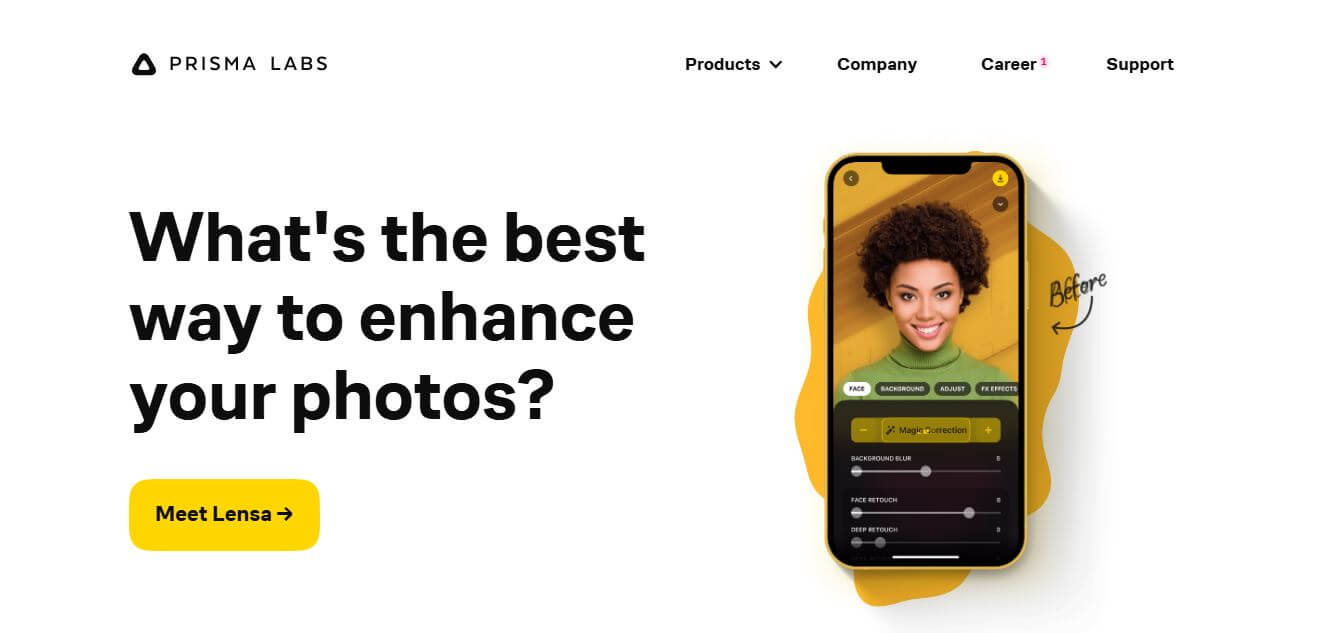
Prisma AI turns everyday photos into artistic images with stylized filters and creative effects. It offers hundreds of art and portrait styles inspired by famous artists, allowing beginners to create distinctive visuals quickly. Users can capture or upload photos, apply a chosen style, and save or share the finished result.
 4.7
4.7Unwatermark
Image
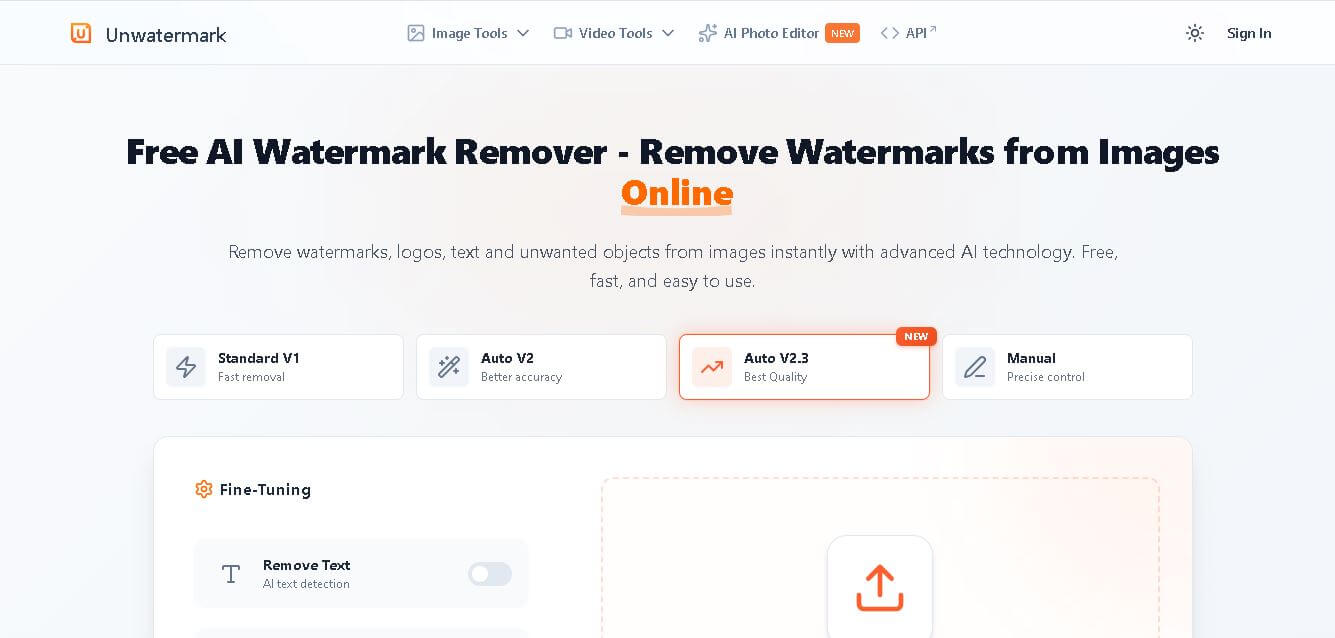
Unwatermark.ai helps creators, marketers, photographers, and businesses remove watermarks, logos, text, people, and unwanted objects from images and videos. Its automatic detection handles quick edits, while the manual brush provides precise control over difficult areas. With browser-based processing, format support, previews, and free usage, it simplifies everyday visual cleanup.
 4.8
4.8SWAPP
Design
SWAPP helps architecture firms automate construction documentation, BIM modeling, and QA work inside Revit and ArchiCAD. Its Frank agent applies firm-specific standards to repetitive production tasks, while workflow memory preserves organizational knowledge. The platform is suited to teams seeking faster delivery, consistency, and less manual production effort across complex projects.
 4.9
4.9invideo Nano Banana
Image
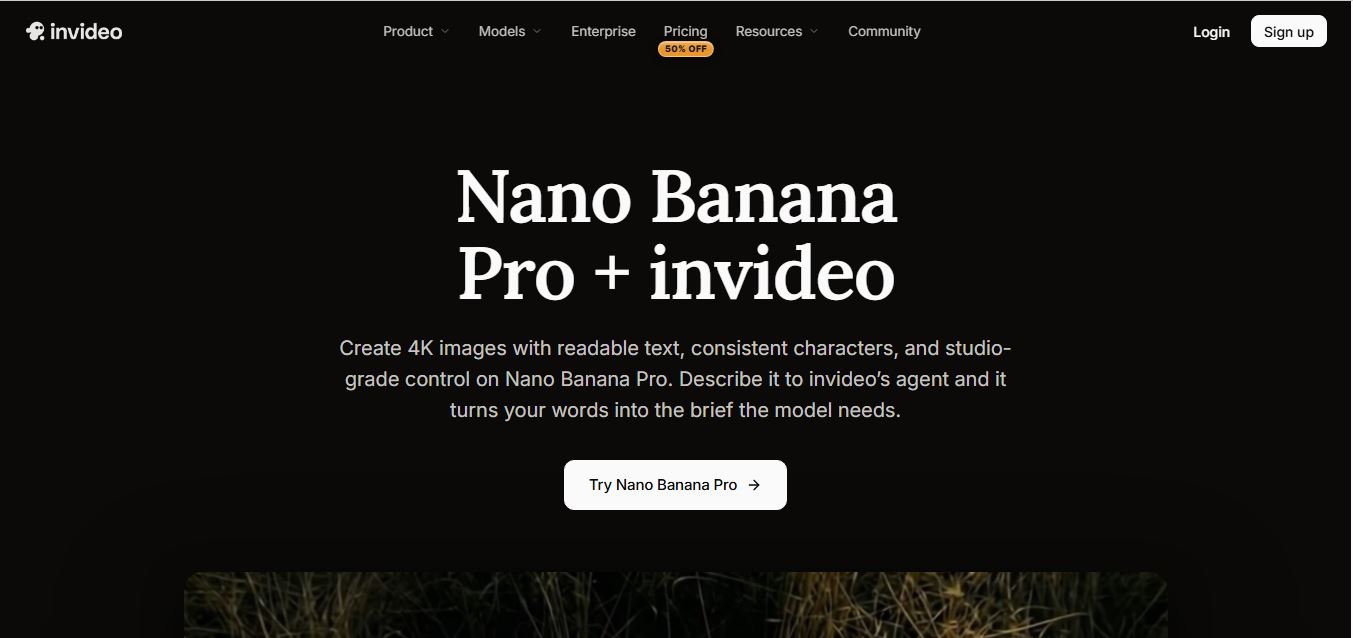
Nano Banana is an AI image generation and editing model by Google (Gemini family) that helps users create, modify, and refine visuals using natural language prompts. It supports 4K outputs, consistent characters, accurate text rendering, and real-time editing, enabling fast, production-ready creative workflows.
 4.8
4.8Banana Nano
Image
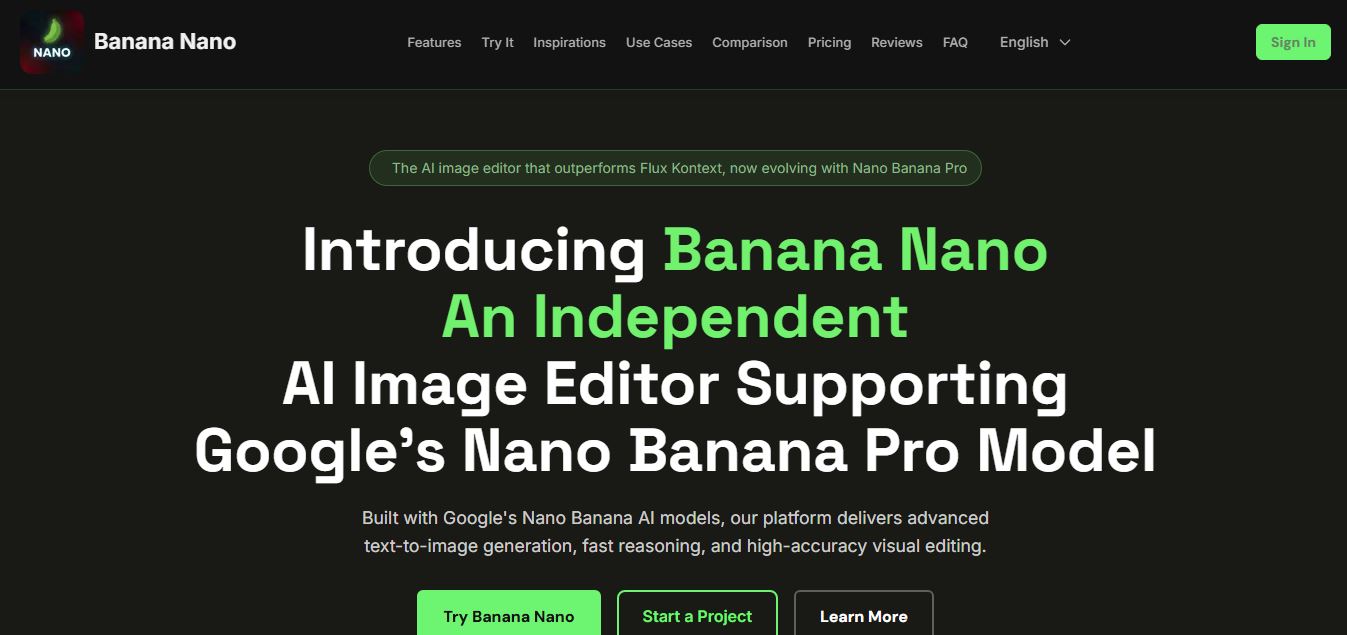
BananaNano (Nano Banana AI) is an AI-powered image generation and editing platform that lets users create visuals from text or edit photos using natural language. It supports multi-image fusion, character consistency, and up to 4K output, enabling fast, flexible visual creation without complex design tools.
 4.8
4.8Vheer
Image
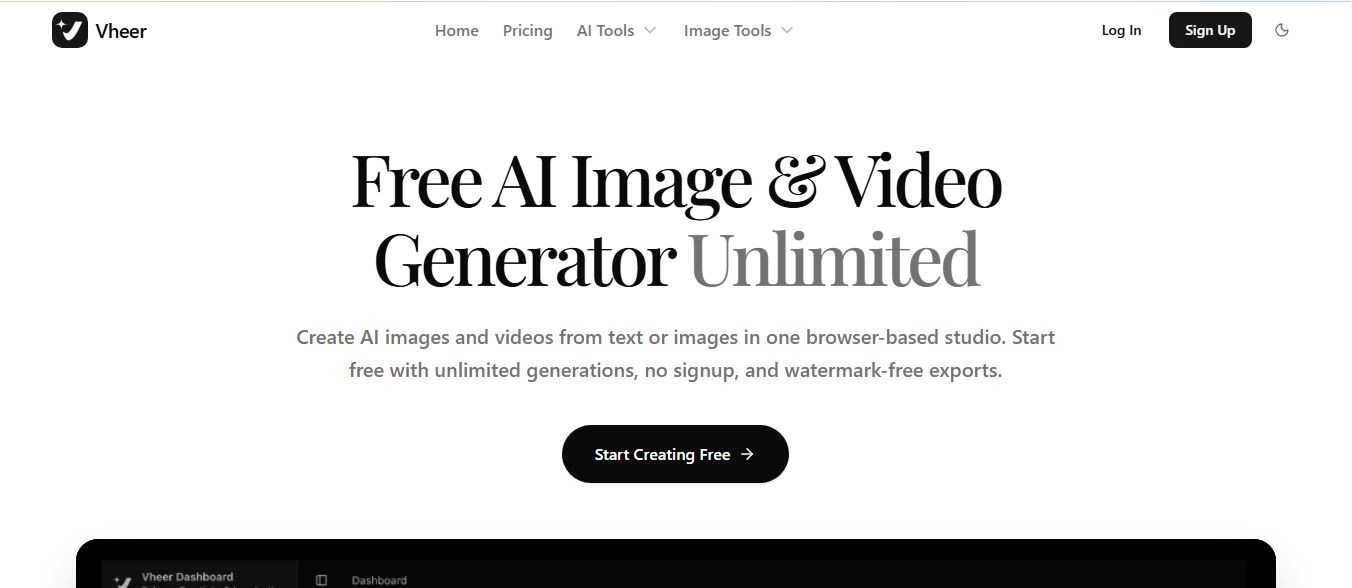
Vheer is a free AI image and video generator that helps users create visuals from text or photos instantly. It includes tools for image editing, background removal, and image-to-video conversion, offering unlimited generations without signup, making it ideal for quick, creative content production.
 4.9
4.9QOVES
Image
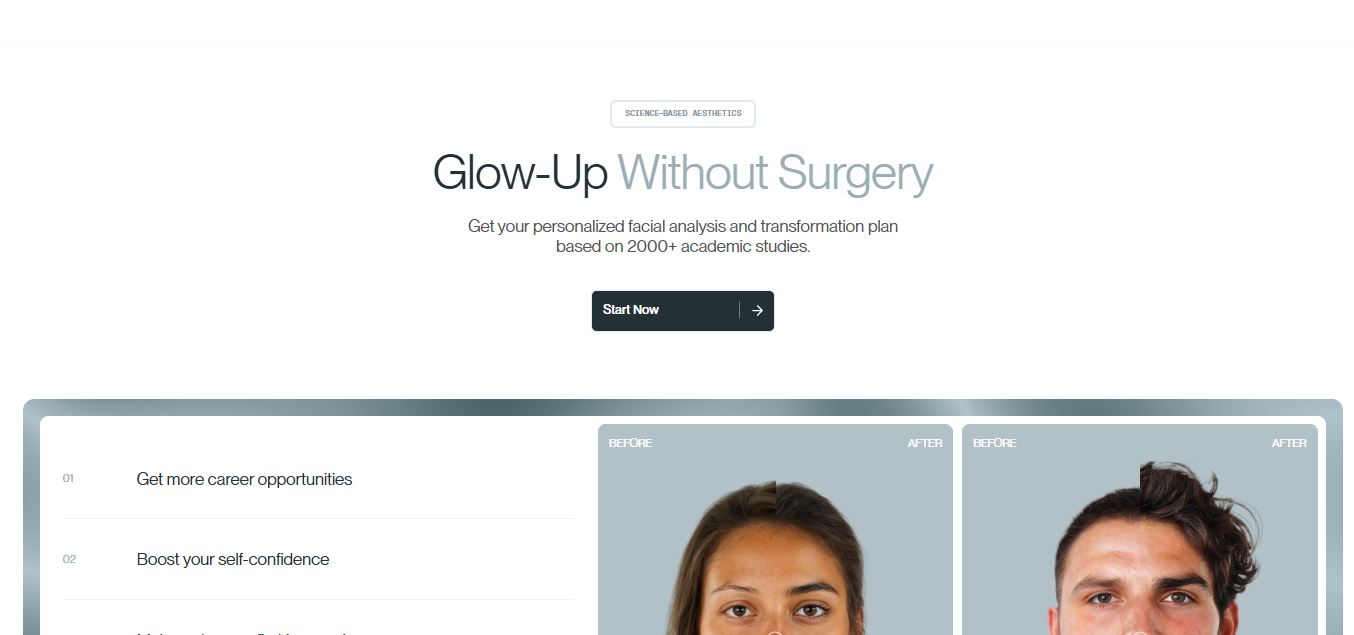
QOVES is an AI-powered facial analysis and beauty consulting platform that helps users understand their facial features and improve appearance through personalized, science-backed recommendations. It analyzes hundreds of facial markers and provides a non-surgical transformation plan, enabling informed decisions about aesthetics, skincare, and overall self-improvement.
 4.8
4.8Airbrush AI
Image
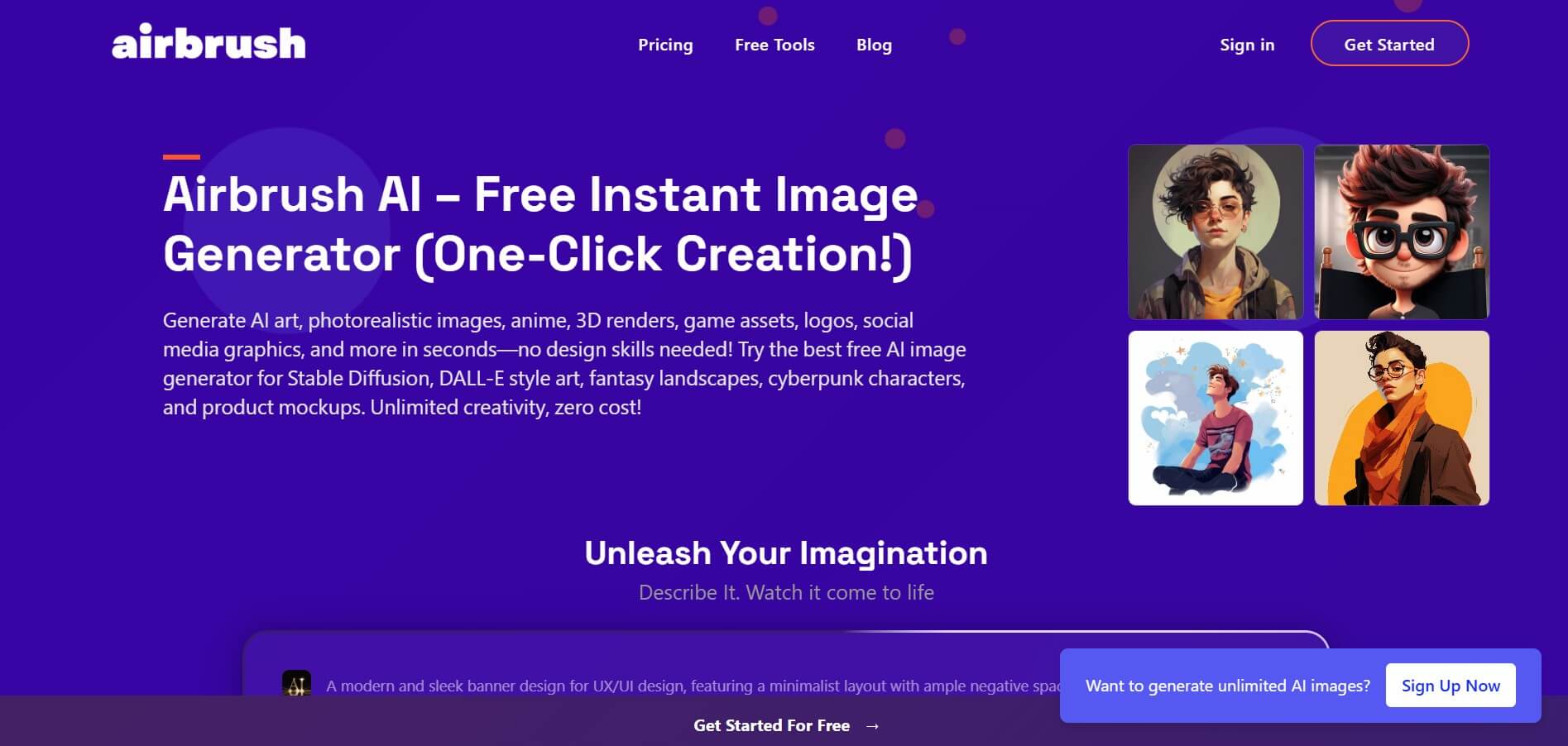
Airbrush is an AI-powered image generation and editing platform that helps users create, enhance, and customize visuals from simple text prompts. It supports multiple AI models and styles, enabling creators to generate artwork, marketing assets, and realistic images quickly without advanced design skills.