
Pixelcut Background Remover
Pixelcut Background Remover is an AI-powered tool that helps users instantly remove backgrounds from images and create clean, professional visuals. It automatically detects subjects, supports batch editing, and allows background replacement, making it ideal for ecommerce, social media, and marketing workflows.
What is Pixelcut Background Remover?
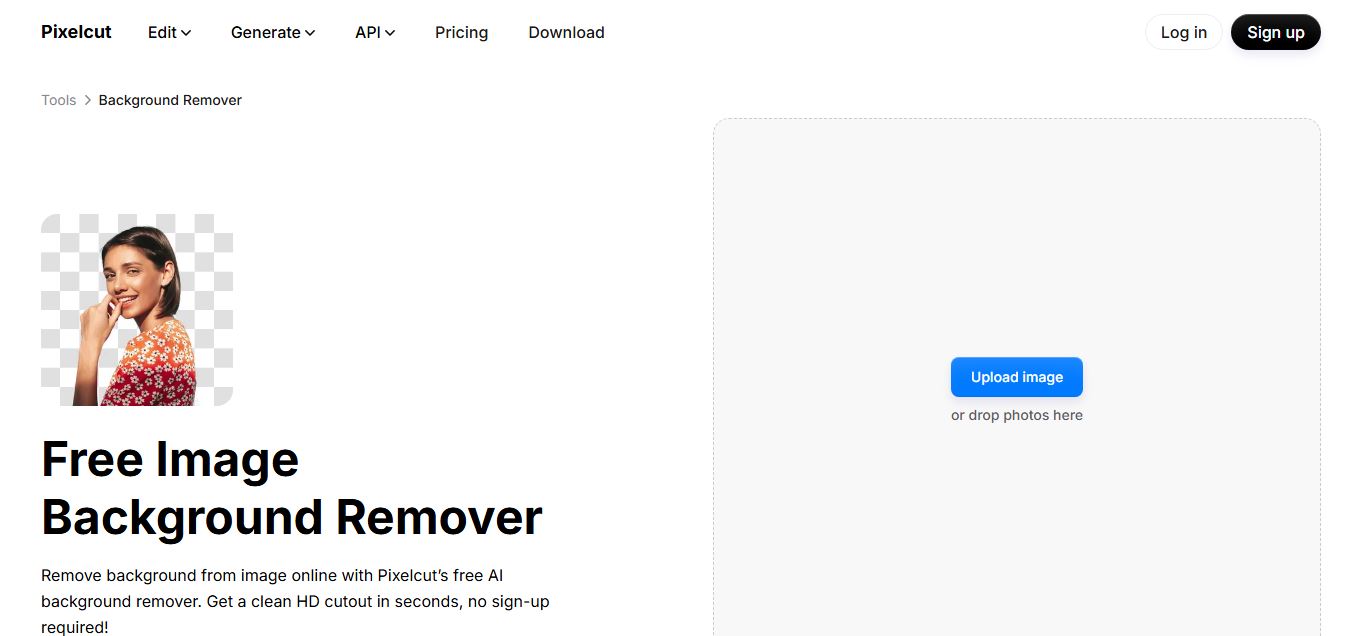
Pixelcut Background Remover is an AI-powered tool that automatically removes backgrounds from images in seconds, delivering clean and accurate cutouts for people, products, and objects. It works directly in the browser, allowing users to upload images and instantly get transparent backgrounds without manual editing. The platform also includes additional editing features like background replacement, shadows, upscaling, and design tools, making it useful for eCommerce sellers, marketers, and creators who need professional visuals quickly without advanced design skills.
Founded in 2020 by former visual tech leaders Dominique Yahyavi and Prasanth Veerina in Oakland, California, Pixelcut has scaled into a major creative powerhouse serving over 70 million sellers, creators, and brands across 150 countries, processing upwards of 1 billion images annually. Available across modern web browsers, developer REST APIs, and native mobile apps for iOS and Android, Pixelcut combines automated background extraction with batch processing capabilities for up to 10,000 images, AI studio staging (Product Showcase), automated AI shadows, and Claude integrations to build end-to-end e-commerce product catalogs with speed.
- Founders / Leadership: Dominique Yahyavi and Prasanth Veerina (Co-founders)
- Launch Year: 2020 (Expanded with web editor, API endpoints, batch processing up to 10K images, and Claude integrations through 2024–2026)
Use Cases:
- Creating clean, marketplace-compliant white background product listings for Amazon, Shopify, eBay, and Poshmark
- Isolating portrait photos and headshots to produce profile pictures, team avatars, and promotional marketing collateral
- Batch processing large catalogs of merchandise photos simultaneously with uniform canvas dimensions and realistic AI shadows
- Transforming flat product cutouts into commercial lifestyle advertisements using generative AI background scenes and staging templates
Technology:
- Proprietary computer vision deep learning segmentation models trained on millions of product, portrait, and apparel datasets
- Photorealistic AI shadow rendering engine calculating depth, lighting angle, and contact points for natural-looking staging
- High-throughput multi-platform infrastructure supporting web browsers, native iOS/Android engines, and scalable developer REST APIs
Target Users:
- E-commerce sellers, vintage resellers, and Amazon FBA merchants shooting product photography on smartphones
- Social media managers and digital marketers creating transparent asset overlays, YouTube thumbnails, and Instagram stories
- Graphic designers and small business owners building branded promotional materials without expensive studio equipment
- Content creators using writing tools to draft product listings, e-commerce descriptions, and design asset briefs
Corporate Entity: Operates as Pixelcut Inc. (Oakland, CA, USA & Global)

Key features of Pixelcut Background Remover
Pixelcut's key features are
- Sub-Second One-Click Removal: Automatically identifies subjects and strips out complex backdrops in under three seconds with zero manual masking.
- Intelligent Edge & Contour Detection: Accurately isolates challenging contours including pet fur, hair strands, apparel fabrics, and jewelry.
- Photorealistic AI Shadows: Add natural drop shadows, floating shadows, or contact shadows to give cutouts realistic spatial depth instead of looking flat.
- High-Capacity Batch Editing: Pro subscribers can batch-upload and process up to 10,000 images in a single session, applying background removals and aspect ratio crops uniformly.
- AI Product Showcase & Virtual Backdrops: Place isolated products into hundreds of generative AI environments (wooden tables, marble counters, podiums, lifestyle scenes) without physical photoshoots.
- Built-In Magic Eraser & Upscaler: Erase unwanted artifacts, dust, or power cords using the Magic Eraser, and upscale image resolution up to 16x.
- Marketplace & Social Presets: Instantly resize cutouts into compliant canvas ratios for Amazon, Shopify, Depop, Poshmark, Instagram, and TikTok.
- Developer REST API & Claude Integration: Embed background removal workflows into custom web applications with developer APIs (100 free credits upon sign-up) and dedicated integration inside Claude.
Pixelcut Background Remover Pricing
Pixelcut operates on a freemium model offering free web-based background removals with basic export options alongside Pro and Business subscription plans featuring unlimited cutouts.
Free Plan:
- $0 / Free forever
- Includes standard background removal, basic upscaling, watermark-free exports, access to core web editing tools, and 100 free developer API test credits upon registration
Pixelcut Pro:
- $9.99 / month billed monthly (or $8.00 / month billed annually at $96.00/year; introductory trials frequently available)
- Includes unlimited background removals, unlimited upscaling, 600 monthly AI credits for generative models, 1,000 batch exports per month, commercial license, and team access for up to 3 members
Pixelcut Business:
- $29.99 / month billed monthly (or $24.00 / month billed annually at $288.00/year)
- Includes unlimited background removals, 3,600 monthly AI credits, 2,000 batch exports per month, priority processing, and shared workspace collaboration for up to 10 team seats
Disclaimer: Prices are listed in USD. Pixelcut Pro offers unlimited background removals on subscription plans rather than strict per-cutout credit deductions for basic removals. Visit pixelcut.ai/pricing for active plans and developer API volume pricing.
Who is using Pixelcut Background Remover?
Pixelcut is designed for online retailers, visual creators, and marketers, including
- Shopify & Amazon Store Owners: Producing clean white-background product photography that meets strict marketplace catalog standards
- Fashion & Vintage Resellers (Poshmark, Depop, eBay): Turning quick smartphone snapshots of clothing into polished, professional commercial listings
- Social Media Influencers & Creators: Isolating portraits to design YouTube video thumbnails, podcast cover art, and branded Instagram graphics
- Graphic Designers & Ad Agencies: Accelerating visual compositing and staging products in diverse lifestyle backdrops
- Content Creators: Using writing tools to draft product listings, e-commerce descriptions, and design asset briefs
- Software Developers: Embedding automated image cutout pipelines into web apps and print-on-demand services via the Pixelcut REST API
Best Pixelcut Alternatives
Some of the strongest Pixelcut alternatives include
- Remove.bg
- Removal.ai
- Photoroom
- Erase.bg
- Clipdrop (by Jasper)
- Cutout.pro
Pros and Cons of Pixelcut Background Remover
Pros
- Free web plan allows watermark-free image downloads without requiring a mandatory upfront payment
- Pro subscription provides unlimited background removals rather than charging per individual image credit
- AI shadow generation adds realistic lighting and depth to extracted objects for professional product staging
- Supports batch editing of up to 10,000 images at once for high-volume catalog processing
- Highly rated mobile applications on iOS and Android make shooting and editing on smartphones fast and seamless
Cons
- Web browser desktop editor can feel less versatile for intricate vector adjustments compared to Adobe Photoshop
- Extremely fine, low-contrast semi-transparent items (like delicate glassware on white tablecloths) may occasionally need manual touch-up
- High-volume batch exports and team seats require an active Pro or Business subscription
- Advanced third-party generative models (such as Flux or Ideogram integrations) consume monthly AI credits
Why Choose Pixelcut Background Remover?
Pixelcut is the premier choice for e-commerce sellers and digital creators who want an affordable, all-in-one product photography editor that pairs fast background removal with realistic AI shadows and generative studio staging.
- Remove backgrounds in under 3 seconds with watermark-free downloads
- Enjoy unlimited background removals on Pro plans without counting individual credits
- Add photorealistic AI drop shadows and contact shadows with one click
- Batch edit up to 10,000 images at once to streamline catalog launches
- Trusted by over 70 million creators, brands, and sellers worldwide
Pixelcut vs. Competitors
The main difference between Pixelcut, Remove.bg, Removal.ai, and Photoroom is that Pixelcut combines unlimited background removal on annual plans with an end-to-end e-commerce creative suite (AI shadows, upscaling, generative backdrops, and batch processing for up to 10,000 photos), whereas Remove.bg operates on a strict per-credit billing model focused primarily on cutouts, Removal.ai focuses on bulk desktop software and affordable API credits, and Photoroom specializes in mobile product staging templates. Pixelcut stands out for its unlimited removal pricing model, AI shadow realism, and high batch volume.
| Feature / Tool | Pixelcut (pixelcut.ai) | Remove.bg | Removal.ai | Photoroom |
|---|---|---|---|---|
| Core Focus | E-Commerce Photo Studio & AI Cutouts | Pioneer Background Removal & API | Bulk Cutouts & Developer REST API | Mobile Product Studio & AI Staging |
| Pricing Structure | Unlimited Removals on Pro ($8–$10/mo) | Credit-Based ($9/mo for 40 credits) | Credit-Based ($5.99/mo for 40 credits) | Subscription Based (~$12.99/mo) |
| Batch Capacity | Up to 10,000 images / batch | Up to 500 images / min (Desktop) | Bulk Desktop Software | Batch Mode (Pro only) |
| Photorealistic AI Shadows | Yes (Built-in Shadow Engine) | Basic Shadow Effect | Basic Shadow Only | Yes (AI Studio Shadows) |
| Free Plan Watermark | No Watermark on Free Exports | No Watermark (Low-Res 0.25MP) | No Watermark (Low-Res 0.25MP) | Watermarked on Free Mobile Exports |
| Best For | High-Volume Sellers & Resellers Needing AI Shadows | Enterprise API Precision & Photoshop Work | Cost-Effective Credit Packs & Desktop | Mobile E-Commerce Sellers & Templates |
How do we rate Pixelcut Background Remover?
| Parameter | Rating (out of 5) |
|---|---|
| Cutout Precision & Edge Separation | 4.9 |
| AI Shadows & Product Staging Quality | 4.9 |
| Batch Editing Capacity (10K Images) | 5.0 |
| Mobile & Web User Experience | 4.9 |
| Value for Money | 5.0 |
| Overall Score | 4.94 |
Pixelcut Background Remover Review
Pixelcut Background Remover provides practical value for modern e-commerce sellers and digital creators. While early background removers only extracted flat PNG cutouts that often looked unnaturally pasted onto new backgrounds, Pixelcut solves this problem with its photorealistic AI shadow engine and generative staging templates. Adding natural drop shadows and contact points makes product photos look like they were captured in a commercial photography studio. Crucially, its Pro pricing model offers unlimited background removals rather than counting every individual image against a restrictive credit balance, making it cost-effective for sellers with hundreds of weekly listings. For online merchants, resellers, and digital creators looking for an accessible and feature-complete image editor, Pixelcut delivers an efficient all-in-one product photography solution.
Conclusion
Pixelcut Background Remover is an industry-leading visual editing tool and product staging platform that streamlines commercial image creation. By uniting instant one-click cutouts, photorealistic AI shadows, 10,000-image batch processing, generative scene creation, and developer APIs across web and mobile, it provides a complete photography studio in your browser or pocket. While specialized retouchers requiring complex pixel masking may still open Photoshop, Pixelcut’s speed, unlimited removal model, and e-commerce staging tools make it an essential graphic utility.
FAQ
What is Pixelcut Background Remover and how does it work?
Pixelcut Background Remover is an AI-powered tool that automatically removes backgrounds from images and videos in seconds. You simply upload a photo, and the AI detects the subject, removes the background, and gives you a transparent or editable image. You can then refine edges manually, replace backgrounds, or export the image for use in e-commerce, ads, or social media.
What makes Pixelcut different from other background remover tools?
Pixelcut is not just a background remover—it’s a complete AI photo and video editing workspace. Along with removing backgrounds, it lets you upscale images, generate AI product photos, create marketing visuals, and even produce videos from prompts. This makes it more powerful than single-purpose tools like remove.bg or Removal.AI.
What problems does Pixelcut solve?
Pixelcut solves the problem of time-consuming product photography and manual editing. Instead of hiring photographers or using complex tools like Photoshop, users can instantly create studio-quality product images, clean backgrounds, and marketing creatives with AI, saving time and cost—especially for e-commerce businesses.
What features does Pixelcut Background Remover offer?
Pixelcut offers features like automatic background removal, batch editing (up to 100 images at once), image upscaling, AI-generated backgrounds, object removal (Magic Eraser), templates, shadows, and generative fill. It also supports video background removal and AI product photo generation, making it a full creative suite for visual content.
Can Pixelcut handle bulk image processing?
Yes, Pixelcut supports batch editing, allowing users to process multiple images at once, which is ideal for e-commerce sellers handling large product catalogs. It also includes automation features like resizing, background replacement, and exporting images in bulk for marketplaces like Shopify or Amazon.
Is Pixelcut free to use?
Yes, Pixelcut offers a free plan with limited background removal and editing features, allowing users to test the platform. However, advanced capabilities like unlimited background removal, high-resolution exports, and batch processing are available in paid plans.
How much does Pixelcut cost?
Pixelcut follows a freemium subscription model, with Pro plans starting around $8–$10/month (billed yearly) and Business plans around $24–$30/month, offering AI credits, unlimited background removal, batch exports, and team collaboration features.
Who should use Pixelcut Background Remover?
Pixelcut is ideal for e-commerce sellers, marketers, designers, content creators, and small businesses who need fast, high-quality visuals. It’s especially valuable for product listings, ads, social media content, and brand visuals where clean, professional images directly impact conversions.
How does Pixelcut compare to tools like remove.bg or Removal.AI?
Pixelcut is more of an all-in-one creative platform, while tools like remove.bg focus mainly on background removal. If you only need quick cutouts, those tools work well, but if you want to create complete product images, ads, and visuals in one place, Pixelcut offers significantly more value and flexibility.
User Reviews
No reviews yet for Pixelcut Background Remover.
Featured Tools
Featured AI tools from TechShark

Melody Genie
MelodyGenie is an AI-powered music generator that creates original songs from simple text prompts. Users can choose styles, moods, and genres, then instantly generate melodies and full tracks, making it easy for creators, marketers, and hobbyists to produce custom music without musical expertise.
Freemium

Kimi AI
Kimi AI is an advanced AI assistant developed by Moonshot AI that helps you chat, research, write, code, and automate tasks in one place. It supports web search, file analysis, and multimodal inputs, and can even run autonomous “agent” workflows to complete complex tasks end-to-end.
Freemium

Fashion Diffusion AI
Fashion Diffusion is an AI-powered fashion design platform that helps brands and designers create clothing designs, virtual try-ons, AI models, product photos, and marketing visuals faster and cost-effectively.
Paid

Veo 4
Veo 4 AI is an AI video creation platform that generates dramatic videos from text, images, audio, and video prompts using realistic motion and synchronized sound.
Paid
Alternatives
Alternatives to Pixelcut Background Remover
The best Pixelcut Background Remover alternatives include Remove.bg, Removal.ai, Photoroom, Erase.bg, Clipdrop (by Jasper), and Cutout.pro. These platforms provide AI background removal, photo editing, and subject extraction. While Pixelcut specializes in e-commerce workflows with unlimited background removals on Pro plans, realistic AI drop shadows, and 10,000-image batch processing, alternatives like Remove.bg offer legacy hair-edge matting precision and Photoshop plugins, Removal.ai provides budget-friendly lifetime credit packs and desktop software, and Photoroom specializes in mobile product staging templates. Choosing the right tool depends on whether you require unlimited removals with realistic AI shadow staging, enterprise API precision, or mobile-first product templates.
 4.8
4.8Slazzer
Background Remover
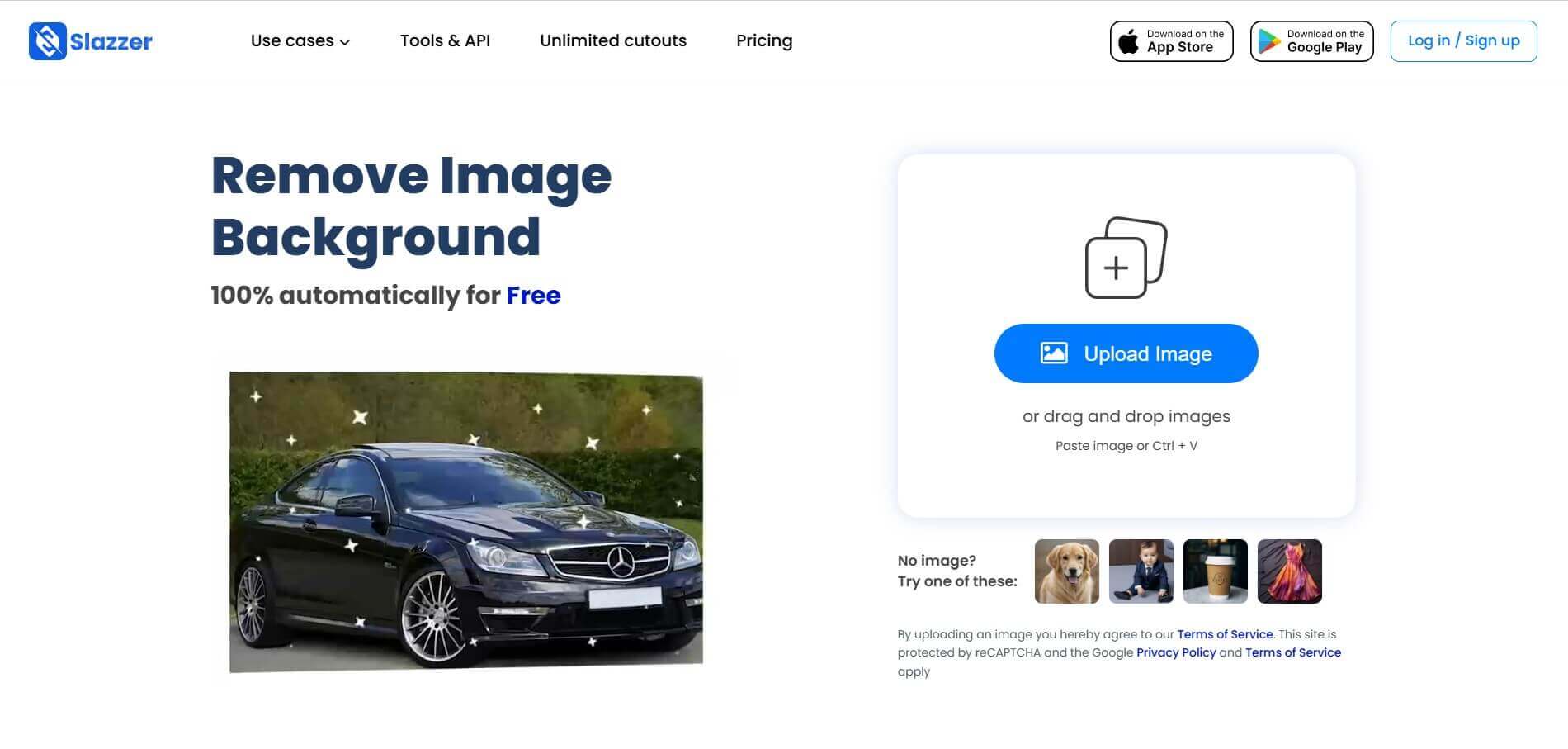
Slazzer is an AI-powered image editing tool that removes backgrounds, enhances photo quality, upscales images, and adds realistic shadows. It helps e-commerce sellers, designers, photographers, and marketers create professional visuals quickly. With batch processing and integrations, Slazzer simplifies image editing for personal and business use.
 4.9
4.9Adobe Firefly Remove Background
Background Remover
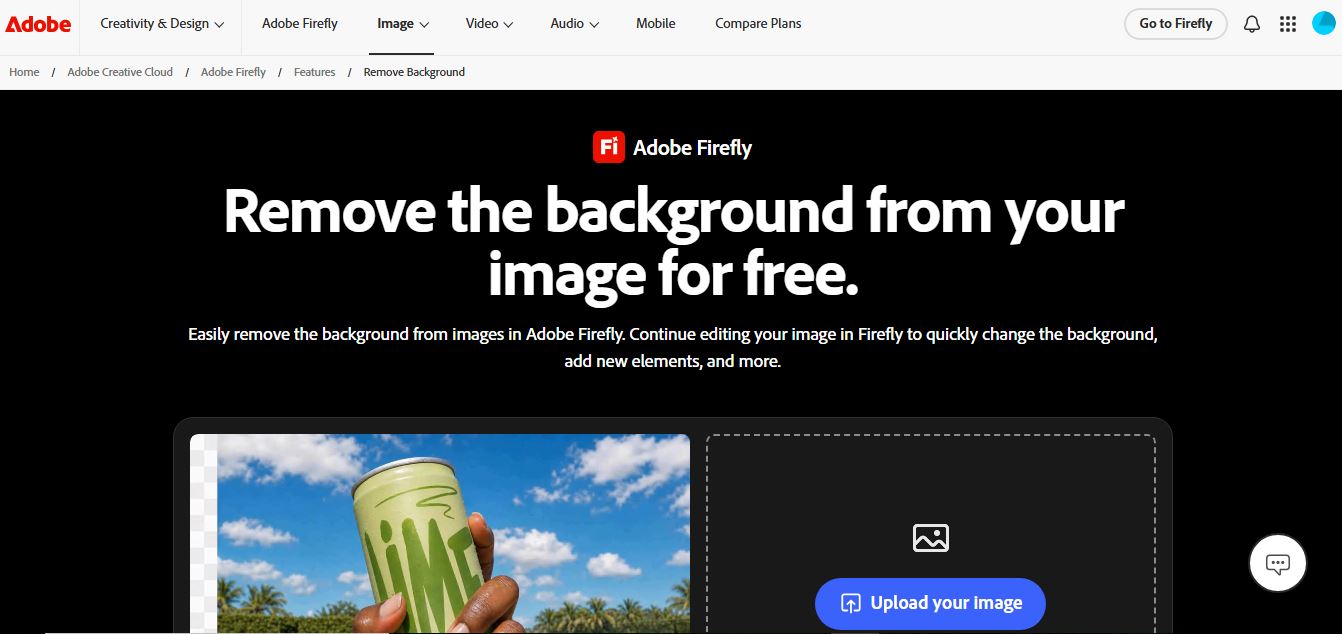
Adobe Firefly Background Remover is an AI-powered tool that helps users instantly remove image backgrounds and create clean, transparent cutouts. It automatically detects subjects, preserves fine details, and allows background replacement or further editing, making it ideal for design, ecommerce, and marketing workflows.
 4.8
4.8Removal AI
Background Remover
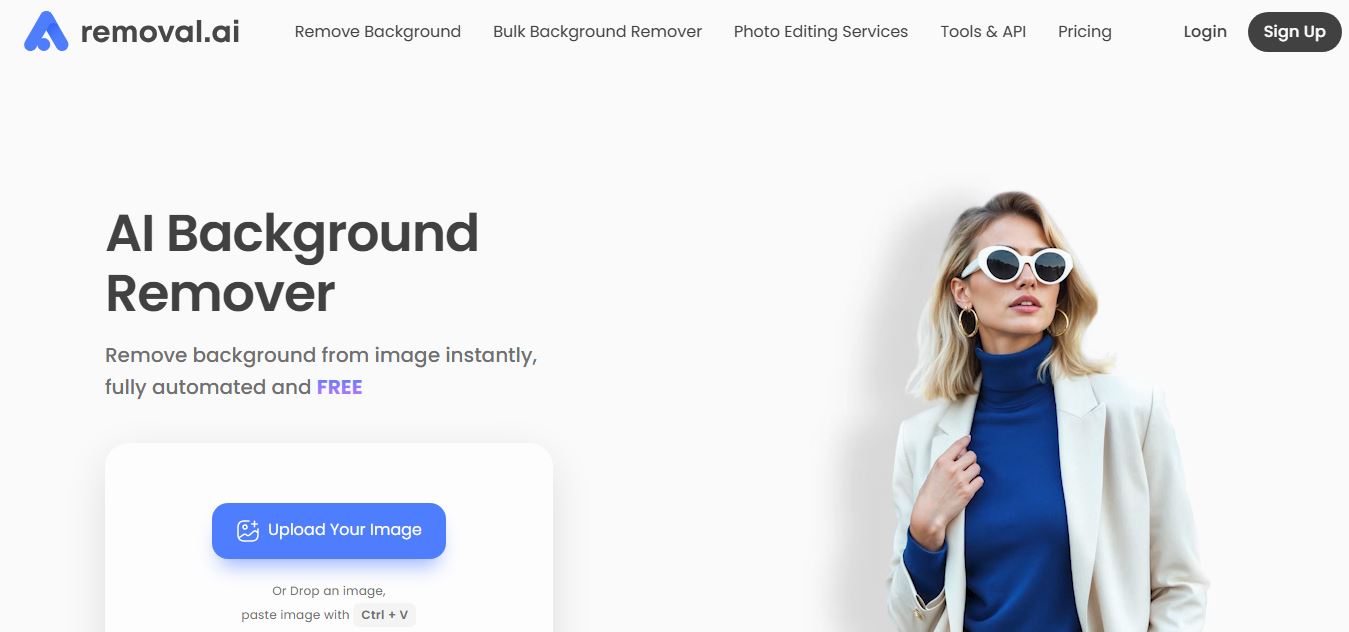
Removal.AI is an AI-powered background remover that helps users instantly cut out subjects from images and create clean, transparent, or custom backgrounds. It automates photo editing with precise edge detection, batch processing, and API integration, making it ideal for ecommerce, design, and marketing workflows.
 4.3
4.3Dzine AI
Image
Dzine AI is an AI-powered image generation and editing platform offering tools like background removal, 2D-to-3D conversion, and AI character creation, tailored for designers and creators.
 4.5
4.5BGBye
Image
BGBye is a free AI tool that removes backgrounds from images and videos quickly using multiple advanced models, no installation needed.
 4.5
4.5Pixelcut
Image
Pixelcut is an AI-powered image editing platform that simplifies background removal, object erasure, image upscaling, and content generation, ideal for e-commerce, social media, and marketing professionals.