
Dzine AI
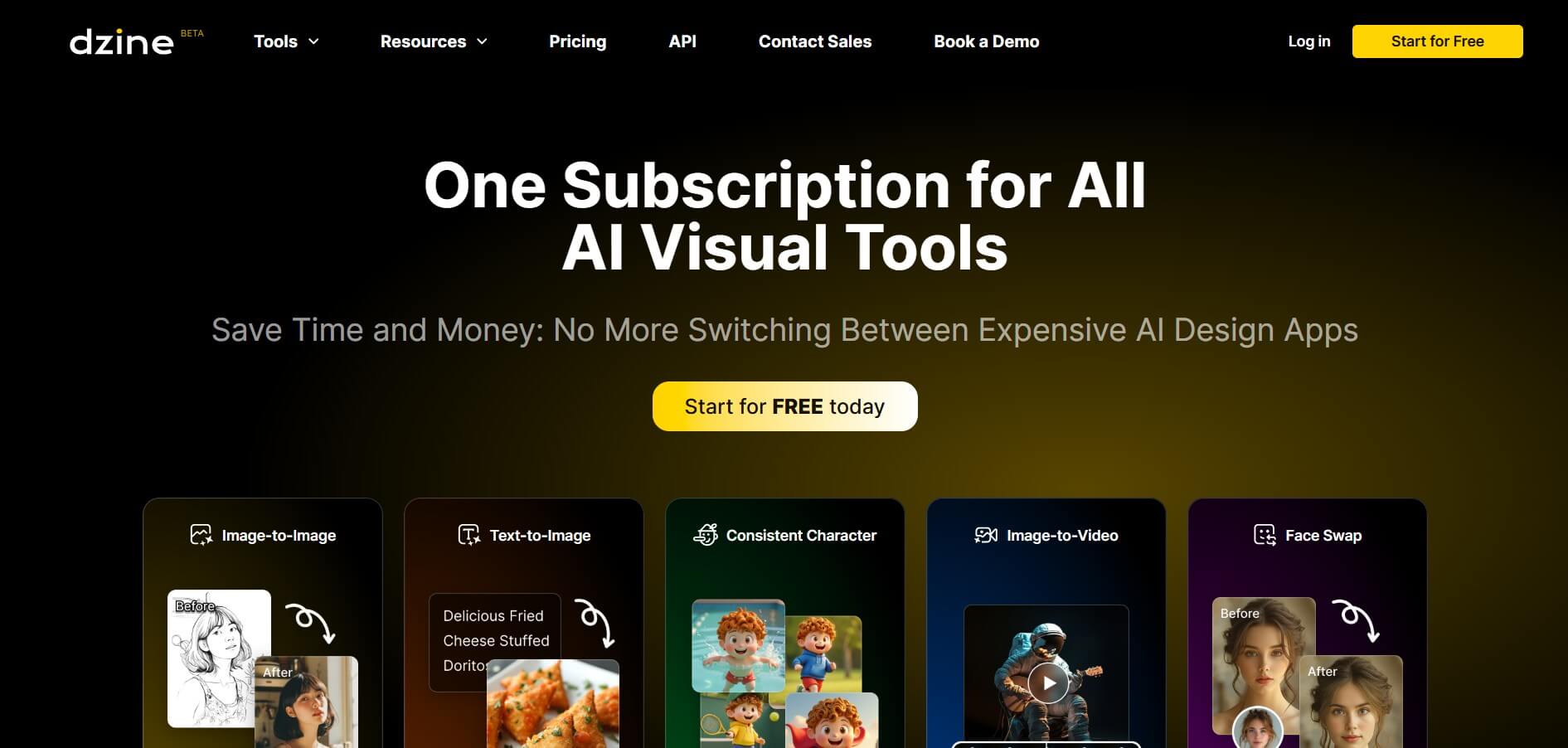
Dzine AI is an AI-powered image generation and editing platform offering tools like background removal, 2D-to-3D conversion, and AI character creation, tailored for designers and creators.
What is Dzine AI?
Dzine AI (previously Stylar.ai) is a browser-based AI design tool for creating and editing visual content, including images, sketches, logos, and 3D previews, with fine controls. It includes text-to-image and image-to-image tools, generative fill, background removal, style transfer, layering, and high-resolution export (up to 6144 x 6144 pixels). The user-friendly design caters to both beginners and professionals. Features include a drag-and-drop canvas, GPT-assisted prompt creation, and tools for object removal, editing photos, and AI filters.
Dzine AI Key Overview
- Developer: Max & Chen
- Launched: July 2024
- Platform: Fully browser-based with canvas, layers, and prompt assistant
- User Base: Popular among graphic designers, content creators, photographers, game developers, and small businesses
Key Features
Dzine AI's key features are
- Generative Fill & Object Editing: Dzine allows you to add, remove, or change elements with easy text instructions.
- Text-to-Image & Image-to-Image: Dzine offers a drag-and-drop layout with auto-selection and layer management for exact placements.
- Generative Fill & Object Editing: Dzine AI allows for adding, removing, and replacing elements via text prompts
- AI Photo Filters & Style Transfer: Dzine AI offers artistic effects for images, objects, and scenes.
Pricing
Dzine AI offers various pricing plans
Free Plan:
- Offers 32 image credits per day
- Allows background removal from images
- Offers image-to-text and image-to-image generation
Beginner's Plan:
- The plan starts at $8.99 per month
- Offers 900 image credits per month
- Allows background removal from images
- Offers image enhancement & upscale
- Allows to generation of images with preset, consistent characters
Creator Plan:
- The plan starts at $19.99 per month
- Offers 3000 image credits per month
- Offers 3000 video credits per month
- Allows exporting video in 4 K.
- Allows background removal from images
- Offers image enhancement & upscale
- Allows the generation of images with preset consistent characters
Disclaimer: For the latest and most accurate pricing information, please visit the official Dzine AI website.
Who Is Using Dzine AI?
A diverse range of users and organizations utilize Dzine AI
- Graphic
- Digital Designers
- Content Creators
- Marketers
- Game Developers
- Animators
Dzine AI Alternatives
Dzine AI alternatives are
- Midjourney
- Stable Diffusion
- Photoshop
- Canva AI
Dzine AI Video
Conclusion
Dzine AI is a versatile, browser-based design tool that uses powerful AI to simplify and enhance visual content creation. Whether you're a professional designer, marketer, content creator, or beginner, Dzine AI offers a comprehensive toolkit for easily creating, editing, and enhancing images, graphics, and even 3D visuals. Its user-friendly drag-and-drop canvas, strong prompt assistant, and high-quality exports make it excellent for creating everything from social media visuals to complex mockups and branding materials. Users can quickly get studio-quality effects with capabilities such as generative fill, background removal, and style transfers.
Also Check:
FAQ
What is Dzine AI?
Dzine AI is an advanced image generation and editing platform that offers a wide range of features, including background removal, 2D-to-3D conversion, AI character creation, and style transfer.
Is Dzine AI free to use?
Yes, Dzine AI offers a free plan with limited features, including 32 Regular Image Credits per day and access to basic AI image generation tools.
What are the key features of Dzine AI?
Dzine AI key features include background removal, 2D-to-3D conversion, AI character creation, style transfer, layering and sketching tools, high-resolution exports, and asset library storage.
Who can benefit from using Dzine AI?
Graphic designers, marketers, e-commerce sellers, photographers, editors, and hobbyists can all benefit from Dzine AI's comprehensive image generation and editing tools.
Is Dzine AI suitable for beginners?
Yes, Dzine AI's user-friendly interface and intuitive tools make it accessible for beginners and professionals alike.
User Reviews
No reviews yet for Dzine AI.
Featured Tools
Featured AI tools from TechShark

Melody Genie
MelodyGenie is an AI-powered music generator that creates original songs from simple text prompts. Users can choose styles, moods, and genres, then instantly generate melodies and full tracks, making it easy for creators, marketers, and hobbyists to produce custom music without musical expertise.
Freemium

Kimi AI
Kimi AI is an advanced AI assistant developed by Moonshot AI that helps you chat, research, write, code, and automate tasks in one place. It supports web search, file analysis, and multimodal inputs, and can even run autonomous “agent” workflows to complete complex tasks end-to-end.
Freemium

Fashion Diffusion AI
Fashion Diffusion is an AI-powered fashion design platform that helps brands and designers create clothing designs, virtual try-ons, AI models, product photos, and marketing visuals faster and cost-effectively.
Paid

Veo 4
Veo 4 AI is an AI video creation platform that generates dramatic videos from text, images, audio, and video prompts using realistic motion and synchronized sound.
Paid
Alternatives
Alternatives to Dzine AI
Dzine AI is an AI-powered image generation and editing platform providing features such as background removal, 2D-to-3D conversion, AI character creation, and style transfer, designed for designers, marketers, and creators seeking advanced visual tools.
 4.8
4.8Slazzer
Background Remover
Slazzer is an AI-powered image editing tool that removes backgrounds, enhances photo quality, upscales images, and adds realistic shadows. It helps e-commerce sellers, designers, photographers, and marketers create professional visuals quickly. With batch processing and integrations, Slazzer simplifies image editing for personal and business use.
 4.9
4.9Adobe Firefly Remove Background
Background Remover
Adobe Firefly Background Remover is an AI-powered tool that helps users instantly remove image backgrounds and create clean, transparent cutouts. It automatically detects subjects, preserves fine details, and allows background replacement or further editing, making it ideal for design, ecommerce, and marketing workflows.
 4.9
4.9Pixelcut Background Remover
Background Remover
Pixelcut Background Remover is an AI-powered tool that helps users instantly remove backgrounds from images and create clean, professional visuals. It automatically detects subjects, supports batch editing, and allows background replacement, making it ideal for ecommerce, social media, and marketing workflows.
 4.8
4.8Removal AI
Background Remover
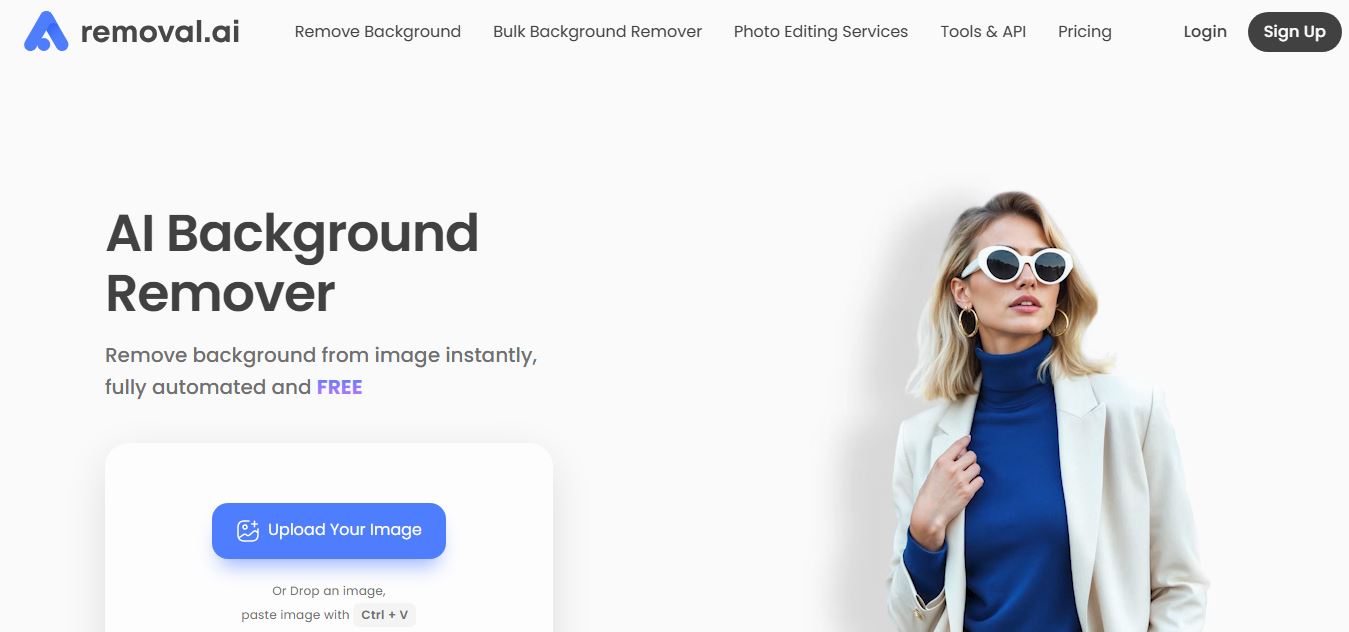
Removal.AI is an AI-powered background remover that helps users instantly cut out subjects from images and create clean, transparent, or custom backgrounds. It automates photo editing with precise edge detection, batch processing, and API integration, making it ideal for ecommerce, design, and marketing workflows.
 4.9
4.9iPic Ai
Image
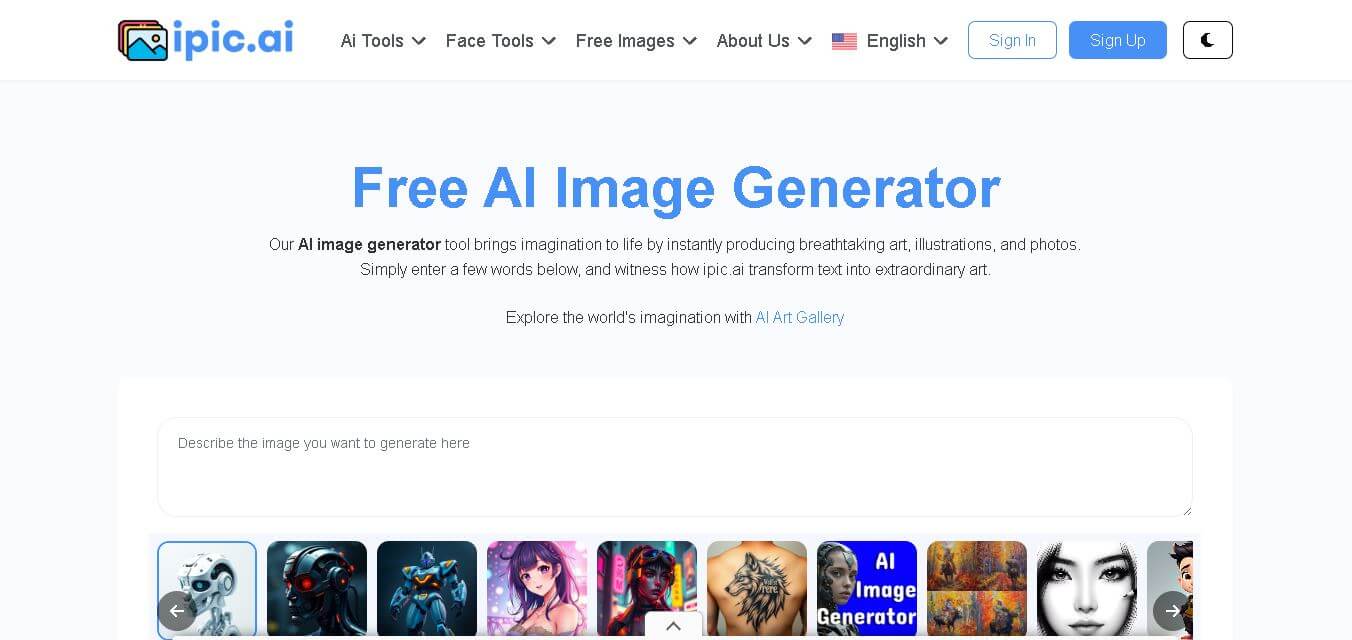
iPic is an AI-powered image generation and editing platform that lets users create visuals from text prompts and enhance photos with tools like background removal, upscaling, and style filters. It’s designed for quick, creative image creation for marketing, social media, and design needs.
 4.8
4.8Funy AI
Art
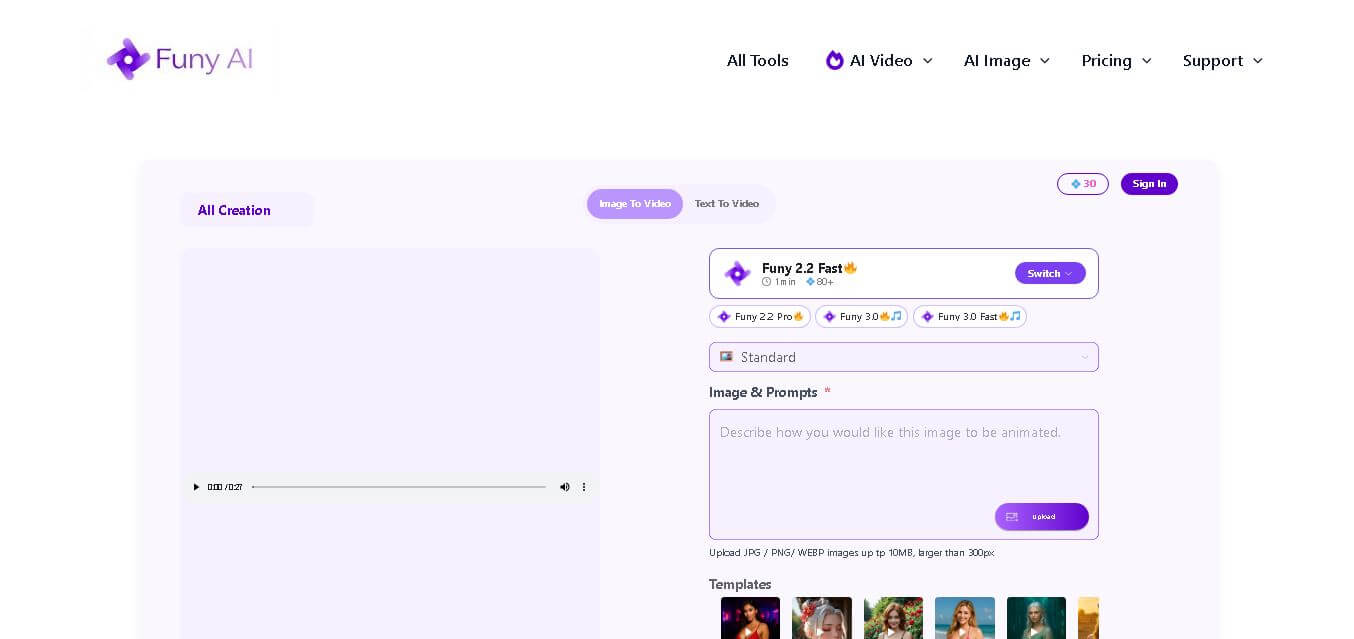
Funy AI brings multiple creative tools into one place for generating, editing, enhancing, and transforming visual content. Users can create videos from text or images, generate artwork, improve photo quality, remove backgrounds, and experiment with creative effects. Its simple interface and no-sign-up access make experimentation convenient for beginners and creators.
 4.7
4.7Illusion Diffusion (AP123)
Art
IllusionDiffusion helps creators turn patterns, shapes, and illusion images into visually striking artwork. Users provide an input illusion and text prompt, then adjust controls such as illusion strength and seed to influence the result. It is particularly useful for experimental AI art, social media graphics, creative concepts, and visual design projects.
 4.5
4.5Neural Love
Art
Neural.love helps creators improve, generate, restore, and transform visual content with AI. You can upscale images, enhance videos, restore old photographs, generate AI art, animate images, and edit visuals online. Its browser-based tools make advanced image and video processing accessible without requiring complex editing software or technical expertise.
 4.9
4.9Leonardo AI
Design
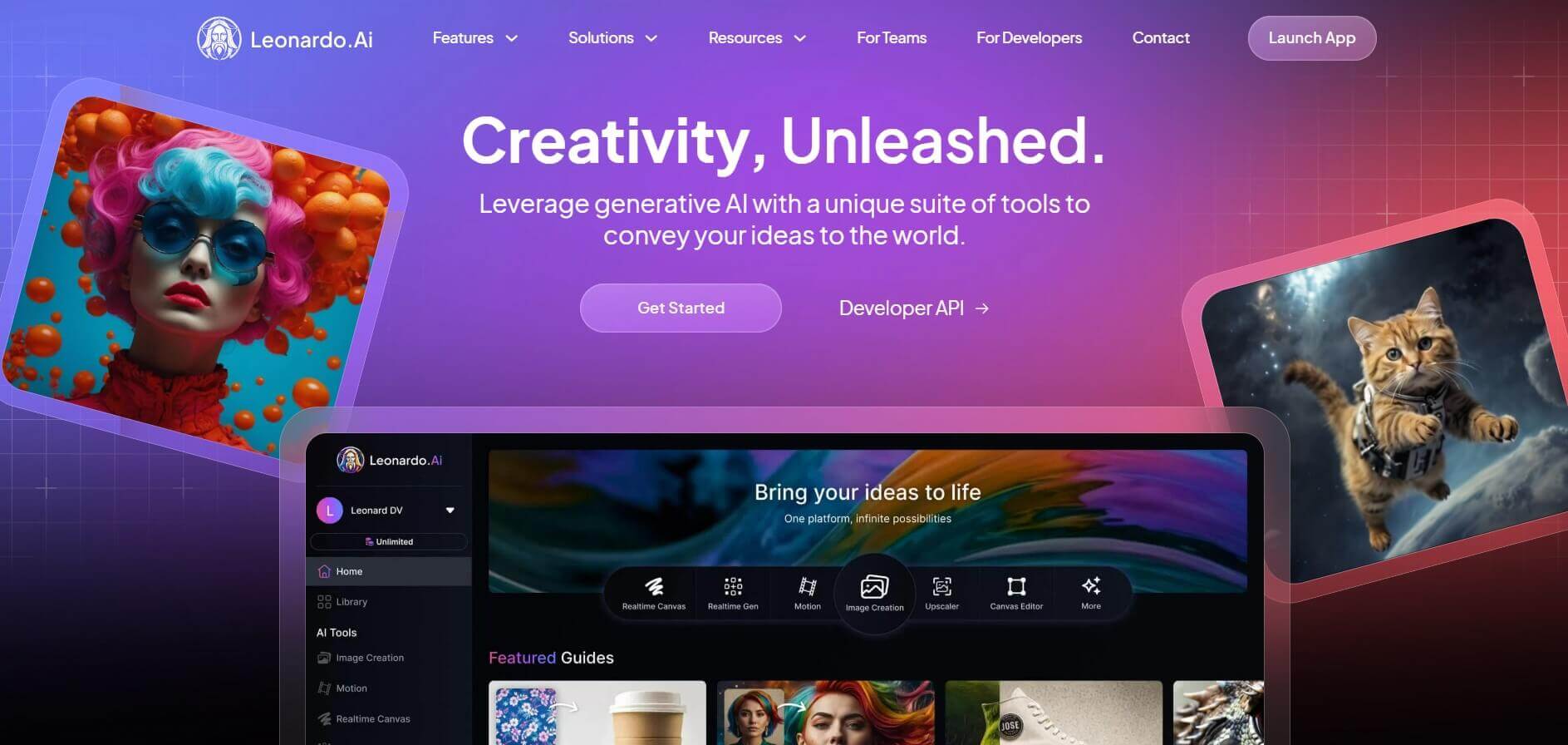
Leonardo is an advanced generative AI platform for image and video creation, featuring custom model fine-tuning (LoRA training), Real-Time Canvas, Real-Time Generation, and multi-model support across proprietary Phoenix, Lucid, and FLUX architectures.