
Photoroom
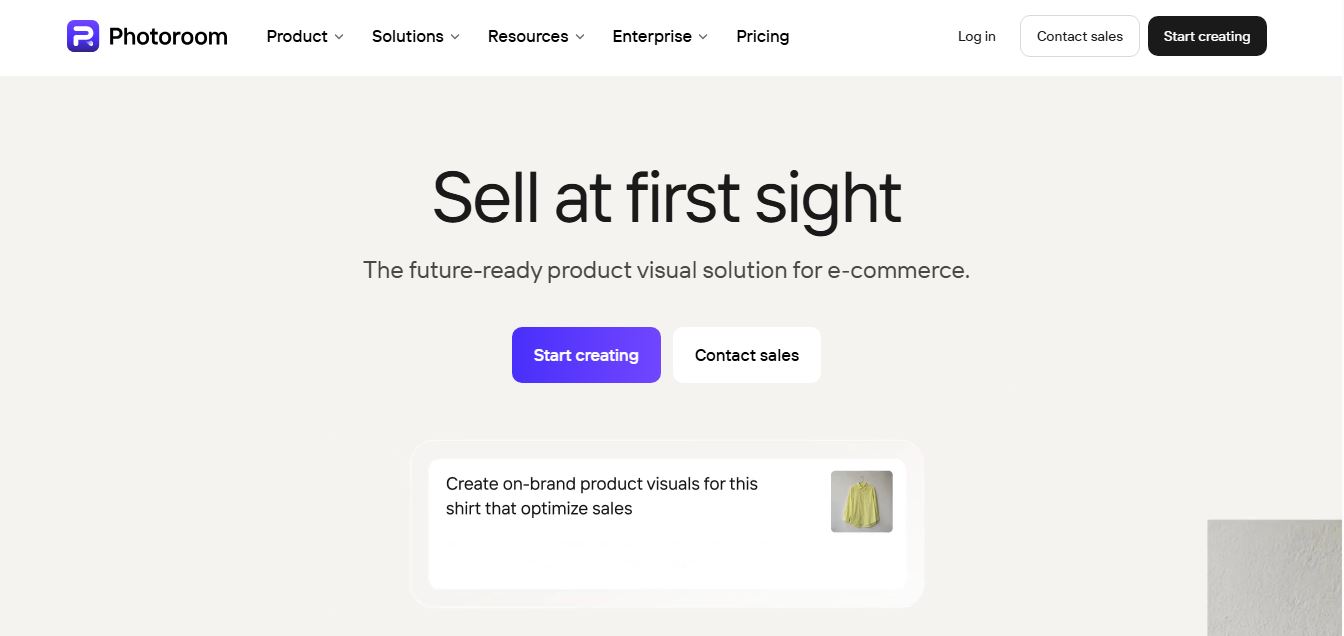
Photoroom is an AI-powered photo editing and visual creation platform designed mainly for e-commerce and content creators. It lets you remove backgrounds, generate new scenes, enhance images, and create studio-quality product photos or marketing visuals in seconds—without needing design skills or expensive tools.
What is Photoroom?
PhotoRoom is an AI-powered image editing platform that helps you create, edit, and enhance images quickly without needing design skills or complex software. You can upload a photo and instantly remove backgrounds, generate new AI backgrounds, retouch images, add shadows, or even create entirely new visuals from text prompts. It’s especially popular for product photos and social media content, where you can turn simple images into professional, studio-quality visuals in seconds. The platform also supports batch editing, collaboration, and AI-generated scenes, making it a fast, all-in-one solution for creators, marketers, and eCommerce businesses.
Designed around the concept of “Create professional product photos in seconds,” Photoroom removes the friction of physical photography studios and manual image clipping. The platform provides automated background removal, realistic AI-generated studio scenes, virtual fashion models, and bulk batch processing. Photoroom offers a free tier alongside Pro, Max, and Ultra subscription plans starting from $7.50 per month when billed annually.
- Platform Role: AI Photo Editor, Background Removal Engine & E-Commerce Listing Studio
- Core Generations: Automated Cutouts, AI Backgrounds, Virtual Fashion Models, and Studio Shadows
- Ecosystem Accessibility: Web Browser, iOS, Android, Desktop Apps, and REST API
Use Cases:
- Stripping clutter from product pictures to create clean white backgrounds for marketplace listings on Shopify, Amazon, and eBay
- Generating realistic, contextual lifestyle staging environments and custom studio lighting behind products
- Displaying apparel on virtual AI models to eliminate the cost of live model photoshoots
- Batch editing and resizing hundreds of catalog images simultaneously with uniform alignment
- Retouching item flaws, erasing unwanted background objects, and upscaling image resolution
Technology:
- Advanced segmentation deep learning models isolating complex object edges, hair, and transparent items
- Generative background staging engines simulating realistic perspective shadows and lighting physics
- Cloud-accelerated batch processing infrastructure handling high-volume inventory updates
Target Users:
- E-commerce merchants, dropshippers, and marketplace resellers updating store inventories
- Social media managers creating polished promotional graphics and product posts
- Small business boutiques scaling catalog photography without professional studio budgets
- Developers integrating cutout and enhancement APIs into third-party apps

What are the key features of Photoroom?
Photoroom's key platform features are
- One-Tap Background Removal: Instantly strips backgrounds to create clean white-background cutouts or transparent exports.
- AI Backgrounds & Product Staging: Generates realistic, contextual lifestyle scenes and custom studio environments behind products.
- AI Fashion Models: Displays apparel on virtual models without the need for expensive live photoshoots.
- Batch Processing: Allows users to apply uniform edits, positioning, and background changes across hundreds of catalog images simultaneously.
- Retouching & Enhancements: Includes tools to erase unwanted objects, generate realistic studio shadows, unwrinkle clothing, and upscale image resolution.
How much does Photoroom cost?
Photoroom operates on a tiered subscription model with monthly and annual billing packages.
Pricing Tiers:
- Free Plan ($0): Suitable for testing basic features, offering up to 250 exports per month with a watermark and no commercial use rights
- Pro Plan ($7.50 / mo billed annually): Designed for solopreneurs and resellers; unlocks commercial use, HD exports, 500 batch exports per month, and advanced AI tools
- Max Plan ($20.99 / mo billed annually): Built for growing boutiques; includes 1,500 batch exports per month, higher tier AI models, and direct Shopify publishing
- Ultra Plan (from $82.50 / mo billed annually): Scaled for high-volume sellers needing 5,000+ batch exports per month and top-tier AI capabilities
Disclaimer: Export allowances and feature sets vary by subscription tier. For complete details, visit photoroom.com/pricing.
Who should use Photoroom?
Photoroom is designed for online sellers and visual creators, including
- Shopify, Amazon, and eBay merchants preparing store catalogs
- Social commerce creators producing fast promotional posts
- Apparel brands utilizing virtual model try-on features
- High-volume resellers needing rapid batch image edits
What are the best alternatives to Photoroom?
Some of the strongest Photoroom alternatives include
- PicWish
- Remove.bg
- Pixelcut
- Canva
- Cutout.Pro
- Adobe Express
What are the pros and cons of Photoroom?
What are the pros of Photoroom?
- Exceptional edge detection and cutout precision for commercial items
- Innovative AI background generation and virtual apparel model features
- Powerful batch processing for high-volume store inventory updates
- User-friendly mobile and web interface accessible to non-designers
What are the cons of Photoroom?
- The free tier includes watermarks and lacks commercial usage rights
- Higher subscription tiers can become expensive for casual individual sellers
Why should you choose Photoroom?
Preparing professional product photography normally requires expensive studio setups or intricate manual editing. Photoroom streamlines this workflow by combining precision cutouts with generative staging tools.
- Eliminate physical studio costs with AI-generated background environments
- Process entire product lines in minutes using robust batch automation
- Publish listings directly to e-commerce platforms like Shopify seamlessly
How does Photoroom compare to competitors?
The main difference between Photoroom, PicWish, Remove.bg, and Canva lies in mobile-first commercial staging and batch processing efficiency. While Remove.bg focuses primarily on API-driven single-image cutouts and Canva provides a broad general design suite, Photoroom is specifically engineered for e-commerce resellers who require rapid background swapping, virtual clothing models, and contextual product staging.
| Feature / Platform | Photoroom | PicWish | Remove.bg | Canva |
|---|---|---|---|---|
| Core Focus | AI E-Commerce Product Staging & Cutouts | Batch Cutouts & Image Enhancements | Developer Background Removal API | General Graphic Design & Templates |
| Virtual Fashion Models | Yes (AI apparel modeling) | No | No | Limited graphic assets |
| Batch Processing | Yes (Tier-dependent limits) | Yes (Desktop batch tool) | Yes (API & Desktop app) | Individual editor workflow |
| Starting Price | Free tier / Pro from $7.50/mo (annual) | Free tier / Pro from $5.99/mo | Free preview / Paid credits | Free tier / Pro from $12.99/mo |
| Best For | Mobile and web e-commerce product staging | Bulk desktop product cutout operations | Developer-first API integration | Social graphics and marketing banners |
How do we rate Photoroom?
| Parameter | Rating (out of 5) |
|---|---|
| Background Removal Precision | 4.9 |
| AI Backgrounds & Staging Quality | 4.8 |
| Batch Processing Efficiency | 4.8 |
| Ease of Use & Platform UX | 4.9 |
| Value for Money | 4.7 |
| Overall Score | 4.82 |
What is our review and verdict on Photoroom?
Photoroom provides a specialized and efficient solution for online sellers looking to produce clean product photography without professional studio equipment. Its combination of precise background removal, generative AI staging, and virtual apparel models makes it well-suited for e-commerce growth. While free exports include watermarks and commercial restrictions, the Pro and Max tiers deliver dependable utility for scaling store catalogs.
Conclusion
Photoroom transforms smartphone product pictures into marketplace-ready assets. With its instant background cutout engine, synthetic studio environments, virtual models, and batch processing capabilities, Photoroom gives online merchants an effective toolkit to enhance visual presentation and drive e-commerce sales.
FAQ
What is Photoroom and what does it actually do?
Photoroom is an AI-powered photo editing tool that helps users create professional-quality images quickly, especially for product photography and marketing visuals. It allows you to remove backgrounds, generate new ones, edit objects, and enhance images automatically, making it ideal for eCommerce sellers, marketers, and creators who want studio-level results without manual editing.
How is Photoroom different from tools like Photoshop or Canva?
Photoroom focuses heavily on automation and speed using AI, whereas tools like Photoshop require manual editing and design skills. Instead of building designs from scratch, Photoroom automates repetitive tasks like background removal, object replacement, and lighting adjustments, which makes it much faster for high-volume workflows like product listings.
What features does Photoroom offer?
Photoroom includes features like background remover, AI background generator, object removal, image expansion, retouching, batch editing, and AI-generated product scenes. It also supports advanced tools like virtual models, product staging, and video generation in higher plans, making it a complete visual content toolkit.
Is Photoroom free or paid?
Photoroom offers a free plan that allows users to try basic features, but it comes with limitations such as restricted exports, limited AI usage, and no commercial rights. Paid plans like Pro, Max, and Ultra unlock higher AI credits, batch editing, advanced tools, and unlimited exports, making them more suitable for businesses and heavy users.
Who should use Photoroom?
Photoroom is best suited for eCommerce sellers, dropshippers, marketers, social media managers, and small businesses that need high-quality product images at scale. It’s especially valuable for users managing large catalogs or running ads, as it allows consistent and fast image production without hiring designers.
Can Photoroom handle bulk image editing?
Yes, Photoroom supports batch editing, allowing users to apply the same edits across multiple images at once. This feature is particularly useful for businesses that need to process large volumes of product photos efficiently while maintaining consistent quality across all visuals.
User Reviews
No reviews yet for Photoroom.
Featured Tools
Featured AI tools from TechShark

Melody Genie
MelodyGenie is an AI-powered music generator that creates original songs from simple text prompts. Users can choose styles, moods, and genres, then instantly generate melodies and full tracks, making it easy for creators, marketers, and hobbyists to produce custom music without musical expertise.
Freemium

Kimi AI
Kimi AI is an advanced AI assistant developed by Moonshot AI that helps you chat, research, write, code, and automate tasks in one place. It supports web search, file analysis, and multimodal inputs, and can even run autonomous “agent” workflows to complete complex tasks end-to-end.
Freemium

Fashion Diffusion AI
Fashion Diffusion is an AI-powered fashion design platform that helps brands and designers create clothing designs, virtual try-ons, AI models, product photos, and marketing visuals faster and cost-effectively.
Paid

Veo 4
Veo 4 AI is an AI video creation platform that generates dramatic videos from text, images, audio, and video prompts using realistic motion and synchronized sound.
Paid
Alternatives
Alternatives to Photoroom
The best Photoroom alternatives include PicWish, Remove.bg, Pixelcut, Canva, Cutout.Pro, and Adobe Express. These visual editing and background removal platforms provide automated cutouts, image enhancement, and product staging utilities. While Photoroom specializes in mobile and web-based e-commerce staging featuring virtual apparel models, generative studio backgrounds, and seamless Shopify integrations, alternatives like PicWish deliver heavy desktop batch cutouts and image upscaling, Remove.bg focuses on single-image developer API cutouts, and Canva provides a complete graphic design environment.
 4.8
4.8Airbrush AI
Image
Airbrush is an AI-powered image generation and editing platform that helps users create, enhance, and customize visuals from simple text prompts. It supports multiple AI models and styles, enabling creators to generate artwork, marketing assets, and realistic images quickly without advanced design skills.
 4.8
4.8AliveAI
Image
Alive AI is an AI content generation platform that lets users create realistic images, videos, and characters from simple text prompts. It supports multiple styles like realistic and anime, offers editing tools, and even enables interactive character chat, making it useful for creators and apps.
 4.9
4.9iPic Ai
Image
iPic is an AI-powered image generation and editing platform that lets users create visuals from text prompts and enhance photos with tools like background removal, upscaling, and style filters. It’s designed for quick, creative image creation for marketing, social media, and design needs.
Photoleap
Image
Photoleap is an AI-powered photo editing app that helps users create and enhance images with tools like background removal, AI image generation, effects, and retouching. It’s designed for both beginners and creators to easily transform photos into professional-looking visuals and creative designs.
 4.8
4.8Facewow
Image
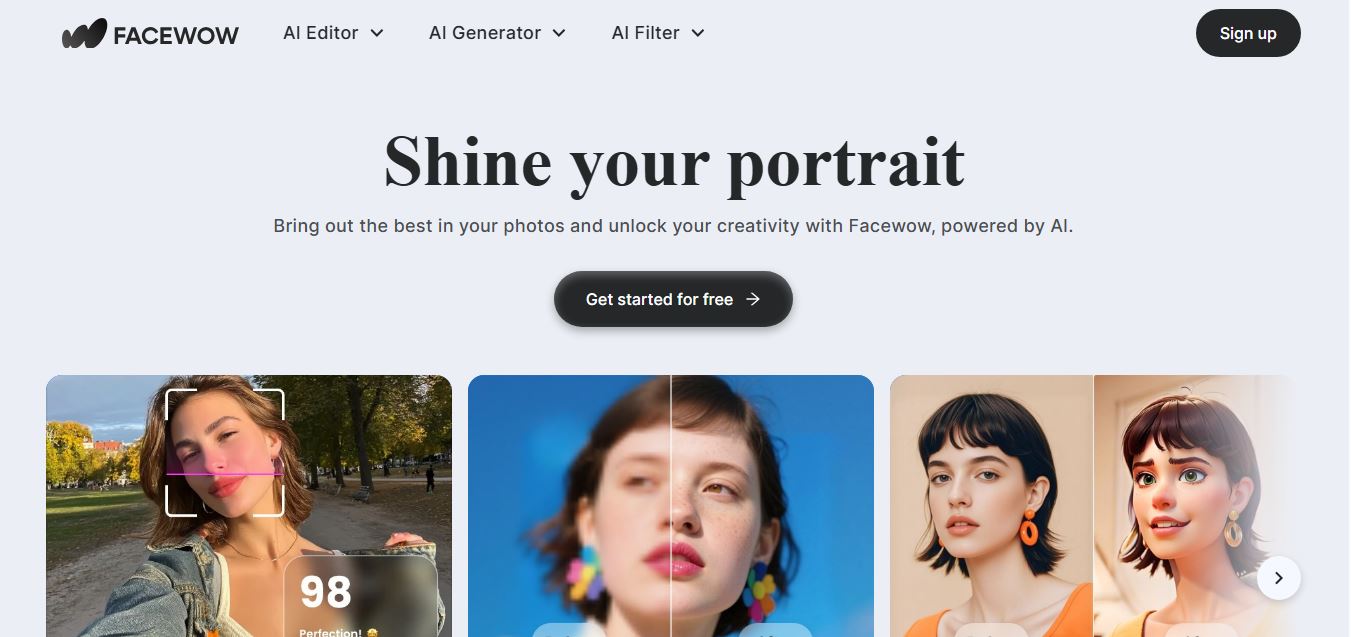
Facewow is an AI-powered photo enhancement tool that helps users improve portraits with features like face retouching, background editing, and image upscaling. It automatically enhances facial details and overall quality, making photos look clearer, more polished, and ready for social media or professional use.
 4.8
4.8Getimg AI
Image
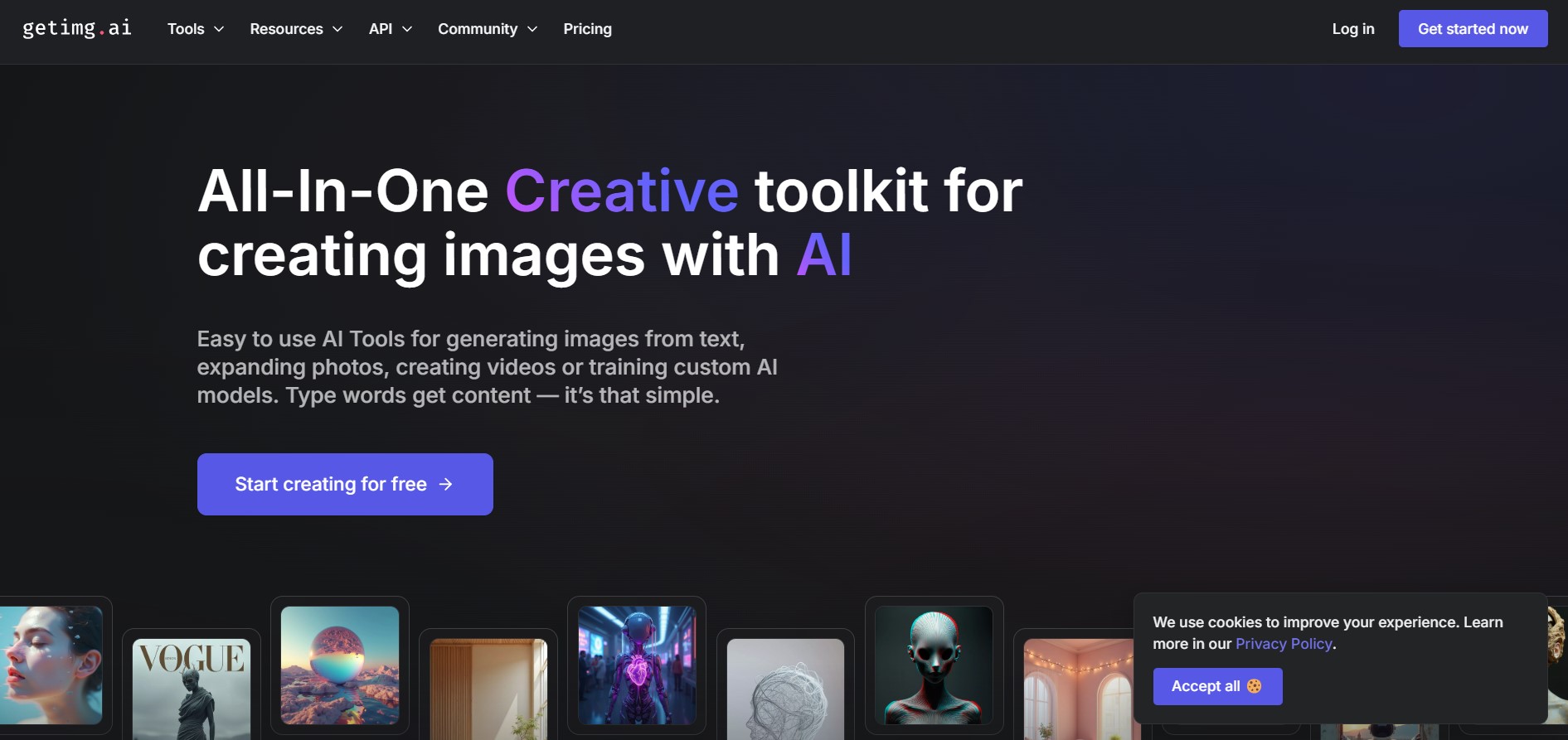
Getimg AI is an all-in-one AI creative studio and API platform that consolidates 20+ foundation models (including FLUX, Google Veo, Kling, Sora, Seedream, and Wan) across text-to-image, video generation, audio synthesis, and canvas editing under a unified credit balance.
 4.9
4.9Civitai
Image
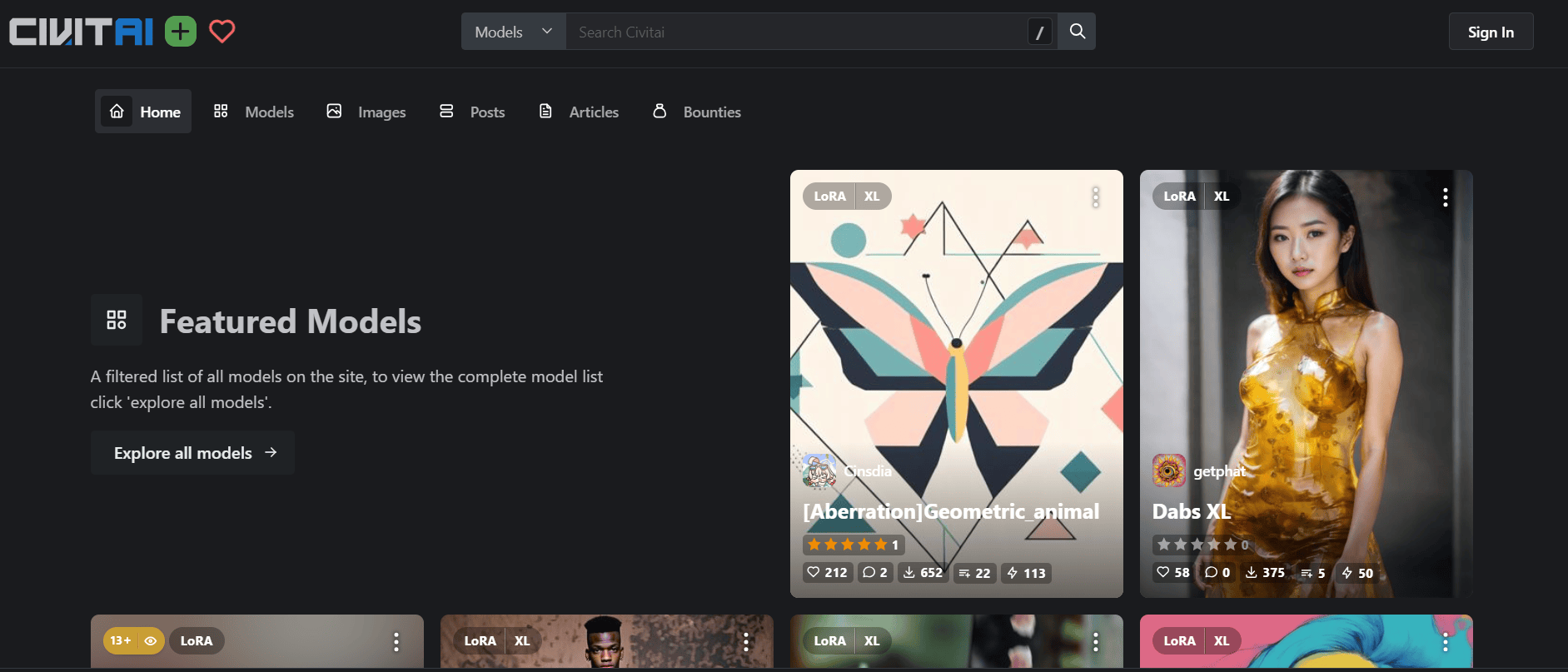
Civitai is the world's largest open-source generative AI model repository and creative community platform, hosting hundreds of thousands of checkpoints, LoRAs, and embeddings across SD 1.5, SDXL, Pony, Illustrious, and FLUX.1 with integrated cloud generation, LoRA training, and creator monetization.
 4.9
4.9OpenAI Sora
Text-to-Image
OpenAI Sora is a flagship diffusion-transformer text-to-video and image-to-video generation model developed by OpenAI, capable of simulating complex real-world physical dynamics, camera movement, synchronized audio, and multi-shot cinematic video sequences up to 1080p resolution.
 4.9
4.9Leonardo AI
Design
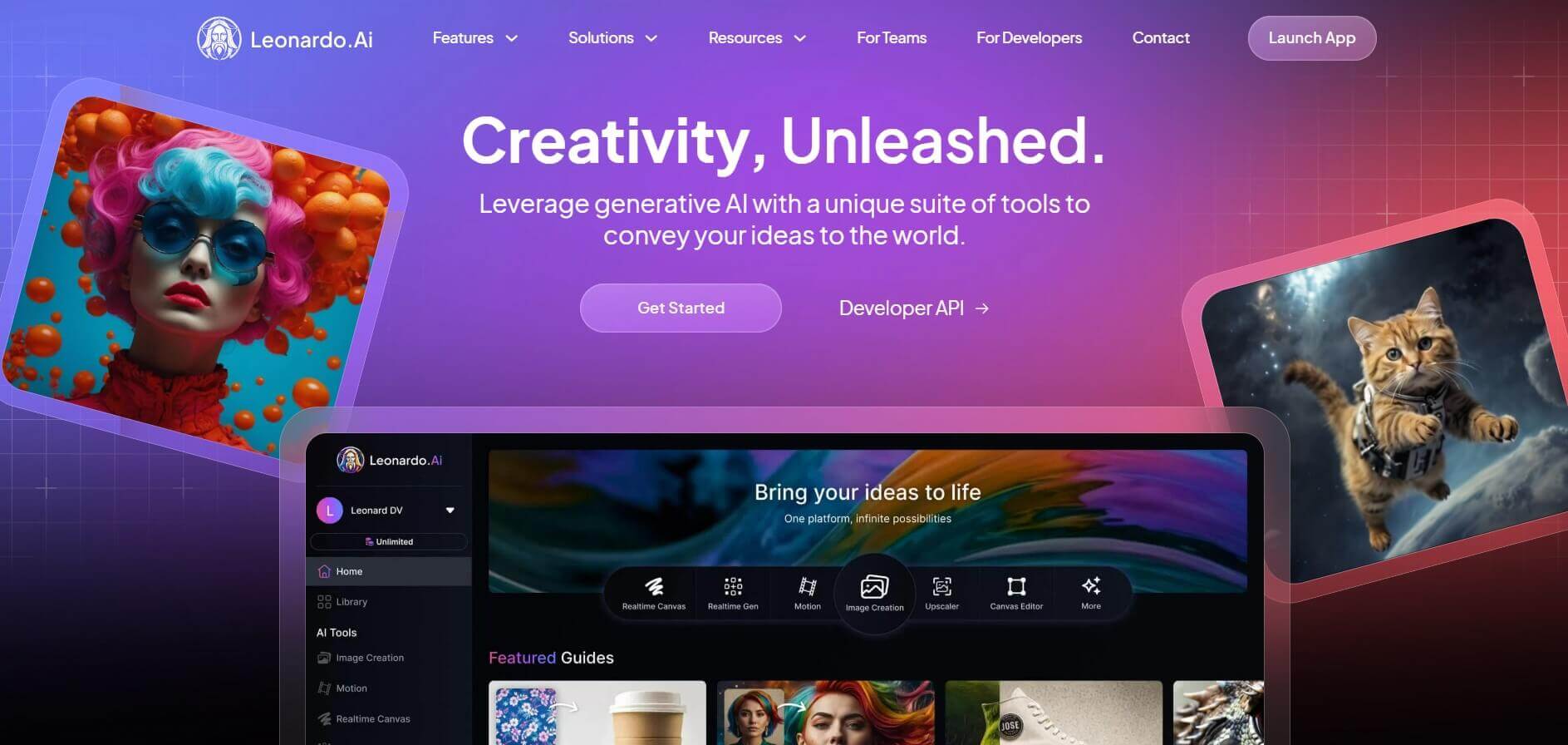
Leonardo is an advanced generative AI platform for image and video creation, featuring custom model fine-tuning (LoRA training), Real-Time Canvas, Real-Time Generation, and multi-model support across proprietary Phoenix, Lucid, and FLUX architectures.