
Pixelcut
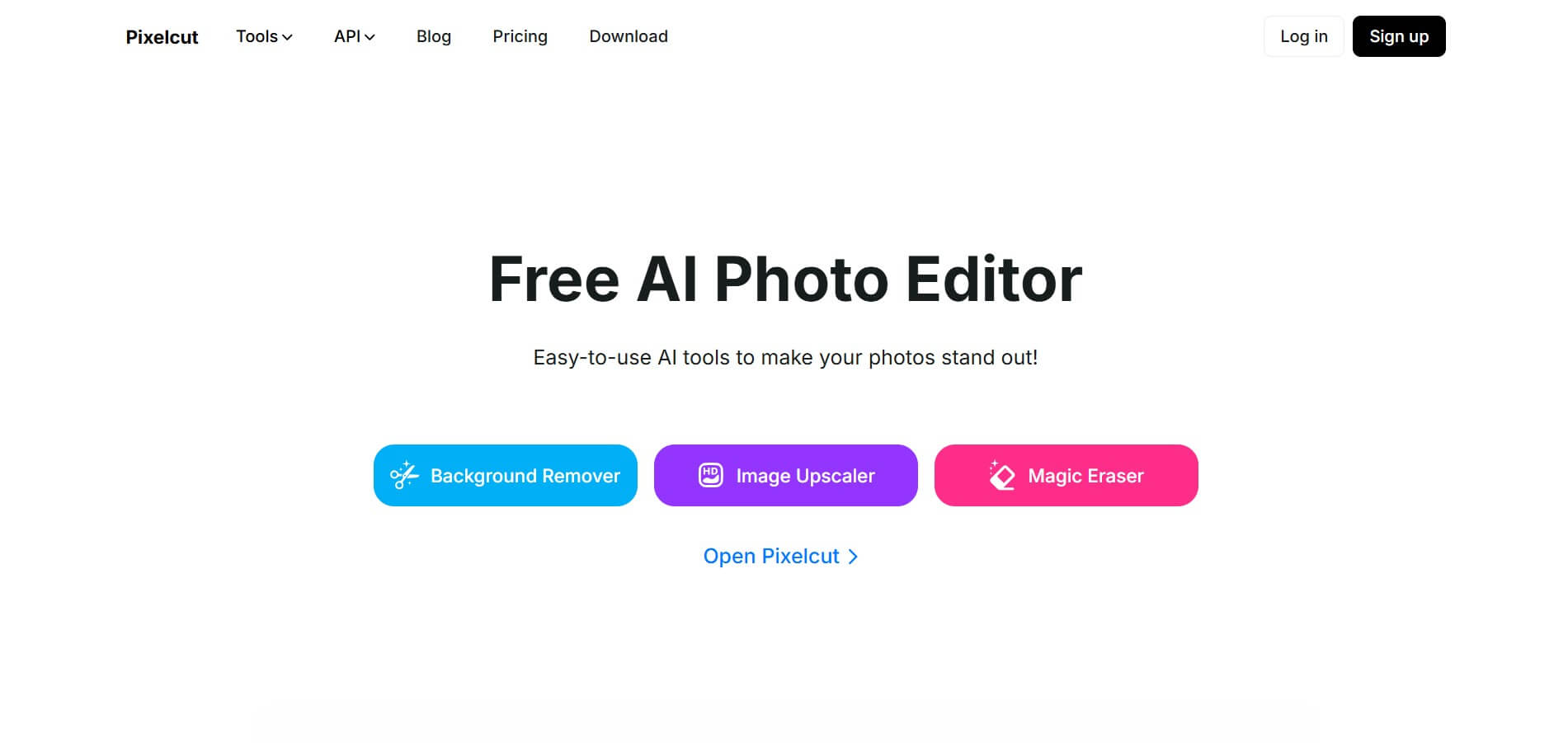
FeaturedPixelcut is an AI-powered image editing platform that simplifies background removal, object erasure, image upscaling, and content generation, ideal for e-commerce, social media, and marketing professionals.
What is Pixelcut?
- Developer: Pixelcut Inc
- Launched: 2022
- Technology: Precision background removal, AI-generated backgrounds and overlays, Magic Eraser, Color recoloring
- Supported Platforms: Web browser, iOS app, Android app, plus developer API for integration
- Use Cases: E-commerce product photography, Social Media Content, Quick visual content for ads.
Pixelcut is an AI-powered image editing tool that makes it easier to create professional-quality images. It is designed for e-commerce businesses, content creators, and marketers and includes a suite of user-friendly features such as background removal, image upscaling, object erasure, and AI-generated backgrounds. Users also have access to a virtual photo studio, bulk editing tools, and a large library of customizable layouts. Pixelcut is available on both web and mobile platforms and allows the process of quickly making high-quality images.
Pixelcut Video/Demo
Key Features
Pixelcut AI key features are
- AI-Powered Image Editing: Pixelcut automatically edits images based on the user's input.
- Background Remover: Pixelcut AI effortlessly removes the background from the image to achieve a clean, professional look.
- Magic Eraser: Remove unwanted objects, people, or text from photos with a simple swipe, ensuring seamless edits
- AI Photoshoot: Pixelcut generates high-quality product photos using AI and eliminates the need for a physical photoshoot setup.
- Template-driven Designs: Pixelcut AI easily creates professional-looking designs using customizable templates.
Pricing
Pixelcut offers various both free and paid plans
Free Plan:
- Offers background removal
- Users can export images without a watermark
Pro Plan:
- The plan starts at $8 per month
- Offers unlimited AI edits
- Offers 300 AI image generation (daily)
- Offers 600 GPU credits per month
Pro+ Plan:
- The plan starts at $24 per month
- Offers unlimited AI edits
- Offers 600 AI image generation (daily)
- Offers 3600 GPU credits per month
- Offers commercial licence
Max Plan:
- The plan starts at $48 per month
- Offers unlimited AI edits
- Offers 1200 AI image generation (daily)
- Offers 9000 GPU credits per month
- Offers commercial licence
Disclaimer: For the latest and most accurate pricing information, please visit the official Pixelcut AI website.
Who is Using Pixelcut?
A wide range of users and organizations are using Pixelcut:
- Content Creators
- Graphic Designers
- Business
- Social Media Marketers
- YouTubers
Pixelcut AI Alternatives
Some Pixelcut alternatives are;
- Cutout Pro
- SnapEdit
- Erase
- Blend
- Pixlr
Conclusion
Pixelcut stands out as a versatile and user-friendly AI-powered image editing tool that is offered to a wide range of users, including retailers and social media influencers. Its user-friendly design and strong capabilities, such as the background removal, image upscaling, and AI-generated backgrounds, make it a key resource to generate professional-quality images. While the free plan offers basic functionality, the Pro Membership unlocks the tool's full power, making it an excellent platform for anyone wishing advanced editing capabilities.
Also Check:
FAQ
Can I use Pixelcut for free?
Yes, Pixelcut offers both free and paid plans.
What is Pixelcut?
Pixelcut is an AI-powered image editor that offers tools like background removal, object erasure, image upscaling, and content generation, designed for e-commerce, social media, and marketing professionals.
Is Pixelcut available on mobile devices?
Yes, Pixelcut is available as a mobile app for both iOS and Android devices, providing editing capabilities on the go.
Can I use Pixelcut for personal photo editing?
Yes, Pixelcut is suitable for personal photo editing, offering tools to enhance and modify your images.
User Reviews
No reviews yet for Pixelcut.
Featured Tools
Featured AI tools from TechShark

Melody Genie
MelodyGenie is an AI-powered music generator that creates original songs from simple text prompts. Users can choose styles, moods, and genres, then instantly generate melodies and full tracks, making it easy for creators, marketers, and hobbyists to produce custom music without musical expertise.
Freemium

Kimi AI
Kimi AI is an advanced AI assistant developed by Moonshot AI that helps you chat, research, write, code, and automate tasks in one place. It supports web search, file analysis, and multimodal inputs, and can even run autonomous “agent” workflows to complete complex tasks end-to-end.
Freemium

Fashion Diffusion AI
Fashion Diffusion is an AI-powered fashion design platform that helps brands and designers create clothing designs, virtual try-ons, AI models, product photos, and marketing visuals faster and cost-effectively.
Paid

Veo 4
Veo 4 AI is an AI video creation platform that generates dramatic videos from text, images, audio, and video prompts using realistic motion and synchronized sound.
Paid
Alternatives
Alternatives to Pixelcut
Pixelcut is an AI-powered image editor offering tools like background removal, object erasure, image upscaling, and content generation. It's tailored for e-commerce, social media, and marketing professionals seeking efficient and professional-grade photo editing.
 4.9
4.9Adobe Firefly Remove Background
Background Remover
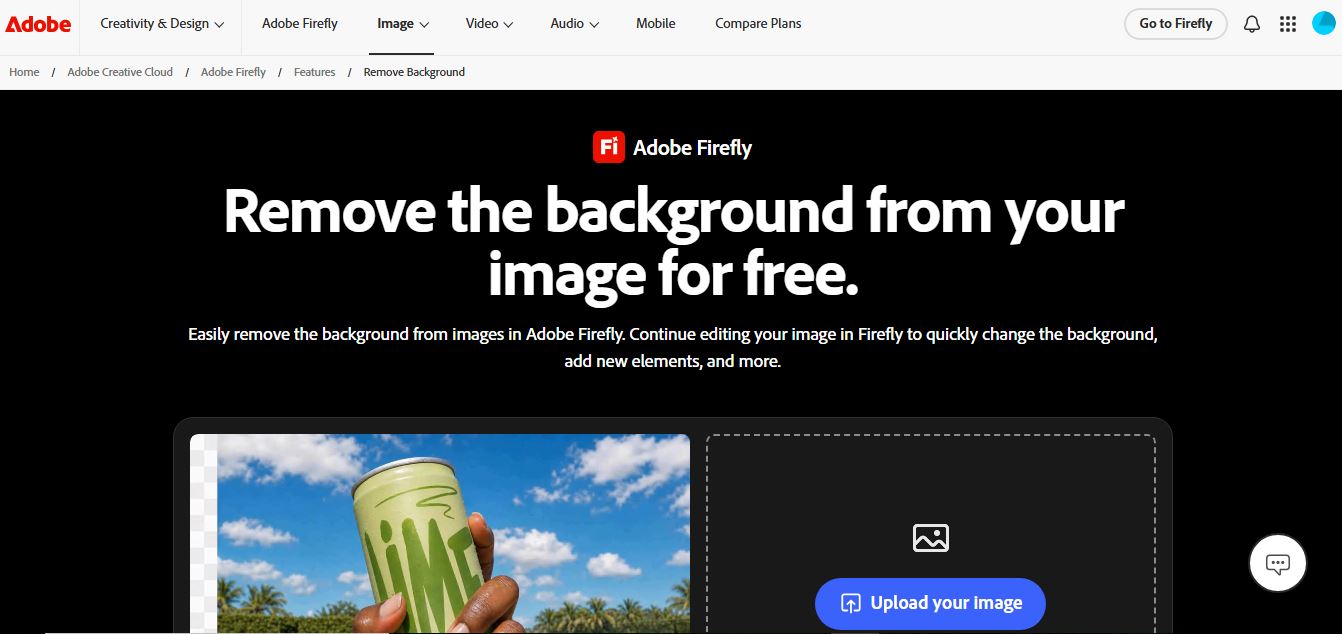
Adobe Firefly Background Remover is an AI-powered tool that helps users instantly remove image backgrounds and create clean, transparent cutouts. It automatically detects subjects, preserves fine details, and allows background replacement or further editing, making it ideal for design, ecommerce, and marketing workflows.
 4.9
4.9Pixelcut Background Remover
Background Remover
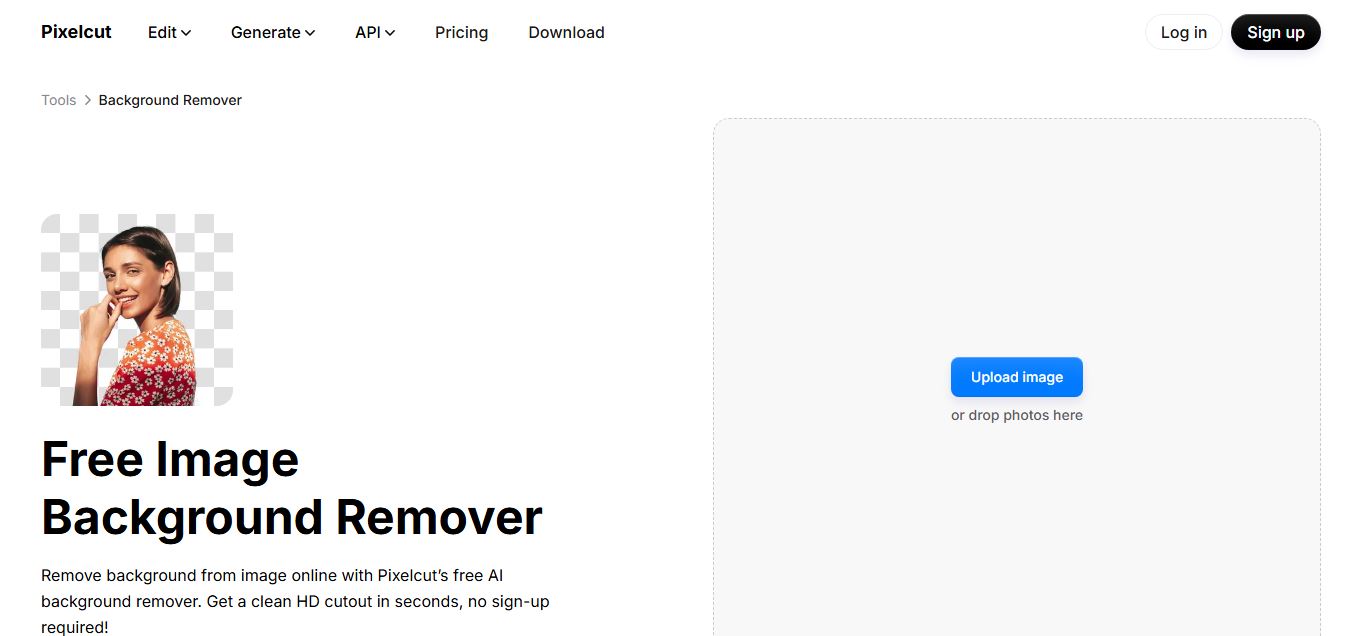
Pixelcut Background Remover is an AI-powered tool that helps users instantly remove backgrounds from images and create clean, professional visuals. It automatically detects subjects, supports batch editing, and allows background replacement, making it ideal for ecommerce, social media, and marketing workflows.
 4.8
4.8Removal AI
Background Remover
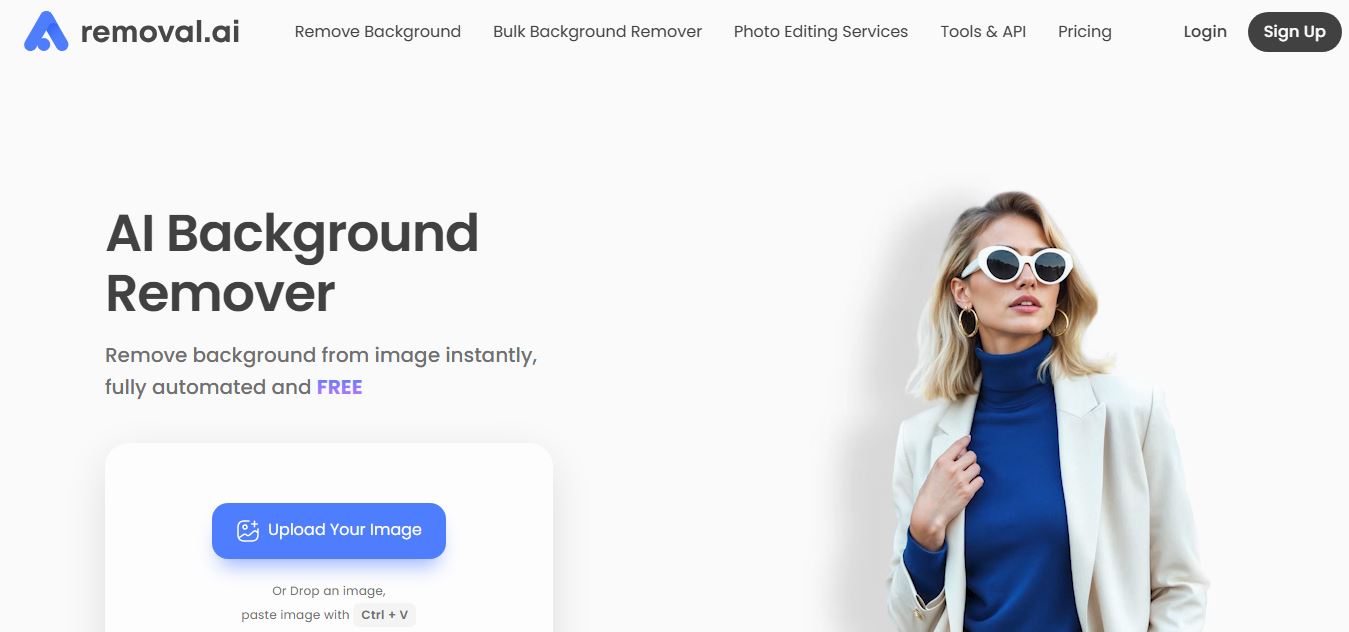
Removal.AI is an AI-powered background remover that helps users instantly cut out subjects from images and create clean, transparent, or custom backgrounds. It automates photo editing with precise edge detection, batch processing, and API integration, making it ideal for ecommerce, design, and marketing workflows.
 4.3
4.3Dzine AI
Image
Dzine AI is an AI-powered image generation and editing platform offering tools like background removal, 2D-to-3D conversion, and AI character creation, tailored for designers and creators.
 4.5
4.5BGBye
Image
BGBye is a free AI tool that removes backgrounds from images and videos quickly using multiple advanced models, no installation needed.