
Removal AI
Removal.AI is an AI-powered background remover that helps users instantly cut out subjects from images and create clean, transparent, or custom backgrounds. It automates photo editing with precise edge detection, batch processing, and API integration, making it ideal for ecommerce, design, and marketing workflows.

What is Removal.ai?
Removal.ai is an AI-powered image editing tool that automatically removes backgrounds from photos in seconds. It uses advanced computer vision to detect subjects like people, products, and objects, delivering clean cutouts with high accuracy. Users can upload images, get transparent backgrounds instantly, and further edit visuals by adding new backgrounds, shadows, or effects. Designed for designers, marketers, and eCommerce sellers, it simplifies photo editing workflows and helps create professional visuals without needing advanced design skills.
Launched in 2020 by image processing and digital editing specialists, Removal.ai has scaled into a widely recognized automated cutout utility processing millions of images monthly worldwide. Trained on diverse visual datasets spanning studio portraits, animal fur, intricate hair strands, e-commerce merchandise, and automobile contours, Removal.ai combines automated background replacement with a built-in lightweight photo editor, batch background remover desktop software for Windows and macOS, and scalable REST API endpoints supporting high-throughput commercial software integrations.
- Platform / Developer: Removal.ai (Global AI Imaging & Creative Suite)
- Launch Year: 2020 (Expanded with bulk background processing, Adobe Photoshop plugins, desktop software, and high-volume REST APIs through 2024–2026)
Use Cases:
- Isolating retail merchandise and creating standardized pure white backgrounds for Amazon, Shopify, eBay, and Etsy product listings
- Extracting individual and corporate headshots with delicate hair strand preservation for team directories, ID badges, and resumes
- Automating batch background removal across thousands of catalog images via desktop batch utilities or developer REST APIs
- Creating clean transparent PNG graphics for graphic design overlays, advertising banners, and social media flyers
Technology:
- Deep learning computer vision segmentation algorithms trained on high-contrast and low-contrast edge delineation
- Fine-grained alpha matting pipeline preserving translucent elements, flyaway hair strands, fur, and delicate fabric textures
- GPU-accelerated cloud infrastructure executing sub-second cutouts with automated API rate handling and multi-region routing
Target Users:
- E-commerce store owners and catalog managers preparing marketplace-compliant white-background product photography
- Graphic designers, digital marketers, and photo retouchers accelerating cutout production timelines
- Software developers and engineering teams embedding automated image cutout pipelines into web applications via API
- Content creators using writing tools to draft product listings, e-commerce descriptions, and design asset briefs
Corporate Entity: Operates as Removal.ai (Global)

Key features of Removal.ai
Removal.ai's key features are
- Instant One-Click Background Removal: Automatically detects foreground subjects and removes backdrops in under 3 seconds with zero manual lassoing.
- Intricate Edge & Hair Matting: Advanced computer vision models preserve fine details such as wispy hair, animal fur, transparent glass, and intricate borders.
- Bulk Background Remover Software: Dedicated desktop utility for Windows and Mac that batches and processes hundreds of images simultaneously.
- Built-In Online Photo Editor: Add solid color backdrops, insert custom background scenery, adjust canvas sizes, erase minor flaws, and add typography directly inside the browser.
- High-Resolution Full HD Export: Download crystal-clear transparent PNG cutouts up to high megapixel resolutions for professional print and digital use.
- High-Speed REST API Integration: Easily connect automated cutout pipelines into external web applications, ERPs, and e-commerce stores with cURL, Python, PHP, or Node.js.
- Adobe Photoshop Extension: Integrate background removal workflows directly inside Adobe Photoshop without leaving your native design canvas.
- Flexible Lifetime & Subscription Credits: Choose between monthly recurring subscriptions with roll-over credits or lifetime pay-as-you-go credit bundles valid for up to 3 years.
Removal.ai Pricing
Removal.ai operates on a freemium pricing structure offering free low-resolution preview downloads alongside monthly recurring subscriptions and lifetime pay-as-you-go credit packages.
Free Plan:
- $0 / Free forever
- Includes unlimited low-resolution preview downloads (up to 0.25 megapixels) on the web, 1 free high-resolution download credit upon sign-up, and 50 free API preview calls per month
Monthly Subscription Plans:
- 40 Credits / month: $5.99 ($0.15 / image)
- 200 Credits / month: $25.99 ($0.13 / image)
- 500 Credits / month: $63.99 ($0.13 / image)
- 1,200 Credits / month: $120.90 ($0.10 / image)
- 5,000 Credits / month: $359.90 ($0.07 / image)
- High-volume monthly tiers scale up to 50,000 credits / month at $1,650.00 ($0.03 / image); unused credits roll over as long as the subscription remains active
Lifetime / Pay-As-You-Go Credit Packs:
- 3 Credits: $1.89 ($0.63 / image)
- 25 Credits: $8.99 ($0.35 / image)
- 150 Credits: $45.99 ($0.30 / image)
- 350 Credits: $95.99 ($0.27 / image)
- 800 Credits: $189.99 ($0.23 / image)
- Credits purchased via Lifetime plans do not expire for 3 years
Disclaimer: Prices are listed in USD. Subscriptions include a 14-day money-back guarantee (restricted to 50 downloads). Check removal.ai/pricing for active promotional discounts and enterprise API volume tiers.
Who is using Removal.ai?
Removal.ai is designed for e-commerce sellers, creative agencies, and developers, including
- E-Commerce Sellers & Amazon Merchants: Transforming amateur product photos into professional white-backdrop marketplace listings
- Graphic Designers & Marketers: Extracting people, vehicles, and products for promotional banners, social media assets, and advertising layouts
- Photography Studios & Headshot Retouchers: Accelerating turnaround times when preparing corporate team directories and school portrait composites
- Software Developers & Product Teams: Integrating automated background cutout functionality into custom print-on-demand and photo apps via API
- Content Creators: Using writing tools to draft product listings, e-commerce descriptions, and design asset briefs
- Digital Print & Merchandising Vendors: Isolating artwork and client logos for custom t-shirts, mugs, and merchandise printing
Best Removal.ai Alternatives
Some of the strongest Removal.ai alternatives include
- Remove.bg
- Photoroom
- Erase.bg
- Cutout.pro
- Clipdrop (by Jasper)
- Slazzer
Pros and Cons of Removal.ai
Pros
- Fast, high-precision subject segmentation that handles tricky edges like hair and fur accurately
- Flexible pricing structure with both rolling monthly subscriptions and pay-as-you-go lifetime credit packs valid for 3 years
- Desktop software for Windows and macOS simplifies bulk batch processing without manual browser uploads
- Built-in web editor allows basic background adjustments, canvas resizing, and text additions directly in-browser
- Developer-friendly REST API provides seamless integration with comprehensive documentation and code samples
Cons
- Free web downloads are restricted to lower preview resolutions (0.25 MP) with full HD requiring paid credits
- Pay-as-you-go lifetime credit packs carry a higher per-image cost ($0.23–$0.63) than high-volume monthly subscriptions
- Complex backgrounds featuring identical color schemes between foreground subject and background may require manual brush touch-ups
- Focuses primarily on cutouts and basic canvas edits rather than full generative AI object creation or scene staging
Why Choose Removal.ai?
Removal.ai is the premier choice for e-commerce sellers, marketing teams, and developers who need an accurate, cost-effective background removal tool that supports both one-off browser edits and bulk automated API workflows.
- Remove backgrounds automatically in under 3 seconds with precision edge matting
- Process hundreds of product images at once using desktop bulk software
- Embed high-speed cutout processing into your software stack using scalable REST APIs
- Benefit from credits that roll over with active subscriptions or pay-as-you-go packs valid for 3 years
- Trusted by thousands of e-commerce brands and creative professionals worldwide
Removal.ai vs. Competitors
The main difference between Removal.ai, Remove.bg, Photoroom, and Clipdrop is that Removal.ai offers a balanced combination of desktop bulk software, developer REST APIs, and flexible pay-as-you-go lifetime credits alongside subscriptions, whereas Remove.bg is the legacy industry leader with higher per-image subscription pricing, Photoroom specializes in mobile-first AI studio staging and product photography templates, and Clipdrop focuses on an expansive suite of generative AI manipulation tools. Removal.ai stands out for its bulk desktop tooling, competitive credit pricing, and straightforward API integration.
| Feature / Tool | Removal.ai (removal.ai) | Remove.bg | Photoroom | Clipdrop |
|---|---|---|---|---|
| Core Focus | AI Background Removal & Bulk API Workflows | Pioneer Background Removal & Enterprise API | Mobile Product Studio & E-commerce Staging | Generative AI Image Editing & Inpainting |
| Desktop Bulk App | Yes (Windows & Mac Dedicated App) | Yes (Windows / Mac / Linux) | Web & Mobile Focused | Web & Mobile Focused |
| Credit Validity | Monthly Roll-Over / Lifetime (3 Years) | Monthly Roll-Over (up to 5x) / Pay-as-you-go (2 yrs) | Subscription Based | Subscription Based |
| In-App Photo Editor | Yes (Canvas, Text, Backgrounds) | Basic Eraser & Backdrop Swap | Advanced Studio Shadow & Template Suite | Advanced Generative AI Relight/Cleanup |
| Starting Paid Price | $5.99/mo (40 credits) / $1.89 pay-as-you-go | $9.00/mo (40 credits) / $1.99 pay-as-you-go | $12.99/mo (or Pro annual) | $13.00/mo (or Pro annual) |
| Best For | Cost-Effective Bulk Cutouts & API Integrations | Enterprise High-Volume Brand Reliability | Mobile E-Commerce Sellers & Resellers | Creative Visual Artists & Generative Editing |
How do we rate Removal.ai?
| Parameter | Rating (out of 5) |
|---|---|
| Cutout Precision & Hair/Edge Segmentation | 4.8 |
| Processing Speed & API Reliability | 4.9 |
| Bulk Desktop Software & Plugins | 4.8 |
| Editor Features & Ease of Use | 4.7 |
| Value for Money | 4.9 |
| Overall Score | 4.82 |
Removal.ai Review
Removal.ai provides an efficient, dependable background removal solution for users who need clean cutouts without paying premium enterprise prices. While market leader Remove.bg has established widespread brand recognition, Removal.ai delivers comparable edge detection and hair matting accuracy at a more competitive price point. The platform's dedicated desktop application for Windows and Mac makes processing large product batches straightforward, avoiding the friction of repeatedly uploading files through a browser window. Coupled with a responsive REST API and lifetime credits that stay valid for up to 3 years, Removal.ai is a practical asset for e-commerce stores, digital agencies, and developers seeking reliable image background processing.
Conclusion
Removal.ai is a capable AI image background remover and photo editing platform that streamlines visual production for modern businesses. By uniting automated one-click subject segmentation, delicate hair matting, desktop bulk tools, and high-throughput REST APIs into an accessible service, it eliminates the manual effort of photo masking. While creative professionals looking for complete AI scene generation and generative relighting may look toward tools like Clipdrop or Photoroom, Removal.ai’s cutout precision, bulk processing efficiency, and cost-effective credit options make it an essential graphic utility.
FAQ
hat is Removal.AI and how does it work?
Removal.AI is an AI-powered background removal tool that automatically separates the main subject from the background in images within seconds. You upload a photo (JPG/PNG), and the AI detects edges, removes the background, and outputs a transparent or edited version. It works via web app, desktop software, and API, making it suitable for both casual users and developers.
What problem does Removal.AI solve?
Removal.AI solves the problem of manual photo editing and time-consuming background removal. Traditionally, cutting out subjects requires tools like Photoshop and advanced skills, but this platform automates the process, saving hours for designers, marketers, and e-commerce teams working with product images.
What features does Removal.AI offer?
Removal.AI offers features like automatic background removal, batch processing, background replacement, API access, and basic editing tools. It also supports folder uploads for bulk processing, automatic cropping, and outputs in transparent, white, or custom backgrounds, making it useful for product listings and marketing creatives.
Can Removal.AI process images in bulk?
Yes, Removal.AI supports bulk background removal, allowing users to upload entire folders and process hundreds of images at once. This is especially useful for e-commerce businesses and agencies handling large volumes of product photos or marketing assets.
Does Removal.AI provide an API for developers?
Yes, Removal.AI offers a background removal API that allows developers to integrate the tool into apps, websites, or workflows. The API supports file uploads, image URLs, and Base64 inputs, and can process images up to 25 megapixels, making it suitable for scalable applications.
Is Removal.AI free to use?
Yes, Removal.AI has a free plan, but it is limited to low-resolution images and personal use. High-resolution downloads and advanced features require paid credits, making the free version more suitable for testing or light usage.
Who should use Removal.AI?
Removal.AI is ideal for e-commerce sellers, designers, marketers, photographers, and developers who need fast and scalable background removal. It’s especially useful for product images, social media creatives, and marketplaces like Amazon or Shopify where clean visuals are critical.
How much does Removal.AI cost?
Removal.AI uses a credit-based pricing model, where each high-resolution image download costs one credit. Monthly plans start around $5.99 for 100 credits, while lifetime credit packs start from about $1.89, and high-volume enterprise solutions are available for larger needs.
User Reviews
No reviews yet for Removal AI.
Featured Tools
Featured AI tools from TechShark

Melody Genie
MelodyGenie is an AI-powered music generator that creates original songs from simple text prompts. Users can choose styles, moods, and genres, then instantly generate melodies and full tracks, making it easy for creators, marketers, and hobbyists to produce custom music without musical expertise.
Freemium

Kimi AI
Kimi AI is an advanced AI assistant developed by Moonshot AI that helps you chat, research, write, code, and automate tasks in one place. It supports web search, file analysis, and multimodal inputs, and can even run autonomous “agent” workflows to complete complex tasks end-to-end.
Freemium

Fashion Diffusion AI
Fashion Diffusion is an AI-powered fashion design platform that helps brands and designers create clothing designs, virtual try-ons, AI models, product photos, and marketing visuals faster and cost-effectively.
Paid

Veo 4
Veo 4 AI is an AI video creation platform that generates dramatic videos from text, images, audio, and video prompts using realistic motion and synchronized sound.
Paid
Alternatives
Alternatives to Removal AI
The best Removal.ai alternatives include Remove.bg, Photoroom, Erase.bg, Cutout.pro, Clipdrop, and Slazzer. These platforms provide AI background removal, photo editing, and automated subject segmentation. While Removal.ai specializes in precision edge matting, desktop bulk background processing software, and affordable developer REST APIs with 3-year lifetime credits, alternatives like Remove.bg offer enterprise integration scale, and Photoroom specializes in mobile product staging and e-commerce templates. Choosing the right tool depends on whether you require bulk desktop processing and cost-effective credit packages, mobile studio templates, or enterprise-level automated pipelines.
 4.8
4.8Slazzer
Background Remover
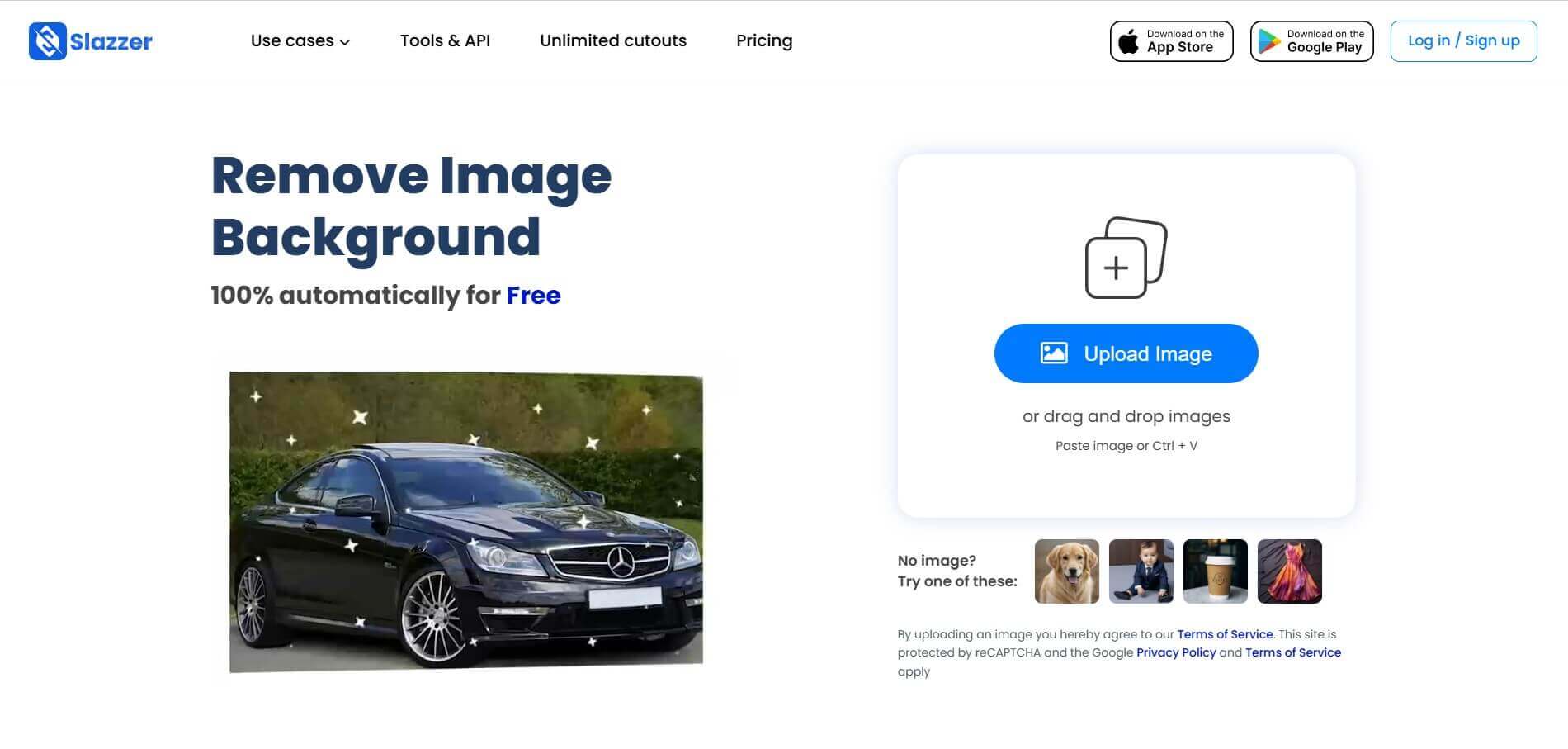
Slazzer is an AI-powered image editing tool that removes backgrounds, enhances photo quality, upscales images, and adds realistic shadows. It helps e-commerce sellers, designers, photographers, and marketers create professional visuals quickly. With batch processing and integrations, Slazzer simplifies image editing for personal and business use.
 4.9
4.9Adobe Firefly Remove Background
Background Remover
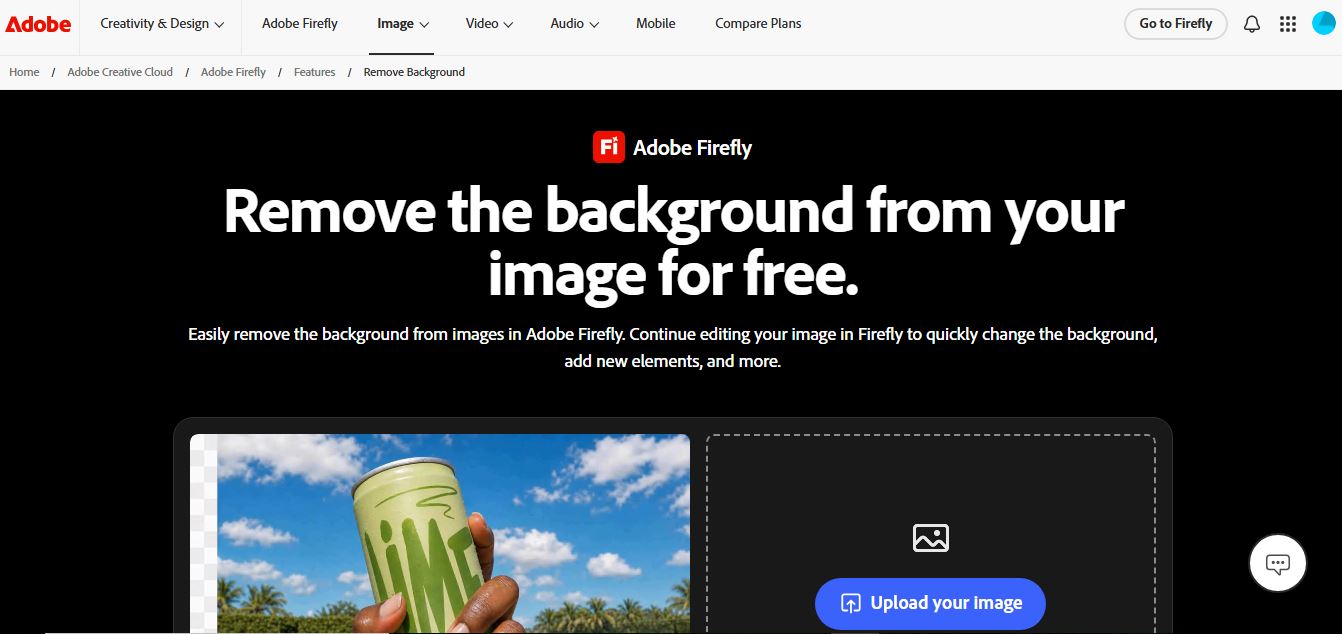
Adobe Firefly Background Remover is an AI-powered tool that helps users instantly remove image backgrounds and create clean, transparent cutouts. It automatically detects subjects, preserves fine details, and allows background replacement or further editing, making it ideal for design, ecommerce, and marketing workflows.
 4.9
4.9Pixelcut Background Remover
Background Remover
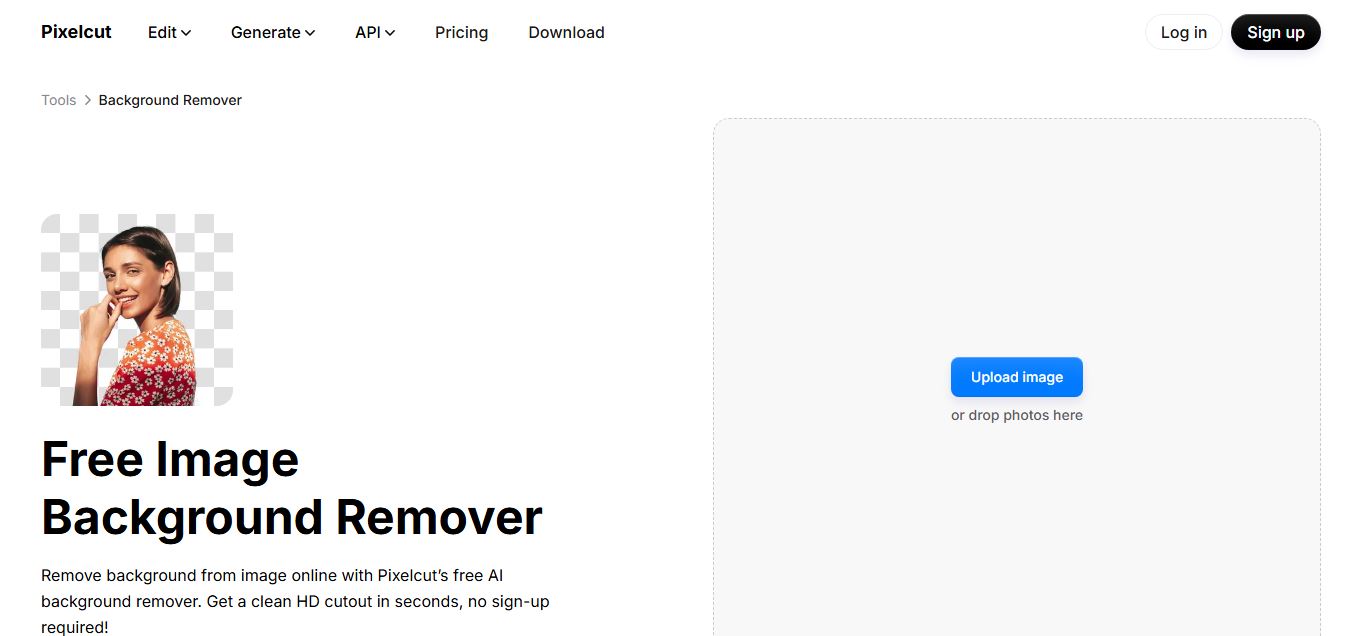
Pixelcut Background Remover is an AI-powered tool that helps users instantly remove backgrounds from images and create clean, professional visuals. It automatically detects subjects, supports batch editing, and allows background replacement, making it ideal for ecommerce, social media, and marketing workflows.
 4.3
4.3Dzine AI
Image
Dzine AI is an AI-powered image generation and editing platform offering tools like background removal, 2D-to-3D conversion, and AI character creation, tailored for designers and creators.
 4.5
4.5BGBye
Image
BGBye is a free AI tool that removes backgrounds from images and videos quickly using multiple advanced models, no installation needed.
 4.5
4.5Pixelcut
Image
Pixelcut is an AI-powered image editing platform that simplifies background removal, object erasure, image upscaling, and content generation, ideal for e-commerce, social media, and marketing professionals.