
Qwen TTS Demo
Qwen TTS Demo is a browser-based AI speech generator that converts written text into audio. Hosted on Hugging Face, it lets users enter text, select an available speaker, and generate spoken output. It is useful for testing narration, creating audio samples, exploring synthetic voices, and evaluating text-to-speech capabilities without coding.
What is Qwen TTS Demo?
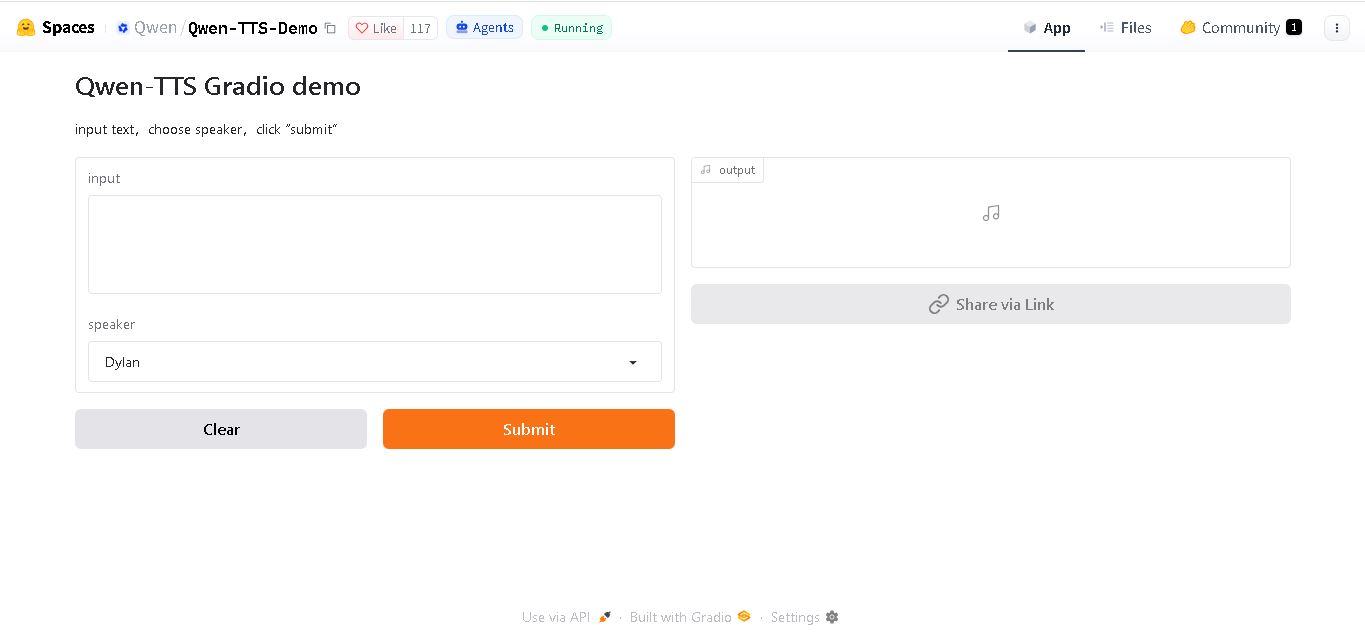
Qwen TTS Demo is a browser-based text-to-speech tool available on Hugging Face that converts written text into spoken audio. Developed by the Qwen team, it provides an accessible way to explore AI-generated speech without building a text-to-speech application from scratch. Users can enter text, select an available speaker, and generate audio through an interactive interface. It is useful for experimenting with voice generation, preparing narration, and evaluating synthetic speech for different content needs.
Qwen TTS Demo is hosted on Hugging Face Spaces and uses a Gradio interface for speech generation. Its basic workflow involves 3 steps: entering text, choosing a speaker, and submitting the request. The demo provides an accessible way to test text-to-speech technology directly in a browser. No advanced programming knowledge is required for basic use. The broader Qwen3-TTS model family includes 2 model sizes, 0.6 billion and 1.7 billion parameters, with different configurations for voice generation and customization.
- Author / Developer: Qwen Team (Alibaba Cloud AI Lab)
- Framework & Hosting: Hugging Face Spaces (ZeroGPU / Gradio Interface)
Use Cases:
- Testing Qwen's speech synthesis capabilities across English, Chinese, and regional dialects
- Generating natural voiceovers for e-learning materials, social media videos, and audiobooks
- Evaluating instruction-driven voice control (adjusting tone, emotion, and speaking rate via text prompts)
- Auditioning preset voice profiles before integrating Qwen TTS models into local or cloud API pipelines
Technology:
- Qwen speech LLM architecture leveraging discrete multi-codebook neural acoustic tokenization
- Instruction-guided voice synthesis engine supporting multi-dimensional acoustic attribute control
- Hugging Face ZeroGPU dynamic hardware allocation for zero-cost, high-speed web inference
Target Users:
- AI developers and speech engineers prototyping multilingual voice agents and real-time TTS services
- Localization managers evaluating voice fidelity and multi-language pronunciation accuracy
- Content creators using writing tools to draft scripts, video narrations, and audio transcriptions
Corporate / Community Entity: Alibaba Cloud (Qwen Team)

Key features of Qwen TTS Demo
Qwen TTS Demo's key features are
- Multilingual Speech Synthesis: Generates fluent speech across English, Chinese, Japanese, Korean, German, French, Russian, Portuguese, Spanish, and Italian.
- Semantic-Driven Emotion & Prosody: Automatically adapts cadence, emphasis, and emotional tone based on input text semantics and natural language instructions.
- Diverse Voice Presets & Voice Design: Choose from built-in character voices or design customized voice timbres for distinct narration roles.
- Low-Latency Acoustic Codec Generation: Powered by efficient neural audio tokenization to minimize generation time and initial audio packet latency.
- ZeroGPU Hugging Face Acceleration: Free interactive web-based execution with zero local CUDA setup or hardware requirements.
- Exportable Audio Output: Download synthesized speech in standard high-quality WAV audio formats for immediate project integration.
Qwen TTS Demo Pricing
Qwen TTS Demo is completely free to use via Hugging Face Spaces, supported by community ZeroGPU hosting and Alibaba Cloud's open-weight model releases.
Free Hugging Face Space:
- $0 / Free forever
- Unlimited web testing via Hugging Face ZeroGPU queue
Self-Hosted / Open-Source (Qwen TTS Models):
- 100% Free / Open-Weight License
- Model weights available for local deployment or dedicated cloud GPU hosting (e.g., NVIDIA RTX 4090 / L4 GPUs)
Disclaimer: Public Hugging Face Spaces share ZeroGPU queue capacity and may experience short waiting periods during peak usage. For enterprise high-throughput endpoints, model weights can be deployed locally or hosted on dedicated GPU instances.
Who is using Qwen TTS Demo?
Qwen TTS Demo is designed for AI developers, content creators, and voice engineers, including
- Voice AI Developers: Evaluating Qwen's TTS latency, prosody, and language coverage before API or local integration
- Multilingual Content Creators: Producing fast voiceovers and narrations across global languages
- Audiobook & Podcast Producers: Testing expressive character voices and conversational speech cadence
- Content Creators: Using writing tools to draft script outlines, video transcripts, and dubbing notes
Best Qwen TTS Demo Alternatives
Some of the strongest Qwen TTS Demo alternatives include
Pros and Cons of Qwen TTS Demo
Pros
- High-fidelity natural voice output with strong semantic text understanding and emotional tone adaptation
- Extensive multilingual support spanning major Asian and Western languages
- Free interactive web testing backed by Hugging Face ZeroGPU infrastructure
- Open-weight foundation allowing custom self-hosting and fine-tuning for commercial applications
Cons
- Shared Hugging Face Space queues may result in temporary processing delays during high community traffic
- Complex instruction prompts require fine-tuning to achieve precise acoustic style matching
- Heavy background noise in uploaded reference audio can occasionally impact voice cloning clarity
Why Choose Qwen TTS Demo?
Qwen TTS Demo offers an accessible, zero-cost platform to explore Alibaba's state-of-the-art open speech generation capabilities.
- Combines rich semantic text comprehension with expressive, human-like voice synthesis
- Supports extensive global language coverage and natural dialect variations
- Instant browser execution with no installation, API keys, or GPU hardware needed
- Backed by open-weight model architectures for seamless transition to production
Qwen TTS Demo vs. Competitors
The main difference between Qwen TTS Demo, ElevenLabs, Kokoro-TTS, and ChatTTS is that Qwen leverages Alibaba's unified LLM and discrete speech tokenization to deliver instruction-driven multilingual synthesis with strong semantic context, whereas ElevenLabs operates as a closed-source commercial cloud platform, Kokoro-TTS focuses on an ultra-lightweight 82M model footprint, and ChatTTS specializes in conversational dialogue with conversational fillers. Qwen stands out for its deep multi-language coverage and open-weight flexibility.
| Feature / Tool | Qwen TTS Demo (HF Space) | ElevenLabs | Kokoro-TTS | ChatTTS |
|---|---|---|---|---|
| Core Focus | Multilingual Instruction-Driven TTS Demo | Commercial Cloud Voice AI | Ultra-Lightweight Open TTS | Conversational Dialogue Speech AI |
| Multilingual Coverage | High (10+ Major Languages) | High (30+ Languages) | Moderate (EN, FR, ZH, JP) | Moderate (English & Chinese) |
| Instruction-Based Control | Yes (Emotion, Tone, & Speed) | Yes (Voice Design & Prompting) | Basic (Speed & Voice Profiles) | Yes (Laughter & Pause Tags) |
| Open License | Yes (Open-Weight Models) | No (Proprietary SaaS) | Yes (Apache 2.0) | Yes (Open Source) |
| Starting Price Range | Free / Self-Hosted Open-Source | Free tier / $5–$330+ per month | Free open-source | Free open-source |
| Best For | Multilingual voice generation with instruction control | Enterprise voice cloning and video dubbing | Low-latency, lightweight local speech synthesis | Conversational speech with realistic filler sounds |
How do we rate Qwen TTS Demo?
| Parameter | Rating (out of 5) |
|---|---|
| Voice Naturalness & Expressiveness | 4.8 |
| Multilingual Accuracy & Pronunciation | 4.9 |
| ZeroGPU Performance & Web UX | 4.7 |
| Open-Weight Developer Flexibility | 4.9 |
| Value for Money | 5.0 |
| Overall Score | 4.86 |
Qwen TTS Demo Review
Qwen TTS Demo on Hugging Face provides an excellent showcase of Alibaba Cloud's state-of-the-art speech synthesis research. By marrying large language model text comprehension with discrete acoustic tokenization, the model produces speech that feels genuinely responsive to sentence meaning and emotion. The clean Gradio interface on ZeroGPU makes it effortless for developers and creators to evaluate voice quality across multiple global languages. For teams exploring open-weight, production-grade text-to-speech models, Qwen TTS Demo stands out as a top-tier benchmark in 2026.
Conclusion
Qwen TTS Demo offers a practical starting point for anyone interested in converting written content into natural-sounding speech. Its simple browser interface makes it accessible to beginners, content creators, educators, and developers exploring voice-generation technology. For TechShark readers comparing AI audio tools, Qwen TTS Demo is worth testing for basic narration and speech experiments. Before choosing it for professional projects, evaluate its output quality, available voices, usage limitations, and licensing requirements against your specific needs.
FAQ
What can you do with Qwen TTS Demo?
You can use Qwen TTS Demo to turn written content into spoken audio directly in your browser. Enter a sentence, select an available speaker, and submit your request. It is helpful for testing narration, creating sample voiceovers, exploring synthetic speech, and understanding how text-to-speech technology can support everyday content creation.
Is Qwen TTS Demo free to use?
Qwen TTS Demo is publicly accessible through Hugging Face Spaces, allowing users to try its speech-generation interface. However, public access does not guarantee unlimited usage or uninterrupted availability. Processing capacity, queue times, and service restrictions may vary. Check the live demo for current access conditions before relying on it for regular production work.
How do you generate speech using Qwen TTS Demo?
To generate speech, open the Qwen TTS Demo on Hugging Face and enter the text you want spoken. Next, choose an available speaker and click Submit. Wait for processing to finish, then listen to the generated audio. For longer scripts, test smaller sections first to evaluate pronunciation, pacing, and overall voice quality.
Who should use Qwen TTS Demo?
Qwen TTS Demo can help content creators, students, developers, educators, and digital marketers experiment with generated speech. You might use it to test narration for articles, prepare audio samples, or explore voice options for learning materials. It is particularly useful when you want to evaluate speech generation before developing a more advanced workflow.
Does Qwen TTS Demo support different voices and languages?
The available voices and language options depend on the specific demo interface and model configuration. The basic Qwen TTS Demo presents a speaker-selection workflow, while the broader Qwen3-TTS family includes configurations supporting multiple languages and voice customization. Check the available settings before generating audio for multilingual projects or specialized pronunciation requirements.
Can Qwen TTS Demo create audio for YouTube videos and podcasts?
Yes, you can experiment with Qwen TTS Demo to generate narration samples for YouTube videos, podcasts, tutorials, and educational content. Before publishing, review pronunciation, pacing, and audio clarity carefully. Also, check the applicable model licence, platform terms, and any relevant commercial-use conditions to confirm that your intended use is permitted.
User Reviews
No reviews yet for Qwen TTS Demo.
Featured Tools
Featured AI tools from TechShark

Melody Genie
MelodyGenie is an AI-powered music generator that creates original songs from simple text prompts. Users can choose styles, moods, and genres, then instantly generate melodies and full tracks, making it easy for creators, marketers, and hobbyists to produce custom music without musical expertise.
Freemium

Kimi AI
Kimi AI is an advanced AI assistant developed by Moonshot AI that helps you chat, research, write, code, and automate tasks in one place. It supports web search, file analysis, and multimodal inputs, and can even run autonomous “agent” workflows to complete complex tasks end-to-end.
Freemium

Fashion Diffusion AI
Fashion Diffusion is an AI-powered fashion design platform that helps brands and designers create clothing designs, virtual try-ons, AI models, product photos, and marketing visuals faster and cost-effectively.
Paid

Veo 4
Veo 4 AI is an AI video creation platform that generates dramatic videos from text, images, audio, and video prompts using realistic motion and synchronized sound.
Paid
Alternatives
Alternatives to Qwen TTS Demo
The best Qwen TTS Demo alternatives include ElevenLabs, Kokoro-TTS, ChatTTS, OpenVoice, Bark, and Fish Audio. These solutions offer text-to-speech generation, voice cloning, and multilingual audio synthesis across commercial APIs and open-source models. While Qwen TTS Demo excels at instruction-driven multilingual synthesis backed by Alibaba Cloud's research, alternatives like ElevenLabs provide proprietary commercial voice cloning, Kokoro-TTS offers an ultra-lightweight 82M model, and ChatTTS specializes in conversational dialogue fillers.
 4.9
4.9KittenTTS Web
Text-to-Speech
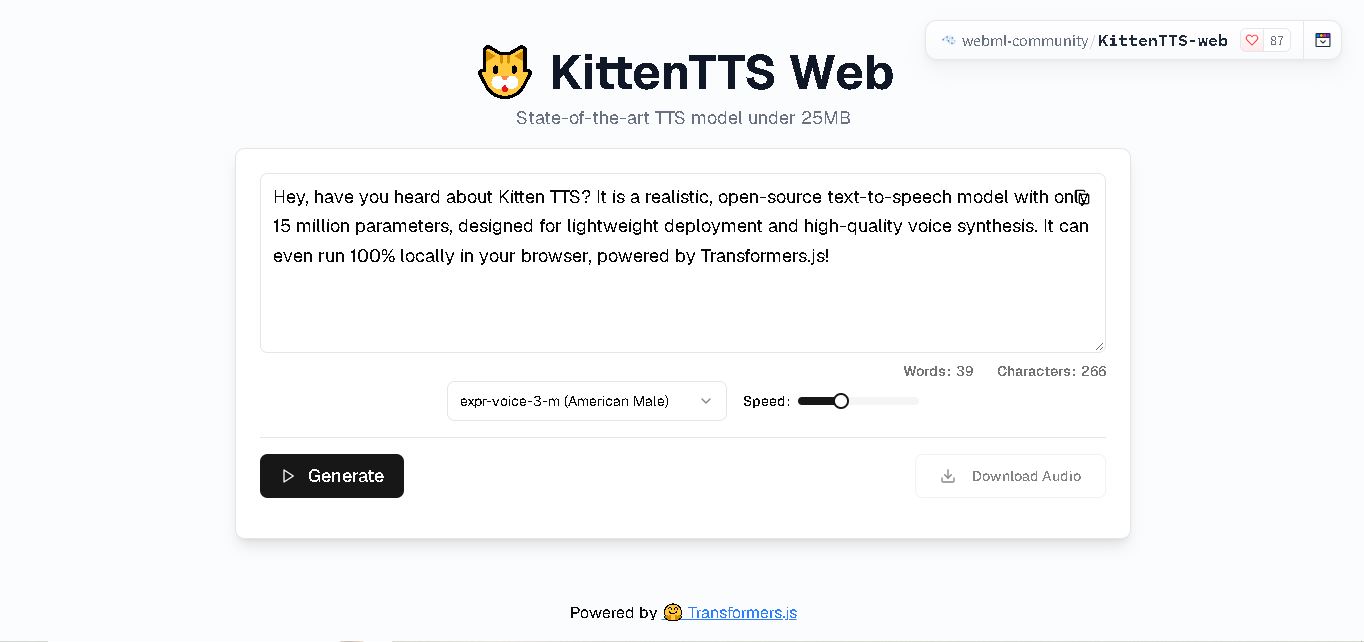
KittenTTS Web is a lightweight text-to-speech demo hosted on Hugging Face Spaces. It helps users explore how written text can be transformed into spoken audio using neural voice synthesis. The project is particularly relevant to developers, content creators, and accessibility-focused users interested in experimenting with compact speech generation technology directly through a web browser.
 4.9
4.9Parler-TTS
Text-to-Speech
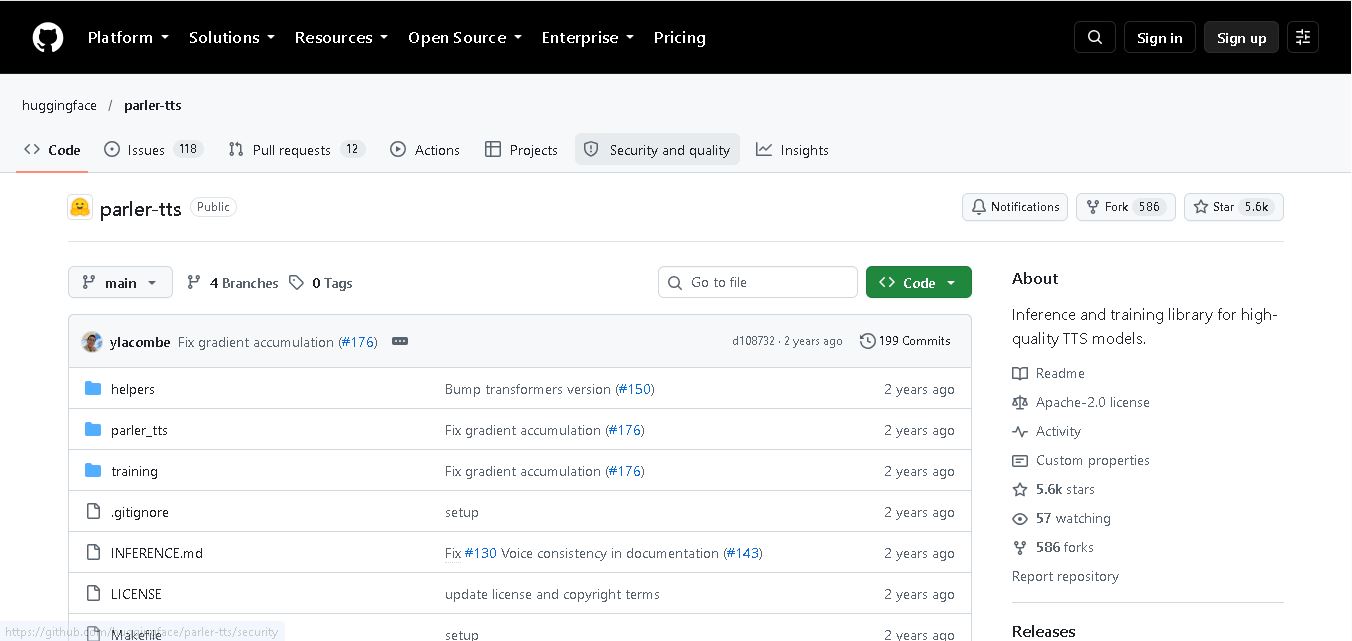
Parler-TTS is an open-source text-to-speech tool that transforms written content into natural-sounding audio. It lets developers describe voice characteristics using natural language, including pitch, speaking speed, and recording quality. With publicly available model weights, training resources, and customizable checkpoints, it supports experimentation, research, and tailored speech-generation applications across projects.
 4.9
4.9IMS Toucan
Text-to-Speech
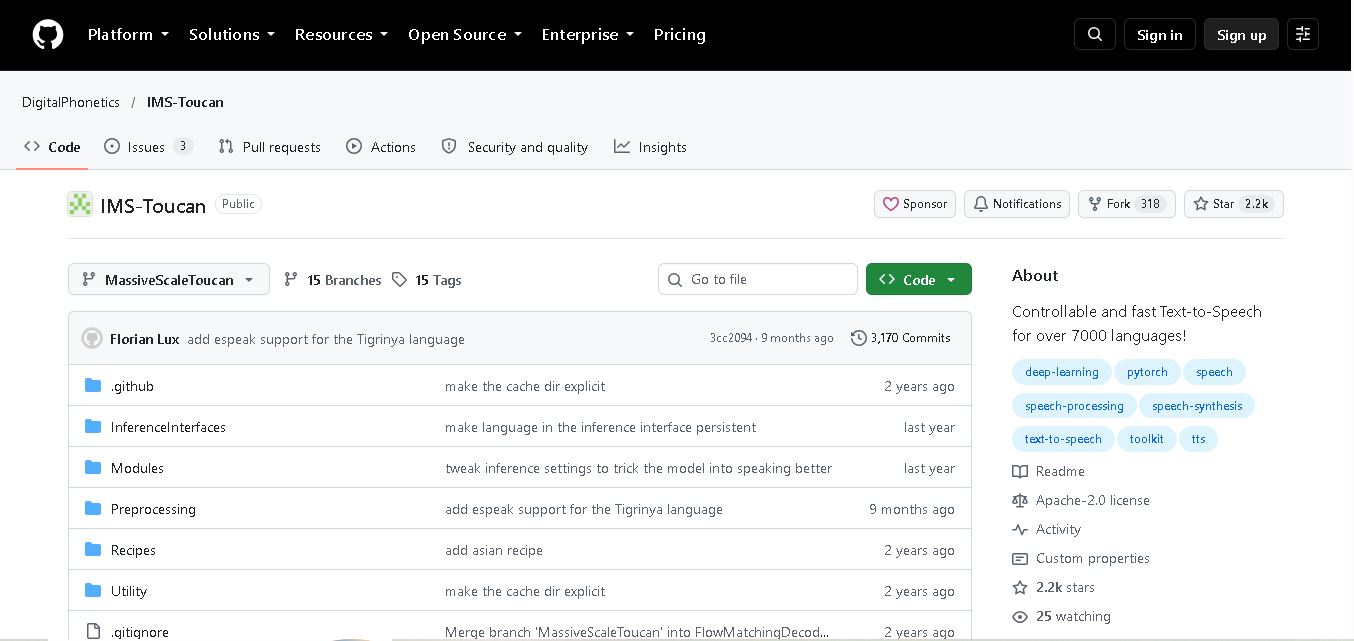
IMS Toucan is an open-source text-to-speech toolkit from the University of Stuttgart designed for multilingual speech generation. It converts text into audio and provides tools for inference, voice and prosody control, and model training. Supporting more than 7,000 languages, it serves developers and researchers exploring technology across linguistic contexts.
 4.8
4.8Verbatik
Text-to-Speech
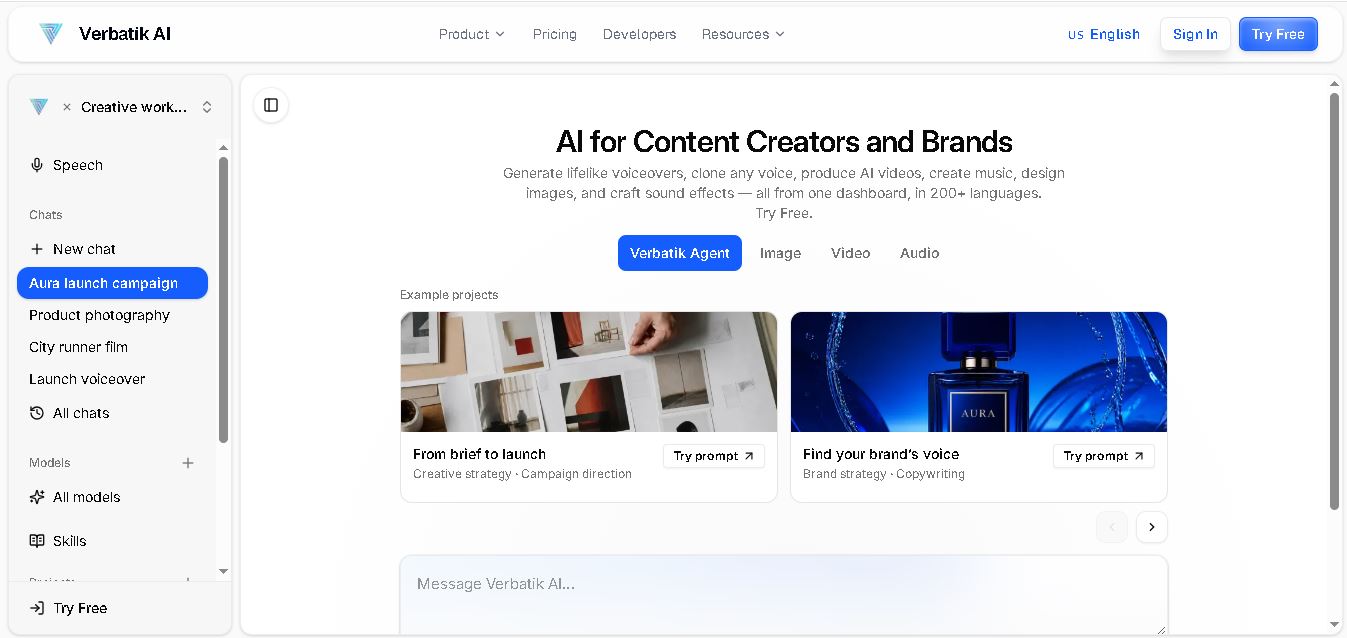
Verbatik AI helps users create realistic voiceovers, clone voices, generate music, and produce multimedia content using artificial intelligence. With multilingual speech, customizable voice settings, and developer APIs, it supports content creators, marketers, educators, and businesses. The platform simplifies audio production, video creation, and content localization from one workspace.
 4.8
4.8Narration Box
Text-to-Speech
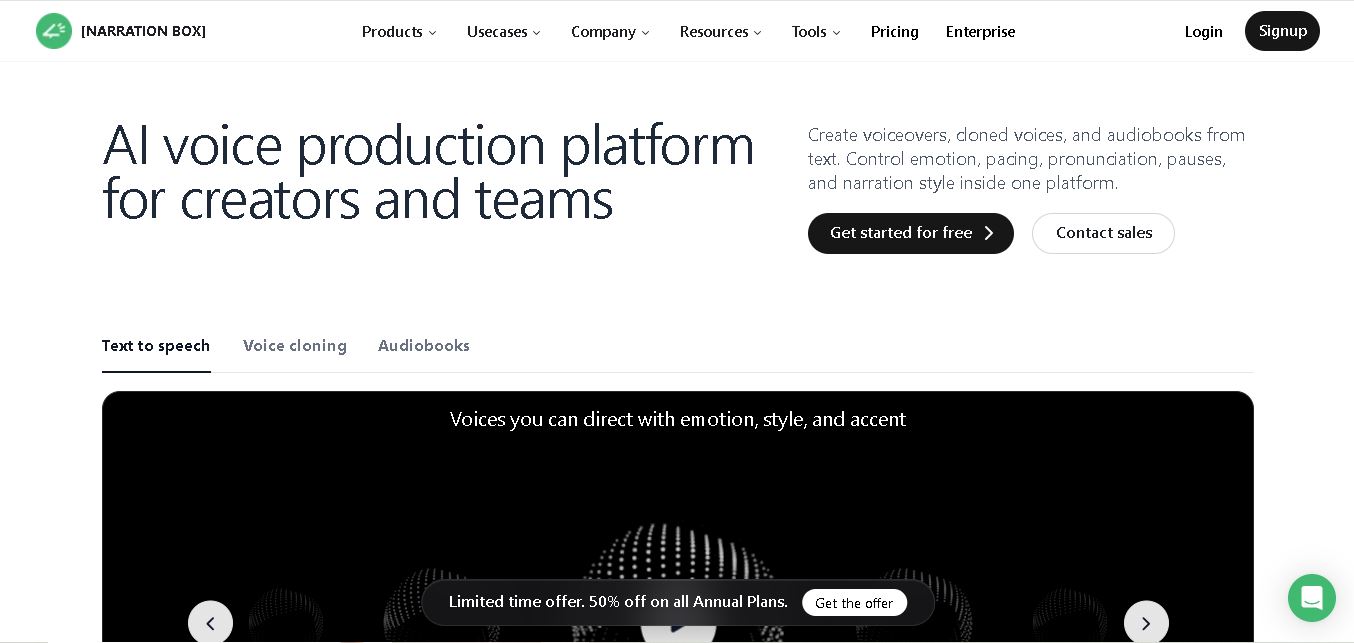
Narration Box is an AI voice generator for creating realistic voiceovers, audiobooks, podcasts, and educational audio from text. It offers over 1,500 AI narrators, 80+ languages and accents, voice cloning, and customizable emotional delivery. Its editing tools help creators produce consistent, multilingual audio content for personal and professional projects.
 4.7
4.7AudioBot
Text-to-Speech
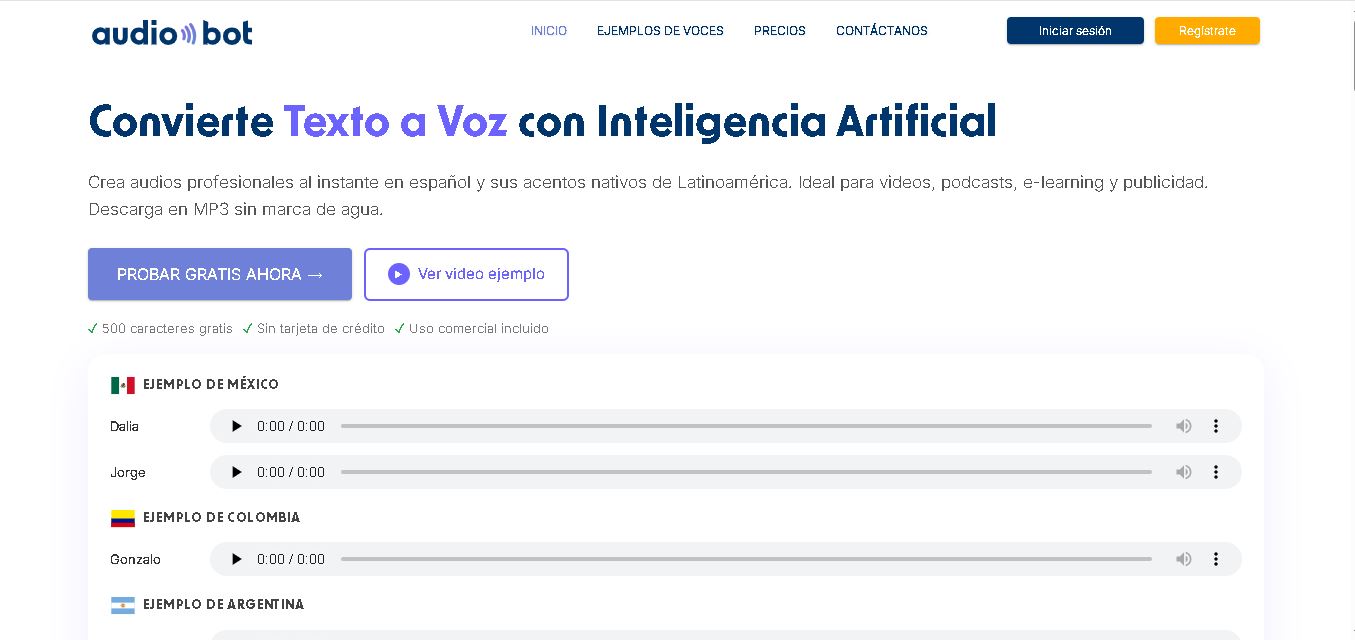
AudioBot converts written text into natural-sounding speech using AI-generated voices. It supports multiple languages and regional accents, making it useful for video voiceovers, presentations, educational materials, and audio content. Users can generate and download audio files, helping simplify narration workflows without requiring traditional recording equipment or voice talent.
 4.7
4.7Audie AI
Text-to-Speech
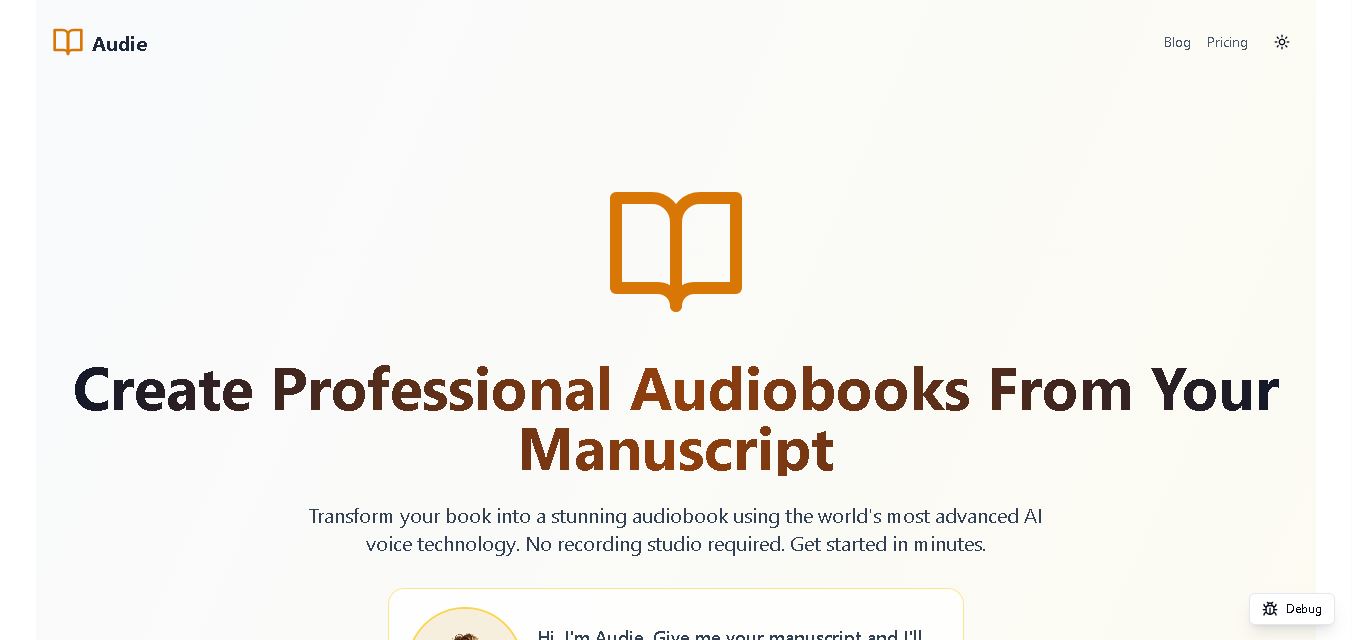
Audie AI is an audiobook creation tool that converts written manuscripts into narrated audio using AI-generated voices. It helps authors and publishers simplify production, explore different narration styles, and reduce reliance on traditional recording studios. With voice selection, advertised voice cloning, and downloadable audio, it supports more accessible audiobook creation for independent creators.
 4.6
4.6Speechelo
Text-to-Speech
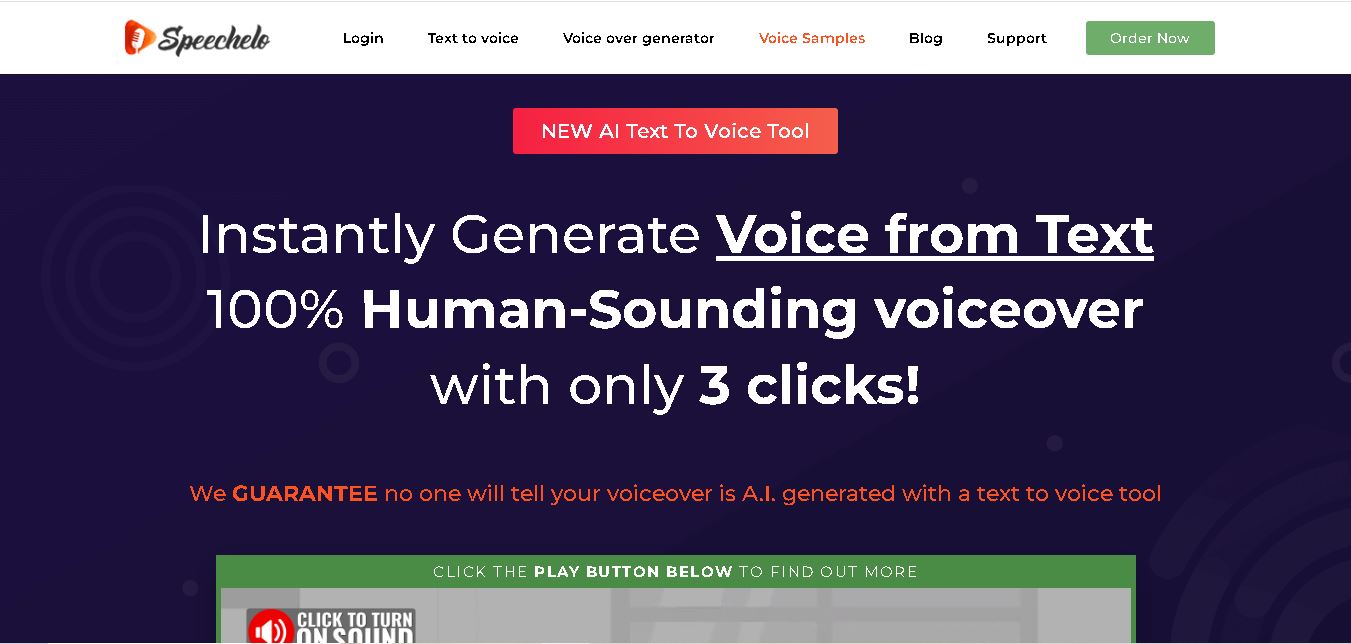
Speechelo is a text-to-speech tool designed to help creators turn written scripts into voiceovers. It offers different voices, languages, tones, and audio adjustments for creating narration. Video creators, educators, marketers, and content teams can use it to produce audio for tutorials, presentations, promotional videos, and other digital content projects.
 4.7
4.7Leelo AI
Text-to-Speech
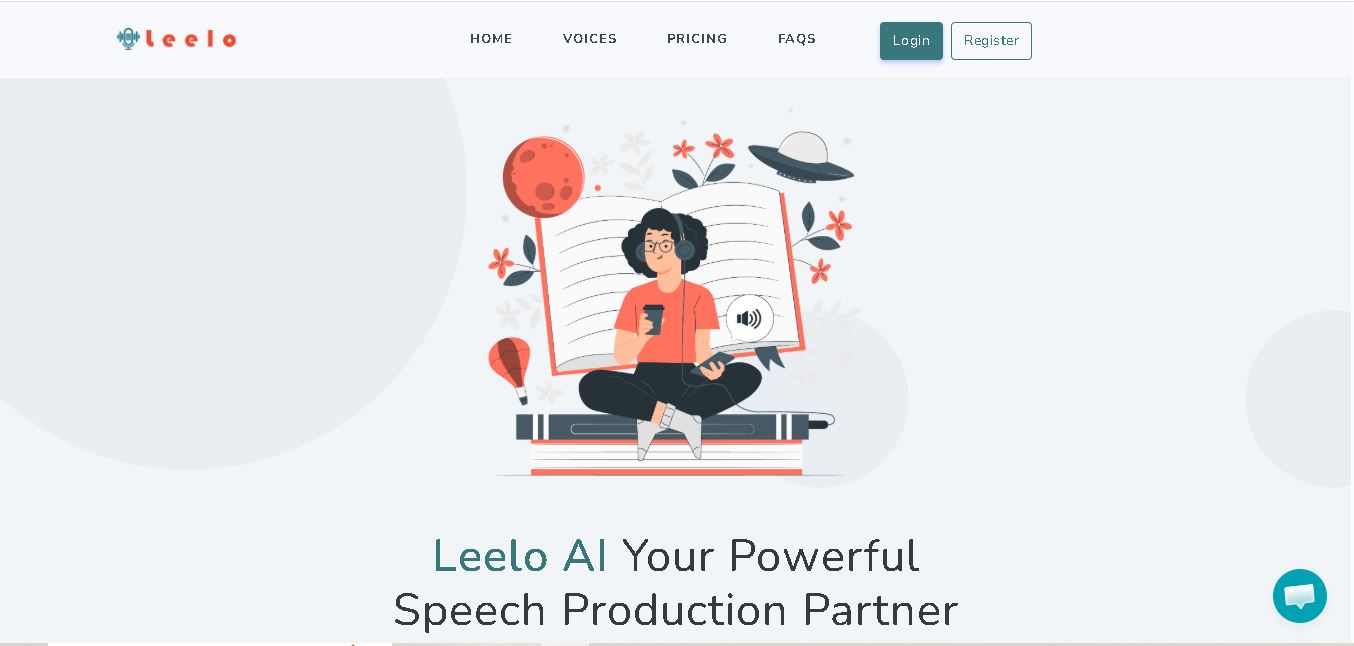
Leelo AI helps you turn written content into natural-sounding speech without recording your own voice. You can choose from 800+ voices across 142 languages and accents, adjust available voice settings, generate audio, store files in the cloud, export recordings, and use generated speech commercially for different content and communication needs.