
OpenVoice
OpenVoice is an open-source voice cloning solution for creating natural speech from short reference recordings. It supports tone-color cloning, voice-style control, and cross-lingual generation, while OpenVoice V2 adds native support for English, Spanish, French, Chinese, Japanese, and Korean. Its MIT license permits commercial and research use across diverse projects today.
What is OpenVoice?
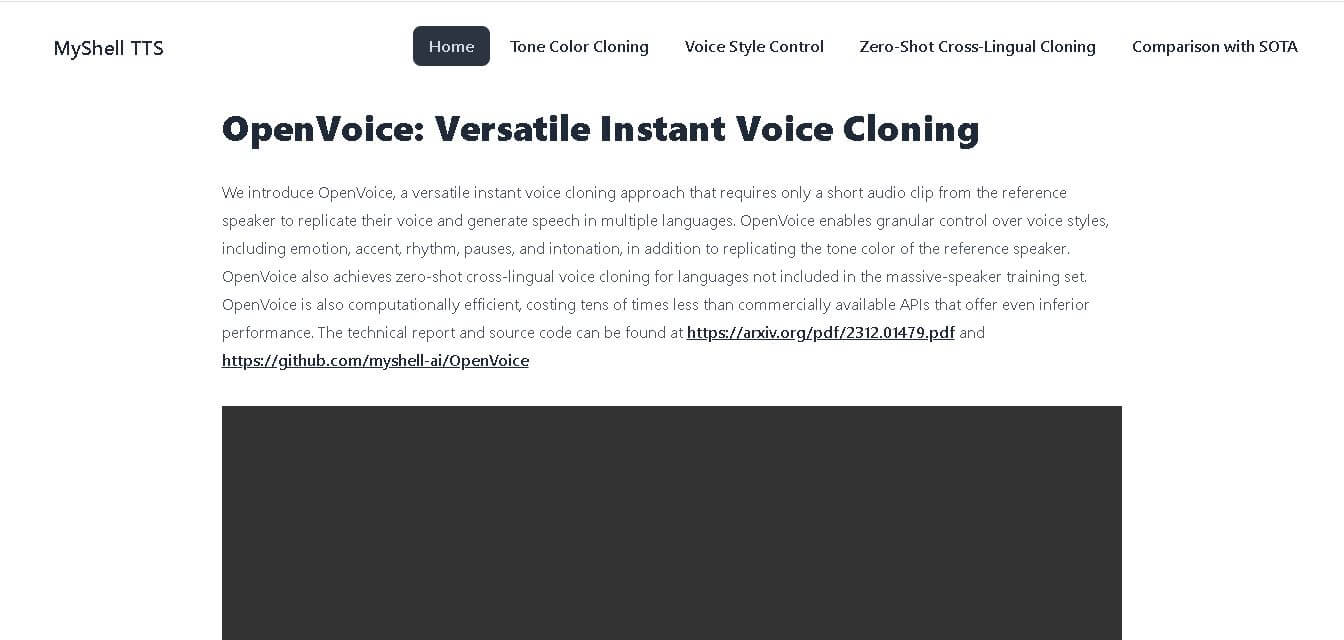
OpenVoice is a versatile voice-cloning technology developed by MyShell with researchers from MIT and Tsinghua University. It can replicate a speaker’s tone color from a reference clip, then generate speech with controlled emotion, accent, rhythm, pauses, and intonation. OpenVoice V2 also adds native multilingual support and MIT-licensed commercial use.
OpenVoice launched as a research project in 2023 and OpenVoice V2 arrived in April 2024. The technology requires only a short reference audio clip for voice cloning and supports tone-color replication, emotion, accent, rhythm, pauses, and intonation control. V2 natively supports 6 languages: English, Spanish, French, Chinese, Japanese, and Korean. Both V1 and V2 use the MIT License, allowing commercial and research use. MyShell reports tens of millions of uses on its platform by November 2023 for developers worldwide.
- Platform Role: Open-Source Voice Cloning & Text-to-Speech (TTS) Framework
- Developer & Organization: MyShell AI
- Cross-Platform Access: Web Demo, Python SDK / GitHub Repository, Hugging Face Spaces, and API Integration
Use Cases:
- Cloning a speaker's unique voice timbre from a brief audio recording (a few seconds) to generate natural text-to-speech
- Applying custom emotional styles (happy, sad, excited, neutral) and localized accents (British, Indian, Australian) to generated speech
- Executing zero-shot cross-lingual voice synthesis to make a speaker fluently speak unseen languages
- Building interactive AI avatars, multilingual podcast voiceovers, audiobooks, and localized game NPC dialogue
- Powering real-time conversational agents with low-latency and cost-effective voice generation
Technology:
- Decoupled model architecture separating tone color extraction from rhythm, pitch, and emotion style control
- Base Text-to-Speech (TTS) engine paired with a specialized Tone Color Converter model
- Zero-shot cross-lingual synthesis capabilities for non-native languages not present in the primary speaker training set
- Lightweight computational overhead optimized for efficient local GPU deployment and fast API execution
Target Users:
- AI developers, researchers, and engineers building voice-enabled applications and conversational agents
- Content creators, podcasters, and media producers localizing audio into multiple languages
- Game developers creating dynamic, emotionally expressive NPC dialogue systems
- EdTech platforms building localized, multi-accent reading and language learning tools
Acquisition: Open-source AI research project developed and maintained by MyShell AI (github.com/myshell-ai/OpenVoice)

What are the key features of OpenVoice?
OpenVoice's key platform features are
- Accurate Tone Color Cloning: Faithfully extracts and matches the acoustic timbre of a reference speaker from a minimal audio clip.
- Flexible Voice Style Control: Allows independent manipulation of emotional delivery (sadness, joy, anger) and pacing parameters like rhythm and pauses.
- Accent & Intonation Control: Modifies generated speech to various regional accents (e.g., British, Indian, Australian) without losing the core speaker identity.
- Zero-Shot Cross-Lingual Cloning: Generates fluent speech in languages unsupported by the original speaker's dataset or training audio.
- High Computational Efficiency: Operates at a fraction of the computational cost of traditional large-scale voice cloning APIs.
- Flexible Base Model Swapping: Integrates easily with existing TTS systems (like VITS, Bark, or custom models) as an standalone tone color conversion layer.
How much does OpenVoice cost?
OpenVoice is completely free and open-source under permissible software licensing, allowing self-hosting and local deployment without per-character subscription fees.
Pricing & Licensing Overview:
- Open-Source ($0 / Free): Source code, model weights, and technical papers are freely available on GitHub and Hugging Face for research and development.
- Self-Hosted Infrastructure: Costs are limited strictly to user-managed compute resources (local GPUs or cloud server hosting like AWS/RunPod).
Disclaimer: OpenVoice is an open-source model repository. While the software itself is free, hosting commercial endpoints at scale requires self-provided GPU hardware.
Who should use OpenVoice?
OpenVoice is designed for developers, creators, and researchers, including
- AI Engineers & Developers: Teams wanting full control over voice generation pipelines without relying on expensive commercial SaaS lock-in.
- Multilingual Content Creators: Publishers needing to dub video, audiobooks, or marketing content across global markets using a single brand voice.
- Indie Game Studios: Game designers crafting emotionally reactive voice tracks for characters ddynamically and ona budget.
What are the best alternatives to OpenVoice?
Some of the strongest OpenVoice alternatives include
- ElevenLabs
- XTTS-v2 (Coqui AI)
- VALL-E X (Microsoft)
- Bark (Suno)
- PlayHT
- Resemble AI
What are the pros and cons of OpenVoice?
What are the pros of OpenVoice?
- Completely open-source, allowing self-hosting, privacy compliance, and custom fine-tuning
- Granular control over emotion, accent, and pacing independent of speaker timbre
- Ultra-fast, computationally lightweight processing compared to heavy generative voice models
- Exceptional cross-lingual capabilities even for unseen reference languages
What are the cons of OpenVoice?
- Requires technical familiarity with Python, PyTorch, and GPU hosting to deploy locally
- May require tuning of base TTS models to achieve peak naturalness in complex edge cases
- Lacks an out-of-the-box non-technical consumer GUI compared to commercial platforms like ElevenLabs
Why should you choose OpenVoice?
Commercial voice cloning services often charge heavy per-character fees and lock down style controls behind rigid APIs. OpenVoice solves these issues by offering an open-source, highly efficient voice cloning system that gives developers complete control over emotion, language, and accent. Its decoupled architecture makes instant voice replication fast, highly customizable, and cost-effective to scale.
How does OpenVoice compare to competitors?
The primary distinction between OpenVoice, ElevenLabs, XTTS-v2, and VALL-E X lies in accessibility, architectural flexibility, and style control. While ElevenLabs delivers a polished commercial SaaS interface, OpenVoice offers an open-source, lightweight alternative that uniquely decouples speaker tone from emotional and accent styling.
| Feature / Platform | OpenVoice | ElevenLabs | XTTS-v2 | VALL-E X |
|---|---|---|---|---|
| License Model | Open-Source (Free) | Proprietary SaaS (Paid) | Open Source / Coqui | Research / Open-Source |
| Tone & Style Control | Decoupled (independent tone, emotion & accent) | Combined Prompt/Parameter Sliders | Style prompt guided | In-context acoustic prompts |
| Cross-Lingual Support | Zero-shot for unseen languages | Native multi-lingual engine | Multilingual supported | Zero-shot cross-lingual |
| Compute Efficiency | Very High (lightweight tone converter) | Managed Cloud API | Moderate (Requires standard GPU) | Moderate to high compute |
| Best For | Developers needing controllable, low-cost open-source voice cloning | Non-technical creators seeking turn-key high-fidelity voice synthesis | Open-source multi-lingual TTS voice building | Research on zero-shot neural audio synthesis |
How do we rate OpenVoice?
| Parameter | Rating (out of 5) |
|---|---|
| Tone Color Accuracy & Fidelity | 4.7 |
| Voice Style & Emotion Control | 4.9 |
| Zero-Shot Cross-Lingual Performance | 4.8 |
| Computational Efficiency & Speed | 4.9 |
| Ease of Non-Technical Deployment | 4.0 |
| Overall Score | 4.66 |
What is our review and verdict on OpenVoice?
OpenVoice is a breakthrough open-source voice cloning solution from MyShell AI. By splitting tone color extraction from emotion and accent synthesis, it resolves one of the biggest challenges in AI speech generation—giving developers full control over how a voice sounds without sacrificing computational performance.
Conclusion
OpenVoice stands out for combining instant voice cloning, detailed style control, multilingual generation, and open licensing. For creators, developers, researchers, and businesses, it offers a practical way to experiment with personalized speech without relying entirely on paid proprietary APIs. OpenVoice V2 strengthens the offering with better audio quality and six native languages for broader global use across content workflows.
FAQ
Can OpenVoice clone my voice?
Yes, OpenVoice can clone a voice from a reference recording and reproduce its tone color in speech. For your project, this is useful when you want consistent narration across videos, tutorials, demos, or multilingual content. You can also adjust emotion, accent, rhythm, pauses, and intonation instead of copying the voice.
What languages does OpenVoice V2 support?
OpenVoice V2 supports native generation in English, Spanish, French, Chinese, Japanese, and Korean. Its cross-lingual capability can also generate speech across languages using a reference voice. If you create multilingual content, this feature can help maintain a recognizable speaker identity while adapting narration for different audiences without recording every language manually.
Who should use OpenVoice?
OpenVoice is useful for developers, researchers, content creators, educators, game teams, and businesses experimenting with synthetic speech projects today. You can use it for narration, localized videos, character voices, prototypes, accessibility projects, and conversational experiences. Its open-source availability is attractive when you want more control than closed voice APIs provide.
Is OpenVoice free for commercial use?
Yes. OpenVoice V1 and V2 are released under the MIT License, and the official documentation states they are free for commercial and research use. That makes OpenVoice useful for developers building products or internal tools. However, you should obtain permission before cloning a real person’s voice or using it commercially.
What is the difference between OpenVoice V1 and V2?
OpenVoice V2 improves audio quality compared with V1 and adds native multilingual support. It retains important capabilities from the original release, including tone-color cloning, voice-style control, and zero-shot cross-lingual voice cloning. For new projects, V2 is the more relevant version because it combines broader language support with improved output quality.
How is OpenVoice different from other voice-cloning tools?
OpenVoice differs from many proprietary voice-cloning services because its V1 and V2 releases are MIT licensed and available as open-source technology. The project emphasizes efficient voice cloning, detailed style control, and cross-lingual generation. This gives technically capable users more flexibility to inspect, run, and adapt the technology for their projects.
How can I start using OpenVoice?
You can use OpenVoice through available demonstrations or install the open-source implementation for development and research. The official usage documentation targets users familiar with Linux, Python, and PyTorch for local installation. If you are nontechnical, trying a deployed demo first is easier before deciding whether local setup suits your workflow.
User Reviews
No reviews yet for OpenVoice.
Featured Tools
Featured AI tools from TechShark

Melody Genie
MelodyGenie is an AI-powered music generator that creates original songs from simple text prompts. Users can choose styles, moods, and genres, then instantly generate melodies and full tracks, making it easy for creators, marketers, and hobbyists to produce custom music without musical expertise.
Freemium

Kimi AI
Kimi AI is an advanced AI assistant developed by Moonshot AI that helps you chat, research, write, code, and automate tasks in one place. It supports web search, file analysis, and multimodal inputs, and can even run autonomous “agent” workflows to complete complex tasks end-to-end.
Freemium

Fashion Diffusion AI
Fashion Diffusion is an AI-powered fashion design platform that helps brands and designers create clothing designs, virtual try-ons, AI models, product photos, and marketing visuals faster and cost-effectively.
Paid

Veo 4
Veo 4 AI is an AI video creation platform that generates dramatic videos from text, images, audio, and video prompts using realistic motion and synchronized sound.
Paid
Alternatives
Alternatives to OpenVoice
The best OpenVoice alternatives include ElevenLabs, XTTS-v2, VALL-E X, and Bark. While OpenVoice provides a free, open-source instant voice cloning architecture with decoupled style and emotion controls, alternatives like ElevenLabs offer commercial, zero-setup SaaS web interfaces for high-fidelity audio production.
 4.9
4.9ElevenLabs
Voice Generator
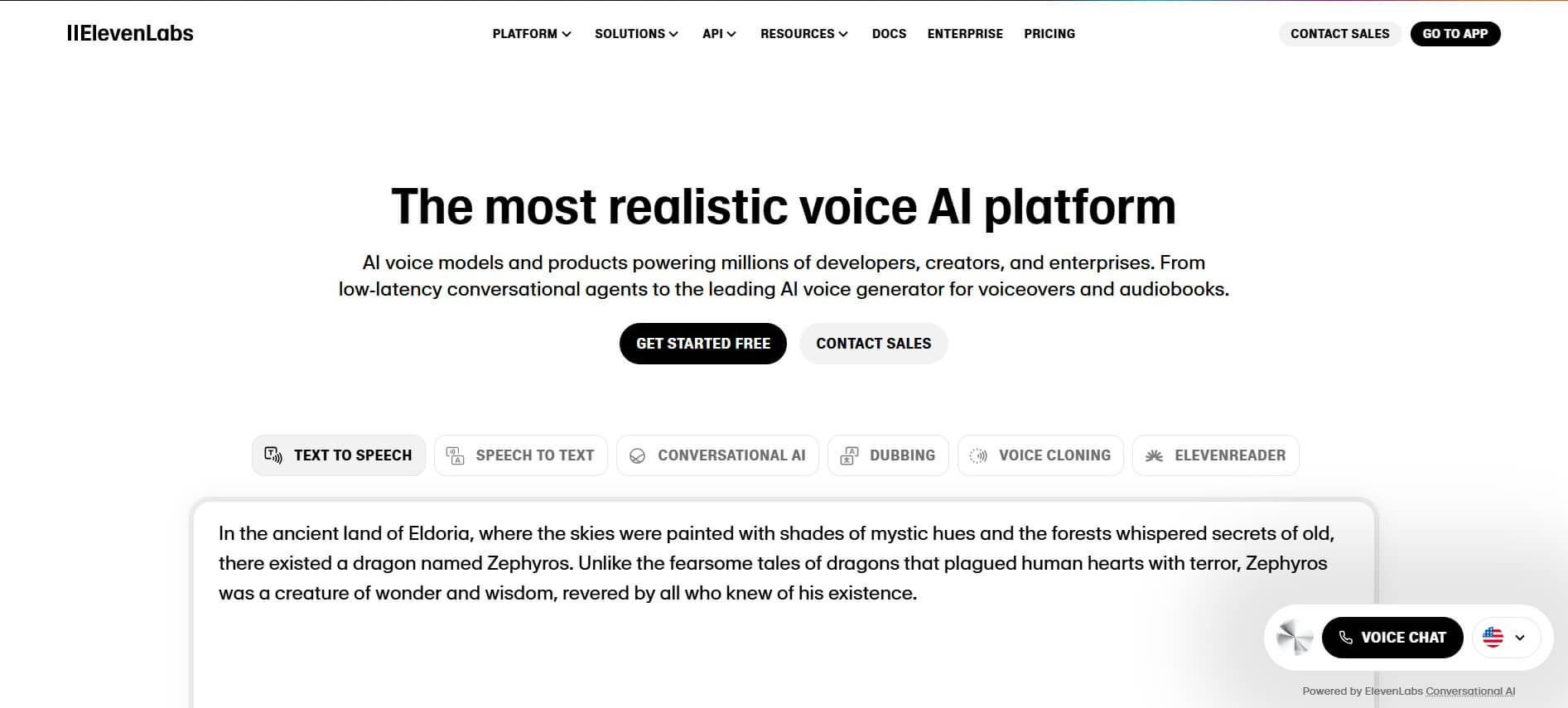
ElevenLabs is an AI-powered voice generation platform that helps users create realistic speech, clone voices, and build conversational voice agents. It converts text into expressive audio, supports multiple languages, and offers APIs for developers, enabling voiceovers, dubbing, customer support automation, and interactive audio experiences.
 4.8
4.8Resemble AI
Voice Generator
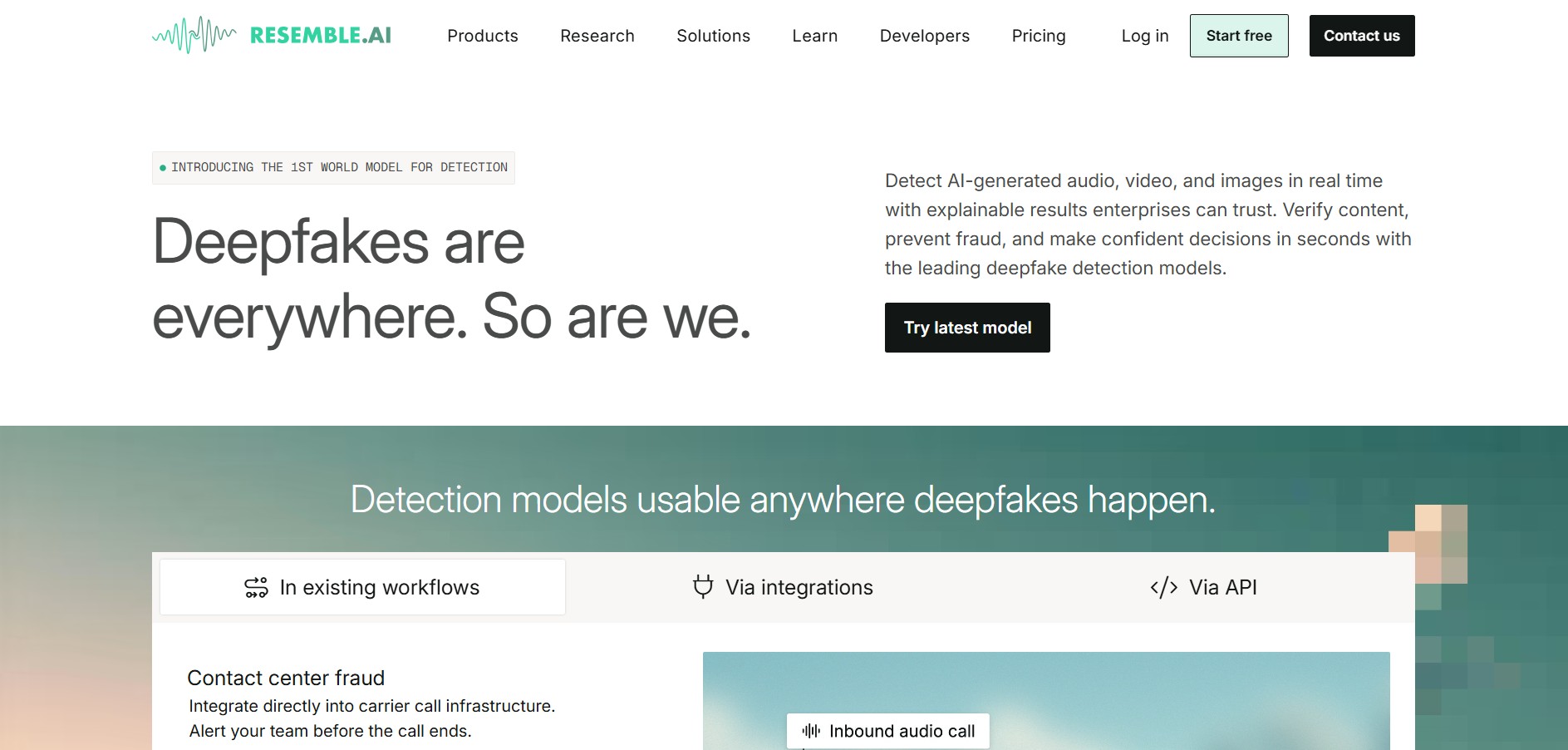
Resemble AI is an enterprise-grade synthetic voice generation, AI voice cloning, and audio security platform that provides real-time text-to-speech, speech-to-speech conversion, deepfake detection (DETECT-World), and neural watermarking.
 4.8
4.8Sync
Voice Generator
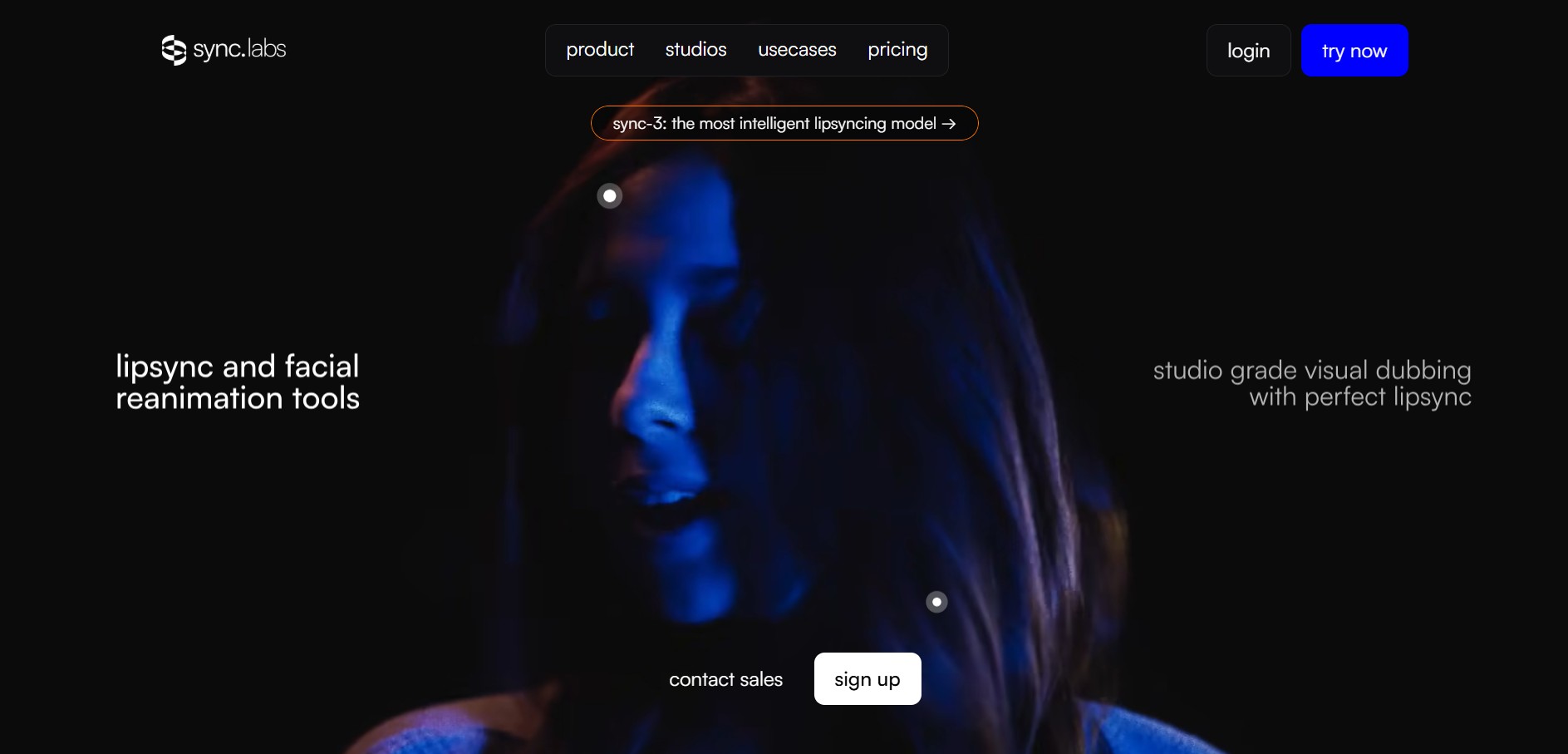
Sync is an AI-powered voice synchronization and lip-syncing platform built for realistic audio-to-video alignment, lip-sync translation, and real-time streaming avatar integration.
 4.7
4.7SoundHound
Voice Generator
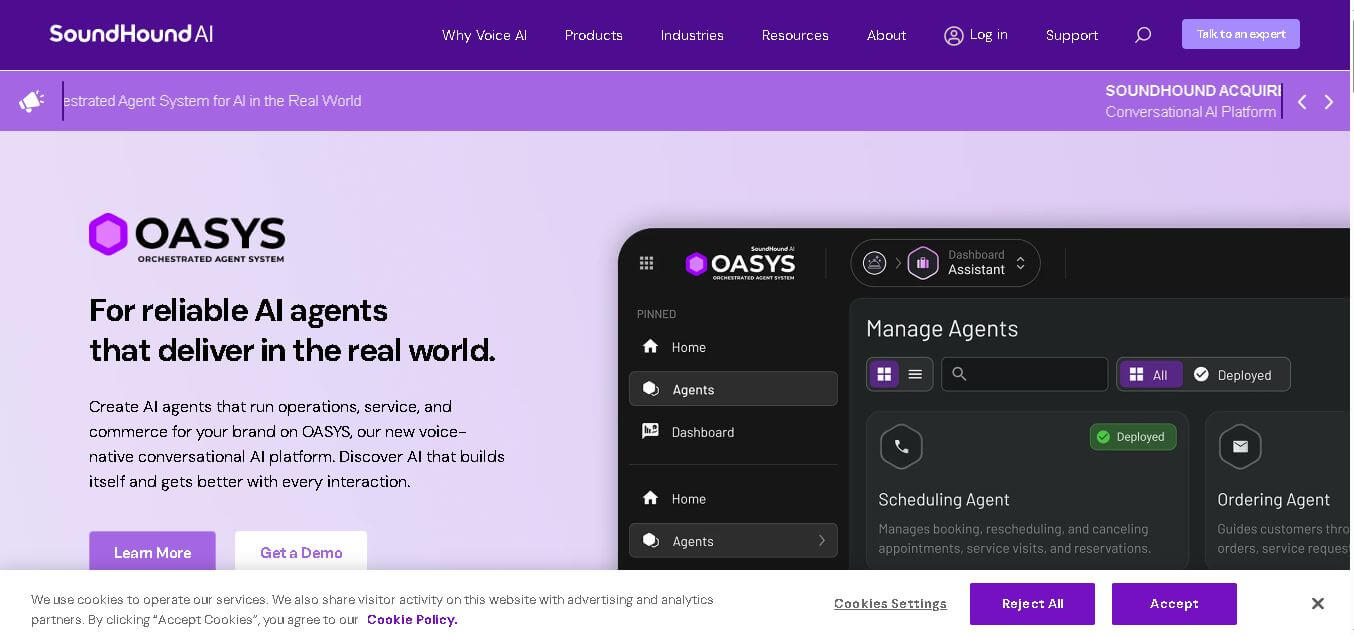
SoundHound AI provides voice-native conversational AI for businesses and automotive experiences. Its OASYS platform helps organizations deploy agents for customer service, operations, employee assistance, ordering, commerce, and in-car interactions. SoundHound combines speech recognition, language understanding, agentic actions, security controls, and integrations to support natural conversations in environments.
 4.6
4.6Viyou AI
Voice Generator
Viyou AI is a creative AI video and image generation platform that transforms text prompts, still photos, and reference images into short cinematic video clips, dynamic AI avatars, portraits, and stylized visual effects.
 2.0
2.0Rask AI
Voice Generator
Rask AI is an AI-powered video translation and dubbing platform that helps creators and businesses localize videos with voice cloning, lip-sync, subtitles, and multilingual content production.
 4.5
4.5Applio
Voice Generator
Applio is a free, open-source AI voice conversion platform that lets users create AI song covers, clone voices, train custom voice models, and generate realistic speech.
 4.5
4.5Audo AI
Audio Editing
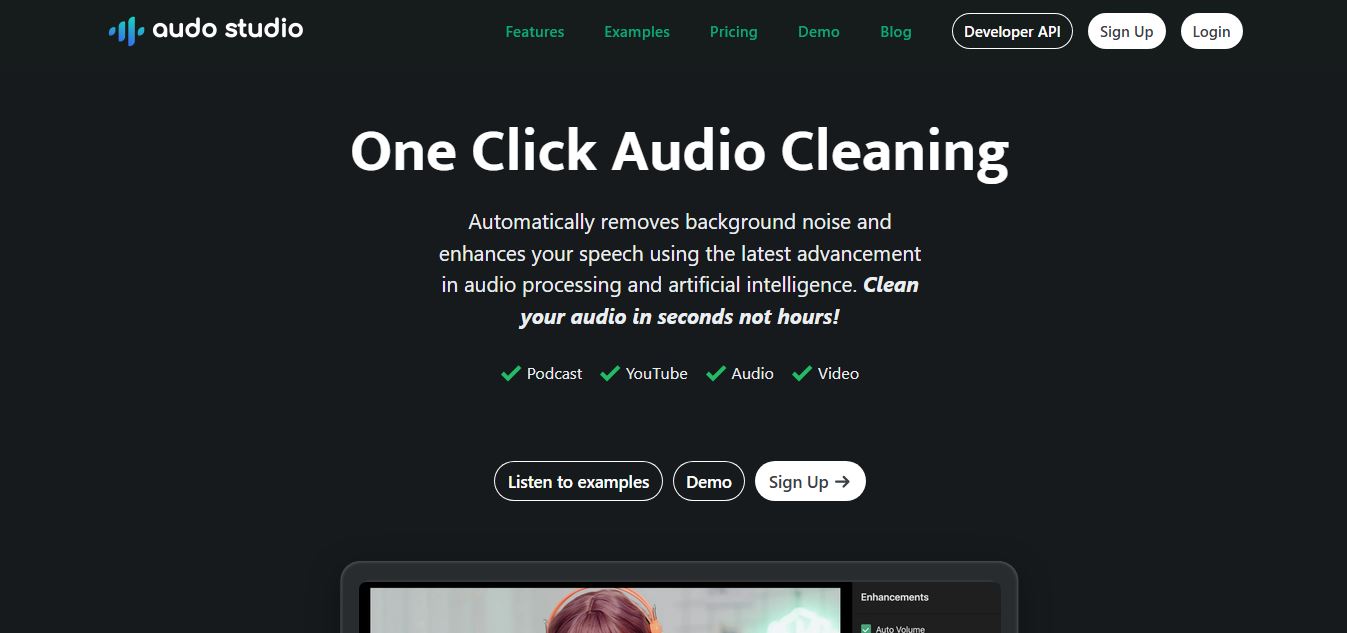
Audo.ai (Audo Studio) is an AI-powered audio cleaning tool that removes background noise, reduces echoes, and enhances speech clarity in recordings with one click for creators and developers.ee features, pricing, and top alternatives
 4.4
4.4Wispr Flow for Android
Voice Generator
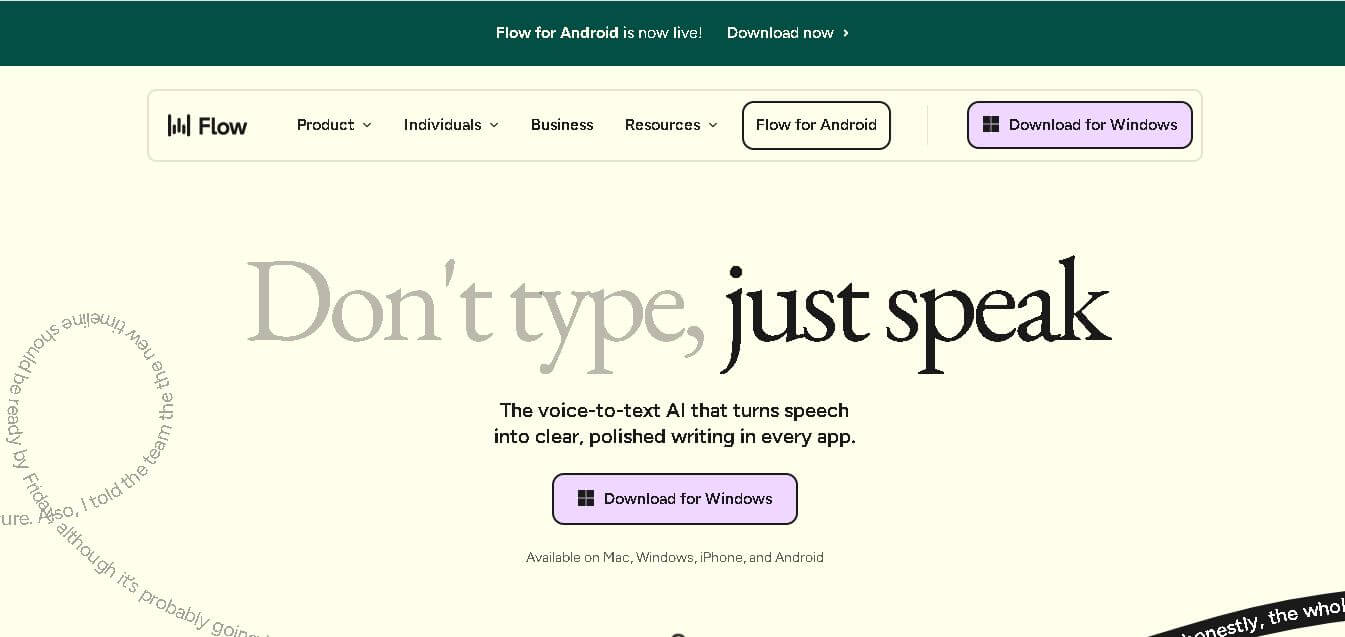
Wispr Flow is an AI-powered voice-to-text dictation platform that transforms spoken language into polished, formatted text across apps, boosting productivity and accessibility with smart editing and multilingual support.