MasterSheets AI
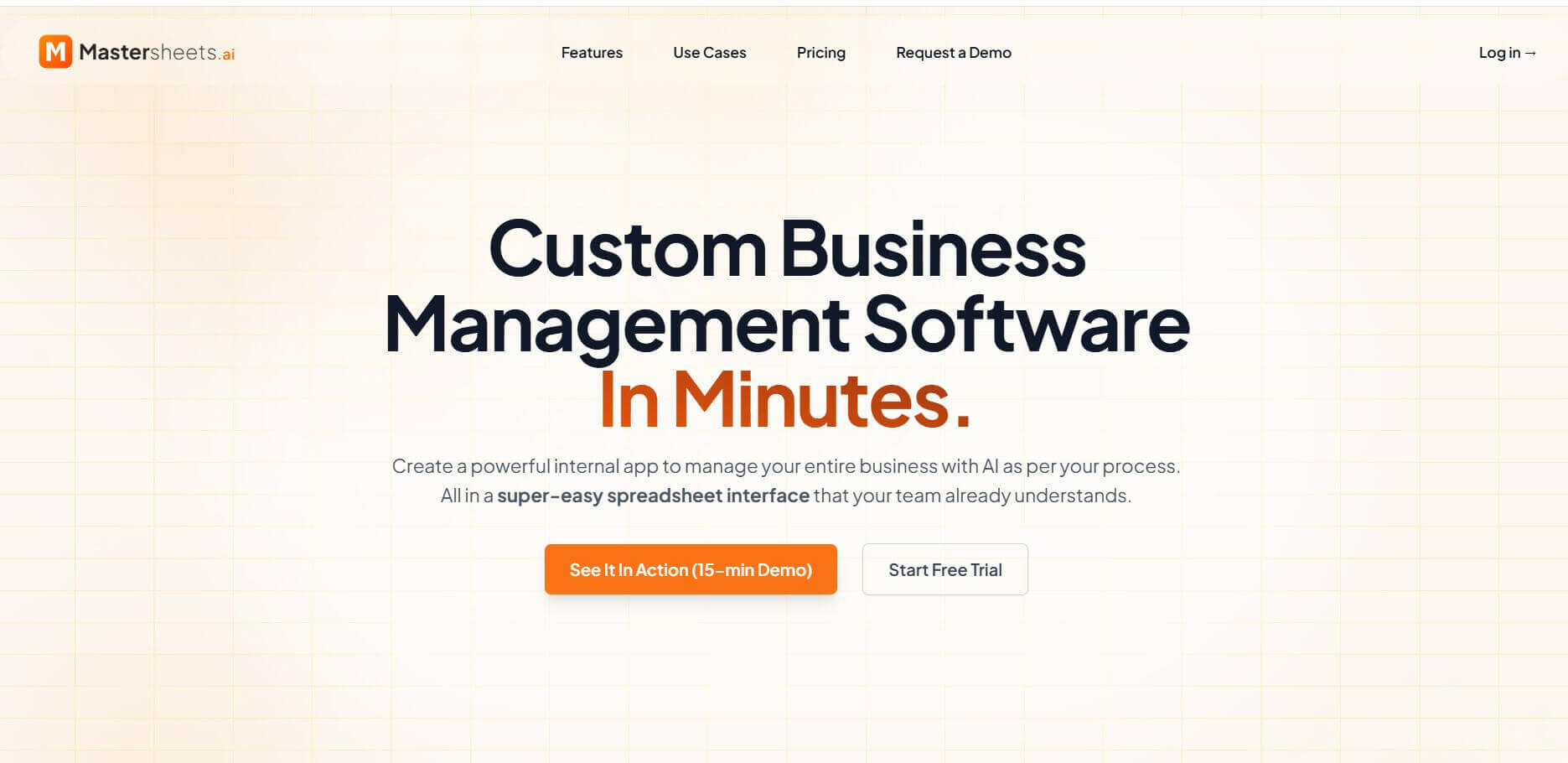
MasterSheets AI transforms spreadsheets into intelligent business applications with AI automation, role-based permissions, collaboration, and workflow management.
What is MasterSheets AI?
MasterSheets AI is an AI-powered spreadsheet and business workflow platform designed to help teams manage data, automate repetitive tasks, and build internal business systems without traditional software development. It combines the familiar spreadsheet interface with features typically found in custom business applications, including role-based views, smart validation, approval workflows, deadline tracking, audit logs, and AI-powered sheet generation. Teams can maintain one master dataset while giving different users customized access to the information they need. MasterSheets also provides AI tools such as AI Command Bar, AI Sheet Generation, AI-Assisted Data Population, and AskSheet for natural-language data management and analysis.
Unlike traditional tools like Excel or Google Sheets, MasterSheets AI introduces:
- AI-powered sheet creation
- Workflow automation
- Role-based data access
- Smart validation and tracking
MasterSheets AI positions itself as a spreadsheet-based business management platform with AI-powered automation and collaboration. Its official pages claim that users can save 10+ hours per week, reduce manual work by up to 90%, and improve productivity through automation. The company also states that more than 1,000 teams use its platform and that automation can run 24/7. Third-party pricing information currently lists plans starting at $49 per month for Essentials, $99 for Team, and $199 for Enterprise, alongside a free version.
- Founder: The public MasterSheets website explains the company's mission and product but does not clearly identify a founder by name on its About page.
- Launch: The exact original launch date is not clearly stated on the company's current public website.
- Use Cases: Business operations, project management, HR, finance, procurement, CRM, task tracking, approval workflows, data management, reporting, and internal business applications.
- Technology: AI-powered spreadsheet generation, natural-language commands, AI-assisted data population, conversational data analysis, role-based permissions, workflow automation, audit trails, real-time collaboration, and cloud-based data management.
- Target Users: Small businesses, startups, freelancers, operations teams, business analysts, managers, and organizations that rely heavily on spreadsheets.
- Acquisition: No verified acquisition of MasterSheets was identified in the available public information.
Why MasterSheets AI Is Gaining Popularity
Businesses often struggle with spreadsheet chaos—multiple versions, manual work, and lack of automation. MasterSheets AI addresses these issues by turning spreadsheets into centralized, automated systems.
According to platform claims:
- Teams can save 10+ hours per week
- Manual work can be reduced by up to 90%
- Automation can run 24/7
- Used by 1,000+ teams
These benefits make it attractive for growing teams and operations-heavy businesses.

Key Features of MasterSheets AI
Key features are:
- AI Command Bar: Lets users interact with their spreadsheet using natural-language instructions instead of manually performing every task or relying on complex formulas.
- AI Sheet Generation: Users can describe the spreadsheet they need in plain English, and MasterSheets can generate the required structure, columns, and data types.
- AI-Assisted Data Population: Automatically populates sheets with contextual AI-generated information, helping reduce repetitive manual data entry.
- AskSheet: Allows users to ask questions about their spreadsheet data in plain English and receive conversational answers and insights.
- Master Spreadsheet: Creates a single source of truth where updates are reflected across authorized views, helping prevent duplicate files and version-control problems.
- Custom Views Per Role: Teams can create different views of the same master dataset based on a user's role, rows, columns, or specific values.
- Smart Validation: Lets administrators create validation rules, dropdowns, required fields, number ranges, and data-type restrictions to improve data accuracy.
- Change Tracking: Maintains an audit trail showing who changed information and when, improving accountability and data visibility.
- Smart Deadlines: Helps users track deadlines with automated date tracking, countdown notifications, completion updates, and extension requests.
- Workflow States: Supports workflow stages such as draft, pending, approved, and rejected, helping teams manage business processes inside the spreadsheet.
- Multi-Layered Permissions: Provides role-based access along with row- and column-level controls so users only access relevant information.
- Data Import and Export: Users can import information from CSV and Excel files and export their data when needed.
- Real-Time Collaboration: Teams can work together with real-time updates, notifications, comments, and mentions.
- Custom Business Applications: MasterSheets can turn spreadsheet-based processes into more structured internal business systems without requiring traditional custom software development.
MasterSheets AI Pricing
MasterSheets offers a free option along with paid plans. Current third-party pricing information lists the Essentials plan at $49 per month for up to 7 users, Team at $99 per month for up to 15 users, and Enterprise at $199 per month for up to 50 users. Plan limits can include cells, storage, and AI credits. The official website also promotes a free trial and allows users to start without a credit card.
| Plan | Price | Main Information |
|---|---|---|
| Free | $0 | Basic access and free trial |
| Essentials | $49/month | Up to 7 users |
| Team | $99/month | Up to 15 users |
| Enterprise | $199/month | Up to 50 users |
Pricing and plan limits can change, so users should verify the current pricing page before purchasing.
Disclaimer: For the latest and most accurate pricing information, please visit the official MasterSheets AI website.
Who is Using MasterSheets AI?
- Small businesses
- Startups
- Freelancers
- Business analysts
- Operations managers
- Project managers
- HR teams
- Finance teams
- Procurement teams
- Sales teams
- Marketing teams
- Administrative teams
- Non-technical users
- Remote teams
- Organizations managing spreadsheet-heavy workflows
MasterSheets is positioned for teams that already depend on spreadsheets but need stronger permissions, automation, collaboration, and centralized data management.
What are the Best MasterSheets AI Alternatives?
- Airtable
- Smartsheet
- Google Sheets
- Microsoft Excel
- monday.com
- ClickUp
- Notion
- Coda
- AppSheet
- Retool
Pros and Cons of MasterSheets AI
Pros
- AI-powered spreadsheet management
- Natural-language commands
- AI sheet generation
- AI-assisted data population
- Conversational data analysis
- Role-based permissions
- Row- and column-level access control
- Single source of truth
- Real-time collaboration
- Audit trails
- Smart deadlines
- Approval workflows
- CSV and Excel import/export
- Custom business workflows
- No-code approach
- Free option available
- Designed for non-technical users
Cons
- Advanced functionality may require paid plans
- Pricing can become higher as team requirements grow
- AI usage may be limited by plan credits
- New users may need time to configure complex workflows
- It may be more than needed for simple spreadsheet tasks
- Some users may prefer traditional Excel or Google Sheets
- Exact launch history and founder information are not prominently disclosed publicly
- Third-party review data is currently limited
How MasterSheets AI Works
MasterSheets AI keeps the familiar spreadsheet interface but adds powerful AI and automation features.
A typical workflow looks like this:
- Create or generate a spreadsheet using AI
- Define roles and permissions
- Add workflows (approval, tracking, deadlines)
- Automate repetitive tasks
- Analyze data using natural language
This allows teams to manage operations without needing technical expertise.
Real-World Use Cases
MasterSheets AI can be used across different business scenarios.
For example:
- Managing internal business operations
- Creating CRM or project trackers
- Handling approval workflows
- Automating HR and finance processes
- Building custom internal tools
This makes it a versatile platform for modern teams.
Why Choose MasterSheets AI?
- MasterSheets combines the familiarity of spreadsheets with business-application features.
- AI can generate structured spreadsheets from simple descriptions.
- Users can interact with data using natural language.
- AskSheet makes spreadsheet analysis easier for non-technical users.
- Teams can work from one centralized master dataset.
- Role-based views help prevent unnecessary access to sensitive information.
- Smart validation can reduce incorrect data entry.
- Audit trails make changes easier to track.
- Smart deadlines help teams manage time-sensitive tasks.
- Approval workflows can organize internal business processes.
- Real-time collaboration reduces version-control problems.
- The platform can be used to build internal business systems without traditional coding.
- Users can start for free before moving to paid plans.
MasterSheets AI vs Competitors
The main difference between MasterSheets AI, Airtable, Smartsheet, Google Sheets, Excel, and monday.com is that MasterSheets combines a familiar spreadsheet interface with AI-powered business workflow automation and role-based data access. Google Sheets and Excel are excellent general spreadsheet tools, while Airtable focuses on flexible databases and Smartsheet focuses on work management. MasterSheets is designed for teams that want to turn spreadsheet-based processes into structured internal business systems.
| Tool | Main Focus | Best For |
| MasterSheets AI | AI spreadsheets and workflows | Internal business systems |
| Airtable | Database and workflows | Flexible business databases |
| Smartsheet | Work management | Enterprise project management |
| Google Sheets | Cloud spreadsheets | General collaboration |
| Microsoft Excel | Spreadsheet analysis | Advanced calculations |
| monday.com | Work management | Teams and projects |
| Notion | Workspace and databases | Knowledge management |
| Coda | Collaborative documents | Flexible team workflows |
How Do We Rate MasterSheets AI?
| Category | Rating Out of 5 |
| Features | 4.7 |
| AI Capabilities | 4.7 |
| Spreadsheet Management | 4.8 |
| Automation | 4.7 |
| Collaboration | 4.7 |
| Permissions | 4.8 |
| Ease of Use | 4.6 |
| Data Management | 4.8 |
| Pricing Value | 4.5 |
| Overall Performance | 4.7 |
MasterSheets AI Review
From a practical perspective, MasterSheets AI solves a major business challenge—spreadsheet limitations at scale. Most teams start with spreadsheets, but as operations grow, managing data becomes complex. MasterSheets AI keeps the familiar interface while adding automation, control, and intelligence. The biggest advantage is efficiency. Tasks that once required manual effort can now be automated.
However, it’s not necessary for everyone. If your needs are simple, traditional tools may still be enough. But for growing teams, it provides a powerful upgrade.
Conclusion
MasterSheets AI bridges the gap between traditional spreadsheets and custom business software. It adds AI sheet generation, natural-language commands, data analysis, role-based permissions, validation, audit trails, deadlines, approvals, and real-time collaboration to a familiar spreadsheet environment. The platform is especially useful for small businesses and teams that manage complex workflows through spreadsheets but need better control and automation. While simple spreadsheet users may not need its advanced features, growing organizations can use MasterSheets to create more structured and scalable internal systems.
FAQ
What is MasterSheets AI?
MasterSheets AI is an AI-powered spreadsheet and business workflow platform that helps teams manage data, automate processes, collaborate, and create internal business applications.
What does MasterSheets AI do?
It helps businesses manage spreadsheet data, automate workflows, generate sheets with AI, analyze information, control user permissions, and track changes.
Is MasterSheets AI free?
Yes. MasterSheets offers a free option and promotes a free trial without requiring a credit card.
How much does MasterSheets AI cost?
Third-party pricing information currently lists Essentials at $49/month, Team at $99/month, and Enterprise at $199/month.
What is AI Sheet Generation?
AI Sheet Generation allows users to describe the spreadsheet structure they need in natural language, after which MasterSheets generates the relevant structure, columns, and data types.
What is AskSheet?
AskSheet is MasterSheets' conversational data-analysis feature. It lets users ask questions about their spreadsheet data in plain English.
Does MasterSheets AI support Excel files?
Yes. MasterSheets supports importing and exporting spreadsheet data, including CSV and Excel files.
User Reviews
No reviews yet for MasterSheets AI.
Featured Tools
Featured AI tools from TechShark

Melody Genie
MelodyGenie is an AI-powered music generator that creates original songs from simple text prompts. Users can choose styles, moods, and genres, then instantly generate melodies and full tracks, making it easy for creators, marketers, and hobbyists to produce custom music without musical expertise.
Freemium

Kimi AI
Kimi AI is an advanced AI assistant developed by Moonshot AI that helps you chat, research, write, code, and automate tasks in one place. It supports web search, file analysis, and multimodal inputs, and can even run autonomous “agent” workflows to complete complex tasks end-to-end.
Freemium

Fashion Diffusion AI
Fashion Diffusion is an AI-powered fashion design platform that helps brands and designers create clothing designs, virtual try-ons, AI models, product photos, and marketing visuals faster and cost-effectively.
Paid

Veo 4
Veo 4 AI is an AI video creation platform that generates dramatic videos from text, images, audio, and video prompts using realistic motion and synchronized sound.
Paid
Alternatives
Alternatives to MasterSheets AI
Top MasterSheets AI alternatives include Airtable, Smartsheet, Google Sheets, Excel, monday.com, Notion, Coda, AppSheet, and Retool. These tools cover databases, spreadsheets, and project management. However, MasterSheets stands out by combining spreadsheets with AI, automation, permissions, and business workflows, making it more powerful for modern data-driven teams and operations.
 4.9
4.9Equals
Spreadsheets
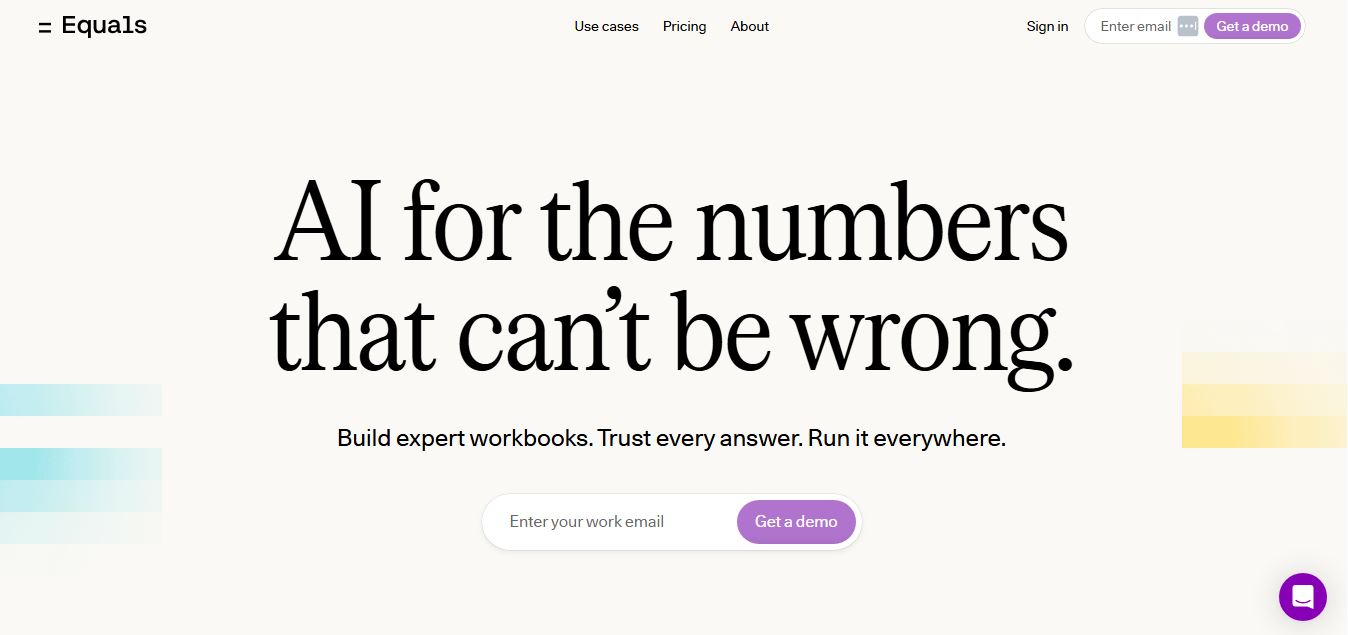
Equals is an AI-powered spreadsheet and GTM analytics platform that helps teams connect live data, build dashboards, and answer business questions using natural language. It combines a managed data warehouse, spreadsheet, and AI analyst, enabling faster, reliable insights without SQL or complex data tools.
 4.9
4.9Google Sheets
Spreadsheets
Google Sheets is a cloud-based spreadsheet tool that helps users create, edit, and collaborate on data in real time. It supports formulas, charts, automation, and integrations with Google Workspace, enabling teams to manage data, analyze information, and build workflows from anywhere with shared access.
 4.9
4.9Row Zero
Spreadsheets
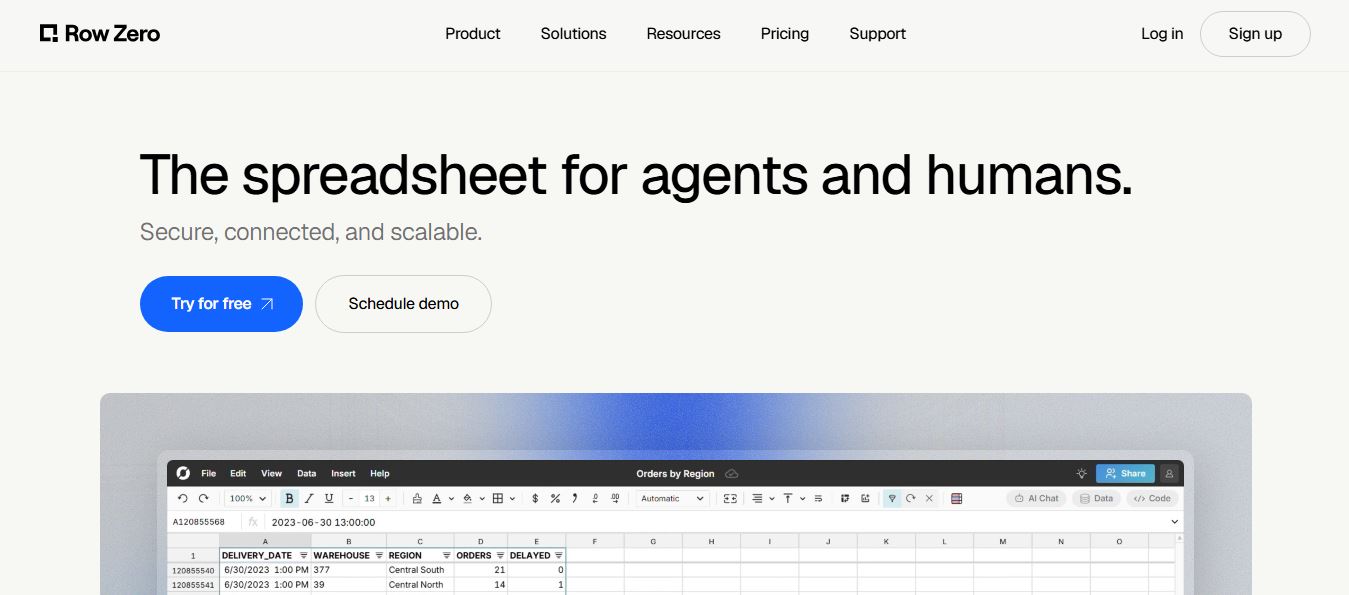
Row Zero is an AI-powered cloud spreadsheet platform that helps teams analyze massive datasets using familiar spreadsheet workflows. It connects directly to data warehouses, auto-updates live data, and scales to billions of rows, enabling fast, secure, and collaborative data analysis without traditional spreadsheet limitations.
 4.9
4.9Grist AI Spreadsheet Generator
Spreadsheets
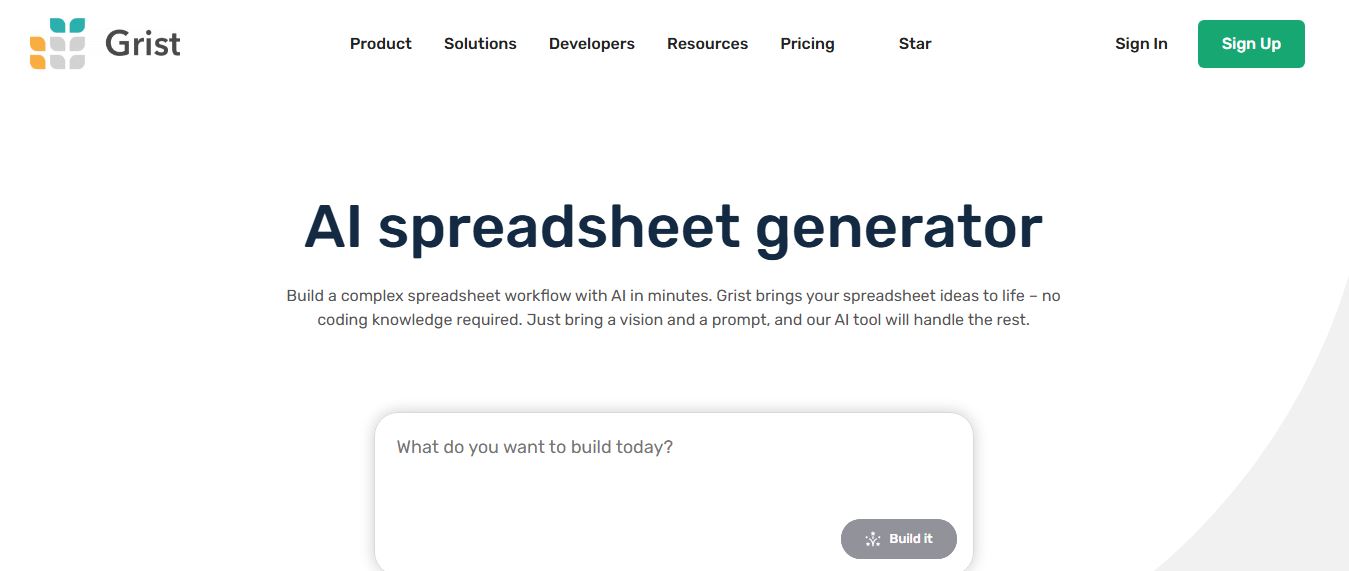
Grist AI Spreadsheet Generator (getgrist.com/ai/spreadsheet-generator/) is an open-source, relational AI spreadsheet and custom application builder that turns text prompts into structured relational databases, Python formulas, dashboards, and access rules via an in-product AI Assistant and Model Context Protocol (MCP).
 4.9
4.9Shortcut AI
Spreadsheets
Shortcut AI is an AI-powered Excel agent that helps finance teams build financial models, analyze data, and automate complex spreadsheet workflows using natural language. It generates formulas, structures reports, and processes data with high accuracy, enabling faster decision-making and reducing manual analysis work.
 4.9
4.9Microsoft Excel
Spreadsheets
Microsoft Excel AI (Copilot for Excel) is an AI-powered assistant that helps users analyze data, write formulas, create charts, and generate insights using natural language. It automates complex tasks, highlights trends, and builds reports, enabling faster, data-driven decisions directly within Excel workflows.
 4.9
4.9Coefficient
Spreadsheets
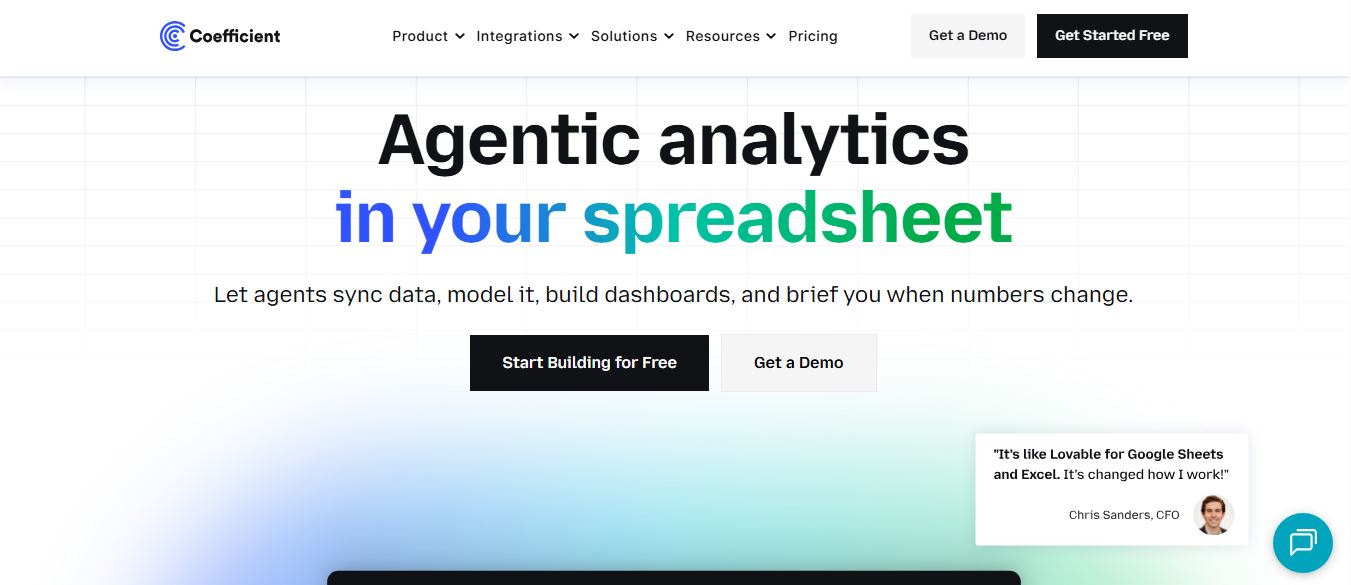
Coefficient is an AI-powered spreadsheet automation platform that connects live data from tools like Salesforce, HubSpot, and databases directly into Google Sheets and Excel. It enables real-time reporting, automated refreshes, and AI-driven analysis, helping teams build dashboards and workflows without manual exports or coding.
 4.9
4.9SheetGPT
Spreadsheets
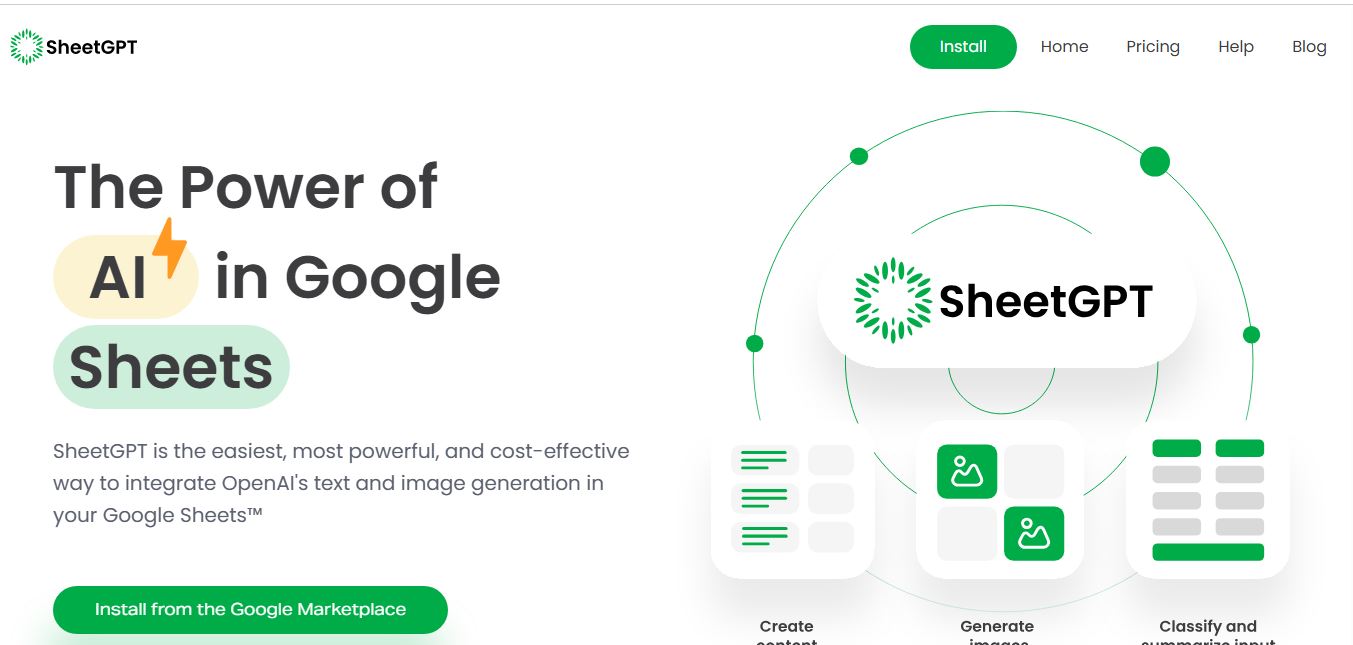
SheetGPT is an AI-powered Google Sheets add-on that helps users generate content, analyze data, and automate tasks using simple formulas like =GPT(). It integrates models like ChatGPT, Claude, and Gemini, enabling faster workflows for summarization, translation, classification, and large-scale spreadsheet operations.
 4.9
4.9GPT for Work
Spreadsheets
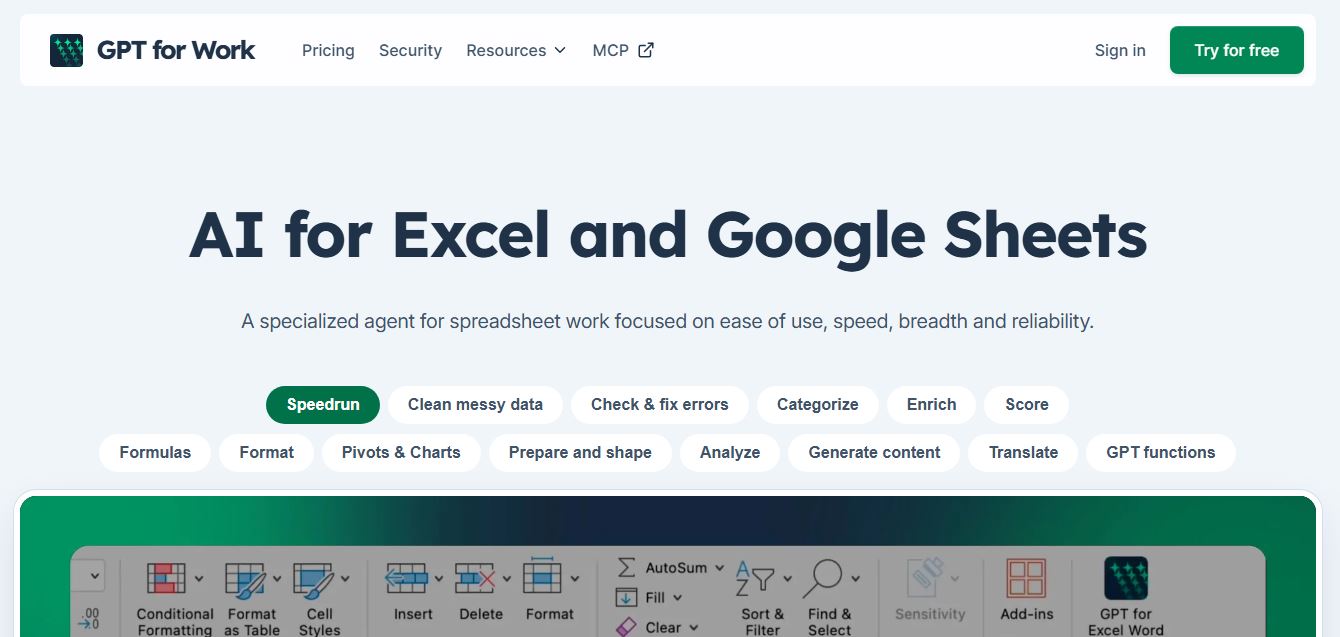
GPT for Work is an AI-powered spreadsheet assistant that helps users automate tasks in Excel and Google Sheets using natural language. It writes formulas, cleans data, generates content, and processes thousands of rows in bulk, enabling faster analysis, workflow automation, and data-driven decision-making.