
Launch Kids
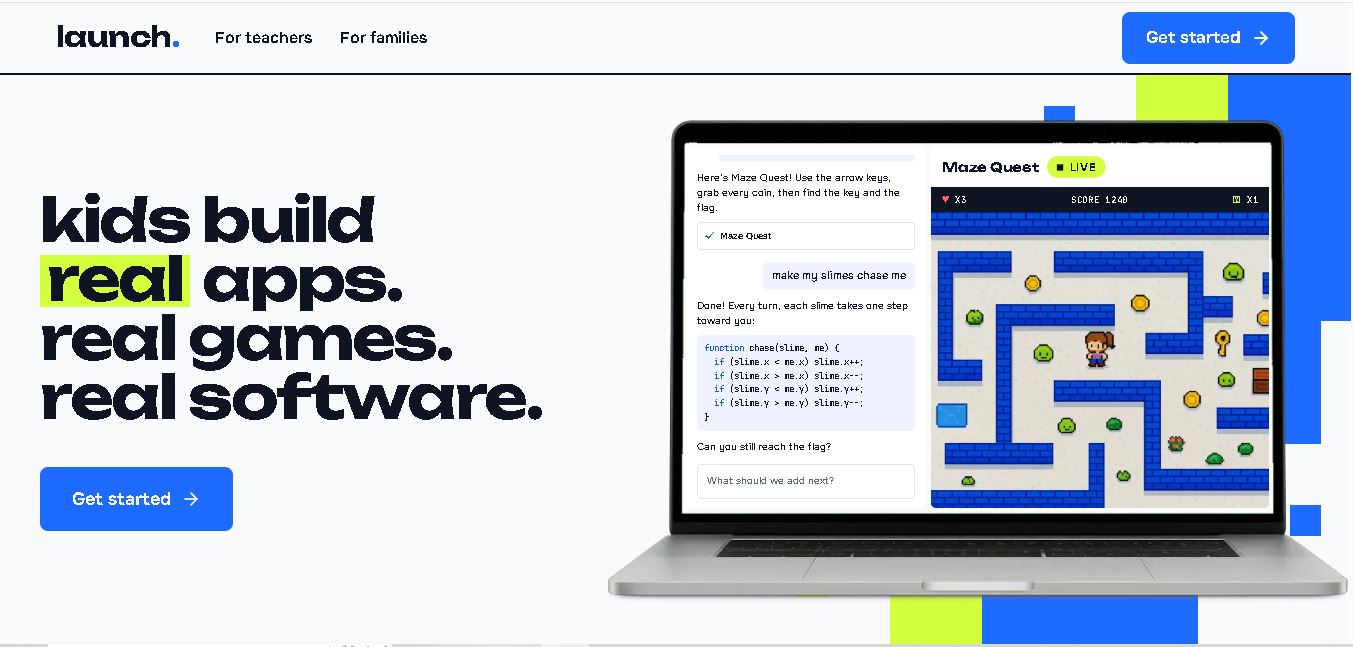
Launch Kids is an AI-assisted coding platform that helps children aged 5–13 build real games, websites, and applications. Children describe their ideas in simple language and receive coding assistance to bring them to life. With beginner-friendly guidance, browser-based access, and classroom features, it supports creative learning, programming skills, and problem-solving at home or school.
What is Launch Kids?
Launch.kids is a coding education platform that helps children aged 5–13 turn their ideas into working games, websites, and applications using AI-assisted coding. Children describe what they want to create in everyday language, while the platform helps generate code and guides them through the development process. It supports hands-on learning, creative problem-solving, and introductory programming without requiring previous coding experience. Parents and educators can also use Launch to support coding activities at home or in classrooms.
Launch.kids is an AI-assisted coding platform operated by Austin Christian University. It targets children aged 5–13 and supports projects involving HTML, CSS, JavaScript, and TypeScript. The platform offers a free tier, while paid access is listed at $20 per student seat per month. Each paid seat includes up to 5,000,000 AI tokens monthly. Students can access projects through a browser without installing software. Launch emphasizes data minimization, content filtering, and privacy protections, with tools for parents, teachers, and schools.
- Core Focus: Early STEM Education, Interactive Coding, AI Literacy & Creative Problem Solving
- Platform Type: Web-Based STEM Learning Platform & Interactive Coding Hub
Use Cases:
- Introducing young students to foundational computer science concepts like sequencing, loops, and conditional logic
- Guiding kids through hands-on project creation including simple games, animations, and interactive stories
- Fostering early AI literacy by demonstrating how smart algorithms perceive, process, and learn from data
- Equipping educators and parents with structured lesson plans and progress dashboards for home or classroom learning
Technology:
- Browser-based interactive coding environment supporting visual block-based logic and progressive text coding
- Kid-safe architecture with built-in content moderation and privacy controls protecting student data
- Cross-device web compatibility allowing seamless learning on laptops, desktops, and tablets
Target Users:
- Children and Young Learners exploring STEM, programming, and technology for the first time
- Parents and Guardians seeking productive, safe, and educational screen-time experiences for their children
- K-12 Educators, STEM Instructors, and After-School Coding Club Leaders
- Content creators using writing tools to draft STEM curricula, coding guides for parents, and EdTech software reviews
Corporate Entity: Launch Kids (EdTech / STEM Education)

Key features of Launch Kids
Launch Kids' key features are
- Interactive Coding Studio: Intuitive drag-and-drop block coding interfaces that lower barriers to entry for young programmers.
- AI & Tech Fundamentals: Age-appropriate activities introducing children to artificial intelligence, robotics, and digital logic.
- Gamified Project Pathways: Step-by-step missions that keep children motivated by rewarding skill progression and completed builds.
- Safe Learning Workspace: Ad-free, child-safe environment designed to prioritize privacy and focus on core learning objectives.
- Parent & Educator Progress Tracking: Clear dashboards that summarize student achievements, skill mastery, and active project stats.
- Multi-Device Accessibility: Web-first access compatible with modern desktop, laptop, and tablet web browsers.
Launch Kids Pricing
Launch Kids offers flexible pricing options, featuring free introductory access alongside affordable subscription tiers for full course libraries.
Free Access:
- Free Introductory Modules: Free access to foundational coding tutorials, basic projects, and sample activities
Premium Membership:
- Pro Subscription Tier: Tiered monthly or annual family plans unlocking the full project catalog, advanced AI/STEM tracks, and detailed progress reports
Disclaimer: Membership options and promotional pricing plans are subject to change. Visit launch.kids for current subscription details and course catalog access.
Who is using Launch Kids?
Launch Kids is designed for young creators, parents, and educators, including
- Young Learners: Building interactive games, animations, and technology projects independently
- Parents & Homeschooling Families: Providing structured, self-paced STEM education with automated tracking
- Elementary & Middle School Teachers: Incorporating fun, interactive coding and AI activities into the classroom
- Content Creators: Using writing tools to draft STEM learning resources, parenting guides, and coding reviews
Best Launch Kids Alternatives
Some of the top Launch Kids alternatives include
Pros and Cons of Launch Kids
Pros
- Intuitive visual project studio lowers the entry barrier for early computer science learners
- Combines traditional coding logic with future-oriented AI concepts in a child-safe environment
- Gamified mission structure keeps students engaged and enthusiastic about problem-solving
- Comprehensive progress tracking offers parents peace of mind and visibility into learning milestones
Cons
- Full access to advanced course tracks and project libraries requires a paid subscription
- Requires a stable internet connection and browser access for online coding activities
- The newer platform is continually expanding its broader institutional school district integrations
Why Choose Launch Kids?
Launch Kids is an excellent choice for parents and educators seeking a clean, engaging platform that empowers children to transition from digital consumers into creative tech builders.
- Builds real computational thinking and problem-solving skills through hands-on projects
- Provides a 100% kid-safe, ad-free environment tailored for young learners
- Equips parents and teachers with actionable progress insights and skill analytics
Launch Kids vs. Competitors
The main difference between Launch Kids, Scratch, and Tynker is that Launch Kids integrates modern AI fundamentals alongside block-based coding in a streamlined, project-oriented workspace, whereas Scratch focuses primarily on open-ended community block coding and animation, and Tynker provides a vast commercial ecosystem heavily centered on Minecraft modding. Launch Kids stands out for its balanced, modern STEM focus.
| Feature / Tool | Launch Kids (launch.kids) | Scratch | Code.org | Tynker |
|---|---|---|---|---|
| Core Focus | Interactive STEM, Block Coding & AI Fundamentals | Visual Block Coding & Creative Community | Formal K-12 CS Curriculum & Labs | Gamified Coding Courses & Minecraft Modding |
| AI Fundamentals | Yes (Integrated Early AI Concepts) | Extensions Available | Integrated AI Lessons | Course Modules |
| Target Age | Elementary & Middle School Kids | Ages 8 to 16 | K-12 Students & Teachers | Ages 5 to 18 |
| Starting Price | Free Introductory / Pro Subscription | 100% Free | 100% Free | Free Starter / Paid Subscriptions |
| Best For | Kids wanting an intuitive blend of coding and AI project missions | Open-ended creative animation and game creation for free | Formal classroom computer science adoption in schools | Gamified coding courses and Minecraft modding |
How do we rate Launch Kids?
| Parameter | Rating (out of 5) |
|---|---|
| Curriculum Quality & AI Integration | 4.8 |
| User Interface & Child Safety | 4.9 |
| Gamified Engagement & Projects | 4.8 |
| Parent & Educator Dashboard | 4.7 |
| Value for Money | 4.8 |
| Overall Score | 4.80 |
Launch Kids Review
Launch Kids is a forward-thinking educational platform that successfully makes STEM, coding, and artificial intelligence accessible and exciting for young students. By framing learning around hands-on coding challenges, interactive AI exploration, and gamified progress milestones, Launch Kids helps children develop essential computational thinking skills. Its clean, ad-free environment and parent progress insights make it a reliable asset for modern tech education. For parents and educators seeking a modern STEM platform in 2026, Launch Kids is a compelling choice.
Conclusion
Launch.kids offers children aged 5–13 an accessible way to explore coding through real projects, including games, websites, and applications. Its AI assistance, beginner-friendly workflow, and classroom management features make it useful for parents and educators introducing programming concepts. Privacy-focused design adds value for younger learners, while adult supervision remains important. For families and schools seeking hands-on coding education, Launch.kids is worth exploring as a practical starting point for developing creativity, computational thinking, and problem-solving skills.
FAQ
What age group is Launch.kids designed for?
Launch.kids is designed for children between 5 and 13 years old. It adjusts explanations to suit a child's age, using simpler language and smaller steps for younger learners. This makes it useful for families introducing coding at home and teachers supporting beginner programmers in classroom activities and school projects.
Does my child need coding experience to use Launch.kids?
No prior coding experience is required. Children can begin by describing an idea in their own words, such as a maze game or a chore chart. Launch helps turn that description into a working project, letting learners explore coding concepts through experimentation rather than starting with complex syntax from scratch.
Is Launch.kids safe for children?
Launch says it is designed with child privacy in mind, offering no advertising, data sales, or student tracking. It filters AI interactions and uses student access codes rather than requiring children to create email-based accounts. Parents and educators should still supervise use and review the platform’s privacy policy before enrolling.
What can children create using Launch.kids?
Children can create interactive games, websites, and apps using technologies such as HTML, CSS, JavaScript, and TypeScript. They can describe features in plain language and improve projects as they learn. Example activities include maze games, classroom math races, chore charts, and school recycling trackers that connect coding with everyday problem-solving.
How much does Launch.kids cost?
Launch.kids offers a free tier for trying the platform, and its terms list paid access at $20 per student seat monthly. Paid seats include up to 5,000,000 AI tokens per student monthly. Because plan availability and arrangements may change, check the website or ask Launch before budgeting.
Can teachers and schools use Launch.kids?
Yes. Launch.kids provides teacher dashboards for managing students and reviewing projects, making it suitable for classroom activities and school-wide coding initiatives. Educators can create student access codes, organize learning, and monitor projects. Schools should review plan terms, consent responsibilities, and privacy requirements before introducing the platform to students and families.
User Reviews
No reviews yet for Launch Kids.
Featured Tools
Featured AI tools from TechShark

Melody Genie
MelodyGenie is an AI-powered music generator that creates original songs from simple text prompts. Users can choose styles, moods, and genres, then instantly generate melodies and full tracks, making it easy for creators, marketers, and hobbyists to produce custom music without musical expertise.
Freemium

Kimi AI
Kimi AI is an advanced AI assistant developed by Moonshot AI that helps you chat, research, write, code, and automate tasks in one place. It supports web search, file analysis, and multimodal inputs, and can even run autonomous “agent” workflows to complete complex tasks end-to-end.
Freemium

Fashion Diffusion AI
Fashion Diffusion is an AI-powered fashion design platform that helps brands and designers create clothing designs, virtual try-ons, AI models, product photos, and marketing visuals faster and cost-effectively.
Paid

Veo 4
Veo 4 AI is an AI video creation platform that generates dramatic videos from text, images, audio, and video prompts using realistic motion and synchronized sound.
Paid
Alternatives
Alternatives to Launch Kids
The best Launch Kids alternatives include Scratch, Code.org, Tynker, Khan Academy Kids, Machine Learning for Kids, and KidsZone. These platforms provide coding education, STEM activities, and AI learning. While Launch Kids focuses on a modern blend of block coding and early AI logic in a kid-safe workspace, alternatives like Scratch offer free open community game development.
 4.9
4.9Humain AI Literacy Mission (HAILM)
Kids
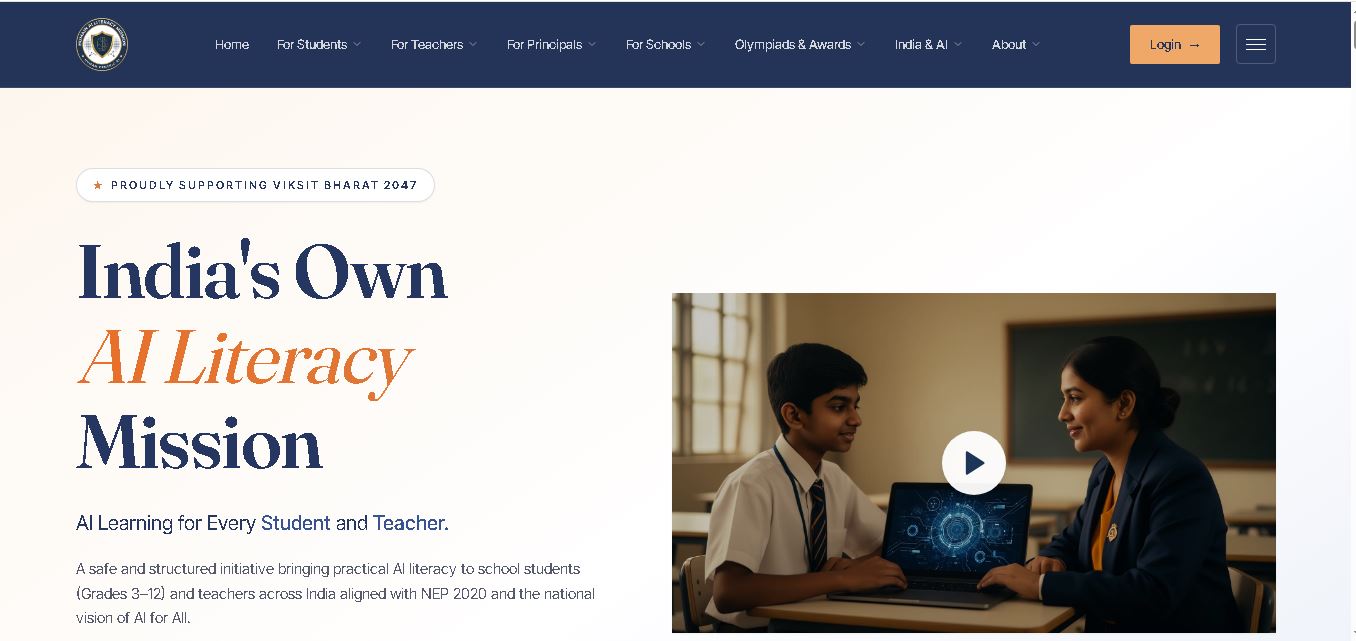
Humain AI Literacy Mission is an educational initiative helping Indian students in Grades 3–12 and teachers develop practical artificial intelligence skills. It offers foundational AI courses, interactive activities, assessments, and certificates. Aligned with NEP 2020 and international educational guidance, HAILM promotes responsible AI use, digital safety, critical thinking, and future-ready learning.
 4.9
4.9Brisk Teaching
Kids
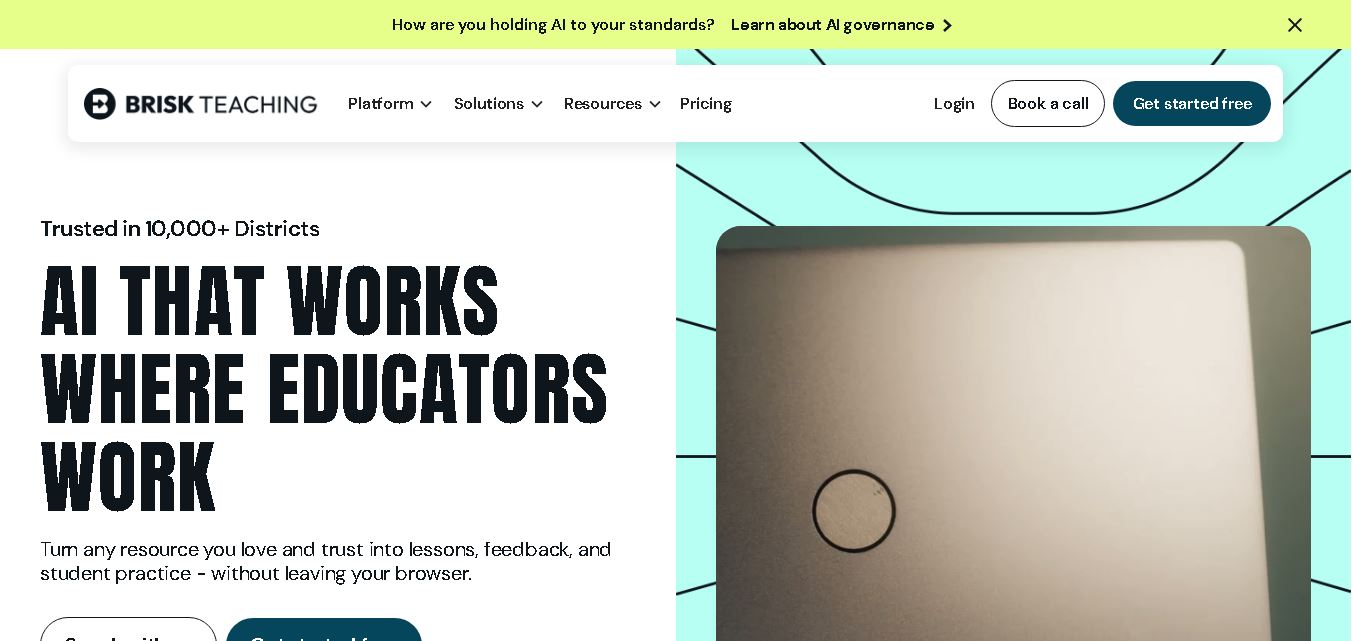
Brisk Teaching helps educators create lesson plans, quizzes, worksheets, presentations, and personalized feedback using AI. It integrates with familiar teaching tools and supports differentiated instruction, translation, and student activities. With free educator access and advanced school plans, Brisk helps teachers reduce repetitive preparation and focus more on meaningful classroom learning.
 4.9
4.9Diffit
Kids
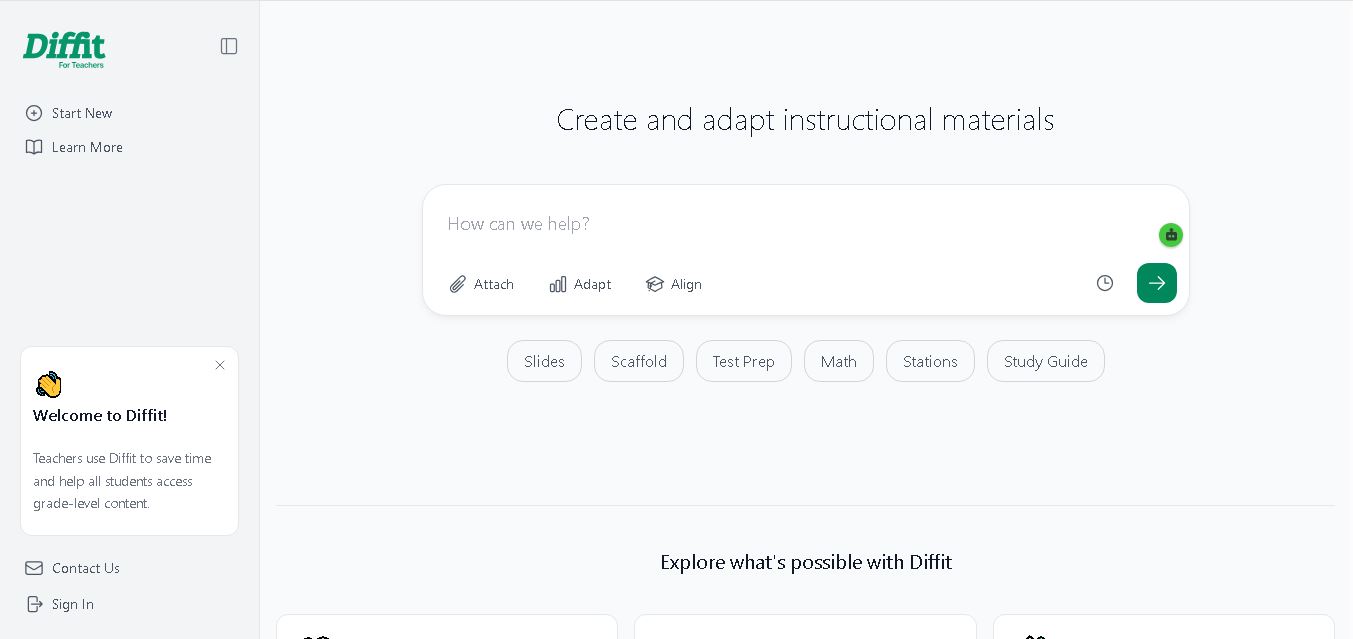
Diffit helps teachers create differentiated classroom materials from topics, text, PDFs, URLs, and video transcripts. It can produce reading passages, vocabulary tasks, comprehension questions, worksheets, and lesson activities tailored to student needs. Educators can edit, print, share, and, with eligible plans, export resources to familiar teaching tools more efficiently.
 5.0
5.0MagicSchool AI
Kids
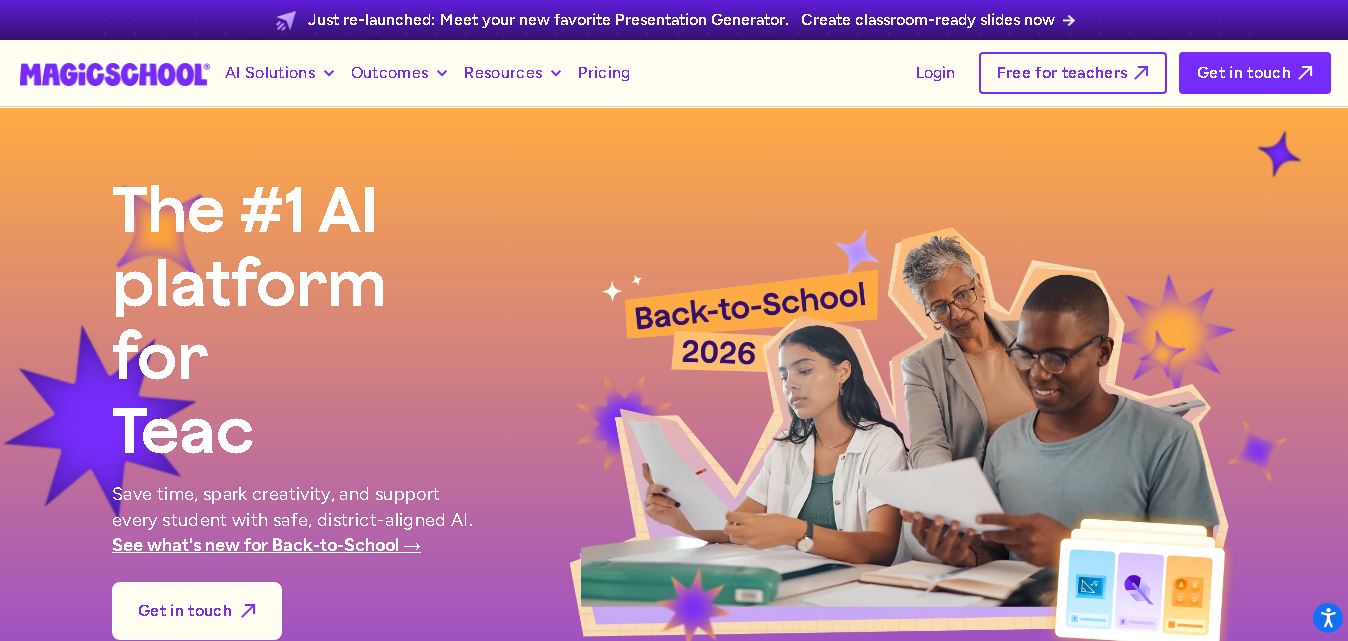
MagicSchool AI helps teachers and students use artificial intelligence for educational tasks. It offers tools for lesson planning, quiz creation, worksheet generation, writing feedback, and personalized learning. With free and paid plans, it supports classroom productivity, differentiated instruction, and responsible AI adoption across schools and educational institutions worldwide.
 4.9
4.9Curipod
Kids
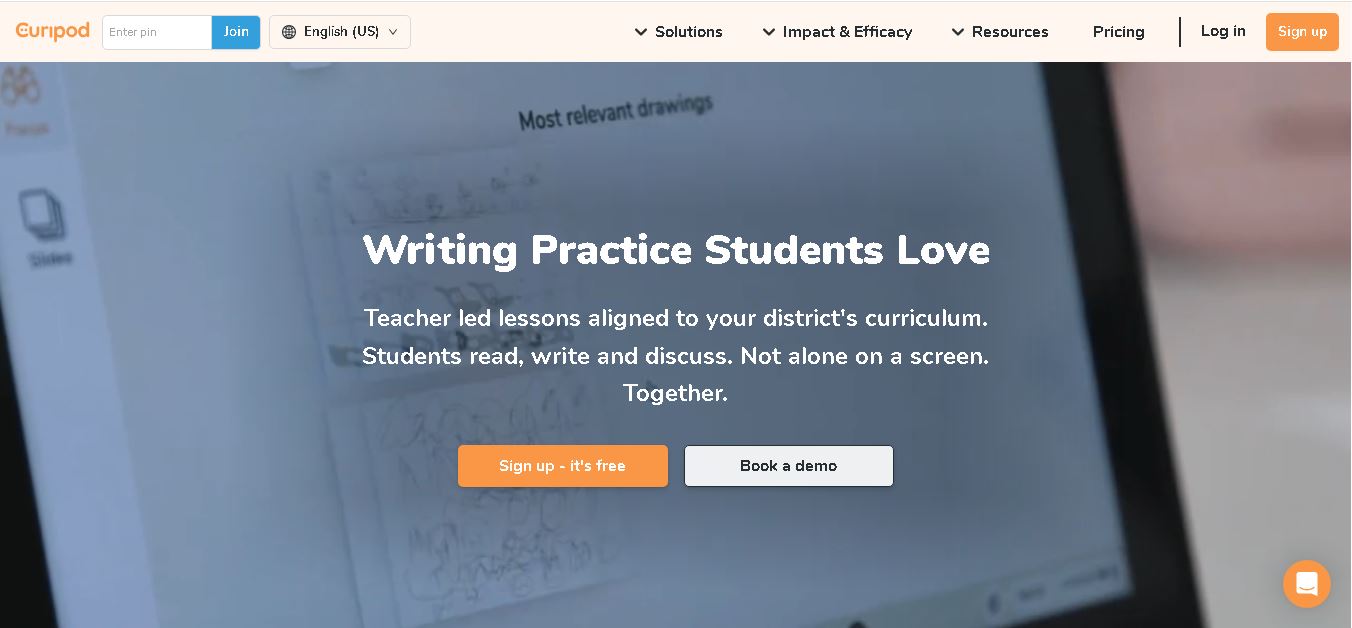
Curipod offers teachers a practical way to create interactive lessons, encourage classroom participation, and provide structured feedback on student learning. Its AI-assisted lesson generation, writing activities, and assessment tools can reduce preparation time while supporting more engaging instruction. The free plan provides an accessible starting point, while schools can explore paid options for broader needs. For educators seeking technology that combines classroom interaction with teacher-controlled AI, Curipod is worth evaluating against their curriculum, privacy, and teaching requirements.
 4.8
4.8Powtoon
Kids
Powtoon is an online video and presentation creation tool for producing animated explainers, educational videos, marketing content, and business presentations. It offers customizable templates, animated characters, multimedia editing, and AI-assisted features. Beginners, educators, marketers, and businesses can use it to transform complex ideas into engaging visual stories without advanced animation skills.
 4.8
4.8Animaker
Kids
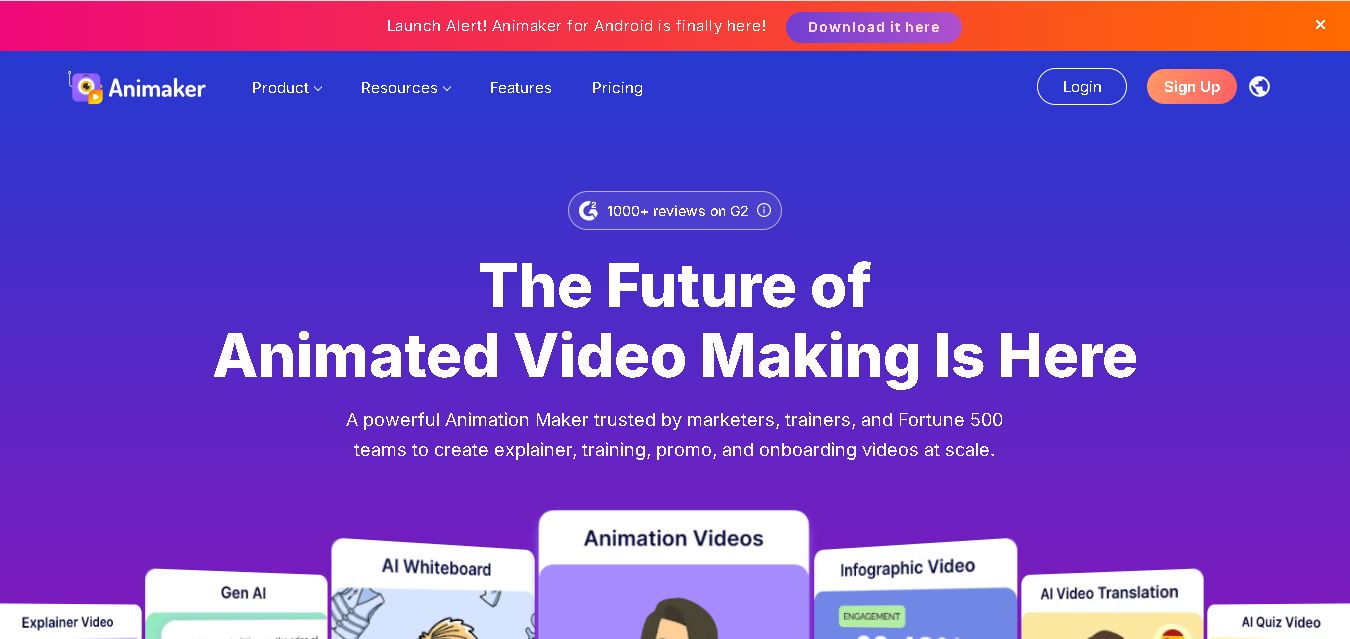
Animaker helps users create animated videos, explainer content, presentations, and promotional materials using customizable characters, templates, AI video generation, and editing features. Its online editor supports voiceovers, subtitles, and multilingual video translation. It is useful for marketers, educators, businesses, and creators who want engaging videos without advanced animation or editing expertise.
 5.0
5.0Google Read Along
Kids
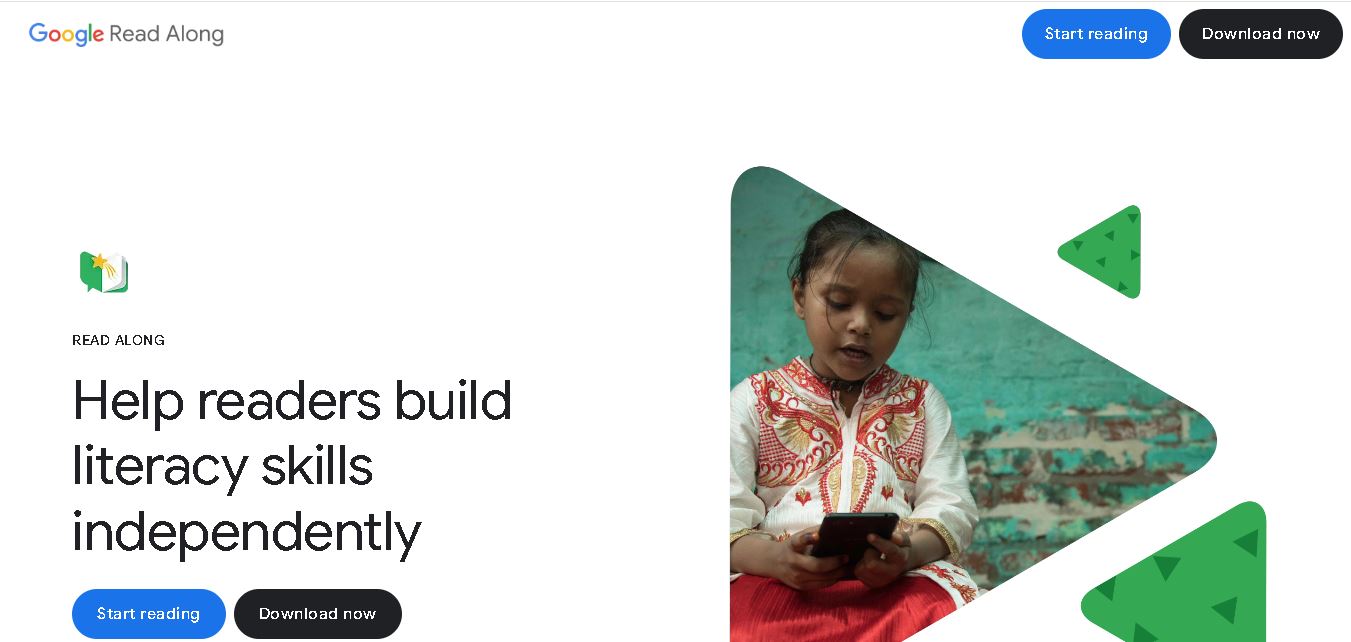
Google Read Along is a free reading practice tool for children that improves pronunciation, fluency, and confidence through interactive stories, reading games, and real-time feedback from its assistant, Diya. Supporting multiple languages and offline Android access, it helps families and educators make early literacy practice more engaging, accessible, and convenient for young learners.
 4.8
4.8Squibler
Kids
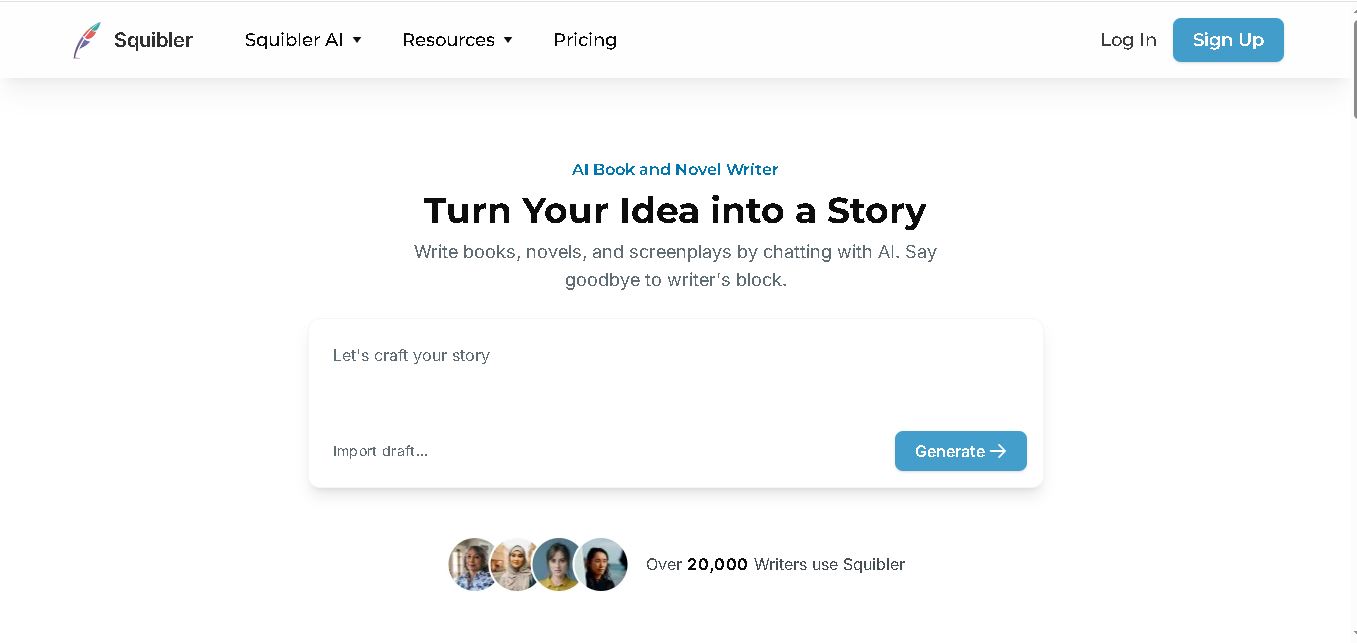
Squibler is an AI writing assistant for creating books, novels, screenplays, and story outlines. It helps writers develop characters, organize chapters, refine existing drafts, and generate visuals. With free and paid plans, Squibler supports beginners and experienced authors seeking a more structured, efficient, and creative long-form writing workflow.