
Brisk Teaching
Brisk Teaching helps educators create lesson plans, quizzes, worksheets, presentations, and personalized feedback using AI. It integrates with familiar teaching tools and supports differentiated instruction, translation, and student activities. With free educator access and advanced school plans, Brisk helps teachers reduce repetitive preparation and focus more on meaningful classroom learning.
What is Brisk Teaching?
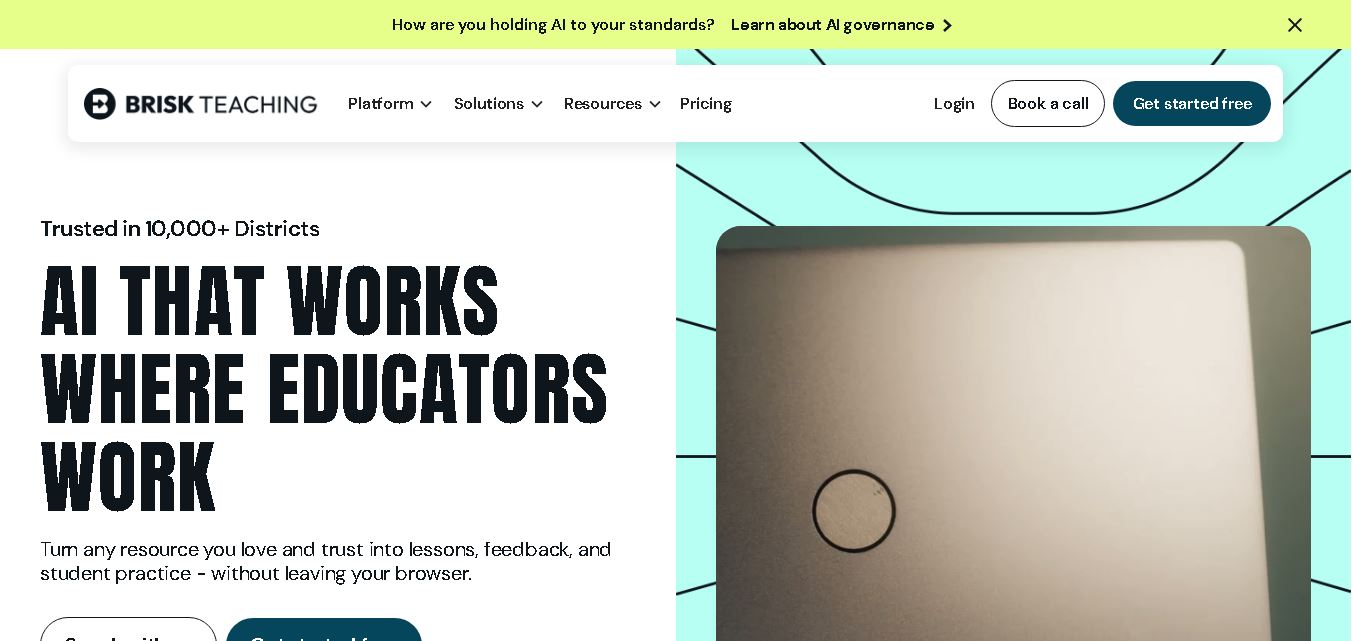
Brisk Teaching is an educational technology platform that helps teachers plan lessons, develop classroom resources, personalize instruction, and provide meaningful feedback to students. It works through a browser extension and web-based workspace, supporting resources such as Google Docs, Microsoft Word, presentations, PDFs, websites, and YouTube videos. Its tools also help educators adjust reading levels, translate content, and create teacher-guided student activities, making everyday teaching tasks more efficient and accessible.
Brisk Teaching reports serving more than 10,000 school districts and saving over 2.2 million hours, according to its official website. The platform offers 20+ tools in its free educator plan, supports content creation in 50+ languages, and provides features for lesson planning, assessment, feedback, and differentiated instruction. Its website also highlights a 95% Common Sense Privacy Rating. Brisk supports Chrome and Microsoft Edge, helping teachers integrate AI into existing workflows without requiring an entirely separate teaching environment.
- Core Focus: In-Browser AI Teaching Co-Pilot, Targeted Essay Feedback, Reading Level Adjustment & AI Writing Detection
- Platform Type: Google Chrome Extension & Web-Based Educator Productivity Suite
Use Cases:
- Generating glow-and-grow feedback, targeted comments, and rubric grading directly inside student Google Docs
- Converting web articles, Google Docs, or YouTube transcripts into leveled reading passages, quizzes, and lesson plans
- Inspecting student revision history ('Brisk Inspect') to track authentic writing velocity, copy-paste events, and potential AI reliance
- Generating IEP goals, parent emails, progress reports, and differentiated student worksheets without leaving browser tabs
Technology:
- In-browser Chrome extension overlay API interfacing with Google Workspace and major Learning Management Systems (LMS)
- Revision history forensic analysis engine ('Inspect') visualizing student writing process chronologically
- Secure data compliance framework adhering strictly to FERPA, COPPA, and student data privacy regulations
Target Users:
- K-12 Teachers, High School Humanities Instructors, and Higher Education Faculty using Google Workspace
- Special Education (SPED) Educators, Reading Specialists, and Instructional Coaches
- School District Technology Directors and Curriculum Coordinators
- Content creators using writing tools to draft teacher productivity reviews, grading strategies, and EdTech software tutorials
Corporate Entity: Brisk Teaching Inc. (San Francisco, CA, USA)

Key features of Brisk Teaching
Brisk Teaching's key features are
- In-Doc Feedback & Grading: Automatically leave four distinct feedback styles (Glow/Grow, Next Steps, Rubric-Aligned, or Direct Comments) inside student Google Docs.
- Brisk Inspect (Writing Process Visualizer): Analyze document revision history to see time spent, copy-pasted blocks, edit counts, and writing authenticity.
- Instant Content Leveling: Change the reading level of any web page, Google Doc, or YouTube video transcript with one click.
- One-Click Resource Creator: Convert web articles or video transcripts into Google Slides presentations, Google Forms quizzes, and lesson plans.
- Multi-Language Translation: Translate reading materials and teacher feedback into over 30 languages for ELL/ESOL families.
- LMS Integration: Works directly within Google Classroom, Canvas, Schoology, and web-based grading portals.
Brisk Teaching Pricing
Brisk Teaching offers a robust free tier alongside paid Educator Pro plans and school district enterprise licensing.
Free Educator Tier:
- Free Plan ($0/mo): Free unlimited access to core feedback tools, basic lesson generators, content leveling, and Brisk Inspect writing analysis
Paid Subscription Tiers:
- Educator Pro (~$9.99/mo or $99/yr): Unlocks advanced rubric-aligned feedback, automated Google Forms quiz generation, custom prompt saved routines, and premium export integrations
- School & District Enterprise: Custom district pricing featuring centralized admin deployment, district-wide AI analytics, FERPA compliance agreements, and dedicated staff training
Disclaimer: Pricing tiers and promotional discounts are subject to change. Visit briskeaching.com/pricing for current subscription rates.
Who is using Brisk Teaching?
Brisk Teaching is used by educators and school systems worldwide, including
- Humanities & English Teachers: Speeding up essay grading and providing detailed line-item feedback in Google Docs
- K-12 Educators: Converting web articles and YouTube videos into instant Google Slides lessons and Google Forms quizzes
- School Administrators & IT Directors: Deploying safe, extension-based AI tools across entire school district Google domains
- Content Creators: Using writing tools to draft teacher productivity blogs, grading workflows, and EdTech reviews
Best Brisk Teaching Alternatives
Some of the top Brisk Teaching alternatives include
- MagicSchool AI
- Diffit
- Eduaide.Ai
- Gradescope
- SchoolAI
- Curipod
Pros and Cons of Brisk Teaching
Pros
- Works directly inside Google Docs and web browser tabs without requiring teachers to open external portals
- Brisk Inspect provides invaluable forensic insights into student writing velocity, edits, and copy-paste behavior
- Generates feedback and converts articles into Google Slides/Forms presentations in under 30 seconds
- Generous free tier includes core feedback and inspection tools forever without requiring credit cards
Cons
- Primary features rely on the Google Chrome extension framework and Google Workspace integration
- Advanced custom rubric grading and bulk Google Forms quiz creation require an Educator Pro upgrade
- Requires internet connectivity and Chrome browser access during grading sessions
Why Choose Brisk Teaching?
Brisk Teaching is the ultimate choice for educators seeking a frictionless, in-browser AI co-pilot that cuts grading time in half and brings lesson creation tools directly into Google Workspace.
- Leaves targeted glow-and-grow feedback and rubric grades in student documents automatically
- Features 'Brisk Inspect' to analyze student revision history and writing process authenticity
- Transforms web pages and YouTube videos into Google Slides and Forms quizzes instantly
Brisk Teaching vs. Competitors
The main difference between Brisk Teaching, MagicSchool AI, and Diffit is that Brisk Teaching operates as an in-browser Chrome extension embedding directly into student Google Docs and active browser tabs, whereas MagicSchool AI provides an external 80+ tool web portal, and Diffit focuses specifically on text-leveling resource adaptation. Brisk Teaching stands out for its inline Google Docs feedback and writing process inspection features.
| Feature / Tool | Brisk Teaching (briskteaching.com) | MagicSchool AI | Diffit | Gradescope |
|---|---|---|---|---|
| Core Focus | In-Browser Extension AI Co-Pilot & Google Docs Feedback | 80+ AI Educator & Administrative Web Tools | Leveled Reading Adaptation & Resource Generation | AI-Assisted Assessment & STEM Grading Platform |
| Workflow Interface | Chrome Extension Overlay inside Google Docs/Slides | Web Application Portal | Web Application Portal | Web Grading Studio |
| Revision Forensic Inspection | Yes (Brisk Inspect Revision Timeline & Velocity) | No | No | No |
| Target Audience | K-12 & Higher-Ed Teachers (Google Workspace) | K-12 & Higher-Ed Teachers | K-12 Teachers, SPED, ELL Specialists | High School & University STEM Instructors |
| Starting Price | Free Tier / ~$9.99/mo (Educator Pro) | Free Tier / ~$8.33–$12.99/mo | Free Basic / $14.99/mo (Pro Individual) | Institutional Licensing / Free Basic |
| Best For | Grading essays and generating feedback directly inside student Google Docs | All-in-one AI lesson planning and administrative tasks | Adapting web articles and videos into leveled student worksheets | Grading paper exams, code submissions, and STEM problem sets |
How do we rate Brisk Teaching?
| Parameter | Rating (out of 5) |
|---|---|
| In-Doc Feedback & Grading Integration | 5.0 |
| Brisk Inspect Forensic Revision Analysis | 4.9 |
| Resource Generation Speed (Docs to Slides/Forms) | 4.9 |
| Workflow Efficiency & Usability | 5.0 |
| Value for Money | 4.9 |
| Overall Score | 4.94 |
Brisk Teaching Review
Brisk Teaching is an outstanding, game-changing AI extension that fundamentally transforms how teachers grade student work and create instructional resources. By embedding its co-pilot controls directly inside Google Docs, Google Slides, and web browser tabs, Brisk eliminates tab-switching friction and allows teachers to leave meaningful, rubric-aligned feedback in seconds. Features like 'Brisk Inspect' provide unmatched visibility into the student writing process and authentic revision history. For educators and school districts seeking the ultimate in-browser AI grading assistant in 2026, Brisk Teaching is an absolute masterpiece.
Conclusion
Brisk Teaching is a practical option for educators who want to simplify lesson planning, create engaging learning materials, and personalize student feedback. Its integration with familiar applications, multilingual capabilities, and teacher-guided student activities make it useful across different educational settings. The free plan offers an accessible starting point, while institutional plans provide additional capabilities. For the best results, teachers should review AI-generated content before classroom use and ensure resources match their curriculum, students' needs, and learning objectives.
FAQ
Is Brisk Teaching free to use?
Yes, Brisk Teaching offers a free plan for educators who want to simplify lesson preparation and classroom activities. The Free Forever Plan includes more than 20 teaching tools for creating quizzes, lesson plans, presentations, and other materials. Teachers can explore its core features without paying, while advanced institutional features require a paid plan.
What can teachers create with Brisk Teaching?
Teachers can use Brisk Teaching to create lesson plans, worksheets, quizzes, presentations, guided notes, rubrics, and classroom activities. It can transform existing educational resources into structured learning materials. For example, you can turn a YouTube video into discussion questions or a presentation, helping you prepare engaging lessons with less manual effort.
Does Brisk Teaching work with Google Docs and Microsoft Word?
Yes, Brisk Teaching supports workflows involving Google Docs and Microsoft Word, along with presentation tools, PDFs, websites, and other educational resources. Teachers can generate content and feedback within familiar environments. This integration reduces repetitive copying and switching between applications, making it easier to incorporate AI assistance into existing classroom preparation routines.
Can Brisk Teaching help differentiate learning materials?
Yes, Brisk Teaching helps educators adapt learning materials for students with different reading abilities, language backgrounds, and learning needs. You can simplify text, adjust reading levels, and translate educational content. These capabilities help teachers provide more accessible resources while maintaining their lesson objectives and supporting students who need additional guidance or challenges.
Can Brisk Teaching generate quizzes and lesson plans?
Yes, Brisk Teaching can generate quizzes, lesson plans, worksheets, presentations, and other instructional resources from topics or existing content. Teachers can start with an article, document, video, or webpage and choose the material they need. Reviewing and editing generated resources helps ensure accuracy, grade-level suitability, and alignment with classroom learning objectives.
Is Brisk Teaching suitable for students?
Brisk Teaching supports students through Brisk Boost, a teacher-guided learning experience. Educators create and review activities before assigning them, maintaining control over the learning experience. Students can engage with interactive tasks and receive support based on their understanding. Teachers can also review responses and identify areas where further instruction may be beneficial.
User Reviews
No reviews yet for Brisk Teaching.
Featured Tools
Featured AI tools from TechShark

Melody Genie
MelodyGenie is an AI-powered music generator that creates original songs from simple text prompts. Users can choose styles, moods, and genres, then instantly generate melodies and full tracks, making it easy for creators, marketers, and hobbyists to produce custom music without musical expertise.
Freemium

Kimi AI
Kimi AI is an advanced AI assistant developed by Moonshot AI that helps you chat, research, write, code, and automate tasks in one place. It supports web search, file analysis, and multimodal inputs, and can even run autonomous “agent” workflows to complete complex tasks end-to-end.
Freemium

Fashion Diffusion AI
Fashion Diffusion is an AI-powered fashion design platform that helps brands and designers create clothing designs, virtual try-ons, AI models, product photos, and marketing visuals faster and cost-effectively.
Paid

Veo 4
Veo 4 AI is an AI video creation platform that generates dramatic videos from text, images, audio, and video prompts using realistic motion and synchronized sound.
Paid
Alternatives
Alternatives to Brisk Teaching
The best Brisk Teaching alternatives include MagicSchool AI, Diffit, Eduaide.Ai, Gradescope, SchoolAI, and Curipod. These platforms provide AI teaching assistants and grading tools. While Brisk Teaching operates directly as a Chrome extension embedding feedback and inspection into Google Docs, alternatives like MagicSchool AI provide comprehensive web-portal administrative suites.
 4.9
4.9Humain AI Literacy Mission (HAILM)
Kids
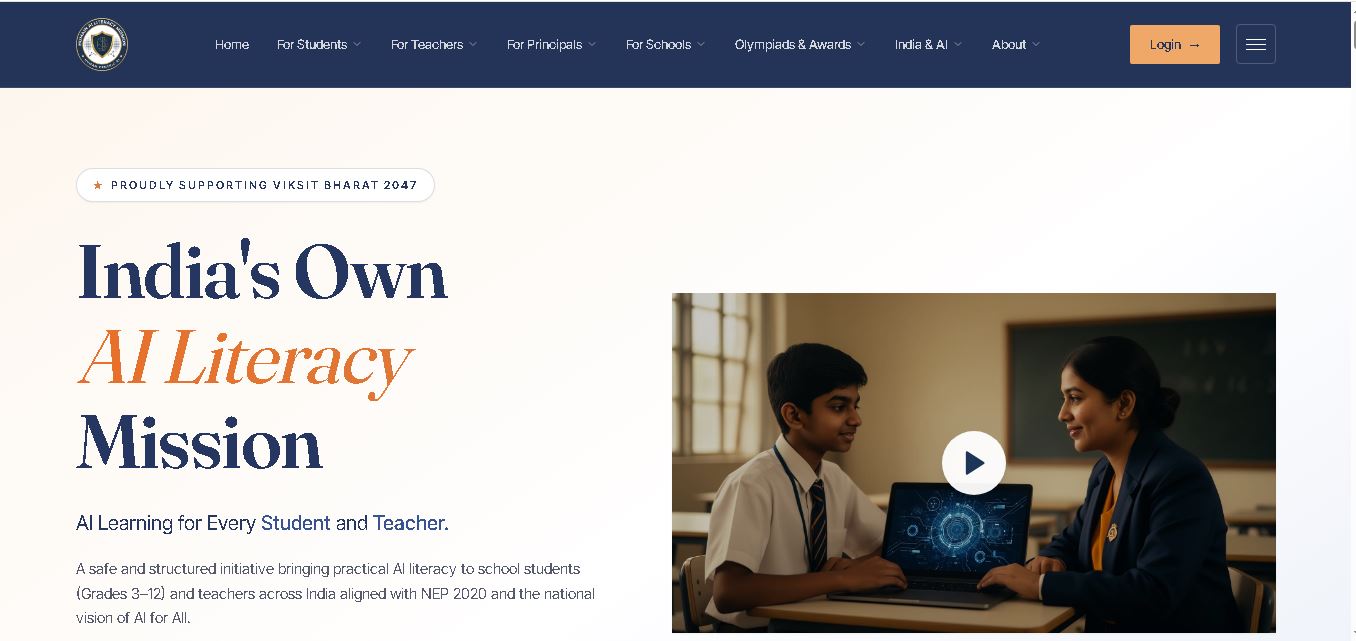
Humain AI Literacy Mission is an educational initiative helping Indian students in Grades 3–12 and teachers develop practical artificial intelligence skills. It offers foundational AI courses, interactive activities, assessments, and certificates. Aligned with NEP 2020 and international educational guidance, HAILM promotes responsible AI use, digital safety, critical thinking, and future-ready learning.
 4.9
4.9Diffit
Kids
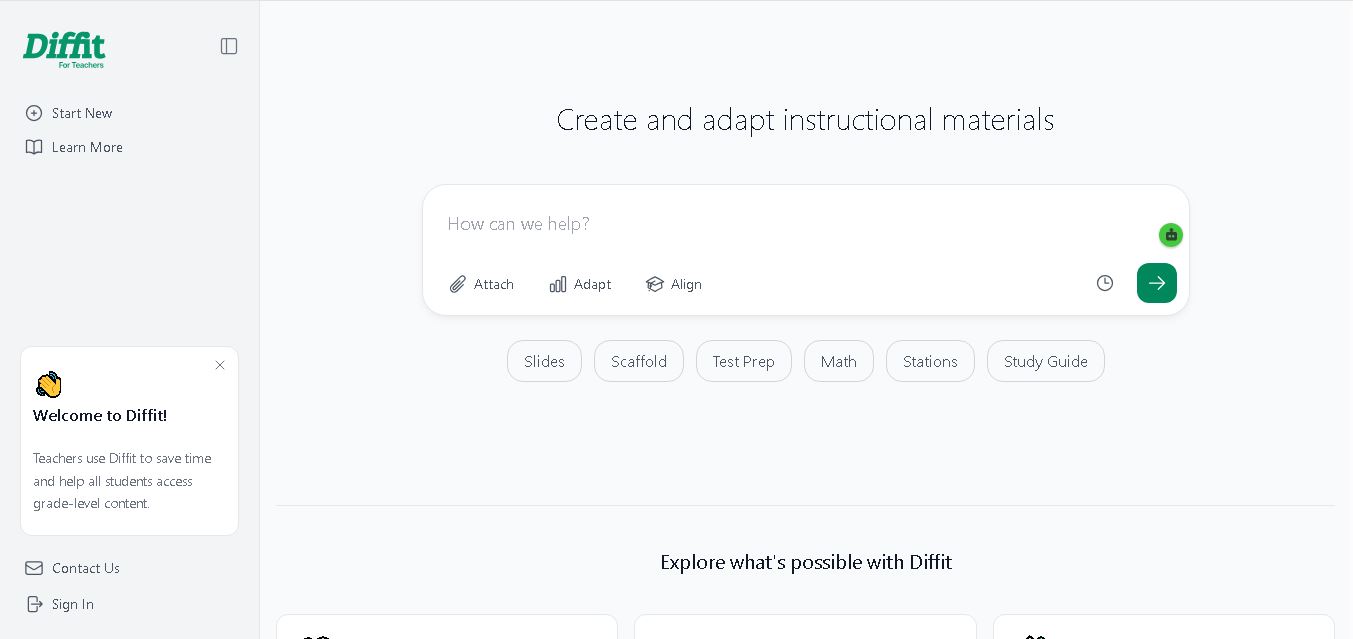
Diffit helps teachers create differentiated classroom materials from topics, text, PDFs, URLs, and video transcripts. It can produce reading passages, vocabulary tasks, comprehension questions, worksheets, and lesson activities tailored to student needs. Educators can edit, print, share, and, with eligible plans, export resources to familiar teaching tools more efficiently.
 5.0
5.0MagicSchool AI
Kids
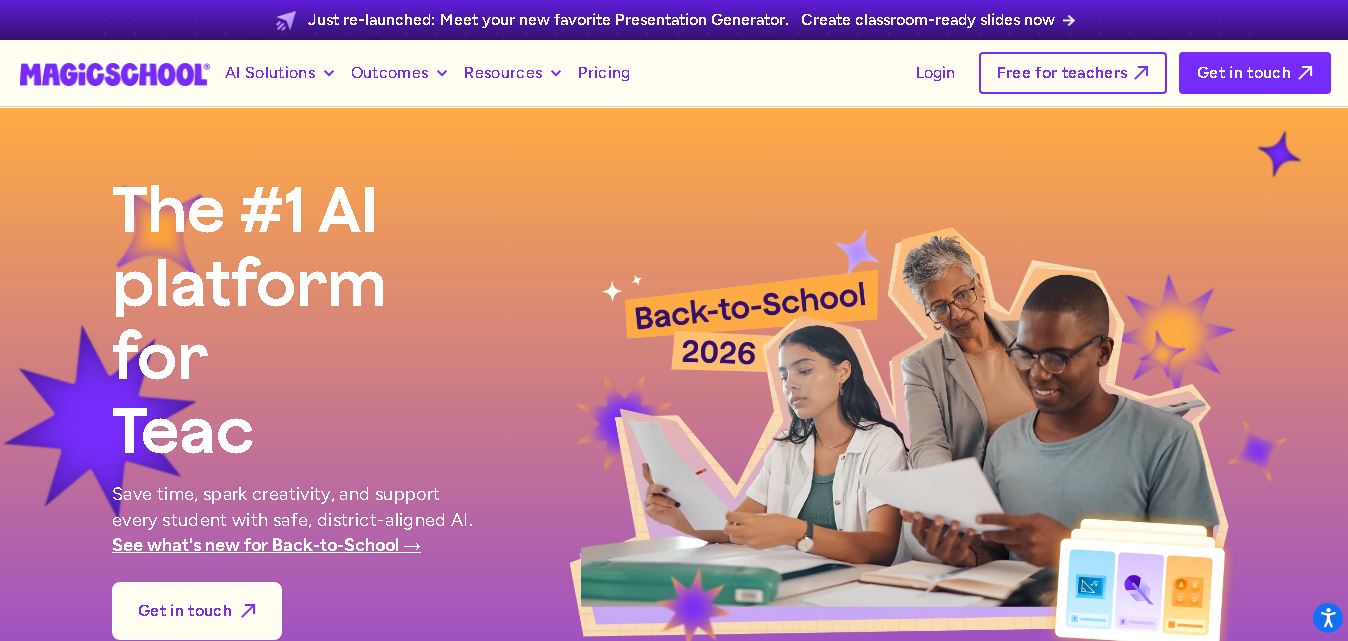
MagicSchool AI helps teachers and students use artificial intelligence for educational tasks. It offers tools for lesson planning, quiz creation, worksheet generation, writing feedback, and personalized learning. With free and paid plans, it supports classroom productivity, differentiated instruction, and responsible AI adoption across schools and educational institutions worldwide.
 4.9
4.9Curipod
Kids
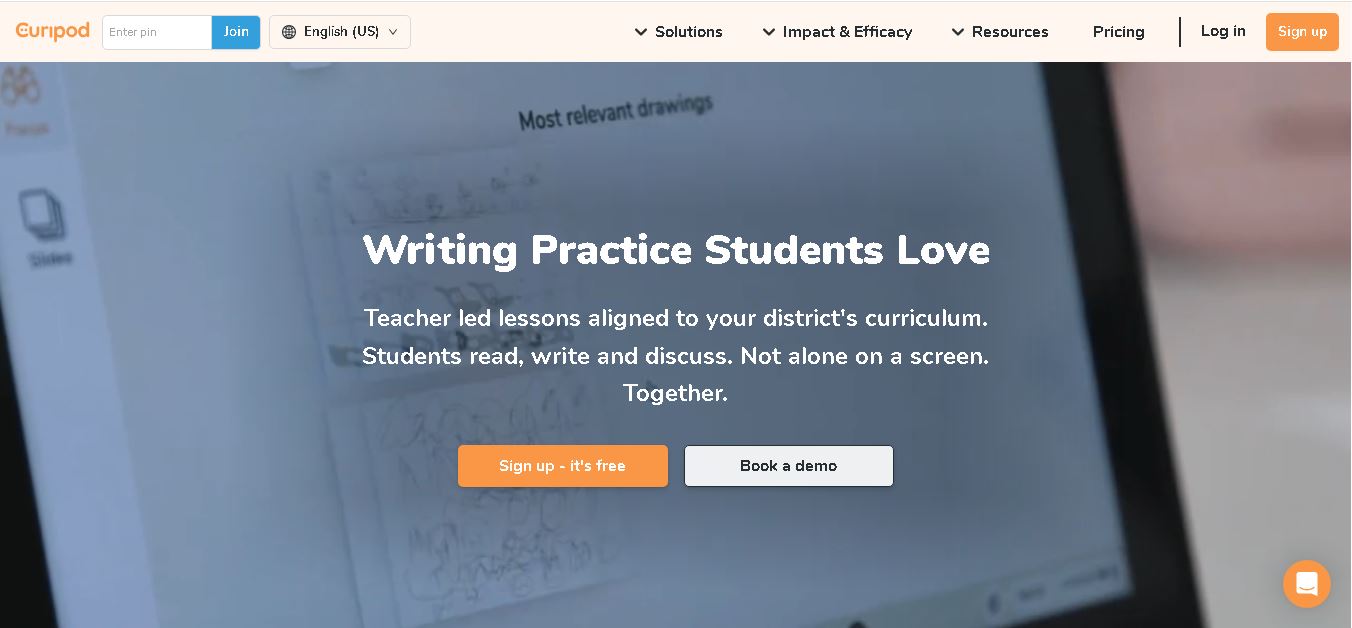
Curipod offers teachers a practical way to create interactive lessons, encourage classroom participation, and provide structured feedback on student learning. Its AI-assisted lesson generation, writing activities, and assessment tools can reduce preparation time while supporting more engaging instruction. The free plan provides an accessible starting point, while schools can explore paid options for broader needs. For educators seeking technology that combines classroom interaction with teacher-controlled AI, Curipod is worth evaluating against their curriculum, privacy, and teaching requirements.
 4.8
4.8Powtoon
Kids
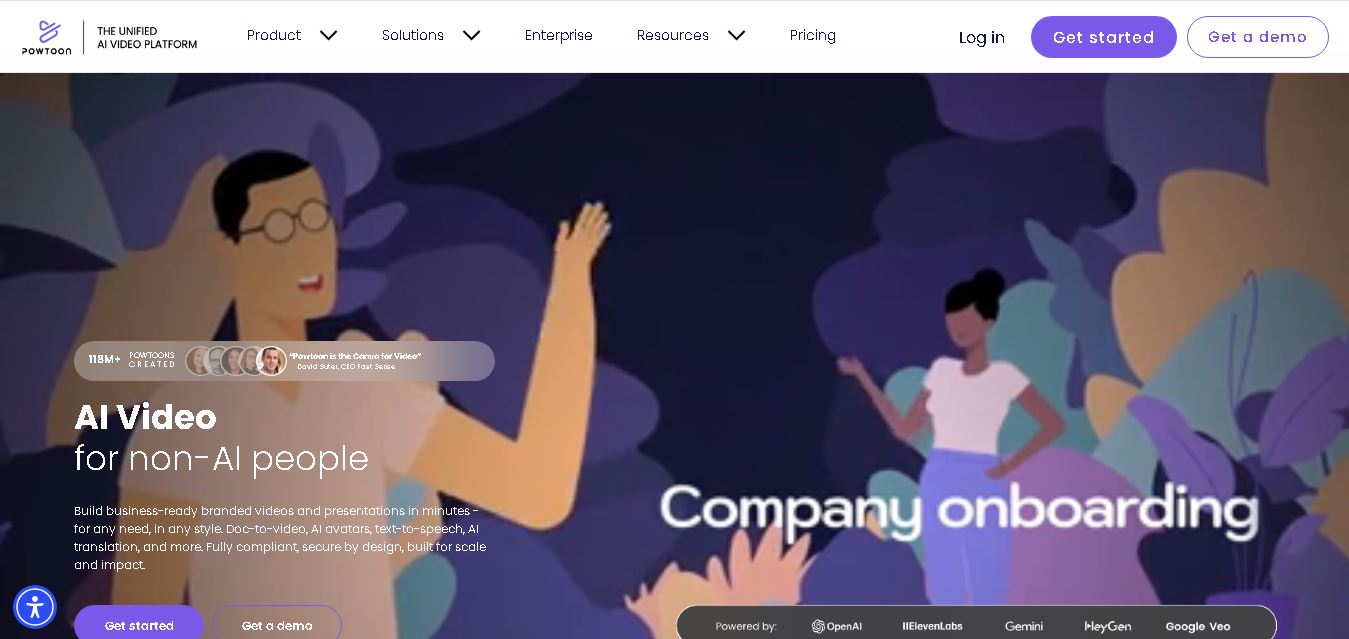
Powtoon is an online video and presentation creation tool for producing animated explainers, educational videos, marketing content, and business presentations. It offers customizable templates, animated characters, multimedia editing, and AI-assisted features. Beginners, educators, marketers, and businesses can use it to transform complex ideas into engaging visual stories without advanced animation skills.
 4.8
4.8Animaker
Kids
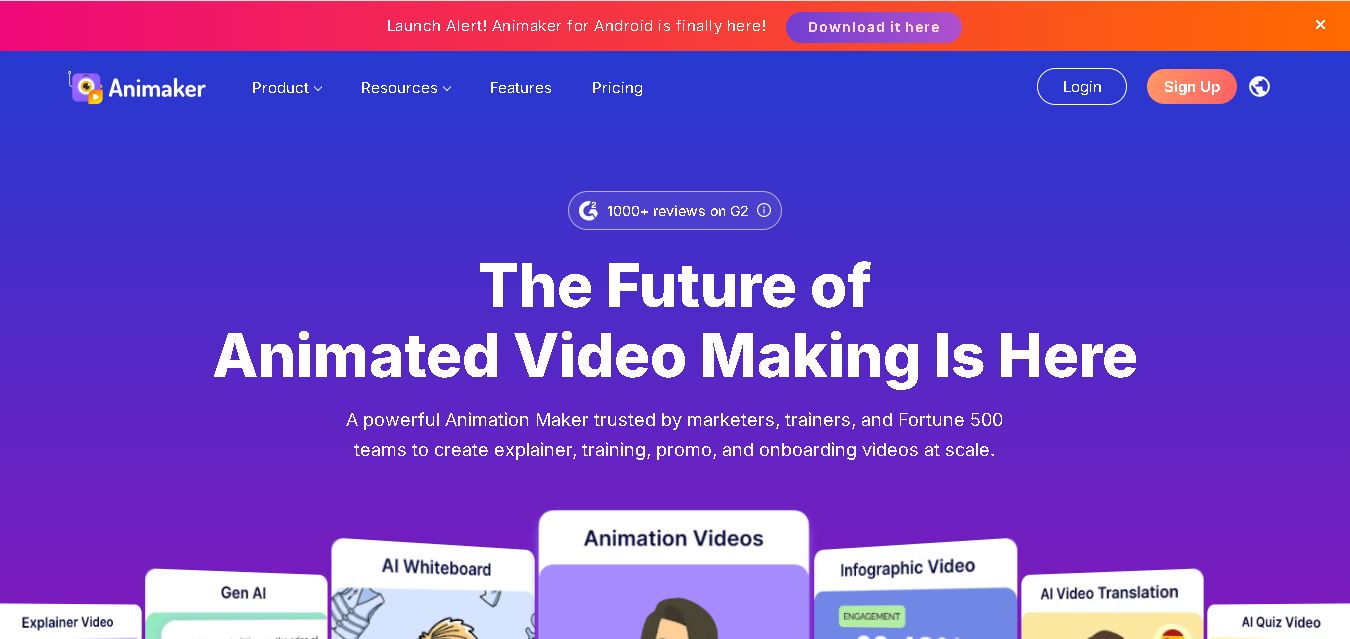
Animaker helps users create animated videos, explainer content, presentations, and promotional materials using customizable characters, templates, AI video generation, and editing features. Its online editor supports voiceovers, subtitles, and multilingual video translation. It is useful for marketers, educators, businesses, and creators who want engaging videos without advanced animation or editing expertise.
 5.0
5.0Google Read Along
Kids
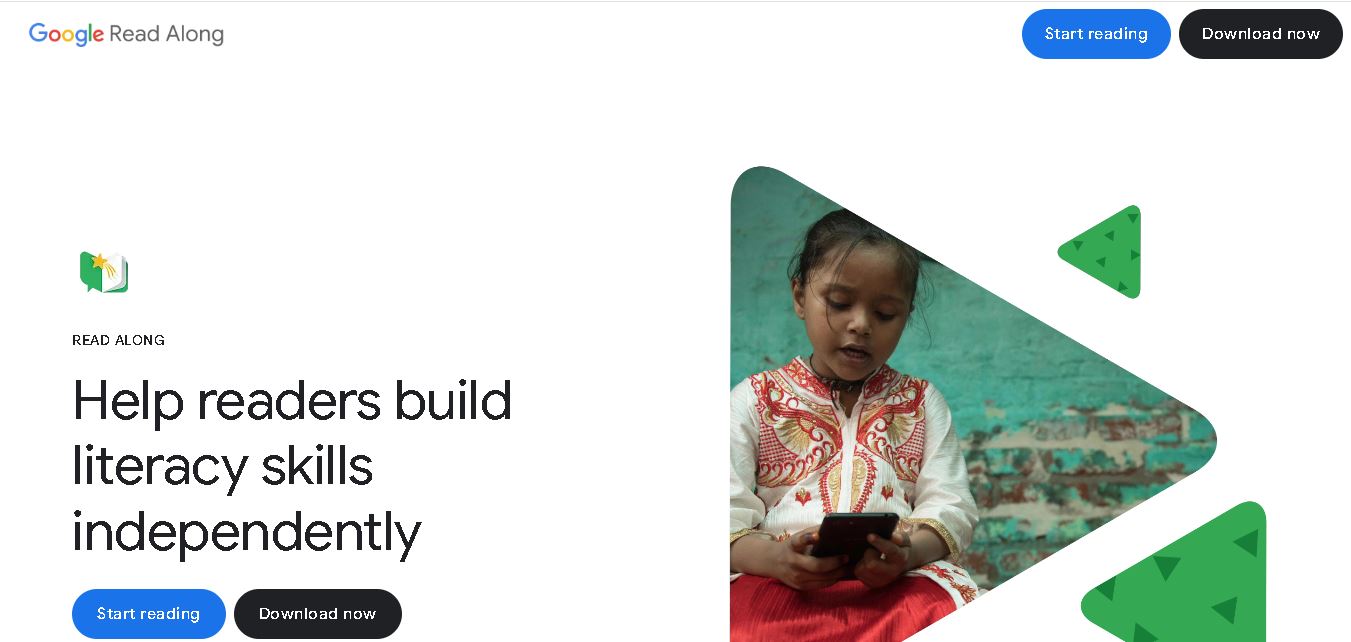
Google Read Along is a free reading practice tool for children that improves pronunciation, fluency, and confidence through interactive stories, reading games, and real-time feedback from its assistant, Diya. Supporting multiple languages and offline Android access, it helps families and educators make early literacy practice more engaging, accessible, and convenient for young learners.
 4.8
4.8Squibler
Kids
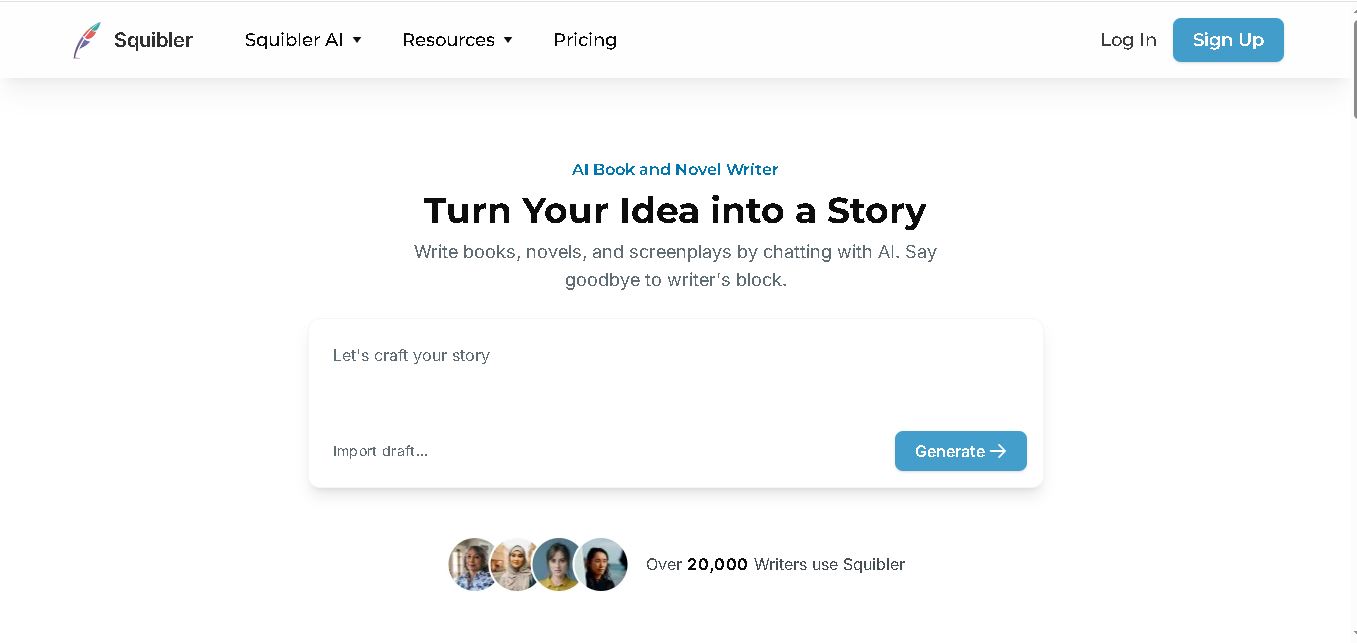
Squibler is an AI writing assistant for creating books, novels, screenplays, and story outlines. It helps writers develop characters, organize chapters, refine existing drafts, and generate visuals. With free and paid plans, Squibler supports beginners and experienced authors seeking a more structured, efficient, and creative long-form writing workflow.
 4.8
4.8BedtimeStory.ai
Kids
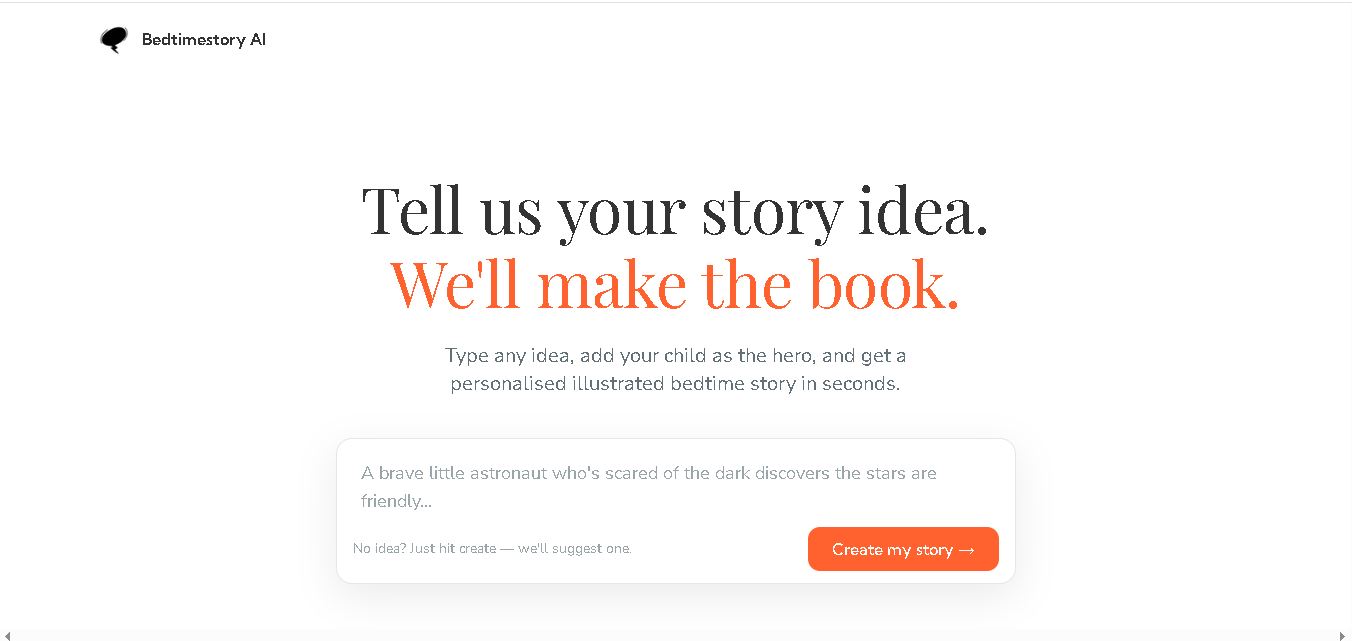
Bedtimestory.ai helps parents turn simple ideas into personalized, illustrated bedtime stories starring their children. Users can add family members, explore genres, choose illustration styles, and include meaningful lessons. It also offers story creation possibilities for authors and educators, making imaginative storytelling more accessible for family reading, learning, and creative inspiration.