KidsZone
KidsZone is an online educational platform that helps children develop reading, phonics, mathematics, logical reasoning, AI awareness, and coding skills. It features interactive learning missions, a 3D companion, educational videos, and creative challenges. Parents can explore free activities and review available learning options through its dedicated website and parent resources.
What is KidsZone?
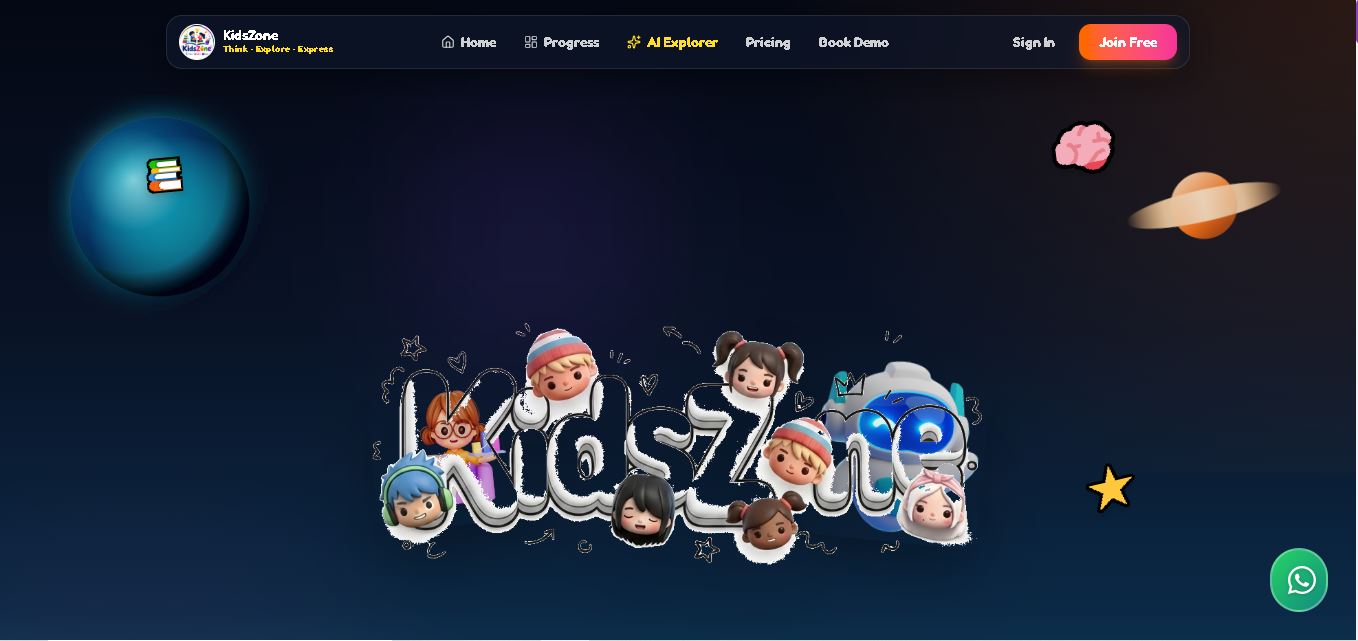
KidsZone is an online learning platform designed to help children explore reading, logical thinking, mathematics, artificial intelligence, and coding through interactive educational activities. It combines learning missions, phonics exercises, word exploration, and a 3D learning companion called Robo-Kid to make digital education more engaging. Children can also access reading videos and creative challenges. The platform aims to encourage curiosity, creativity, and foundational digital skills through playful, structured learning experiences.
KidsZone offers 8 learning-path stages covering Reading Lab, Word Explorer, Digital Logic, Math Wizard, AI Explorer, Coding Fun, Leadership, and Hindi Lab. Its website highlights 100+ reading videos, daily new stories, and free learning guides. The Fishtank section displays 5 active challenges, 12 winners, and prizes worth ₹10,000+. The Free Explorer plan costs ₹0, while the planned PRO Plus subscription is listed at ₹499 per month. Premium features are marked as coming soon on the official pricing page.
- Core Focus: Early AI & Coding Education, Phonics, Digital Logic & 3D Interactive Missions
- Platform Type: Interactive Web-Based STEM Mission Hub & YouTube Educational Channel
Use Cases:
- Guiding young kids through foundational phonics, reading labs, and multilingual Hindi language labs
- Developing early computational thinking, digital logic, and structured problem-solving skills
- Introducing children to artificial intelligence principles and block-to-Python coding missions
- Participating in monthly project challenges ('The Fishtank') to win real prizes and pitch creative builds
Technology:
- Web-based 3D canvas engine rendering Robo-Kid for voice-guided, rotatable interactive learning
- Structured 8-step gamified progression tracking student achievements across reading, logic, and coding modules
- Integrated YouTube multimedia reader platform delivering animated read-alouds and phonics challenges
Target Users:
- Children aged 4 to 14 starting their journey in phonics, logic, coding, and AI
- Parents in India looking for structured, multi-disciplinary early STEM and language learning
- Primary school educators and STEM tutors seeking interactive mission-based coding resources
- Content creators using writing tools to draft early coding tutorials, phonics lesson plans, and EdTech platform reviews
Corporate Entity: KidsZone India (India)

Key features of KidsZone
KidsZone's key features are
- 8-Step Progressive Learning Path: Structured trail moving through Reading Lab, Word Explorer, Digital Logic, Math Wizard, AI Explorer, Coding Fun, Leadership, and Hindi Lab.
- 3D Robo-Kid AI Learning Companion: Rotatable, interactive 3D guide providing audio-assisted instructions and spoken lesson walkthroughs.
- The Fishtank Project Challenges: Community pitch arena where kids showcase creative projects to win rewards and cash prizes.
- Phonics & Multilingual Reading Labs: Includes dedicated English phonics challenges and Hindi language labs for early literacy.
- Block & Python Coding Missions: Age-tailored programming activities transitioning learners from basic logic to Python code.
- KidsZone Readers YouTube Hub: Integrated video read-aloud library, word-building guides, and story sessions.
KidsZone Pricing
KidsZone offers free interactive missions alongside a premium KidsZone-PRO subscription tier unlocking advanced coding challenges and project competitions.
Free Access:
- Free Missions & Video Guides: Access to foundational reading labs, public coding tutorials, and KidsZone Readers videos
KidsZone-PRO Membership:
- PRO Subscription Tier: Provides full access to the 3D AI companion, advanced Python missions, leadership tracks, and 'The Fishtank' prize challenges
Disclaimer: Premium subscription details and seasonal challenge offers are updated regularly. Visit kidszone.org.in for current membership rates.
Who is using KidsZone?
KidsZone is designed for young students, parents, and educators in India, including
- Young Learners (Ages 4–14): Mastering phonics, digital logic, and Python coding through gamified missions
- Parents in India: Seeking a safe, all-in-one platform covering early literacy, Hindi, and STEM coding
- Early Childhood & STEM Educators: Using interactive 3D tools and project competitions to engage classrooms
- Content Creators: Using writing tools to draft STEM learning guides, phonics articles, and educational reviews
Best KidsZone Alternatives
Some of the top KidsZone alternatives include
- Khan Academy Kids
- Tynker
- Scratch
- Code.org
- ABCmouse
- Duolingo ABC
Pros and Cons of KidsZone
Pros
- Comprehensive 8-step curriculum blending early language literacy (English/Hindi) with AI and coding
- Engaging 3D Robo-Kid companion makes learning interactive and voice-guided
- The 'The Fishtank' project challenges kids to build creative projects
- Specifically adapted for Indian students with localized Hindi and English reading modules
Cons
- Full access to advanced coding tracks and prize challenges requires KidsZone-PRO membership
- Requires an active internet connection for 3D web graphics and video content
- Newer platform expanding its broader institutional school LMS integrations
Why Choose KidsZone?
KidsZone is a unique, India-focused early learning platform that seamlessly unites foundational reading and Hindi labs with future-ready AI, logic, and Python coding.
- Features an interactive 3D AI companion (Robo-Kid) with voice assistance
- Combines language labs (English phonics & Hindi) with STEM coding missions
- Incentivizes real project creation through 'The Fishtank' monthly rewards
KidsZone vs. Competitors
The main difference between KidsZone, Khan Academy Kids, and Tynker is that KidsZone offers an all-in-one 8-step pathway tailored for Indian children combining English phonics, Hindi language labs, and a 3D AI companion with Python coding, whereas Khan Academy Kids is a 100% free US-centric early literacy/math app for ages 2–8, and Tynker is a commercial gamified coding suite focusing heavily on Minecraft modding. KidsZone stands out for its unique blend of multilingual early literacy and early AI/coding missions.
| Feature / Tool | KidsZone (kidszone.org.in) | Khan Academy Kids | Tynker | Scratch |
|---|---|---|---|---|
| Core Focus | Interactive AI, Phonics, Logic & Python Coding | Free Early Reading, Math & Social-Emotional Learning | Gamified K-12 Coding & Minecraft Modding | Visual Block Coding & Creative Community |
| 3D AI Companion | Yes (Robo-Kid 3D Interactive Guide) | 2D Animated Mentors | No | No |
| Language Labs | English Phonics & Hindi Lab | English Phonics & Reading | English Only | Multilingual Community |
| Target Age | Ages 4 to 14 | Ages 2 to 8 | Ages 5 to 18 | Ages 8 to 16 |
| Starting Price | Free Missions / KidsZone-PRO | 100% Free | Free Starter / Paid Subscriptions | 100% Free |
| Best For | Indian kids wanting a complete phonics, Hindi, and AI coding trail | Parents wanting an ad-free early childhood education app for free | Kids wanting gamified self-paced coding and Minecraft modding | Kids wanting open-ended game and story creation for free |
How do we rate KidsZone?
| Parameter | Rating (out of 5) |
|---|---|
| Curriculum Diversity (Phonics, Logic & Coding) | 4.9 |
| 3D AI Robo-Kid & Interactive UX | 4.8 |
| Multilingual & Hindi Lab Integration | 4.8 |
| Student Motivation & Challenge Rewards | 4.8 |
| Value for Money | 4.8 |
| Overall Score | 4.82 |
KidsZone Review
KidsZone is an innovative, well-rounded learning platform that successfully combines early language literacy with STEM coding and artificial intelligence for kids in India. By guiding young learners through an intuitive 8-step trail that encompasses phonics, Hindi, math, digital logic, and Python coding, KidsZone ensures children develop holistic cognitive skills. Features like the 3D Robo-Kid AI companion and 'The Fishtank' project challenges make learning interactive and highly motivating. For parents and educators seeking a future-ready educational platform in 2026, KidsZone is an excellent choice.
Conclusion
KidsZone offers children an interactive way to explore reading, mathematics, logical reasoning, artificial intelligence, and coding through structured missions and educational resources. Its free activities provide an accessible starting point for families, while its planned premium subscription introduces additional learning options. Parents should review the available features, pricing status, and privacy policy before choosing a plan. For families seeking playful digital education, KidsZone is worth exploring as a supplement to regular learning and parental guidance.
FAQ
What can children learn with KidsZone?
KidsZone helps children explore reading, phonics, vocabulary, mathematics, digital logic, artificial intelligence, and coding. Its learning path also includes leadership and Hindi activities. If you want your child to develop foundational academic and digital skills through interactive exercises, KidsZone offers a playful online environment to explore these subjects at home.
Is KidsZone free to use?
Yes, KidsZone lists a Free Explorer plan costing ₹0, with activities such as Reading Lab Level 1, basic sorting games, standard counting, and animal matching. Parents can begin with these options before considering premium features. The website currently marks its PRO Plus plan as coming soon.
What are the main features of KidsZone?
KidsZone includes eight learning stages, interactive educational activities, a 3D companion called Robo-Kid, reading videos, phonics challenges, and creative project competitions. Children can explore different subjects through structured missions. These features aim to make learning more engaging while encouraging curiosity, creativity, logical reasoning, and early digital literacy.
How does Robo-Kid help children learn?
Robo-Kid is KidsZone's interactive 3D learning companion. Children can click, rotate, and interact with the character while exploring educational content. The website also describes spoken guides connected to Python, phonics, and logic. This interactive approach can make digital learning more engaging than relying exclusively on static reading materials.
Is KidsZone suitable for beginners in coding?
KidsZone introduces children to digital logic, AI exploration, and coding through guided learning missions. Beginners can explore foundational concepts before progressing to more challenging activities. Parents should review the available lessons and consider their child's age, reading ability, and previous experience to determine whether the activities match their learning needs.
Does KidsZone provide educational videos for children?
Yes, KidsZone promotes a YouTube channel featuring animated read-aloud books, phonics challenges, rhyming activities, and educational lessons. Its website advertises more than 100 reading videos, daily new stories, and free learning guides. These resources can complement home learning and help children practise listening, pronunciation, vocabulary, and reading skills.
User Reviews
No reviews yet for KidsZone.
Featured Tools
Featured AI tools from TechShark
Melody Genie
MelodyGenie is an AI-powered music generator that creates original songs from simple text prompts. Users can choose styles, moods, and genres, then instantly generate melodies and full tracks, making it easy for creators, marketers, and hobbyists to produce custom music without musical expertise.
Freemium
Kimi AI
Kimi AI is an advanced AI assistant developed by Moonshot AI that helps you chat, research, write, code, and automate tasks in one place. It supports web search, file analysis, and multimodal inputs, and can even run autonomous “agent” workflows to complete complex tasks end-to-end.
Freemium

Fashion Diffusion AI
Fashion Diffusion is an AI-powered fashion design platform that helps brands and designers create clothing designs, virtual try-ons, AI models, product photos, and marketing visuals faster and cost-effectively.
Paid
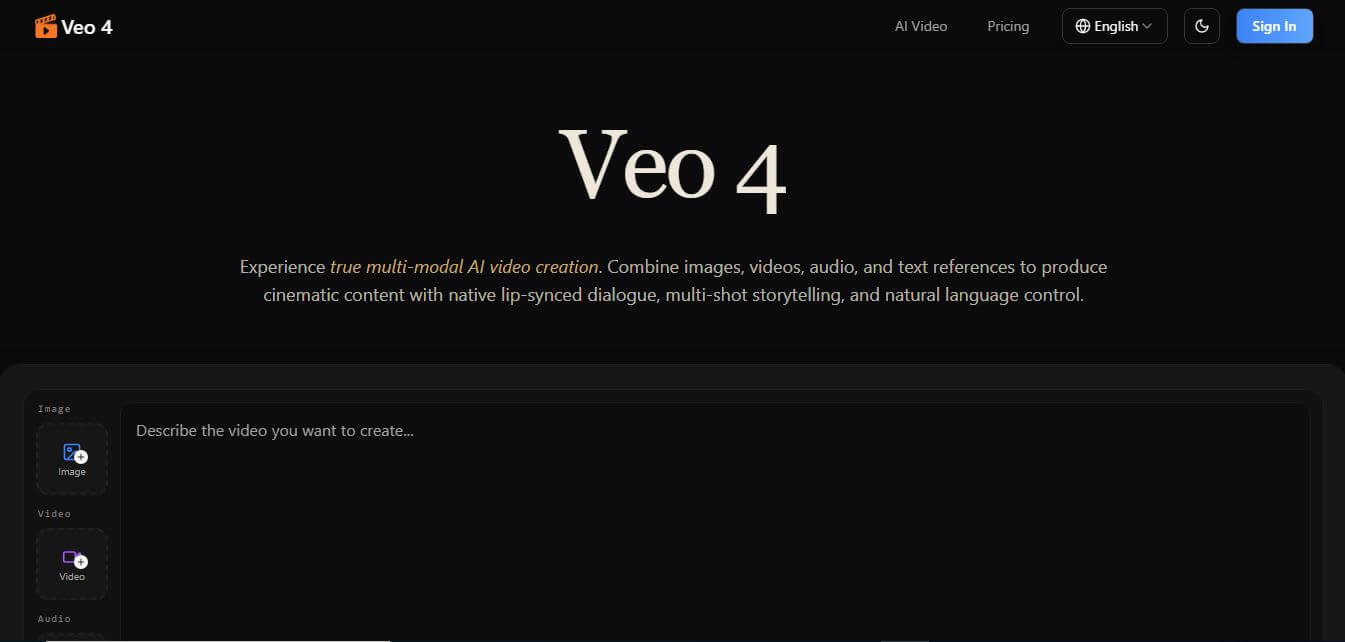
Veo 4
Veo 4 AI is an AI video creation platform that generates dramatic videos from text, images, audio, and video prompts using realistic motion and synchronized sound.
Paid
Alternatives
Alternatives to KidsZone
The best KidsZone alternatives include Khan Academy Kids, Tynker, Scratch, Code.org, ABCmouse, and Duolingo ABC. These platforms offer early childhood reading, math, and coding activities. While KidsZone specializes in an 8-step trail combining English phonics, Hindi labs, a 3D AI companion, and Python coding for Indian learners, alternatives like Khan Academy Kids provide broader free early reading/math without coding tracks.
 4.9
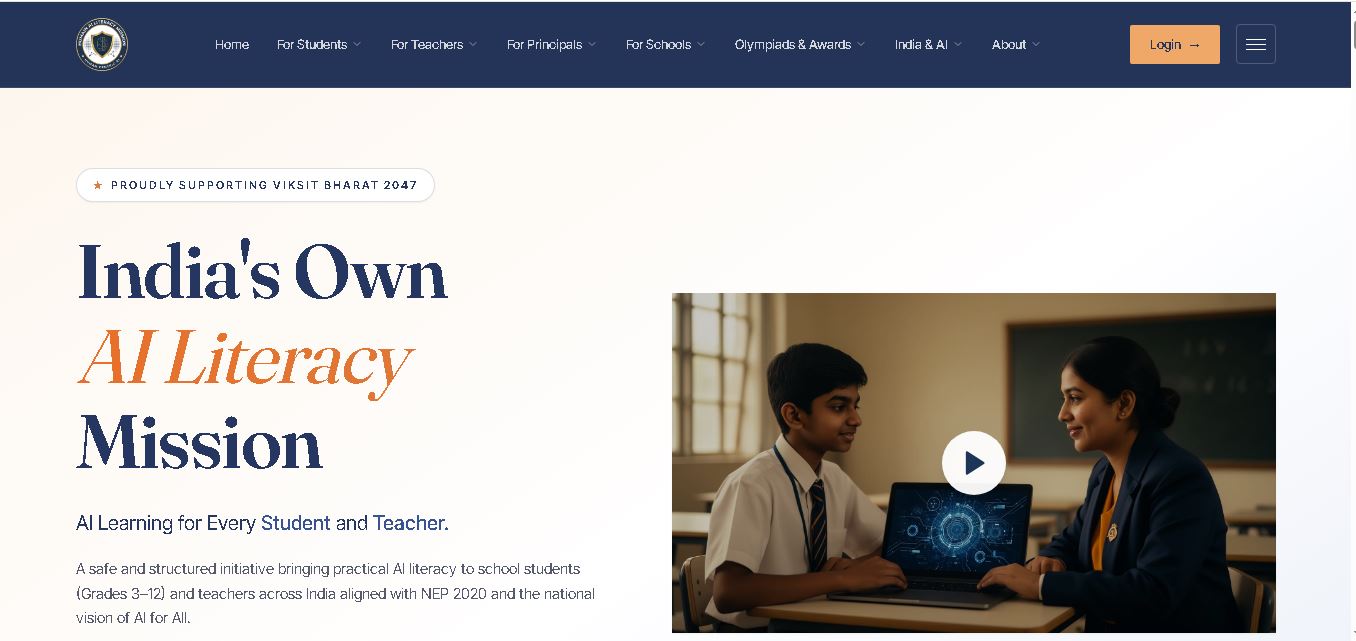
Humain AI Literacy Mission (HAILM)
Kids
Humain AI Literacy Mission is an educational initiative helping Indian students in Grades 3–12 and teachers develop practical artificial intelligence skills. It offers foundational AI courses, interactive activities, assessments, and certificates. Aligned with NEP 2020 and international educational guidance, HAILM promotes responsible AI use, digital safety, critical thinking, and future-ready learning.
 4.9
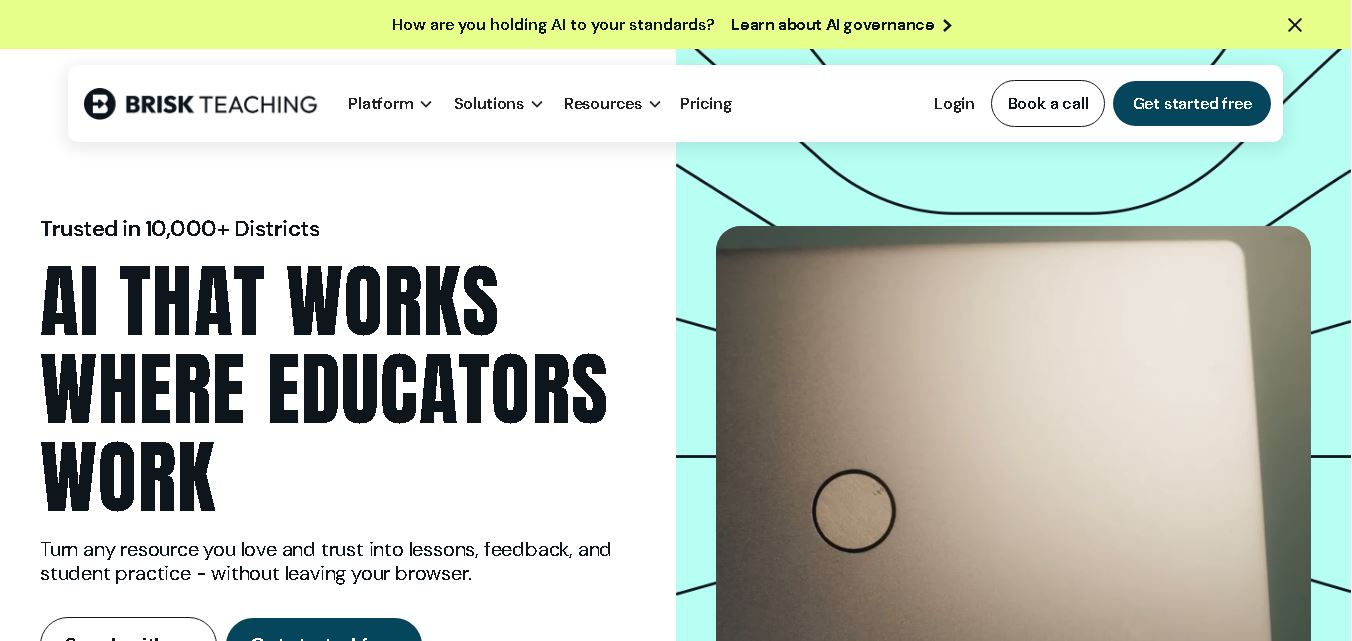
Brisk Teaching
Kids
Brisk Teaching helps educators create lesson plans, quizzes, worksheets, presentations, and personalized feedback using AI. It integrates with familiar teaching tools and supports differentiated instruction, translation, and student activities. With free educator access and advanced school plans, Brisk helps teachers reduce repetitive preparation and focus more on meaningful classroom learning.
 4.9
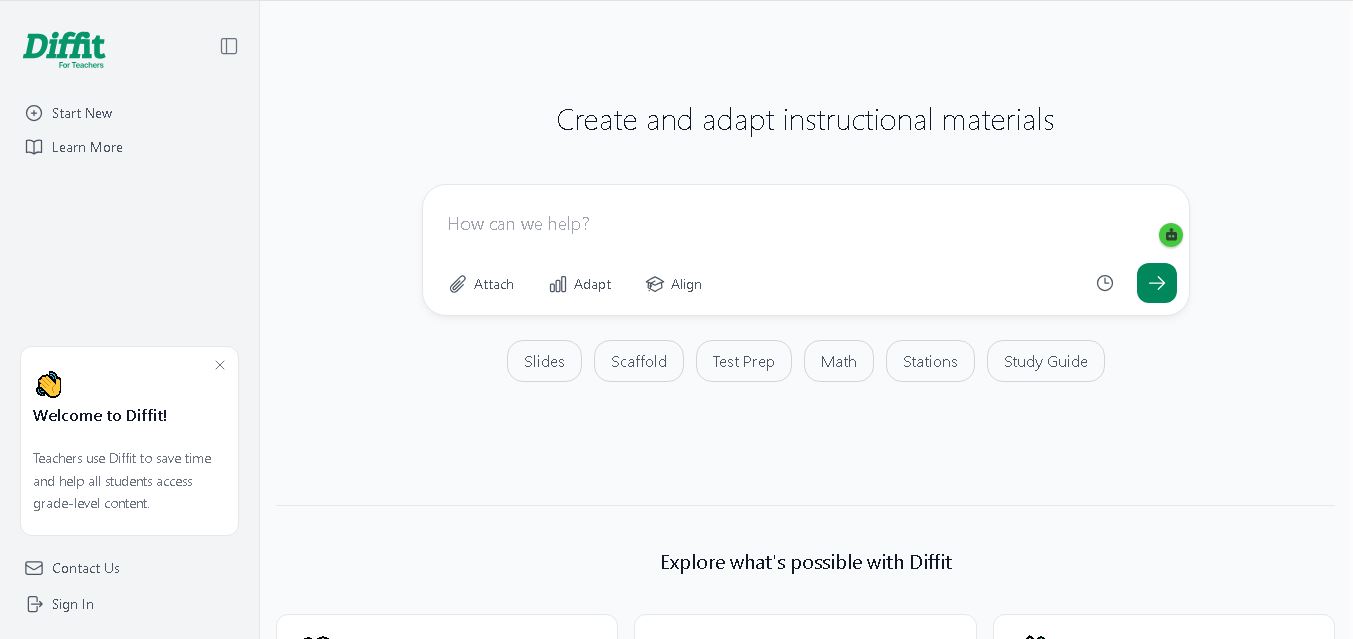
Diffit
Kids
Diffit helps teachers create differentiated classroom materials from topics, text, PDFs, URLs, and video transcripts. It can produce reading passages, vocabulary tasks, comprehension questions, worksheets, and lesson activities tailored to student needs. Educators can edit, print, share, and, with eligible plans, export resources to familiar teaching tools more efficiently.
 5.0
MagicSchool AI
Kids
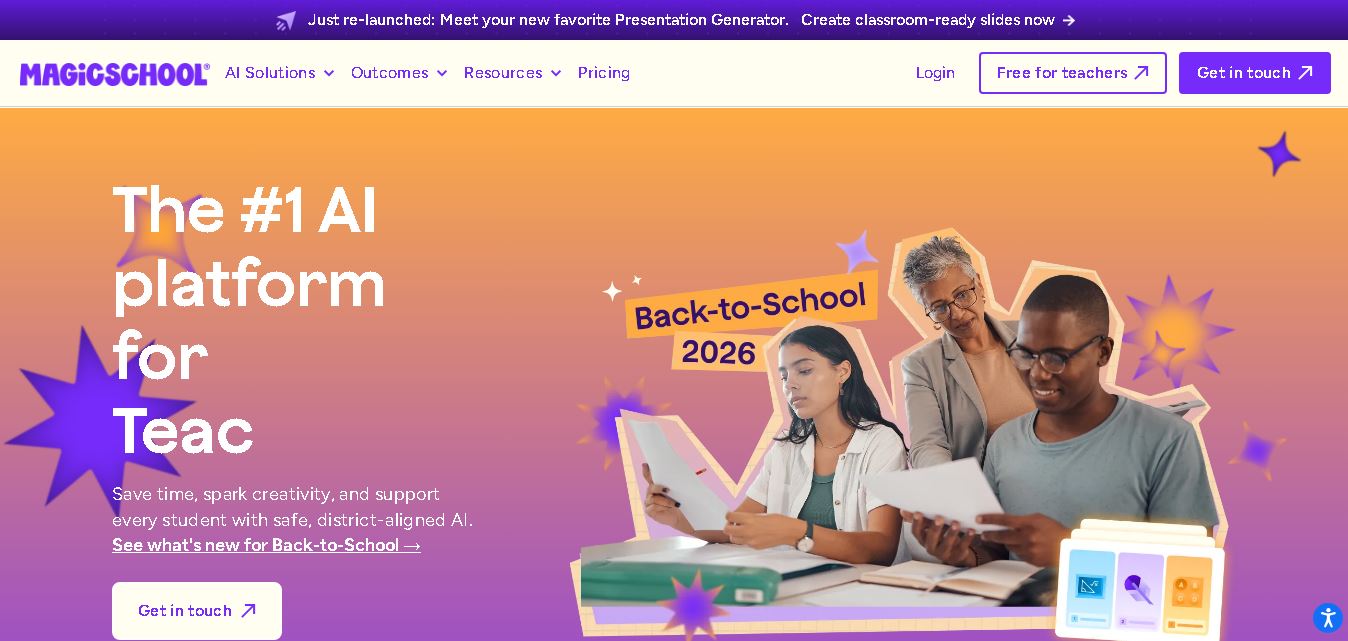
MagicSchool AI helps teachers and students use artificial intelligence for educational tasks. It offers tools for lesson planning, quiz creation, worksheet generation, writing feedback, and personalized learning. With free and paid plans, it supports classroom productivity, differentiated instruction, and responsible AI adoption across schools and educational institutions worldwide.
 4.9
Curipod
Kids
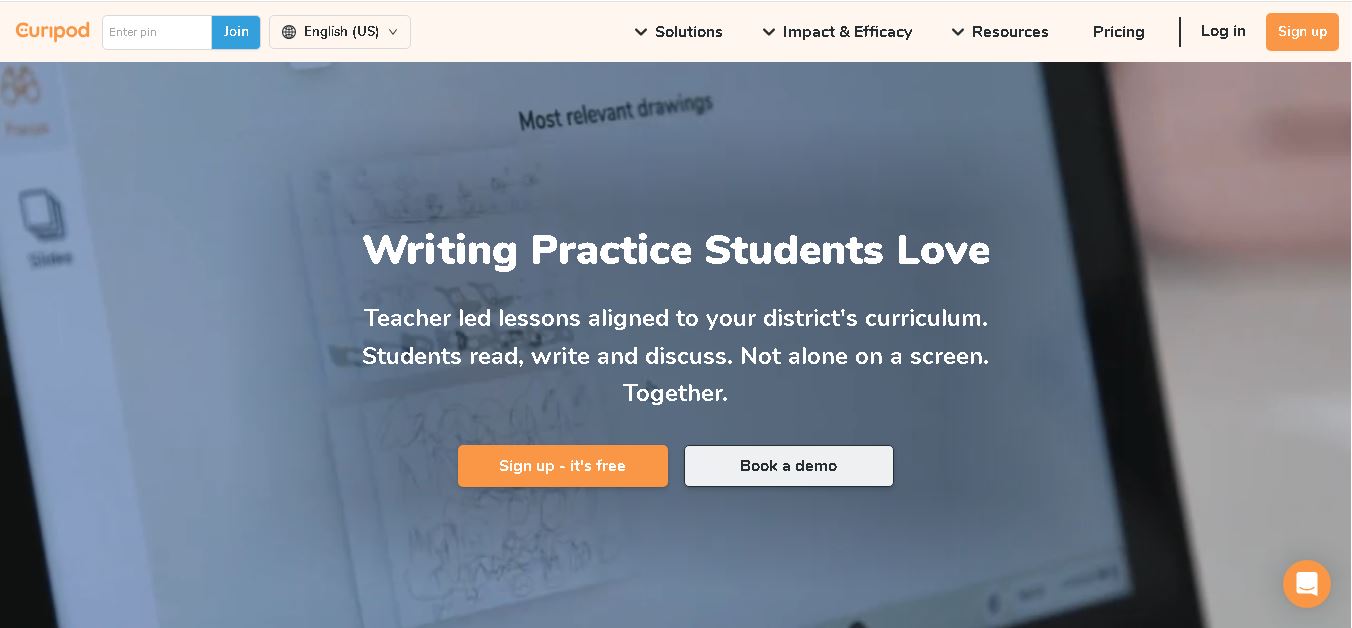
Curipod offers teachers a practical way to create interactive lessons, encourage classroom participation, and provide structured feedback on student learning. Its AI-assisted lesson generation, writing activities, and assessment tools can reduce preparation time while supporting more engaging instruction. The free plan provides an accessible starting point, while schools can explore paid options for broader needs. For educators seeking technology that combines classroom interaction with teacher-controlled AI, Curipod is worth evaluating against their curriculum, privacy, and teaching requirements.
 4.8
Powtoon
Kids
Powtoon is an online video and presentation creation tool for producing animated explainers, educational videos, marketing content, and business presentations. It offers customizable templates, animated characters, multimedia editing, and AI-assisted features. Beginners, educators, marketers, and businesses can use it to transform complex ideas into engaging visual stories without advanced animation skills.
 4.8
Animaker
Kids
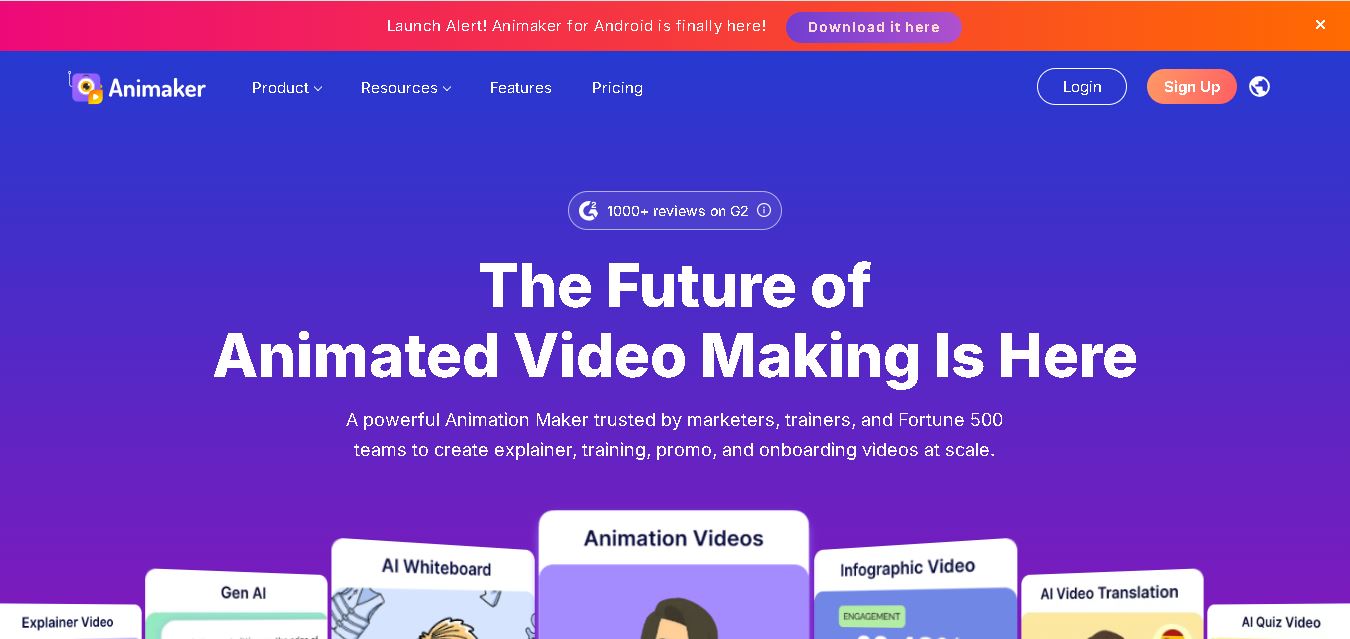
Animaker helps users create animated videos, explainer content, presentations, and promotional materials using customizable characters, templates, AI video generation, and editing features. Its online editor supports voiceovers, subtitles, and multilingual video translation. It is useful for marketers, educators, businesses, and creators who want engaging videos without advanced animation or editing expertise.
 5.0
Google Read Along
Kids
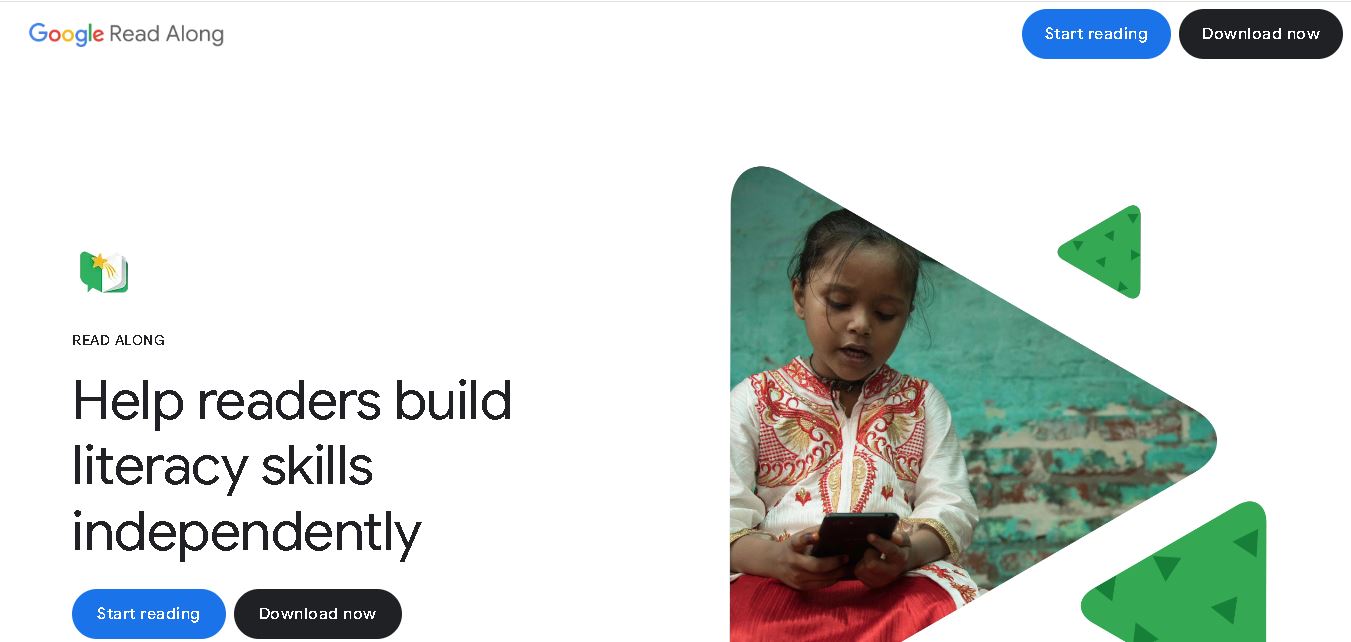
Google Read Along is a free reading practice tool for children that improves pronunciation, fluency, and confidence through interactive stories, reading games, and real-time feedback from its assistant, Diya. Supporting multiple languages and offline Android access, it helps families and educators make early literacy practice more engaging, accessible, and convenient for young learners.
 4.8
Squibler
Kids
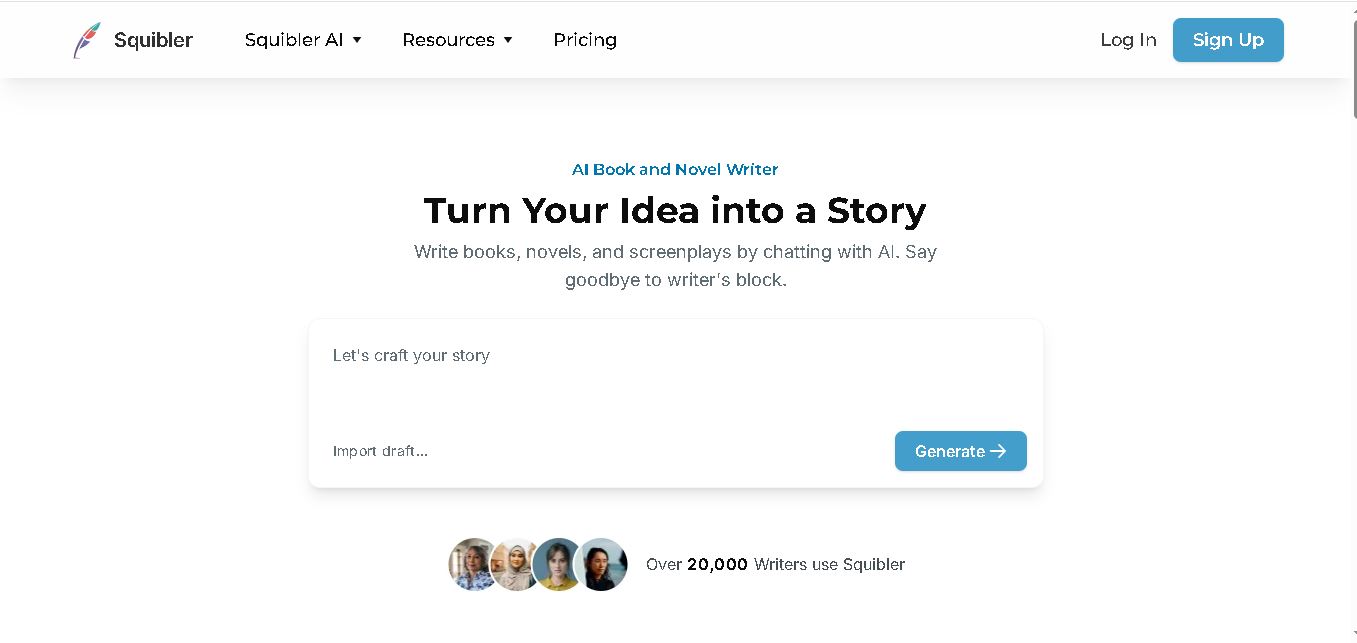
Squibler is an AI writing assistant for creating books, novels, screenplays, and story outlines. It helps writers develop characters, organize chapters, refine existing drafts, and generate visuals. With free and paid plans, Squibler supports beginners and experienced authors seeking a more structured, efficient, and creative long-form writing workflow.