Diffit
Diffit helps teachers create differentiated classroom materials from topics, text, PDFs, URLs, and video transcripts. It can produce reading passages, vocabulary tasks, comprehension questions, worksheets, and lesson activities tailored to student needs. Educators can edit, print, share, and, with eligible plans, export resources to familiar teaching tools more efficiently.
What is Diffit?
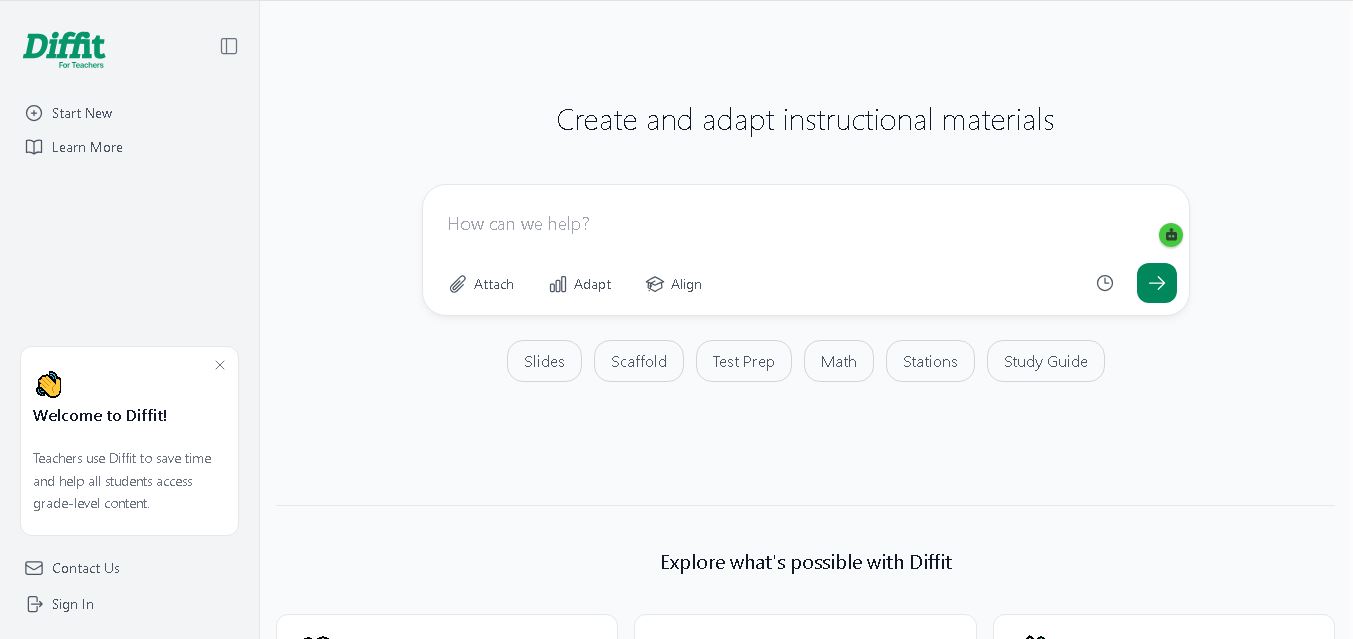
Diffit is an educational tool that helps teachers create and adapt instructional materials for students with different learning needs and reading abilities. It can transform topics, text, PDFs, URLs, and video transcripts into classroom-ready resources, including reading passages, vocabulary exercises, comprehension questions, worksheets, and lesson activities. Teachers can customize materials by reading level, language, and learning objectives. Diffit is designed to support differentiated instruction, making it easier for educators to prepare accessible, engaging lessons while reducing manual preparation time.
Diffit serves educators who need adaptable, curriculum-aligned classroom resources. According to its official website, a survey conducted from November 13–20, 2024, included 2,517 elementary and secondary teachers. Of those surveyed, 96% reported that Diffit saves time, 93% said it helps reach students at their level, and 86% felt it makes them better teachers. The tool offers free basic access and paid school subscriptions. Its resources support multiple subjects, differentiated learning, multilingual classrooms, printable materials, and digital exports.
- Core Focus: Content Adaptation, Leveled Reading Passages, Differentiated Worksheets & ELL/SPED Support
- Platform Type: Web-Based AI Teacher Resource Studio & Content Differentiator
Use Cases:
- Adapting complex web articles, PDFs, or YouTube transcriptions into 2nd-grade through college reading levels
- Generating vocabulary lists with student-friendly definitions, visual prompts, and context sentences
- Creating tiered comprehension questions (multiple choice, open-ended, and short answer)
- Exporting print-ready PDF worksheets, Google Slides, Google Docs, and Canva graphic organizers
Technology:
- Proprietary text-leveling algorithms adapting readability metrics (Lexile grade-bands) while preserving core conceptual integrity
- Multimodal input processor capable of ingesting raw topics, web URLs, YouTube video captions, and uploaded PDF documents
- No student accounts required, ensuring full FERPA, COPPA, and student data privacy compliance
Target Users:
- K-12 Teachers, Reading Specialists, SPED Educators, and ELL/ESL Tutors
- School District Instructional Coaches, Curriculum Directors, and MTSS Coordinators
- Content creators using writing tools to draft differentiated reading strategies, EdTech reviews, and teacher guides
Corporate Entity: Diffit (Diffit Inc. / USA)
Key features of Diffit
Diffit's key features are
- Multimodal Source Input: Level content directly from a topic prompt, web URL, YouTube video link, pasted text, or uploaded PDF file.
- Grade-Band Readability Adjustment: Instantly transform any reading passage to match 2nd grade through college reading capabilities.
- Auto-Generated Learning Resources: Automatically creates vocabulary lists, multiple-choice questions, short answer prompts, and summary guides.
- Graphic Organizers & Worksheets: Export leveled content into pre-made graphic organizers, print-friendly PDFs, and digital slide decks.
- Seamless Export Integration: Export directly to Google Docs, Google Slides, Microsoft Word, and Canva.
- No Student Login Required: Designed to protect student privacy and minimize screen-time requirements in class.
Diffit Pricing
Diffit provides a robust free basic tier for individual teachers alongside premium individual subscriptions and school district licensing.
Free Basic Tier:
- Basic Plan ($0/mo): Free access to content leveling, downloadable PDF printing, resource editing, and 90-day resource history access
Paid Subscriptions & School Pricing:
- Individual Teacher Premium ($14.99/mo or $149.99/yr): Unlocks direct exports to Google Docs/Slides and Canva, standards alignment tools, pre-made graphic organizers, and complete resource history
- Diffit for Schools & Districts: Custom enterprise license pricing based on student enrollment, providing district-wide admin dashboards, dedicated PD, and LMS integrations
Disclaimer: Pricing plans and school district packages are updated regularly. Visit web.diffit.me/pricing for current subscription rates.
Who is using Diffit?
Diffit is used by teachers, specialists, and school leaders worldwide, including
- Classroom Teachers: Adapting textbook articles and web stories for mixed-ability reading groups
- ELL & SPED Teachers: Creating accessible, vocabulary-supported reading resources for language learners and special education students
- School District Leaders: Equipping entire teaching teams with reliable, curriculum-aligned content adaptation tools
- Content Creators: Using writing tools to draft differentiated reading guides and EdTech software reviews
Best Diffit Alternatives
Some of the top Diffit alternatives include
Pros and Cons of Diffit
Pros
- The specialized text-leveling engine accurately adapts readability across grade bands while retaining key concepts
- Supports diverse inputs, including YouTube videos, web URLs, pasted text, and PDF uploads
- Generates complete instructional packages (text, vocabulary, and questions) in under 60 seconds
- Generous free basic tier lets teachers download and print classroom resources without credit cards
Cons
- Direct export to Google Slides, Google Docs, and Canva requires the Pro individual tier or a school license
- Focused specifically on content adaptation and reading differentiation rather than general full-subject lesson planning
- Requires teacher review to ensure adapted technical terms fit exact curriculum standards
Why Choose Diffit?
Diffit is the premier choice for educators who need to adapt core reading materials, web articles, or YouTube videos to different grade levels in seconds without compromising conceptual depth.
- Generates vocabulary lists, comprehension questions, and graphic organizers automatically
- Offers direct exports to Google Workspace, Microsoft, and Canva
- Provides a reliable free tier with zero student login requirements
Diffit vs. Competitors
The main difference between Diffit, MagicSchool AI, and Brisk Teaching is that Diffit focuses directly on input-to-leveled-reading adaptation (turning any specific text, PDF, or video into leveled reading sets with vocabulary and questions), whereas MagicSchool AI offers a broad 80+ tool suite for general teacher administrative work, and Brisk Teaching functions as a Chrome extension co-pilot operating inside Google Docs and web pages. Diffit stands out for its focused text-leveling accuracy and printable resource layouts.
| Feature / Tool | Diffit (app.diffit.me) | MagicSchool AI | Brisk Teaching | Newsela |
|---|---|---|---|---|
| Core Focus | Leveled Reading Adaptation & Resource Generation | 80+ AI Educator & Administrative Tools | In-Browser Extension AI Teaching Assistant | Curated Leveled News Article Library |
| Source Inputs | Topics, Web URLs, YouTube, PDFs, Pasted Text | Text Prompts & Form Fields | Active Web Page & Google Docs Context | Pre-curated Editorial Content |
| Export Destinations | PDF Print, Google Docs/Slides, Canva, MS Word | Google Docs/Slides, LMS Platforms | Google Docs, Google Slides, Forms | In-platform Reading Assignments |
| Target Audience | K-12 Teachers, SPED, ELL Specialists | K-12 & Higher-Ed Teachers | Teachers using Google Chrome | Schools & District Content Teams |
| Starting Price | Free Basic / $14.99/mo (Pro Individual) | Free Tier / ~$8.33–$12.99/mo | Free Tier / Paid Plans | Enterprise School Subscriptions |
| Best For | Instantly adapting any article, PDF, or video into leveled student worksheets | All-in-one AI lesson planning and administrative tasks | Grading and generating feedback directly inside Google Docs | Subscribing to a pre-leveled news and literacy curriculum library |
How do we rate Diffit?
| Parameter | Rating (out of 5) |
|---|---|
| Text Leveling Precision & Quality | 5.0 |
| Multimodal Input Versatility (URL, Video, PDF) | 4.9 |
| Worksheet & Graphic Organizer Layouts | 4.9 |
| Teacher Time-Saving Impact | 5.0 |
| Value for Money | 4.9 |
| Overall Score | 4.94 |
Diffit Review
Diffit is an extraordinary educational technology platform that solves one of teaching's greatest challenges: differentiating complex instructional text for diverse reading levels. By taking any raw topic, web article, YouTube video, or PDF and turning it into 'just right' reading passages complete with vocabulary, questions, and printable graphic organizers, Diffit drastically reduces teacher prep time. Its clean interface, strong free Basic option, and commitment to student privacy make it an essential tool for modern K-12 classrooms. For teachers seeking an elite reading differentiation tool in 2026, Diffit is an absolute standout.
Conclusion
Diffit is a practical choice for educators who want to create classroom resources more efficiently and adapt lessons for students with different reading levels and learning needs. Its tools support activities, comprehension checks, translations, and printable or digital materials. However, teachers should review every AI-generated resource for accuracy, inclusivity, and curriculum fit. The free plan is useful for trying core features, while schools can consider paid options for expanded exports, alignment tools, and resource history.
FAQ
How does Diffit work?
You can start with a topic, prompt, text, PDF, webpage URL, or video transcript. Diffit then generates teaching materials such as reading passages, vocabulary lists, questions, and activities. Review the output, adjust the reading level or language, and edit the resource before printing, sharing, or exporting it for classroom use.
Is Diffit free to use?
Yes, Diffit offers a free basic version for teachers, although access and features are limited. The free plan lets educators create, edit, print, and share resources, with access to resources created during the previous 90 days. Paid options for individual educators and schools unlock additional features and broader resource access.
Who should use Diffit?
Diffit is mainly designed for teachers, educators, and school teams who prepare learning materials for students with varied abilities. It can be useful in elementary and secondary classrooms, English-language learning, special education, intervention, and mixed-reading-level groups. Teachers should review generated content to ensure it fits their curriculum and learners well.
What types of materials can Diffit create?
Diffit can generate reading passages, vocabulary activities, comprehension questions, worksheets, lesson slides, study guides, station activities, practice problems, and other classroom resources. Available formats depend on the workflow and plan. Teachers can begin with an existing resource or a topic, then adapt the result to match their lesson goals effectively.
Can Diffit adjust content for different reading levels?
Yes. Diffit is built to help teachers adapt instructional content to students’ reading abilities and learning needs. Educators can modify text complexity, add scaffolds, adjust language, and create different activities around the same topic. Always check the adapted version for accuracy, age suitability, and alignment with the learning objective effectively.
Can Diffit translate learning materials?
Diffit supports translating and adapting classroom resources into languages, which can help multilingual learners access lesson content. Teachers can use this feature to support vocabulary development and comprehension, but should review translations for accuracy, cultural context, and subject-specific terminology before distributing them to students or using them for formal assessment.
User Reviews
No reviews yet for Diffit.
Featured Tools
Featured AI tools from TechShark
Melody Genie
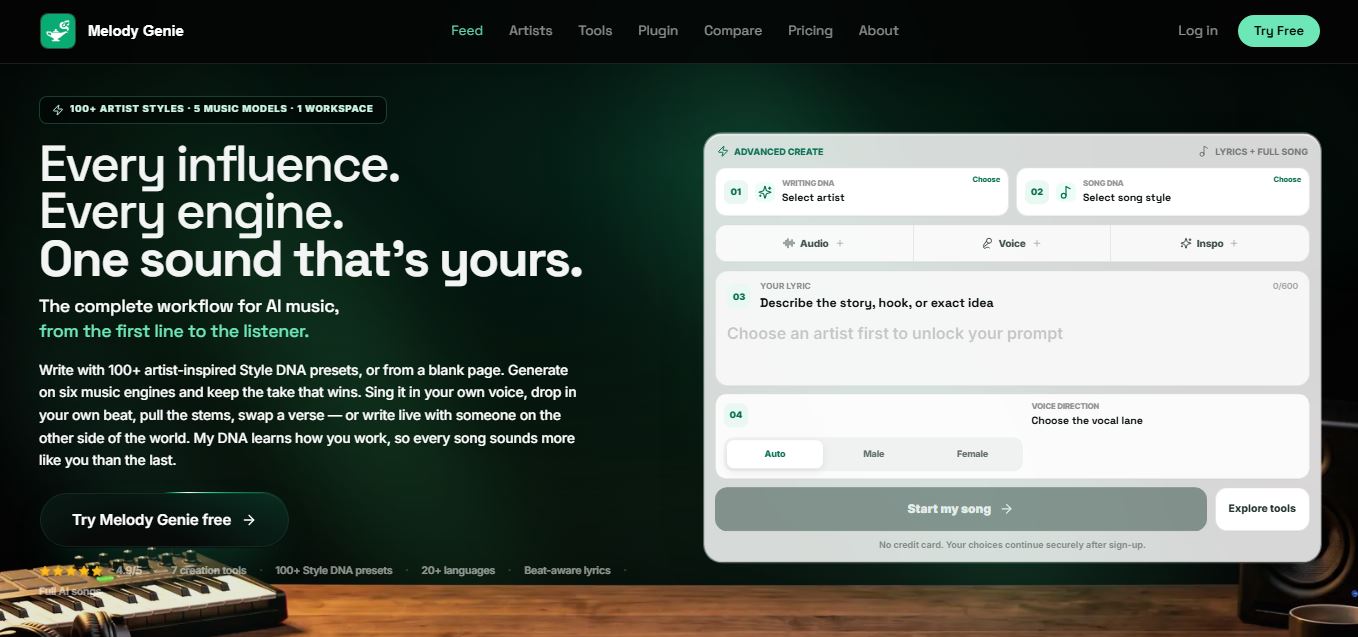
MelodyGenie is an AI-powered music generator that creates original songs from simple text prompts. Users can choose styles, moods, and genres, then instantly generate melodies and full tracks, making it easy for creators, marketers, and hobbyists to produce custom music without musical expertise.
Freemium
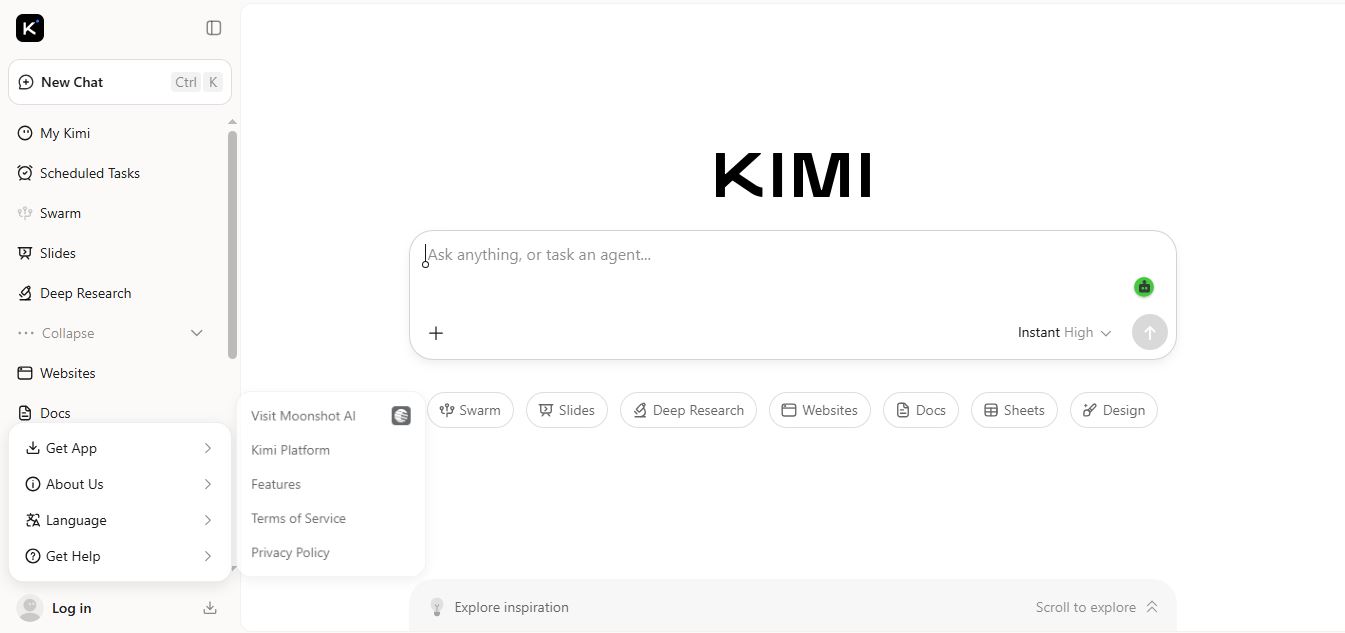
Kimi AI
Kimi AI is an advanced AI assistant developed by Moonshot AI that helps you chat, research, write, code, and automate tasks in one place. It supports web search, file analysis, and multimodal inputs, and can even run autonomous “agent” workflows to complete complex tasks end-to-end.
Freemium
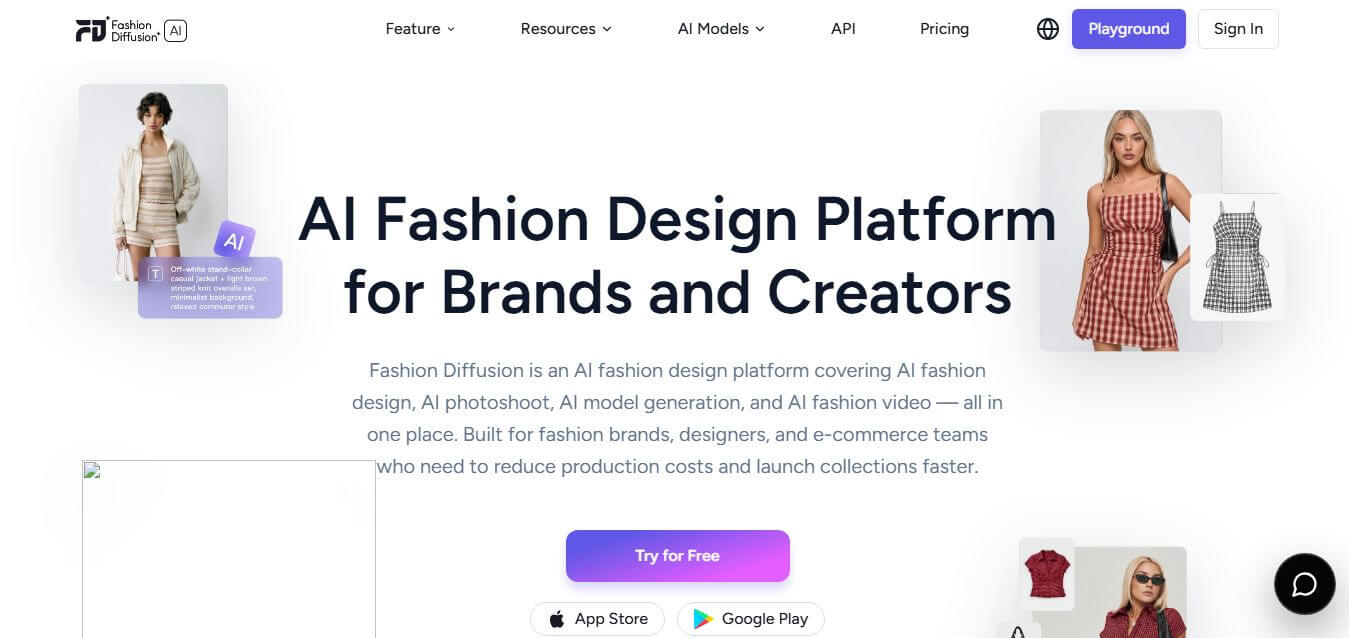
Fashion Diffusion AI
Fashion Diffusion is an AI-powered fashion design platform that helps brands and designers create clothing designs, virtual try-ons, AI models, product photos, and marketing visuals faster and cost-effectively.
Paid
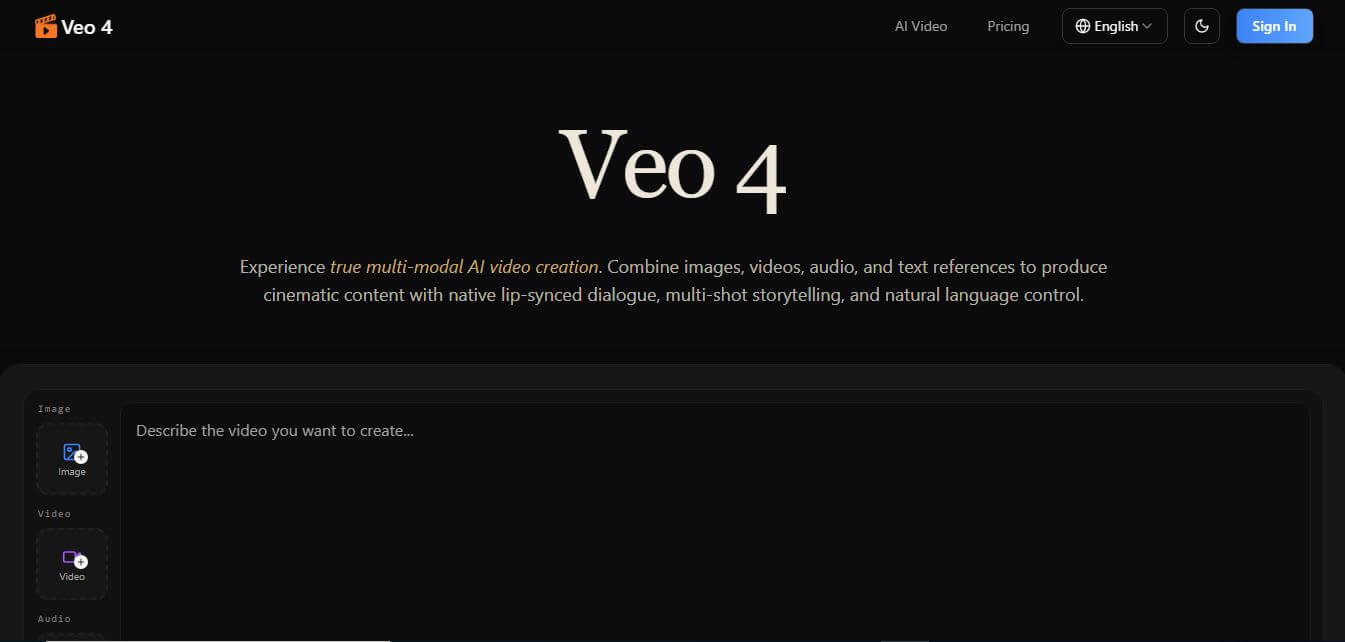
Veo 4
Veo 4 AI is an AI video creation platform that generates dramatic videos from text, images, audio, and video prompts using realistic motion and synchronized sound.
Paid
Alternatives
Alternatives to Diffit
The best Diffit alternatives include MagicSchool AI, Brisk Teaching, Newsela, Eduaide.Ai, SchoolAI, and Curipod. These platforms provide AI teaching assistants and reading adaptation tools. While Diffit specializes in taking any specific URL, PDF, or video and converting it into leveled reading passages and graphic organizers, alternatives like MagicSchool AI offer a broad 80+ tool administrative teacher suite.
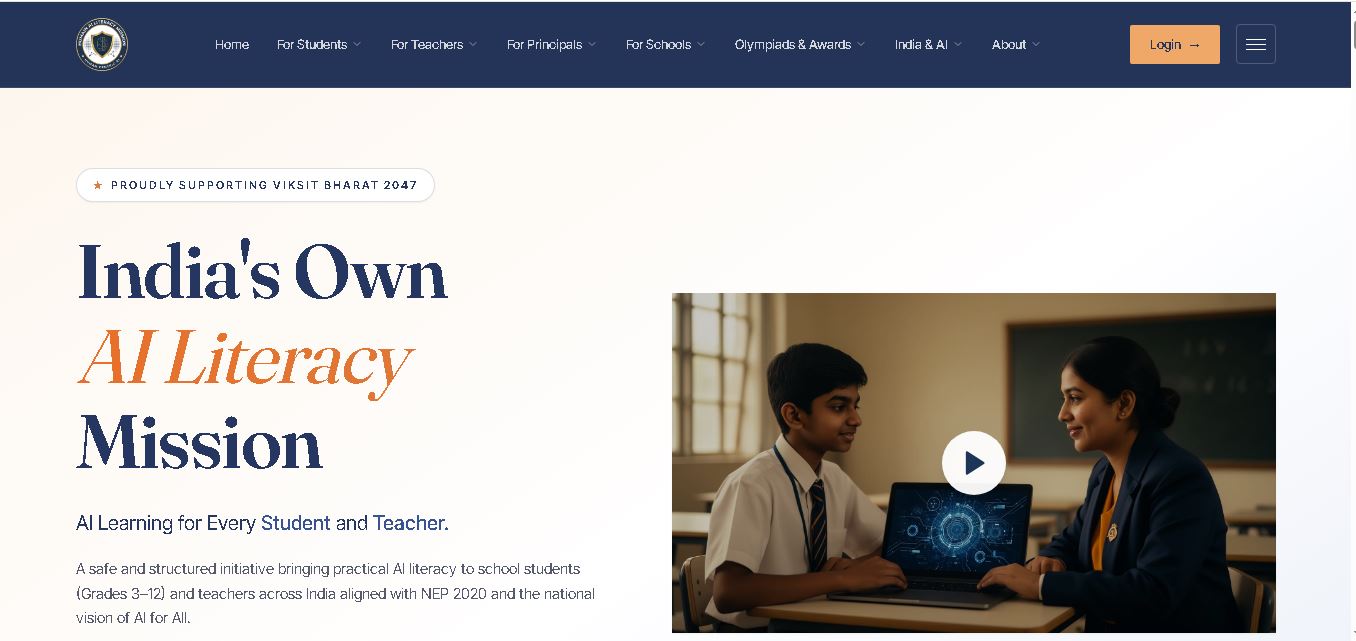 4.9
Humain AI Literacy Mission (HAILM)
Kids
Humain AI Literacy Mission is an educational initiative helping Indian students in Grades 3–12 and teachers develop practical artificial intelligence skills. It offers foundational AI courses, interactive activities, assessments, and certificates. Aligned with NEP 2020 and international educational guidance, HAILM promotes responsible AI use, digital safety, critical thinking, and future-ready learning.
 4.9
Brisk Teaching
Kids
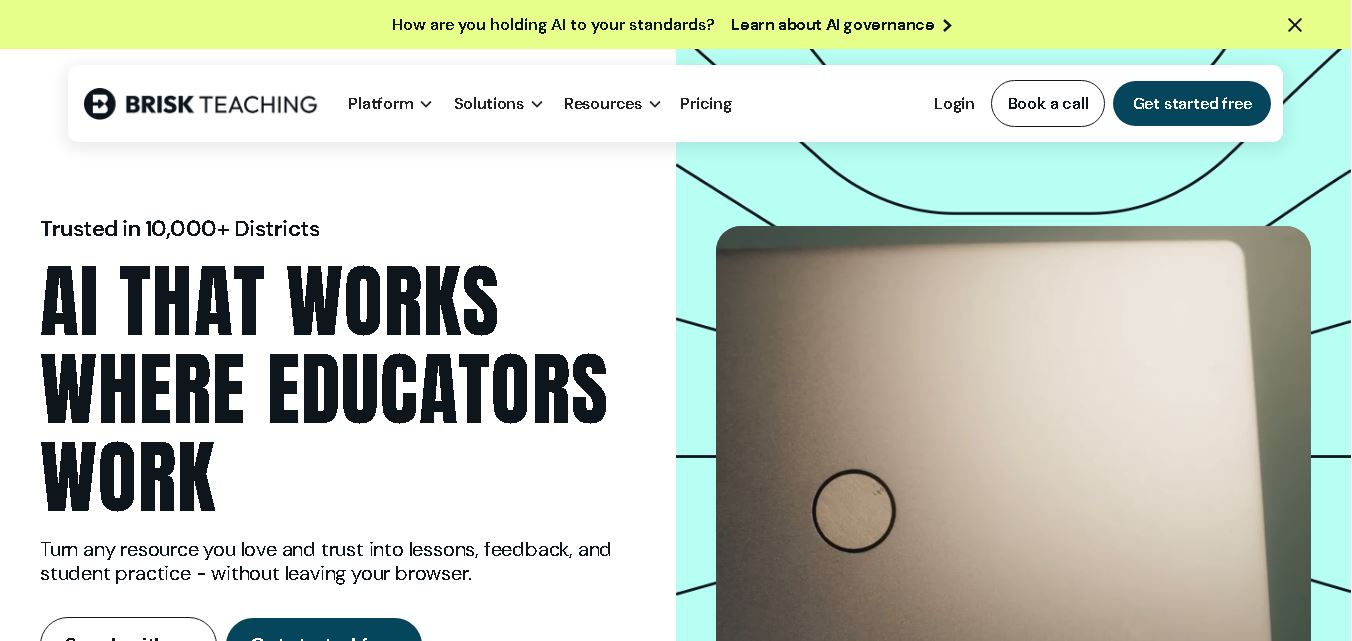
Brisk Teaching helps educators create lesson plans, quizzes, worksheets, presentations, and personalized feedback using AI. It integrates with familiar teaching tools and supports differentiated instruction, translation, and student activities. With free educator access and advanced school plans, Brisk helps teachers reduce repetitive preparation and focus more on meaningful classroom learning.
 5.0
MagicSchool AI
Kids
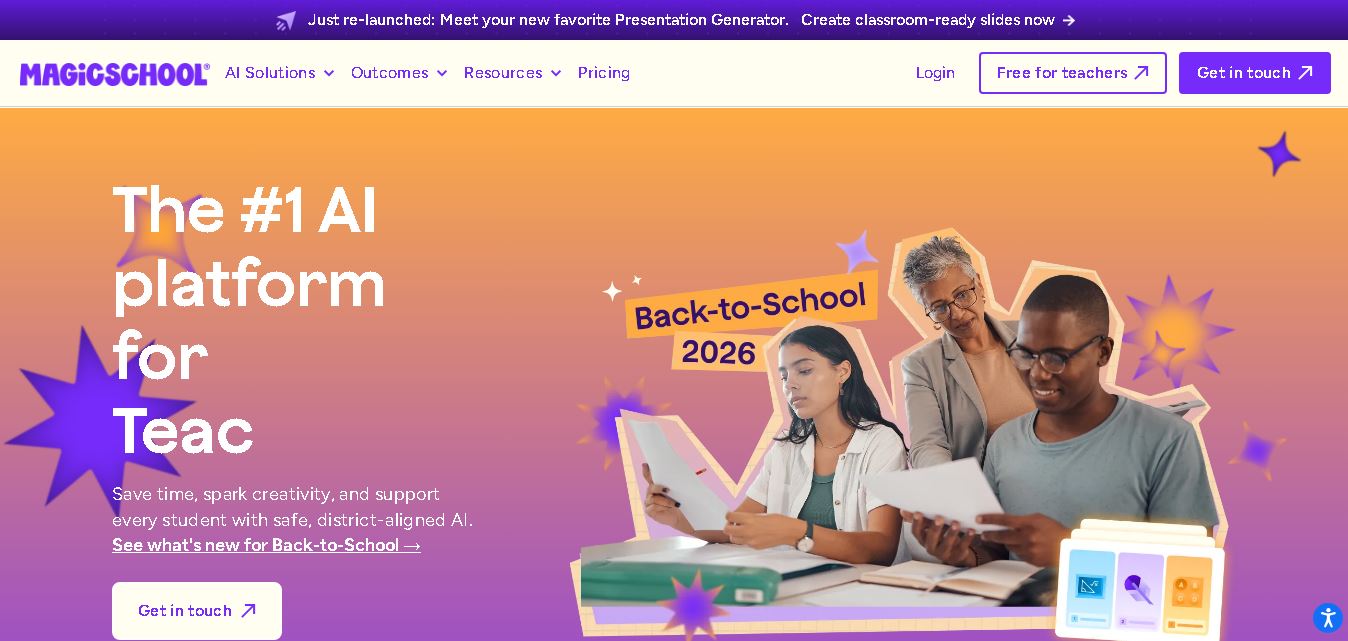
MagicSchool AI helps teachers and students use artificial intelligence for educational tasks. It offers tools for lesson planning, quiz creation, worksheet generation, writing feedback, and personalized learning. With free and paid plans, it supports classroom productivity, differentiated instruction, and responsible AI adoption across schools and educational institutions worldwide.
 4.9
Curipod
Kids
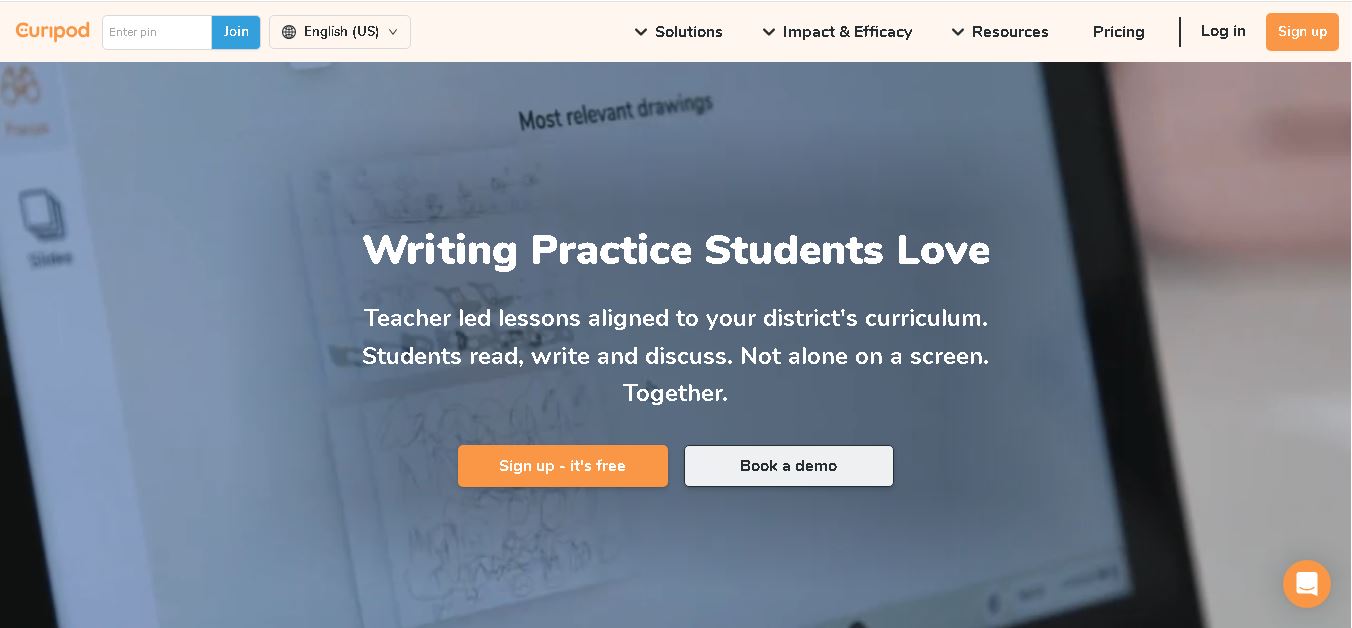
Curipod offers teachers a practical way to create interactive lessons, encourage classroom participation, and provide structured feedback on student learning. Its AI-assisted lesson generation, writing activities, and assessment tools can reduce preparation time while supporting more engaging instruction. The free plan provides an accessible starting point, while schools can explore paid options for broader needs. For educators seeking technology that combines classroom interaction with teacher-controlled AI, Curipod is worth evaluating against their curriculum, privacy, and teaching requirements.
 4.8
Powtoon
Kids
Powtoon is an online video and presentation creation tool for producing animated explainers, educational videos, marketing content, and business presentations. It offers customizable templates, animated characters, multimedia editing, and AI-assisted features. Beginners, educators, marketers, and businesses can use it to transform complex ideas into engaging visual stories without advanced animation skills.
 4.8
Animaker
Kids
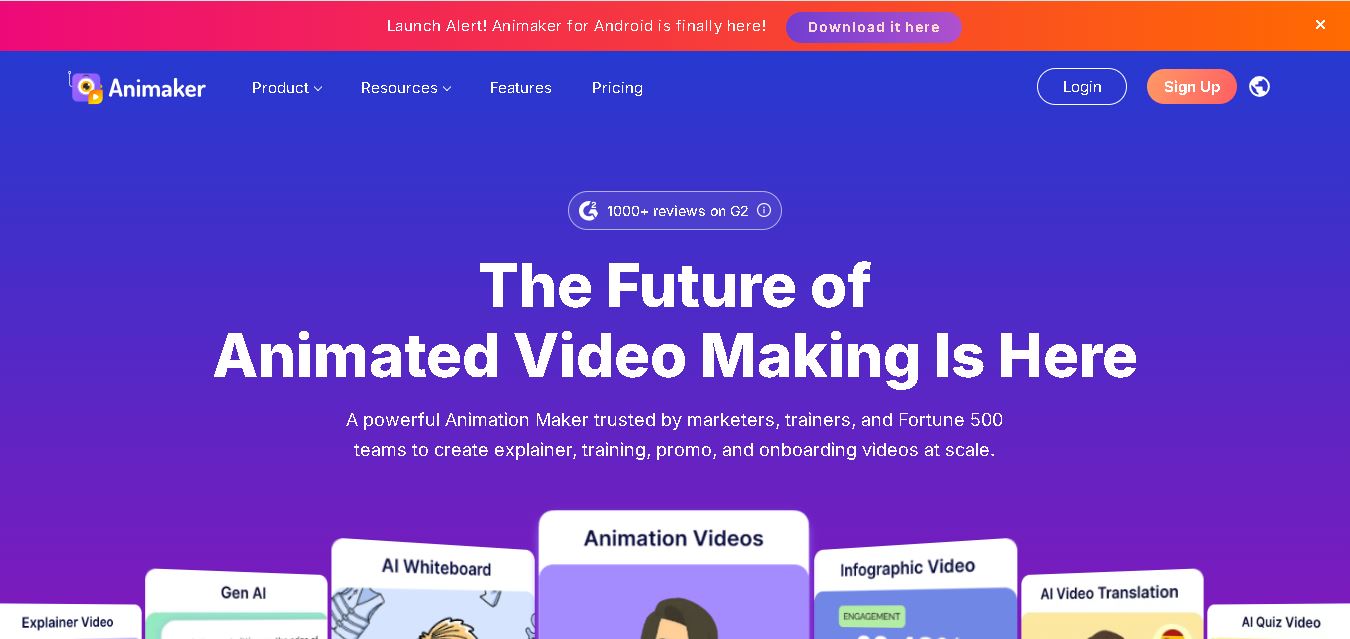
Animaker helps users create animated videos, explainer content, presentations, and promotional materials using customizable characters, templates, AI video generation, and editing features. Its online editor supports voiceovers, subtitles, and multilingual video translation. It is useful for marketers, educators, businesses, and creators who want engaging videos without advanced animation or editing expertise.
 5.0
Google Read Along
Kids
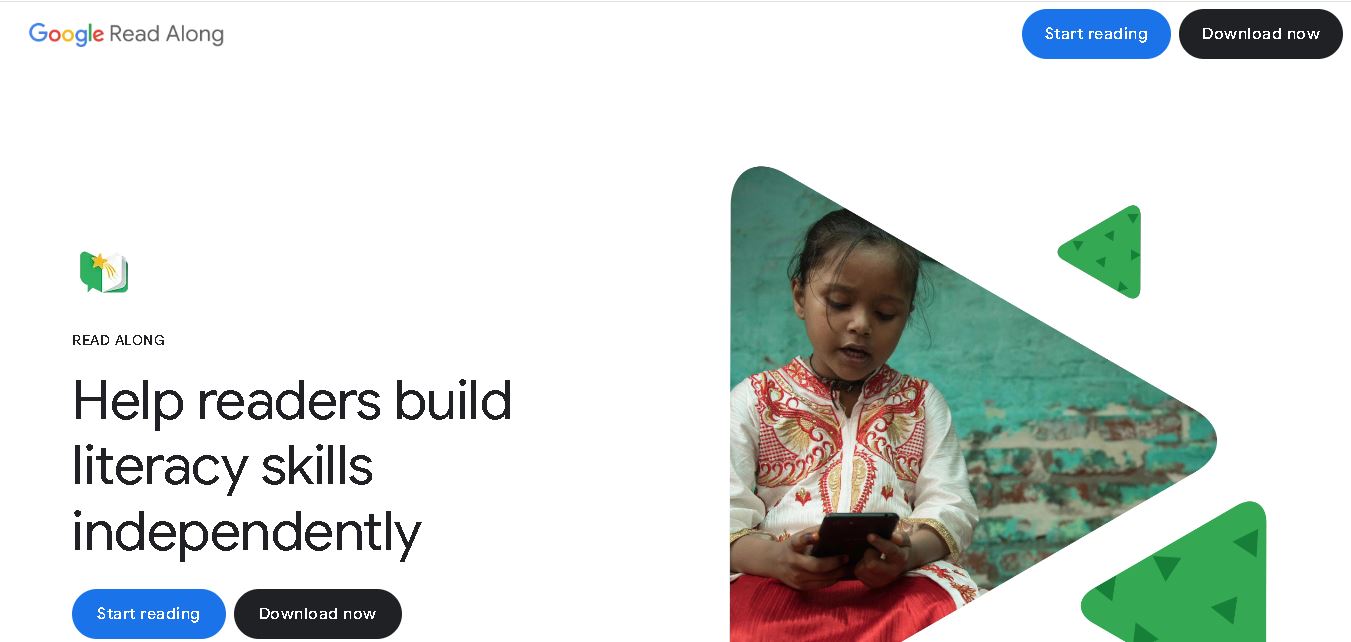
Google Read Along is a free reading practice tool for children that improves pronunciation, fluency, and confidence through interactive stories, reading games, and real-time feedback from its assistant, Diya. Supporting multiple languages and offline Android access, it helps families and educators make early literacy practice more engaging, accessible, and convenient for young learners.
 4.8
Squibler
Kids
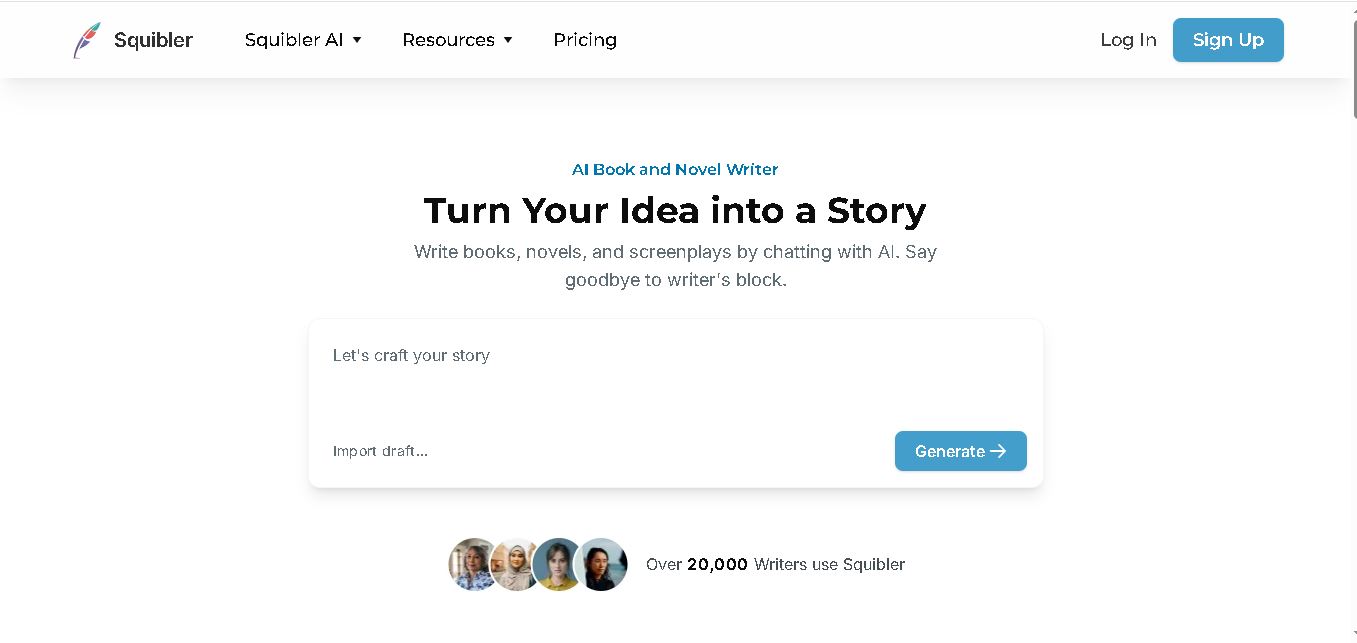
Squibler is an AI writing assistant for creating books, novels, screenplays, and story outlines. It helps writers develop characters, organize chapters, refine existing drafts, and generate visuals. With free and paid plans, Squibler supports beginners and experienced authors seeking a more structured, efficient, and creative long-form writing workflow.
 4.8
BedtimeStory.ai
Kids
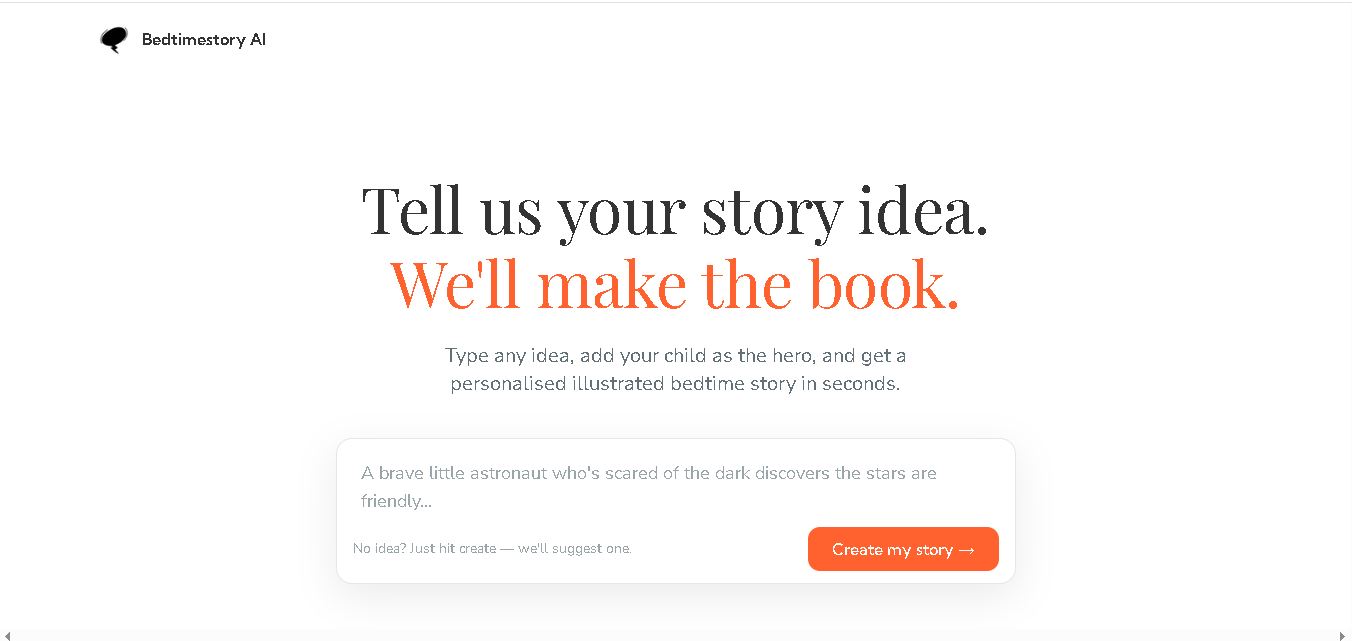
Bedtimestory.ai helps parents turn simple ideas into personalized, illustrated bedtime stories starring their children. Users can add family members, explore genres, choose illustration styles, and include meaningful lessons. It also offers story creation possibilities for authors and educators, making imaginative storytelling more accessible for family reading, learning, and creative inspiration.