Tynker
Tynker helps children develop coding, creativity, and problem-solving skills through interactive programming lessons. Learners can create games, animations, and digital projects while exploring Python, JavaScript, Minecraft modding, and AI concepts. Its guided courses support beginners and progressing students, making coding education accessible to families, teachers, and schools worldwide.
What is Tynker?
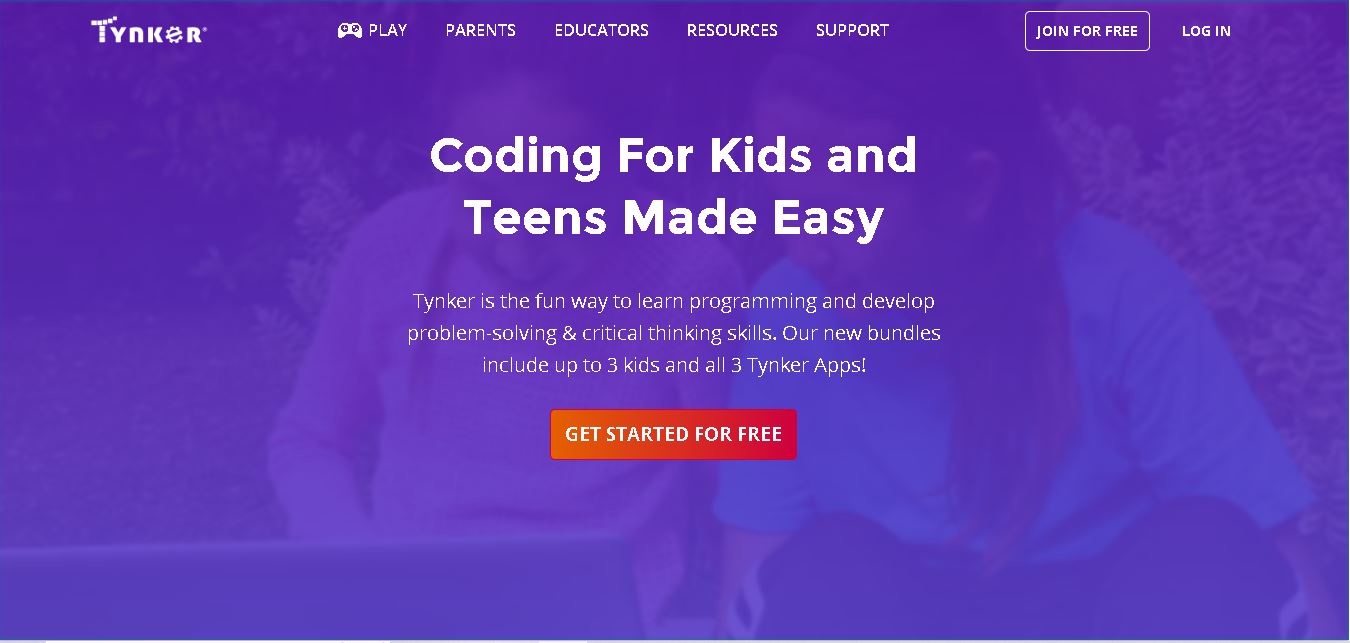
Tynker is an educational coding platform that helps children and teenagers learn programming through interactive lessons, games, puzzles, and creative projects. It introduces beginners to visual block-based coding before progressing to text-based languages such as Python and JavaScript. Students can explore game development, animation, Minecraft modding, robotics, and artificial intelligence concepts. With self-paced courses and educational resources for families and schools, Tynker makes computer science more accessible, engaging, and practical for young learners.
Tynker reports more than 100 million learners across 150 countries and use in 150,000 schools globally. Its curriculum includes 70+ courses, 5,000+ lessons, and 300 learning modules across six certification levels. Topics include block coding, Python, JavaScript, game design, Minecraft modding, robotics, and AI. A free basic plan is available, though access is limited. Paid family plans support up to three children, and the website advertises a 30-day money-back guarantee. There is no single path for every child.
- Core Focus: Gamified K-12 Coding Education, Minecraft Modding & Text Language Progression
- Platform Type: Educational Coding Web Platform & Mobile App Suite (Tynker, Tynker Junior, Mod Creator)
Use Cases:
- Teaching toddlers and early elementary students foundational logic using picture block coding puzzles
- Creating custom Minecraft mods, skins, resource packs, and private Java server mini-games
- Designing 2D/3D arcade games, physics-based puzzles, and animated interactive stories
- Transitioning middle and high school students to text-based Python, JavaScript, and AP Computer Science prep
Technology:
- Interactive visual block-to-code translator converting visual logic blocks into readable JavaScript and Python
- Built-in 2D physics engine, sprite art editor, character builder, and level designer
- Mobile ecosystem apps (Tynker Junior for pre-readers, Tynker tablet app, and Mod Creator) syncing across devices
Target Users:
- Children and Teens (ages 5 to 18) learning programming from novice to advanced levels
- K-12 Computer Science Teachers, School District Administrators, and STEM Lab Instructors
- Parents, Guardians, and Homeschooling Families seeking structured self-paced STEM education
- Content creators using writing tools to draft EdTech reviews, STEM homeschooling guides, and coding curriculum summaries
Corporate Entity: Tynker (NeuPals Inc. / BYJU'S / Mountain View, CA, USA)

Key features of Tynker
Tynker's key features are
- 5,000+ Gamified Lessons & 70+ Courses: Comprehensive curriculum spanning pre-reader logic puzzles to high school data science and web development.
- Minecraft Modding Suite: Design custom Minecraft add-ons, skins, mobs, and items with deployment to private Java/Bedrock servers.
- Block-to-Text Language Transition: Seamlessly bridges visual block programming to real Python, JavaScript, HTML, and CSS.
- Tynker Mobile App Suite: Includes Tynker Junior (ages 5–7), Tynker iPad/iPhone app, and dedicated Mod Creator app.
- Robotics & Hardware Integration: Program smart toys, micro:bit microcontrollers, Lego WeDo, and drones directly inside Tynker.
- Parent & Educator Dashboards: Track student concept mastery, skill assessments, certifications, and classroom progress.
Tynker Pricing
Tynker offers free introductory access alongside paid parent subscription tiers and custom institutional school licensing.
Free Access & Trial:
- Free Starter Access: Includes sample coding courses, basic block tutorials, and community project viewing
- 30-Day Guarantee: All paid subscription plans come backed by a 30-day money-back satisfaction guarantee
Parent Subscription Plans (Access for up to 3 Children):
- Quarterly Plan: ~$18 per month (billed at $54 quarterly) for full self-guided course access
- Yearly Plan: ~$15 per month (billed at $180 annually) unlocking all 70+ courses, Minecraft modding, and mobile apps
- Lifetime Plan: ~$468 one-time payment for perpetual access for up to 3 children
Disclaimer: School district and teacher classroom licenses are offered with special bulk discounts. Visit tynker.com/parents/pricing for current rates.
Who is using Tynker?
Tynker is designed for young learners, parents, and educators worldwide, including
- Young Programmers & Gamers (Ages 5–18): Building games, modding Minecraft, and learning Python and JavaScript
- Parents & Homeschooling Families: Providing structured, self-paced STEM learning with automated progress reports
- K-12 Educators & School Districts: Teaching elementary and middle school computer science classes
- Content Creators: Using writing tools to draft coding course reviews, parenting STEM blogs, and curriculum comparisons
Best Tynker Alternatives
Some of the top Tynker alternatives include
- Scratch
- Code.org
- Machine Learning for Kids
- CodeCombat
- Codakid
- Roblox Studio
Pros and Cons of Tynker
Pros
- Massive course library (70+ courses, 5,000+ activities) catering to all skill levels from ages 5 to 18
- Popular Minecraft modding features keep children highly motivated to learn underlying programming concepts
- Smooth pedagogical ramp from picture blocks up to text languages like Python, JavaScript, and HTML/CSS
- Parent subscription covers up to 3 children's accounts under a single family membership
Cons
- Full course library and Minecraft modding server deployments require a paid subscription plan
- The free version is limited compared to completely free open platforms like Scratch and Code.org
- The interface can feel dense due to the large volume of courses and gamified features
Why Choose Tynker?
Tynker is the premier choice for families and educators seeking a feature-rich, gamified computer science platform that motivates kids through Minecraft modding and game design while building real Python and JavaScript skills.
- Includes full Minecraft modding studio and private Java server tools
- Teaches real-world programming in Python, JavaScript, HTML, and robotics
- Offers multi-child family plans with comprehensive parent progress dashboards
Tynker vs. Competitors
The main difference between Tynker, Scratch, and Code.org is that Tynker is a comprehensive commercial STEM ecosystem offering gamified self-guided pathways, Minecraft modding servers, and Python/JavaScript courses across web and mobile apps, whereas Scratch and Code.org are 100% free non-profit platforms focused primarily on open-ended visual block coding and K-12 school curricula. Tynker stands out for its deep gaming integration and multi-language progression.
| Feature / Tool | Tynker (tynker.com) | Scratch | Code.org | CodeCombat |
|---|---|---|---|---|
| Core Focus | Gamified K-12 Coding, Minecraft Modding & Text Languages | Visual Block Coding & Creative Community | K-12 CS School Curriculum & Labs | RPG Game-Based Text Coding (Python/JS) |
| Pricing | Free Starter / ~$15–$18/mo Subscriptions | 100% Free (Non-Profit) | 100% Free (Non-Profit) | Free Base / Paid Subscriptions |
| Target Age | Ages 5 to 18 | Ages 8 to 16 | K-12 Students | Ages 9 to 18 |
| Minecraft Modding | Yes (Built-in Modding & Server Hosting) | No | Minecraft Hour of Code Tutorials | No |
| Best For | Kids and teens wanting a gamified, self-paced coding path with Minecraft modding | Open-ended creative animation and game creation for free | Formal classroom computer science programs in schools | Gamified dungeon-crawler text coding in Python and JavaScript |
How do we rate Tynker?
| Parameter | Rating (out of 5) |
|---|---|
| Curriculum Breadth & Progression | 4.9 |
| Minecraft Modding & Game Tools | 5.0 |
| Mobile Apps & Device Ecosystem | 4.8 |
| Parent Dashboards & Progress Metrics | 4.8 |
| Value for Money | 4.7 |
| Overall Score | 4.84 |
Tynker Review
Tynker is an outstanding educational platform that successfully turns complex computer programming concepts into fun, accessible, and highly rewarding activities for kids. By blending gamified learning paths, Minecraft modding, and tablet apps with a gradual transition into Python and JavaScript, Tynker ensures students build practical coding skills that last. Its multi-child subscription plans and parent dashboards make it a favorite among homeschooling families and parents. For families seeking a complete STEM coding journey in 2026, Tynker is a top-tier platform.
Conclusion
Tynker is a useful option for parents and educators who want to introduce children to coding through engaging, project-based learning. Its curriculum spans beginner-friendly visual programming and more advanced topics such as Python, JavaScript, game development, and AI. The free plan provides a starting point, while paid subscriptions unlock more learning resources. Before subscribing, families should review the curriculum, pricing, and device requirements to determine whether Tynker fits their child’s learning goals.
FAQ
What age group is Tynker suitable for?
Tynker is designed for children and teenagers, with learning options starting around ages five to seven and extending through teen-level programming. Younger learners begin with picture-based coding, while older students can explore block coding, Python, JavaScript, game development, and artificial intelligence. Parents can choose courses suited to their child’s level.
Is Tynker free to use?
Yes, Tynker offers a free basic plan so families can explore its learning experience before subscribing. However, the free option is limited to the first three lessons and does not include assessments or certification. Check the official pricing page for access details, regional prices, and available subscription offers before purchasing.
How does Tynker help children learn coding?
Tynker teaches programming through step-by-step interactive puzzles, guided lessons, and hands-on projects. Children often begin by arranging visual blocks to control characters or build simple programs. As their skills develop, they can move toward text-based languages such as Python and JavaScript, applying concepts through games, animations, and other creative projects.
What programming languages and subjects does Tynker teach?
Tynker includes guided courses and projects covering Python, JavaScript, block-based programming, game design, animation, Minecraft modding, robotics, and introductory artificial intelligence. Course availability depends on the learning path and subscription. Parents and educators can review the curriculum to find activities that match a learner’s age, interests, and current coding experience.
Can parents and teachers use Tynker?
Tynker offers learning resources for families and schools. Parents can select self-paced courses and monitor progress through a parent dashboard, while educators can explore classroom resources and coding curricula. The platform supports computer science learning through structured lessons, creative projects, and activities that can complement STEM education.
How much does Tynker cost?
Tynker offers quarterly, yearly, and lifetime family subscriptions, with plans generally allowing access for up to three children. Prices and promotions can vary by region and over time, so confirm the amount, billing schedule, included apps, and cancellation terms on Tynker’s official pricing page online before choosing a plan carefully.
User Reviews
No reviews yet for Tynker.
Featured Tools
Featured AI tools from TechShark
Melody Genie
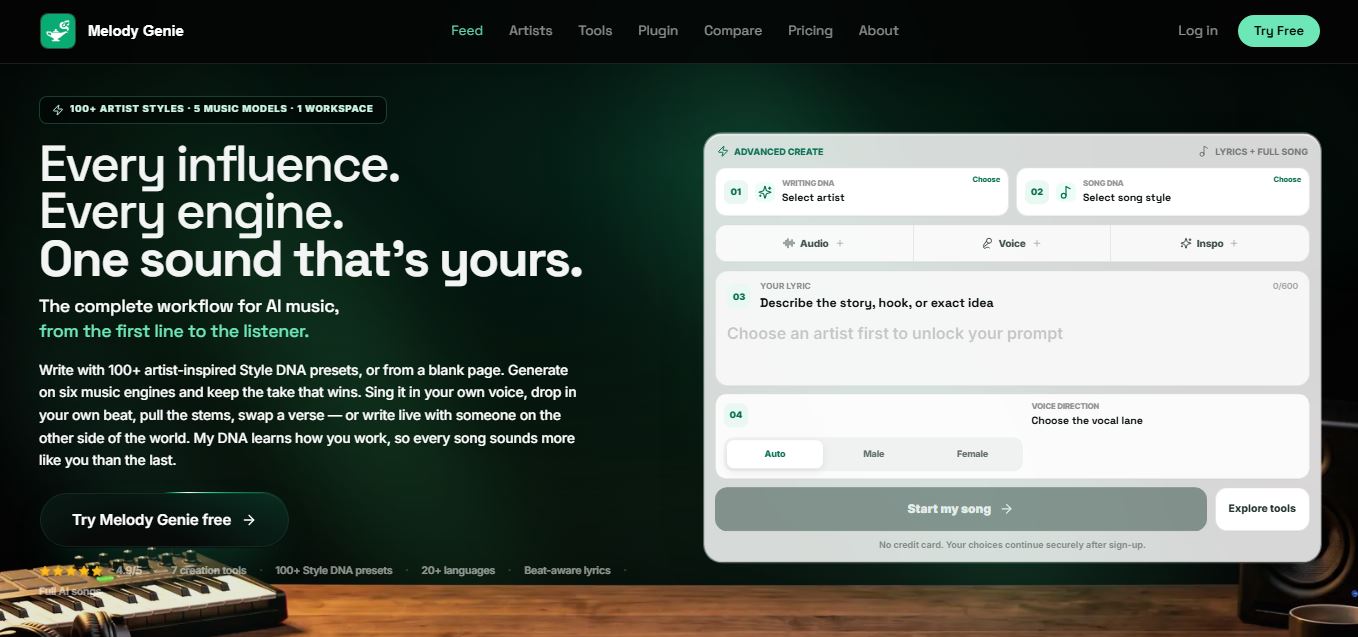
MelodyGenie is an AI-powered music generator that creates original songs from simple text prompts. Users can choose styles, moods, and genres, then instantly generate melodies and full tracks, making it easy for creators, marketers, and hobbyists to produce custom music without musical expertise.
Freemium
Kimi AI
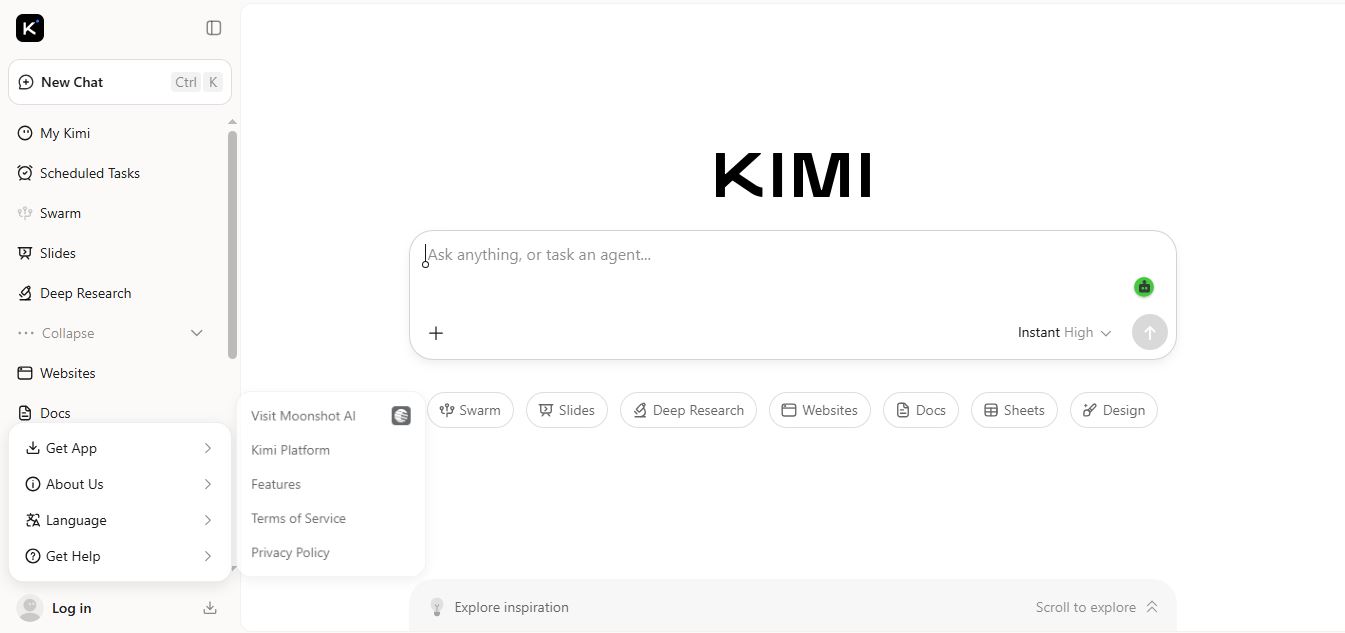
Kimi AI is an advanced AI assistant developed by Moonshot AI that helps you chat, research, write, code, and automate tasks in one place. It supports web search, file analysis, and multimodal inputs, and can even run autonomous “agent” workflows to complete complex tasks end-to-end.
Freemium
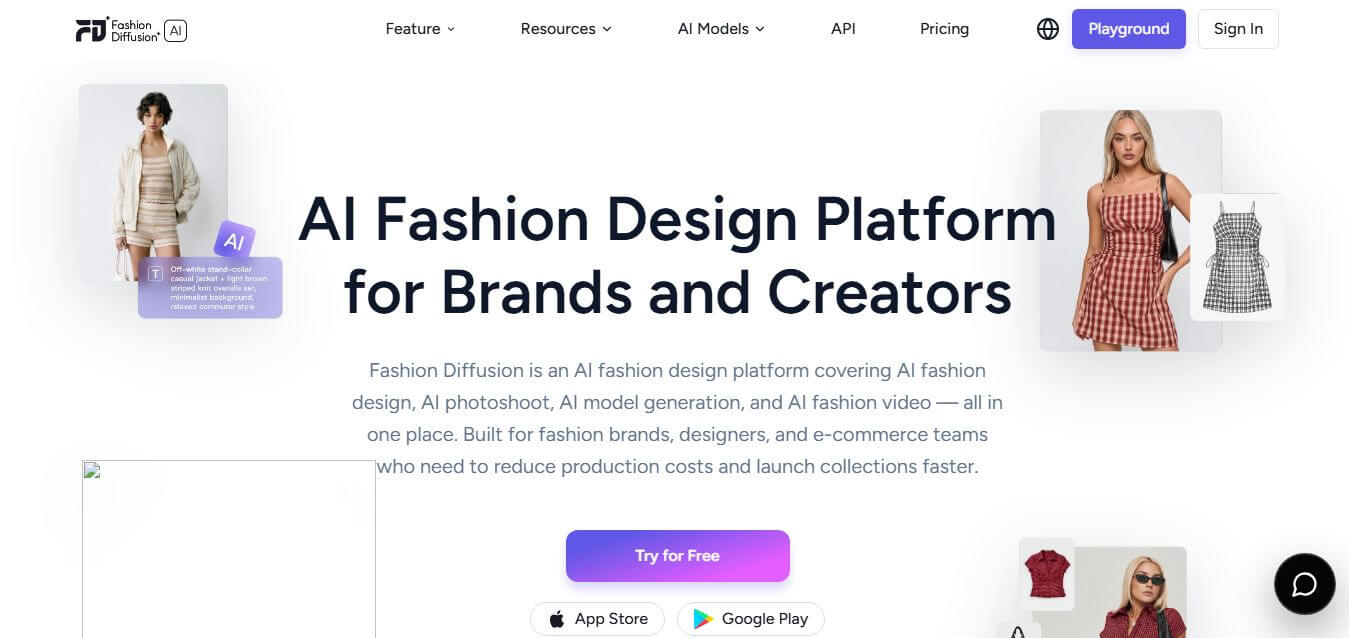
Fashion Diffusion AI
Fashion Diffusion is an AI-powered fashion design platform that helps brands and designers create clothing designs, virtual try-ons, AI models, product photos, and marketing visuals faster and cost-effectively.
Paid
Veo 4
Veo 4 AI is an AI video creation platform that generates dramatic videos from text, images, audio, and video prompts using realistic motion and synchronized sound.
Paid
Alternatives
Alternatives to Tynker
The best Tynker alternatives include Scratch, Code.org, Machine Learning for Kids, CodeCombat, Codakid, and Roblox Studio. These platforms provide computer science education and game creation environments. While Tynker offers a paid self-guided ecosystem with Minecraft modding servers and Python progression, free alternatives like Scratch focus on open-ended community block coding.
 4.9
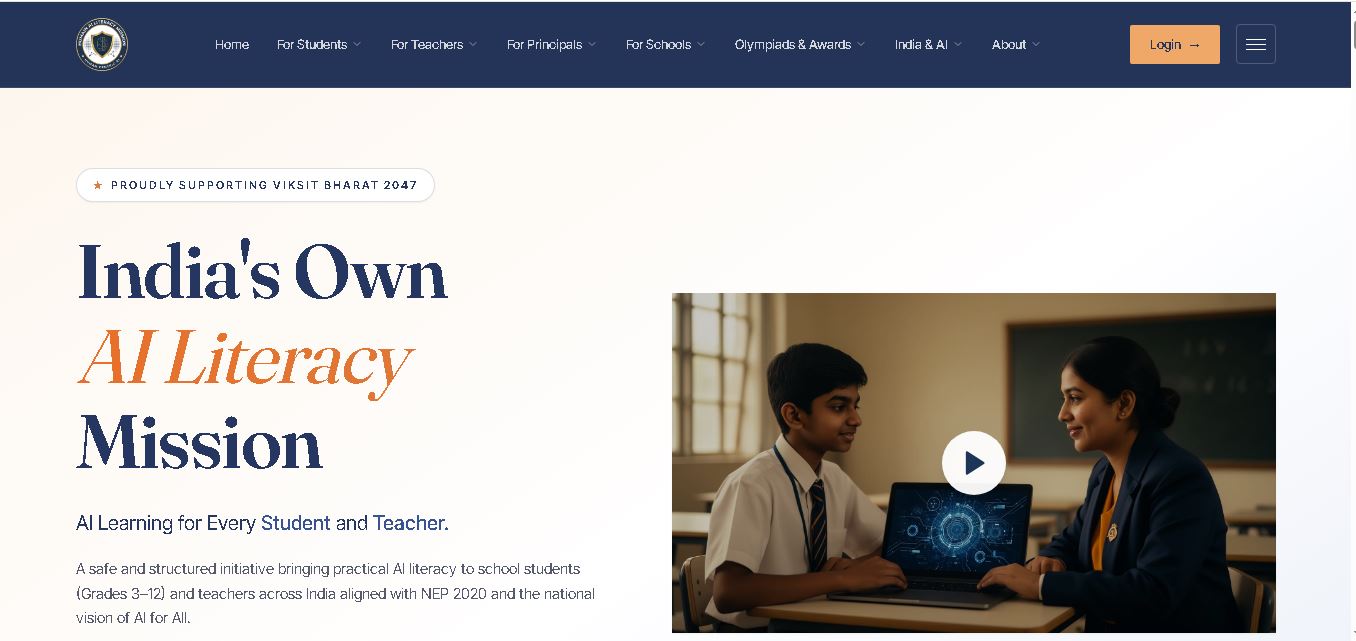
Humain AI Literacy Mission (HAILM)
Kids
Humain AI Literacy Mission is an educational initiative helping Indian students in Grades 3–12 and teachers develop practical artificial intelligence skills. It offers foundational AI courses, interactive activities, assessments, and certificates. Aligned with NEP 2020 and international educational guidance, HAILM promotes responsible AI use, digital safety, critical thinking, and future-ready learning.
 4.9
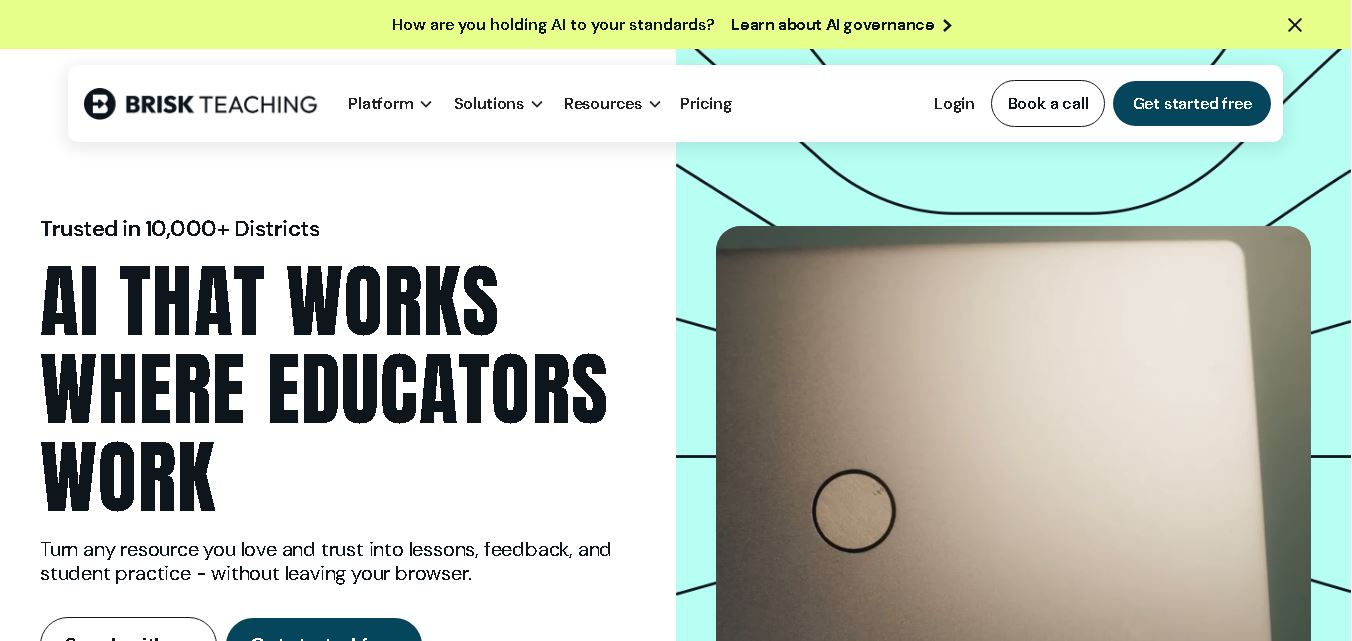
Brisk Teaching
Kids
Brisk Teaching helps educators create lesson plans, quizzes, worksheets, presentations, and personalized feedback using AI. It integrates with familiar teaching tools and supports differentiated instruction, translation, and student activities. With free educator access and advanced school plans, Brisk helps teachers reduce repetitive preparation and focus more on meaningful classroom learning.
 4.9
Diffit
Kids
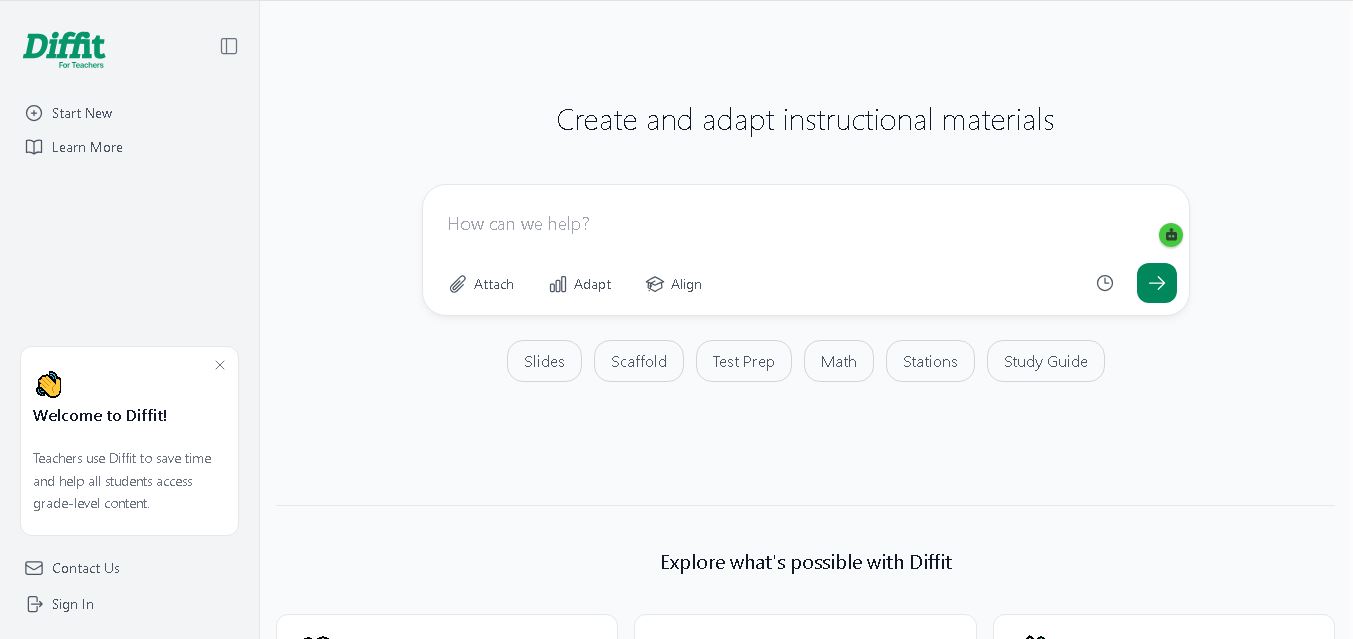
Diffit helps teachers create differentiated classroom materials from topics, text, PDFs, URLs, and video transcripts. It can produce reading passages, vocabulary tasks, comprehension questions, worksheets, and lesson activities tailored to student needs. Educators can edit, print, share, and, with eligible plans, export resources to familiar teaching tools more efficiently.
 5.0
MagicSchool AI
Kids
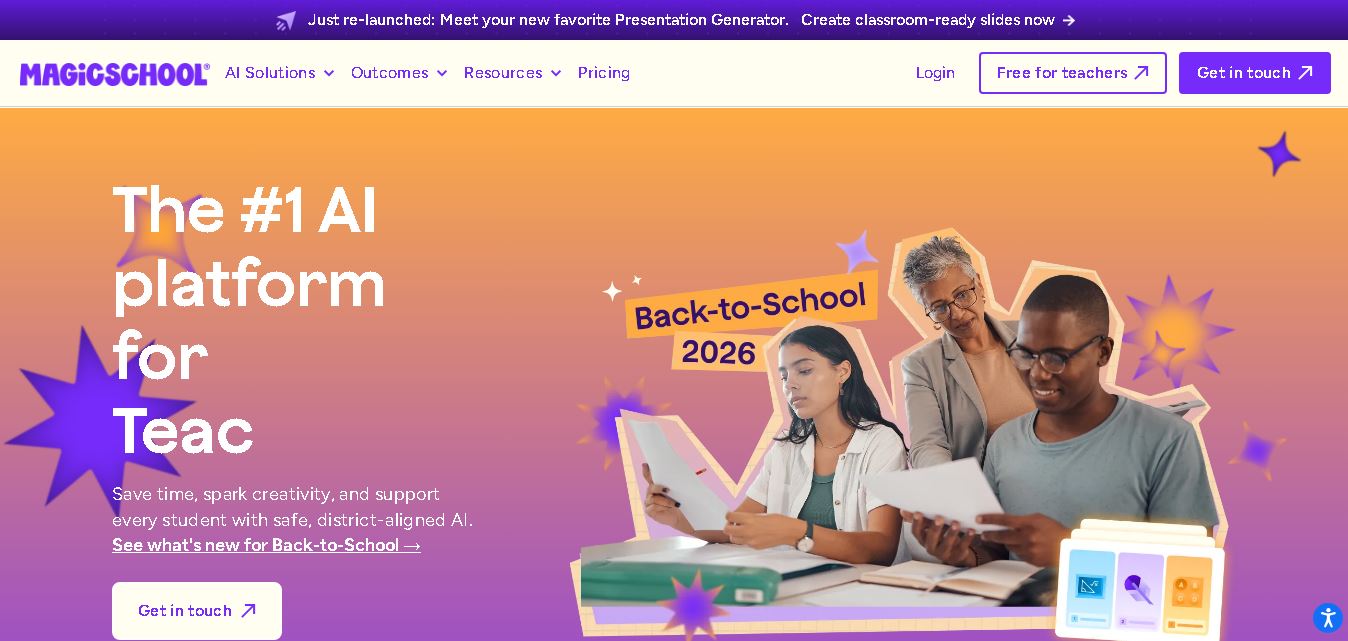
MagicSchool AI helps teachers and students use artificial intelligence for educational tasks. It offers tools for lesson planning, quiz creation, worksheet generation, writing feedback, and personalized learning. With free and paid plans, it supports classroom productivity, differentiated instruction, and responsible AI adoption across schools and educational institutions worldwide.
 4.9
Curipod
Kids
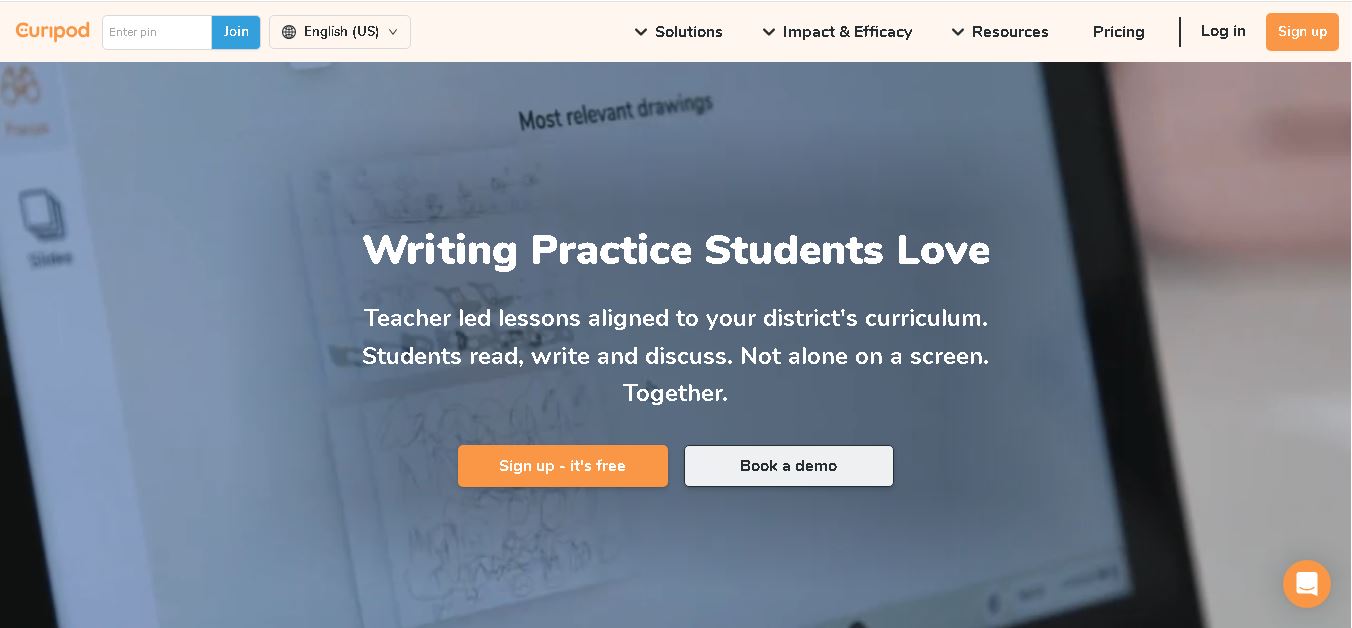
Curipod offers teachers a practical way to create interactive lessons, encourage classroom participation, and provide structured feedback on student learning. Its AI-assisted lesson generation, writing activities, and assessment tools can reduce preparation time while supporting more engaging instruction. The free plan provides an accessible starting point, while schools can explore paid options for broader needs. For educators seeking technology that combines classroom interaction with teacher-controlled AI, Curipod is worth evaluating against their curriculum, privacy, and teaching requirements.
 4.8
Powtoon
Kids
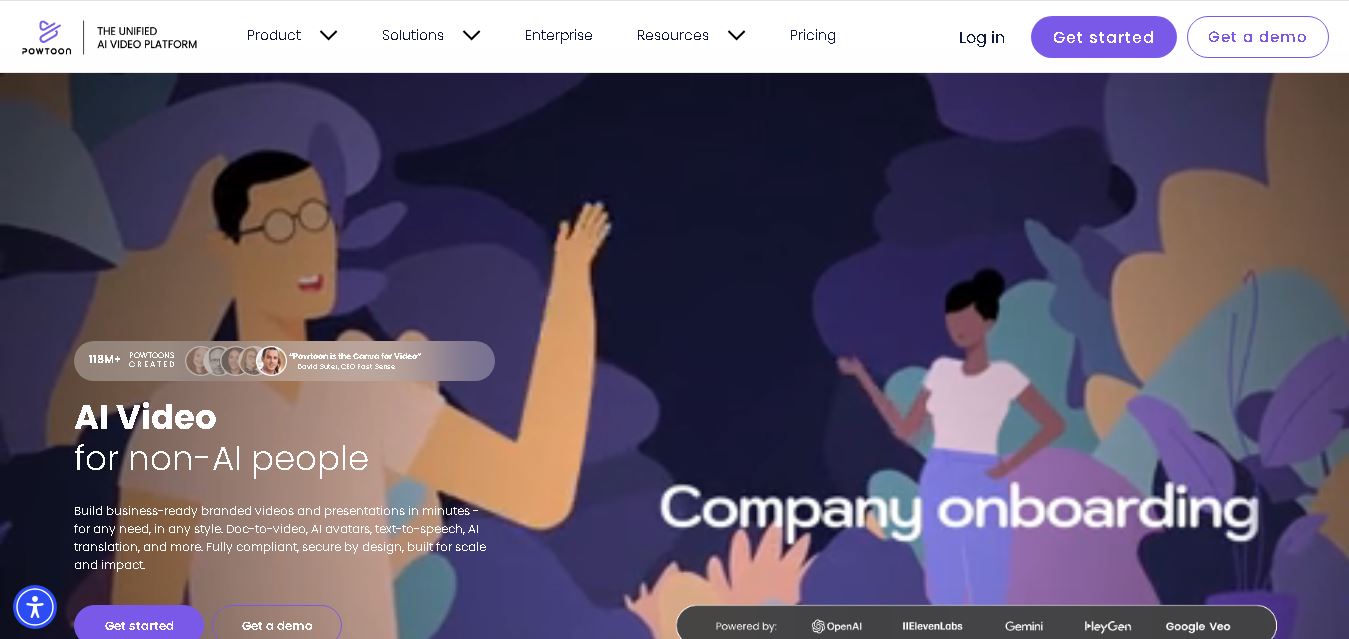
Powtoon is an online video and presentation creation tool for producing animated explainers, educational videos, marketing content, and business presentations. It offers customizable templates, animated characters, multimedia editing, and AI-assisted features. Beginners, educators, marketers, and businesses can use it to transform complex ideas into engaging visual stories without advanced animation skills.
 4.8
Animaker
Kids
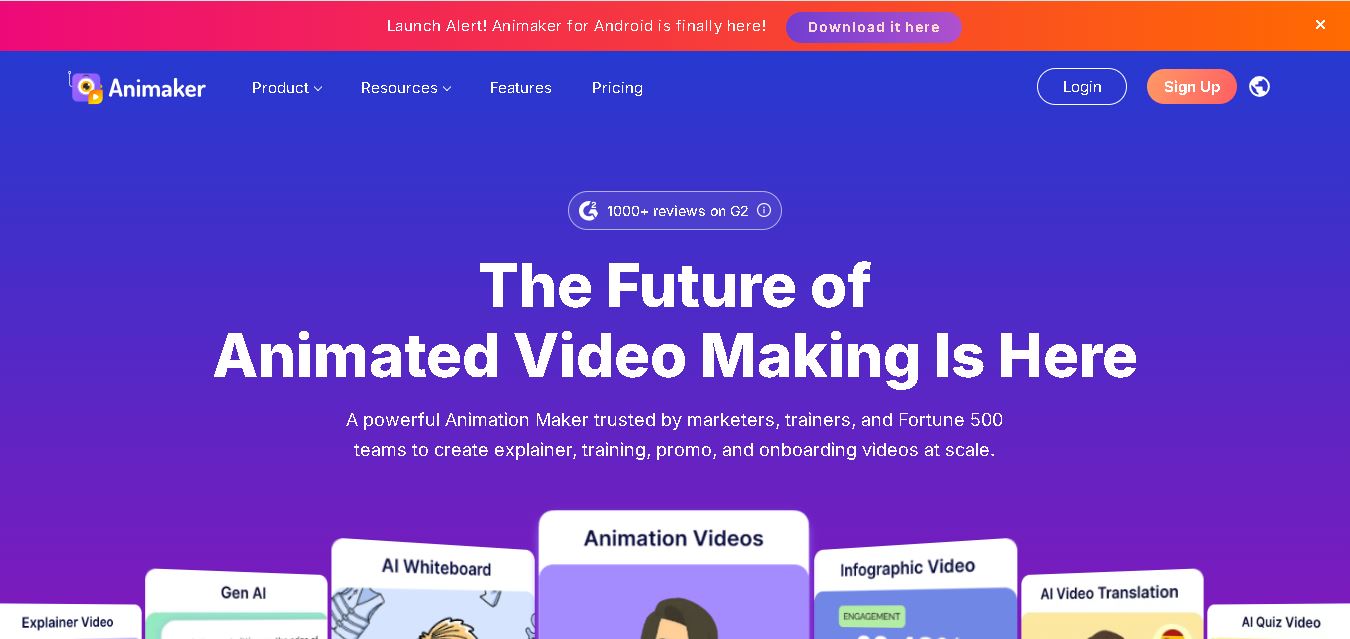
Animaker helps users create animated videos, explainer content, presentations, and promotional materials using customizable characters, templates, AI video generation, and editing features. Its online editor supports voiceovers, subtitles, and multilingual video translation. It is useful for marketers, educators, businesses, and creators who want engaging videos without advanced animation or editing expertise.
 5.0
Google Read Along
Kids
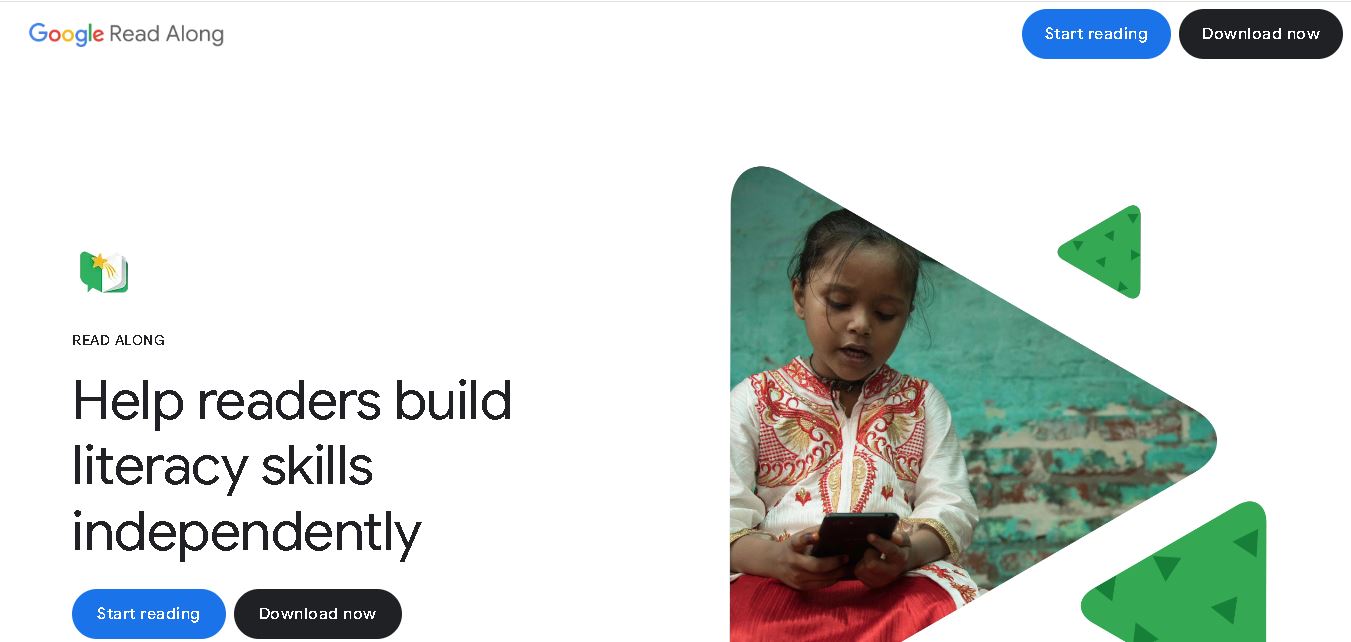
Google Read Along is a free reading practice tool for children that improves pronunciation, fluency, and confidence through interactive stories, reading games, and real-time feedback from its assistant, Diya. Supporting multiple languages and offline Android access, it helps families and educators make early literacy practice more engaging, accessible, and convenient for young learners.
 4.8
Squibler
Kids
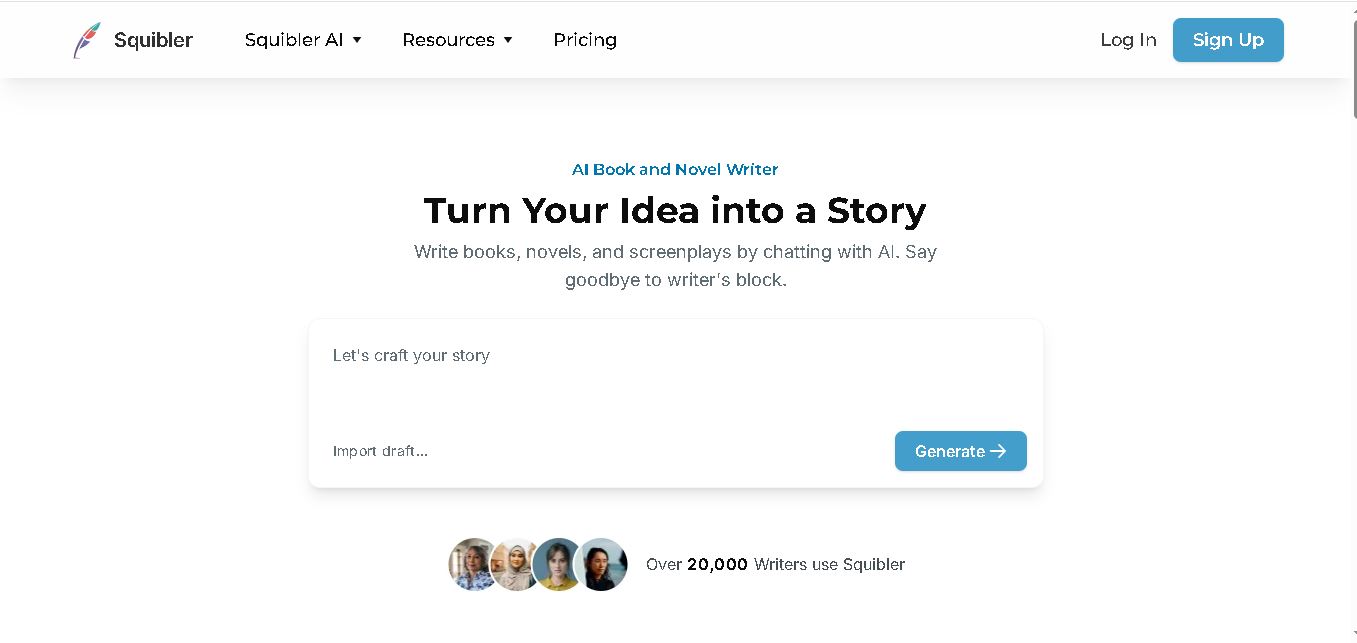
Squibler is an AI writing assistant for creating books, novels, screenplays, and story outlines. It helps writers develop characters, organize chapters, refine existing drafts, and generate visuals. With free and paid plans, Squibler supports beginners and experienced authors seeking a more structured, efficient, and creative long-form writing workflow.